

The 10 Best AI Quiz Generators in 2026
The best AI quiz generators, compared. Ten tools ranked by an instructional designer on question quality, LMS export and pricing.

The best AI quiz generator depends on the job. For a standalone tool, Questgen is the best-value start at $100 a year with Bloom's Taxonomy built in; Quizgecko is the most popular, with LMS export. If you build courses, Coursebox generates quizzes inside the course and exports SCORM. We compared 10 tools on export, question quality, inputs and price.
- Questgen: best value for a standalone generator at $100 a year, with Bloom's Taxonomy levels built in.
- Coursebox: best if you build courses; quizzes generated in context and exported as SCORM or LTI, from about $29 a month.
- ProProfs: best for compliance, with proctoring and defensible records; skip Kahoot for serious assessment.
Answer three quick questions and we'll point you to the best fit from this list.

Build, launch and sell quality courses in minutes
AI quiz creators are all the rage these days. They make life very simple for both learners as well as course creators and training providers.
The appetite for AI generation is real. Among Coursebox authors who build quizzes, those who use AI generation outnumber those adding questions manually by roughly 5 users to 1. AI is now emerging to be the default way to build a quiz.
This list is for L&D and training teams who need a quiz that ends up inside a course or an LMS. If that is not you, two quick redirects:
- Studying for yourself? Quizlet, NoteGPT and StudyGlen turn your notes and PDFs into practice quizzes.
- Building marketing lead-gen quizzes? Typeform and Involve.me are the tools; a knowledge check and a lead magnet are different products.
How I ranked these
I judged every tool from the seat this article is written for: a training team that needs a quiz to end up inside a course or an LMS, not just on a screen. Four things decided the order.
- Where the quiz ends up. Whether you can move it into an LMS, a SCORM package or a live session, or whether it is trapped in the tool. Weighted heaviest, because it is where most buyers get caught out.
- Question quality. How usable the generated questions are before a human edits them.
- What it reads. The input it accepts, from a prompt to a document, URL, audio or slides. A wider range means less manual prep.
- Price honesty. What it actually costs to generate quizzes, since several tools gate AI behind a higher tier or leave it off the free plan.
Quiz generators are not one category. Match the type to your process before you compare features.
- Standalone generators (Quizgecko, Questgen, Quizbot, OpExams): turn a document, URL or prompt into questions you export somewhere else.
- Assessment platforms (ProProfs, Wayground, iSpring, Kahoot): wrap generation in delivery, grading and reporting, so the quiz lives where learners take it.
- Workflow-embedded (Coursebox, ClassPoint): build the quiz inside the tool you already author or present in, so it inherits your content.
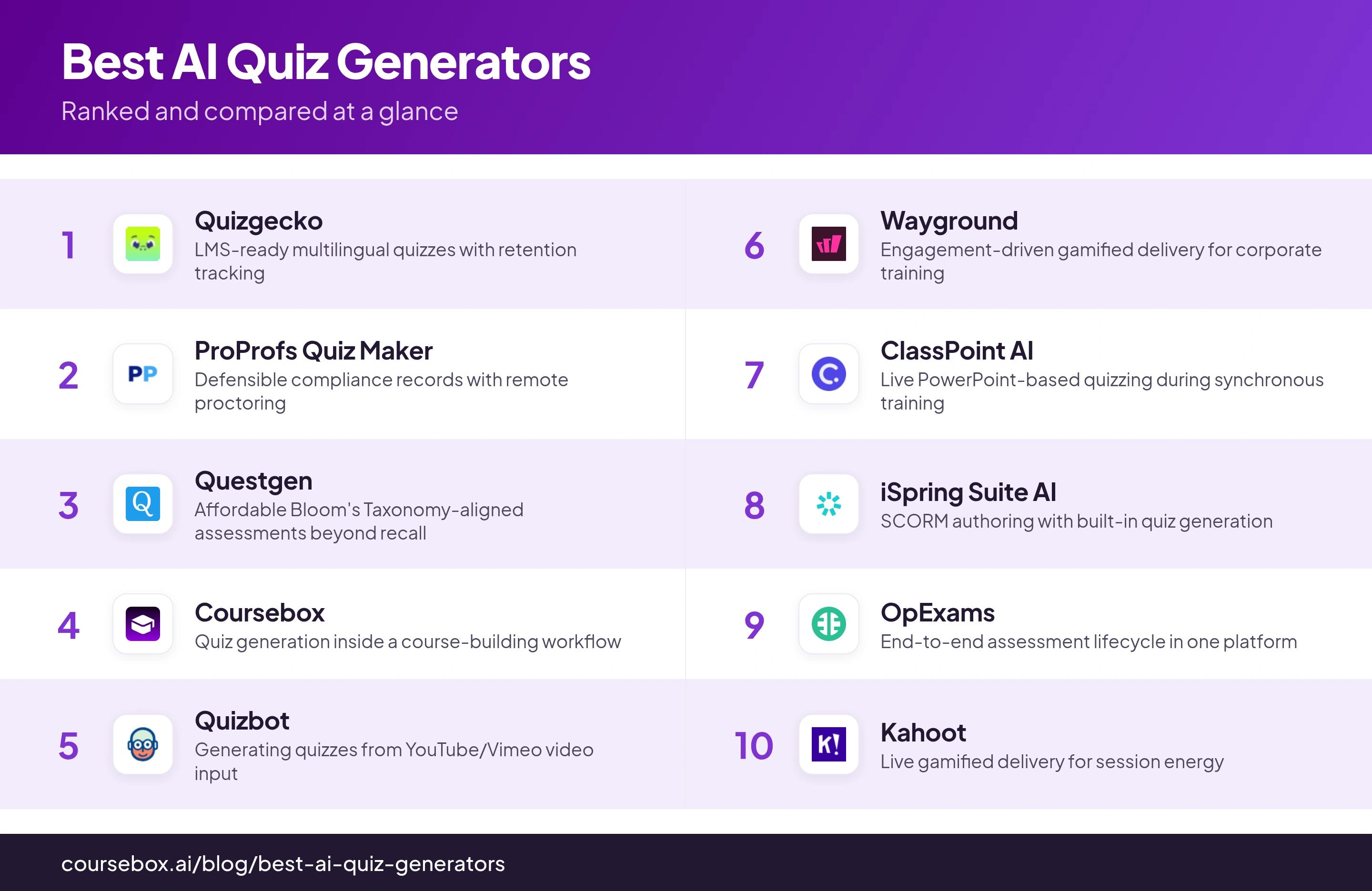
Comparison at a glance
| Tool | Best for | Watch out for |
|---|---|---|
| Quizgecko | LMS-ready multilingual quizzes with retention tracking | No AI on free plan; API needs Enterprise |
| ProProfs Quiz Maker | Defensible compliance records with remote proctoring | Cannot fix scoring after learners submit |
| Questgen | Affordable Bloom's Taxonomy-aligned assessments beyond recall | 25,000-word input limit; long docs need splitting |
| Coursebox | Quiz generation inside a course-building workflow | Weak fit for standalone quiz needs |
| Quizbot | Generating quizzes from YouTube/Vimeo video input | Credits expire in six months; no single-question regen |
| Wayground | Engagement-driven gamified delivery for corporate training | Reporting doesn't export cleanly to HR/LMS |
| ClassPoint AI | Live PowerPoint-based quizzing during synchronous training | No async delivery or LMS export |
| iSpring Suite AI | SCORM authoring with built-in quiz generation | Expensive: $720-970 per year per author |
| OpExams | End-to-end assessment lifecycle in one platform | Requires internet; no offline access |
| Kahoot | Live gamified delivery for session energy | AI answers can be wrong; unfit for serious assessment |
1. Quizgecko
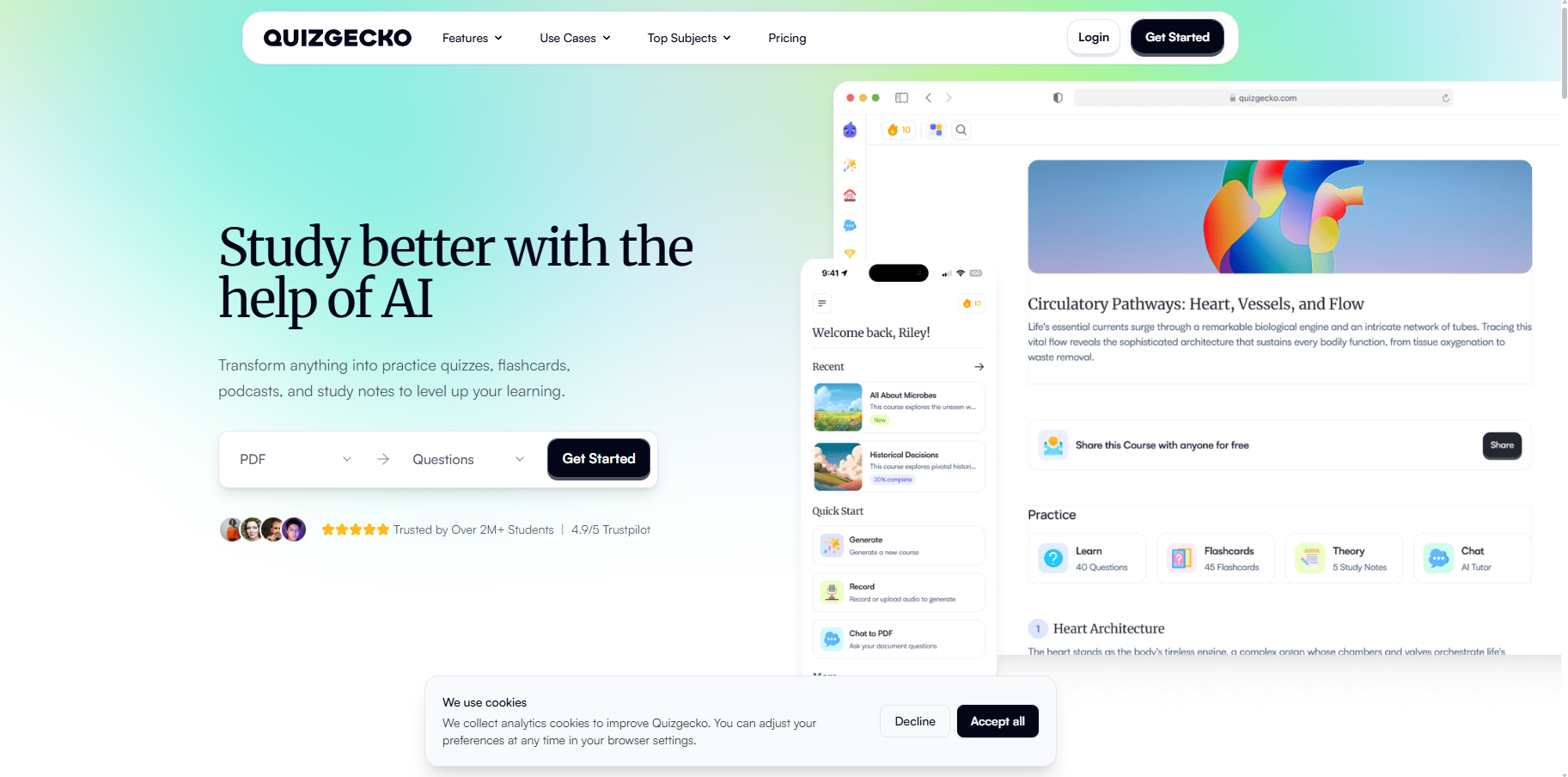
Best for: teams that need LMS-ready quizzes with built-in retention tracking, without paying for enterprise.
Quizgecko is the most popular standalone generator here: upload a document, paste a URL or type text, and it returns questions. What sets it apart for L&D is LMS-compatible export and multilingual generation from the entry paid tier, not locked behind an enterprise plan.
- Stands out: a Mastery Score system that schedules spaced-repetition review questions, so it can stand in as a lightweight LMS for a single programme.
- Watch out: the free plan has no AI generation, and API access needs the roughly $500/month Enterprise plan.
- Price: no AI on free; Educator $20/month or $79/year (the annual rate is the one to take).
My take: the safest standalone pick when quizzes must land in an LMS and you want retention tracking most tools make you buy separately.
What I observed while testing: When I generated a fill-in-the-blank quiz from pasted text, the first question came out garbled, with three separate blanks crammed into one item. I had to reveal the answer just to work out what it was asking. The raw output needs tidying before you would hand it to learners.
2. ProProfs Quiz Maker
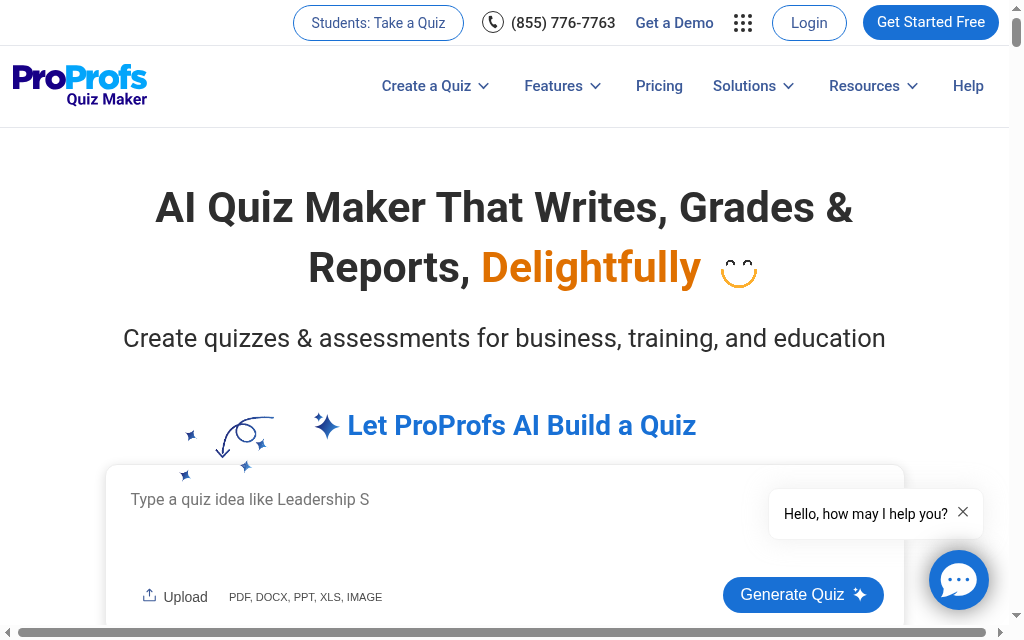
Best for: compliance or certification quizzes that have to stand up as records.
ProProfs Quiz Maker goes well beyond generation. Its remote proctoring (screen monitoring, webcam recording, AI plagiarism detection) plus SSO is rare at this price, and it makes results defensible rather than informal.
- Stands out: 20+ question types (hotspot, sequence, branching, matching), with randomisation and per-learner sets to curb answer sharing, and automated grading across every type.
- Watch out: you cannot change scoring or correct answers after learners submit; every affected attempt is a manual fix.
- Price: per 100 active quiz takers per month, from about $9/month, with a 15-day refund. Map your learner count to the tiers first.
My take: the strongest choice when the quiz is an audit record. Skip it if you refine assessments between cohorts, because post-submission edits are painful.
3. Questgen
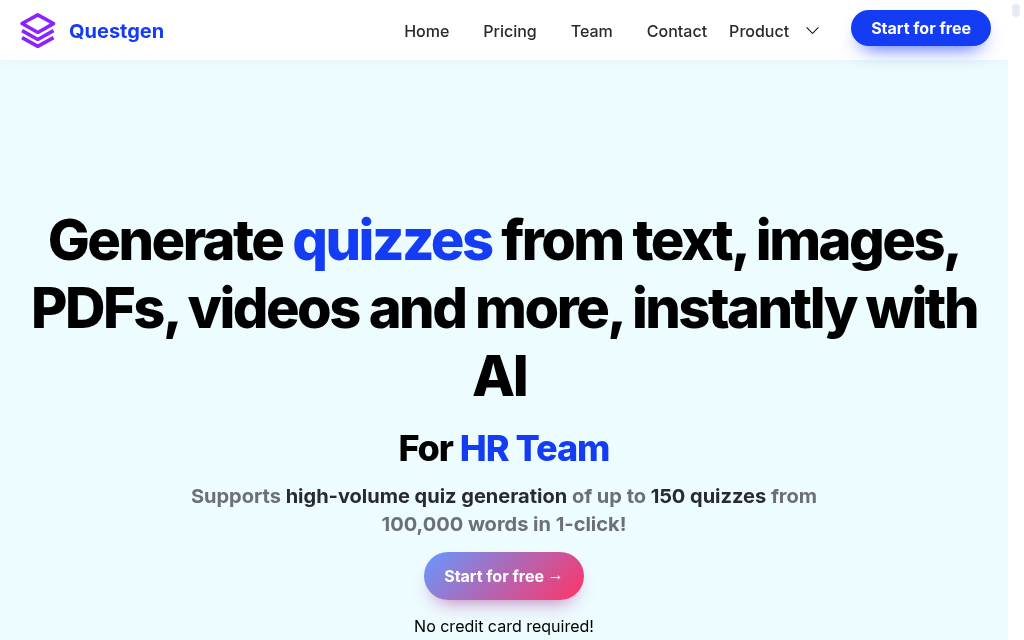
Best for: individual trainers who want assessments beyond recall on a small budget.
Questgen is the most affordable professional-grade generator here, and the only one with Bloom’s Taxonomy alignment built into the workflow. It writes questions across cognitive levels (recall, understanding, application, analysis) with no manual setup.
- Stands out: Bloom’s alignment you cannot configure into tools that lack it, backed by 15,000+ users and steady model updates.
- Watch out: a 25,000-word input limit (about 50 pages), so long manuals need splitting before upload.
- Price: free plan (20 generation runs); Pro $15/month or $100/year.
My take: where I tell first-time buyers to start. At $100/year the evaluation risk is tiny, and the Bloom’s alignment is genuinely hard to find elsewhere.
4. Coursebox
Best for: teams that build the course and the quiz in one place, then export anywhere.
Coursebox is our own product, so I’ll be direct: much of this draws on internal usage data, not third-party reviews. It is a course builder first, so quiz generation happens inside the authoring workflow rather than as a separate step.
- Stands out: the AI quiz generator draws on your full course context, so questions are more relevant than feeding a lone document to a standalone tool. Among our authors, 668 generate with AI against 145 by hand, about 4.6 to 1.
- Export: every quiz works with SCORM and LTI, so you can author here and host anywhere.
- Watch out: for a one-off standalone quiz, a dedicated generator is a lighter fit.
- Price: free plan (3 mini-courses, watermark, unlimited learners); full generation from about $29/month; Enterprise on request.
My take: the right pick when the quiz is one step in building a course, not the whole job.
What I observed while testing: Coursebox generates the quiz from the course content you just built, so the questions stay on topic and land straight into the lesson with no separate export step. The trade-off is that it is a course tool first, so for a quick one-off standalone quiz a dedicated generator is lighter and sometimes, better suited.
5. Quizbot
Best for: teams whose training content lives in video.
Quizbot turns video into questions: paste a YouTube or Vimeo link and it generates a quiz in about two seconds, no transcript needed. It also reads the widest input range here, PDF, URL, audio, PowerPoint, text and images.
- Stands out: two-second video-to-quiz, plus a gamification layer (points, badges, leaderboards) for live use.
- Watch out: credits expire after six months regardless of use, and you cannot regenerate a single question, you redo the whole set.
- Price: free trial (about 50-60 questions); paid from roughly $8.25/month equivalent; all credits carry six-month validity.
My take: worth it if recorded webinars are your main content. The credit expiry and all-or-nothing regeneration are the trade-offs.
6. Wayground
Best for: engagement-led delivery for corporate training.
Wayground is the platform formerly known as Quizizz, rebranded in June 2025 with accounts and content carried over. Its AI Generation Hub turns one file into quizzes, lessons and flashcards, and gamified delivery is the real draw.
- Stands out: leaderboards, team play and real-time response tracking, with stronger in-question video and media than most rivals.
- Watch out: reporting does not export cleanly to HR or LMS systems, and the branding still carries an education-platform look.
- Price: Starter free (unlimited quizzes); Pro from about $10/month; School and District custom.
My take: reach for it when engagement is the problem. Confirm your LMS reporting needs first, because that is its weak spot.
What I observed while testing: Testing the PDF upload, the useful bit was a toggle that keeps the document attached to the quiz, so learners scroll the source while answering instead of working from memory. It turns a plain quiz into a comprehension task, which suits reading-based lessons better than the standard mode.
7. ClassPoint AI
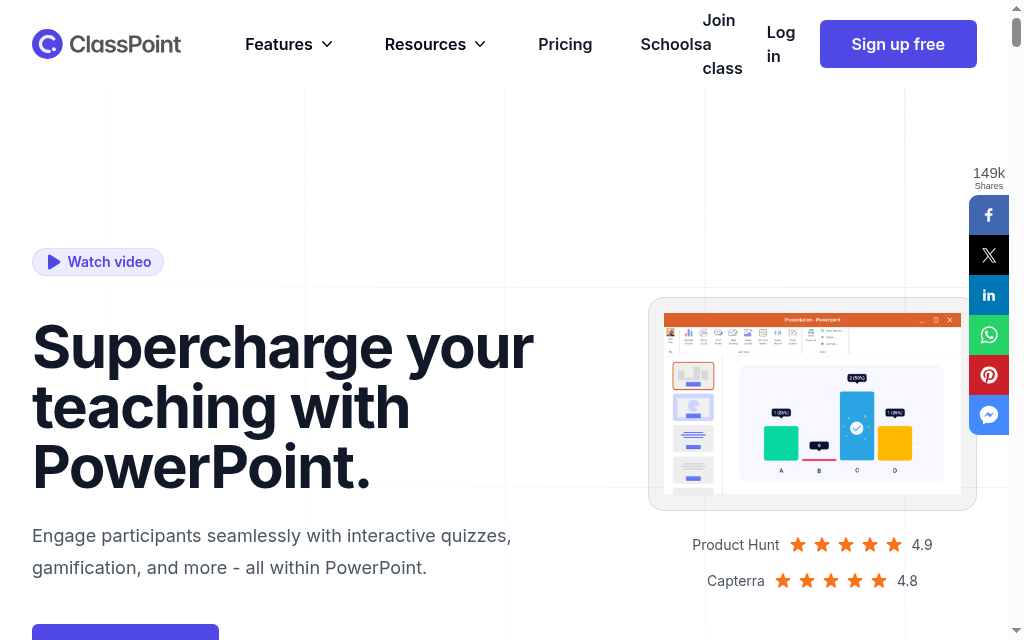
Best for: trainers who run live sessions entirely in PowerPoint.
ClassPoint AI generates questions directly inside a PowerPoint deck. Pick a slide, trigger the AI, and questions appear as interactive elements; participants join by link and answer live on their own devices.
- Stands out: no export step if your material is already in PowerPoint, and varied types (short answer, word cloud, drawing, drag-and-drop) for interactive sessions.
- Watch out: no standalone or async delivery and no LMS export, results stay inside ClassPoint.
- Price: free (20 credits, 25 students); Pro $8/month (500 credits, 200 students); Premium custom.
My take: a big time-saver for synchronous slide-based training, and a hard no the moment someone needs an async version of the same content.
What I observed while testing: The thing that caught me out was editing a question's settings after setup. There is no obvious way to reopen them, I had to delete the button off the slide, close PowerPoint completely, then reopen and re-add it. ClassPoint also switches itself on for every deck, so I unticked the ribbon boxes to keep it off my other files.
8. iSpring Suite AI
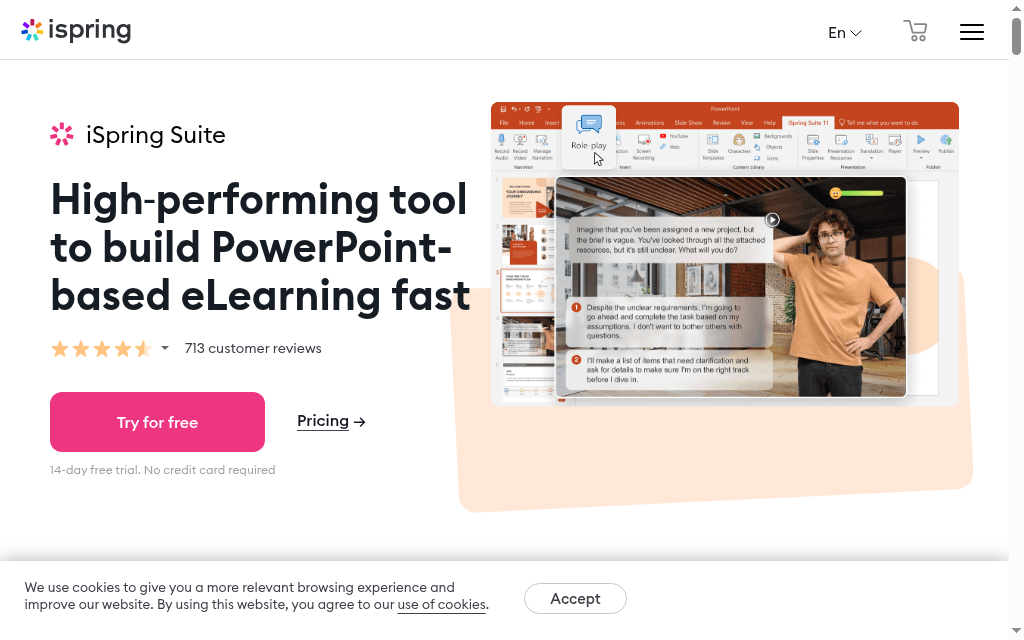
Best for: instructional designers already buying a SCORM authoring suite.
iSpring Suite AI is not a standalone quiz tool; it is a PowerPoint-based eLearning suite with AI quiz generation as one feature. It exports SCORM 1.2, SCORM 2004, xAPI and HTML5, with 14 question types.
- Stands out: it handles 500+ questions without slowdown, and generation sits inside the same tool you build SCORM courses in.
- Watch out: it is expensive, 40 to 80 times the cost of a standalone generator, so quiz generation alone does not justify it.
- Price: Suite from $720/year per author; Suite Max about $970/year (most common); free trial; no monthly billing.
My take: worth it only if you are buying the whole suite. If you are already comparing SCORM authoring tools, it slots in naturally; if you just need quizzes, look elsewhere.
What I observed while testing: The setting worth flagging is shuffle answers. If any multiple-choice question uses an 'all of the above' option, untick shuffle for that question, otherwise the randomising moves the answers around and the phrasing stops making sense. Easy to miss until a learner hits it.
9. OpExams

Best for: teams that want generation, delivery, grading and analytics in one platform.
OpExams covers the full assessment lifecycle: build questions, publish the assessment, apply AI grading (including open-ended and short-text answers), and read analytics on performance and commonly missed questions.
- Stands out: end-to-end coverage that consolidates separate generation, delivery, grading and reporting tools.
- Watch out: it needs an internet connection, there is no offline access.
- Price: free plan; paid from about $0.40/exam; full pricing on request.
My take: a genuine consolidation play if you are stitching four tools together today. Check your connectivity needs before committing.
10. Kahoot
Best for: live, gamified sessions where energy matters more than assessment rigour.
Kahoot is a different shape of tool, which is the only reason it sits at #10. The live gamified delivery is the product; the AI generator is secondary. Most tools above author and happen to deliver, Kahoot delivers and happens to author.
- Stands out: unmatched for session energy, and it generates from a topic prompt, PDF, URL or Wikipedia article.
- Watch out: Kahoot’s own docs warn AI answers can be wrong, so verify before publishing, and the question types are narrow for serious assessment.
- Price: free basic tier; paid business plans quoted by seats and features.
My take: perfect when the brief is “make training feel less like a lecture,” and wrong when it is “audit-grade compliance records,” where ProProfs higher up wins.
What I observed while testing: Generating from just a topic pulled together a decent mix of question types, but a fair few needed checking and tweaking before I would put them in front of anyone. It got me most of the way, not all the way, so budget some editing time.
The best free option
If budget is the constraint, a few of these have genuinely useful free tiers, not just trials:
- Questgen is the best free pick for real generation: 20 AI generation runs on the free plan, enough to evaluate before the $100-a-year Pro tier.
- Wayground (formerly Quizizz) has a free Starter plan with unlimited quizzes if live, gamified delivery is what you need.
- Coursebox is free for building quizzes inside a course: three mini-courses and unlimited learners on the free plan.
- ClassPoint AI is free for PowerPoint-based live quizzes, with 20 AI credits and 25 students.
One caveat: Quizgecko’s free plan does not include AI generation, so it is not a free option for this specific job.
What I would actually pick
Match the tool to the job, not the feature list. Where I would start, by what you are actually trying to do:
- Just need quizzes to use elsewhere: start with Questgen, $100 a year with Bloom's Taxonomy built in, so the evaluation risk is tiny. Quizgecko is the step up for LMS-ready export and its Mastery Score system.
- Building the quiz inside a course you are authoring: Coursebox generates it from your course content and exports SCORM and LTI, so it lands in your LMS without a second tool. It is ours, so weigh that accordingly.
- Need delivery, grading and audit-grade records: ProProfs, for the proctoring and defensible reporting that compliance training needs.
- Turning videos into quizzes: Quizbot builds questions from a YouTube or Vimeo link in seconds.
- Live, in-the-room engagement: Kahoot or Wayground, and if you already present in PowerPoint, ClassPoint AI keeps it in the deck.
The one mistake to avoid is buying a standalone utility when you needed generation embedded in your course, or the reverse. Work out which buyer you are first, then compare.
Disclosure: This article is published by Coursebox. Coursebox appears in this list at position four after an honest evaluation. Tool evaluations used publicly available review data, vendor documentation, actual testing and anonymised usage data from the Coursebox platform. Coursebox is not compensated by any other tool listed here.
Frequently Asked Questions
For real AI generation, Questgen is the best free pick: its free plan gives 20 generation runs. Wayground has a free Starter plan for live, gamified quizzes, and Coursebox is free for building quizzes inside a course. Note that Quizgecko’s free plan does not include AI generation.
Yes. Most tools here, including Quizgecko, Questgen, Quizbot and iSpring Suite AI, turn an uploaded PDF, Word or PowerPoint file, or a URL, into questions. Questgen caps input at about 25,000 words, so very long manuals need splitting first.
Yes. Quizbot generates questions from a YouTube or Vimeo link in seconds, and also reads audio files and slide decks. That video-to-quiz capability is rare among standalone generators and saves manual transcription.
Treat them as a first draft, not a finished assessment. Output is usually good enough for low-stakes knowledge checks, but Kahoot’s own documentation warns that AI answers can be wrong, so a human should verify every question before publishing, especially for compliance or certification.
For getting a quiz into your own LMS, iSpring Suite AI and Coursebox export SCORM, and Quizgecko offers LMS-compatible export. Several popular tools, including ClassPoint and Wayground, keep the quiz inside their own platform, so confirm export before you commit.
Carolina Martin
Customer success lead and learning designer at Coursebox AI

