

10 Best SCORM Authoring Tools for e-Learning in 2026
Explore the 10 best SCORM authoring tools for eLearning. Discover top features, benefits and expert tips to enhance your content creation process.

SCORM authoring tools split into three camps: interactive powerhouses like Storyline and Captivate, fast course-builders like Rise and iSpring, and AI-first tools like Coursebox that generate a whole course and export SCORM for you. The right pick depends far more on the content you actually make than on which tool has the longest standards-compliance list.
- Match the SCORM version to your LMS, not the marketing. SCORM 1.2 is the safest, most widely supported target and reports completion plus a single score; reach for 2004 only when you need its sequencing and quiz-level results in the gradebook.
- Interactivity and simulation (Storyline, Captivate, Lectora) come with a real learning curve. Speed and simplicity (Rise, iSpring, Easygenerator) come with a lower ceiling. You are choosing which trade-off you can live with.
- Coursebox is the fastest path from raw material to a trackable SCORM course: it drafts the lessons, quizzes and narration with AI, then exports SCORM into whatever LMS you already run. Best when turnaround and volume matter more than pixel-level control.
- Watch the hidden costs: per-author seats on enterprise tools, watermark-removal tiers (Elucidat), Windows-only and network-drive gotchas (Storyline), and light quiz reporting on video tools (Camtasia). The sticker price is rarely the real price.
Answer three quick questions and we'll point you to the best fit from this list.

Run your own branded LMS with unlimited learners
The question I ask of any authoring tool is not whether it can publish to SCORM. Everything can publish to SCORM these days.
The question is what happens when the package breaks mid-session on a learner's device, and whether the tool gives you anything useful to diagnose it with.
Most instructional designers evaluating authoring tools already have an LMS. They are choosing the tool that sits between their subject matter experts and the LMS intake process, not a new delivery platform. Our own usage data makes the point: so far in 2026, of the roughly 20,000 people who generated a course with AI on Coursebox, one in five (20.9%) exported it to an external system rather than keeping it on the platform. That is the job of an authoring tool. It is the manufacturing layer, and your content has to leave cleanly and land in whatever LMS you already run.
SCORM authoring tools diverge fast once you get past the compliance checkbox. The right question to ask here is which tool was built for the kind of content you are actually making.
The SCORM decision most buyers skip
Before you compare tools, two SCORM choices decide whether your course lands cleanly in your LMS. Most demos skip both, so here they are in plain terms.
Which SCORM version?
SCORM 1.2 is the safe default: almost every LMS accepts it, and it reports whether someone finished plus their overall score, which covers most compliance training. SCORM 2004 adds resume, sequencing and question-by-question results, so reach for it only when you need individual quiz and assignment grades to land in your LMS gradebook. Simple rule: 1.2 for the completion tick, 2004 when the grades matter.
Standalone or connected package? A standalone package bakes every page, quiz and video into the file you upload, so it runs entirely inside your LMS, works offline, and keeps working forever, even if you stop paying for the tool that built it. A connected (or dynamic) package is a tiny launcher, often around 10 KB, that calls back to the live course still hosted by the authoring tool. It keeps updating and can carry live features like an AI tutor into your LMS, but it stops the day that course is unpublished or the account lapses.
So ask which type a tool produces, because one that only does one of the two can either lock you in or leave you exposed. Coursebox, for example, now offers both, so you choose per course: a frozen, fully portable package for compliance content that has to outlive any subscription, or a live one when you want edits and the AI tutor to keep running inside someone else's LMS.
- Version: SCORM 1.2 is the safe default (completion plus a score, accepted almost everywhere). Choose SCORM 2004 only when you need per-question grades in your LMS gradebook.
- Package type: A standalone package is frozen, works offline and is yours forever. A connected (dynamic) package stays live and updatable, but stops the moment the course is unpublished or the account lapses.
- Always ask a vendor which type it exports. The best tools let you choose per course.
Now, I'll give an honest assessment of how SCORM authoring tools line up today.
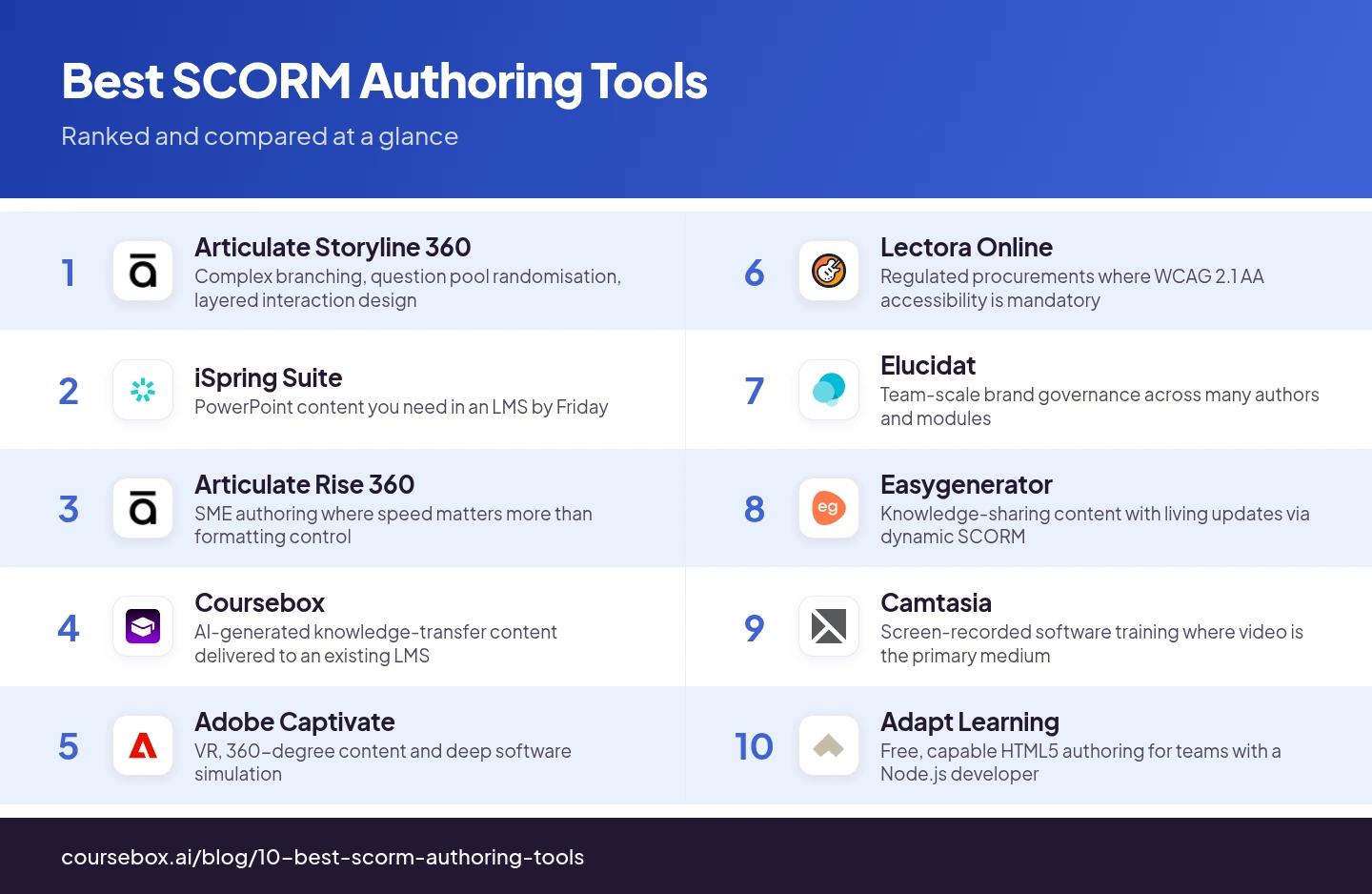
Comparison at a glance
| Tool | Best for | Watch out for |
|---|---|---|
| Articulate Storyline 360 | Complex branching, question pool randomisation, layered interaction design | Windows-only, and publish can fail on complex branching projects |
| iSpring Suite | PowerPoint content you need in an LMS by Friday | No text-to-speech or captions inside quiz interactions |
| Articulate Rise 360 | SME authoring where speed matters more than formatting control | Formatting ceiling with no workaround inside the tool |
| Coursebox | AI-generated knowledge-transfer content delivered to an existing LMS | Not built for complex branching, adaptive pathways or question banks |
| Adobe Captivate | VR, 360-degree content and deep software simulation | Steepest learning curve in the category; takes years to master |
| Lectora Online | Regulated procurements where WCAG 2.1 AA accessibility is mandatory | Feature parity around 75% of Captivate or Storyline; slow development |
| Elucidat | Team-scale brand governance across many authors and modules | Cannot remove Elucidat branding from output on the Growth tier |
| Easygenerator | Knowledge-sharing content with living updates via dynamic SCORM | No simulations, advanced branching or question bank management |
| Camtasia | Screen-recorded software training where video is the primary medium | Crash risk on complex timeline edits; branching courses impractical |
| Adapt Learning | Free, capable HTML5 authoring for teams with a Node.js developer | Self-hosted on Node.js you provision and maintain; no support SLA |
1. Articulate Storyline 360
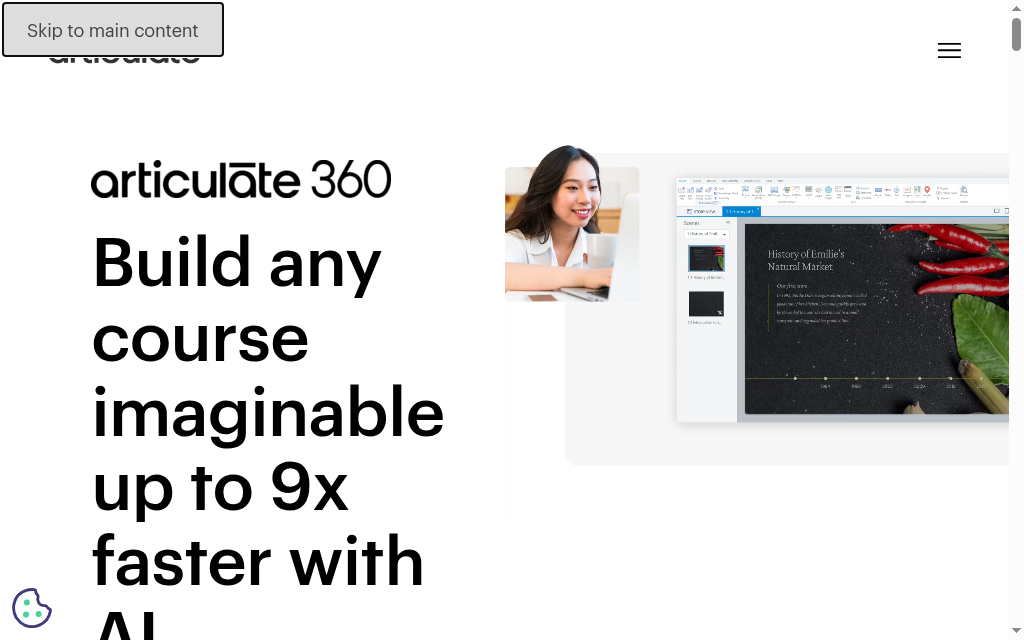
Best for: Instructional-design teams building complex, interactive courses who want the industry-standard tool their designers already know.
Storyline is the default in corporate L&D, and mostly for good reasons: predictable output, genuine feature depth, and a talent pool that already knows the interface, so onboarding a new designer is near-instant.
- Strongest at: Deep interaction design. 25 question types, trigger-based branching, question pools, layered slides and a 13M+ asset library. The April 2026 update added AI sync timelines and an accessible Likert component.
- SCORM export: SCORM 1.2, 2004, xAPI and AICC. Publishes reliably on linear courses; complex branching builds can occasionally hang or corrupt the project file mid-publish.
- Watch out for: Windows-only (a hard blocker for Mac teams), no real-time co-authoring, and manual version control. If Storyline is too heavy or pricey, the main alternatives are covered separately.
- Price: $1,449/yr per user (Personal), $1,749/yr (Teams), annual billing only. Localisation add-on from $5,000/yr.
My user experience: The one thing that bit me hard: I opened a .story file straight off a network drive and it was corrupted. All the bundled media was wiped out. Storyline packs every asset into that single project file, so saving over a network share is genuinely risky. I keep projects on the local drive now and only copy the finished file across.
2. iSpring Suite
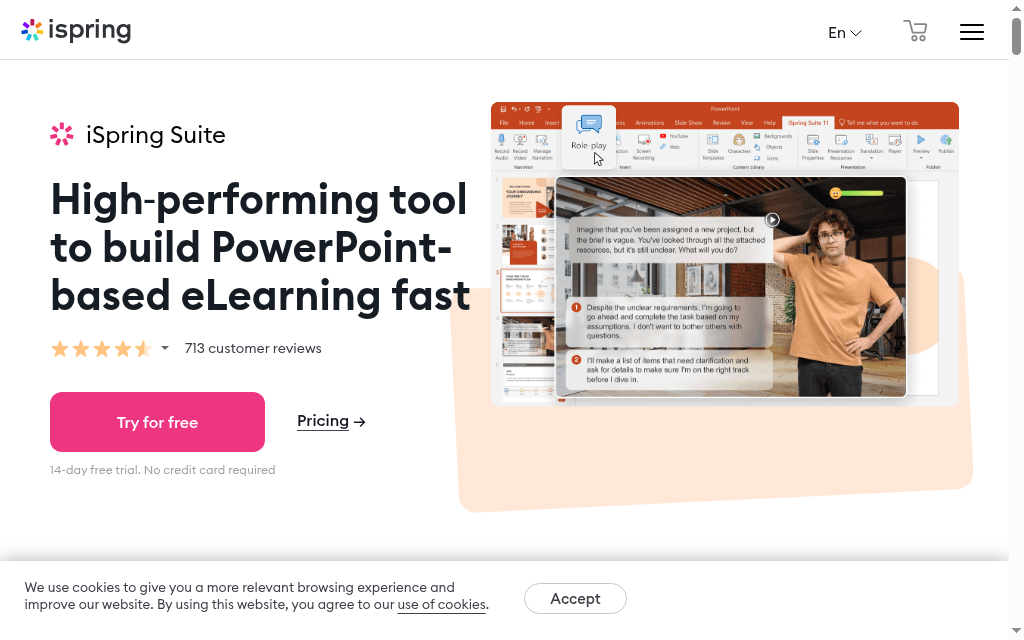
Best for: Teams whose content already lives in PowerPoint and who need it in an LMS fast.
iSpring Suite installs as a PowerPoint ribbon tab. You build the course the way you always have, hit Publish, and the SCORM package comes out the other side, quizzes and narration included.
- Strongest at: The fastest PowerPoint-to-SCORM path in the category, backed by a 134,400-item asset library, a 14-type quiz engine, and tested compatibility against 150+ LMS platforms.
- SCORM export: SCORM 1.2 and 2004, plus xAPI. The 150+ LMS testing record means the package lands cleanly even on idiosyncratic legacy systems.
- Watch out for: Text-to-speech and captions are not available inside quiz interactions, which stings on quiz-heavy compliance courses. Windows-only. See iSpring Suite alternatives if that is a dealbreaker.
- Price: ~$770/yr per user (base suite), $970/yr for iSpring Suite AI. 14-day free trial.
My user experience: On small modules, the PowerPoint workflow is instant, but the moment I loaded a course heavy with audio and video, publishing to HTML5 slowed to a crawl and noticeably stretched my build time. Also another gotcha I learned the annoying way: do not keep source files in OneDrive, iSpring does not play nicely with it.
3. Articulate Rise 360
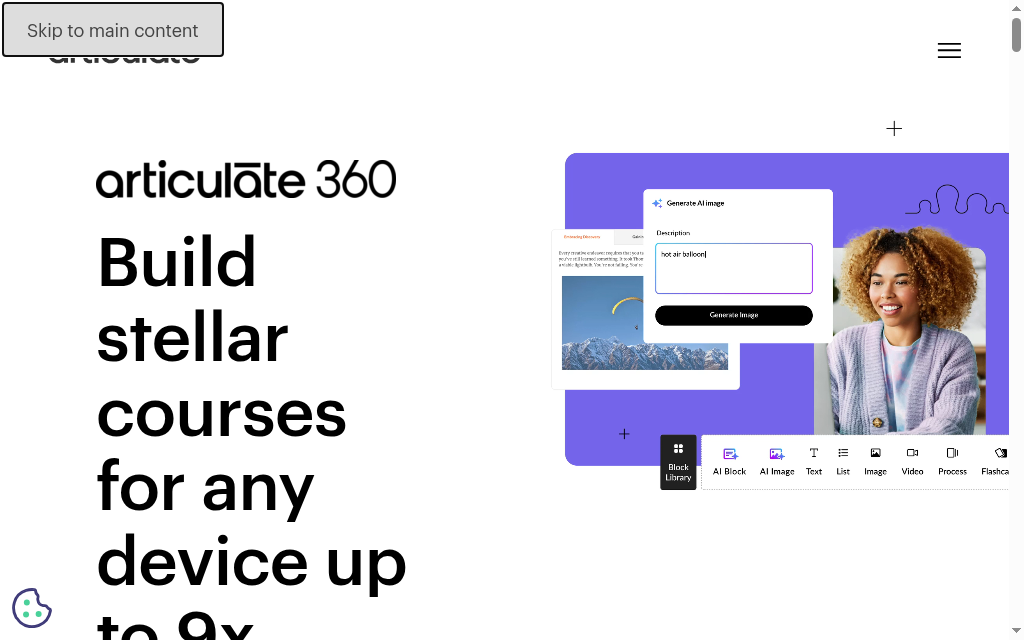
Best for: SMEs and small teams who need a clean, responsive course fast, without instructional-design overhead.
Rise 360 ships under the same Articulate 360 subscription as Storyline, so the choice between them is about workflow, not budget. Rise is the block-based, no-code path to a finished, mobile-first course.
- Strongest at: Speed and simplicity. You assemble courses from content blocks (text, image, quiz, accordion, timeline, scenario), and the output is responsive by default. Recent AI additions estimate completion time and pull images from source docs on import.
- SCORM export: SCORM 1.2, 2004 and xAPI. Clean, mobile-first packages.
- Watch out for: A real formatting ceiling with no workaround inside the tool, ~30-second lag to edit a single word in large published courses, and image and video softening from export compression. The Rise vs Storyline comparison lays out the decision.
- Price: Included in Articulate 360 ($1,449/yr Personal, $1,749/yr Teams).
My user experience: Rise is one of the fastest way I have built a clean course, but the customisation is very, very limited. On one course, my text drifted out of alignment from block to block with simply no way to fix it. Images also come out softer than what I upload, Rise recompresses them on the way in and you cannot fully stop it.
4. Coursebox
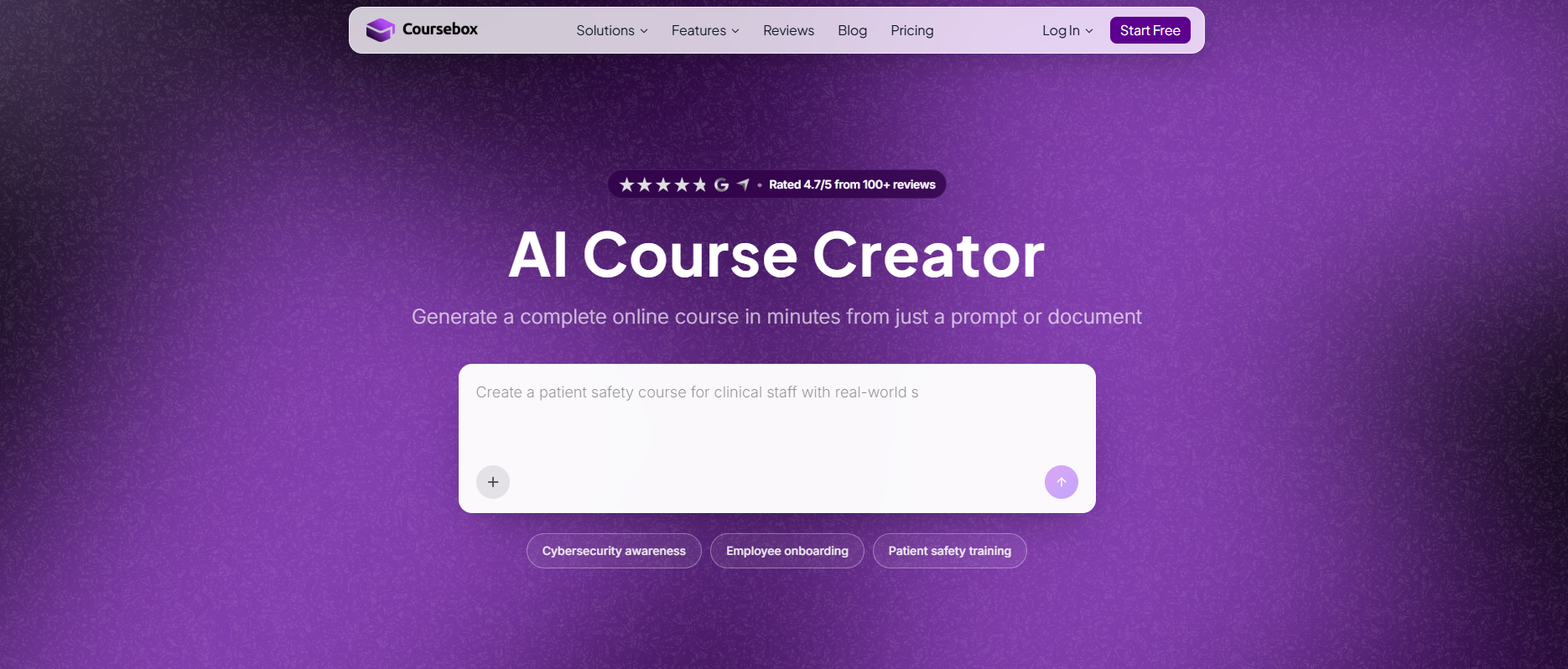
Best for: Teams generating knowledge-transfer courses with AI and delivering them into an existing LMS.
Coursebox is not a SCORM authoring tool the way Storyline is; it is an AI course generation platform with SCORM export. You describe what you want or upload existing content, the AI builds the course structure, you edit, then you export.
- Strongest at: Speed from raw material to a trackable course. Median time from first AI generation to first publish is 27 minutes across 1,013 users in the last 90 days, with a quarter publishing in under 10. It offers both standalone and dynamic SCORM, so you choose per course.
- SCORM export: SCORM 1.2 and 2004, standalone or dynamic. Most LMS platforms accept it without configuration.
- Watch out for: Not built for complex branching, adaptive pathways or question-pool randomisation. For straightforward knowledge transfer it is excellent; for deep interaction design, look higher up this list.
- Price: SCORM export from the Creator plan at $30/month (billed annually); free plan with limits. See current tiers at coursebox.ai/pricing.
My user experience: This one is ours, so I will be straight (full disclosure at the end). The default SCORM export is a tiny wrapper, mine was about 10 KB, that calls back to Coursebox at runtime, so the course has to stay published and my account active or learners get a blank screen, and one LMS would not load it until I allowed third-party iframes. If you need a fully offline package, the newer self-hosted SCORM export removes that dependency but drops the live features (AI tutor, text-to-speech, short-answer questions), and for grades to flow back to the gradebook you will want SCORM 2004, not 1.2.
5. Adobe Captivate
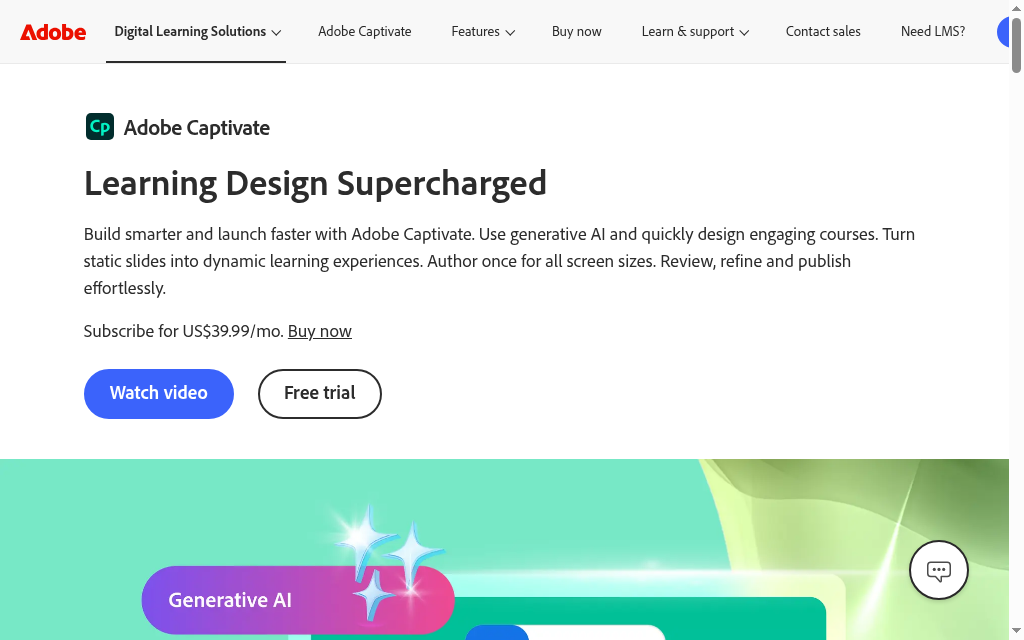
Best for: Teams that specifically need software simulation, VR or 360-degree interactive training.
Captivate divides practitioners more sharply than anything else here. It has the deepest technical-training capabilities on this list, and the steepest learning curve by a wide margin.
- Strongest at: Software simulation (double-click detection, accurate click-region mapping) and native VR/360-degree authoring, which no other tool here matches. Generative AI content was added in v13.
- SCORM export: SCORM 1.2, 2004, xAPI, cmi5 and AICC, all from one publish menu.
- Watch out for: A "takes years to master" learning curve, an interface heavy with a decade of legacy weight, and support that is a consistent point of friction. Subscription-only since 2022.
- Price: $33.99/month, 30-day free trial, no card required.
My user experience: Captivate has a huge learning curve. I could pick up Storyline in an afternoon; Captivate took weeks before I felt fluent, and the interface has you clicking constantly. What kept me with it was software simulation, for capturing an app workflow or building 360/VR practice, nothing else here comes close.
6. Lectora Online
Best for: Regulated industries and government where Section 508 and WCAG 2.1 AA are procurement requirements, not preferences.
Lectora is the only tool here where accessibility is built into the publishing layer by default, not a config flag or a post-publish add-on.
- Strongest at: Accessible output. You publish and the course is WCAG 2.1 AA compliant, with ARIA attributes, reading order and focus states handled for you. It is usually the only tool that clears the accessibility gate in regulated procurement without a remediation step.
- SCORM export: SCORM 1.2, 2004, xAPI, cmi5, AICC and HTML5, with dedicated publish packs for SumTotal, PwC and HealthStream. Conditional branching via On Variable Change triggers.
- Watch out for: Slow product-development pace and feature parity at roughly 75% of Captivate or Storyline. If accessibility is not your top requirement, better-maintained tools exist. More on accessibility in eLearning if you are mapping the standards.
- Price: $129/month (Studio Gold Suite).
My user experience: Accessibility is where Lectora shines for me. You switch it on at the start and it checks the finished course, pointing to each WCAG issue and how to fix it, genuinely easier than doing the same work in Storyline or Captivate. The trade-off: advanced features have a steep curve, and it sits at roughly three-quarters of the feature depth of the big two.
7. Elucidat
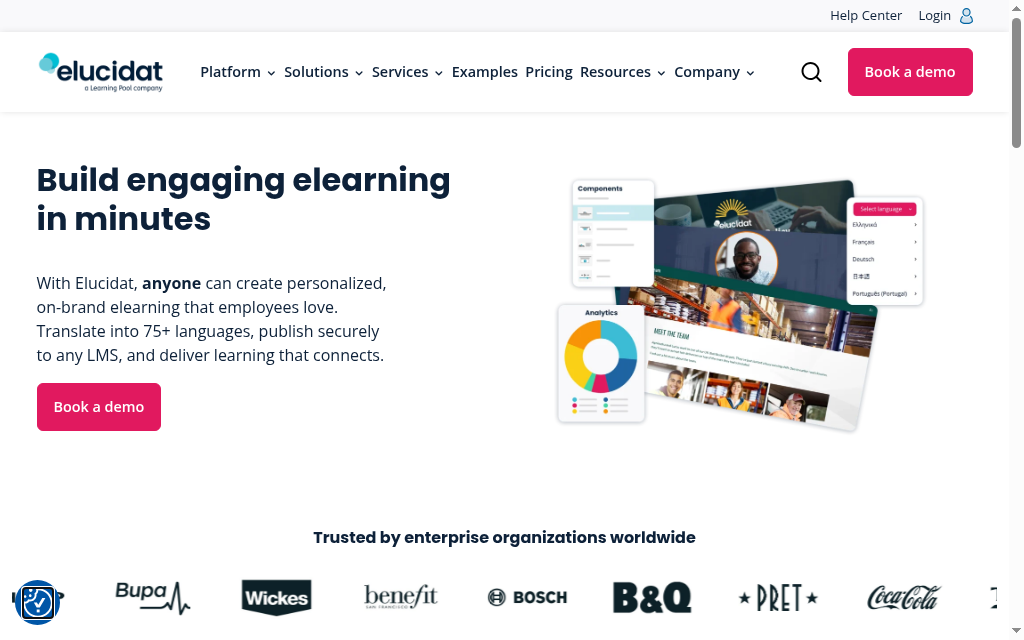
Best for: Large L&D teams that need brand-consistent content across hundreds of modules and many authors.
Elucidat is built for team-scale brand governance. The authoring model is template-first, with brand controls that stop individual contributors drifting off-brand, and any stakeholder can review a project before publication.
- Strongest at: Multi-author consistency at scale: template governance, Auto-Translate across 75+ languages, and organisation-wide review access.
- SCORM export: SCORM 1.2 and 2004 (3rd and 4th edition support added April 2025, closing an earlier sequencing gap).
- Watch out for: Among the priciest per-user options here, and on the Growth tier you cannot remove Elucidat branding from the output, which prices out the mid-size team that would most benefit.
- Price: $1,650/yr per user (Growth); Team and Enterprise custom.
My user experience: The templates and governance are excellent for keeping a big group on-brand, but the pricing bit me. On the lower plans your published course carries an "elucidat.com" watermark, and the only way to remove it is to jump to one of their steepest tiers. Go in knowing it is a premium, enterprise-priced tool.
8. Easygenerator
Best for: Subject-matter experts authoring straightforward knowledge courses without design support, especially content that updates often.
Easygenerator is built for SMEs to author without an instructional designer, and its standout is dynamic SCORM: fix a typo in the source and it propagates to learners already mid-course, no repackage-and-re-upload cycle.
- Strongest at: Living content. If you manage a library with frequent updates (compliance that tracks regulation, product training per release), dynamic SCORM saves real time. No other tool here does this.
- SCORM export: Dynamic SCORM that updates in place, a genuine differentiator for maintenance-heavy libraries, alongside standard SCORM output.
- Watch out for: Shallow interaction depth: no simulations, advanced branching or question-pool management. Planned maintenance falls on Thursdays, worth noting if you ship then.
- Price: Pro at $116/month ($1,399/yr per user), Team at $582/month ($6,995/yr). 14-day free trial, no card.
My user experience: Easygenerator is genuinely fast for getting a subject expert authoring without training, which is the whole point. Where I hit the wall was depth: no branching scenarios and no screen capture, so anything approaching software-simulation training is off the table. It is for straightforward knowledge courses, and it is decently good at exactly that.
9. Camtasia
Best for: Software training delivered as screen-recorded video walkthroughs, wrapped in SCORM for LMS delivery.
Camtasia is a screen-recorder and video editor that happens to export SCORM. The SCORM capability is real and works, but it is not the reason anyone buys it.
- Strongest at: Screen-recorded video training. Where video is the primary medium and SCORM is just the LMS wrapper, it is a clean fit. Runs on both Windows and Mac, unlike Storyline and iSpring.
- SCORM export: Bundles video, quizzes and completion tracking into a SCORM package most LMS platforms accept. Best kept to video-based content, not branching courses.
- Watch out for: Documented crash and project-corruption risk on complex timeline edits, and light quiz reporting.
- Price: Subscription-only since 2025 (perpetual licences discontinued for new buyers), from $180/yr per user.
My user experience: Camtasia is my go-to for recording and editing the actual video, but its SCORM quiz export is light. I published a project as SCORM 1.2 and my LMS tracked completion fine, yet the quiz scores never showed up as scored results. If you need real quiz reporting, build the quiz elsewhere and use Camtasia for the video.
10. Adapt Learning
Best for: Organisations with a front-end developer who want a free, fully controllable, standards-clean authoring framework.
Adapt is free (MIT licence), a responsive HTML5 framework with 100+ community plugins. On paper it is the most capable free option here by a wide margin.
- Strongest at: Clean, accessible, fully responsive HTML5 output, with a plugin ecosystem that covers interactions commercial tools charge extra for.
- SCORM export: SCORM 1.2, 2004 and xAPI, standards-compliant and clean.
- Watch out for: It is not SaaS. It runs on a Node.js server you provision and maintain, with no hosted version, no support contract and no vendor to call. Getting from clean install to shipped course is an engineering project.
- Price: Free (MIT licence); your real cost is developer time and hosting.
My user experience: Adapt output is genuinely clean, fully responsive, accessible to WCAG AA, and it really is just HTML. Getting there is the hard part: installation is command-line and Node, not a friendly installer, and I ran into issues even knowing my way around a terminal. Budget a developer, not just an author.
How I would actually split this
Slide-first teams with existing PowerPoint content belong in iSpring Suite. The single-click publish from the authoring environment you already use is the fastest path to a SCORM package in this category, and the 150-plus LMS compatibility record means the output lands cleanly wherever it goes.
Storyline 360 is the right answer when the project requires complex branching, question pool randomisation, layered interaction design or software simulation. If the brief goes past a linear slide sequence into adaptive pathways or procedural training, nothing else in this list competes at that depth.
Coursebox is where I would start for knowledge-transfer content going into an existing LMS. The time from first AI generation to a published SCORM package is measurably shorter than any other workflow in this list. The limitation is interaction depth: when the brief involves complex branching or simulation, the tool is not the right fit.
Most teams do not need Captivate. It is the right tool for VR, 360-degree content and deep software simulation, and I would not start a new project there for anything outside those requirements. The mastery investment is steep and the use case is narrow in most L&D contexts.
The manifest errors I mentioned at the start of this piece happened in Storyline 3.x, on a course that had passed every internal review. SCORM output quality varies by project complexity in ways that vendor demos never surface. The right trial for any of these tools is the most complex project you actually need to build, not a demo scenario the vendor prepared.
Disclosure: Coursebox is the AI course creation platform built by the team I work with. I have ranked it at #4, where I believe it honestly sits in this comparison, and I have covered its limitations directly in the entry above. All other tools in this list were evaluated through user testing, publicly available product information, pricing pages, vendor changelogs and practitioner sentiment from Capterra, G2 and eLearning Industry.
Frequently Asked Questions
It is software that builds e-learning content and packages it as a SCORM file (a zipped set of web files plus a manifest) that any SCORM-compliant LMS can import, play and track for completion and scores. The authoring tool is the manufacturing layer; your LMS is where the finished course runs.
Use SCORM 1.2 for maximum LMS compatibility and simple pass/fail completion, which covers most compliance training. Choose SCORM 2004 only when you need advanced sequencing, resume, or individual quiz and assignment results in the gradebook, and you have confirmed your LMS supports it well.
Rise 360, iSpring Suite (if you already live in PowerPoint), or an AI-first tool like Coursebox. They get you to a publishable SCORM course fastest, with the trade-off of shallower interactivity than Storyline or Captivate.
Yes. Adapt is a free, open-source framework, though it needs developer setup and hosting. Coursebox has a free plan with limits, and most paid tools offer trials. Fully featured desktop tools like Storyline and Captivate are subscription-only.
If you want your LMS to record completion and quiz scores, your content needs to be packaged in a standard like SCORM (or xAPI). A plain video or PDF uploaded on its own will not report progress back to the LMS.
Carolina Martin
Customer success lead and learning designer at Coursebox AI

