

8 Best iSpring Suite Alternatives for Building Courses in 2026
My practical review of 8 iSpring Suite alternatives, covering authoring, simulations, cloud workflows and LMS output.

The best iSpring Suite alternatives in 2026 include Coursebox, Articulate 360, Adobe Captivate and Easygenerator. Choose by the workflow you need to improve.
- AI is available in the original tool too. Compare editing, interaction control, review and delivery before switching.
- Coursebox combines editable AI courses with learner support and delivery. Custom branching, software simulations and slide preservation can favour a specialist tool.
- ActivePresenter’s commercial licence is paid. Camtasia supports video-led SCORM, while Storyline still requires Windows.
- Test the finished lesson, its update process and the learning record before committing to a new workflow.
Answer three questions to compare the four tools below. The result balances your preferences; the entries explain the features, limits and costs to check.

Run your own branded LMS with unlimited learners
iSpring Suite is a good fit when your training starts in PowerPoint. An alternative becomes useful when you need browser-based authoring, a different kind of interaction, recording-led lessons or another licence model. Suite AI and the separate iSpring Cloud AI already support AI creation, so AI alone is not a reason to switch.
I’d pay attention to the material your authors already maintain. Moving a slide library into a browser may help collaboration, but someone still needs to edit the lesson and keep its interactions working. For a software demonstration, the recording and simulation tools may decide the choice instead.
I’m Toni, Coursebox’s CTO. Our SCORM authoring tool is included for AI course creation, alongside browser, slide-based and recording-led alternatives.
How I picked these iSpring Suite alternatives
I compared the tools against four practical checks:
- Authoring workflow: Source documents, slides, responsive lessons, branching or software recording.
- Review and updates: Who edits, who approves and how changes reach live courses.
- Output and access: LMS standards, source-file portability, accessibility and author operating systems.
- Licence scope: Author seats, learner delivery, commercial use, AI credits and add-ons.
Before switching, choose one representative course and identify what is difficult today: creating it, reviewing it, delivering it or updating it. Compare that whole task in the replacement tool, including the plan needed for the output.
The best iSpring Suite alternatives compared
| Tool | Authoring approach | Best for | Price and scope |
|---|---|---|---|
| Coursebox | AI generates the course (cloud) | AI-assisted courses with optional LMS delivery | Free; Creator AU$500/yr; Pro + LMS AU$4,200/yr |
| Articulate 360 | Rise (blocks) + Storyline (slides) | Both quick and deep custom | US$1,449 Personal / US$1,749 Teams per author/yr |
| Adobe Captivate | Responsive + simulations | Mobile-adaptive, software demos | US$39.99/mo individual subscription |
| Easygenerator | Cloud blocks + AI, collaborative | Non-expert SMEs, cloud | Pro US$1,499/yr; Team from US$7,495/yr |
| Elucidat (Create by Confirm) | Template-driven enterprise cloud | High-volume team authoring | Quote; confirm modules and user model |
| Lectora | Custom layouts and accessibility controls | Power users, WCAG/508 | Quote for Lectora / Studio Gold |
| ActivePresenter | Desktop record + author | Software recording; perpetual licence | US$249 Standard / US$499 Pro, one-time |
| Camtasia | Recording, editing and video-led SCORM | Tutorials and video-led assessment | Essentials US$179.88/yr; Create US$249/yr |
Prices checked in October 2026. US$ and AU$ are shown explicitly; compare the stated licence scope and billing term, not just the headline amount.
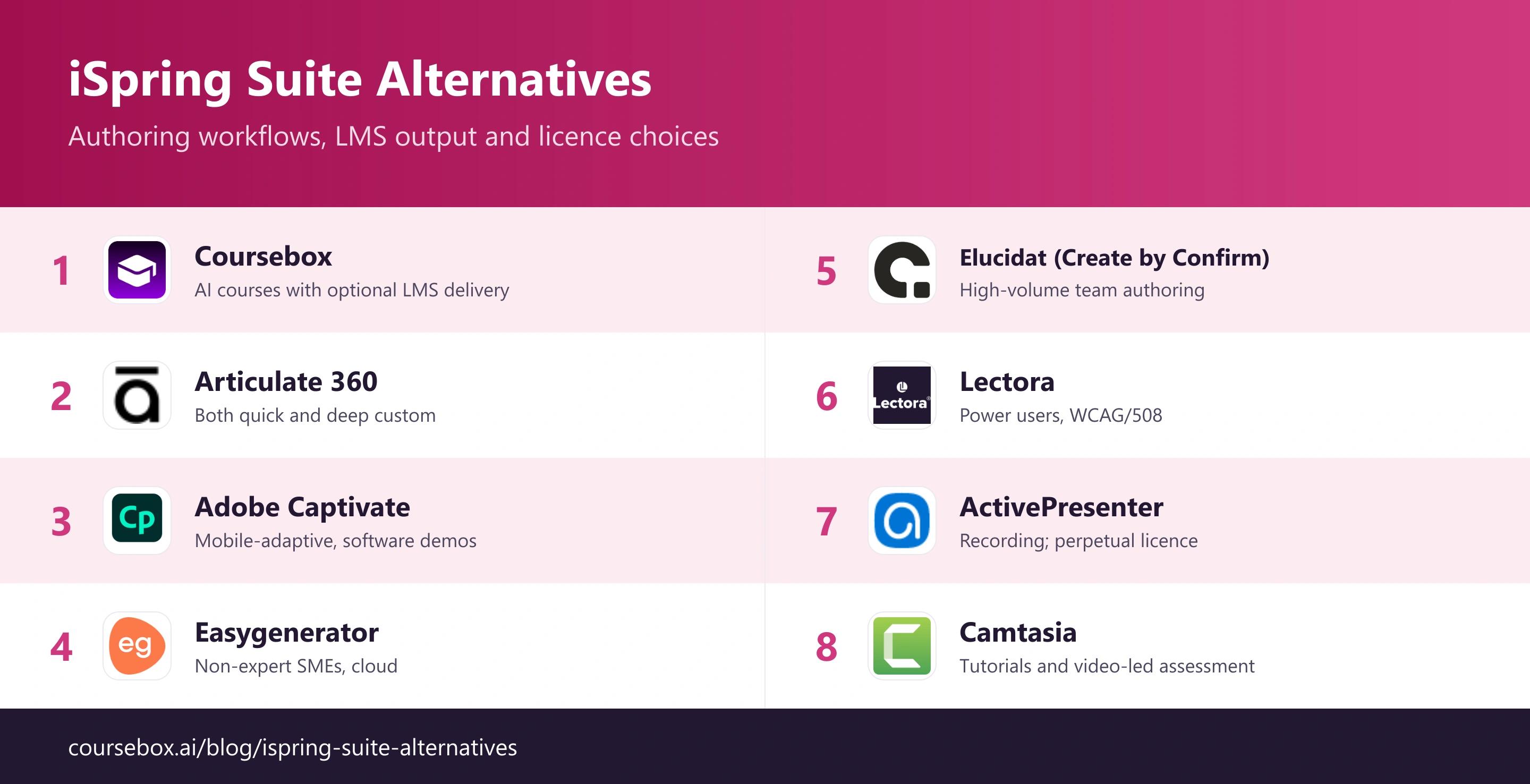
The 8 best iSpring Suite alternatives
1. Coursebox
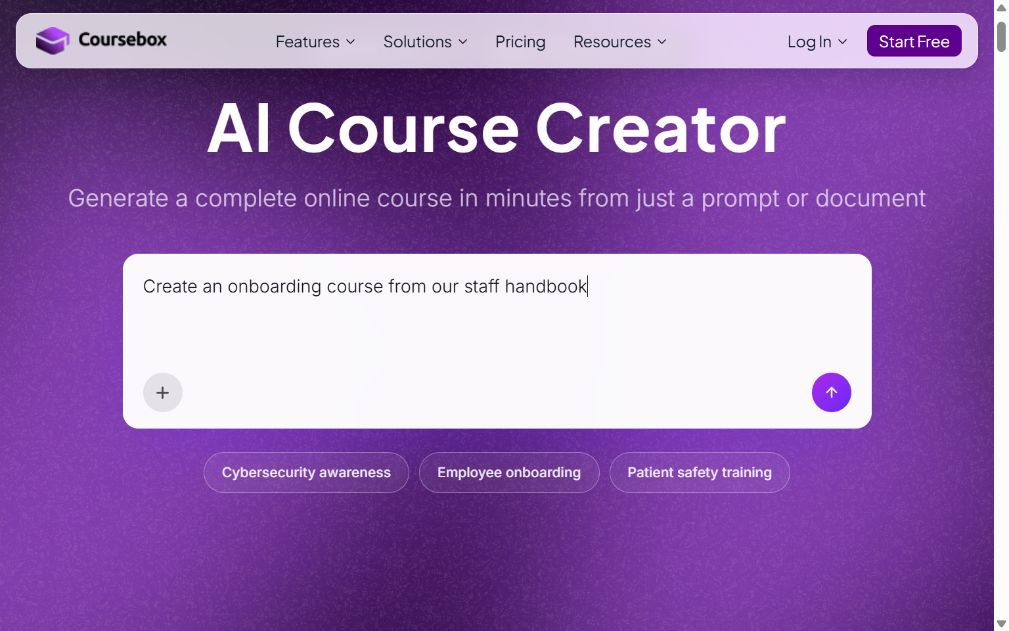
Coursebox is a browser-based iSpring Suite alternative for teams turning source material into a structured course. Its AI generates lessons, quizzes and assessments from documents, prompts and other supported sources; authors can edit the result and deliver it in Coursebox or export it for an existing LMS.
The broader workflow includes course delivery, learner support and reporting, not just text generation. Plan choice depends on whether you need an authoring seat or a branded LMS with groups and learning pathways. It is also important to distinguish connected SCORM delivery from a standalone package: connected AI functions do not all travel into an offline export.
What I found: In my review, I would start with a handbook rather than assume every slide deck needs converting. Coursebox is useful when restructuring source material into lessons is the work. If preserving a carefully designed PowerPoint deck is the priority, iSpring’s add-in can remain the better fit.
My read: Choose Coursebox for AI-assisted course production with an option to keep delivery in the same platform. For complex hand-built branching or precise slide-level interaction control, compare Storyline, Captivate or Lectora.
What it costs: Free includes three mini courses and unlimited learners. The Australian pricing page lists Creator at AU$500/year and Pro + LMS at AU$4,200/year, with one admin included; extra Pro + LMS admins are AU$125/month. Dynamic SCORM needs an active subscription. Standalone exports omit connected features such as the AI tutor; Enterprise and SSO have separate commercial terms.
2. Articulate 360

Articulate 360 combines two authoring workflows. Rise builds responsive lessons in the browser; Storyline gives you slide-level control over interactions, variables and branching. That lets an L&D team produce routine policy courses and more involved decision scenarios within one subscription.
For a customer complaint exercise, Storyline can make the next scene depend on a learner’s choice. A straightforward induction is a better candidate for Rise. Review provides a shared place for stakeholder feedback, and the suite exports SCORM, xAPI and cmi5. Storyline still requires Windows, so choosing Articulate does not by itself solve a Mac-only authoring requirement.
What I found: In my comparison, the useful upgrade was control over the learning interaction. I would keep routine lessons in Rise and reserve Storyline for exercises where the learner’s choices change what happens. Otherwise, the team takes on extra production work without improving the exercise.
My read: Choose it for a mix of quick responsive courses and custom scenarios. A team that mainly needs to turn existing documents into training should compare the editing effort and licence cost with a simpler browser tool.
What it costs: US$1,449 per author/year for Personal or US$1,749 for Teams. Translation and AI avatar workflows use separately purchased credits; a 14-day trial is available.
3. Adobe Captivate
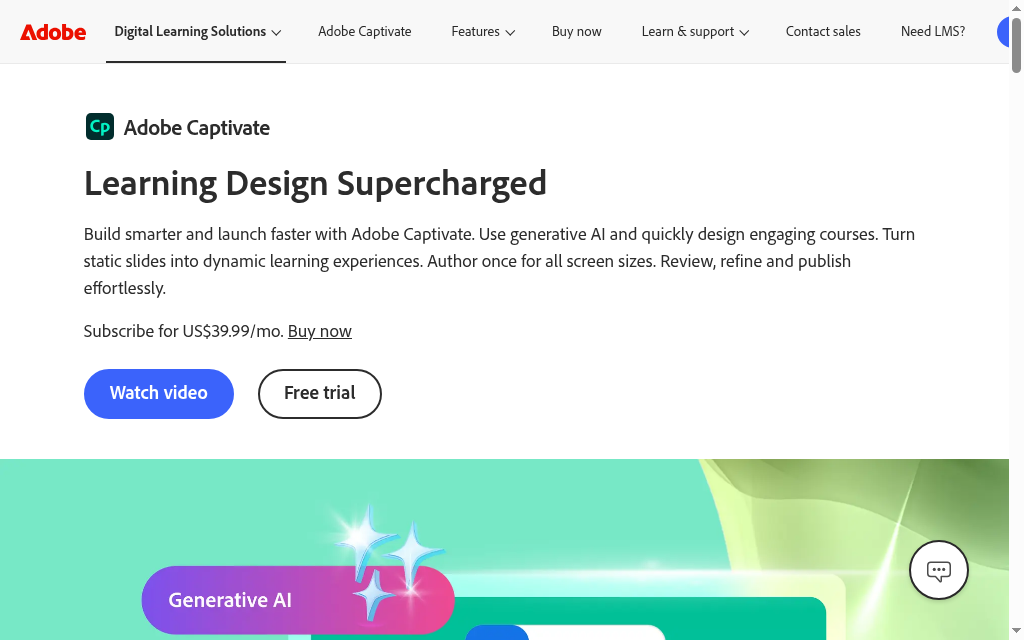
Adobe Captivate is a useful option when training needs to show a software task and then let learners practise it. It combines responsive course building with software simulations, rather than relying only on slides or reading blocks.
An application walkthrough can introduce the steps, ask the learner to complete them and report the assessment through an LMS. The subscription includes the newer Captivate and Captivate Classic. Treat them as separate authoring applications when checking an existing project: a feature or editable source file available in one should not be assumed to work in the other.
What I found: My first evaluation question is which application the team will actually use. A polished demo is less helpful than seeing a representative software task recorded, edited and published in that version. The re-recording work after an application update belongs in the comparison too.
My read: Pick Captivate when practising a software process or controlling responsive layouts justifies a more involved authoring workflow. For simple document-based courses, that extra control may add work you do not need.
What it costs: The individual subscription is US$39.99/month and includes Captivate, Captivate Classic, storage and generative credits. Check the checkout commitment and regional terms before comparing annual costs.
4. Easygenerator
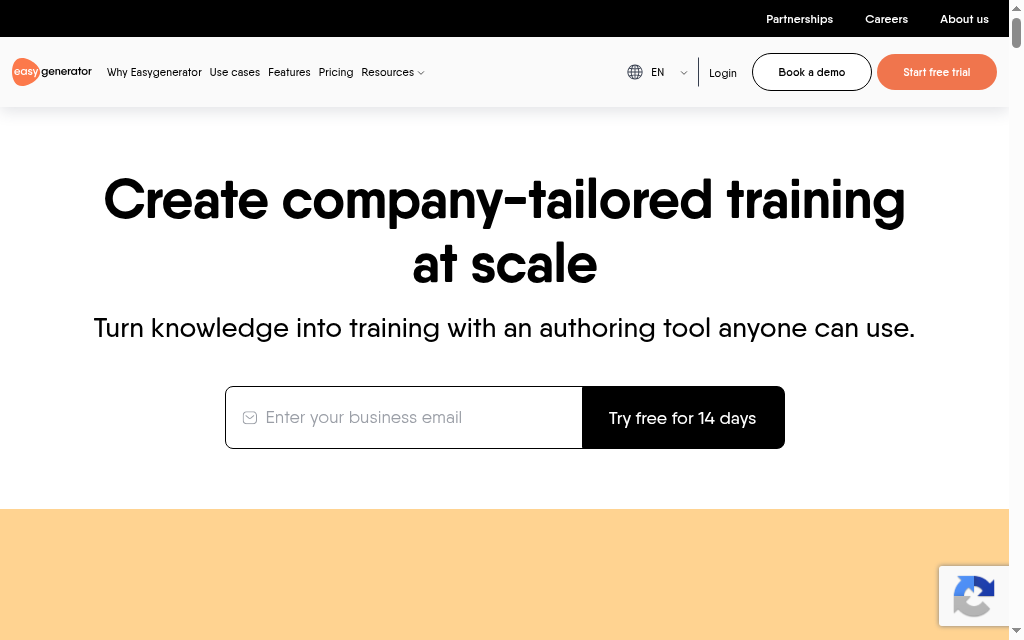
Easygenerator is a browser-based choice for subject-matter experts who need to create and maintain training without learning a desktop authoring suite. Templates and interactive elements provide a guided structure, while its current AI tools help draft and edit content.
It already offers AI course building, so switching to another product is not simply a choice between manual work and AI. The plan restrictions are more useful to compare: Pro covers one author, ten courses and 100 learners; Team adds co-authoring, unlimited reviewers and unlimited courses and learners. Translation, video and coaching are offered as add-ons.
What I found: In my comparison, the advantage was letting a process owner work in the browser while L&D reviews the result. I would first decide how many people need to edit, rather than count everyone who only needs to comment. That separates the author-seat budget from the review workload.
My read: Choose it for guided cloud authoring by non-specialists. If precise slide preservation or complex custom branching drives the project, compare the relevant desktop tools before rebuilding your library.
What it costs: Pro is US$1,499/year; Team starts at US$7,495/year for five authors; Enterprise is quoted. A 14-day trial falls back to a limited free plan. Price add-ons separately.
5. Elucidat (Create by Confirm)
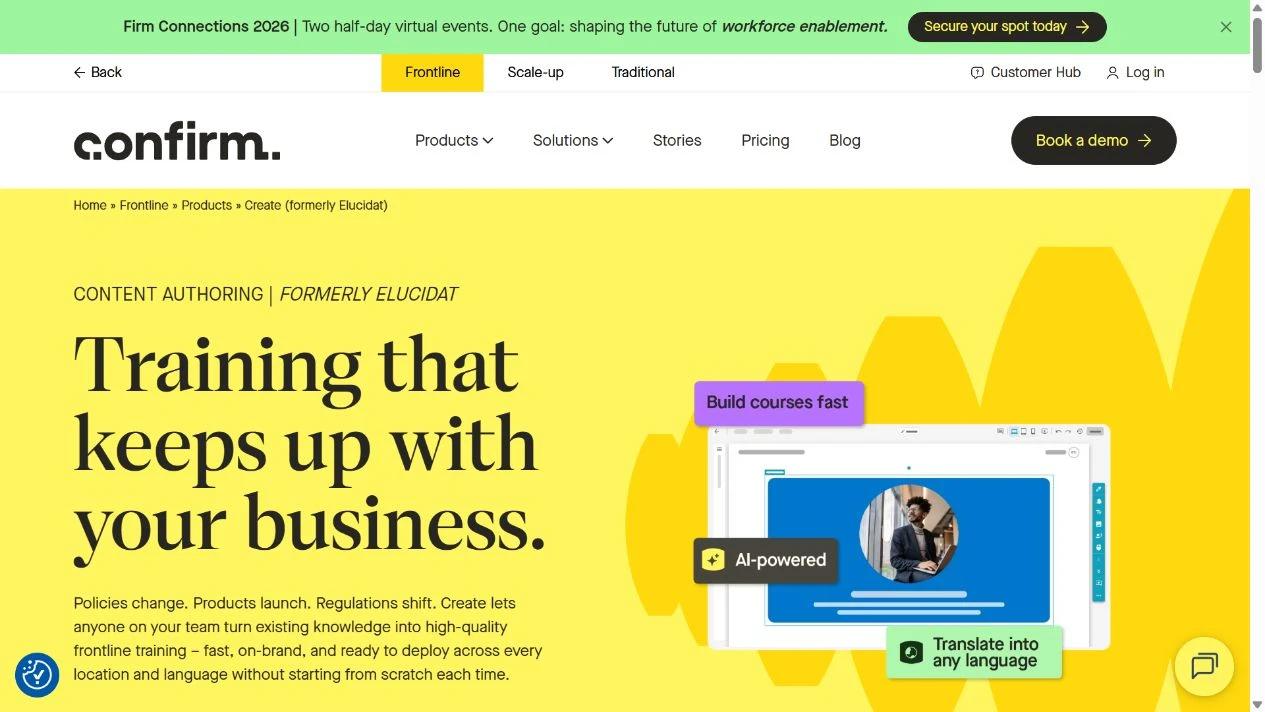
Elucidat now directs buyers to Create within Confirm’s Frontline suite. It is a cloud authoring option for teams that need many contributors to produce consistent training, particularly when the same course must be maintained across locations and languages.
Create combines templates, brand locking, collaboration and review with AI outlines and source-PDF upload. Its current product page also includes PowerPoint import and translation with glossary controls. That gives a central L&D team a way to set the design while local experts contribute and adapt the content.
What I found: The maintenance workflow stood out in my comparison. For a policy change, I want the team to know who owns the master, who approves local wording and how an update reaches each version. Brand locking helps with design consistency; it does not replace a named content owner.
My read: Shortlist Create for distributed production and multilingual governance. A solo author may prefer a smaller tool. Because the offering now sits within Confirm, get the exact authoring, publishing and learner-delivery scope written into the quote.
What it costs: Current pricing is by enquiry. Confirm author seats, reviewer access, language support and export rights together; an authoring-only budget should not assume the whole Frontline suite is included.
6. Lectora
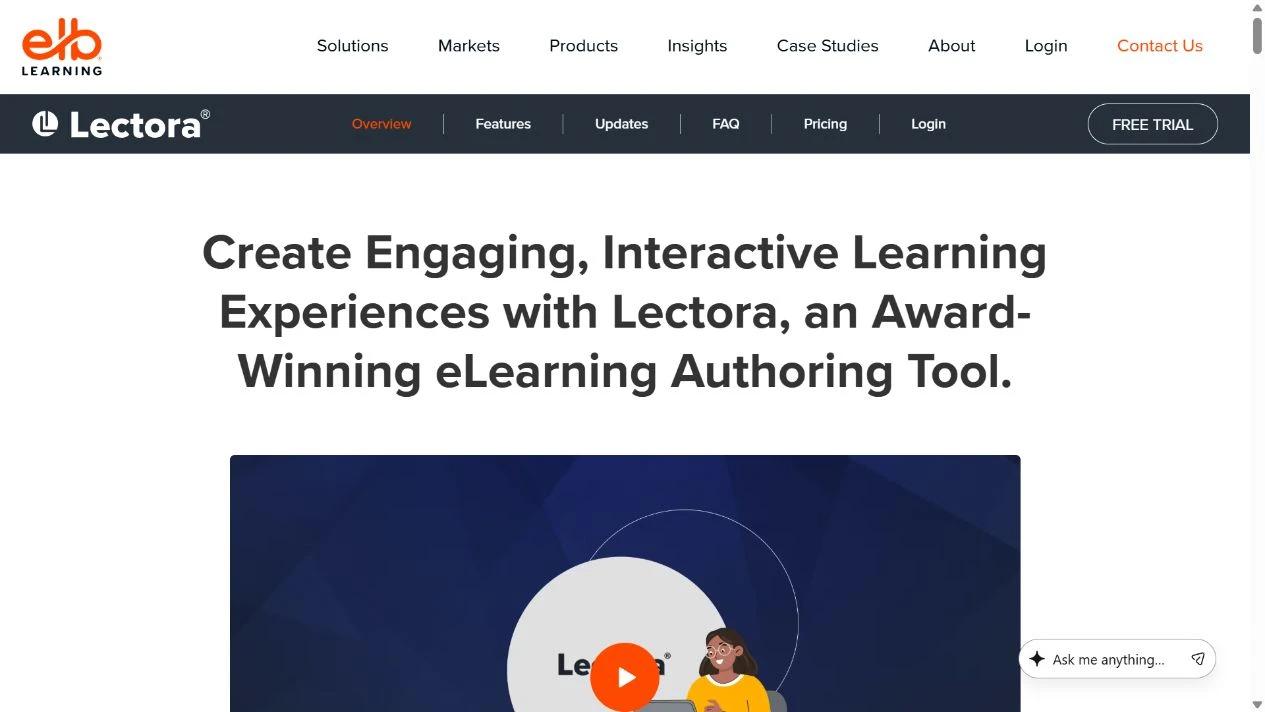
Lectora gives experienced authors control over course layouts, branching and accessibility settings. It is useful when the lesson needs more custom behaviour than a fixed block editor allows, especially for organisations with defined accessibility requirements.
It supports PowerPoint import, an AI Course Wizard, review workflows and LMS publishing. Lectora Online works in a browser on Mac or PC; the desktop application runs on Windows. The Studio Gold offering includes both versions with ReviewLink, MicroBuilder and the asset library, so check which working environment your authors will use.
What I found: My accessibility review starts with the finished exercise. Reading order, keyboard navigation, focus behaviour and alternative text still need an author’s attention. The ability to build accessible content is useful; it is not a guarantee that every course created with the tool meets your requirements.
My read: Choose Lectora when custom interactions and accessibility control justify the authoring effort. A team producing straightforward reading-and-quiz courses may not need that level of design freedom.
What it costs: Request current Lectora or Studio Gold pricing and confirm whether the quote covers Online, Desktop and review access. A free trial is offered. Include author training and accessibility QA in the project budget.
7. ActivePresenter
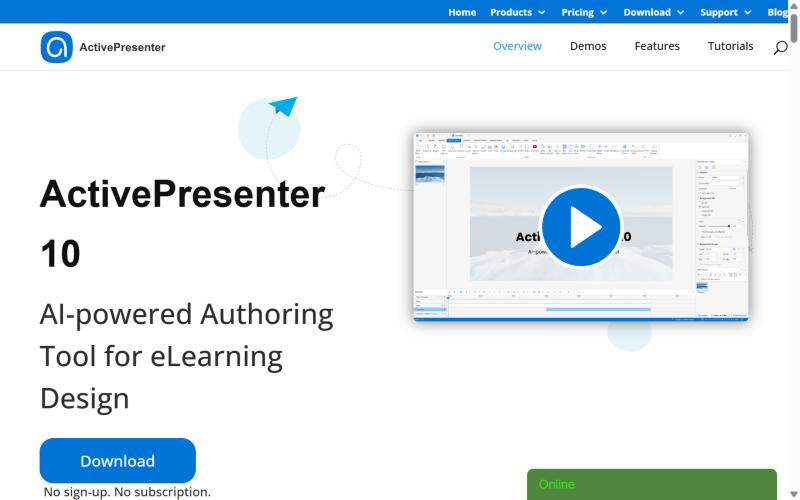
ActivePresenter combines screen recording with slide-based authoring on a desktop. It is a useful option for software training: record a process, edit the recording and build exercises around the actions learners need to perform.
The tool supports PowerPoint import and LMS-ready output, including SCORM and xAPI. The important qualification is the edition. The free download lets you explore the workflow, but non-free outputs carry a watermark and commercial use needs a paid licence.
What I found: What caught my attention was the licence model. A perpetual licence can suit an author who creates occasional system walkthroughs and wants to keep editing without an annual subscription. I would also budget for later major-version upgrades and any extra AI credits, rather than equating one purchase with unlimited future costs.
My read: Choose it for recording-led interactive training and a one-time licence. A distributed team that depends on browser co-authoring should compare the collaboration work involved in maintaining desktop project files.
What it costs: Standard is US$249 and Pro is US$499 per machine, as one-time purchases. The purchased version is perpetual, with one year of major-version upgrades included; AI tools consume credits.
8. Camtasia
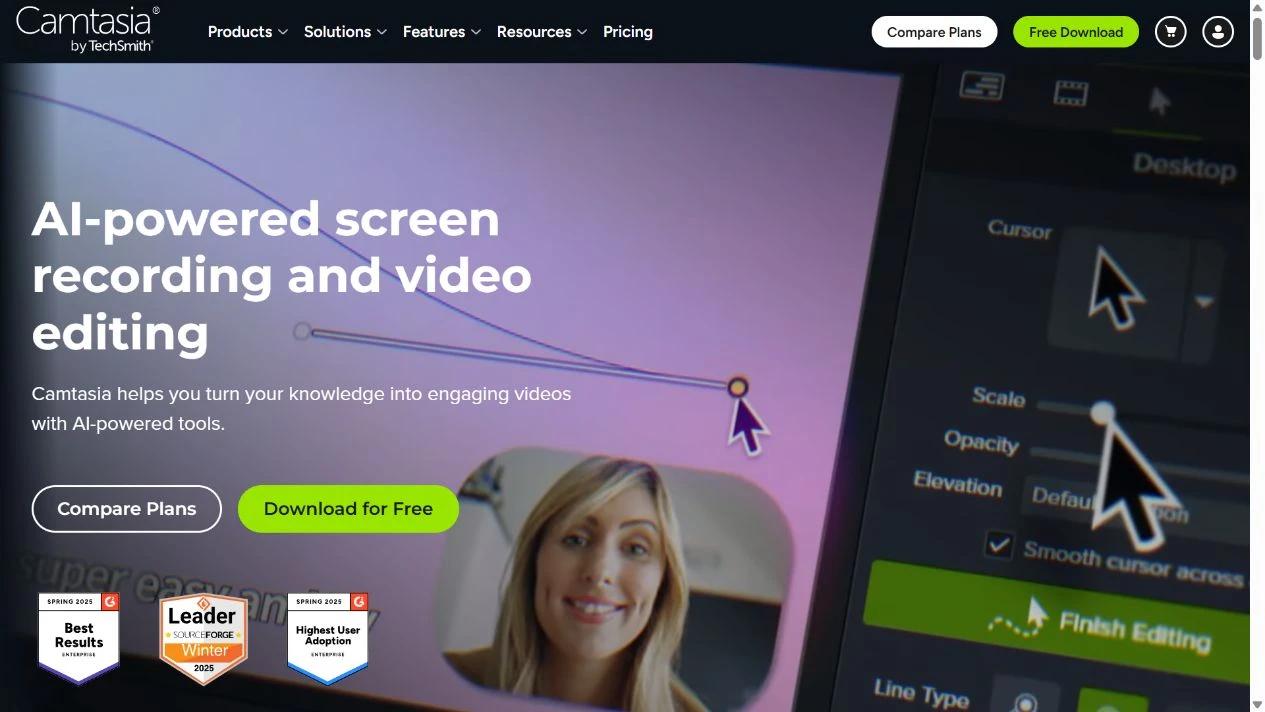
Camtasia is the recording-and-editing choice when the clearest lesson is a software walkthrough or demonstration. It records the screen, camera and audio separately, then lets an author edit the explanation, add callouts and focus attention on the relevant step.
It can also add quizzes and produce SCORM packages for an LMS, so it is inaccurate to call it video-only or say that it cannot create trackable training. Its strength remains a video-led lesson. A broad branching scenario or a structured library of reading lessons is a different authoring job.
What I found: My review puts maintainability ahead of visual effects. For a process that changes often, short recordings are easier to replace than one long tutorial. I would also test the quiz and completion result in the destination LMS: TechSmith’s old hosted Results service has been retired, while SCORM reporting remains an option.
My read: Choose it for demonstrations, narrated tutorials and video-led assessments. Compare it with Captivate or ActivePresenter if practising software actions is more important than watching an explanation.
What it costs: The free editor exports watermarked videos. Individual Essentials is US$179.88/year, Create US$249/year and Pro US$599/year, billed annually. Essentials includes quizzes and SCORM. Individual licences are non-transferable; teams should compare the business offering.
What changes when you leave iSpring Suite?
| Moving to | What you gain | What to plan for |
|---|---|---|
| AI-assisted browser authoring | Source-to-course drafting and shared access | Review structure and rewrite examples for your learners |
| Custom slide or scenario authoring | More control over learner choices | Author training and longer production work |
| Recording-led authoring | Clear software demonstrations and practice | Re-recording after interface changes |
| Authoring plus an LMS | Creation, learner support and delivery together | Transfer accounts and learning records separately |
In Thinkific’s 2026 survey of 1,039 learning-programme professionals, 44% used AI to generate educational content. That is a reason to compare the editing and approval workflow as well as generation: the draft still needs to become a lesson your team can stand behind.
The World Economic Forum’s 2025 employer survey estimated that 59 in every 100 workers would need training by 2030. A reusable course and a workable update process are therefore more useful than a one-off production shortcut.
A SCORM ZIP is a delivery package, not a universal editable project. Keep your source documents, images, captions and original project files. Test any proposed importer on a real course before promising that the library will migrate automatically.
My migration checklist
- Build one representative course in the replacement tool, including its hardest interaction.
- Publish to the destination LMS and check score, completion, resume and learner access.
- Make a small content change and confirm how it reaches existing learners.
- Price all authors, review access, AI usage and delivery before moving the rest of the library.
Which iSpring Suite alternative should you choose?
Eight tools, matched to the authoring job you are actually doing:
| If your priority is | Go with |
|---|---|
| Generating courses fast from your material with AI | Coursebox |
| Both quick responsive and deep custom courses | Articulate 360 |
| Mobile-responsive output and software simulations | Adobe Captivate |
| Easy cloud authoring for non-expert SMEs | Easygenerator |
| High-volume collaborative authoring at enterprise scale | Elucidat (Create by Confirm) |
| No-code power authoring with deep accessibility | Lectora |
| A paid perpetual licence, plus simulations | ActivePresenter |
| Video-led tutorials and SCORM assessment | Camtasia |
Keep the source files for your current library and move one course first. The replacement should improve the difficult part of your workflow while preserving the learner experience and LMS records you need.
Frequently Asked Questions
Coursebox suits AI-assisted course creation and delivery; Articulate combines responsive authoring with custom scenarios; Captivate and ActivePresenter suit recording and simulations. Easygenerator supports guided cloud authoring, while Camtasia suits video-led lessons.
Coursebox offers a limited free plan for trying course creation and delivery. ActivePresenter’s free edition has output and usage restrictions, so business training should be budgeted against its paid commercial licences. Compare the usable output, not just whether a download is free.
Not necessarily. An LMS can import a SCORM delivery package without giving an author editable source. Keep the original project and source material, then test the replacement tool with one representative course.
Confirm the exact SCORM version or other standard your LMS needs, and test completion, score and resume. Also establish whether the exported content needs an active subscription and which connected features remain available.
Yes. Suite AI includes AI-assisted creation and iSpring also offers the separate Cloud AI product. A switch should solve a workflow, platform or licensing need rather than assume iSpring is manual-only.
Toni Arrebola
Toni joined Coursebox in 2024 as a software engineer and later moved into a CTO position with us after having a quick positive impact. He has 25 years of experience building SaaS platforms and managing high performance development teams. He transitioned from UI/UX design into product-minded software engineering. He previously founded and built a SaaS platform from scratch, scaling the business to 1,000+ paying customers. Toni is located in our Perth, Western Australia office and is originally from Spain. He is responsible for delivering an incredible user experience within the product, something he cares deeply about.

