

10 Best Articulate 360 Alternatives in 2026 (For the Whole Suite, Not Just Rise)
The 10 best Articulate 360 alternatives for 2026, compared by which part of the ~$1,499 suite they replace, power, price and AI, from a course builder.

The best Articulate 360 alternative depends on which part of the $1,449 to $1,749 per-seat bundle you actually use. For Storyline's simulation power, Adobe Captivate or Lectora; for Rise-style simple web authoring, Gomo, Easygenerator or Genially; and to replace both the authoring and the LMS the suite makes you buy separately, an AI-native all-in-one like Coursebox.
- Most teams overpay for 360 and then replace one slice of it. Name the slice before you shop, because the right tool for Storyline's power is nothing like the right tool for Rise's simplicity.
- Articulate only exports SCORM, so you also pay for the LMS that hosts it. If you were about to buy delivery anyway, an all-in-one replaces two line items and changes the price comparison.
- Genially and 7taps have genuine free plans and Coursebox is free to start; the power tools (Captivate, Lectora, dominKnow, iSpring) are paid, usually with a trial.
- If Rise is the only part of 360 you touch, you are on the wrong list: our Articulate Rise alternatives guide covers the simpler, cheaper web-first options.
Answer three quick questions about which part of the suite you actually use, and we will point you to the closest fit.

Go from storyboard to an interactive course in minutes
Articulate 360 is a bundle. You pay between $1,449 and $1,749 per user per year depending on the plan and you get Storyline, Rise, Studio, Review, an AI assistant and a content library, and most teams I have worked with use a fraction of it. They bought the whole suite because they needed Storyline for one project, then paid full pricing forever.
So the real question when you leave 360 is not "which authoring tool comes next." It is which part of the bundle you actually use. If it is Storyline's power, you need a tool that can hold up on simulations and branching. If it is really just Rise, you are overpaying, and a lighter tool will do. And if you were going to build a delivery stack around the exported SCORM anyway, an AI-native all-in-one changes the maths entirely.
I am Travis, an instructional designer by trade and the founder of Coursebox, so I have a stake in this, and I will be upfront about where Coursebox fits and where the old power tools still win. One thing worth saying early: if you only ever touch Rise, the simple web-based tool, this is not the guide for you. Our Articulate Rise alternatives guide covers the lighter, simpler options; this one is about replacing the whole suite.
How I compared these Articulate 360 alternatives
I judged every tool on the same five things, in the order a suite buyer feels them:
What it replaces in the suite. Does it stand in for Storyline (power), Rise (simple web), or the whole thing at once. This decides whether it is even a real replacement, so I weighted it heaviest.
Power and depth. Simulations, branching scenarios and custom interactions, the Storyline job that Rise cannot do.
AI-native or bolted on. Articulate added AI to a suite designed before it. A modern alternative should have AI as the way you build, not a button.
Price against the bundle. Real numbers where the vendor publishes them, measured against that $1,449 to $1,749 per-seat suite price.
Ease. Whether a normal team can use it, or you need a developer.
Articulate 360 alternatives at a glance
| Tool | Best for | Replaces in the suite | Price | AI | User rating |
|---|---|---|---|---|---|
| Coursebox | Replacing authoring AND delivery in one | The whole suite, plus your LMS | Free; $40 to $750/mo (USD, billed yearly) | AI-native | 4.7/5 (98, Capterra) |
| Adobe Captivate | Storyline-class simulations | Storyline | ~$33.99/mo (reported) | AI bolted on | 3.9/5 (204, G2) |
| iSpring Suite | PowerPoint teams who want power | Storyline + Studio | From ~$770/author/yr (reported) | AI bolted on | 4.6/5 (853, G2) |
| Lectora | Accessibility and complex interactions | Storyline | ~$1,398/user/yr (reported) | AI bolted on | 4.1/5 (55, G2) |
| dominKnow One | Responsive and traditional in one | Storyline + Rise | $2,000/author/yr | AI bolted on | 4.7/5 (24, Capterra) |
| Elucidat | Enterprise web authoring at scale | Rise, at scale | Quote-only (Confirm Frontline) | AI bolted on | 4.4/5 (184, G2) |
| Gomo | Truly responsive web courses | Rise | Quote-only | AI bolted on | 4.8/5 (2, G2) |
| Genially | Interactive, visual content | Rise + Studio | Free plan; Pro ~$7.49/mo | AI bolted on | 4.6/5 (65, G2) |
| Easygenerator | Simple authoring for experts | Rise | Pro $116/mo ($1,399/yr) | AI fairly integrated | 4.7/5 (175, G2) |
| 7taps | Fast mobile microlearning | Rise, for micro | Free plan; Starter ~$4,995/yr | AI-forward | 4.8/5 (276, G2) |
User ratings are pulled from G2, or from Capterra where G2 coverage is thin, and were captured in August 2026. Gomo has very few public reviews, so treat its score as indicative rather than reliable.
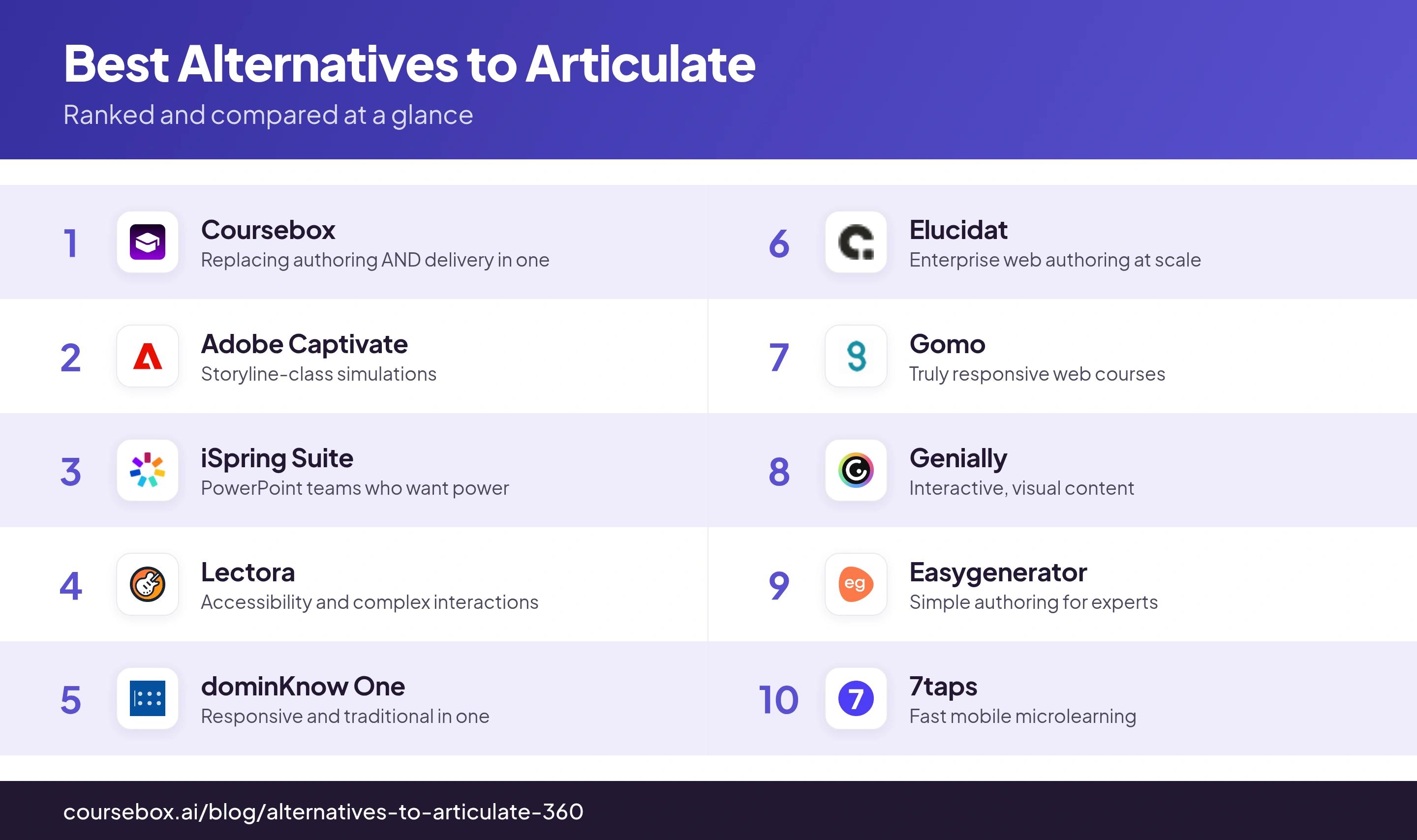
Ranked below, each on the part of the suite it replaces best.
Articulate 360 bundles Storyline, Rise, Studio, Review and more into one seat at $1,449 to $1,749 a year. Before you replace it, name the one or two parts you actually open each week. Most teams pay suite prices for Storyline power they use twice a year, or for Rise they could get lighter and cheaper elsewhere. Price your replacement against the part you use, not the whole bundle.
The 10 best Articulate 360 alternatives
1. Coursebox
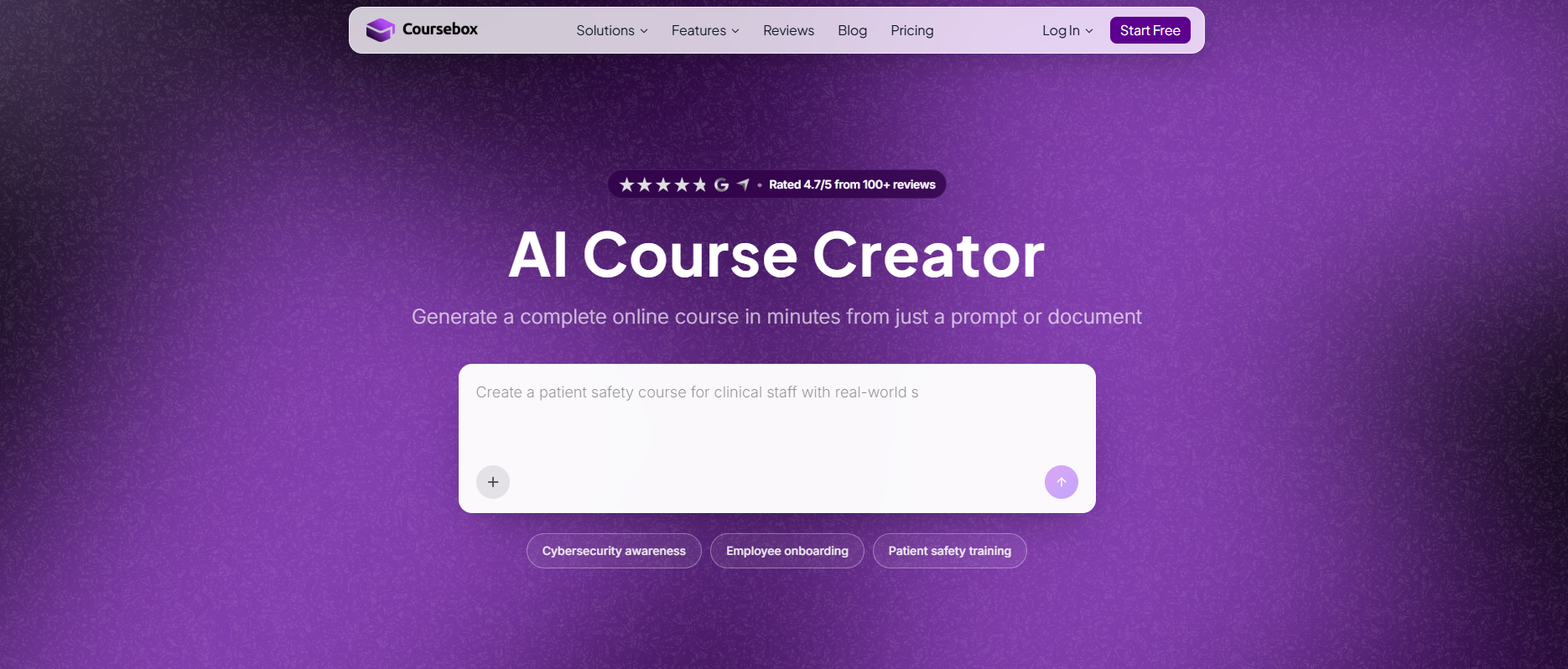
Best for: Teams who realise they were about to rebuild a delivery stack around Articulate's SCORM exports, and would rather have authoring and the LMS in one AI-native tool.
Coursebox is ours, so weigh this accordingly. Coursebox turns a prompt or a document into a full course with quizzes and AI video, then delivers and tracks it in its own learning management system or exports SCORM. Against a bundle you pay $1,449 to $1,749 a year for and half-use, it replaces more of the stack.
Replaces in the suite: the whole thing, plus the LMS you would have bought to host the output. It is authoring and delivery, where 360 is authoring only.
Power and depth: AI-built courses with quizzes, an always-on AI tutor, AI-graded assignments and AI scenarios. For hand-crafted software simulations, though, Storyline and Captivate still go deeper.
Price vs the bundle: free to start, then Creator at $40, Pro (the popular tier) at $300 and Business at $750 per user per month billed yearly, in USD, with custom Enterprise above that. Learners are always unlimited and free, so you pay per creator seat rather than per learner, and the entry price sits far below the suite’s $1,449 to $1,749 a seat.
The catch: it is AI-native and younger than the incumbents, so if your whole job is bespoke, widget-heavy simulations, the desktop power tools below still beat it.
Testing notes: coming at this as an instructional designer, the difference from 360 I feel most is that I stop thinking about where the course goes to live. With Articulate I build, export SCORM and go hunting for an LMS to host it. Here I build with AI and deliver in the same place, or still export SCORM when a client insists on their own system.
Verdict: the pick when you were buying the suite for authoring but would have spent again on delivery, and you want AI doing the building. Not the choice if bespoke simulations are the entire job.
2. Adobe Captivate
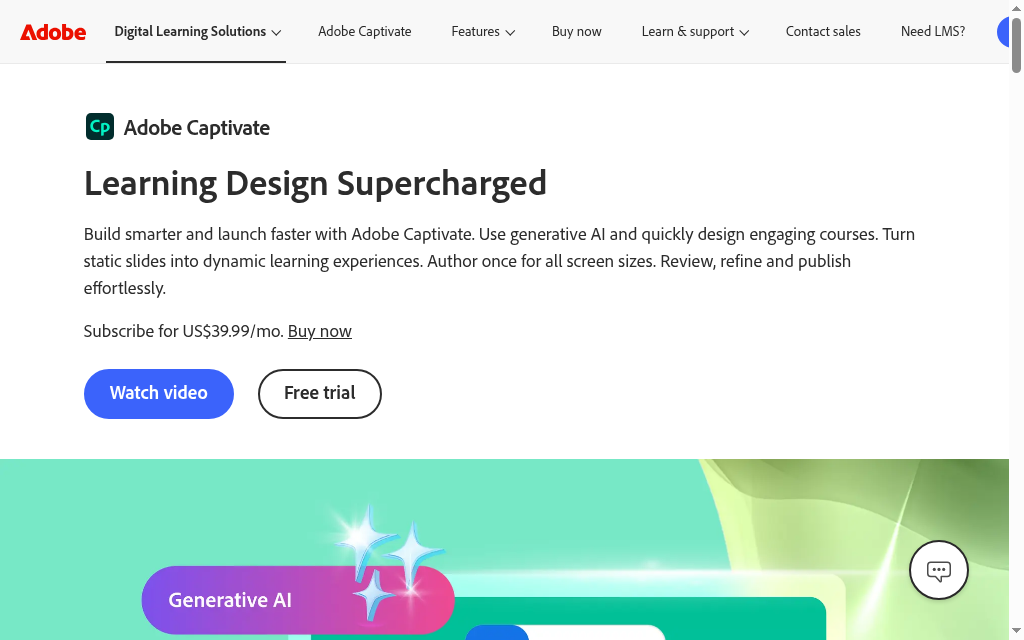
Best for: Teams who bought 360 for Storyline's power and want the closest like-for-like on simulations.
Adobe Captivate is the long-standing power tool for software simulations and branching interactions, now with generative AI and responsive output.
Replaces in the suite: Storyline. This is the most direct swap for the power half of 360.
Power and depth: the strongest here for software simulations, demo and try-it modes, and branching. If Storyline was why you paid for the suite, this is the comparison to run.
Price vs the bundle: reported around $33.99/month on subscription, so per-seat it can undercut the full 360 bundle if Storyline is all you needed.
The catch: the interface feels dated and the output can look older than Storyline's, so you trade polish for simulation power.
Testing notes: the recurring theme from people who use it is that the interface has barely moved since around 2010, which makes branching logic harder to build than in newer tools, and the visuals can look dated beside Storyline. You choose Captivate for what it can do, not how it feels.
Verdict: the like-for-like power swap when simulations are the reason you had the suite, and you can drive a heavier tool.
3. iSpring Suite
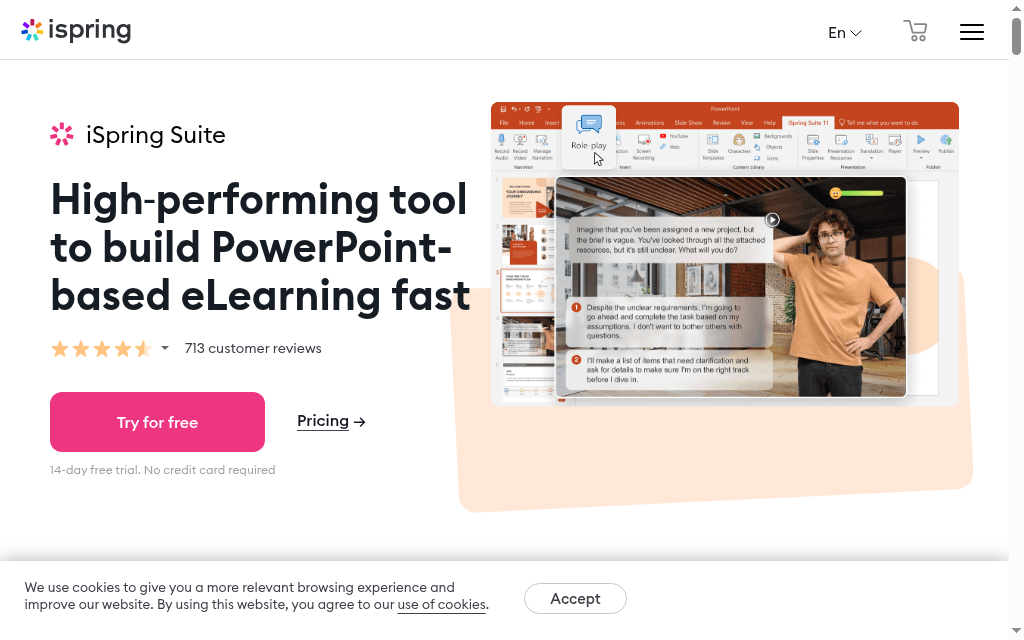
Best for: PowerPoint teams who want Storyline-level features without leaving slides.
iSpring Suite is a PowerPoint add-in that adds quizzes, interactions, screen recording and dialogue simulations inside a tool your team already knows.
Replaces in the suite: Storyline and Studio, for teams whose real authoring home is PowerPoint.
Power and depth: strong for the price, with role-play dialogue simulations and rich quizzing, though it is Windows-first.
Price vs the bundle: reported from about $770 per author per year, comfortably under the 360 bundle, with a higher Max tier.
The catch: it is tied to PowerPoint and Windows, so Mac teams and anyone wanting a cloud-first flow will feel the friction.
Testing notes: the reason iSpring converts PowerPoint teams is that the learning curve is almost nothing. When I looked at it, the trade is that you gain deep quiz and simulation features but stay bound to slides and Windows, which is the opposite of a cloud-first tool.
Verdict: the value pick to replace the suite when PowerPoint is already where your team builds and you want more than Rise could do.
4. Lectora
Best for: Accessibility-critical training and complex, highly customised interactions.
Lectora is a long-established authoring tool, desktop and online, known for strong accessibility support and deep control over interactions and branding.
Replaces in the suite: Storyline, with an accessibility edge that matters for regulated and public-sector work.
Power and depth: deep, with branching, simulations and serious accessibility controls, plus an AI Course Wizard added recently.
Price vs the bundle: reported around $1,398 per user per year for the Gold Suite, so roughly bundle-level, which only makes sense if you specifically need its power and accessibility.
The catch: responsiveness varies by how you build, so you have to test on real target devices.
Testing notes: a team that deployed it said they had first content in production within about two weeks, and that supporting multiple content formats let external partners contribute easily. The honest caveat they added is that responsivity varies between tools, so you test on real devices before you rely on it.
Verdict: the choice when accessibility compliance and complex, customised interactions are non-negotiable and worth paying suite-level money for.
5. dominKnow One
Best for: Teams that used both Storyline and Rise, and want both authoring modes in one collaborative platform.
dominKnow One combines responsive authoring (Flow), Storyline-style fixed authoring (Claro) and screen-capture simulation in one cloud platform with a built-in review workflow.
Replaces in the suite: Storyline and Rise together, which is unusual and genuinely useful if you used both halves of 360.
Power and depth: broad, from responsive content to software simulations with show-me, try-me and test modes.
Price vs the bundle: $2,000 per author per year (Business), $2,500 for teams of five or more, so it is a real commitment aimed at teams.
The catch: it is a per-author annual price for a team, not a cheap escape from the bundle.
Testing notes: the thing that saves real time is authoring once and letting it reflow across devices rather than maintaining separate versions the way older tools force you to. For a team splitting responsive and traditional courses, having both modes in one place is the actual draw.
Verdict: a strong team replacement when you genuinely used both Storyline and Rise and want them, plus a real review workflow, in one place.
6. Elucidat
Best for: Large teams that need to replace Rise-style web authoring at scale, with governance.
Elucidat is a cloud, responsive authoring platform built for enterprises producing a lot of content, with collaboration, review and translation into dozens of languages. It is now part of Confirm (Frontline).
Replaces in the suite: Rise, but at enterprise scale with the control a big team needs.
Power and depth: good responsive interactions, AI-assisted authoring and strong localisation, though it is built for scale rather than deep simulations.
Price vs the bundle: quote-only, no public pricing, so expect enterprise-level and above the individual suite seat.
The catch: the quote-only, enterprise positioning rules it out for small teams, and the acquisition means it is in transition.
Testing notes: the platform is approachable, but the honest note from people using it is that if you are new to e-learning there is still a real learning curve. The tool is easy, the instructional design is not, and it does not pretend to do that part for you.
Verdict: worth a look when you are replacing Rise across a large team and need governance, not when you want a quick, cheap swap.
7. Gomo
Best for: Teams whose priority is genuinely responsive, multi-device web courses.
Gomo is a cloud, HTML5 authoring tool built around responsive design, so one course reflows cleanly across desktop, tablet and phone.
Replaces in the suite: Rise, with a stronger focus on true responsiveness.
Power and depth: solid, with a notable question-randomisation system that draws from content banks to stop learners sharing answers.
Price vs the bundle: quote-only, priced by users and storage, with a 21-day trial.
The catch: pricing is opaque and some of the stronger features take setup rather than working out of the box.
Testing notes: the randomisation feature is genuinely useful for compliance, but it is not one click. Setting it up meant building content banks, setting how many questions to pull from each and toggling randomisation on, which is more manual work than the marketing suggests.
Verdict: the choice when responsive output across devices is the one thing you cannot compromise on.
8. Genially
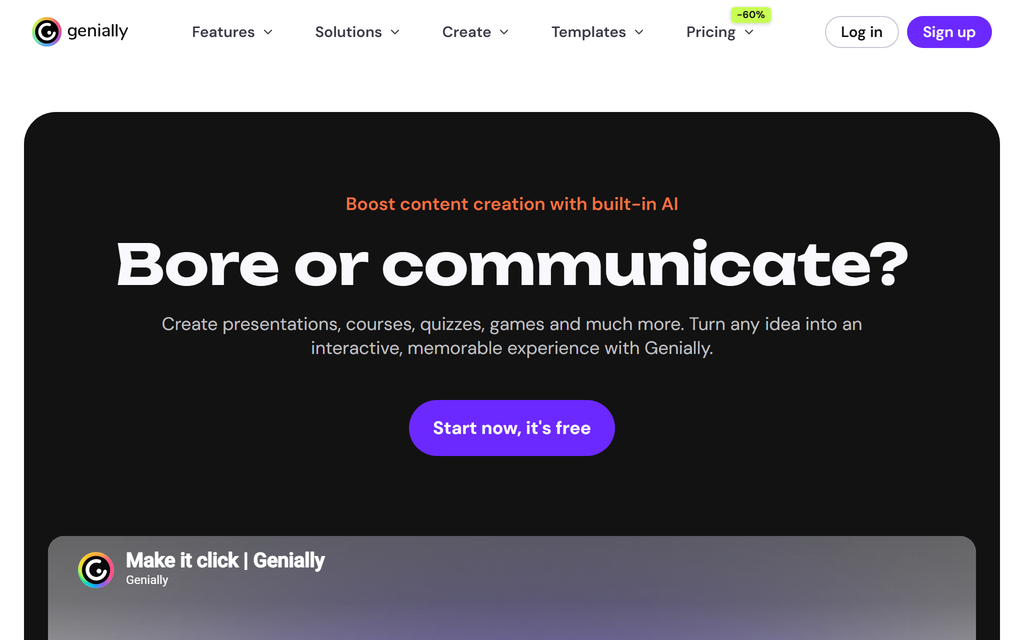
Best for: Interactive, visual content where design matters as much as structure.
Genially bakes clickable elements, animations and drag-and-drop into the editor by default, so visual, engaging content is quick to make.
Replaces in the suite: Rise and Studio, for interactive and visual content rather than formal course structure.
Power and depth: interactivity is the whole point, but it is lighter on assessment, reporting and course structure than a dedicated authoring suite.
Price vs the bundle: a genuine free plan, then Pro reported around $7.49 to $9.90/month, far below the suite, with higher tiers.
The catch: it is a content and presentation tool first, so you handle assessment and delivery elsewhere.
Testing notes: the interactive elements are built in rather than bolted on, so I stopped teaching people workarounds for clickable content. The trade is a feature-heavy interface, and some basics, like the drawing tool, are not switched on until you find the preferences menu.
Verdict: reach for it when the content has to feel interactive and designed, and you can handle assessment and delivery elsewhere.
9. Easygenerator
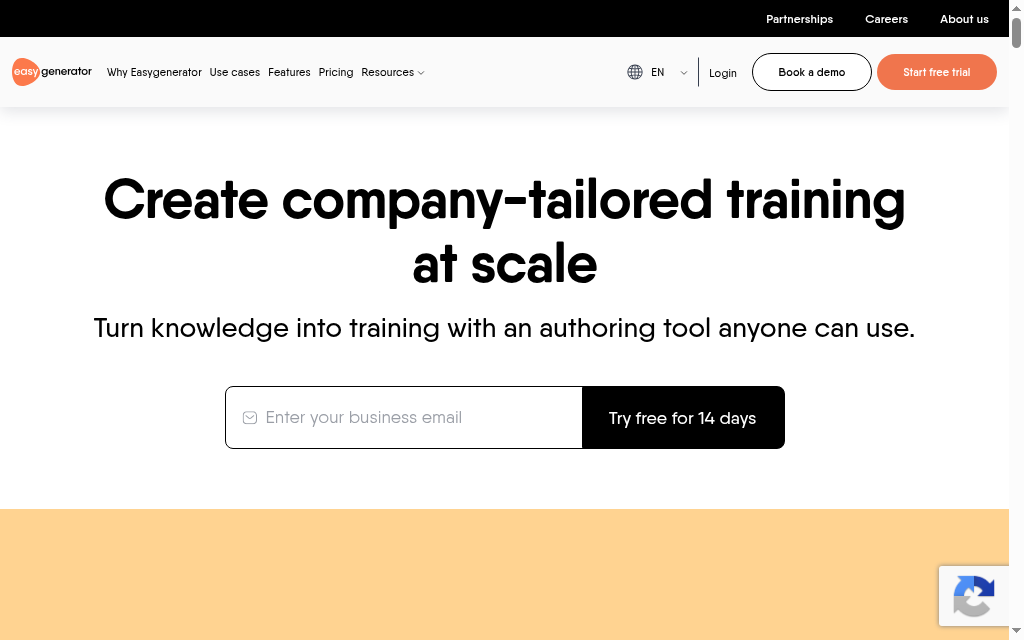
Best for: Getting subject-matter experts authoring simply, without the suite's complexity.
Easygenerator is a cloud authoring tool built so non-designers can produce clean courses fast, with templates and a guided workflow.
Replaces in the suite: Rise, for teams who want experts building, not instructional designers.
Power and depth: solid basics with an AI course builder on every plan; you will hit a ceiling on deep custom interactions.
Price vs the bundle: Pro is $116/month or $1,399/year, close to the suite price for one seat but built so many experts can contribute simply. A 14-day trial then drops to a limited free plan.
The catch: built for simplicity, so it is the wrong tool for simulations.
Testing notes: the templates and the fixed create-then-design-then-publish flow do exactly what a nervous expert needs. As one reviewer put it, the templates make building a course feel less intimidating and give you a starting point, which is the same instinct that made Rise popular.
Verdict: right when the people building courses are experts, not designers, and you want them productive without suite complexity.
10. 7taps
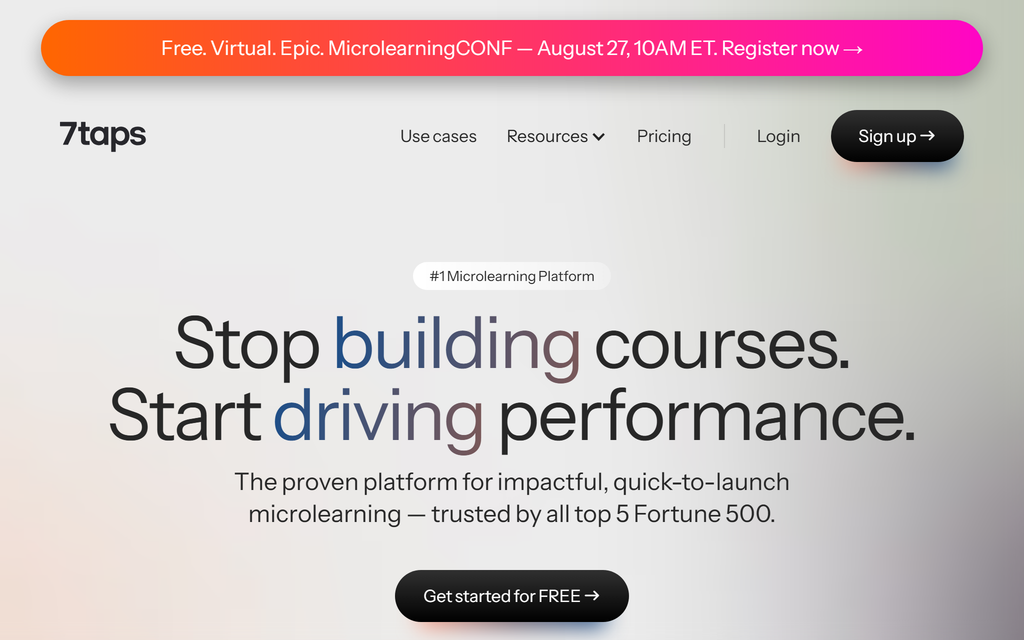
Best for: Fast, mobile-first microlearning rather than full suite-scale courses.
7taps is a microlearning tool for building short, mobile-first lessons in minutes and delivering them straight to learners, with AI that turns a deck into a lesson.
Replaces in the suite: Rise, for the specific job of quick, bite-sized reinforcement.
Power and depth: cards, quizzes and AI video, geared to microlearning, not deep courses. Unusually, it also delivers the microlearning itself.
Price vs the bundle: a genuine free-forever plan; the Starter plan is reported around $4,995/year, with Enterprise by quote.
The catch: it is microlearning by design, so it is the wrong tool if you need structured, multi-module courses.
Testing notes: one thing worth knowing is that quiz questions act as mandatory gates: answer wrong and you cannot move on. It is great for retention and forces engagement, but it also locks the path, so a learner cannot skip or branch around a failed quiz.
Verdict: worth it when the job is short mobile reinforcement delivered fast, not a full course, and you never needed the suite's power to begin with.
How to choose an Articulate 360 alternative
Start from which part of the bundle you actually use.
Check whether it runs on Mac
Storyline and iSpring are Windows-only desktop tools, which quietly rules them out for a lot of Mac-based teams. If that is you, weight the browser-based options here, Coursebox, Gomo, Elucidat, dominKnow One, Genially, Easygenerator and 7taps, since they run anywhere. It is an easy thing to forget until you have paid for a licence you cannot open.
Work out what you were really paying for
If it was Storyline's simulations, look at Adobe Captivate, Lectora or dominKnow. If it was really just Rise, you were overpaying, and Gomo, Easygenerator or Genially do that lighter and cheaper. If it was both, dominKnow One puts both modes in one place.
Count the whole stack, not just the authoring seat
Articulate only exports SCORM, so you also pay for the LMS that hosts it. If you were about to buy delivery anyway, an all-in-one like Coursebox replaces two line items, not one, which changes the price comparison.
Treat quote-only pricing as an enterprise signal
Elucidat and Gomo hide pricing behind a sales call, which usually means enterprise commitment. Weigh that before you invest the evaluation time.
Articulate Rise vs the full 360 suite
Articulate 360 is the whole bundle; Rise is only one tool inside it, the simple, template-driven web authoring tool you reach for when you want a clean, responsive course fast and never open a timeline. Storyline is the other half, the powerful desktop tool for simulations and branching. So when people say they want to leave 360, half of them really only ever used Rise, and they have been paying full suite price, $1,449 to $1,749 a seat, for one simple part of it.
If that is you, the tools ranked above are heavier and pricier than you need. Our Articulate Rise alternatives guide covers the lighter, web-first options built for exactly that job, so start there rather than here.
Which Articulate 360 alternative should you pick?
The honest answer is that most teams overpay for 360 and then replace one slice of it. Name the slice. If it is Storyline's power, Captivate or Lectora get you there for less. If it is Rise, almost anything lighter will do. And if you were going to build a delivery stack around the exports, an AI-native all-in-one is the option the bundle never gave you. Whatever you pick, price it against the whole suite you are leaving, not against a single seat.
Frequently Asked Questions
It depends on which part of the suite you use. For Storyline's simulation power, Adobe Captivate or Lectora. For Rise-style simple web authoring, Gomo, Easygenerator or Genially. And if you want to replace both the authoring and the delivery the suite makes you buy separately, an AI-native all-in-one like Coursebox does more of the stack.
Yes. Genially has a genuine free plan, 7taps has a free-forever microlearning tier, and Coursebox is free to start. If you want fully free and open source, ActivePresenter and H5P let you build and export SCORM at no cost, though you trade polish and support for the price. The dedicated power tools, Captivate, Lectora, dominKnow and iSpring, are paid, usually with a trial rather than a lasting free plan.
Articulate 360 now costs $1,449 per user per year for the Personal plan and $1,749 per user per year for the Teams plan, for the whole suite. Most alternatives are cheaper per seat if you only needed one part of it: Adobe Captivate is reported around $34 a month, iSpring from about $770 a year. The ones that match or exceed the bundle price, like Lectora and dominKnow, only make sense if you specifically need their power.
Articulate 360 is the whole bundle: Storyline (powerful desktop authoring), Rise (simple web authoring), Studio, Review and a content library. Rise is just one tool inside it. If Rise is all you use, see our Articulate Rise alternatives guide; this list is for replacing the full suite.
Adobe Captivate is the closest like-for-like to Storyline for software simulations, with demo, try-it and branching modes. Lectora and dominKnow One also handle complex simulations, and dominKnow adds a screen-capture mode. These are the tools to test if simulations were why you bought the suite.
Storyline, the powerful half of the suite, is Windows-only, which is one of the most common reasons teams look elsewhere. iSpring Suite is Windows-only too. If your team is on Mac, the cloud tools on this list, Coursebox, Gomo, Elucidat, dominKnow One, Genially, Easygenerator and 7taps, all run in a browser on any operating system.
They are not the same kind of product. Adobe Captivate is a single authoring tool built for software simulations and responsive output, reported around $34 a month. Articulate 360 is a whole suite: Storyline, Rise, Studio, Review and a content library, at $1,449 to $1,749 per user a year. If simulations are all you need, Captivate does that job for far less per seat. If you use Rise and the rest of the bundle, you are comparing one tool against five.
Not by importing the source files. Storyline .story projects and Rise courses are proprietary, so no other authoring tool opens them directly, and you rebuild rather than migrate. The practical path is to keep your already-published SCORM packages running in your LMS while you rebuild new content in the replacement. AI-native tools like Coursebox shorten the rebuild by generating courses from your existing source documents, so you are not starting from a blank page.
Travis Clapp
Educational technologist and instructional designer

