

6 Best PowerPoint to Flashcards AI Tools in 2026: My Practical Review
Compare 6 PowerPoint-to-flashcard AI tools for source handling, study, delivery and export, with current plan limits and practical checks.

The 6 best PowerPoint to flashcards AI tools in 2026 are Knowt, NoteGPT, Coursebox, Limbiks, Revisely and AnkiDecks. Compare slide handling, editable questions, review modes, export and the allowance for your actual deck size.
- Knowt, Limbiks and AnkiDecks offer free access with different generation allowances. Revisely also has free manual cards and limited AI generation; teacher and classroom packages need a separate comparison.
- Check editable prompts, source coverage, scheduled review and export. AnkiDecks supports its own study workflow as well as Anki export.
- Coursebox connects flashcards with course creation, tutoring, quizzes, written assessment and tracked delivery. Choose the workflow you need rather than assuming a student or trainer can use only one category.
- Compare the generated set with the source slides. Review diagrams, exceptions, duplicate prompts and any material omitted by upload limits.
Compare four options from this guide. Answer for your own learning needs; the full comparison covers the other tools.

Convert anything into flashcards instantly
A slide can make sense during a lecture and become a confusing flashcard afterwards. The heading may depend on a diagram, an abbreviation or an explanation that never made it onto the slide. I’d want the generated card to ask a clear question and give enough context to answer it.
I’d also decide how the cards will be used: revision on your own, an activity assigned to a class or practice inside a training course. That changes what you need after generation, including editing, sharing and tracking. These tools cover different combinations of that work.
Disclosure: I work at Coursebox. Our AI flashcard maker is included alongside the other options, with the relevant workflow, pricing and limitations explained below.
In Karpicke and Roediger’s word-pair study, repeated retrieval supported later recall. I would use that as a reason to answer the card before turning it over, then check the response against the source.
How I judged these
I compared the six tools using their current documentation and pricing in October 2026, alongside the practical learning-design checks below. This is a product review and buying assessment, not a controlled test of all six generators.
- Quality of the generated cards. Does the AI pull real question-and-answer recall prompts from your slides, or chop text into cards you still have to fix? Junk cards waste more time than they save.
- Review options. Check for scheduled review, self-testing and editable prompts. A study schedule is useful only when the questions are accurate and answerable.
- Source handling. PowerPoint is the start; some tools also take PDFs, notes and video, and handle images and diagrams, not just slide text.
- Study alone or deliver to others. A student wants a personal deck; a trainer wants recall practice they can assign and track. This decides the tool far more than the conversion feature.
- Price and limits. Compare free generation allowances, deck size, review access and export. Paying for more uploads is different from paying for a study mode.
The 6 best PowerPoint to flashcards AI tools at a glance
| Tool | Best for | Workflow | Price | Check |
|---|---|---|---|---|
| Knowt | Student revision and teacher plans | Generate, edit and study | Free; paid AI allowances | Student and teacher quotas differ |
| NoteGPT | Mixed study sources | Summaries, cards and other study aids | Free; paid credits | Input and flashcard credit usage |
| Coursebox | Cards within delivered training | Cards, tutoring, assessment and LMS | Free; usage-based paid plans | Course and AI allowances |
| Limbiks | Generation, study and export | Cards, image occlusion and spaced review | Free; Pro US$5/mo | Upload and slide limits |
| Revisely | Student and teacher workflows | AI cards, quizzes and assignments | Free manual; paid AI plans | Plan-specific classroom features |
| AnkiDecks | Study with Anki export | Generate, study and export APKG | Free; Pro US$7.99/mo | Deck and page limits |
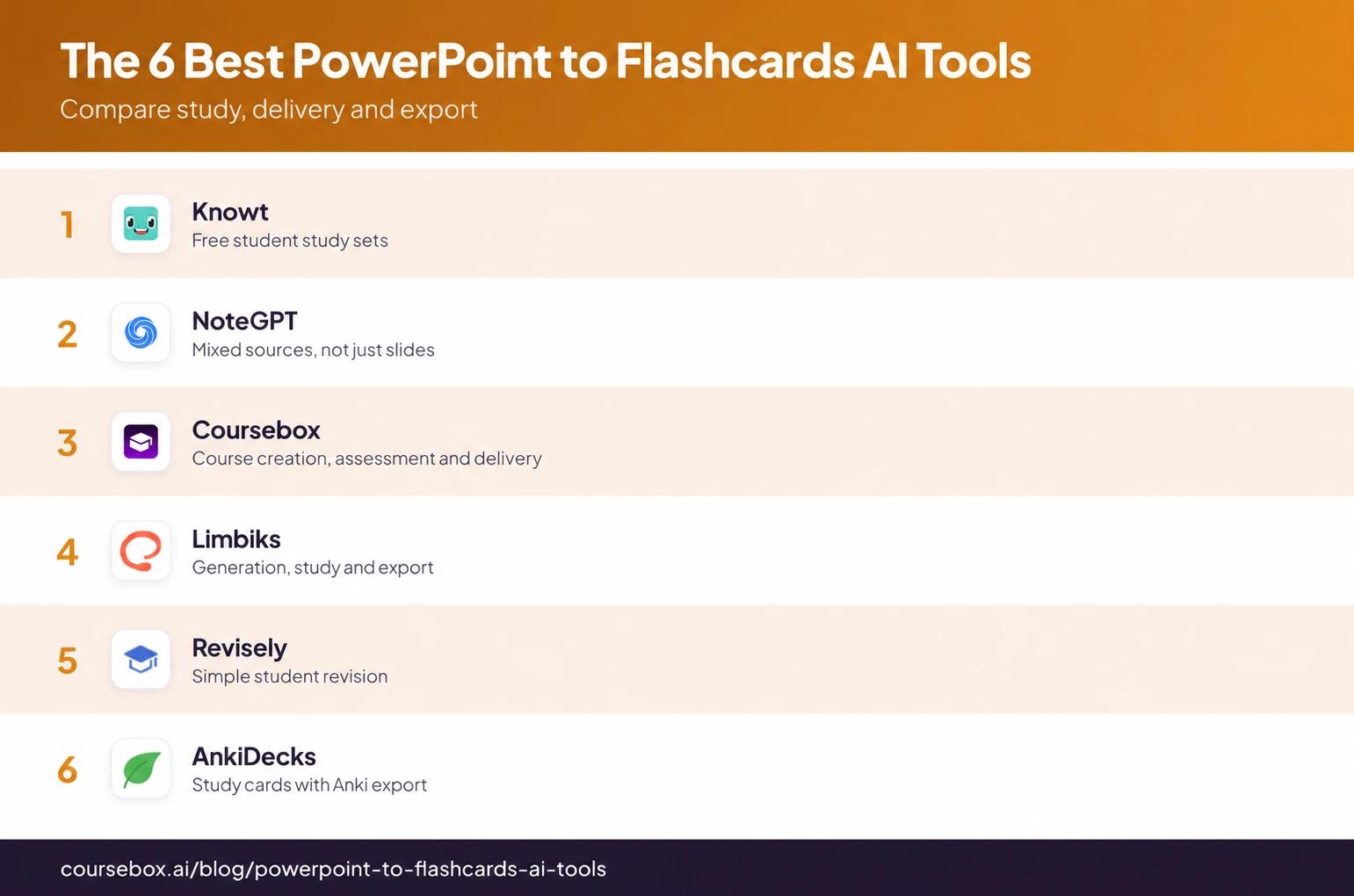
Pricing and allowances were checked in October 2026. Confirm the current checkout and the limits attached to the upload workflow you will use.
The 6 best PowerPoint to flashcards AI tools
1. Knowt
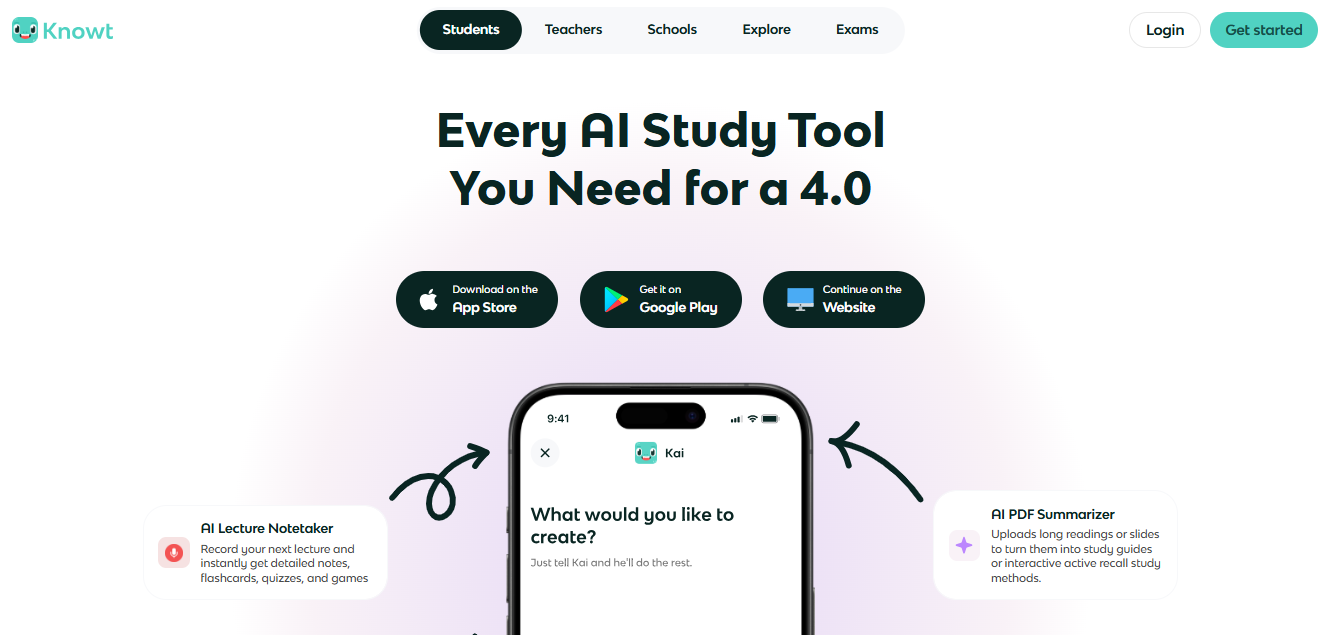
Knowt suits students who want a slide-derived study set and several ways to practise it in one account. Upload the lecture material, generate the set, edit the questions, then use Flashcards, Learn, Practice Test or Spaced Repetition. The study modes are available on your own sets in the free plan; AI generation has separate limits.
That separation changes the buying decision. You can keep reviewing an existing deck without paying for unlimited new summaries. A student taking several subjects needs to check the upload allowance as well as access to study modes. Teachers have separate classroom plans and assignment workflows.
A sensible review starts with a slide containing a definition, a diagram and an exception. Check whether the cards preserve the exception and whether the diagram is still understandable without the surrounding slide. Edit vague questions before starting a scheduled review, otherwise the system will repeatedly rehearse an ambiguous answer.
My take: Knowt is an accessible starting point for personal revision because creating the set and practising it happen together. My preference would be to improve a small set of useful cards before generating an entire semester. Classroom use needs its own plan comparison rather than assumptions from the student account.
Pricing: The student Basic plan is free. Its current allowance lists one AI summary a month across supported sources, including PowerPoint. Ultra increases AI allowances; confirm the current student or teacher checkout price for your region.
2. NoteGPT
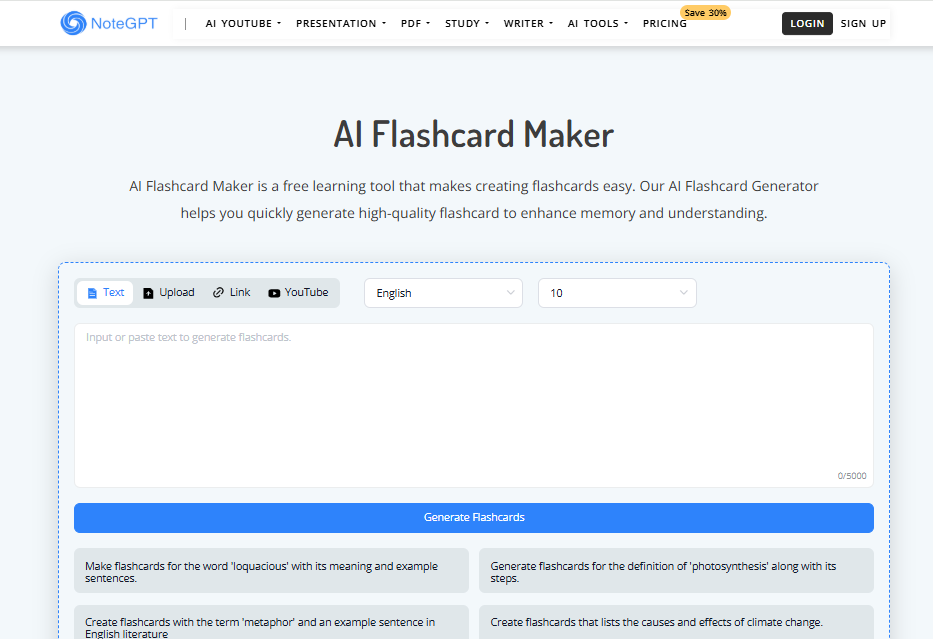
NoteGPT is useful when lecture slides are only one part of your study material. Its flashcard tools sit alongside summaries, mind maps, transcription and AI chat, so you can work with documents or videos as well as presentations.
The workflow is to supply the material, generate a study aid, then inspect the questions and answers against the source. A summary helps recover the context of a topic; a flashcard should ask you to produce a specific answer. Those are different outputs, so a good summary does not establish that its cards are ready to study.
For a slide deck with images or equations, check the actual supported input and what the generator extracts. If a particular upload surface requires PDF, export the deck first and inspect the converted pages. Do not assume every NoteGPT feature shares the same file formats, limits or credit treatment.
My take: The reason I would choose it is the combined study workflow, especially when I need to understand a source before making recall prompts. I would compare the exported cards and repeat-review options with a dedicated flashcard tool before making it my only study system.
Pricing: Free access and paid plans use feature-specific quotas and premium credits. The pricing page lists Unlimited at US$29 monthly or US$239 annually, with premium-credit allowances still applying. Check which allowance the flashcard workflow consumes rather than treating the plan name as unlimited use of every feature.
3. Coursebox
Coursebox suits trainers turning a presentation into learning they can deliver and track. Flashcards can support recall within a wider programme that includes lessons, quizzes, written assessments and learner support. It also provides LMS delivery, so the output need not stop at a personal study deck.
Start with approved slides or source documents, review the generated material, and organise the course for the people taking it. The course-grounded AI tutor gives learners a way to ask about the content; written responses can be graded against a rubric with feedback an administrator can review. Progress reporting then helps the trainer see who needs follow-up.
Use the cards for concepts that benefit from recall, such as terminology or a process step. Use an assessment or practical task for decisions that need explanation. A set of remembered terms alone cannot establish that someone can apply a procedure, and the course should make those different activities clear.
My take: I work at Coursebox, and the combination I value here is recall practice alongside assessment and delivery. For a trainer, that keeps the cards connected to the programme. For a student who only wants an exported Anki deck, I would compare the dedicated study tools first. Choose it for the learning workflow you need, rather than labelling either audience off limits.
Pricing: All plans include unlimited learners, including Free, with course, AI and administrator allowances. Branded LMS delivery and advanced administration depend on the plan. Compare the course and AI usage you need, not just how many people will study.
4. Limbiks
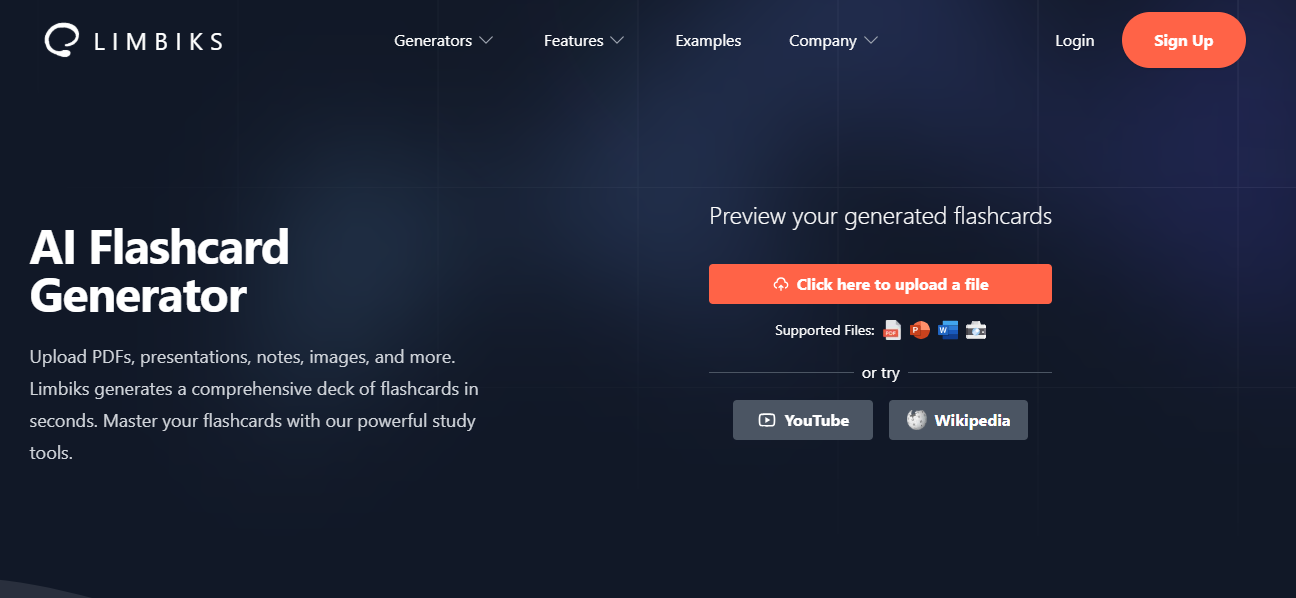
Limbiks combines document-to-card generation with built-in study tools. It accepts PowerPoint, PDFs, documents and images, generates flashcards and multiple-choice questions, and offers spaced repetition. Downloads and Anki sync let you move the cards into another review workflow.
That gives you two useful choices: study the generated set in Limbiks, or export it after checking the prompts. Its image-occlusion feature is relevant when a diagram is the thing to remember, because the learner recalls a hidden label rather than reads a text description of the whole image.
For a long lecture, the upload limit is a practical constraint. A plan that accepts only part of the deck can omit the later topics even if the cards it produces are accurate. Compare the selected slides with the resulting set, remove duplicate prompts and make sure each card asks one answerable question.
My take: The export route and built-in review are what put Limbiks on my shortlist. I would start with a small, representative lecture section and inspect both the wording and diagram cards. The choice between free and paid is mainly about processing the material you actually have, not whether you can access spaced review at all.
Pricing: Free includes ten uploads a month, with the pricing table listing five pages or slides per upload. Pro is listed at US$5/month, with 100 uploads and up to 200 pages or slides each. The homepage advertises a different free page limit, so use the account’s actual allowance when testing a deck.
5. Revisely
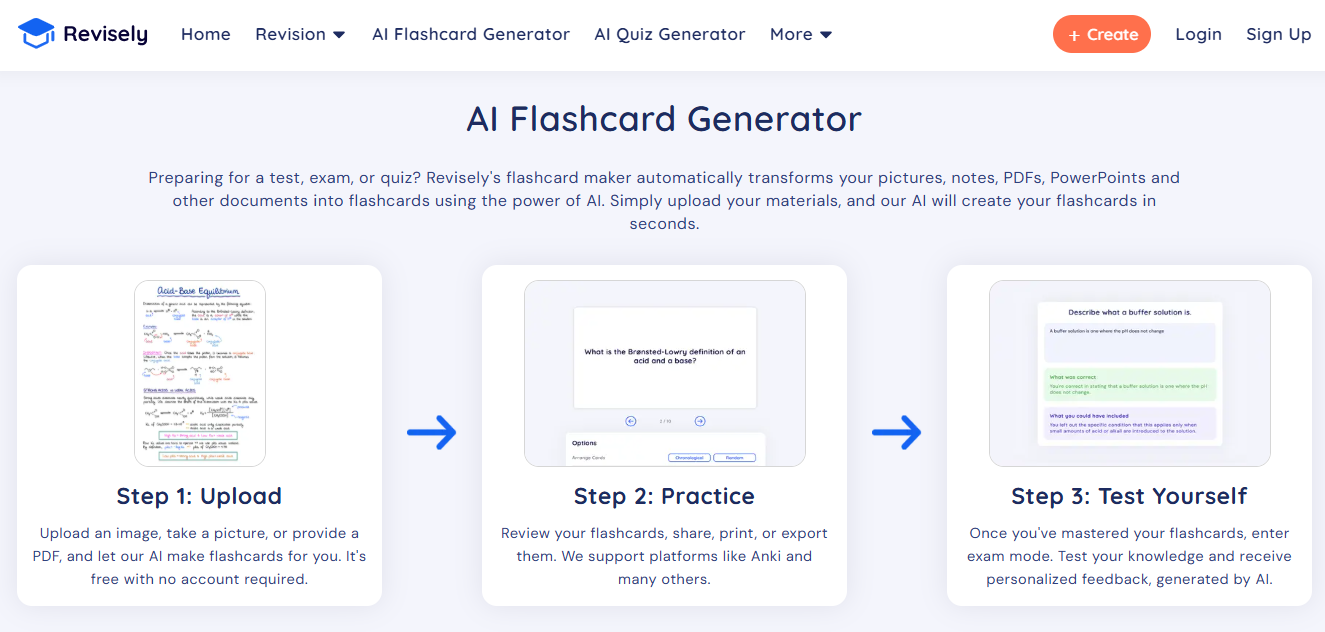
Revisely turns study material into editable flashcard decks, quizzes and notes. Its help centre lists PowerPoint .pptx, PDFs, Word documents and images as supported files. It is a useful option when the main task is converting your existing material into a manageable revision set.
Upload the source, choose the generated output and review the questions before studying or sharing them. Tags organise resources, and its export options let a learner continue in a separate study system. Check the exact export format if Anki is part of your workflow; a card file and a finished Anki package are different deliverables.
Compare the student and teacher allowances separately. Revisely now distinguishes School and Work plans, including response features for teachers and professionals. Compare those arrangements if someone needs to distribute questions or collect answers, rather than assuming the personal study plan covers the class.
My take: I would use Revisely for a straightforward source-to-revision workflow and judge it on the editable output. My check would be whether the deck covers the important exceptions as well as the easy definitions. If long-term review is the priority, make the study schedule explicit or export to the review tool you already use.
Pricing: Basic is free, with upload and AI limits; manually created flashcards are unlimited. The personal AI subscription is listed at US$4.99/month billed annually or US$11.99 monthly, with a 200-page document allowance. School and Work needs should be priced on their own plans.
6. AnkiDecks
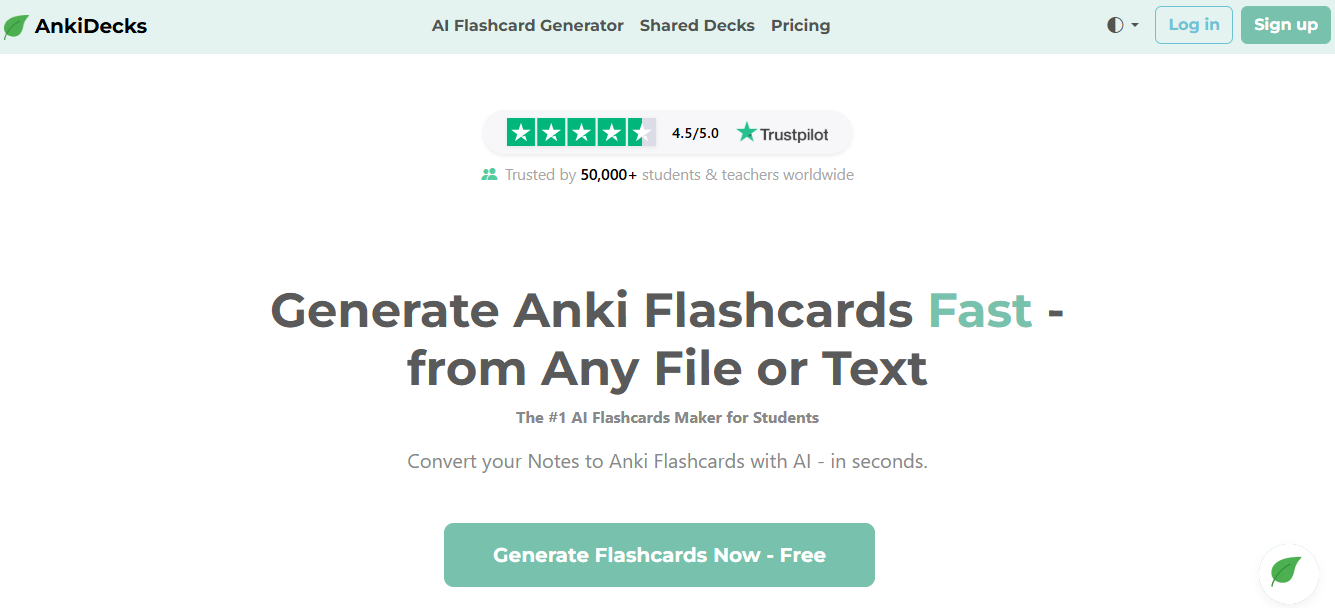
AnkiDecks creates study decks from PowerPoint and other source files, with export to Anki on every plan. The correct product domain includes the hyphen. It also now offers its own spaced review and quizzes, so an existing Anki account is useful but is not the only way to study the cards.
Its file processing supports text, images and diagrams, with image occlusion available for visual recall. Generate the deck, edit the cards and export an .apkg file when you want them in Anki desktop or mobile. Once imported, Anki manages the review schedule; the generator is responsible for preparing the cards.
The important handoff is between generation and review. Inspect the imported card types and images, check whether later lecture pages were processed, and remove repeated or overly broad questions. A scheduling algorithm cannot repair a card that asks for several unrelated facts at once.
My take: For someone who already has an Anki routine, the export is the reason to consider AnkiDecks. I would keep that established review habit and use the generator to reduce preparation work. New users can try the built-in study tools before deciding whether they want the additional Anki workflow.
Pricing: Free includes four deck generations a month and ten-page documents. Pro is US$7.99 monthly or US$60 annually, with 50 generations and 100-page documents. Ultimate raises those limits. All plans export to Anki, and the product is independent of Anki Software LLC.
Before generating a large deck, review a small section containing a definition, diagram and exception. Remove duplicate prompts, correct the answers and check that the chosen review workflow fits your study schedule.
Cepeda and colleagues provides context for the training decision. This figure describes research on spacing, not the performance of any app. The review interval depends on how long the material needs to be retained.
Which PowerPoint to flashcards tool should you choose
| Your priority | Compare | Check before buying |
|---|---|---|
| Student study modes with free access | Knowt | Monthly AI generation allowance |
| Mixed study sources | NoteGPT | Supported input and credits for the flashcard workflow |
| Cards within delivered training | Coursebox | Cards, assessments and reporting in the course |
| Generation with study and export | Limbiks | Slide limit and diagram handling |
| Student revision or teacher assignments | Revisely | AI allowance and classroom plan |
| Study with Anki export | AnkiDecks | Deck size, generation limits and export |
If what you actually want is a broader study setup rather than only flashcards, our roundup of sites like Quizlet covers the wider study-tool field.
Check a sample before converting the whole deck
- Choose slides containing a definition, process, diagram and exception.
- Generate a small set and compare every answer with the source, including anything the upload omitted.
- Edit vague or duplicate prompts. Answer each card before revealing the back.
- Try the actual review, assignment or export workflow you will use, then price the full deck size.
Frequently Asked Questions
Upload the format supported by the specific tool, commonly PPTX or a PDF export. The generator turns extracted content into questions and answers you can edit. Do not assume every tool reads speaker notes, diagrams or every slide correctly.
Knowt combines generation with student study modes. NoteGPT supports mixed study sources; Limbiks and AnkiDecks provide generation, study and export options. Revisely has student and teacher plans. Coursebox connects cards with a wider training course. Compare upload allowances as well as review access.
AI can generate a useful first set, but check each answer against the source. Correct vague prompts, missing exceptions, diagrams and duplicates before using the cards for revision. Accuracy depends on the material and generator, not just the file format.
Yes. Coursebox can turn source material into flashcards and quiz questions within a course you deliver and track. The wider programme can include learner tutoring and written assessment. Review the generated learning before assigning it.
Research supports retrieval practice and distributing study over time. Flashcards can support both when the prompts are accurate and learners answer before checking. Results from laboratory studies do not establish the performance of a particular AI app.
Carolina Martin
Carolina is a highly experienced learning designer with tech start-up experience. She is based in Sydney and previously designed courses alongside Coursebox founder Travis in a previous job. She is passionate about delivering engaging learning experiences and brings the same perspective to customer experience too. She manages our customer support documentation and product testing processes.

