

8 Best LMS for Restaurants in 2026: My Practical Review
My review of eight restaurant learning and training tools: content, mobile access, practical checks, manager follow-up and the plans you need.

The best LMS for restaurants in 2026 include 7shifts, Opus Training, Coursebox, Wisetail, Connecteam, Trainual, Typsy and iSpring LMS. Choose by the content, learner access, practical follow-up and systems your restaurant needs.
- Check staff access, content languages, practical assessment and manager follow-up. Those needs can differ between locations and roles, so test the full assigned learning task.
- Coursebox combines AI course creation from menus and SOPs with assessment, tutor support and training delivery, with unlimited learners. Keep the restaurant’s scheduling and POS systems separate.
- Opus and Wisetail connect learning with frontline operations; Typsy supplies hospitality content; 7shifts adds training to its Premium workforce plan. Compare those routes with the course creation and delivery you need.
Compare four starting points from the eight tools below. Choose the main job first; the later questions refine your rollout preferences.

Run your own branded LMS with unlimited learners
Restaurant training has to work around a shift. New hires need the operating basics, experienced staff need updates, and managers need to know who can perform the work. I compared eight learning and training tools for those jobs, including course creation, multilingual access, practical checks and reporting.
I’m Alexandra. In this review, I tested the fit of each tool against the restaurant’s daily training workflow, its available content and the plan needed to run it. I put particular weight on how staff access training and how a shift lead follows it up.
I work at Coursebox, one of the platforms here. Its hospitality LMS combines AI course creation, assessments, tutor support and branded delivery. I have compared that workflow with the restaurant-specific and content-library options below.
How I picked these restaurant training tools
The restaurant floor, not a feature list, set the test. I judged each tool on:
- Turnover fit: How fast and repeatable onboarding is, because you are doing it constantly.
- Deskless access: Whether staff can train on a phone with a simple login, not a corporate email and a laptop.
- Languages: Whether content translates for multilingual floor and kitchen crews.
- Build or buy content: Whether you author your own menus and SOPs, or assign a ready-made hospitality library.
I weighted the floor constraints most: the best restaurant tool is the one your staff will actually complete, not the one with the longest feature list.
Keep the lesson, the procedure and the practical check connected. New hires need role-specific material; a supervisor still needs to observe work where a quiz cannot establish competence.
The best restaurant training tools compared
| Tool | Best for | Type | Starting price |
|---|---|---|---|
| 7shifts | Training inside the shift app | Restaurant workforce app | Premium: US$134.99/location/month, annual |
| Opus Training | Deskless, multilingual crews | Restaurant-native LMS | Quote-only |
| Coursebox | AI courses from your menus/SOPs | AI LMS | Free; branded Pro LMS from US$3,000/year |
| Wisetail | Engaging multi-unit brand academy | Hospitality LMS | Quote-only |
| Connecteam | Training bundled with deskless ops | Workforce app; separate hubs | Free up to 10; paid hubs from US$29/month, annual |
| Trainual | Franchise consistency from SOPs | SOP / onboarding | Quote-only |
| Typsy | Off-the-shelf hospitality video | Hospitality library and LMS | Team: US$120/member/year |
| iSpring LMS | PowerPoint-to-course + tracking | General LMS | US$8,286/year at 100 users; authoring separate |
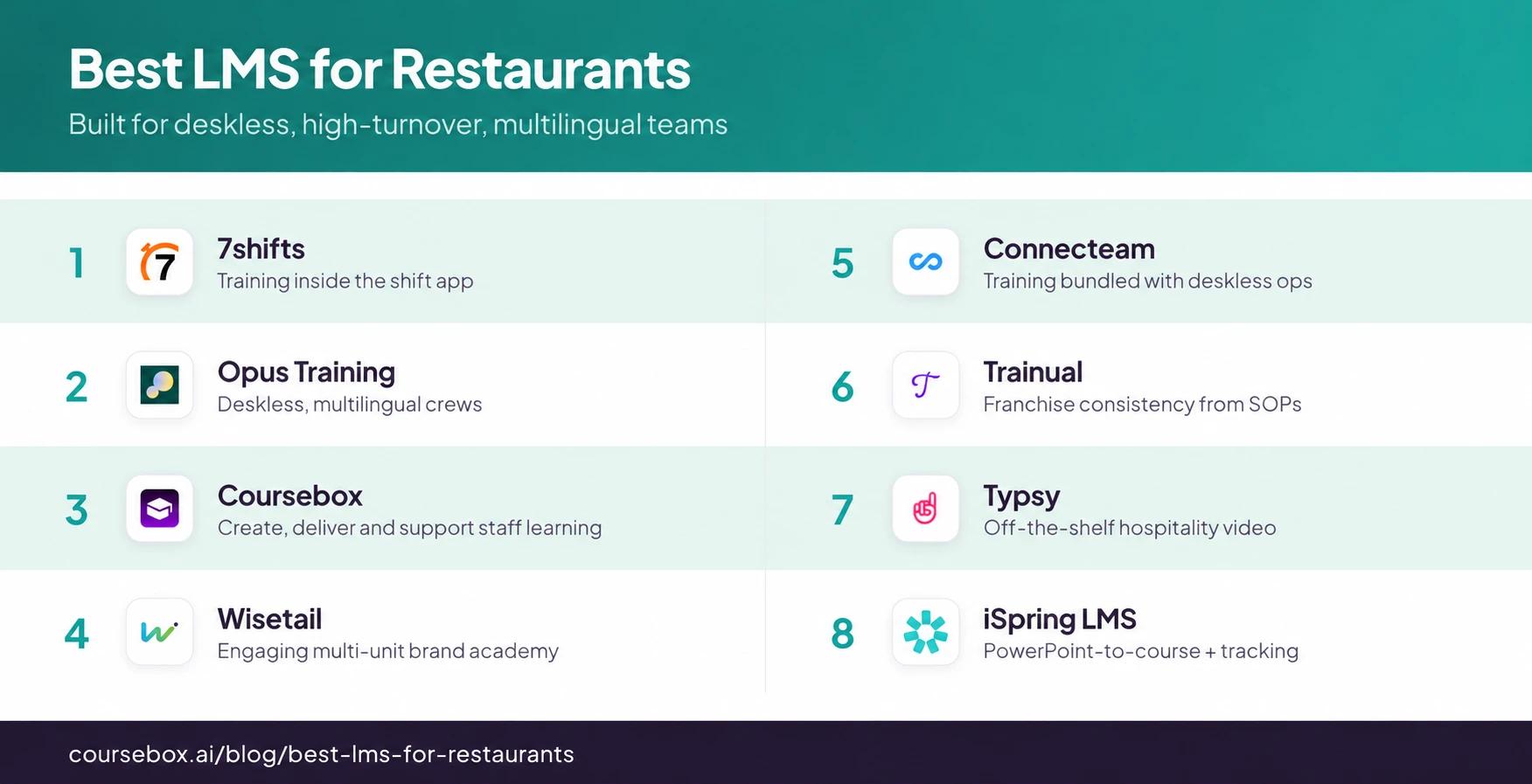
The 8 best restaurant training tools
1. 7shifts
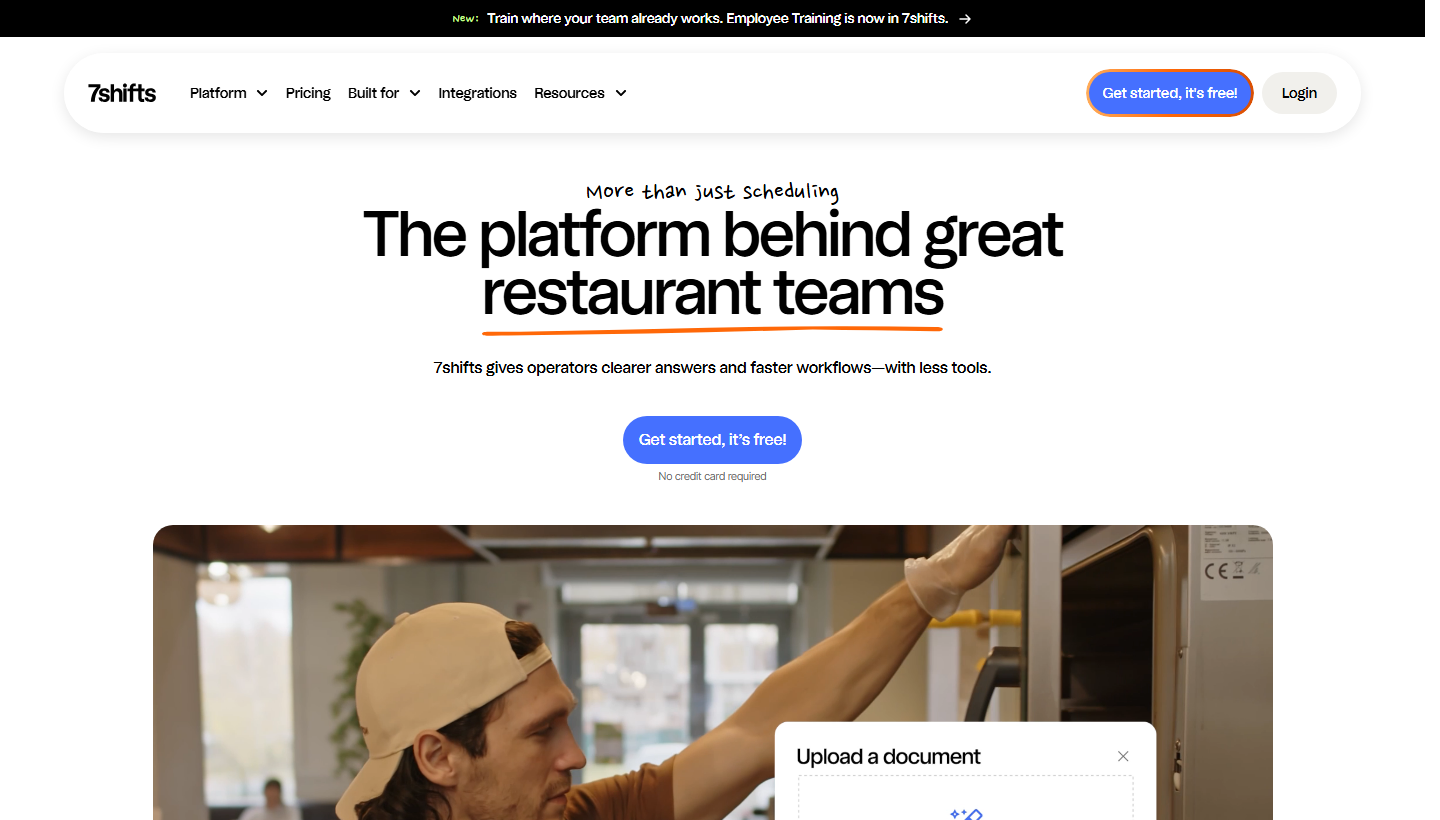
7shifts combines restaurant scheduling and team operations with an Employee Training module. Managers create lessons and courses in the platform; Premium is required to publish, assign and give employees access.
Coursework and practical tasks sit alongside the team’s scheduling workflow. This is useful when managers already run the restaurant through 7shifts and want training follow-up in that environment.
My review notes: The shared staff app is the reason I would shortlist it. Compare the training module’s content, assessment and reporting with a dedicated LMS, and include the Premium upgrade in the decision.
A useful detail in the training module is the separation between lessons and tasks. A lesson can explain a station procedure; a task can require an on-floor demonstration for a manager to approve. Manager permissions control who can manage training and who can view it. That gives the buyer a better question than whether a course was opened: can the shift lead record that this person can do the job?
Pricing and plans: Employee Training requires Premium. The published Premium price is US$134.99 per location/month on annual billing. Comp, Essentials and Pro are cheaper scheduling tiers, but do not include the publishing and assignment rights needed for this training workflow.
2. Opus Training
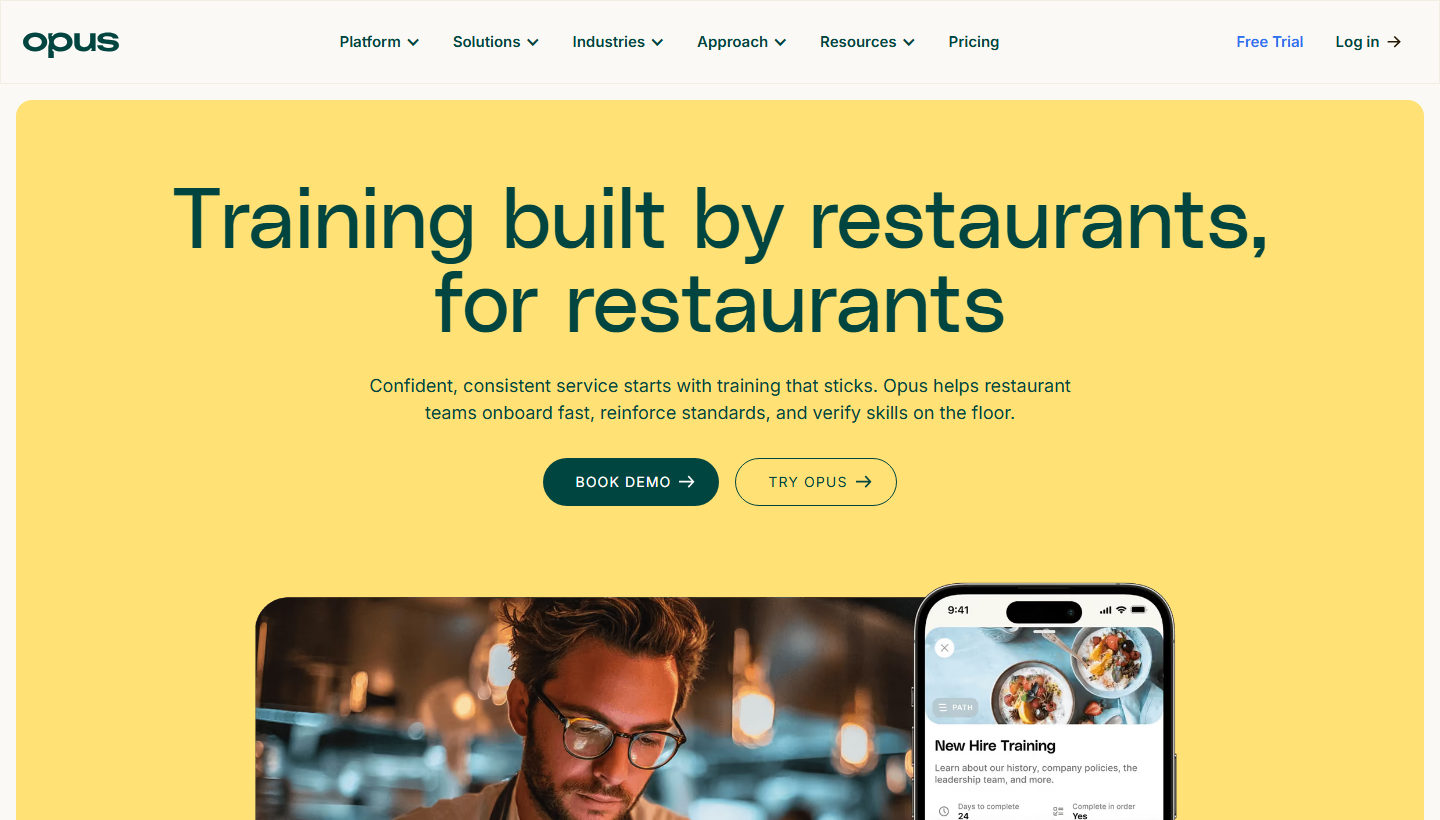
Opus Training is a frontline training-operations platform with no-email access, multilingual content, manager check-ins and practical skills validation. It suits restaurant teams that need both lessons and procedure support during a shift.
Staff access short, media-rich courses and operating resources from their phones. Opus advertises translation into more than 130 languages, while managers can follow progress and validate work. Language availability does not remove the need to review safety terminology in the restaurant’s own procedures.
My review notes: I would compare Opus when reaching staff without corporate email and connecting lessons with daily procedures are the main jobs. Course creation, operating resources and manager follow-up are useful together; price that full configuration in the proposal.
Opus also connects training with operating resources and manager follow-up. Its resource library has permissions by role, location, brand or topic, and staff can search procedures from their phones. A manager can use check-ins and in-person skills validation alongside courses. I would use that combination for a changed kitchen procedure: update the resource, assign the lesson and keep the practical check with the supervisor rather than treating a translated quiz as the whole assessment.
What it costs: Quote-only.
3. Coursebox

Coursebox is ours, so weigh that. It is the AI-native pick: turn your menus, SOPs and food-safety docs into a branded mobile course in minutes with an AI hospitality LMS, rather than building each lesson by hand.
Upload the material new hires need and review the generated lessons, quizzes and AI video. Coursebox delivers the course on a phone or computer and tracks progress, with unlimited learners. AI tutor support and assessment help the programme continue after onboarding; restaurant scheduling and POS remain separate.
On the floor: I would choose it when the team needs to create, maintain and deliver its own training without a per-learner charge. A menu change still needs an expert to approve the lesson and a supervisor to check the practical work.
The workflow continues after the first draft. A subject expert reviews the generated lessons and questions, learners work through the course with AI tutor support, and the administrator follows progress and assessment records. You can deliver in Coursebox or export a SCORM package to an existing LMS. That is useful when course production, learner support and delivery all need an owner; an AI draft still needs your subject expert’s approval.
Pricing and plans: Free to start with unlimited learners. A branded Pro LMS starts at US$3,000/year; Enterprise starts at US$30,000/year with a two-year minimum. AI credits, administrators and portal requirements affect the plan. Enterprise SAML for administrators is a US$3,000/year add-on; learner SSO is scoped separately.
4. Wisetail
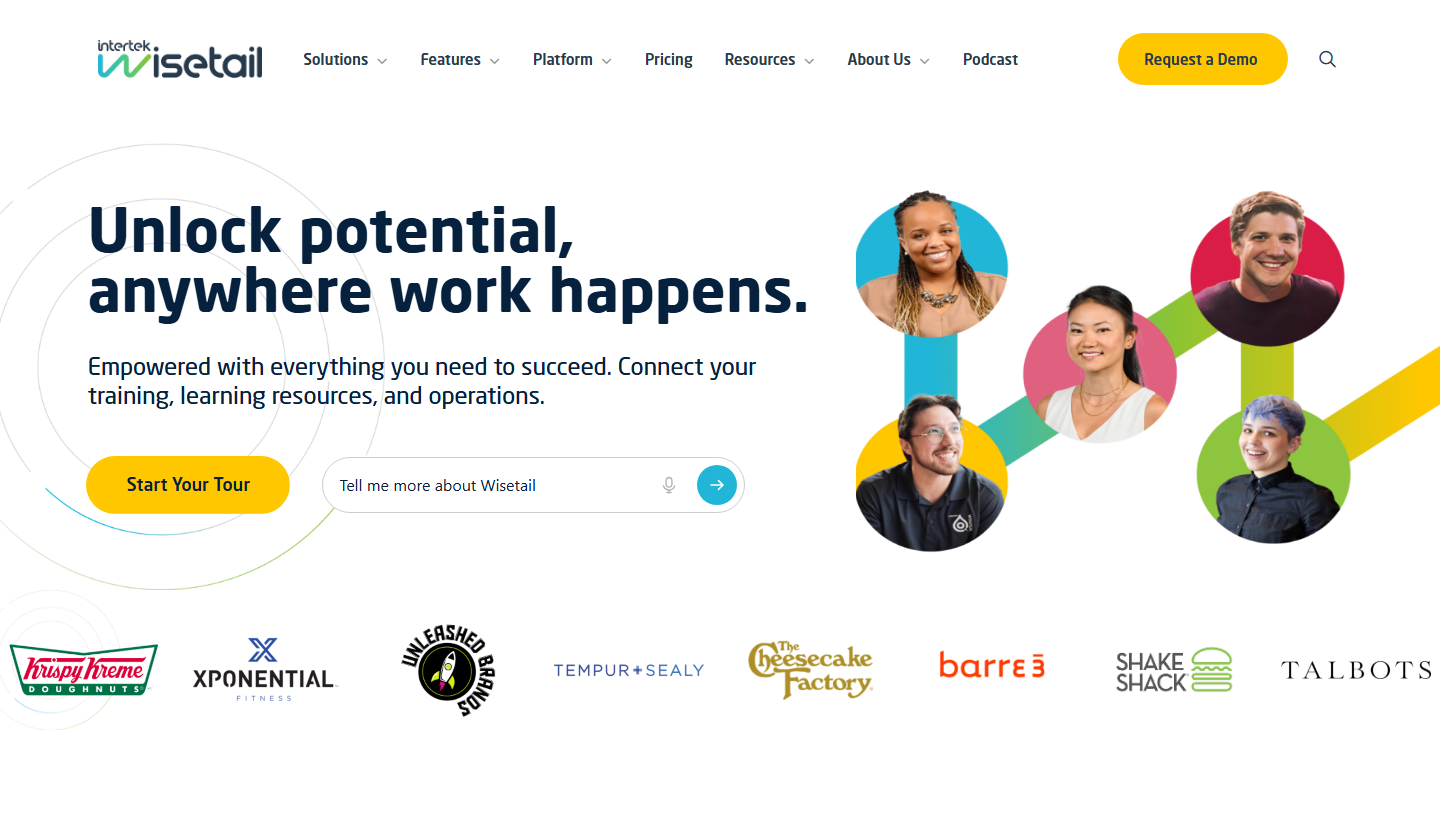
Wisetail (owned by Intertek) is a community-driven LMS built for restaurant and hospitality brands, with customers like Shake Shack and The Cheesecake Factory.
It pairs course delivery with social and community features (feeds, recognition) to drive engagement across multi-unit brands, with branded academies per concept. It is aimed at larger restaurant groups that want an engaging, branded LMS, not the cheapest option.
My pick: The fit for a multi-unit restaurant brand that wants an engaging, on-brand academy with community features and has the budget for it; overkill for a single location.
The academy should serve more than day-one induction. A group can keep operating guidance, course content and staff communication in one branded learning space. For a franchise rollout, I would compare how a central team publishes a changed standard with how a local manager follows up staff who need it. Community features help people find and share knowledge, but somebody still has to maintain the approved operating content.
What it costs: Quote-only.
5. Connecteam
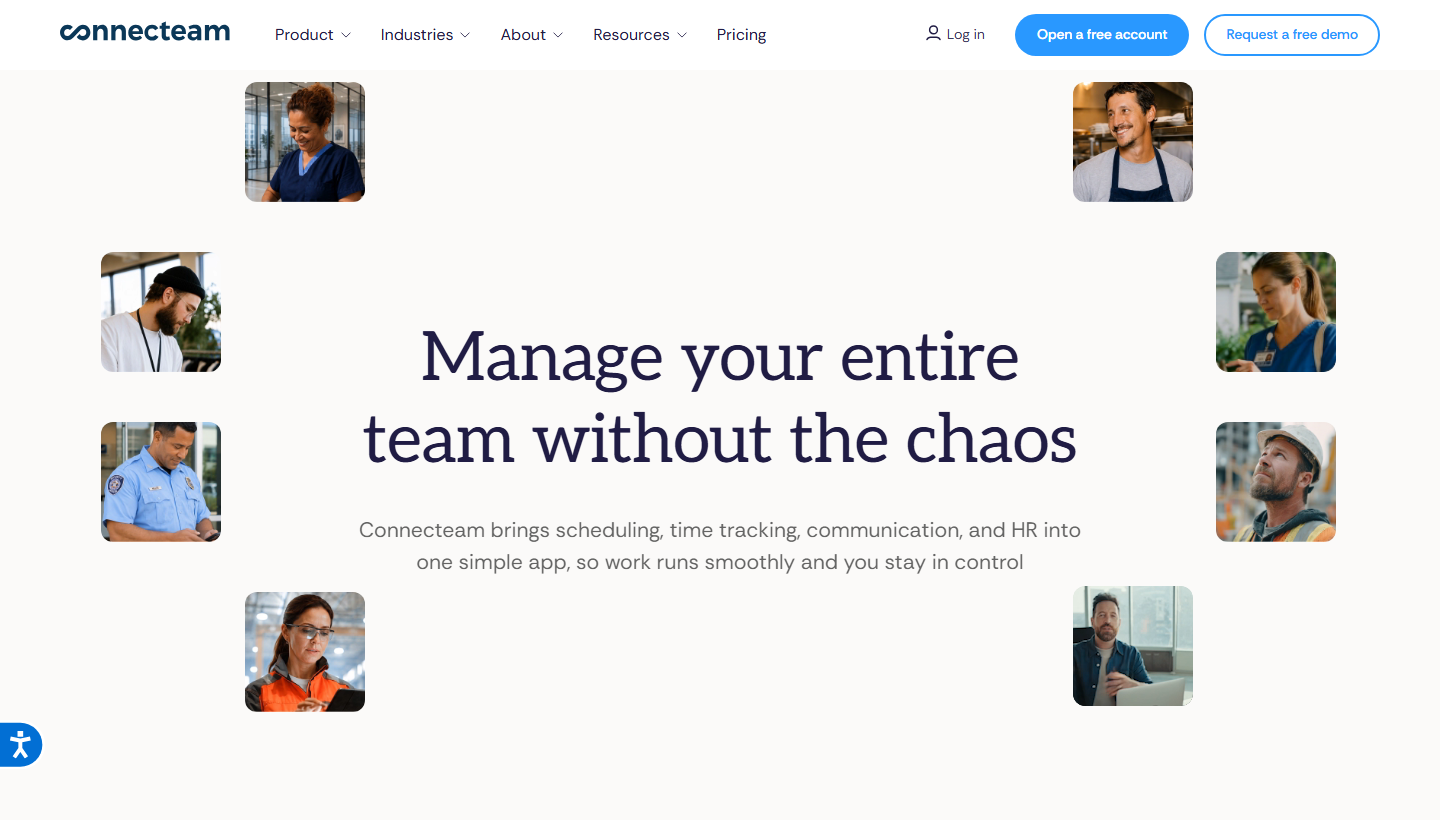
Connecteam is an all-in-one deskless workforce app (scheduling, comms, HR) with a training and onboarding module, aimed at smaller restaurants that want training bundled with ops cheaply.
The employee app combines access to the subscribed hubs. Managers can assign courses and quizzes through HR & Skills; scheduling and day-to-day operations use their own hub. Price and configure the needed modules rather than assume every function comes with one subscription.
On the floor: I would compare this when a small restaurant wants one staff app for several jobs. The buying decision is the combination of hubs, their plan limits and the training workflow, rather than an unsupported cheapest-tool ranking.
Courses and quizzes belong to the HR & Skills Hub, while scheduling belongs to the Operations Hub. That separation changes the budget: buying one paid hub does not automatically buy the others. I would map the restaurant’s course, scheduling and communication needs to the actual hubs before comparing its price with a standalone LMS. The attraction is one employee app, with the configuration and subscriptions still tied to the jobs you need it to perform.
Pricing and plans: Free Small Business Plan for up to 10 users. Paid hub plans start at US$29/month for the first 30 users on annual billing. Courses sit in HR & Skills; scheduling is in Operations, so price the hubs you need separately.
6. Trainual
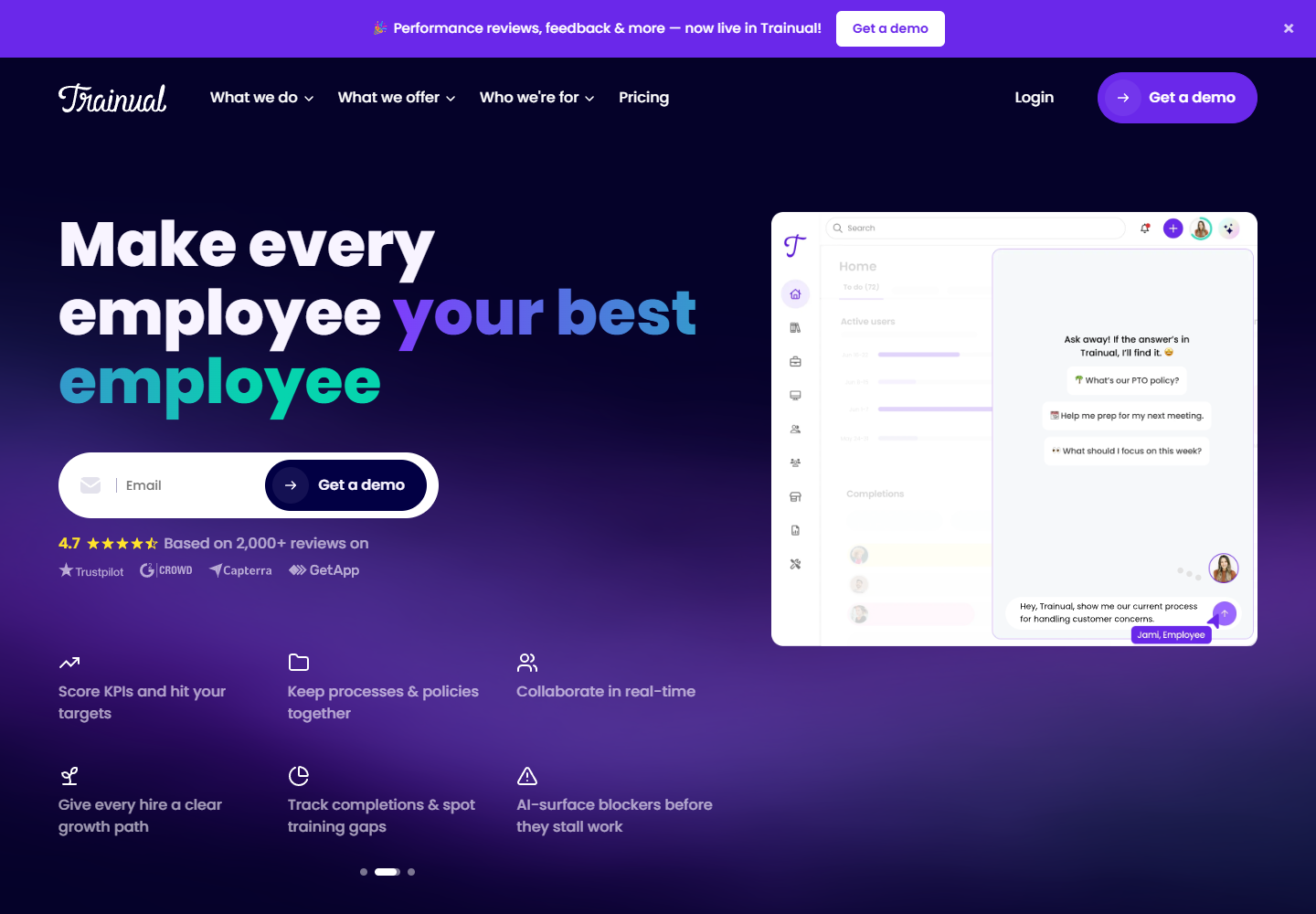
Trainual turns your SOPs and playbooks into trackable onboarding, which is how multi-location restaurants keep every site doing things the same way.
You document processes and role responsibilities as structured, assignable content with acknowledgement and completion tracking, so franchise consistency is built from your own operating procedures. It leans to process documentation rather than rich, media-heavy courses.
My pick: Best when the problem is franchise consistency: documenting how every location should run and proving staff have read it; lighter on interactive, mobile-first lessons.
For a restaurant opening another site, the useful sequence is to document the operating method, organise it around responsibilities and assign the relevant material to each role. A kitchen lead and a front-of-house hire should not get the same reading list. My preference here is to keep the playbook as the maintained source of truth. It fits documented operating knowledge; a completed reading assignment still needs a separate check where the job requires a practical demonstration.
What it costs: Quote-only. Include setup, support and the number of staff in the proposal; the public pricing page does not establish a like-for-like cost with the other platforms.
7. Typsy
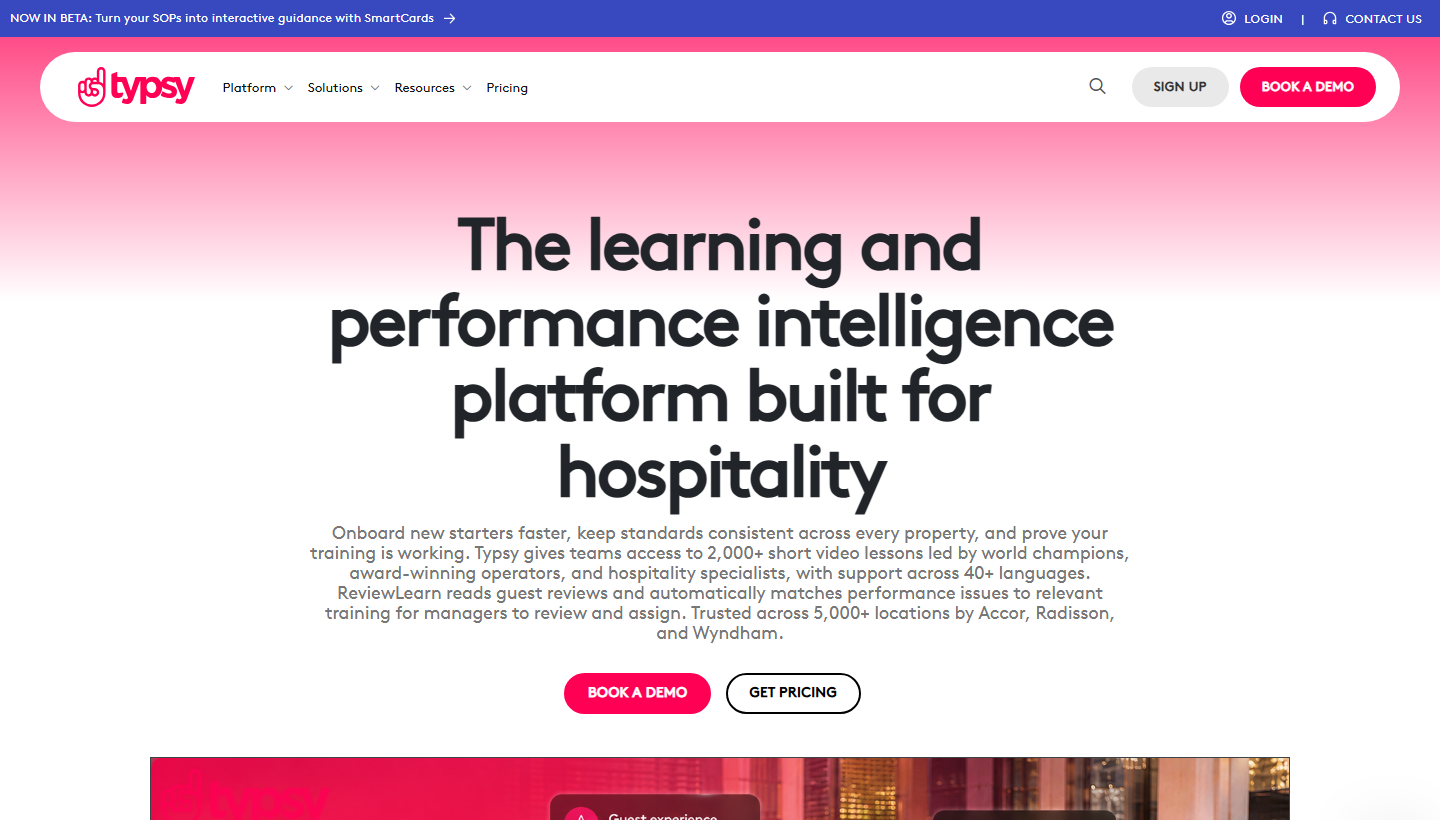
Typsy is hospitality-specific video microlearning: 2,000-plus ready-made lessons on service, food and beverage, delivered off the shelf in 40-plus languages.
Managers can assign hospitality lessons and check progress, while custom material covers the restaurant’s own procedures. ReviewLearn turns guest reviews into suggested training actions. The library saves content preparation, but the team still has to maintain its menu-specific and operating knowledge.
On the floor: I would start here when service-skill content is the gap. Check how your own operating procedures and practical activities will sit beside the library, so staff learn both the general skill and the restaurant’s approved method.
Typsy supports custom content and practical activities as well as its video library. ReviewLearn uses guest feedback to suggest targeted training, rather than simply checking whether a learner understood a video. I would use the library for common service skills and add the restaurant’s own recipes and procedures separately. Check the plan for custom content, assignment and integrations; buying individual access is different from running a team programme.
Pricing and plans: Team is US$120 per member/year for up to 100 members; Enterprise is quoted for larger programmes. Individual is US$180/year. Check entitlement for custom content and integrations when you need to administer a team.
8. iSpring LMS
iSpring LMS is the general LMS option here, with a restaurant solution page, strongest when you already have slide content and want polished courses with compliance tracking.
You author in iSpring Suite (PowerPoint-based) and deliver through iSpring LMS with quizzes, a mobile app and completion reporting; the authoring needs Windows and PowerPoint.
My pick: The fit for a restaurant group that already builds training in PowerPoint and wants it delivered and tracked properly; it is a general LMS, not restaurant-native like Opus or Wisetail.
The LMS and the authoring product are separate buying decisions. iSpring Suite converts PowerPoint material into courses and is licensed per author; iSpring LMS handles assignment, delivery and progress. The Windows and PowerPoint dependency applies to Suite, not to every way of creating or importing LMS content. I would keep this route when existing slides contain useful approved material, then budget for both the course producer and the learner platform.
Pricing and plans: The published US plan at 100 users is US$8,286/year (US$6.91 per user/month). Larger bands have lower unit rates. iSpring Suite is a separate author licence, published at US$970/year; compare the selected LMS and authoring configuration. Enterprise is quoted.
Build a restaurant training programme around real work
CDC’s published US burden estimate is roughly 1 in 6 people affected by foodborne illness each year. I would use that context to prioritise food handling, hygiene and escalation procedures, then check whether staff can apply them during a shift.
US guidance identifies nine major food allergens. Keep the menu’s ingredient and cross-contact procedures current, with a practical check for staff who take orders or prepare food. A platform certificate is separate from any required recognised food-safety qualification.
| Training job | Useful evidence | Who follows up |
|---|---|---|
| New-hire basics | Role-specific lesson and knowledge check | Shift lead |
| Station competence | Observed demonstration | Station supervisor |
| Menu or policy change | Updated procedure and targeted assignment | Content owner |
| Required qualification | Recognised provider record and expiry | Training manager |
Which restaurant training tool should you choose?
Eight tools, matched to what your floor actually needs:
| If your priority is | Go with |
|---|---|
| Training inside the app staff already use | 7shifts |
| Deskless, multilingual, high-turnover crews | Opus Training |
| Building courses from your own menus and SOPs | Coursebox |
| An engaging multi-unit brand academy | Wisetail |
| Training bundled with cheap deskless ops | Connecteam |
| Franchise consistency from documented SOPs | Trainual |
| Off-the-shelf hospitality video content | Typsy |
| PowerPoint content delivered and tracked | iSpring LMS |
For related programme guidance, see our hospitality training.
Frequently Asked Questions
It depends on your setup: 7shifts if you want training inside the app staff already use for shifts, Opus Training for deskless multilingual crews, Coursebox to build courses fast from your own menus and SOPs, and Wisetail for an engaging multi-unit brand academy. Match it to turnover, languages and whether staff have work email.
Use role-specific onboarding, clear mobile access and a supervisor’s practical check. Opus supports no-email access and multilingual delivery; Coursebox builds and delivers courses from approved material; Typsy supplies common hospitality content. Verify the actual login workflow for each deployment.
Some include or integrate food-safety content; others expect you to build or bring it. Typsy has ready-made hospitality content, Coursebox turns your own food-safety SOPs into courses, and several integrate external ServSafe-style programs. Confirm certification handling with each vendor.
Compare the configuration you need. Connecteam is free up to 10 users and prices paid hubs separately. Coursebox is free to start with unlimited learners. 7shifts Employee Training requires Premium, while Opus and Wisetail quote for the programme.
Check content, audio and subtitles separately. Opus advertises more than 130 languages. Typsy lists 40-plus subtitle languages and 10-plus dubbed languages. Coursebox supports multilingual course creation; review the terminology with someone who knows the restaurant’s procedures.
Alexandra Cserta
Alexandra runs marketing at Coursebox from our Perth office. Her work spans campaign strategy, influencer and agency partnerships, webinar programmes, PR outreach, media appearances, and customer case studies.
She has a deep passion for teaching and mentoring. She is known for bringing people together, whether that is creating space for real conversations within the team or connecting Coursebox with the communities it serves.
Interested in a media appearance, case study, or interview with Coursebox? Reach out to Alexandra directly.

