

What is a Headless LMS? Key Features, Benefits, and Top Platforms
What is a headless LMS? Discover key features, advantages, and leading platforms to modernize learning across your organization.


Run your own branded LMS with unlimited learners
Training teams often struggle to deliver learning through different platforms, brands, or user groups. A headless LMS solves that problem by giving full freedom to design unique front-end experiences while keeping strong management functions tucked inside a flexible backend.
This setup lets you plug learning into websites, apps, portals, or custom solutions without forcing users into fixed layouts or rigid workflows. With this model, you shape every touchpoint around your goals, not system limits.
If your training strategy needs speed, control, or multi-channel delivery, this guide will help you decide whether headless tech fits your vision.
What is a Headless LMS?
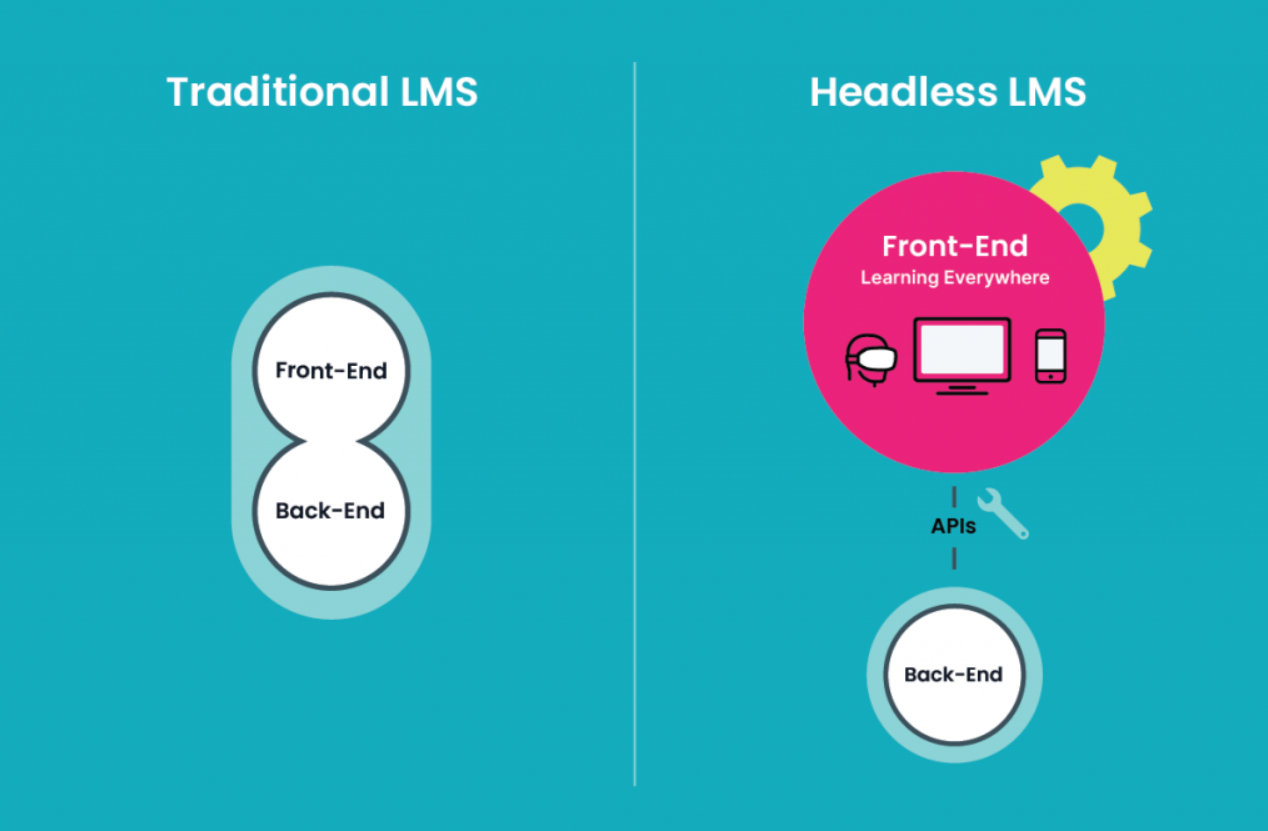
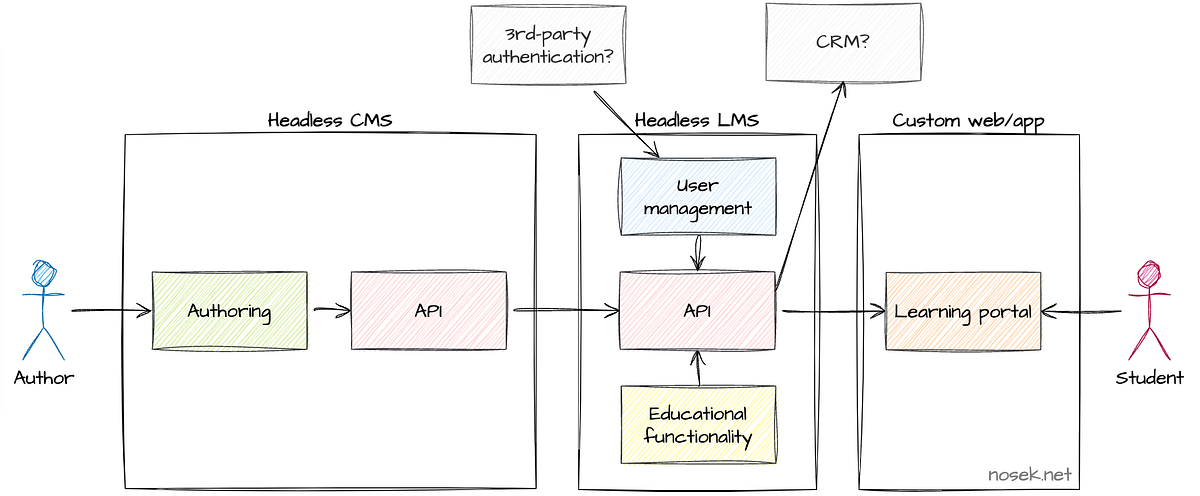
Headless LMS technology separates the learning engine from the learner-facing interface. One side manages training content, users, tracking, and data. The other side controls how training shows up to learners.
Traditional systems lock both sides together, which limits design freedom. A headless model removes that limitation, giving full control over how learning gets displayed.
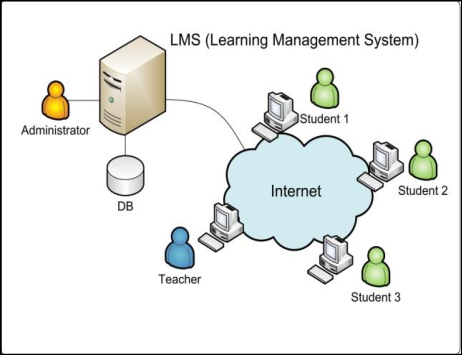
How a Headless LMS Works
APIs connect the backend to any front-end you choose. These connectors move data between systems, so progress tracking, reporting, profiles, and permissions stay intact.
Training can run inside websites, mobile apps, product dashboards, portals, or other custom environments without losing management functions.
Core Components
- Content hub: Stores learning materials with version control.
- User management: Handles profiles, permissions, roles, and groups across teams or regions.
- API layer: Links your learning engine to multiple delivery points securely.
- Custom front-end: A branded learner experience built to match your design, workflows, or audience needs.
Why This Structure Matters
Content sits in one place, yet delivery extends across many channels. No forced templates. No fixed layouts. Just flexibility that supports multiple brands, audiences, products, or global teams.
This model keeps strong LMS capabilities while enabling learning experiences shaped entirely around your business, not system limits.
What Does a Headless LMS Do Exactly?
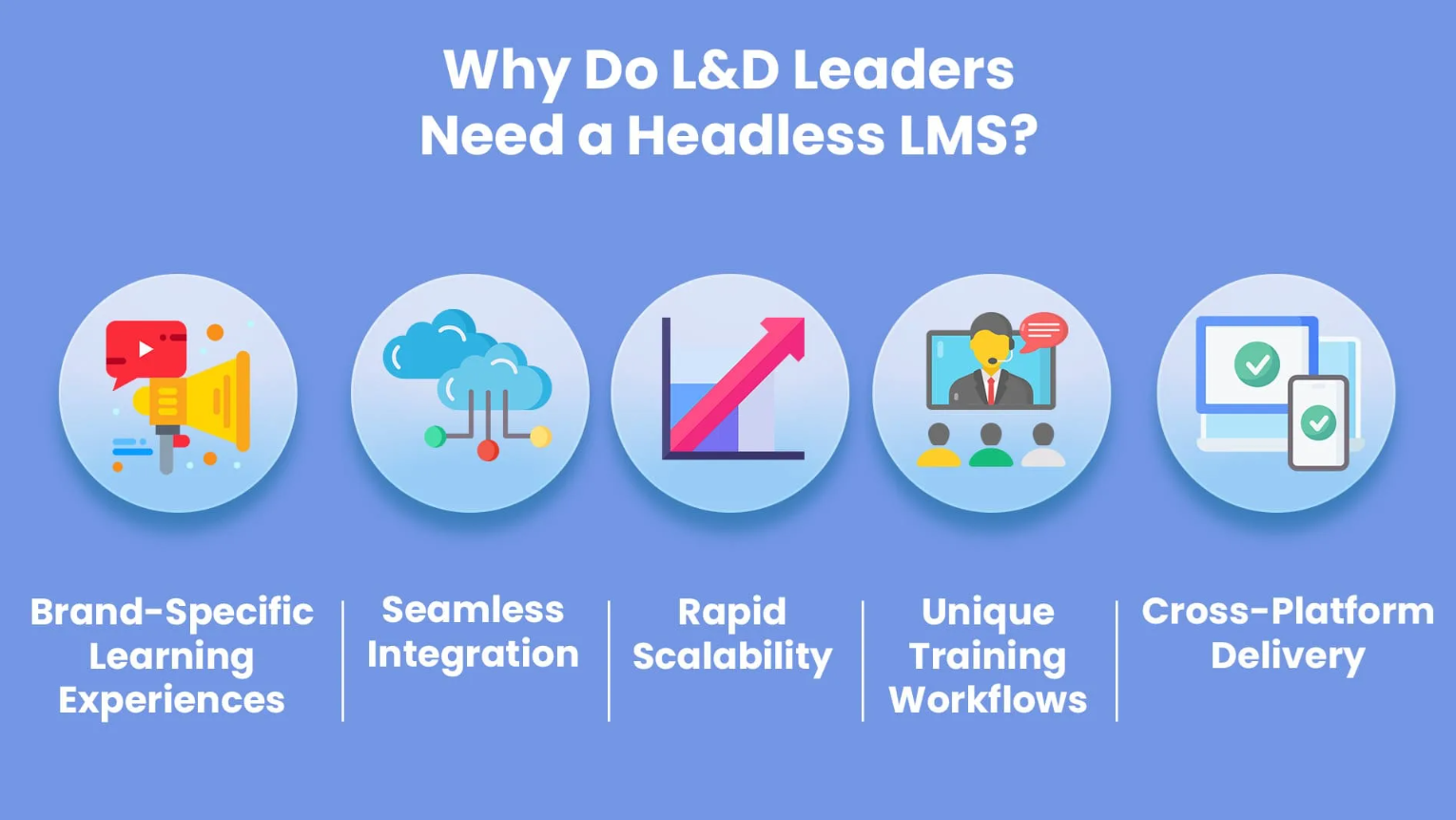
A headless LMS delivers training inside everyday tools, so users get support right where work happens. Instead of sending people to separate learning portals, content flows into the platforms they already use.
1. Delivers Training Inside Everyday Tools
APIs place learning inside Microsoft Teams, Google Workspace, Slack, Salesforce, or other business apps. Users get training at the moment of need without moving to different systems.
2. Streams Content Into Many Platforms
The content player loads inside websites, intranets, business apps, or mobile apps. Training videos, SCORM files, guides, and other resources play smoothly inside each environment.
3. Brings Web Resources Into One Library
APIs also pull in YouTube clips, articles, or other web materials. Everything sits in one organised library with full tracking.
4. Supports Team Learning Outside LMS Walls
Group chats, knowledge-sharing, and discussions can happen inside workplace tools. Helpful exchanges grow naturally without relying on traditional LMS forums.
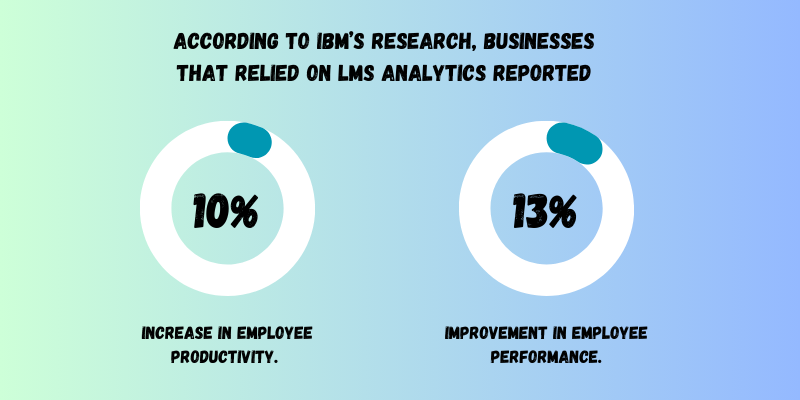
5. Sends Learning Data Into BI Dashboards
Reports flow into BI tools or analytics suites. Training data sits next to sales or performance metrics for deeper insight.
6. Reaches Customers, Partners, and External Groups
Training can sit inside customer sites, partner hubs, distributor platforms, or franchise systems. Content feels native in each location while still controlled from one central place.
Headless LMS Advantages
Most older LMS platforms struggle with modern learning needs. They limit branding, offer shallow customization, depend on clunky add-on integrations, and often slow down once virtual learning programs grow. This leaves teams stuck with rigid layouts, disconnected user experiences, messy data, or heavy admin work.
A headless model solves these limits by giving full freedom to shape learning experiences on top of a strong backend.
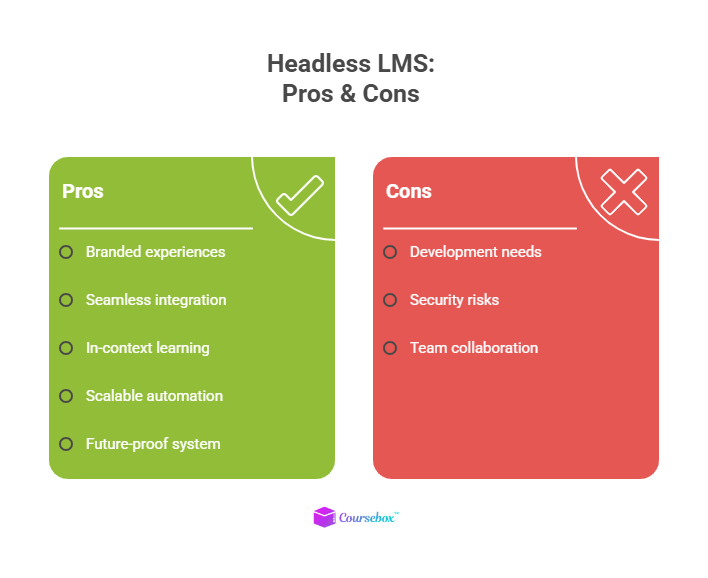
1. Flexible, Branded Learning Experiences
A headless setup lets you design learning spaces that look and feel like your product, portal, or website. You decide colors, layout, tone, and structure. You can tailor each experience to employees, partners, or customers while keeping one central learning engine behind everything. This helps users trust the environment, stay focused, and feel connected to your brand.
2. Smooth Connections Across Your Tech Stack
APIs help your learning management system (LMS) talk to other tools without friction. HR systems, CRMs, content hubs, BI dashboards, and support platforms work together without messy workarounds.
New hires can receive training as soon as they show up in your HR system, while customers can see training content the moment they buy a product. Data moves cleanly across tools, giving you stronger insight and less manual work.
3. Learning Embedded Right Where Work Happens
Training no longer lives in a separate portal. You can place lessons inside your product, customer dashboards, partner portals, mobile apps, or intranets. Users learn without switching tools or breaking focus. This helps reduce support tickets, improves feature adoption, shortens onboarding, and guides users in context.
4. Automation That Scales With Growth
APIs make event-based automation simple. New role? Course triggers. Project launch? A learning path appears. Certification close to expiry? The reminder goes out. When you work with huge audiences, this saves huge amounts of time while keeping learning consistent across teams, regions, or brands.
5. A System Built To Evolve
With the front-end and back-end separate, you can update one without touching the other. You can launch new UI designs, add integrations, switch frameworks, or create new branded portals without breaking the learning engine. This future-proofs your LMS, supports long-term growth, and keeps your learning experience modern.
Headless LMS Disadvantages
Now, let’s look at some of the downsides of a headless LMS.
1. You’ll Need Strong Development Support
Building custom front-end experiences takes technical skill. You’ll need developers or a trusted partner to create and maintain your learner interface. This setup takes more work early on, but you end up with a system tailored to your teams, partners, or customers.
2. Security Needs Careful Planning
When data flows across multiple systems, tight security controls matter. Authentication, encryption, and role-based access must sit in place across every connection point. For organisations working under GDPR, HIPAA, or similar rules, this requires careful planning across both layers of your setup.
3. Ongoing Coordination is Important
With two layers working together, updates need coordination. Clear documentation and tight teamwork between learning, development, and IT keep everything running smoothly. When teams communicate often, changes become part of your normal rhythm.
Full Disclosure: This blog is owned and operated by Coursebox. While we include ourselves in this list because we believe in our platform, we've provided an objective breakdown of features to help you choose the best fit.
Top 5 Headless LMS Platforms
Below is a quick list of popular headless learning solutions that give you flexibility, API control, and easier integration with your existing tools.
1. Absorb Infuse
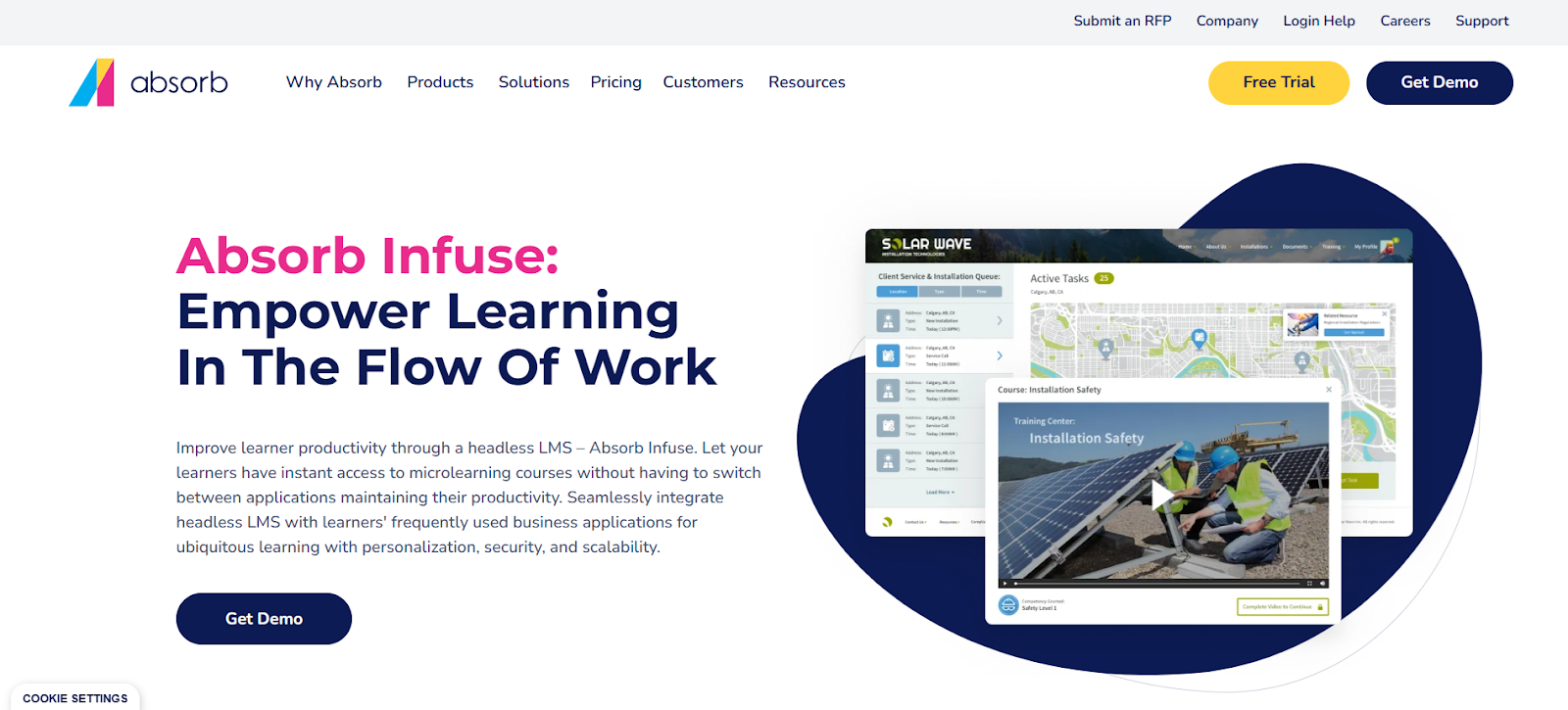
Absorb Infuse offers true headless delivery. Through deep API integration and embed-friendly design, learning content enters business apps, portals, or workflows directly, no separate LMS portal needed.
Learners get training where they already work, on any device. Admins get centralized tracking and reporting across all channels. This setup works well for employees, partners, or customers, wherever they use company tools.
2. Adobe Learning Manager
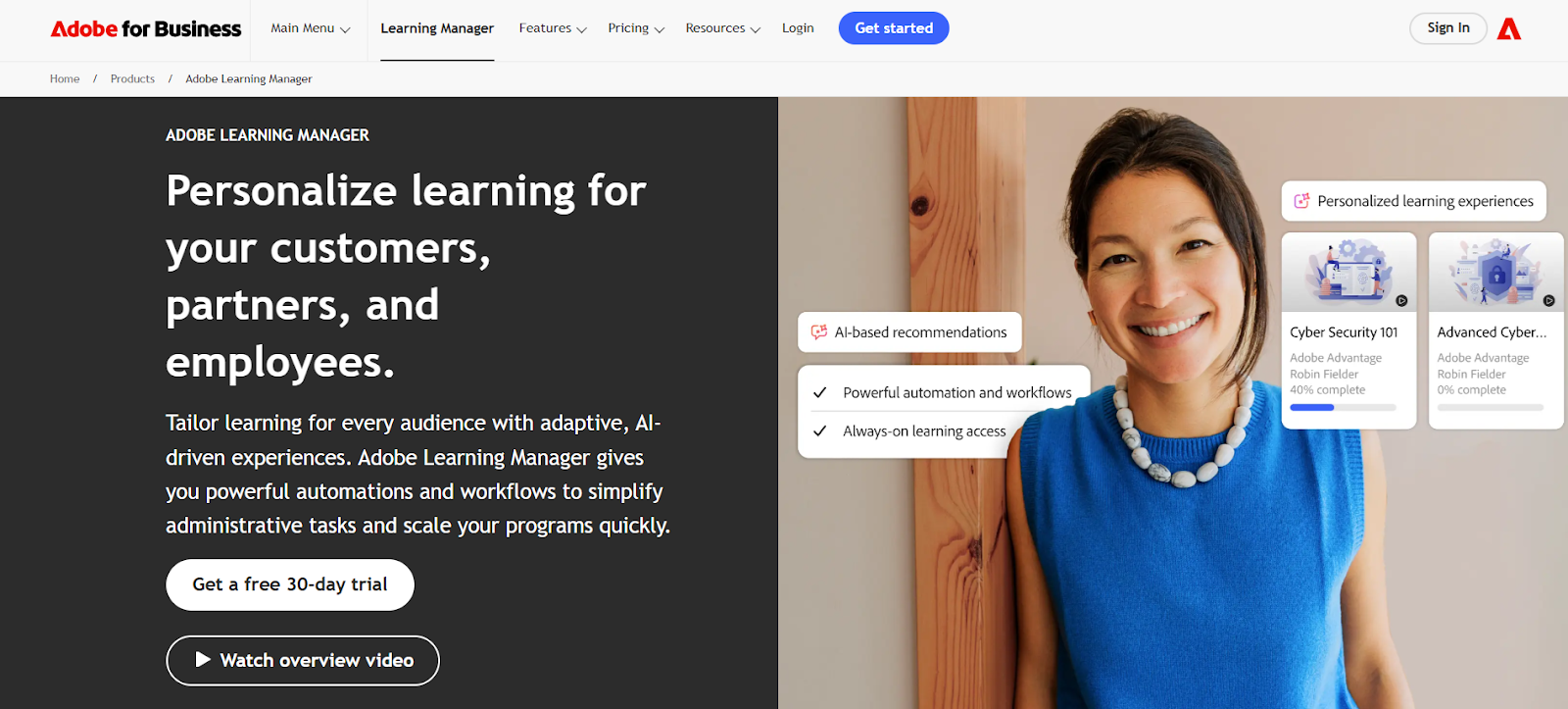
Adobe Learning Manager supports headless content delivery with a full API layer and embed-ready video player (called Fluidic Player). That makes it possible to deliver courses inside custom apps, websites, or enterprise systems, keeping learning part of existing workflows.
You get learner tracking, SSO, social learning support, and data export for analytics, while learners never need to visit a separate LMS site.
3. Coursebox AI
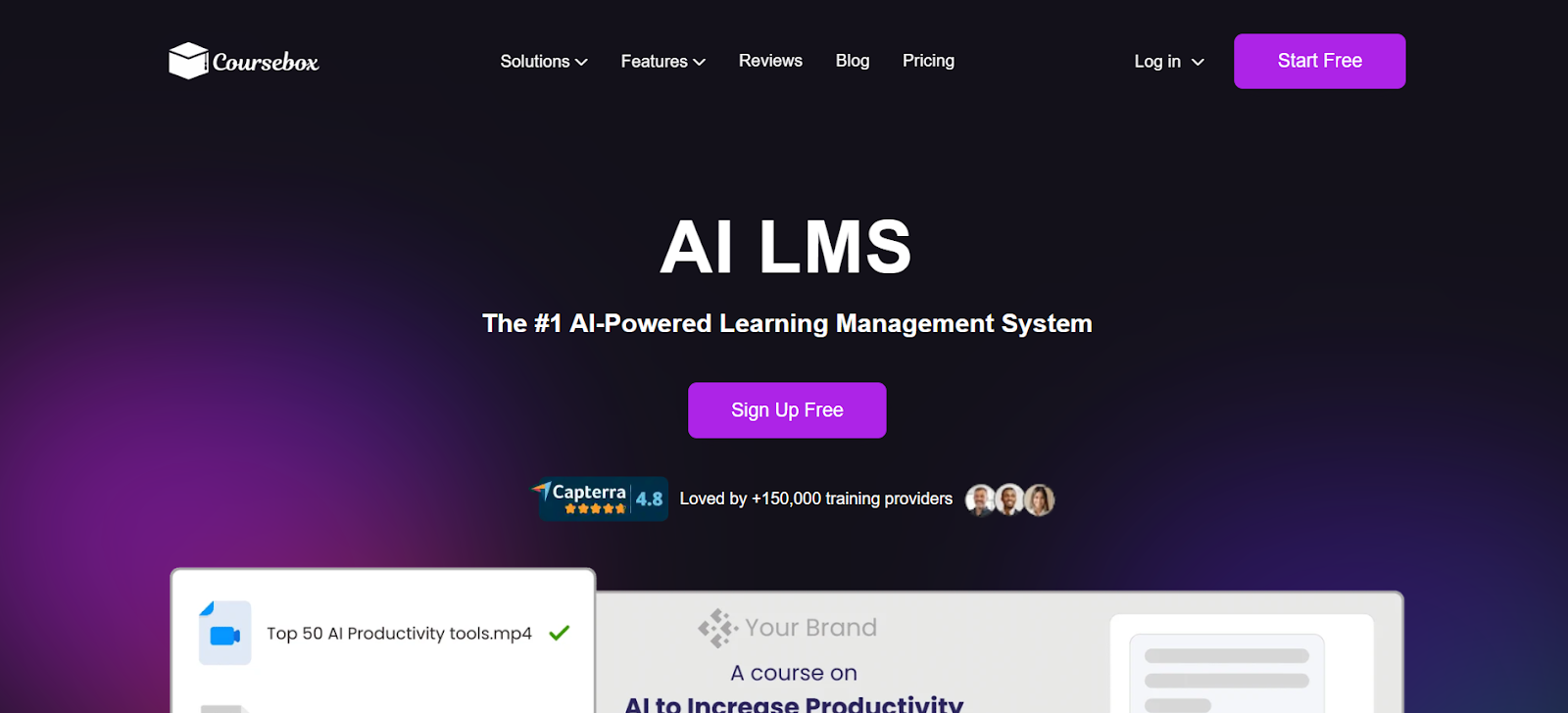
Coursebox AI combines AI-powered course authoring with flexible delivery — training can be embedded in websites, apps, portals, or custom workflows, with central tracking, white-label branding, multilingual support, and SCORM export. AI tutors, automated grading, and smart content suggestions support learner engagement. Coursebox is a strong choice for teams that want AI course creation alongside headless-style embed-anywhere delivery. Organisations committed to a fully headless architecture with enterprise-grade API tooling and established LMS governance typically shortlist Absorb Infuse, and enterprise buyers needing headless delivery tied to mature talent management suites sometimes consider Adobe Learning Manager.
4. Create LMS
Create LMS describes itself as headless‑first: backend content and learning data stay central, while any front-end can be built on top using APIs. That lets organizations deliver training across devices and platforms, from portals to mobile apps or custom software.
This flexibility supports multimedia learning (videos, quizzes, interactive content) and offers tracking and reporting, no matter where learners consume content.
5. Docebo
Docebo offers a “headless learning” module built for integration. That lets developers embed learning experiences into company apps, SaaS products, or mobile platforms, instead of forcing learners into a standalone LMS portal.
With APIs, widgets, webhooks, and automation tools included, Docebo supports scalable, branded learning delivery across many channels. This makes custom workflows and seamless learner access possible.
Is a Headless LMS Right for You?
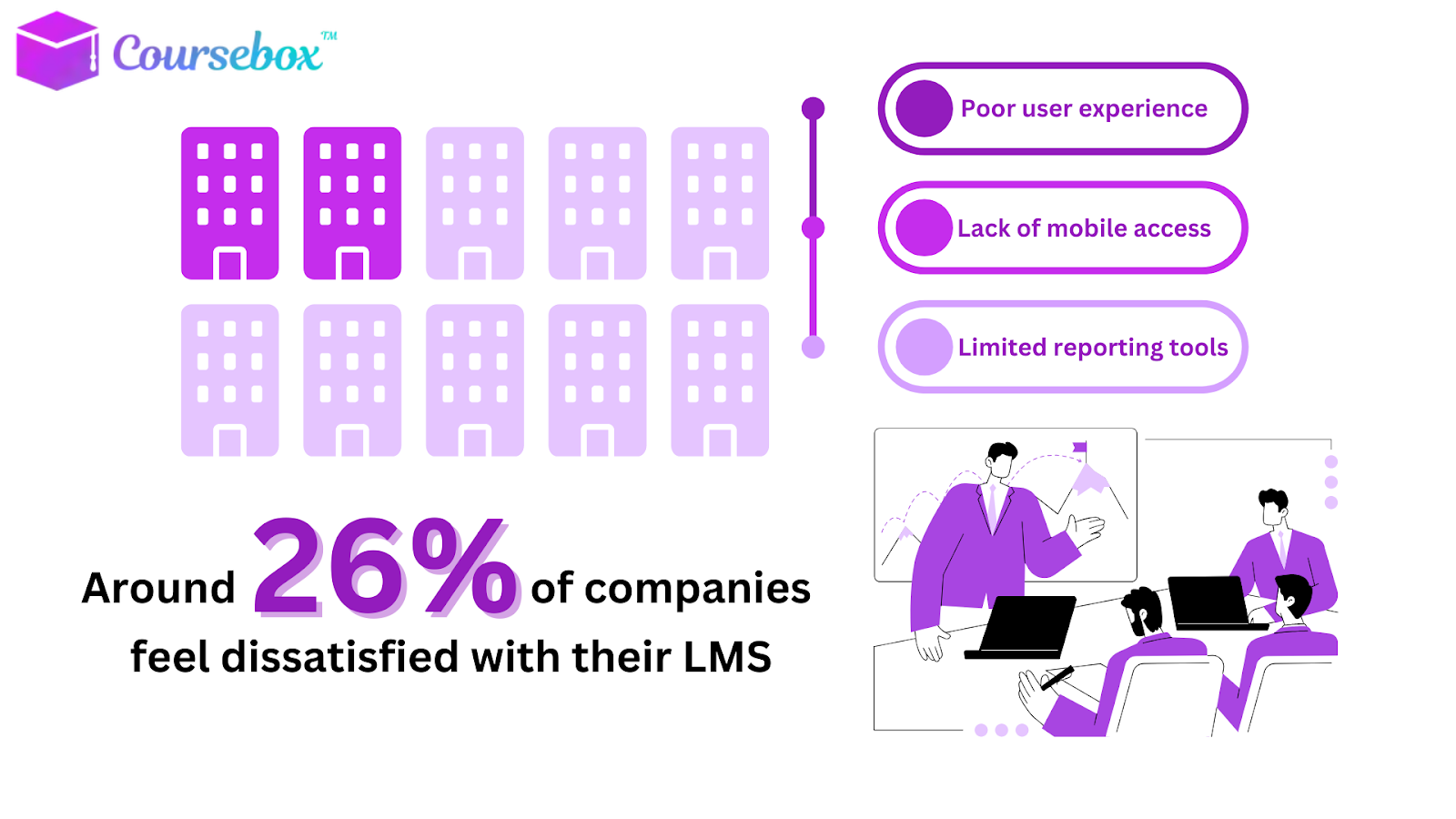
Headless LMS works best when learning systems must talk to each other, audiences differ, and integration matters.
Choose this approach if brands or divisions need unique experiences, or you want full control over the learner interface. It scales easily as the organization grows, keeping content and workflows smooth across channels.
- If technical resources or budget feel tight, or learning needs stay simple, a traditional LMS may fit better.
- For teams ready to innovate, a headless LMS gives unmatched flexibility.
Coursebox AI can embed learning anywhere, track progress in one place, and boost engagement for employees, partners, or customers.
Start FREE today!
FAQs
Can a headless LMS work with existing LMS platforms?
Yes. Headless LMS can connect to current LMS platforms using APIs. This lets organizations keep old content and systems while delivering new, flexible learning experiences in apps, portals, or websites without rebuilding everything from scratch.
Does headless LMS support mobile learning?
Yes. APIs allow content to appear in mobile apps or web browsers. Learners access courses wherever they work, on any device. Training keeps tracking, analytics, and reporting intact while providing a smooth, consistent experience across phones, tablets, and desktops.
Can a headless LMS handle compliance training?
Absolutely. Courses, assessments, and progress tracking flow through the backend. Reports are exported to compliance or HR systems. Organizations can meet regulatory standards while delivering training in branded apps, portals, or workflows without forcing learners into a single LMS interface.
How does a headless LMS improve onboarding?
New employees get training embedded in the tools they already use, such as HR systems, email platforms, or apps. Learning triggers automatically, progress tracks centrally, and onboarding becomes faster, smoother, and more engaging without extra portals or logins.
Is a headless LMS suitable for customer training?
Yes. Learning can be embedded in customer portals, products, or apps. Organizations deliver product tutorials, certifications, or updates directly to users. Tracking and analytics stay centralized, helping teams measure adoption, engagement, and retention without forcing customers to visit a separate LMS site.
Travis Clapp
Educational technologist and instructional designer

