

eLearning Localization: 9 Best Course Translation Tools
eLearning localisation is a workflow problem, not just translation. I ranked 9 course translation tools by the job they do: building and localising your own course, managing translation at scale, and dubbing the video, with honest pricing and fit.

eLearning localisation is a workflow problem, not just translation: the real question is what survives when the words change, the layout, quizzes, interactions and narration, not only the text.
- The tools split by job. Build and localise your own course: Coursebox, or a file round-trip through iSpring Suite. Manage translation at scale: Smartling, Phrase, Lokalise, Crowdin or Transifex. Dub the video: Rask AI.
- Coursebox (ours, number one) is the pick when the course is yours and you want it built and localised in one tool, with narrated video in 100+ languages; a translation management system is the better home for agency-scale, many-format localisation.
- Dedicated TMS platforms range from a free Crowdin tier and about $59 a month, through Lokalise at $149 and Phrase around $525, to quote-based Smartling; DeepL is the cheapest raw-translation engine from about $8 a user a month.
- For video courses, Rask AI dubs and subtitles by the minute; it localises the video, not the quizzes, slides or text around it, so pair it with a course or platform tool for the rest.
Answer three quick questions and we'll point you to the best fit from this list.

Run your own branded LMS with unlimited learners
The first time I had to turn an English compliance course into five languages, the translation itself was the easy part. The pain was everything around it: pulling the text out, pasting it back without breaking the layout, re-recording the voiceover, re-syncing the on-screen captions, then doing all of it again at the next quarterly update. eLearning localisation is less about the words and more about the workflow that keeps a course intact once the words change.
I am Carolina, an instructional designer at Coursebox. I build courses, test every release, and spend real time inside other authoring tools and platforms as part of our competitive work. So I sorted these nine by the job they do: building and localising a course, managing translation at scale, or dubbing the video, and I am honest about where our own tool fits and where it does not.
One disclosure up front. Coursebox is ours, and it sits at number one here, but only for one job: when the course is yours and you want it built and localised in one place. It is an AI LMS that generates the course and its narrated video in more than 100 languages. For agency-scale localisation across many file types, a translation management system like Smartling or Phrase is the better home, and I say so below. For dubbing video you already have, Rask AI is more direct.
How I compared these eLearning localization tools
The job each tool does set the grouping, then I looked at the practical details an instructional designer cares about:
- The job it does: build and localise a course, manage translation at scale, or dub the video.
- What survives the round-trip: layout, quizzes, interactions and narration, not just the text.
- How the translation happens: AI, human, translation memory, or a file export you hand off.
- Real cost and where it fits, our own tool included, and where it does not.
These tools answer two different questions. One is "I have a course and I want it in other languages", where a build-and-localise tool like Coursebox, or a file-based round-trip through iSpring, is the shortest path. The other is "my organisation localises content continuously across formats and markets", where a translation management system like Smartling, Phrase, Lokalise, Crowdin or Transifex is built for the job. Video on top of either goes through an AI dubbing tool like Rask AI. Pick by which question is yours before you compare prices, because the two kinds of tool are not substitutes.
The best eLearning localization tools compared
| Tool | Type | Best for | Starting price |
|---|---|---|---|
| Coursebox | AI course builder + localisation | Building and localising your own course in one tool | Free; from ~$17/mo |
| Smartling | Enterprise TMS | Localisation at scale, many formats, human review | Quote-based |
| Phrase | Localisation platform (TMS) | A central team localising training plus other content | From ~$525/mo |
| Rask AI | AI video dubbing + subtitling | Dubbing and captioning course video | From $39/mo |
| iSpring Suite | Authoring tool (XLIFF export) | PowerPoint-based courses translated as files | From ~$770/yr |
| Lokalise | Localisation management | File-based localisation inside a product team | From $149/mo |
| Crowdin | Localisation management | A low-cost start on file-based course localisation | Free; Pro ~$59/mo |
| DeepL | AI machine translation | Fast, cheap first-pass translation of course text | Free; Pro from ~$8/user/mo |
| Transifex | Continuous localisation | Training that changes often and must stay in sync | Free; from ~$160/mo |
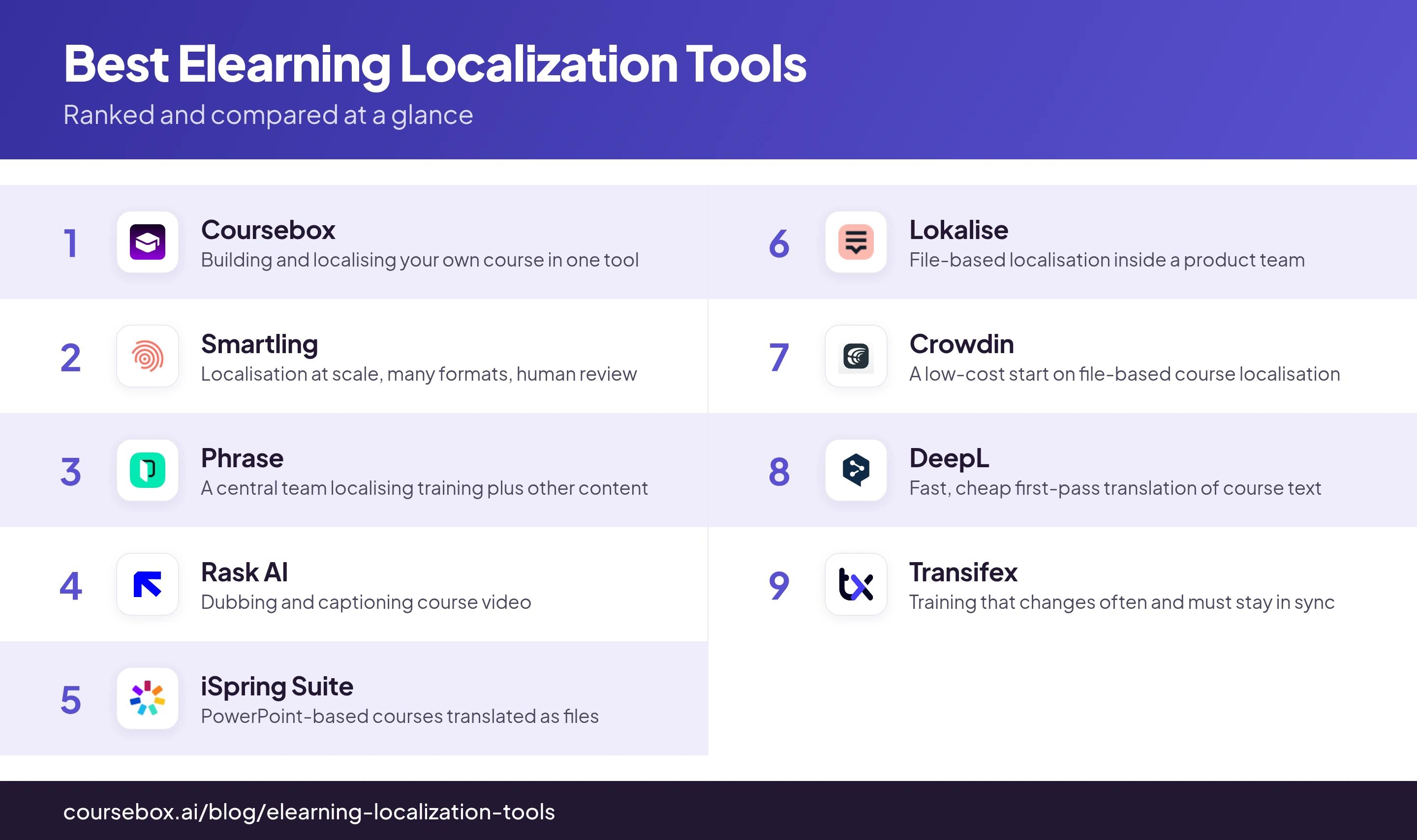
Prices are from each vendor live page as of November 2026, with the entry tier or pricing model noted; several of the platforms are quote-based or geo-priced, so treat these as starting points. I left ratings out rather than invent them.
The 9 best eLearning localization tools
1. Coursebox
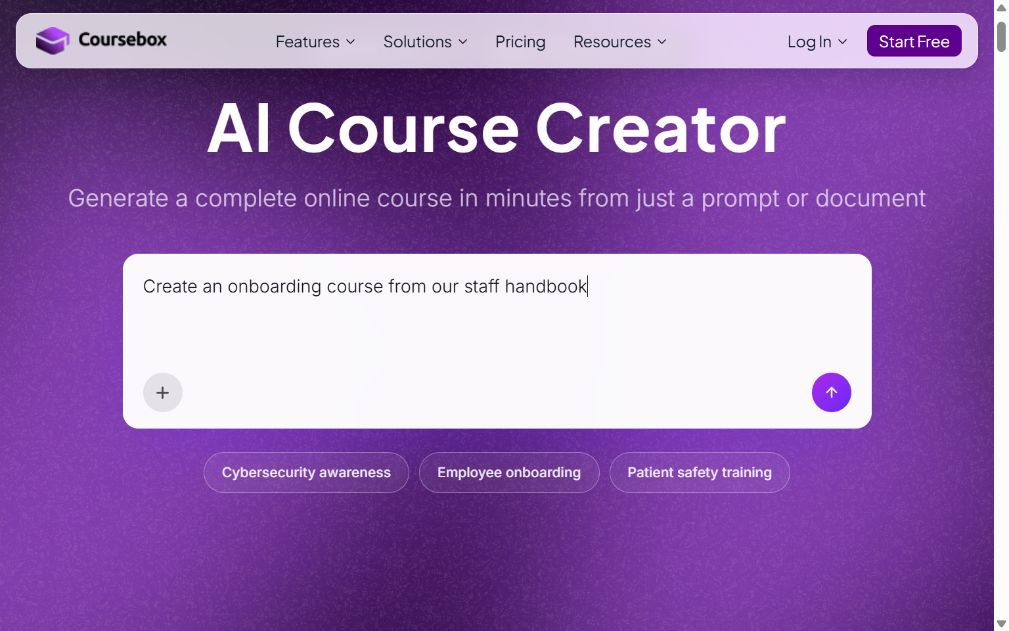
Coursebox is ours, so weigh that. Its AI course creator builds a course from a document, a video or a prompt, generates the narrated video in more than 100 languages, and lets you edit across the whole course in plain English, then hosts it under your brand with SCORM export.
The reason it leads a localisation list is the workflow, not a single button. If the course is yours and you want it in another language, you build and localise in one place, instead of exporting text to a translation tool, pasting it back, and re-recording the voiceover by hand. The honest limit: for large, multi-format localisation across many file types, with translation memory and a human reviewer step, a dedicated platform like Smartling or Phrase is the better home; for dubbing video you already shot, Rask AI is more direct. Coursebox fits when you own the course and want it localised without standing up a separate stack.
Where it fits: the pick when the training content is yours and you want it built and localised in one tool; not the choice for agency-scale, many-format localisation, where a TMS wins.
Pricing: Free plan with unlimited learners; Creator from about $17 a month billed yearly; Pro, Pro + LMS and Enterprise tiers above add white-label, LMS hosting and larger AI limits.
2. Smartling

Smartling is an enterprise translation management system that pairs AI translation with optional human language services, with translation memory, a glossary, and automation that pulls strings in and pushes them back.
This is the home for localisation at scale: many content types, a reviewer workflow, and quality controls that an L&D team rolling training into a dozen markets will want. It is not a course builder, so you author elsewhere and connect Smartling to translate; the cost and setup suit a programme, not a one-off course.
What I tell clients: reach for it when localisation is an ongoing programme across formats and markets and you need translation memory and human review; it is heavier than a single course needs.
Pricing: Quote-based. Core and Enterprise tiers, sold through sales, with platform access plus per-word translation; no public entry price.
3. Phrase

Phrase is a localisation platform that bundles a translation management system with software-string localisation, machine-translation routing, and a review editor, built for teams that translate continuously.
Like Smartling it sits outside your authoring tool and manages the translation itself. The draw is control over how work is routed between machine translation and human linguists, and reporting on top. For an instructional designer it fits when training is one of several content streams a central team localises.
My read: a strong central platform when a team localises training alongside product and docs; overkill if you only ever translate your own courses.
Pricing: No free plan; 14-day trial. Business tiers from about $525 a month billed annually, with Enterprise custom; a cheaper freelancer tier is limited to language service providers.
4. Rask AI

Rask AI is an AI video tool that dubs and subtitles footage into more than 130 languages, with voice cloning and lip-sync, priced by the minute of video.
If your course is mostly video, this is the most direct way to localise it: upload the footage, get a dubbed track and translated captions back. HeyGen does a similar video-translation job if you also want avatar presenters. Neither translates the quiz, the slides or the course text around the video, so pair it with one of the tools above for the rest of the course.
What stood out: the fastest route for dubbing and subtitling existing course video; it handles the video, not the surrounding quizzes, text or structure.
Pricing: Priced by video minutes. Creator from $39 a month (about $329 a year) for 25 minutes a month; Pro $99 and Business $249 a month above it; Enterprise custom. Short free trial.
5. iSpring Suite
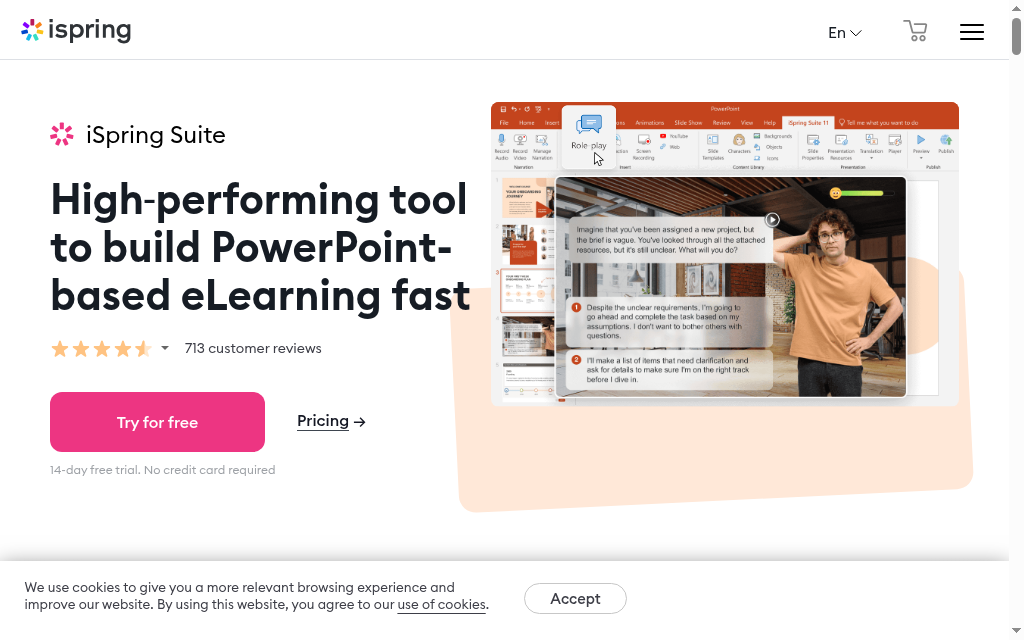
iSpring Suite is a PowerPoint-based authoring tool that exports your course text to an XLIFF file, so a translator or a translation platform can work on it and you import the result back into the same slides.
Anyone who has maintained a course library will see the appeal: the translation round-trips as a file, so the layout, quizzes and interactions survive, and you re-record or re-generate the narration per language. It suits teams already building in iSpring; if you author elsewhere, the XLIFF export is the part to copy, not the tool.
My take: the practical pick if your courses already live in PowerPoint and iSpring; the XLIFF export keeps the layout intact across languages, which hand-pasting never does.
Pricing: No standing free plan; 14-day trial, then an annual per-author license from roughly $770 a year.
6. Lokalise

Lokalise is a localisation management platform for software and content teams, with machine-translation integrations, translation memory, and a workflow for sending strings out and bringing them back reviewed.
It leans more toward product and app strings than courseware, but it handles any text you can export, so training content that comes out as structured files fits. The strength is the collaborative workflow and integrations; the trade is that it expects your content in a format it can ingest, which courses do not always produce cleanly.
My call: good when training is managed like any other string-based content and your team already works in file-based localisation; less natural for a visual course built in an authoring tool.
Pricing: No free plan; 14-day trial. Explorer from $149 a month, Growth $379, Advanced $1,049, Enterprise custom.
7. Crowdin

Crowdin is a localisation management platform popular for apps, software and documentation, with machine-translation engines, a translation editor, and integrations that sync content automatically.
For training it works the same way Lokalise does: export the text, translate it in Crowdin with machine translation plus human edits, sync it back. It has a free tier to try, which the enterprise platforms do not, so it is a reasonable first step for a small team testing a file-based localisation flow for course text.
Where I land: the easiest of the dedicated platforms to start on, thanks to a free tier; still a string-localisation tool, so it manages the text, not the course it came from.
Pricing: Free tier to start; Pro from about $59 a month and Team from about $179 a month, with Business and Enterprise custom.
8. DeepL

DeepL is an AI machine-translation engine known for natural output, with document translation that keeps basic formatting and an API that other tools plug into.
DeepL is the translation engine, not a course or project tool. For localisation it plays two roles: a quick way to translate a script, a document or a slide deck yourself, and the engine behind platforms like the ones above. If your need is a fast, good first-pass translation of course text rather than a managed workflow, it is the cheapest honest answer.
The trade-off: excellent raw translation quality for the price, but you manage the files and the review yourself; there is no course or workflow layer around it.
Pricing: Free tier; DeepL Pro from about $8 a user a month billed annually (Starter), with Team and Business tiers above and a separate usage-based API.
9. Transifex

Transifex is a continuous-localisation platform for software and content, with a translation memory, machine-translation integrations, and automation that keeps translated versions in sync as the source changes.
Its strength is keeping translations current when the source updates often, which is a real pain with training that changes every quarter. Like the other platforms it manages text you feed it, so it suits a team that treats course copy as content to be localised continuously, not a one-time job.
The bottom line: the pick when training content changes often and you need translations to stay in sync automatically; it manages the text stream, not the authoring.
Pricing: Free tier for open-source projects; paid plans from about $160 a month (around $135 billed annually), with higher tiers custom.
Which eLearning localization tool should you choose?
Nine tools, matched to the localisation job in front of you:
| If your priority is | Go with |
|---|---|
| Building and localising your own course in one place | Coursebox |
| Localisation at scale with human review | Smartling |
| A central platform for training plus other content | Phrase |
| Dubbing and captioning course video | Rask AI |
| Keeping PowerPoint courses intact across languages | iSpring Suite |
| File-based localisation in a product team | Lokalise or Crowdin |
| A fast, cheap first-pass translation | DeepL |
| Translations that stay in sync as the source changes | Transifex |
Decide which job is yours first. If the course is yours and you want it built and localised in one place, that is what our AI course creator and AI LMS are for; if you run a localisation programme across many formats, a dedicated translation management system will serve you better.
Disclosure: I work at Coursebox, which is the first tool here. I placed it at number one for one job only, building and localising your own course in one tool, and was explicit that dedicated translation management systems (Smartling, Phrase, Lokalise, Crowdin, Transifex) win for large multi-format localisation and that AI dubbing tools (Rask AI) win for video. Prices were read off each vendor live page in November 2026, with the pricing model noted; several are quote-based or geo-priced. The one Coursebox usage figure is first-party product data from our own PostHog. No ratings were invented.
Frequently Asked Questions
eLearning localisation is adapting a course for another language and region: translating the text and narration, re-recording or regenerating the voiceover, adjusting on-screen captions and examples, and keeping the layout, quizzes and interactions working. The translation is the easy part; keeping the course intact as the content changes is the real work.
It depends on the job. If the course is yours and you want it built and localised in one place, Coursebox generates it and its narrated video in 100+ languages. For localisation at scale across many formats, a translation management system like Smartling or Phrase. For course video, an AI dubbing tool like Rask AI.
AI can translate the text and generate narration in many languages, which Coursebox and machine-translation engines like DeepL do well. It still needs a human check for terminology, tone and anything compliance-sensitive, and AI does not fix layout or re-sync video on its own, so a review step stays part of the workflow.
It ranges widely. Machine translation like DeepL starts around $8 a user a month; course and authoring tools like Coursebox and iSpring run from about $17 a month or a per-author annual license; translation management systems run from a free Crowdin tier and roughly $59 a month up to quote-based enterprise pricing for Smartling and Phrase.
If you only translate your own courses, an authoring or build-and-localise tool is usually enough. A translation management system earns its keep when your organisation localises content continuously across many formats and markets and needs translation memory, routing and human review. The two are complements, not substitutes.
Carolina Martin
Carolina is a highly experienced learning designer with tech start-up experience. She is based in Sydney and previously designed courses alongside Coursebox founder Travis in a previous job. She is passionate about delivering engaging learning experiences and brings the same perspective to customer experience too. She manages our customer support documentation and product testing processes.

