

8 Best Software Options for Technical Skills Training in 2026
The best technical skills training tools in 2026 include Pluralsight, Udemy Business, Coursebox, iSpring Suite + iSpring LMS, Docebo, LinkedIn Learning, Go1, 360Learning. Compare the learning or business workflow you need.

The best technical skills training tools in 2026 include Pluralsight, Udemy Business, Coursebox, iSpring Suite + iSpring LMS, Docebo, LinkedIn Learning, Go1, 360Learning. Compare the learning or business workflow you need.
- Public technology topics or your own systems and procedures.
- Team licences, lab access, authoring and administration.
Answer three questions to compare the four tools below. The result balances your preferences; the entries explain the features, limits and costs to check.

Train teams faster and more effectively with AI
Technical skills training needs three things: the explanation, a place to practise and evidence that the learner can perform the task. You may buy a published course library, build training for your own systems or combine both. Course completion alone is a weaker result than a checked practical task.
I’m Carolina, a learning designer, and I build technical training for teams. I’d look closely at the environment learners practise in. A ready-made lab can help with a common technology; your own equipment or internal system may call for a different exercise.
I work at Coursebox, whose AI LMS is included for creating, assessing and delivering that custom training. The comparison also covers course libraries, labs and tools for internal experts.
How I picked these technical skills training tools
I used these criteria:
- Content: Public technology topics or your own systems and procedures.
- Practice: Exercises, labs and observed task performance.
- Maintenance: Course version, source owner and update process.
- Cost: Team licences, lab access, authoring and administration.
In the World Economic Forum’s 2025 survey of more than 1,000 global employers, 39% of workers’ existing skills were expected to change or become outdated by 2030. Compare how the software supports updates as well as new learning.
The tools compared
| Tool | Useful starting job | Starting cost |
|---|---|---|
| Pluralsight | Technical courses and hands-on labs | Business plan; confirm annual checkout total |
| Udemy Business | Curated technical and business learning | Team US$360/user/year; regional terms differ |
| Coursebox | AI-created internal technical training | Free; Creator AU$500/year |
| iSpring Suite + iSpring LMS | PowerPoint authoring and assigned delivery | Suite US$970/author/year; LMS separate |
| Docebo | Enterprise training administration | Quote; module scope varies |
| LinkedIn Learning | Technical and professional development | US$379.88/seat/year, small-team US offer |
| Go1 | Multi-provider learning content | Current plan checkout or organisational quote |
| 360Learning | Expert-led collaborative learning | Team US$8/user/month, up to 100 users |
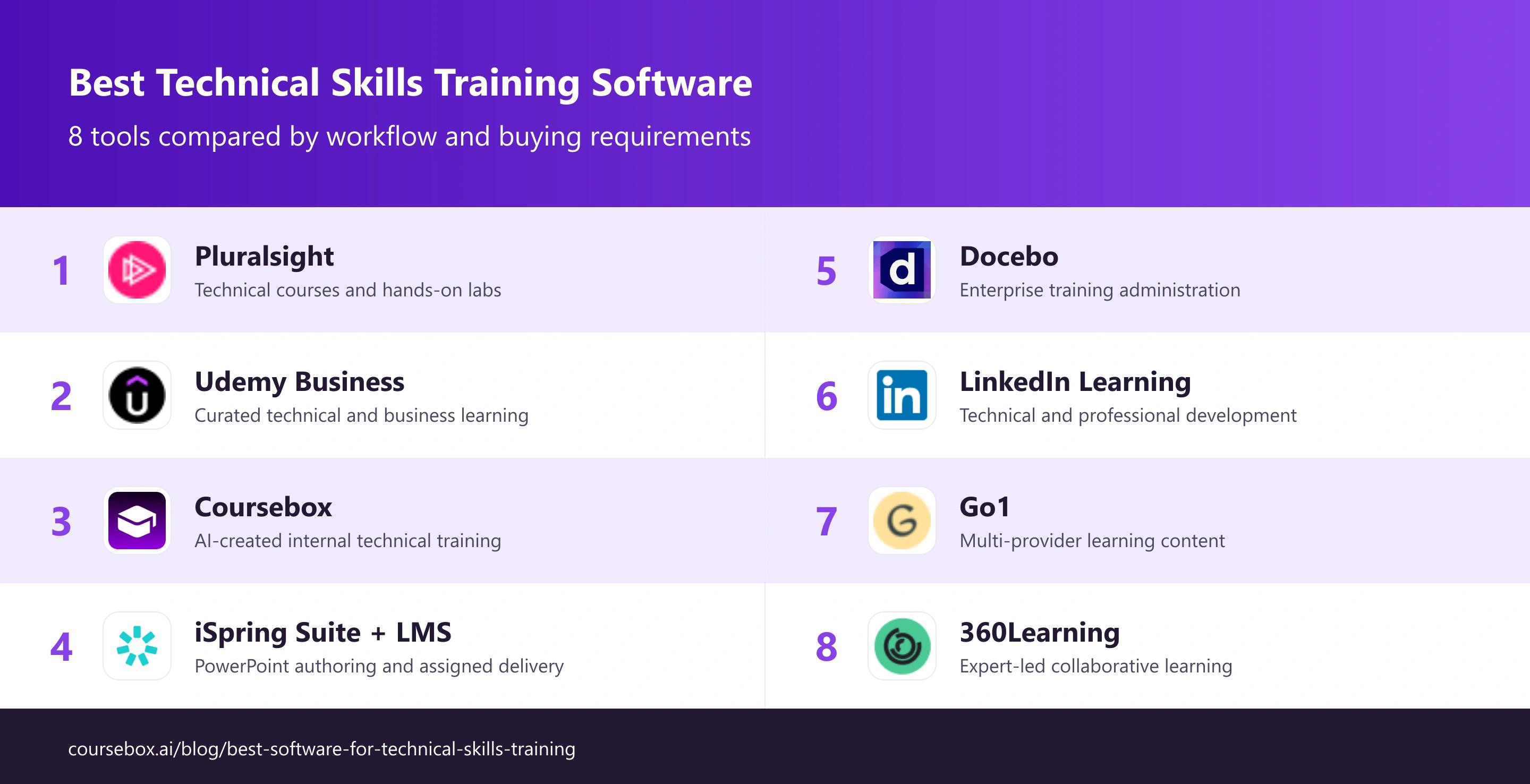
Prices and plan scope checked in October 2026. Currency, billing term and included features are stated in the entry pricing notes.
The 8 technical skills training tools
1. Pluralsight
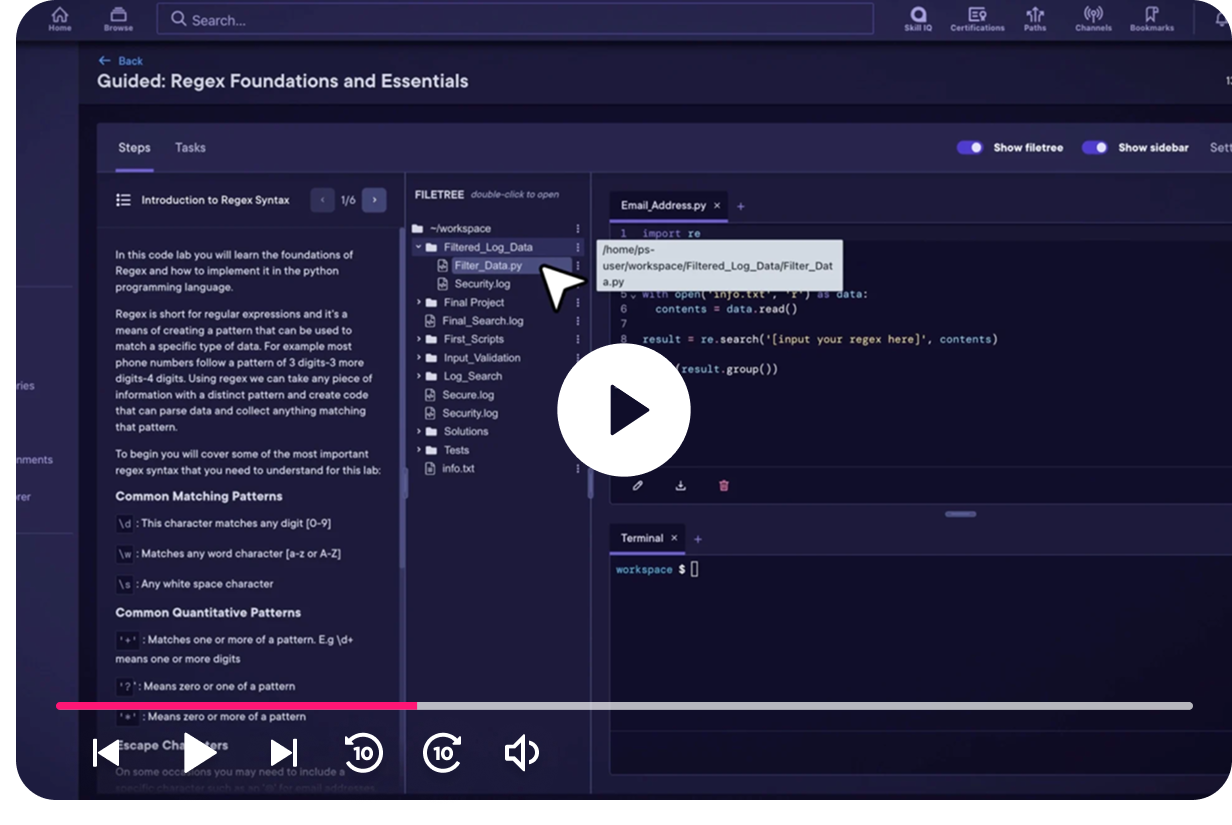
Pluralsight combines technical courses, learning paths, Skill IQ assessments and hands-on labs. It is useful for published skills in software development, cloud, security, data and IT, where a team needs both explanation and a place to practise.
The important plan comparison is lab access and manager reporting, not just the course count. A lab lets learners work in an environment; a knowledge assessment and a completion badge provide different evidence. Training on public technologies also needs to be supplemented with the team’s own operating practices.
My review: My review begins with the task a person must perform after training. I would pair the relevant course with a lab and check the result a manager receives. That tests whether the programme produces usable evidence of skill rather than only watched hours.
My verdict: Choose it for structured technical learning and practice. For internal procedures, combine it with authored material rather than expect the public catalogue to describe your organisation’s systems.
Pricing: Individual and business plans are separate. Compare the current team checkout or quote, including labs, analytics and onboarding. Confirm the annual team total, lab access and reporting scope rather than budgeting from an individual subscription.
2. Udemy Business
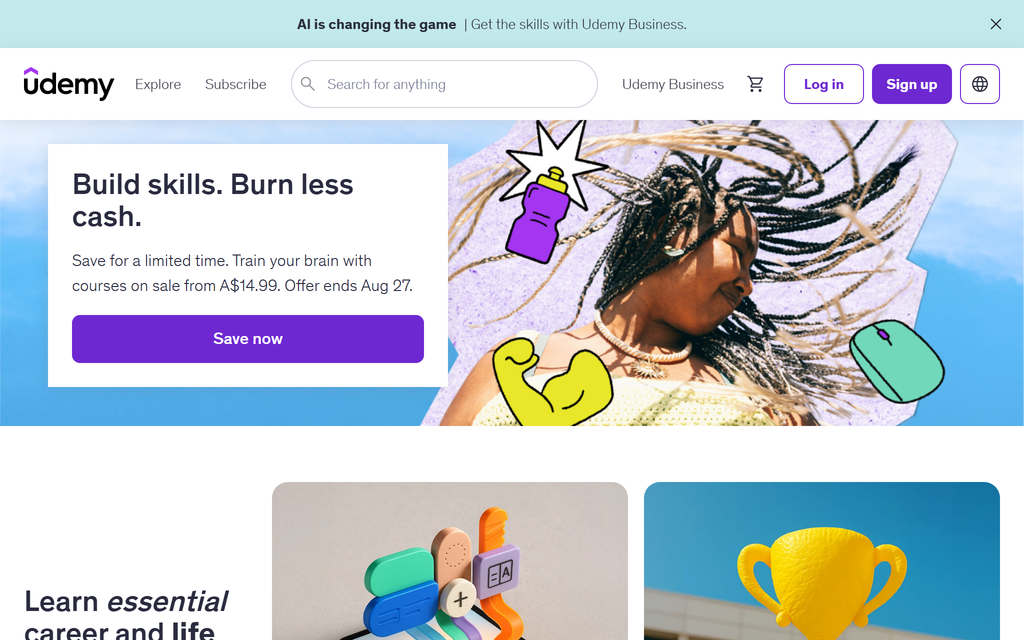
Udemy Business offers a selected learning catalogue across technical and business topics, with learning paths and organisational reporting. It differs from buying any course in the public Udemy marketplace; the business collection is curated.
Current enterprise options include technical assessments and AI coding exercises, while labs and workspaces are available through an add-on. The useful comparison is the exact topic, version and practice activity the team needs. A large catalogue does not mean every niche course or every hands-on tool is included.
What stood out: From my review, I would choose one representative technical task and inspect its course, exercise and manager report. I would also check how a path is updated when the software version changes. That keeps the decision tied to the team’s work rather than catalogue breadth alone.
My verdict: Shortlist it for a mixed technical and business programme. Compare the selected collection and lab scope with a more specialised technical provider when practical depth is required.
Pricing: The US-language public page shows Team at US$360/user/year for 2 to 50 people. Regional pricing can differ. Enterprise is quoted, and labs, workspaces and specialist collections may add cost.
3. Coursebox
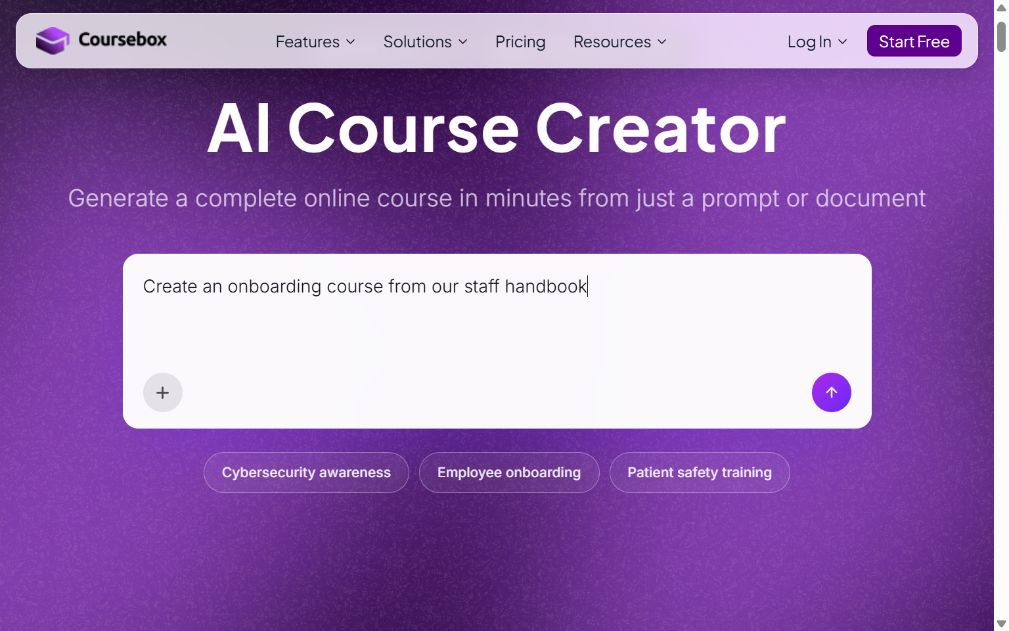
Coursebox builds editable technical learning from your documents, procedures and other approved source material. It combines quizzes, video, assessments and an AI tutor with hosted delivery or export to another LMS. It is useful for a system or process that a public course library cannot describe.
The source owner still needs to check each procedure and assessment answer. Coursebox can organise and report the learning, but it is not a cloud sandbox or a pre-built coding-course library. Pair it with a safe practice environment or observed task where real system operation is required.
From my comparison: My review follows a changed internal procedure. I want to update the relevant explanation, the exercise and the assessment together, then inspect the learner result. That is a more useful maintenance check than generating a new course from scratch each time.
My verdict: Choose it for organisation-specific training that needs to stay current. Combine published courses and practical labs when learners also need broader technical skills.
Pricing: A limited free plan includes three mini courses and unlimited learners. Current Australian prices are Creator AU$500/year, Pro AU$1,400/year and Pro + LMS AU$4,200/year. AI allowances and delivery features vary; Enterprise and SSO are separate buying considerations.
4. iSpring Suite + iSpring LMS
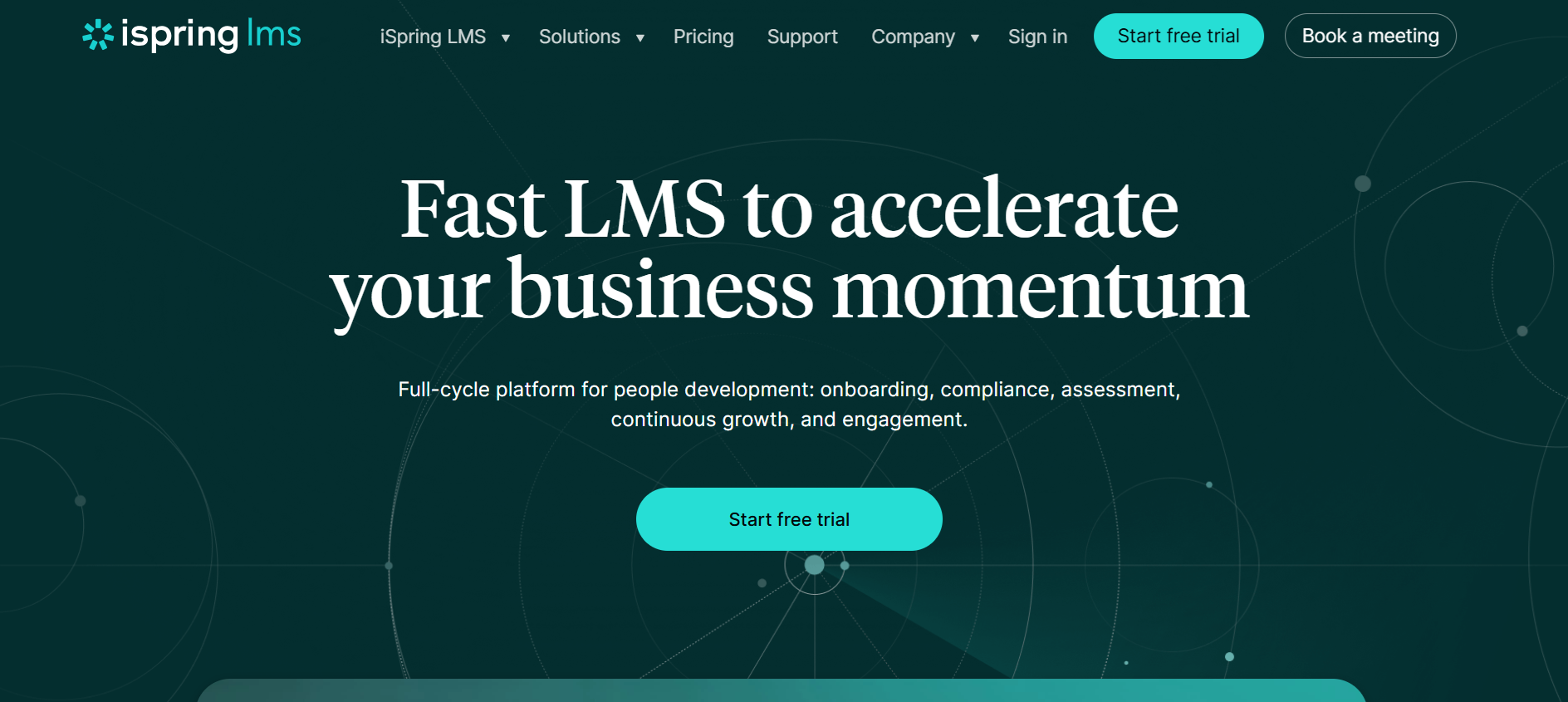
iSpring Suite turns PowerPoint-based material into courses with narration, quizzes and dialogue exercises. iSpring LMS is the separate delivery product for assignments and manager reports. The combination suits teams with useful slide-based technical content.
The product is not limited to manual authoring. Suite AI adds course generation and an AI assistant; iSpring also sells Cloud AI as a separate browser-based option. The desktop Suite remains tied to Windows and PowerPoint. That is convenient for a slide-heavy team, but less convenient when contributors need to work from different operating systems.
My practical check: What stood out in my review was the starting material. With a well-designed slide deck, preserving the presentation can be more useful than generating a new structure. With a long handbook, I would compare an AI-generated lesson outline instead. Those are different tasks, even if both end as SCORM.
My verdict: Keep it on your shortlist when PowerPoint fidelity and quiz-driven training are priorities. Choose a browser tool when shared editing and avoiding desktop installations are the larger need.
Pricing: Suite is US$970/author/year, or US$1,290 for Suite AI. iSpring LMS Business for 100 active users is US$8,286/year. Authoring and LMS delivery are separate purchases; larger-volume and regional terms differ.
5. Docebo
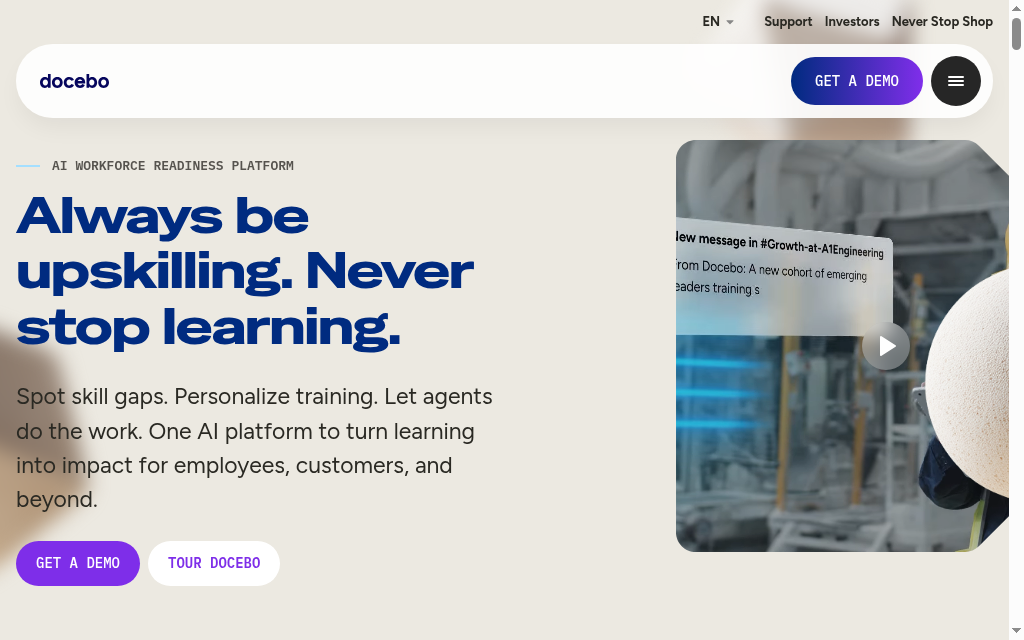
Docebo suits distributed organisations that need to assign and manage training across roles, regions and audiences. Learning plans, automation and delegated administration give a central team a way to set requirements while local managers follow up their employees. The platform covers on-demand learning and scheduled sessions, rather than forcing every task into a live meeting.
The training-administration value is in the administration. Employee data and group rules can determine who receives a course, while permissions determine what a regional administrator can manage. Integrations and advanced modules are part of the buying scope. Ask which connections are included and what each actually does: launching a meeting, synchronising people and delivering learning inside another application are different capabilities.
My review: My rollout checklist starts with existing employees. Adding an enrolment rule does not automatically enrol people who already belonged to the group, so that cohort needs a separate enrolment step. I would map the initial assignment and future joiner process together before trusting the automation.
My verdict: Choose Docebo when audience rules and delegated learning administration justify a larger implementation. A small team with one onboarding path should compare the configuration and commercial scope with a simpler deployment.
Pricing: Current plans are quoted. Request the learner basis, integration allowance, implementation work and required analytics or audience modules in writing. The advertised platform should not be treated as a promise that every connected module is included.
6. LinkedIn Learning

LinkedIn Learning combines technical, business and creative courses with learning paths and skills-oriented recommendations. It can fit a programme where technical development also includes communication, project work and management.
Current offerings include practical learning features, so it should not be dismissed as only a video library. Check the specific course’s exercise, coding or lab experience and the plan that includes it. Team administration and larger organisational integrations are different buying scopes.
What stood out: My comparison starts with one role and its next useful task. I would check that the path is at the right level, that the exercise supports the task and that the manager can see the learning result. A broad subscription still needs deliberate assignment.
My verdict: Choose it for technical and professional development together. For a specialist engineering task, compare the actual practice environment with the specialised provider rather than rely on a general claim about depth.
Pricing: The US small-team offer is US$379.88 per seat/year for organisations needing 20 or fewer licences. Larger organisational programmes use a different sales arrangement. Individual subscriptions are a separate comparison.
7. Go1

The useful comparison is the included provider, course version and practice activity. Under Go1’s product terms, a registered licensed user generally counts as active unless the order says otherwise. Content access does not automatically include every publisher course or a separate lab environment. Confirm the collection, licence rules and reporting connection.
The relevant question for technical learning is which provider, course version and practice activity are included in the chosen collection. Content access should not be assumed to include a separate lab environment or every course sold directly by a publisher. Confirm the delivery connection and reporting fields too.
From my comparison: What I check is a named technical topic in the proposed collection, followed by its launch and completion record inside the existing LMS. I would review the process for a withdrawn or updated course, because a maintained learning path needs more than an initial content import.
My verdict: Choose it for multi-provider sourcing across a wider training programme. For a specialist hands-on requirement, verify the actual included activity before choosing by the size of the library.
Pricing: Pricing depends on the collection, user licences and agreement. Some plans have a self-service purchase route; broader arrangements require sales. Confirm renewal scope and the counted-user definition.
8. 360Learning
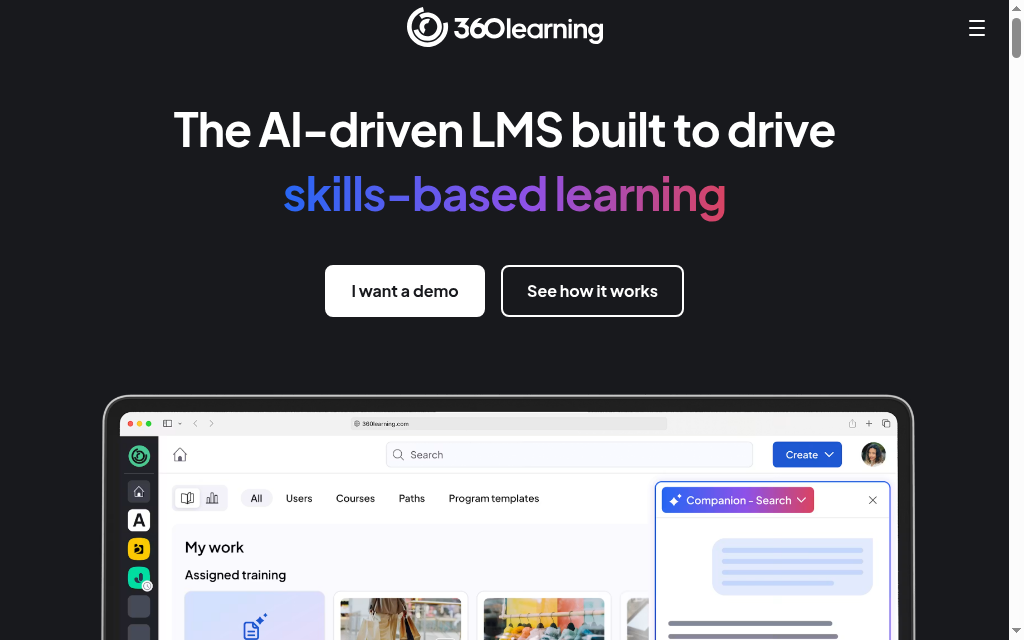
360Learning suits organisations whose training depends on knowledge held by colleagues across the business. Subject-matter experts can contribute courses, and learner feedback helps identify where an explanation needs improvement. The platform combines that production workflow with assignments and learning delivery, rather than acting only as a shared editor.
That can help a product team turn a release into training or an operations team document a changed process. The maintenance responsibility remains important: name the person who approves the content and the person who revisits it after a change. A large number of contributors can produce conflicting lessons unless the team agrees which source is authoritative.
My practical check: What stood out in my review was the feedback loop after launch. A learner’s question can expose a gap that a content owner can repair for the next cohort. I would make that part of the operating process, alongside completion reports, rather than judge the platform only on how quickly a colleague can publish a first course.
My verdict: Choose 360Learning when expert contributions and ongoing refinement are central to the training programme. Compare the required integration, governance and administration scope before expanding beyond the initial team.
Pricing: Team is US$8 per user/month for up to 100 users. Larger deployments require a quote. This is an LMS user price, so compare it with the number of people using the platform rather than only the authors.
Match the explanation, practice and evidence
| Requirement | What to compare | Useful check |
|---|---|---|
| Public technology | Use a current course and a relevant exercise or lab | Match the version and task to the learner’s role |
| Internal procedure | Author from your own approved source material | Check the procedure with its owner before assigning it |
| Practical skill | Observe or validate the task in a safe environment | Keep the task result separate from watched hours |
| Administration | Assign the right path and retain the evidence | Check what the manager can retrieve |
| Updates | Review the source when the tool or process changes | Test one revision across lesson, exercise and assessment |
Use a representative learner and the hardest activity. Compare the source, result and report before assigning the programme more widely. Retain the existing material and records while the pilot is reconciled.
In that employer survey, 63% identified skill gaps as a major barrier to transformation through 2030. Define the practical task and evidence before choosing a catalogue or course builder.
Which tool should you choose?
| Your main job | Starting choice |
|---|---|
| Technical courses and hands-on labs | Pluralsight |
| Curated technical and business learning | Udemy Business |
| AI-created internal technical training | Coursebox |
| PowerPoint authoring and assigned delivery | iSpring Suite + iSpring LMS |
| Enterprise training administration | Docebo |
| Technical and professional development | LinkedIn Learning |
| Multi-provider learning content | Go1 |
| Expert-led collaborative learning | 360Learning |
Choose by the required workflow and the complete cost at the appropriate plan. The quiz covers four starting choices; all eight options are compared above.
For a closer look, see what is technical training.
Frequently Asked Questions
Use published courses for widely taught topics when the level, version and practice fit. Create material for your organisation’s systems and procedures. Many teams combine the two.
Not automatically. Pluralsight provides labs within its learning offering; Udemy Business has lab and workspace add-ons. An authoring tool or LMS needs a separate practice environment when the task requires real software or infrastructure.
Use completion to track participation and a relevant task or assessment to check competence. Define the evidence before selecting the course and retain the result the manager needs.
Carolina Martin
Carolina is a highly experienced learning designer with tech start-up experience. She is based in Sydney and previously designed courses alongside Coursebox founder Travis in a previous job. She is passionate about delivering engaging learning experiences and brings the same perspective to customer experience too. She manages our customer support documentation and product testing processes.

