

10 Best Mobile LMS Platforms in 2026: Which Fits Your Team?
The best mobile LMS platforms, judged on what counts on a phone: real offline mode, a native app learners will actually open, and fit for a frontline, deskless workforce. Tested, with where each app beats or trails its website.

A mobile LMS is only as good as its offline mode: the core test is whether a learner can download a course, finish it with no signal, and have progress sync later. Litmos still has no real offline mode; most others here do.
- The app is often weaker than the web version. Docebo is the clearest case (about 2.2 stars on the App Store), so check current app-store ratings, not just the platform’s reputation.
- For frontline and deskless teams, a mobile-first tool like SC Training beats a desktop LMS with an app bolted on; 360Learning has the best-rated learner app of the full platforms.
- Per-active-user pricing adds up fast across a big frontline workforce; a free tier (TalentLMS, Moodle, SC Training) or an unlimited-learner model (Coursebox) changes the cost a lot.
- Almost every mobile app here is for learners only, you still build and assign on the web, so plan to run the admin side from a computer.
Answer three questions about your training needs, learner support and budget to find a starting point from Coursebox, SC Training, 360Learning and TalentLMS.

Scale training programs and cut development time using AI
A retail assistant learning on store Wi-Fi and a technician downloading a course before travelling both need mobile training. They do not need exactly the same setup. Easy access, readable lessons and useful learner support belong in the comparison alongside offline downloads.
I look at the whole job on the phone: finding the training, working through it and getting the result back to the manager. Where the team needs offline learning, I’d check the actual course in the app and what synchronises afterwards. I also want to know how easily the training team can create and update those lessons.
We build Coursebox, the mobile LMS included here. I’ve compared it with native-app and other mobile-learning options, including the limits that affect where each can be used.
Pew Research Center’s 2025 survey found that 91% of US adults own a smartphone. That makes phone access a sensible part of an LMS shortlist, but I would still check the devices your team uses and whether staff can use personal phones for training.
What I looked for in a mobile LMS
A mobile LMS lives or dies on a few things that have nothing to do with the feature grid.
- Real offline mode. Can a learner download a course, complete it with no connection, and have progress sync later? This is the single most important thing for frontline and field teams, and not every platform here has it.
- An app they will actually open. App-store ratings and a learner interface that is quick and clear, not a cramped copy of the website. A slow or buggy app is one learners stop opening.
- Fit for a deskless workforce. Microlearning, push reminders and a format that suits a two-minute gap between tasks, rather than an hour at a monitor.
- Price that scales sanely. Per-active-user pricing adds up fast across a big frontline team; a free tier or a flat, unlimited-learner model changes the maths.
- Admin vs learner on mobile. Most of these apps are for learners only; you still build and assign on the web. Worth knowing before you expect to run everything from a phone.
How I tested these
I used each tool’s own mobile app where one exists, tried the download-and-go-offline flow, and checked whether progress synced back cleanly. I read the current App Store and Google Play ratings and recent user reviews for the recurring mobile complaints, and I confirmed every price and free-tier limit on each vendor’s own page while writing; confirm them before you commit, since plans change.
The 10 best mobile LMS platforms at a glance
| Tool | Best for | Free option | Price | Rating | Watch out for |
|---|---|---|---|---|---|
| SC Training (EdApp) | Mobile-first frontline microlearning | Free tier (large library) | Paid per user, monthly | 4.6 (G2) | Light on long courses and admin depth |
| 360Learning | Top learner app + collaborative courses | Free trial | Paid per user, monthly | 4.6 (G2) | Pricier; learner app only |
| Absorb LMS | A polished app for mid-size+ teams | Free trial / demo | Custom quote | 4.5 (G2) | Quote-priced; more than a small team needs |
| Coursebox | Building mobile training fast with AI | Free to start, unlimited learners | Free to start; paid plans | 4.7 (Capterra) | Lighter than enterprise LMSs; younger app |
| TalentLMS | A simple SMB LMS with offline mobile | Free up to 5 users | From $69/mo | 4.6 (G2) | Per-user pricing; app trails the web |
| iSpring Learn | PowerPoint-based courses, offline field use | Free trial | Paid per user | 4.6 (G2) | Learner app only; fiddly Mac setup |
| Docebo | Enterprise depth and AI | Free trial / demo | Custom quote | 4.3 (G2) | Weak app (2.2/3.1 stars); enterprise price |
| LearnUpon | A simple, low-friction learner experience | Free trial / demo | Custom quote | 4.7 (Capterra) | Thinner app; missing video controls |
| Moodle | Free, open-source offline learning | Free (self-hosted) | Free + hosting | 4.1 (G2) | Rough app; needs a technical team |
| Litmos | A proven LMS for connected offices | Free trial | Custom quote | 4.2 (Capterra) | No real offline mode; completion bugs |
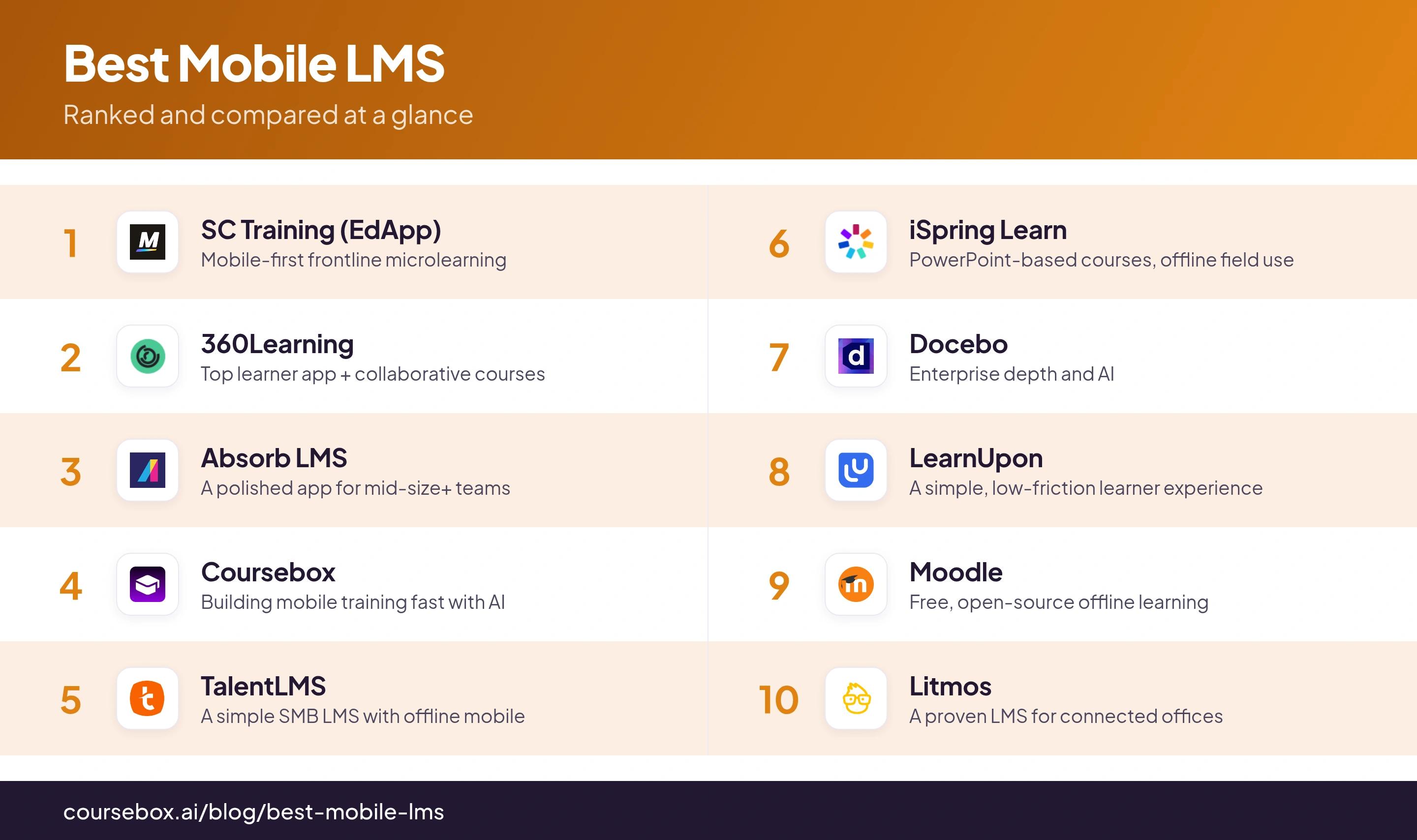
Prices and ratings were read off each vendor’s page and G2 or Capterra while writing; confirm both before you rely on them.
The 10 best mobile LMS platforms
1. SC Training (EdApp)
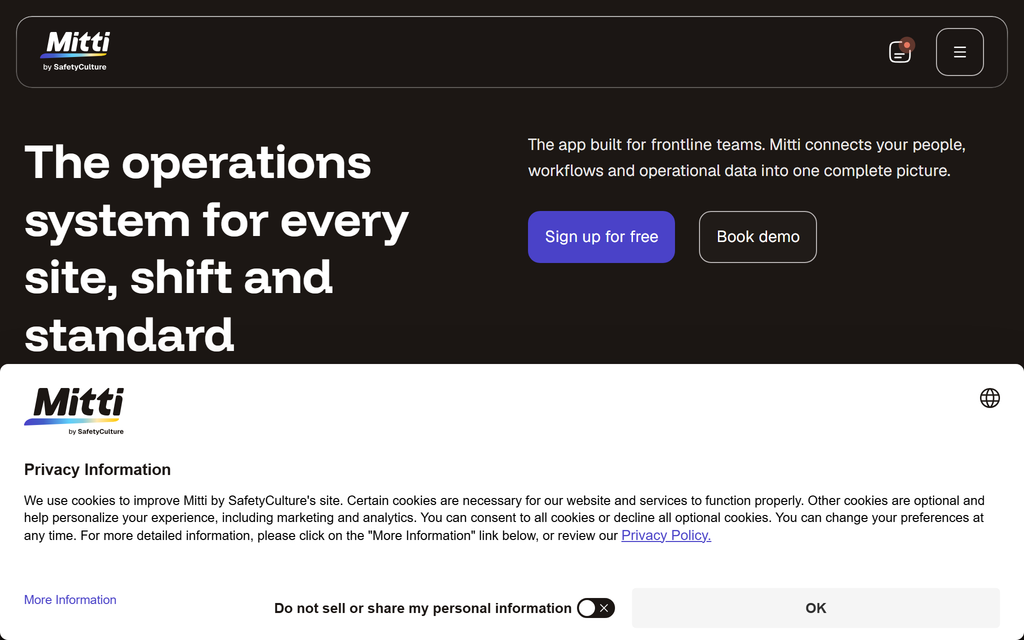
SC Training (formerly EdApp, now part of SafetyCulture) is the one built mobile-first rather than squeezed onto a phone: bite-sized lessons, gamification and offline downloads designed for frontline teams who learn on the floor, not at a desk. It has 80-plus microlearning templates and AI that turns a PDF or PowerPoint into a lesson.
There is a usable free tier with a large course library, which is rare at this end. The trade is depth: it is built for short, punchy microlearning, so if you need long structured courses, detailed compliance paths or heavy admin reporting, it is lighter than the enterprise platforms below.
Setting it up: I turned a PDF into a lesson with its AI and pushed it to my phone in minutes, and the bite-sized, gamified format felt built for a phone rather than ported to one. Offline download is there for field use. If your people learn on the floor, this is where I would start.
2. 360Learning
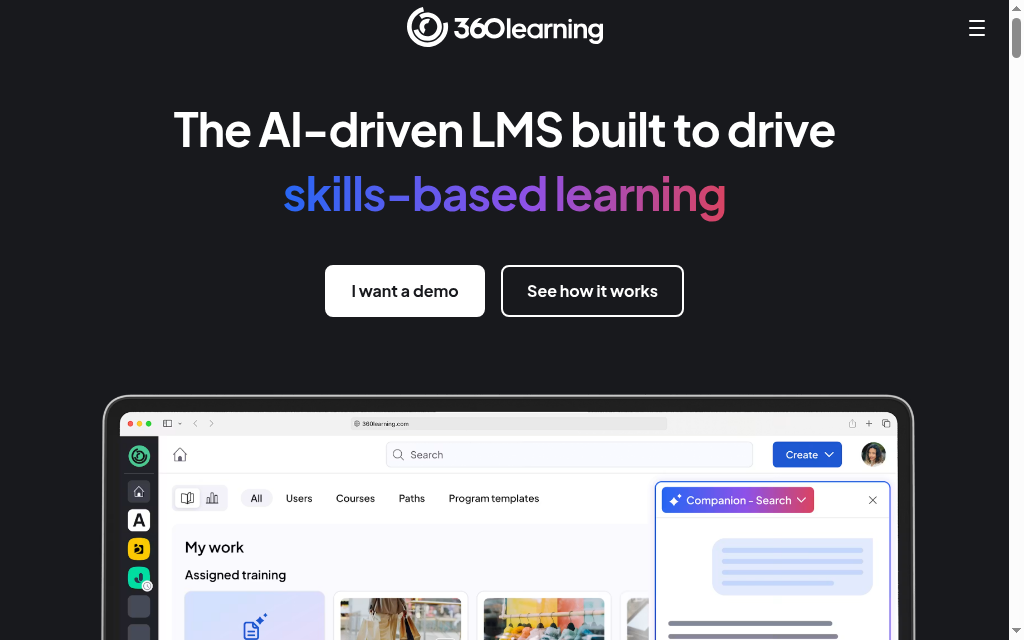
360Learning pairs collaborative, peer-built courses with the best-rated learner app on this list (around 4.6 on the app stores). Its mobile offline mode lets people download whole courses on WiFi and finish them on a plane or at a remote site, with progress syncing across devices automatically.
It leans into collaborative learning, where your own experts build and improve courses together, which suits a company that wants training owned in-house rather than bought off a shelf. It sits at the pricier, mid-market-and-up end, and the app is for learners only.
What I found: I downloaded a course over WiFi and finished it offline, then picked it up on another device. I would choose 360Learning when subject experts need to contribute to and improve training together. That collaboration is a more useful reason to buy it than an app-store rating alone. Course creation and assignment still happen on the web.
3. Absorb LMS
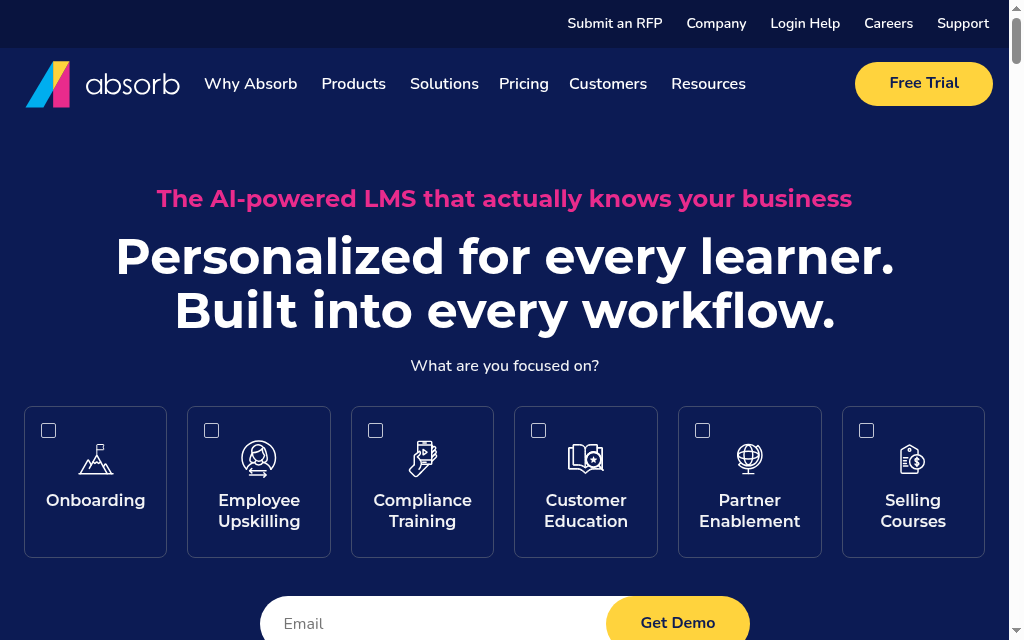
Absorb LMS is a polished corporate LMS with a native app that handles the mobile essentials well: download lessons, complete them offline, sync on reconnect. A 2026 update pulled the app much closer to its redesigned web experience, adding curricula, instructor-led courses and e-signatures.
It is aimed at mid-size and larger teams and priced by custom quote, so it is more platform (and more cost) than a small team needs. The learner interface is clean and uncluttered, which is a real strength for rolling training out to non-technical staff.
In my testing: Download, complete offline, sync on reconnect all held up, and the 2026 app update brought it close to the web experience, curricula and instructor-led courses included. The interface is clean and uncluttered; I hit the odd mobile hiccup but nothing that lost a session.
4. Coursebox
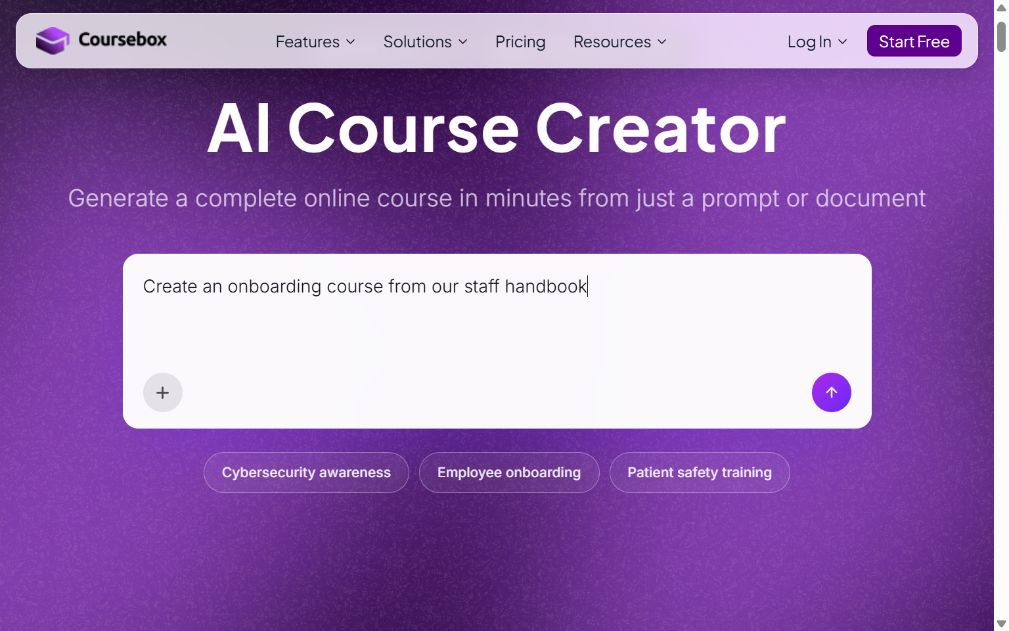
Coursebox, which is ours, combines AI course creation with mobile delivery. Turn a PDF, document or URL into lessons and quizzes, then give learners an AI tutor trained on the course so they can ask questions as they study. You can deliver training through the mobile app and offer your own branded app as an add-on. It does not charge per learner, so sharing training across a growing workforce does not add a per-seat bill.
Coursebox is worth considering when you need to create and deliver training in the same platform, offer help while learners study, and reach a large audience without per-learner fees. It is free to start. If you have complex compliance or integration requirements, take those exact workflows into the demo rather than judging the platform by its age or assuming a larger LMS will fit them better.
My take: I built a course from a PDF and opened it in the learner app minutes later. The first AI pass needed editing, but I had a draft to improve rather than a blank course to build. I would review the quiz answers and the tutor’s responses against the source material before rollout. Fast creation, help during learning and no per-learner fee are the combination I would compare with the other tools, rather than treating Coursebox as just a quick authoring tool.
5. TalentLMS
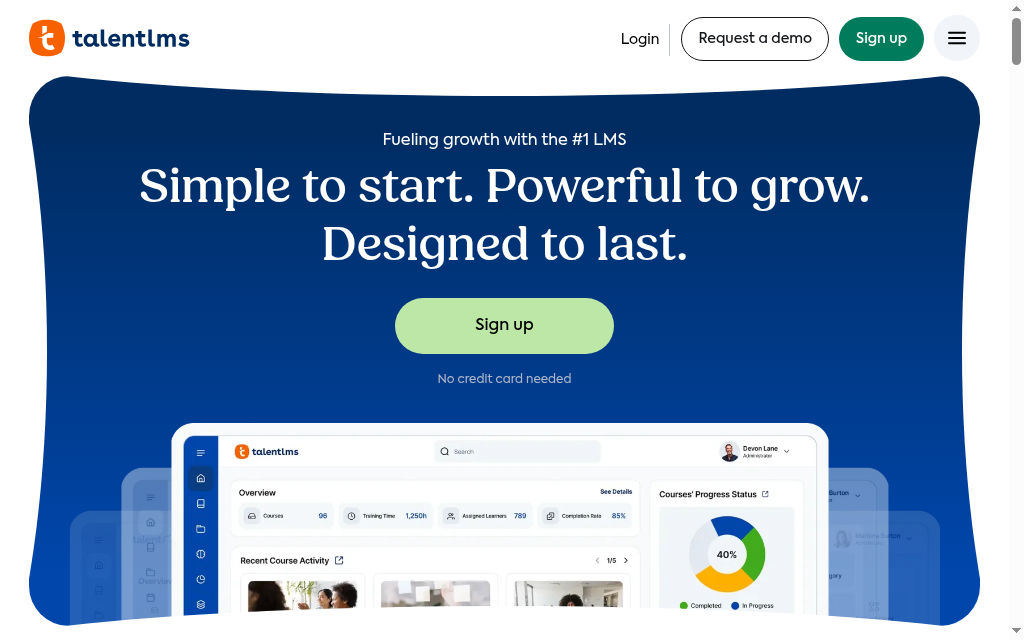
TalentLMS is the easy, SMB-friendly LMS with a real mobile app and a free plan to start on. Learners download a course, finish it offline and their progress syncs when they are back online, which covers the core mobile job without any setup.
Pricing is per active user, so the cost climbs as more of the team logs in, and the free tier caps at a small number of users. It is a corporate LMS rather than a mobile-first one, so the app follows the web rather than leading it.
Testing notes: Downloading a course and finishing it offline, then watching progress sync when I was back online, worked cleanly, which is the job on mobile. The app itself felt a step behind the web version, a bit slow and dated, so it is the offline reliability I would buy it for, not the polish.
6. iSpring Learn
iSpring Learn is a clean, polished LMS whose mobile app does the distributed-team basics well: download courses on WiFi, complete them in the field, sync when a connection returns. The interface is simple enough for non-technical learners, and it pairs with iSpring’s well-known PowerPoint-based authoring.
It is priced per active user, and the app is for learners, not admins, so you build and assign on the web. It is a strong fit if your content starts life in PowerPoint and your people are often offline.
Notes from testing: Download on WiFi, complete in the field, sync when back online, exactly what a distributed team needs, and the interface stayed simple enough for non-technical learners. It is a learner app, not an admin one, and getting it running on a Mac was oddly fiddly.
7. Docebo
Docebo is the enterprise, AI-heavy LMS, and its Go.Learn app can download SCORM, video and slides for offline use (though not YouTube or Vimeo). On the platform itself it is one of the most capable names here, built for large, complex training operations.
The mobile app is the weak spot: it sits at about 2.2 stars on the App Store and 3.1 on Google Play, and it is enterprise-priced by custom quote. For a large org the platform power can justify it; for a small team it is heavy and costly.
What I ran into: Offline download covered SCORM, video and slides (not YouTube or Vimeo), but the Go.Learn app is the weak point: it sits at 2.2 stars on the App Store and 3.1 on Google Play, and I hit a module that would not complete on the phone but ran fine in a browser. Powerful platform, frustrating app.
8. LearnUpon
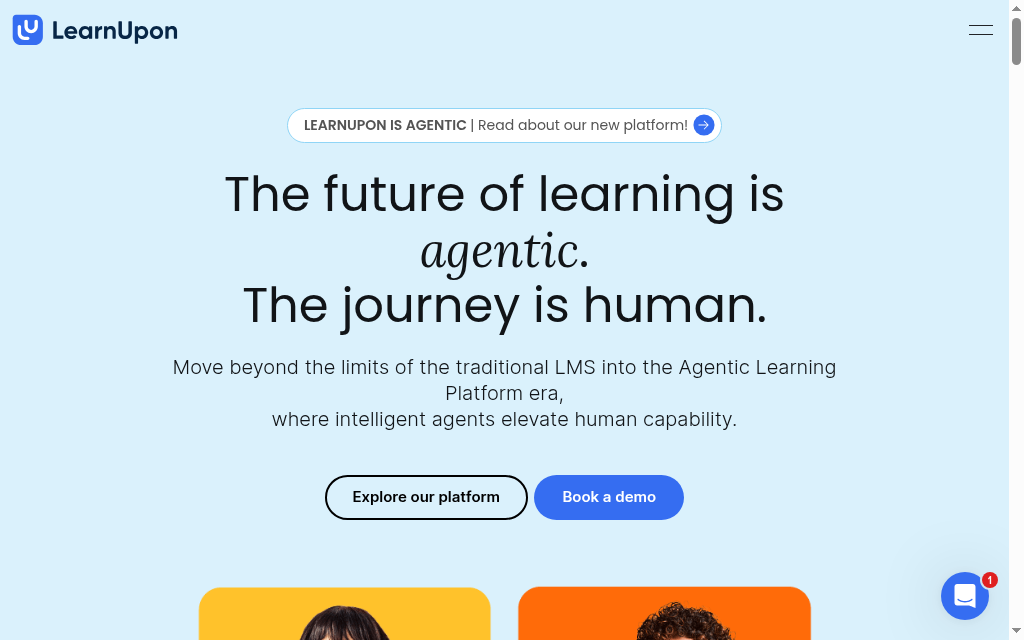
LearnUpon is known for an easy, learner-friendly experience, and on mobile that shows as a clean, distraction-free course player that works smoothly across phone, tablet and desktop. Even less tech-confident learners tend to get going with little hand-holding.
The app is thinner than the web version: a few video controls like adjustable playback speed and picture-in-picture are missing, and some reviewers report uneven performance. It is priced by custom quote and pitched at mid-market teams.
Trying it out: The learner side is easy, a clean, distraction-free player that ran smoothly on my phone. The app is thinner than the web, though, I lost adjustable playback speed and picture-in-picture, and a couple of reviewers flag patchy performance. Fine for straightforward courses, less so for video-heavy ones.
9. Moodle
Moodle is the free, open-source option, and its mobile app is more capable than you would expect for zero licence cost: it downloads almost everything, resources and most activities, for real offline study. For a team with the technical hands to run it, the price is unbeatable.
The app is the rough edge. A recent update left it looking like a worse version of the mobile site, it logs people out more often than it should, and a quiz froze for me on a weak connection. You also need hosting and a technical volunteer to set it up and keep it updated.
When I dug in: Free, and the offline download covers almost everything, resources and most activities, which is remarkable at zero licence cost. The app is rougher, though: a recent update left it looking like a worse version of the mobile site, it logged me out more than it should, and a quiz froze on a weak connection.
10. Litmos
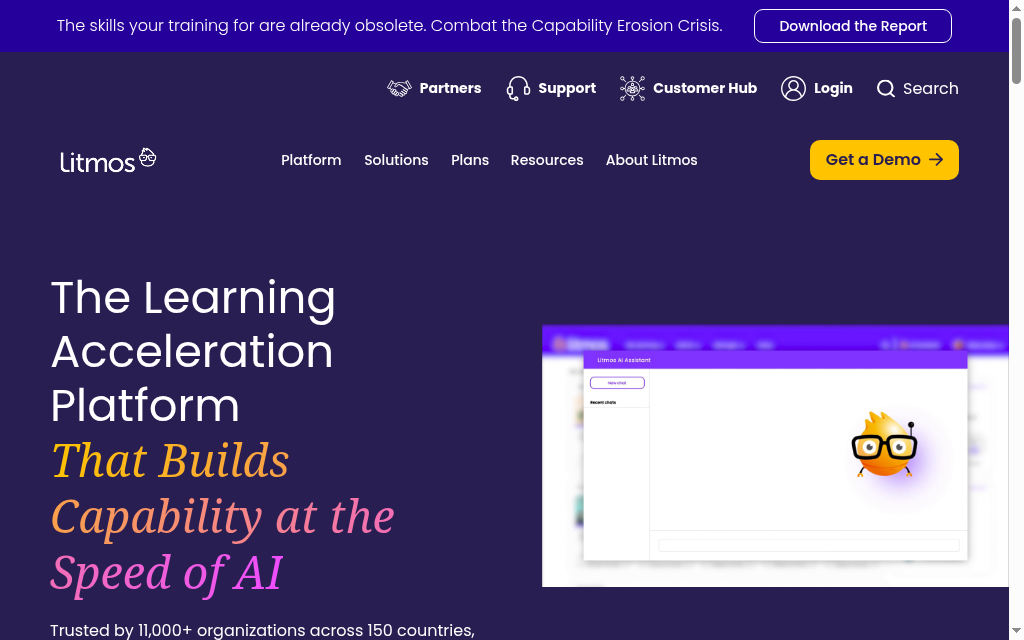
Litmos is a long-standing corporate LMS with a mobile app that works across phone, tablet and desktop and is simple to pick up. On the web it is a capable compliance-and-training platform used by plenty of large teams.
The catch is the one that counts for this list: there is still no real offline mode, so learners need a connection throughout, and reviewers repeatedly flag modules not registering as complete and needing a redo. Capable, but not the one I would choose for offline field training today.
The catch I hit: Here is the dealbreaker for a mobile list: there is still no real offline mode, so learners need a connection the whole way through. On top of that I saw the complaint reviewers repeat, modules not registering as complete and needing a redo. Capable on the web, not my pick for offline field training.
Every vendor says "mobile learning". Fewer actually download a course and run it with the phone in airplane mode. On your trial, do exactly that: enrol on a phone, download a course, turn off WiFi and mobile data, complete it, then reconnect and check the progress synced back to the admin side. If any step fails, it is not a mobile LMS for a frontline team, whatever the marketing says.
Time is another part of the decision. In Microsoft’s 2025 Work Trend Index, 80% of surveyed workers said they lacked enough time or energy to do their work. The survey covered knowledge workers across 31 markets. For those teams, I would check whether a learner can finish a useful lesson in a short gap and resume easily later, rather than simply whether a long desktop course opens on a phone.
Which mobile LMS should you pick
For frontline and deskless teams, start with SC Training, it is the only one built mobile-first. If you want the best-rated learner app and your experts will help build the courses, 360Learning. For a polished app in a mid-size company, Absorb. If the hard part is finding time to build mobile-ready courses at all, that is where Coursebox helps, by drafting them from material you already have, with unlimited learners. On the smallest budget, Moodle is free if you have the technical hands, and TalentLMS is the simplest paid start. And if your learners are often offline, skip Litmos until it ships a real offline mode.
If budget is the deciding factor, our guide to the most affordable LMS platforms compares the real per-user costs side by side.
Frequently Asked Questions
A mobile LMS is a learning platform that learners use on a phone or tablet, usually through a native app, to take courses, assessments and training on the go. The good ones let learners download content and complete it offline, then sync their progress when they reconnect, which is what makes them work for frontline and field teams without a reliable connection.
SC Training, 360Learning, Absorb, TalentLMS, iSpring Learn and Moodle all support downloading a course and completing it offline, with progress syncing on reconnect. 360Learning and SC Training have the strongest mobile experiences of that group. Litmos is the notable exception, it still has no real offline mode, so its learners need a connection throughout.
Yes. Moodle is free and open source (you pay only for hosting) and its app supports offline learning; SC Training has a usable free tier; and TalentLMS has a free plan for up to five users. Coursebox is free to start and does not charge per learner, so you can open a course to a whole team without a per-seat bill.
On most of these, yes, as long as they download the course while they have a connection. Once downloaded, lessons, videos and quizzes run offline and the results upload when the device is back online. Always test this on a trial, enrol on a phone, download a course, switch to airplane mode, and confirm it completes and syncs.
Usually not. Almost every app on this list, 360Learning, iSpring Learn, Absorb and others, is built for learners, so you create courses, assign training and read reports on the web. Coursebox lets you generate a course quickly on the web with AI and then deliver it through the mobile app, but the building still happens on a larger screen.
Alex Hey
Alex Hey is a technical marketer with 10 years of hands-on growth and digital marketing experience. He cofounded Coursebox together with Travis Clapp who he met online when looking for a cofounder to build a globally impactful software product. He works in the Perth, Western Australia office as the COO. He built the world's first automated funnel for patient recruitment before building Coursebox. After launching Coursebox in mid 2023, he drove +400k organic sign ups for Coursebox. Alex leads the marketing and digital growth of Coursebox and works with the product development team bringing a passion for data-driven product decision and exceptional user experience. Alex is determined to build the world's easiest way to build the perfect course.

