

9 Best Microlearning Platforms in 2026
The best microlearning platforms in 2026, ranked by what actually makes training stick: spaced repetition, mobile delivery and who they are built for.

Microlearning is about retention, not length. The pieces must be spaced and reinforced over time to beat the forgetting curve. Many 'microlearning platforms' are really general systems with the content chopped smaller.
- For large frontline and deskless teams where knowledge has to stick, Axonify leads on spaced-repetition science; SC Training and TalentCards are the easiest, cheapest ways to reach people on a phone.
- For reinforcing sales or business-critical knowledge, Qstream is built around the forgetting curve; for making a good lesson in minutes, 7taps; for AI that builds microlearning from your own material, Coursebox.
- The feature that decides retention is spaced repetition: whether the tool brings content back over time, not just how short each lesson is.
- TalentCards and SC Training have genuine free tiers; the enterprise frontline tools (Axonify, eduMe and Qstream) are quote-only.
Answer three quick questions and I will point you to the best place to start for your team.

Create bite-sized, high-retention training modules in minutes
Microlearning gets sold as short lessons, but the length is not the point. The point is retention: small pieces, spaced and repeated so they beat the forgetting curve, delivered in the flow of work instead of in a day-long course nobody remembers a week later. A lot of tools that call themselves microlearning platforms are really general learning systems with the content chopped smaller. The actual microlearning platforms are built around reinforcement, and usually around the people who never sit at a desk.
I am Carolina, a learning designer, and the part I care about is retention: training people forget is wasted money. So I judged these tools on what makes microlearning stick. Do they space and reinforce lessons, or just serve them once? Who are they built for? How do the lessons reach people? One of them, Coursebox, is ours, and I have been honest about where it fits and where it does not.
So the list is grouped by that. The frontline and deskless specialists come first, then the reinforcement and fast-creation tools, then the all-rounders. Work out who you are training and how, and the shortlist mostly writes itself.
Chopping a long course into five-minute chunks gives you shorter content, not microlearning. The word only means something when the pieces are spaced and reinforced over time, so they beat the forgetting curve. When you compare tools, the real question is not how short the lessons are, it is whether the platform brings them back.
What is a microlearning platform?
A microlearning platform delivers training in small pieces, usually a few minutes each, then brings them back over time so people actually remember them. The short lessons are the visible part. The reinforcement is the part that makes it work.
Underneath, the good ones lean on three ideas from learning science. Spaced repetition brings a point back across days and weeks instead of cramming it once. Retrieval practice makes people recall the answer rather than reread it. And just-in-time delivery puts the lesson in the moment of work, so it gets used, not filed away.
How I compared these microlearning platforms
I judged every tool on the same five things, in the order that decides whether the training sticks:
Built for retention. Does it space and reinforce content over time, or just serve short lessons once and call it microlearning. This is the whole game, so I weighted it heaviest.
Who it is for. Frontline and deskless teams, sales and knowledge workers, or everyone. A tool built for a warehouse floor is a poor fit for a sales desk, and the reverse.
Delivery. Mobile, push notifications, in the flow of work. Microlearning that lives behind a desktop login for a deskless team does not get done.
Authoring. How fast a normal person can make a lesson, and whether AI does the heavy lifting.
Price. Real figures where they are published, and quote-only flagged honestly.
Microlearning platforms at a glance
The whole list in one view. Prices are in USD as of August 2026; verify before you buy.
| Tool | Best for | Retention method | Delivery | Price |
|---|---|---|---|---|
| Axonify | Frontline teams that need knowledge to stick | Daily spaced repetition, gamified | Mobile, in-shift | Quote-only |
| SC Training | The easiest mobile microlearning to start | Spaced repetition, quizzes | Mobile-first | Free (up to 10); ~$5/user/mo |
| Coursebox | Building microlearning from your material with AI | Quizzes, AI-built modules | Web and mobile | Free; $40 to $750/mo |
| TalentCards | Deskless teams on a phone, on a budget | Spaced repetition, card-based | Mobile-first | Free (5 users); $50 to $75/mo |
| eduMe | Onboarding and guiding frontline and gig workers | Reinforcement in the flow of work | Mobile, link-based | Quote-only |
| 7taps | Making a lesson in minutes, no design skills | Short cards, quick recall | Mobile, link-based | Free plan; Starter ~$4,995/yr |
| Qstream | Reinforcing sales and critical knowledge | Science-backed spaced repetition | Mobile, email, SMS | Quote-only |
| Gnowbe | Cohort and social microlearning | Group learning, daily sessions | Mobile-first | Free plan; teams by quote |
| LearnUpon | Microlearning inside a full LMS | Modules within courses | Web and mobile | Quote-only |
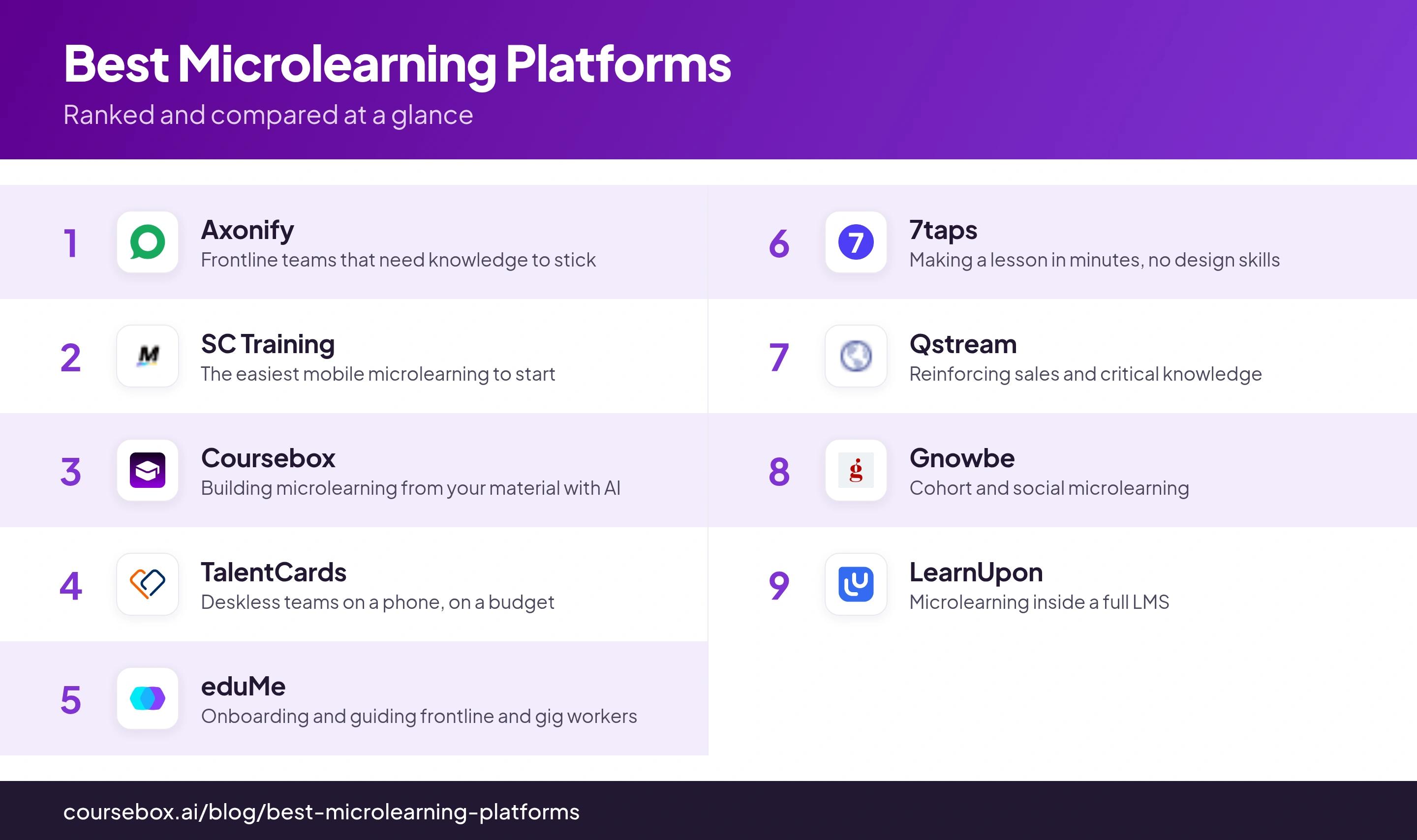
Ranked below, grouped by the job they do best.
The 9 best microlearning platforms
1. Axonify
Best for: Frontline teams where the training genuinely has to be remembered on the job.
Axonify is the frontline microlearning heavyweight, built around brain science: a few minutes of daily questions that adapt to what each person is shaky on, gamified so people come back. It is used by big retail, grocery and logistics workforces to keep safety and product knowledge current.
Its whole design is retention. The daily habit plus spaced repetition means knowledge is reinforced over weeks, not delivered once and forgotten, and the reporting shows managers exactly where confidence is low. The trade-off is that this is an enterprise platform with enterprise pricing and setup, so it is far more than a small team needs.
Notes from testing: Axonify is not set-and-forget. Admins spend hours each week on cleanup: duplicate trainings land on people, and questions need fixing. Changing one line of content can even mean redoing an import for thousands of learners. It works well, but someone has to handle it full time.
My take: Where Axonify earns its reputation is the discipline of the daily three-minute habit; it treats forgetting as the actual enemy, which most tools do not. It is the right call for a large frontline workforce and overkill for anyone smaller.
2. SC Training
Best for: The easiest place to start with mobile microlearning, especially free.
SC Training, formerly EdApp, is mobile-first microlearning with a big template library and a genuinely usable free tier. You build short, swipeable lessons, add quizzes and spaced repetition, and push them to people's phones without an implementation project.
It covers the retention basics well, with spaced repetition and quizzing, and the authoring is quick enough that a non-designer can ship a course in an afternoon. Because microlearning is the whole model, it is the wrong tool for a long, formal certification, but that is rather the point.
Notes from testing: On the learner side, the app could be flaky for me. A couple of times I finished a lesson and got stuck on the last screen, and had to force-close the app to get out. Quick to build on, but test it on a real phone before you roll it out.
My take: For a team that wants to try mobile microlearning without a sales call or a budget, this is where I send them first. The free tier is enough to prove the idea before you spend anything.
3. Coursebox
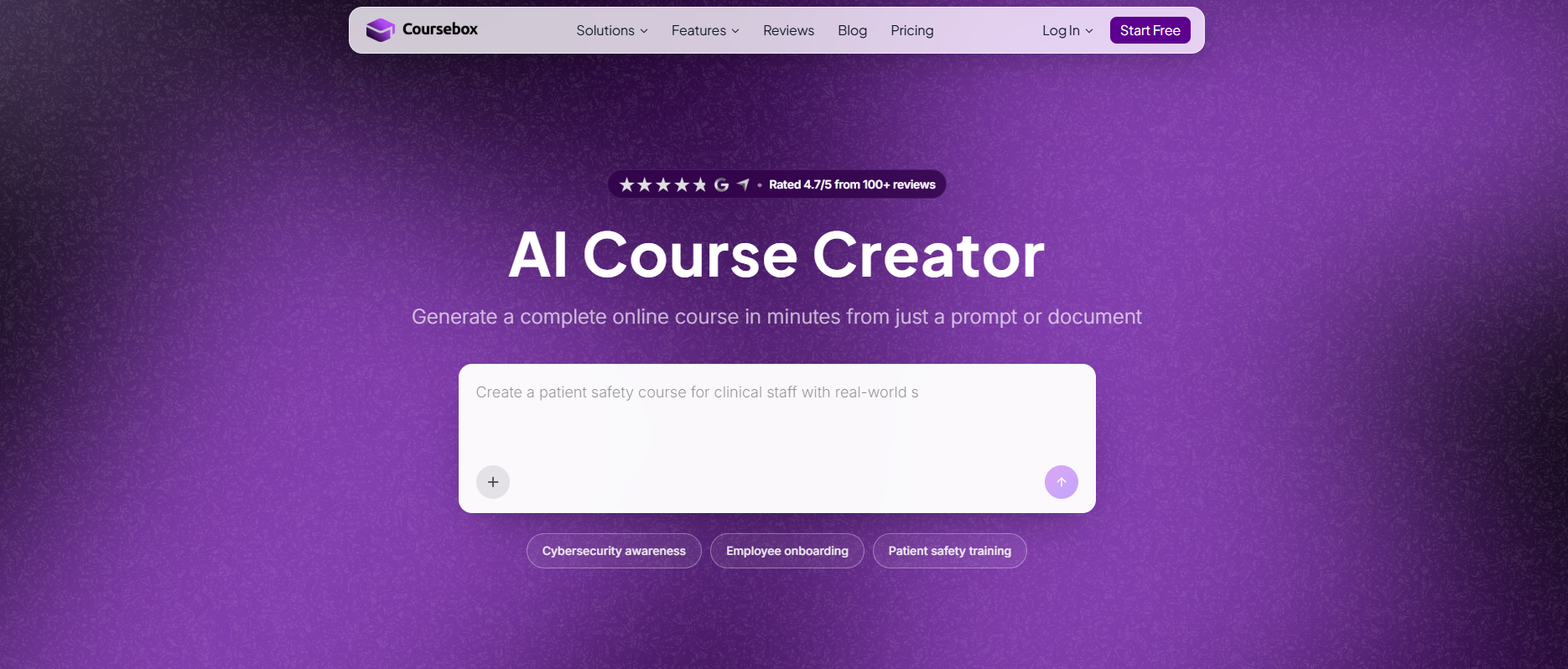
Best for: Turning your own material into microlearning fast, with AI doing the building.
Coursebox is the platform I work for, so giving that honest disclaimer right away. Coursebox takes a document or a prompt and drafts a course with quizzes and AI video, which you can slice into short modules and deliver on web or mobile. The pitch is speed: you skip the authoring project and let AI produce the first draft from what you already have.
It is strong on creation and on delivering plus tracking in one place, and mobile is well supported. What it is not is a dedicated spaced-repetition engine like Axonify or Qstream; it builds and delivers the lessons, but the reinforcement science is lighter, so pair it with a deliberate review schedule if long-term retention is the goal. Also, the AI Editor can be very helpful in enforcing spaced repetition without typing or manually editing anything.
Notes from testing: Speed is what I use it for. I drop in a document or a prompt and get a draft course with quizzes back in minutes, work that used to take days. It is not a spaced-repetition engine by default, but the AI Editor can help structure the course to be better aligned for reinforcing learning.
My take: Where it fits is the making, not the drilling: turning a policy or a slide deck into short, mobile lessons in minutes instead of days. Reach for it when authoring speed is your bottleneck, not when you need a pure reinforcement engine.
4. TalentCards
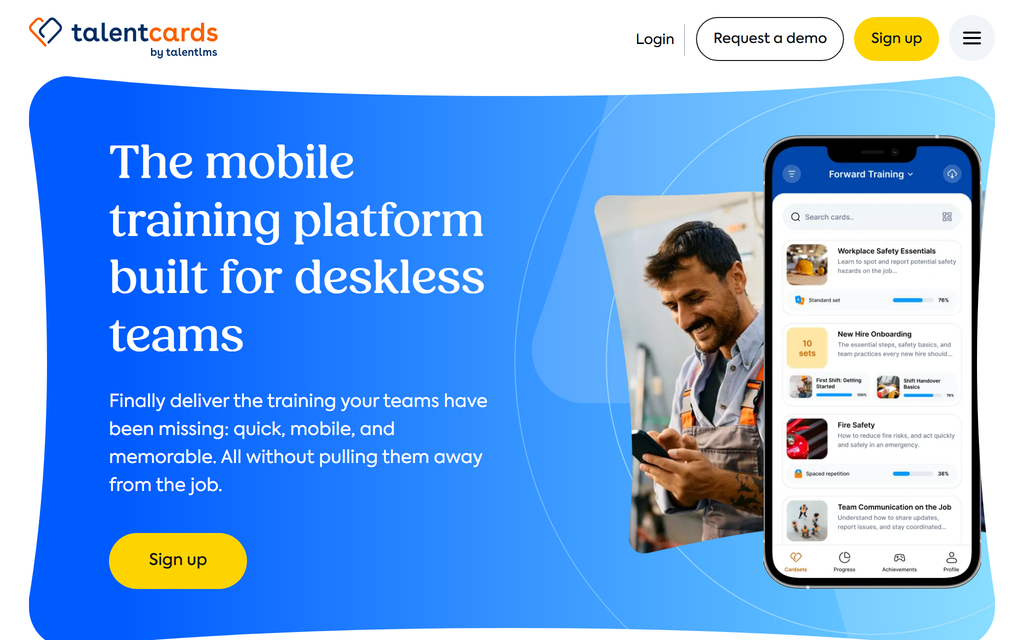
Best for: Deskless teams who train on a phone, on a small budget.
TalentCards, from the TalentLMS team, delivers microlearning as sets of mobile cards: quick, visual, swipeable, with spaced repetition and gamification built in. It is aimed squarely at deskless workers and priced to match.
Retention is handled through spaced repetition and repeated card review, and the card format keeps each lesson genuinely short. The free tier covers five users forever, and paid plans start at $50 a month for fifty users, which is unusually affordable for this category.
Notes from testing: Building a card set, I had to slow down. The editor lags behind your typing, so I waited for the green checkmark after each step or it would not save. Images can only be a card background too, so anything with text over an image I had to make in another tool first.
My take: The card format is the honest expression of microlearning, one idea per card, and the pricing makes it realistic for a team that cannot sign an enterprise contract. A strong, cheap way to reach people on the floor.
5. eduMe
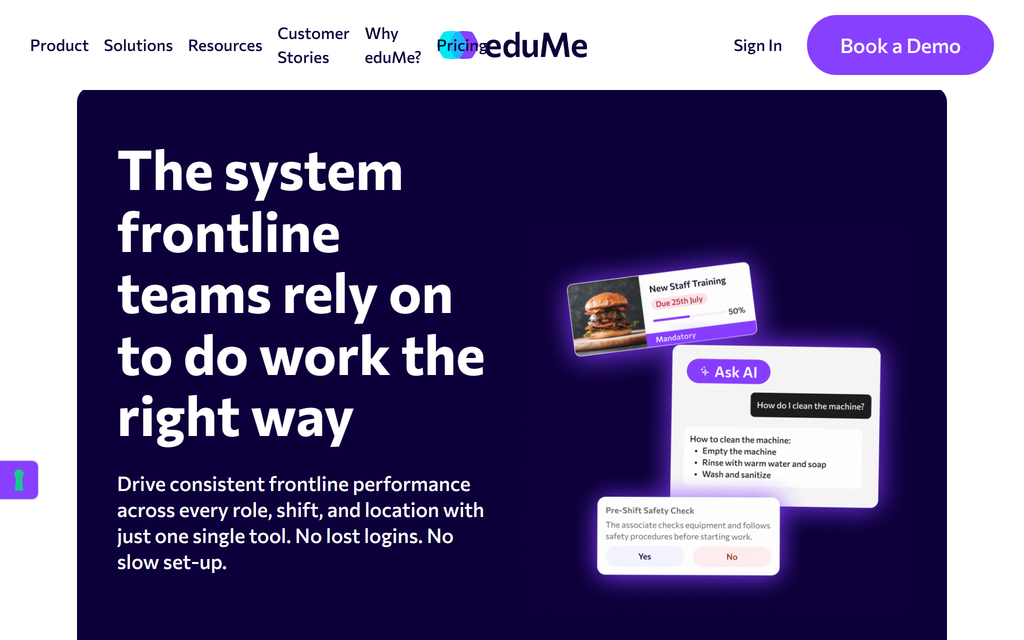
Best for: Onboarding and guiding frontline and gig workers in the flow of work.
eduMe is built for deskless and distributed workforces, especially gig and hourly staff: short lessons delivered by a link, no logins to lose, tied to the moments that matter like onboarding a new driver or a pre-shift safety check.
Its strength is reaching people who have no company laptop and little patience, with content that lands in the flow of their actual work rather than in a separate system. It is enterprise-focused and quote-only, so it suits a real frontline operation more than a small team experimenting.
Notes from testing: What slowed me down in eduMe is that you cannot reuse content. You cannot copy from one lesson to another, so every lesson is built from scratch. A quiz question also takes just one image or video, not several. Fine for short guides, slower once a course grows.
My take: The link-based, no-login delivery is the detail that matters for gig and hourly workers, because a forgotten password is where most frontline training quietly dies. Built for a specific hard problem, and good at it.
6. 7taps
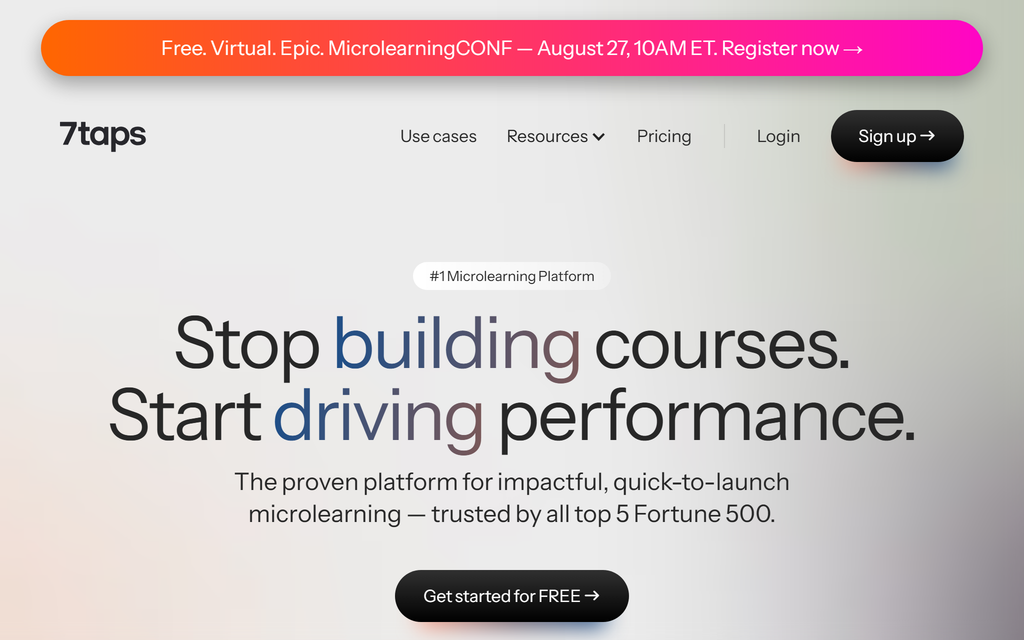
Best for: Making a good-looking microlesson in minutes, with no design skills.
7taps is the fastest way to turn an idea into a short, mobile lesson: pick a template, drop in your content, and share a link, with AI that can draft the cards for you. It is delivery-light and creation-heavy by design.
Where it wins is speed and polish, a non-designer can produce something that looks professional in minutes. It is lighter on deep tracking and long-term reinforcement than the frontline platforms, so it is a creation tool first, best paired with wherever you already deliver and track.
Notes from testing: What caught me out is how little you can change on a card. I could edit the words but not the text size, even on the paid plan. You mostly take what the template gives you. That is the trade for how fast it is.
My take: When the bottleneck is "we need something short and decent by this afternoon," 7taps solves exactly that. Do not expect it to run a reinforcement programme; expect it to make the lesson, fast.
7. Qstream
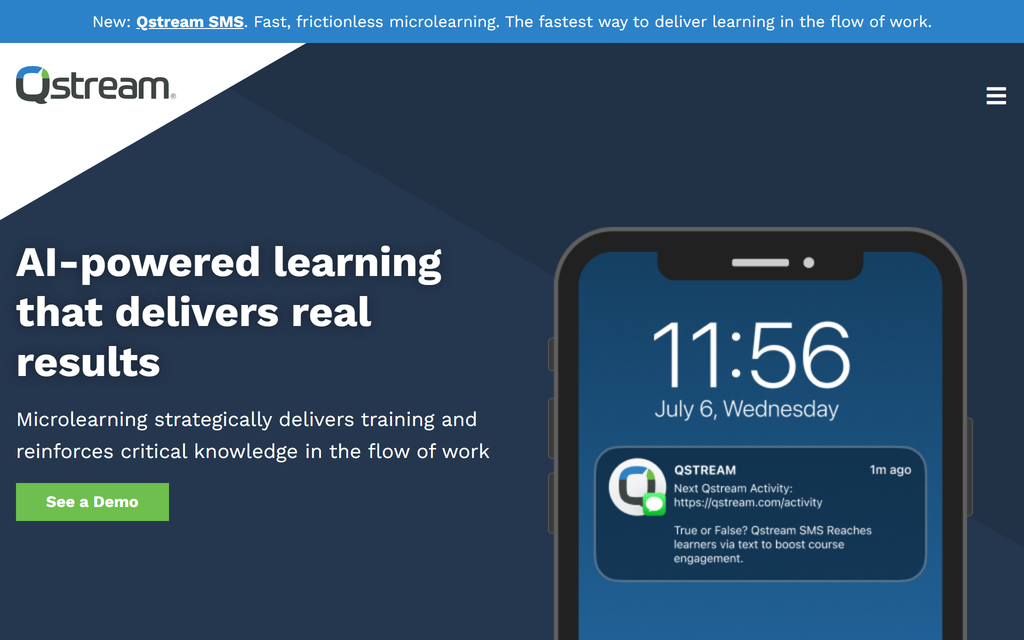
Best for: Reinforcing sales and business-critical knowledge with real science behind it.
Qstream is built around spaced repetition and retrieval practice for high-stakes knowledge, most often in sales, life sciences and financial services. Short scenario questions arrive over days and weeks by app, email or SMS, and the data shows managers who has mastered what.
This is one of the few tools where the retention method is the product, not a feature: it is genuinely designed around the forgetting curve, with proficiency scoring rather than completion ticks. It is enterprise and quote-only, aimed at teams where a knowledge gap costs real money.
Notes from testing: The video coaching felt locked down to me. You cannot send a rep video to more than one reviewer. You cannot change what they are scored on. And once a video is in, you cannot send it back for a redo. The reinforcement side is great; the coaching side is rigid.
My take: Qstream treats reinforcement as the whole job, which is rare and valuable when the knowledge actually matters. The trade is enterprise pricing and a sales-team lean, so it is a poor fit for general staff training.
8. Gnowbe
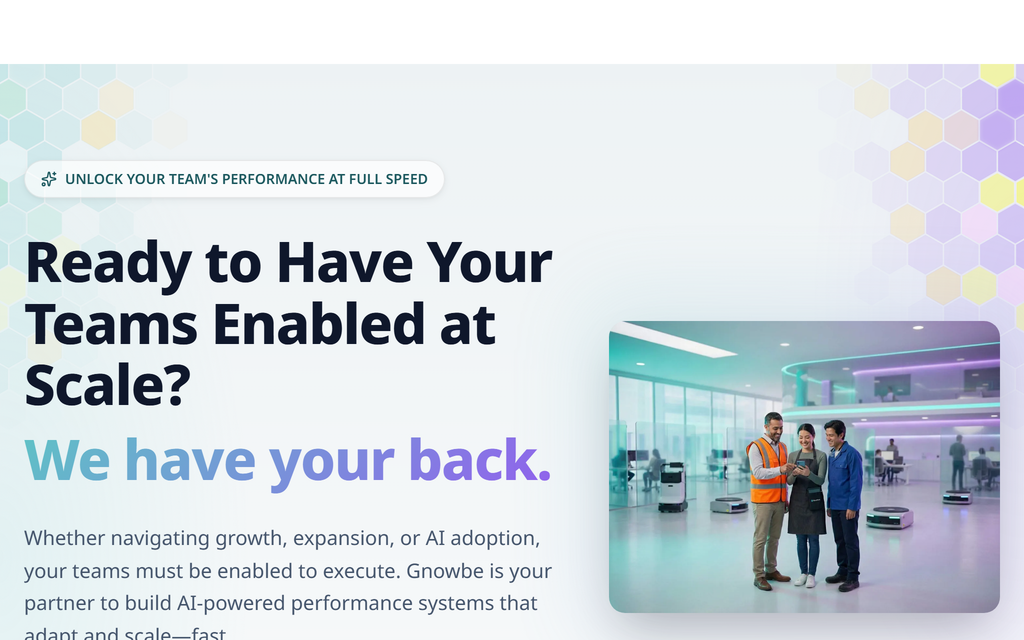
Best for: Cohort-based and social microlearning, where people learn together.
Gnowbe is mobile-first microlearning with a cohort twist: daily bite-sized sessions that groups move through together, with reflection, social sharing and a curriculum marketplace. It leans into the group dynamic more than the solo drill.
Its distinctive angle is the social and cohort structure, which suits leadership, culture and behaviour-change programmes better than pure fact recall. There is a free plan for individuals, but team pricing is quote-based, so budget for a conversation if you are rolling it out.
Notes from testing: The thing I would keep an eye on is updates. Users say things sometimes break when Gnowbe ships a new release. So I would check my live programs after each one. Small, but worth a reminder.
My take: The cohort model is the real differentiator; it fits the softer programmes where discussion and reflection do more than a quiz. Less the tool for hard compliance facts, more for the human side of learning.
9. LearnUpon
Best for: Teams that want microlearning inside a full learning management system.
LearnUpon is a well-regarded LMS rather than a dedicated microlearning tool, but it delivers short modules well and lets you run microlearning alongside formal courses, certifications and multiple audiences from one platform.
The advantage is not doing microlearning in isolation: if you already need an LMS for structured training, staff, partners and customers, doing the bite-sized pieces in the same place avoids another tool. The trade is that the reinforcement engine is lighter than the specialists here, and pricing is quote-only.
Notes from testing: The roles stopped me short. LearnUpon has four fixed ones: administrator, manager, instructor, and learner. There are no custom roles, so I could not make something simple like a view-only reporting login. People are either full admin or stuck in a preset.
My take: Pick it when microlearning is one thing you need and a proper LMS is another, and you would rather not run two systems. If bite-sized reinforcement is the whole job, a specialist beats it.
How to choose a microlearning platform
Start from who you are training and what "stick" means for them.
Decide if you actually need reinforcement
The word microlearning covers two different things. If you just need short, well-made lessons, almost any tool here (or 7taps and Coursebox especially) will do. If you need knowledge to survive for months, you need genuine spaced repetition, which is Axonify, Qstream, TalentCards and SC Training. Do not pay for a reinforcement engine you will not use, or skip one you needed.
Match the tool to your workforce
Frontline and deskless teams need mobile, link-based, no-login delivery (Axonify, eduMe, TalentCards, SC Training). Sales and critical-knowledge teams need scored reinforcement (Qstream). Culture and behaviour programmes suit a cohort model (Gnowbe). The wrong shape for your people is the most common way this money gets wasted.
Check what "microlearning" really means in the platform
Some platforms marketed as microlearning are general systems with short content. That is fine if you also want a full LMS (LearnUpon), but if you are paying for microlearning specifically, confirm the tool actually spaces and reinforces, rather than just serving a short lesson once.
Check it connects to what you already use
Microlearning does not live alone. Before you buy, check the tool plugs into your existing systems: your HR platform or LMS so you are not managing people twice, and content standards like SCORM or xAPI if you need lessons to move in or out. A tool that cannot talk to your stack becomes a second admin job.
Check you can see what is being forgotten
Retention is the goal, so the platform has to let you measure it. Look past completion ticks for question-level data: which points people get wrong, which teams are shaky, who needs a topic brought back. If all it reports is who finished, you cannot tell whether anything actually stuck.
Try before you talk to sales where you can
TalentCards and SC Training have genuine free tiers, and Coursebox and 7taps are free to start, so you can test the fit before a budget conversation. The enterprise frontline tools (Axonify, eduMe, Qstream) are quote-only, which is a signal of the commitment.
Which microlearning platform should you pick?
Name the workforce and the goal first. For a large frontline team where retention is the point, Axonify is built for exactly that. For the easiest cheap start on mobile, SC Training or TalentCards. For reinforcing sales knowledge with science behind it, Qstream. For making short lessons fast, 7taps, or Coursebox if you want AI to build them from your own material. The one thing not to do is buy a "microlearning platform" that only chops content smaller when what you needed was reinforcement.
Frequently Asked Questions
It depends on your workforce. For frontline teams where retention matters most, Axonify. For the easiest, cheapest mobile start, SC Training or TalentCards. For science-backed reinforcement of sales or critical knowledge, Qstream. For building microlearning from your own material with AI, Coursebox. There is no single winner, only the best fit for who you are training.
A real microlearning platform is built around retention: it delivers short lessons and then spaces and reinforces them over time so they beat the forgetting curve, usually on mobile and in the flow of work. A general LMS can host short content, but without spaced repetition and mobile-first delivery it is just serving small lessons once, which is not the same thing.
Yes. TalentCards is free for up to five users forever, SC Training is free for up to ten, and Coursebox and 7taps are both free to start. The enterprise frontline platforms (Axonify, eduMe, Qstream) are quote-only with no free tier.
For retention, the evidence for its underlying mechanisms is strong: spaced repetition and retrieval practice are among the most robust findings in learning science. But that only holds if the platform actually spaces and reinforces the content. Short lessons served once and never revisited do not beat a longer course; the spacing is what does the work.
An LMS (learning management system) hosts and tracks courses of any length. Microlearning is an approach: very short lessons, spaced and reinforced, usually mobile. Some LMSs support microlearning, and some microlearning tools are lightweight LMSs, but a dedicated microlearning platform is built specifically around bite-sized, reinforced, mobile delivery.
Most microlearning lessons run two to ten minutes, and many sit at the shorter end. But length is not the point, and chasing an ever-shorter number misses it. A lesson should be as long as the single idea needs, then spaced and brought back so it sticks. One well-reinforced five-minute lesson beats three one-minute ones that are never seen again.
Carolina Martin
Carolina is a highly experienced learning designer with tech start-up experience. She is based in Sydney and previously designed courses alongside Coursebox founder Travis in a previous job. She is passionate about delivering engaging learning experiences and brings the same perspective to customer experience too. She manages our customer support documentation and product testing processes.

