

8 Best LearnDash Alternatives in 2026: WordPress and Hosted
My review of eight LearnDash alternatives, covering WordPress plugins, hosted learning platforms, migration and the fees behind course selling.

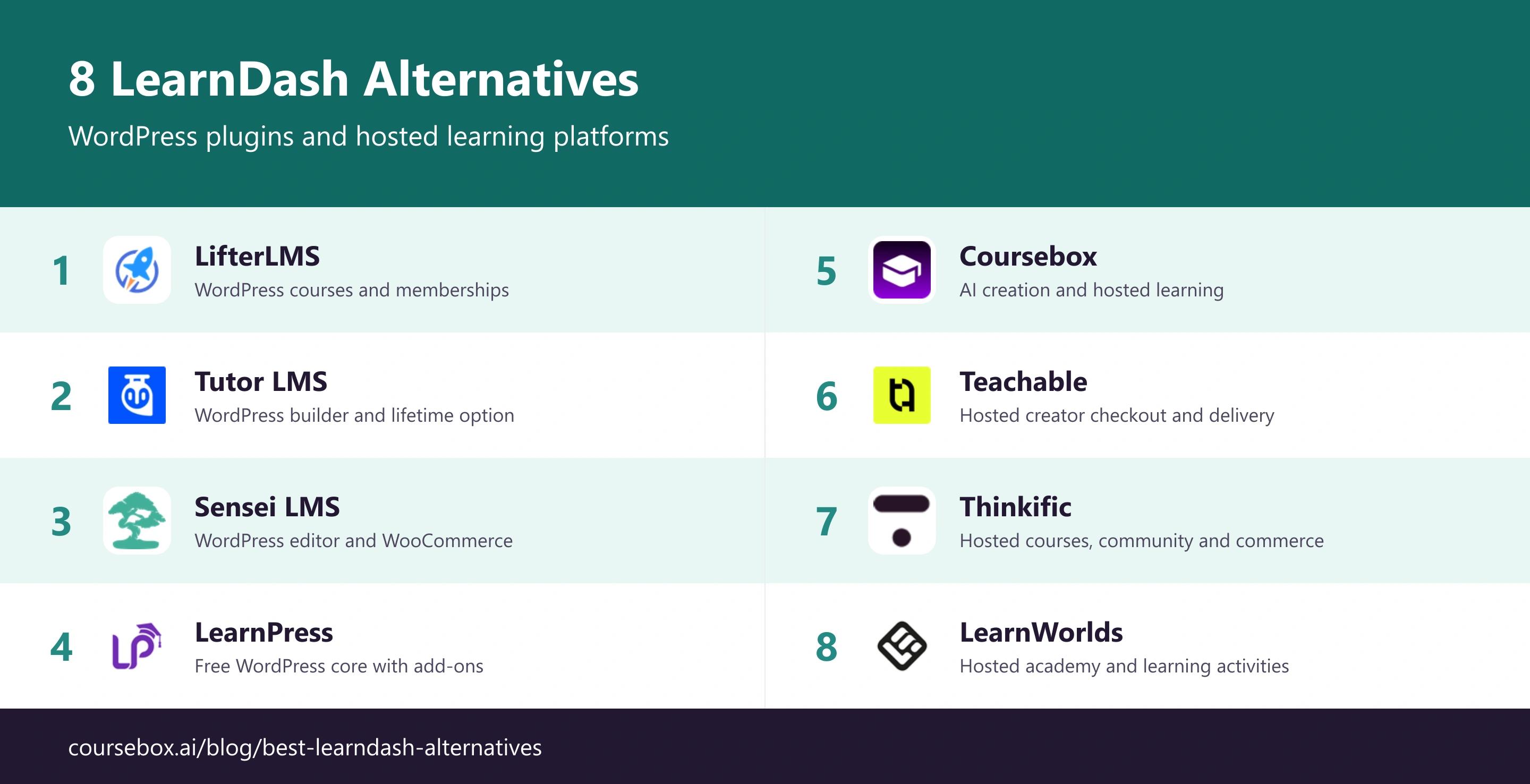
The best LearnDash alternatives in 2026 include LifterLMS, Tutor LMS, Sensei LMS, LearnPress, Coursebox, Teachable, Thinkific and LearnWorlds. Compare WordPress plugins and hosted learning platforms separately.
- A hosted learning platform can work alongside a WordPress marketing site. Hosting and administration control are different from ownership of your course content.
- Free plugin cores still need hosting and may need paid extensions. Sensei Interactive Blocks is a different product from Sensei Pro for course selling.
- Teachable Starter adds a 7.5% platform fee; LearnWorlds Starter adds US$5 per paid course enrolment. Model the total at your expected sales volume.
Answer three questions to compare the four tools below. The result balances your preferences; the entries explain the features, limits and costs to check.

Build, launch and sell quality courses in minutes
A LearnDash replacement can keep your courses on WordPress or move learning to a hosted platform. The useful question is what you want to change: authoring, checkout, learning activities or the work of maintaining the site. LearnDash itself also offers a hosted Cloud route, so reducing technical work does not automatically mean leaving WordPress.
I’d put hosting, updates and add-ons beside the course licence when comparing the cost. I work with Coursebox, whose AI LMS is included in the hosted group; the WordPress options offer a different balance of control and maintenance.
How I picked these LearnDash alternatives
I compared these tools using four criteria:
- Site and learning setup: Decide where courses, checkout and learner accounts should run.
- Course workflow: Compare the activities and editing process the programme needs.
- Migration: Check content, enrolments, progress and existing subscriptions separately.
- Total cost: Include renewals, hosting, add-ons and transaction fees.
The best LearnDash alternatives compared
| Tool | Setup | Useful starting job | Buying detail | Starting cost |
|---|---|---|---|---|
| LifterLMS | WordPress plugin | WordPress courses and memberships | Renewal and payment add-ons | Free core; Earth first-year offer US$199 |
| Tutor LMS | WordPress plugin | WordPress builder and lifetime option | AI uses your own API key | Free core; Individual US$199/yr |
| Sensei LMS | WordPress plugin | WordPress editor and WooCommerce | Pro differs from Interactive Blocks | Free core; Pro US$179/yr |
| LearnPress | WordPress plugin | Free WordPress core with add-ons | Hosting and required paid add-ons | Free core; extras separately priced |
| Coursebox | Hosted platform | AI creation and hosted learning | Embed/export and AI allowances | Free; Creator AU$500/yr |
| Teachable | Hosted platform | Hosted creator checkout and delivery | Starter 7.5% platform fee | Starter US$39/mo + 7.5% fee |
| Thinkific | Hosted platform | Hosted courses, community and commerce | Brand removal on Grow | Basic US$54/mo |
| LearnWorlds | Hosted platform | Hosted academy and learning activities | Starter paid enrolment fee | Starter US$29/mo + paid enrolment fee |
Prices were checked in October 2026. Billing terms, currencies, introductory offers and feature limits differ; the entry pricing notes explain the relevant restrictions.
WordPress plugin alternatives (stay on WordPress)
1. LifterLMS
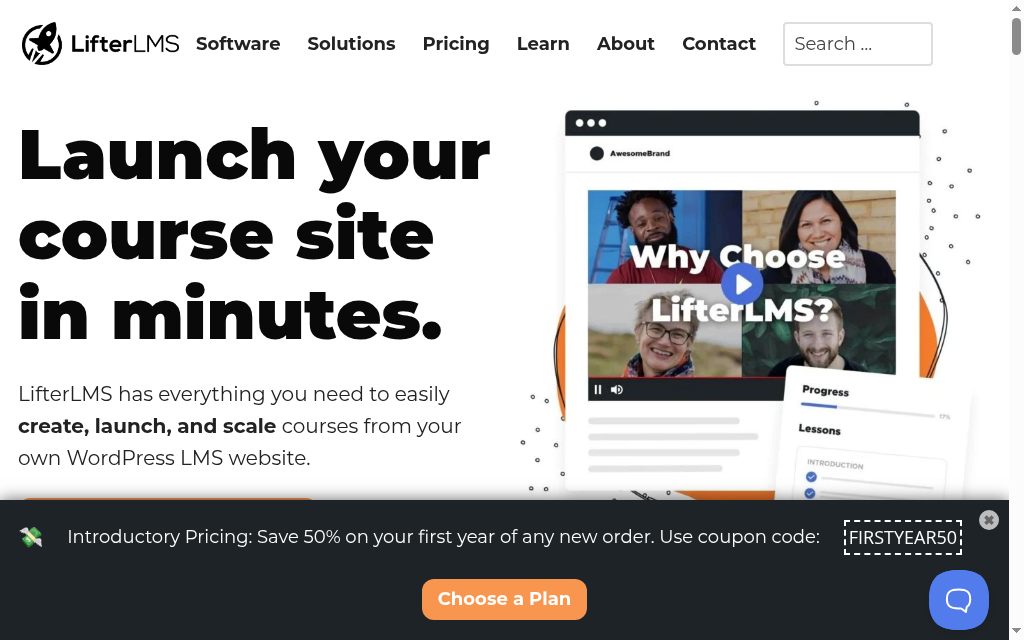
LifterLMS keeps course delivery on WordPress and combines learning with memberships and paid access. The free core provides a starting point for lessons and learner management; paid bundles add payment connections and other capabilities. It suits a site owner who wants the learning area to work alongside an existing WordPress business.
The buying decision is the combination of plugins and services. A payment gateway, membership rules and the site theme all affect enrolment, so test the checkout-to-course journey with the exact stack you intend to use. Hosting, backups, security and updates remain operational responsibilities even when the LMS licence includes support.
My take: What I would check first is access after payment. A successful transaction should create the intended account, enrol the learner in the correct course and send a useful confirmation. I would also check a refund or cancelled membership, because access rules become harder to repair after several products are selling.
My verdict: Choose LifterLMS for a WordPress course-and-membership site with configurable paid access. If keeping the stack current is the reason you want to leave LearnDash, changing plugins alone will not remove that work.
Pricing: The core is free. Earth is currently US$199 for the first year against a normal US$398 price, for one site with ecommerce add-ons. Higher bundles add more features. Confirm renewal pricing and budget hosting and payment processing separately.
2. Tutor LMS
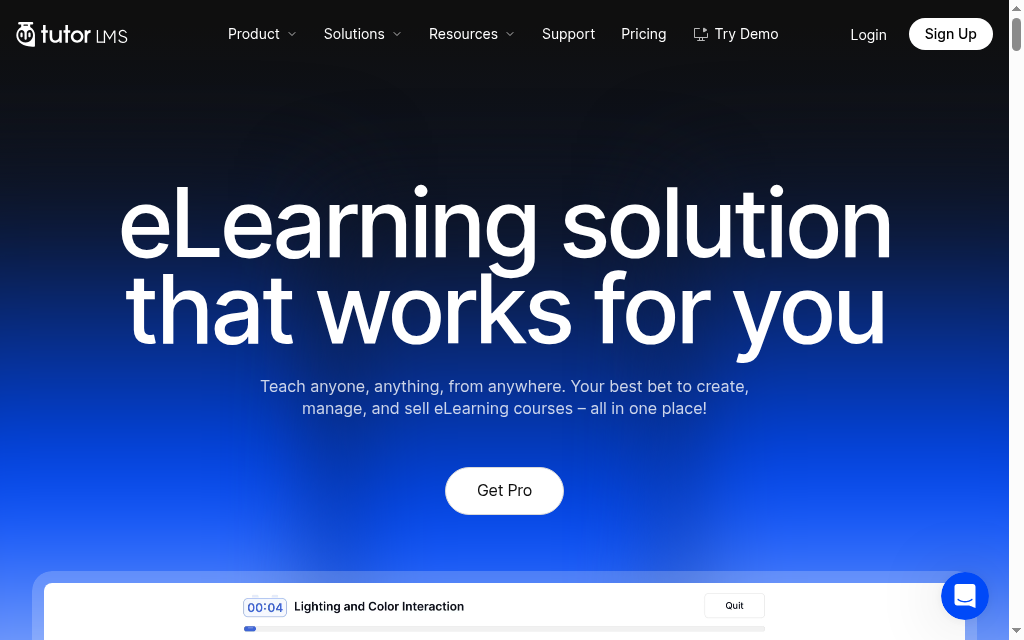
Tutor LMS keeps the course platform on WordPress while adding a course builder and options for selling training. It suits creators or multi-instructor sites that want a more guided authoring workflow without replacing their existing website. The paid offering adds tools beyond the free core, so compare the features you need by tier.
Pro includes AI Studio, but its AI workflow requires your own OpenAI API key and carries separate usage costs. The subscription is therefore not a promise of unlimited included generation. For a marketplace, check instructor permissions, commissions and payment handling against the proposed setup; for a single creator, those functions may be unnecessary.
My review: In my review, the useful test would be a complete edit by the person who maintains the course. A polished builder has little value if routine revisions require the site developer. I would also keep a staging site for plugin updates so a change does not interrupt enrolment or payment on the live site.
My verdict: Choose Tutor LMS for WordPress authoring and the option of a lifetime licence. A lifetime plugin licence still leaves hosting, maintenance and third-party usage charges to budget.
Pricing: Individual is US$199/year for one site, or US$499 for a lifetime licence. Business and Agency cover more sites. The free core is available; AI Studio API usage, hosting and payment processing are additional costs.
3. Sensei LMS
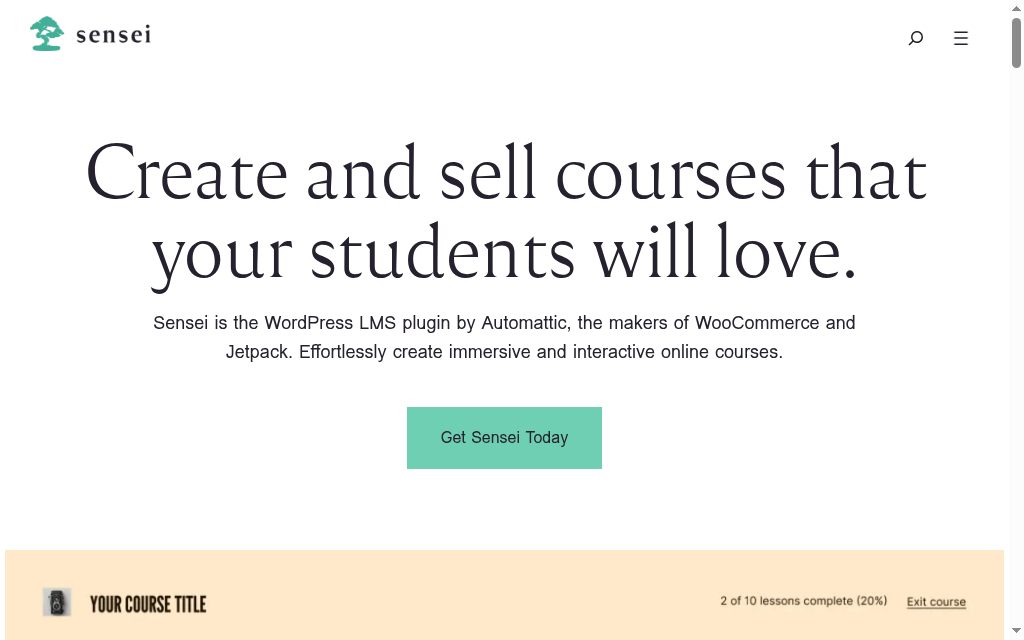
Sensei LMS suits a WordPress site that already uses the block editor and WooCommerce. Authors build lessons within that environment, while the paid Pro offering connects course selling with WooCommerce. It is a useful option when preserving the existing editing and checkout workflow is more valuable than moving to a new hosted site.
The products need to be separated correctly. Interactive Blocks provides learning blocks, but it is not the same purchase as Sensei Pro with paid course selling. Pro includes advanced quiz, interactive video and cohort features. The actual learner journey still depends on your site, theme and WooCommerce configuration.
My practical check: My comparison would start with an existing lesson and checkout. I would check whether the editor can make a routine revision comfortably, then follow a learner from purchase to lesson and assessment. That exposes the day-to-day fit more clearly than counting every available block.
My verdict: Choose Sensei for a WordPress and WooCommerce learning site. If you want to reduce responsibility for hosting and plugin compatibility, compare a managed or hosted deployment rather than expect the plugin change to do that.
Pricing: The core is free. Interactive Blocks is US$60/year; Sensei Pro is US$179/year and is the relevant licence for WooCommerce course selling. Hosting, paid extensions and payment processing remain separate.
4. LearnPress
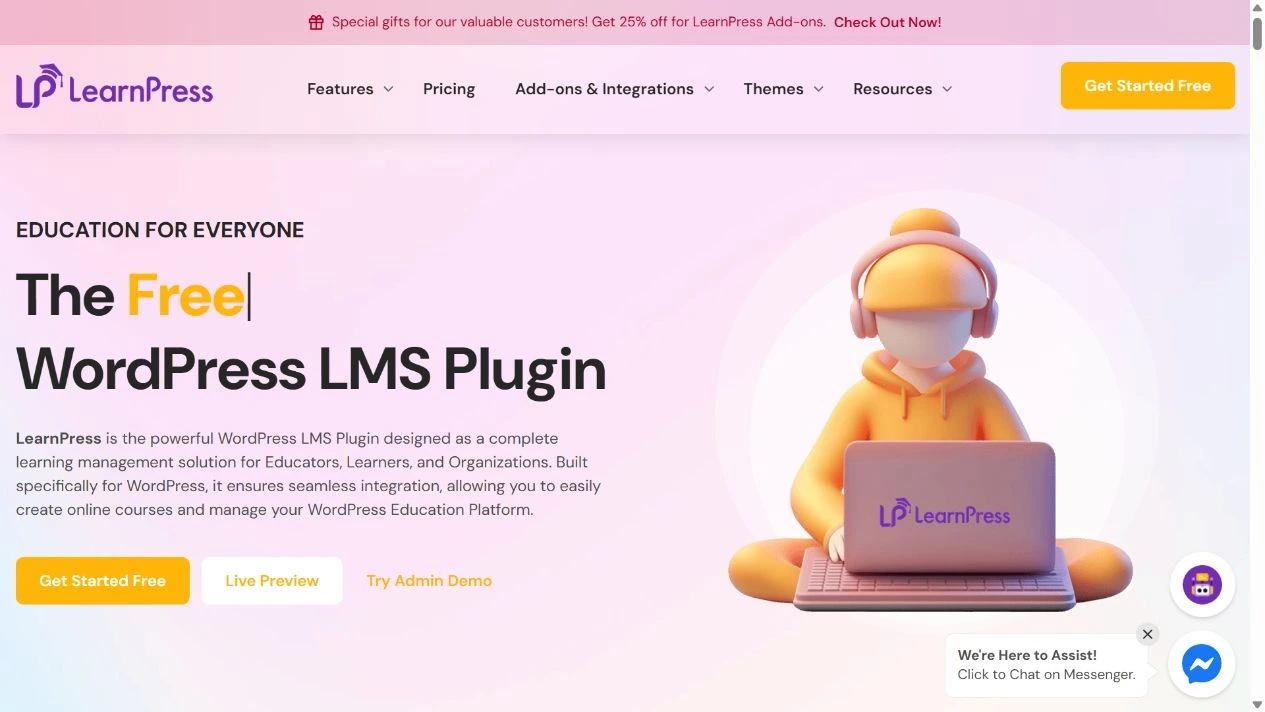
LearnPress provides a free WordPress course-management core with paid add-ons for more specialised requirements. It is useful for a modest course site that wants to start within WordPress and add functions as the programme grows. The current offering also includes AI-assisted course creation, so the comparison is broader than a basic lesson editor.
Add-ons cover tasks such as assignments, certificates, payment gateways, instructor collaboration and live courses. Choose the required set before comparing cost: a free core does not make every course-selling or reporting configuration free. LearnPress also offers a Cloud service, which is a separate managed route for buyers who want help with hosting and technical setup.
My checklist: What I would check first is the minimum working stack. Build one course, one assessment and the intended payment or enrolment route before buying a theme and several add-ons. A smaller set of compatible components is easier to maintain than a catalogue of functions the programme does not use.
My verdict: Choose the WordPress plugin for a configurable starting point with a free core. Compare its managed Cloud route separately if technical maintenance is the problem you are trying to solve.
Pricing: The WordPress core is free. Paid add-ons, bundles, themes and the Cloud offering have separate prices. Budget the specific gateway, assessment and certificate requirements alongside hosting; payment processing still applies to course sales.
Hosted learning platform alternatives
5. Coursebox
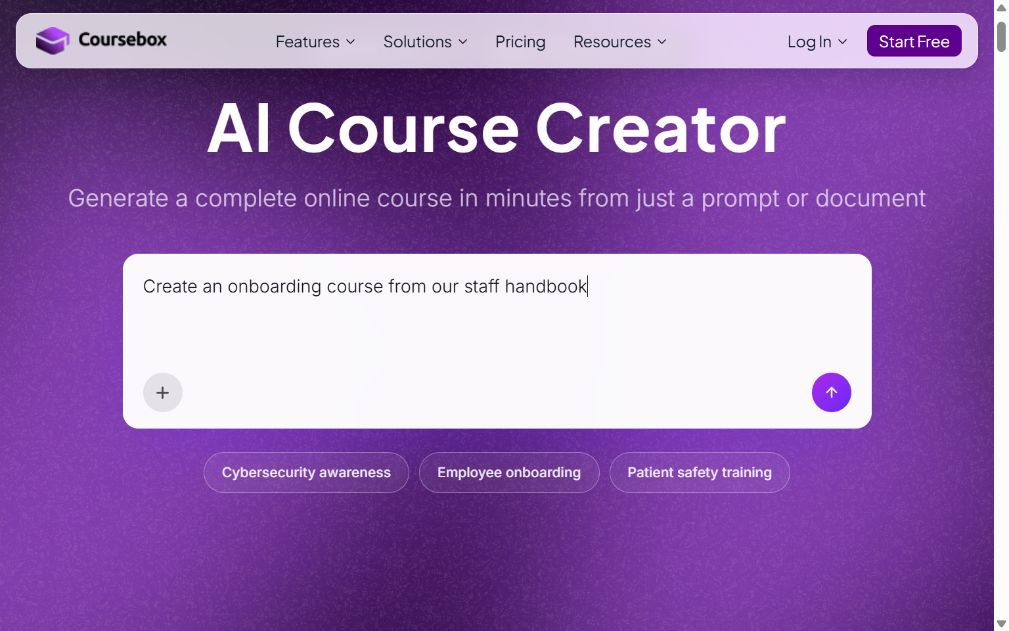
Coursebox is a hosted AI course creator and LMS for teams that want to build training from existing material and deliver it without maintaining an LMS plugin. Documents, videos and prompts can supply a course draft, with quizzes, assessments and an AI tutor supporting the learner after the content is published.
Choosing it does not require abandoning your WordPress marketing site. A course can be linked or embedded from that site, while the learning environment runs in Coursebox. That is different from installing a native WordPress LMS plugin: course administration, branding and reporting sit in the hosted platform. Export and sharing options depend on the plan and the connected features needed in the destination.
My take: In my review, I would separate the website from the training operation. If the website already attracts learners, keep that journey and compare how the new learning environment handles enrolment, questions and assessment. Moving the public site just to change the course platform can create unnecessary work.
My verdict: Choose Coursebox when AI-supported creation and hosted learning delivery address the problem with your current setup. If courses must be administered entirely within WordPress, compare the plugin options first.
Pricing: A limited free plan is available. Creator is AU$500/year and Pro+LMS is AU$4,200/year with one admin. Learners are unlimited; AI allowances, branding and delivery features depend on the plan. Confirm the intended embed or export workflow before migrating.
6. Teachable
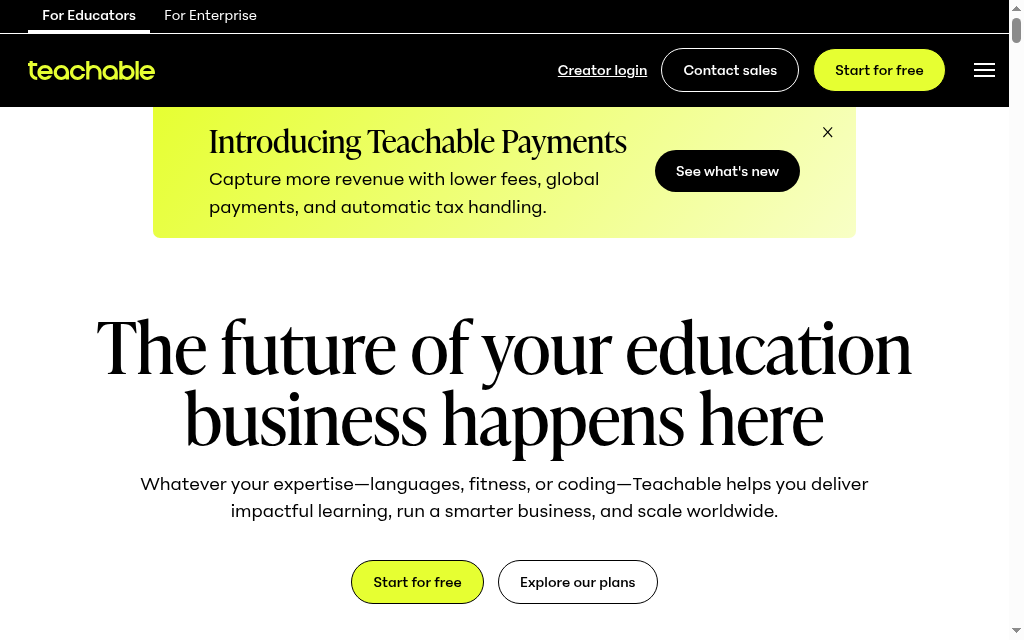
Teachable suits a creator who wants course selling, checkout and learner delivery in a hosted platform. Instead of managing a WordPress theme and LMS plugin, the creator builds the product and sales journey inside the service. Courses, coaching and digital products can share that commercial workflow, subject to the plan’s product limits.
The platform fee changes the budget. Starter charges 7.5% on transactions, while Builder removes that base platform transaction fee. Payment processing and other applicable payment-service or currency fees can still apply. Compare the fee at your expected sales volume, then check whether the course needs assessments, learner administration or branding that requires a higher tier.
My review: What stood out in my comparison was the cost after launch. A lower subscription can become more expensive as sales grow. I would model a typical month and a launch month, then check refunds, payment plans and the learner’s access after purchase before moving an existing catalogue.
My verdict: Choose Teachable for a hosted creator sales operation. An organisation with complex employee assignment and manager-reporting requirements should compare the learning administration as carefully as checkout.
Pricing: Starter is US$39/month or US$29/month billed annually, plus a 7.5% platform transaction fee. Builder is US$89 monthly or US$69 annually with no base platform transaction fee. Processing and other applicable fees remain.
7. Thinkific
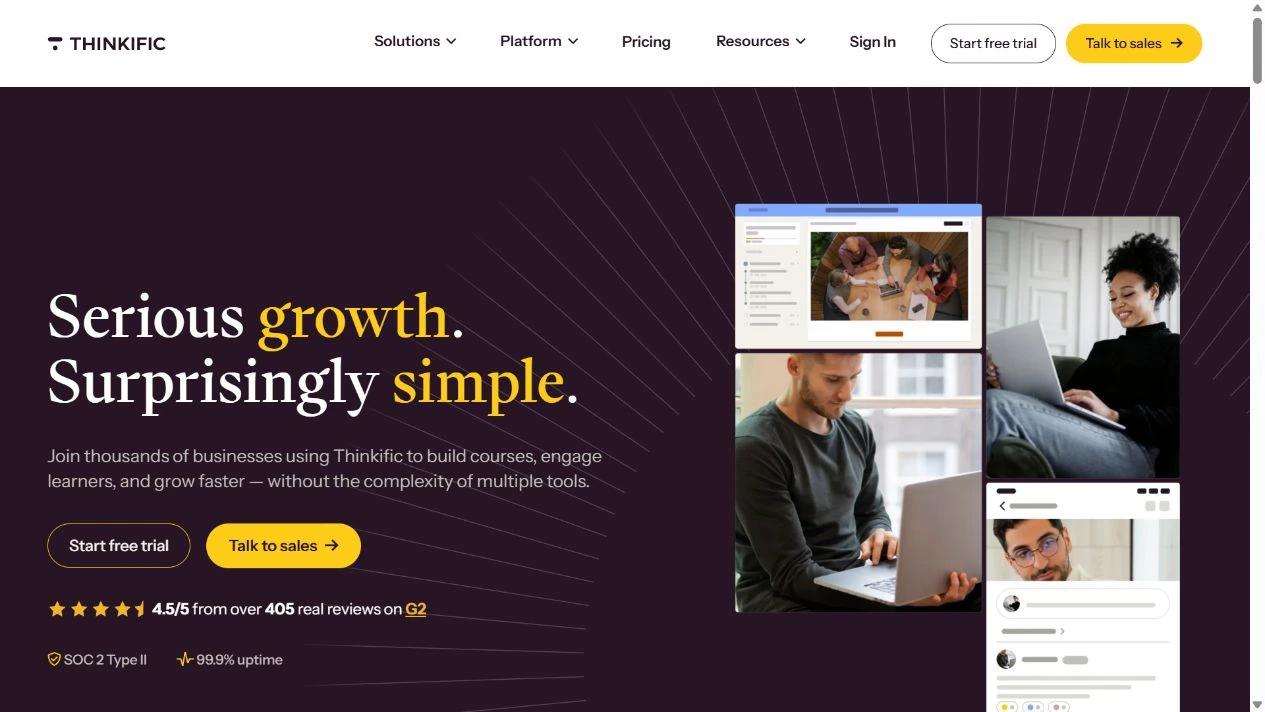
Thinkific suits a course business that wants hosted learning, commerce and a community around the programme. Authors can build courses and use AI-assisted creation, while learners can access lessons and discussion within the platform. It is useful when the replacement needs to support the business around the course as well as its content.
The starting plan is not the whole academy. Basic includes core selling and learning, while removing Thinkific branding requires Grow. A branded mobile app is an additional purchase. Payment costs also depend on country and gateway: using an external gateway can add a platform gateway fee, while Thinkific Payments still has standard processing costs.
My practical check: My review would follow both a new customer and an existing learner. The first needs clear checkout and access; the second needs to return to the right lesson and find support. I would check migration of accounts, subscriptions and progress separately rather than assume importing the videos recreates the existing programme.
My verdict: Choose Thinkific for a hosted course business with community and commerce. If the main need is internal training, compare employee assignment, reporting and identity requirements at the appropriate tier.
Pricing: Basic is US$54/month or US$40/month billed annually. Higher plans add learning and business features. Include branding, any mobile-app add-on and payment fees in the comparison rather than budgeting only the Basic subscription.
8. LearnWorlds
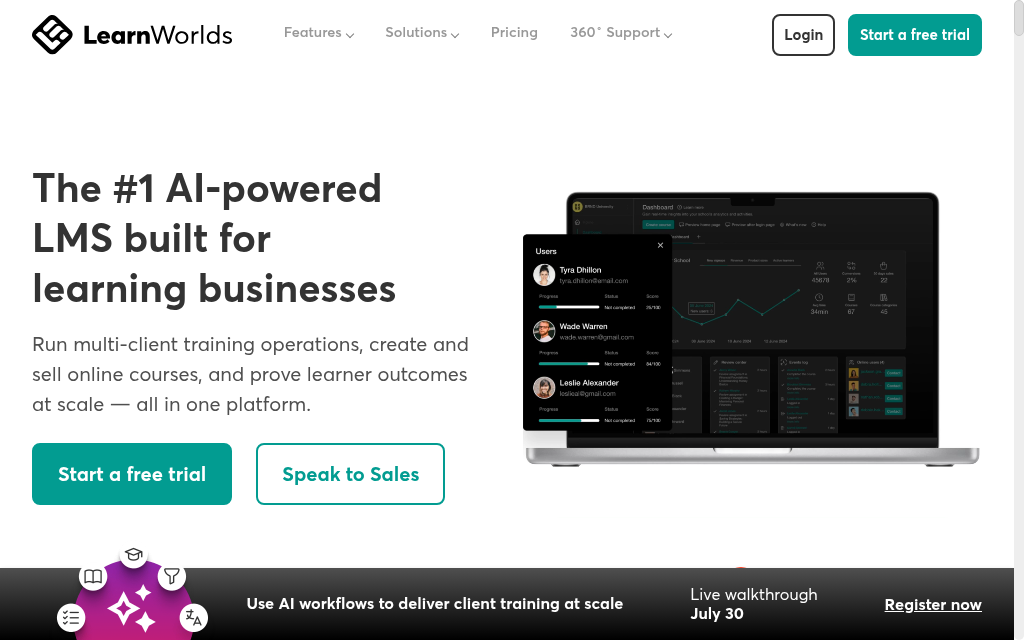
LearnWorlds suits a hosted academy whose courses need more than video and text. It offers assessments, certificates and interactive learning features alongside a website and course-selling tools. It is a useful candidate when the replacement must support a developed learning experience without a self-managed WordPress LMS.
The learning features and commercial costs change by plan. Interactive video, SCORM capacity and advanced reporting need a tier-level check, while the branded mobile app is an add-on. Starter charges US$5 per paid course enrolment, so even a modest course catalogue can have a different total cost from the headline monthly subscription.
My checklist: In my comparison, the useful pilot would preserve the hardest activity in the existing course. Rebuild that assessment or interaction, check its learner result and then test checkout. A visually improved course is not a successful migration if the exercise or completion record no longer works as intended.
My verdict: Choose LearnWorlds for a hosted academy with richer learning activities. Compare the chosen tier and migration workload before treating it as a direct replacement for every LearnDash extension.
Pricing: Starter is US$29/month or US$24/month billed annually, plus US$5 per paid course enrolment. Pro Trainer is US$99 monthly or US$79 annually. Higher-tier activities, SCORM allowances and a branded app need separate scope checks.
What to move when replacing LearnDash
| Item | Question before migration | Useful pilot |
|---|---|---|
| Course content | Can the lessons and media be imported or rebuilt? | Move the hardest assessment and one complete lesson |
| Learner accounts | How will users sign in and regain access? | Invite a small existing cohort |
| Progress and certificates | Which historical records can be carried over? | Reconcile a sample against the original report |
| Subscriptions | Can recurring payments continue safely? | Confirm the gateway migration process before changing access |
| Website and checkout | Which public pages should stay on WordPress? | Follow the journey from landing page to enrolled course |
Export the learner and payment records and retain a recoverable site backup. Agree which system owns each active subscription before changing checkout or disabling the old LMS.
Compare creation and support, not just hosting
Thinkific’s 2026 survey of 1,039 learning professionals found that 44% used AI to generate educational content. AI-assisted authoring is available in several plugin and hosted options here, so compare how an author reviews and maintains the result.
The same survey found that 38% used AI to answer learner questions or provide support. When comparing learning platforms, check where those answers come from and how learners reach a person when the answer is incomplete.
The author’s daily workflow and the learner’s return journey deserve separate trials. A replacement may make a new course easier to build while making an existing subscription harder to manage. Test both before moving the catalogue.
Which LearnDash alternative should you choose?
Keep the plugin route when WordPress course administration and your existing stack are requirements. Compare hosted platforms when their creation, learning or maintenance workflow addresses the problem. The quiz covers four starting choices; the full eight-tool comparison is above.
Frequently Asked Questions
Yes. LifterLMS, Tutor LMS, Sensei LMS and LearnPress are WordPress plugin options. You can also keep a WordPress marketing site while linking or embedding courses from a hosted platform such as Coursebox.
The WordPress alternatives have free cores, but hosting and required paid extensions still cost money. Coursebox also has a limited free hosted plan. Compare the complete enrolment and learning workflow before choosing by the free label.
A hosted platform changes infrastructure and administration control. Content ownership is a separate contractual question. Check the vendor terms, export options and access to learner data before migrating.
Check course content, user accounts, enrolments, progress, certificates and payment subscriptions separately. Keep backups and test a small cohort before moving the full programme.
Compare managed WordPress hosting, LearnDash Cloud and hosted alternatives. The right route depends on how much you want to preserve of the existing site, extensions and learner journey.
Travis Clapp
Travis Clapp is the original founder and CEO of Coursebox. As an experienced instructional designer, he has lived through the process of building high quality courses. These experiences brought about his idea to upload all your documents and ideas into a virtual box that could convert those magically into a course. Prior to Coursebox, he successfully founded and built a social based LMS. Travis has 15+ years of experience designing courses and EdTech platforms from university MOOCs to enterprise LMS. Travis has built training for reputable companies like Johnson & Johnson, Electrolux, Michael Hill and SA Health. One of his courses reached 20,000+ learners which was a flagship edX course. He is based in the Adelaide, South Australia office and passionately works on customer support, sales and bringing the original product vision to life every day.

