

10 Best AI Training Video Generation Tools in 2026
Discover the 10 best AI training video generation tools to create engaging, high-quality training content effortlessly. Perfect for any business size.


Create polished training videos instantly
AI training-video tools turn scripts, screens and slides into presenter videos, step-by-step walkthroughs and animated explainers, often with avatars, auto-voice, translation and templates. The best options also support team workflows, brand kits, accessibility and LMS standards so your content scales and remains auditable. Use them to speed production and iterate cheaply; then measure outcomes (time-to-competence, error rate) rather than just views.
What should you look for in an AI training video generation tool?
When searching for an AI tool to create training videos, consider these:
- Ease of Use: Look for a tool that's user-friendly. You shouldn't need to watch a bunch of tutorials just to get started. The interface should be intuitive, guiding you through the video creation process step by step.
- Speed: The tool should streamline the video creation process, allowing you to produce training videos much faster than traditional methods. This means you can update and distribute new training materials quickly.
- Customization: Your training videos should match your brand and address specific training needs. The tool should let you adjust things like the avatar's appearance, the voice used, and any text or graphics that appear in the video.
- Quality: The end product should be high-quality, with clear visuals and audio. The AI should produce lifelike avatars and natural-sounding speech that won't distract your employees with awkward animations or robotic voices.
- Language Options: If your workforce is global, the tool should support multiple languages, allowing you to create training materials that everyone can understand, no matter where they are or what language they speak.
- Integration: The tool should easily integrate with your existing systems, such as your Learning Management System (LMS), so you can seamlessly add AI-generated videos to your courses without technical headaches.
- Cost: It should be cost-effective, meaning the investment in the tool pays off in the time and resources you save. Look for transparent pricing without hidden fees, so you can budget effectively for your training needs.
What are the best AI training video generation tools?
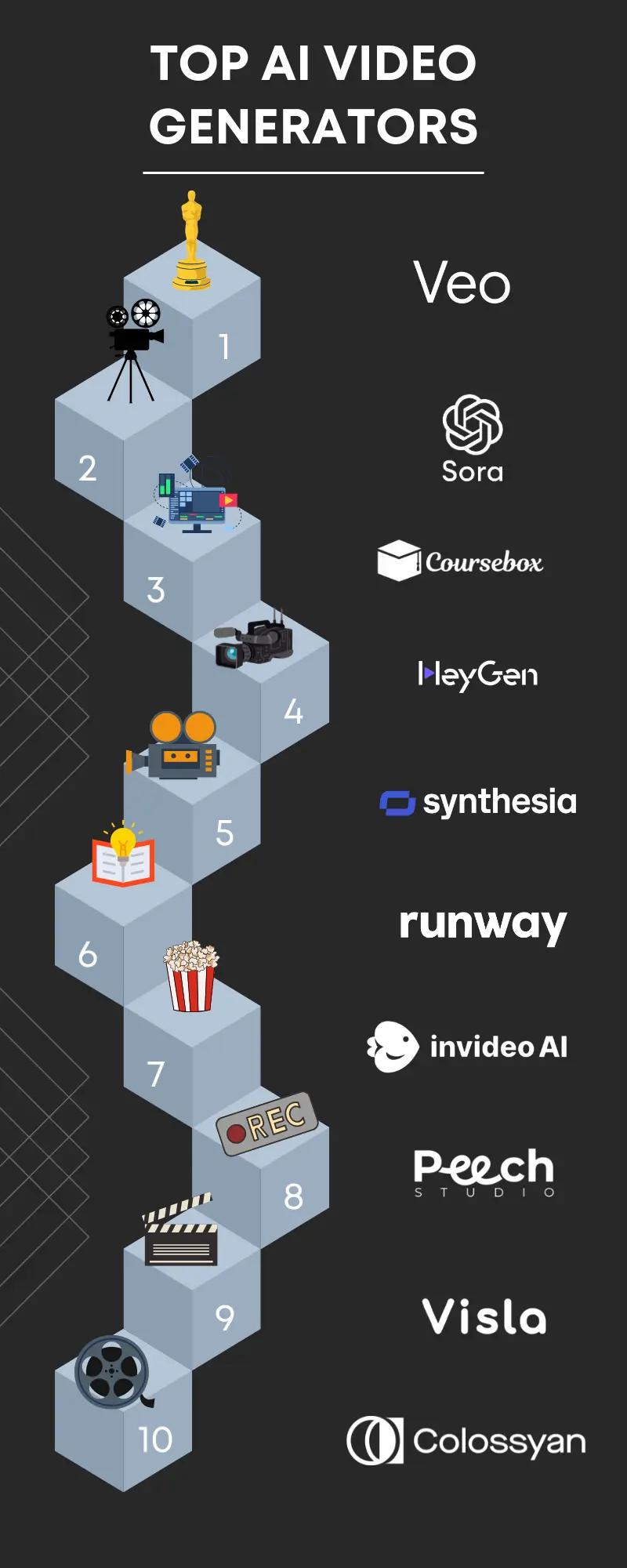
1. Coursebox
Coursebox helps businesses make training videosquickly and easily using AI. You don't need to film anything or spend a lot of money on video equipment. Instead, you can turn files into training videos in just a few minutes.
Features
- AI Video Creation: It can use AI to make training videos for you, which saves time.
- No Camera Needed: You don't have to be on camera or do any video editing.
- Cost-Effective: It's cheaper than traditional video production.
- Many Languages: You can create videos in over 60 languages.
- Used Worldwide: People in over 180 countries have made over 20,000 courses.
- Engaging Content: You can make videos, quizzes, and assignments to keep employees interested in learning.
- Easy Integration: It works with your current learning management system or website.
- Free to Start: You can try it out without paying anything to see if it's right for you.
2. HeyGen
HeyGen is an AI-powered tool designed to streamline the creation of training videos.
It offers a user-friendly platform where you can select from a range of AI avatars and pair them with high-quality voices to produce engaging content.
This makes it an ideal solution for teams focused on learning and development.
The process is simple: choose an avatar, select a voice, and utilize ready-made templates to assemble your video.
With a diverse selection of avatars and multilingual voice options, HeyGen caters to a global audience. Customizable clothing for avatars adds an extra layer of personalization.
For those looking to create multiple training videos efficiently, HeyGen provides features such as one-click video translation and an AI writing assistant for scripting.
The platform prioritizes data security, adhering to SOC 2 compliance standards, ensuring that user data is handled with the utmost care.
HeyGen's ease of use and robust features make it a top choice for producing high-quality AI-generated training videos. It's accessible to both professionals and beginners, and no credit card is required to get started.
Features
- AI-Generated Avatars: Choose from a variety of digital avatars to represent speakers in your videos.
- AI Voices: Pair your avatars with high-quality, AI-generated voices in multiple languages.
- Script Selection: Select the type of script you want to use for your video content.
- Templates: Access to over 300+ templates to jumpstart your video creation process.
- Generative Output: Produce content directly from text inputs.
- Custom Avatars: The ability to create or customize avatars to suit your brand or preferƒquizence.
- Voice Cloning: Clone voices to maintain consistency across your videos.
- Photo Avatar: Convert photos into avatars for a more personalized touch.
- Text to Speech: Convert written text into natural-sounding speech.
- AI Avatars: Use AI technology to create and animate avatars.
- Zapier Integration: Connect HeyGen with other apps and automate workflows using Zapier.
3. Synthesia
Synthesia is an advanced AI tool that easily transforms text into videos, akin to crafting a slide deck. It enables users to create professional-quality videos using AI avatars and voiceovers across more than 130 languages, streamlining the video production process for teams tasked with generating training content at scale.
Features
- Rapid video creation from text, with AI assistance for script development.
- A diverse selection of AI avatars to enhance viewer engagement.
- Multilingual voiceovers with the option for automatic caption generation.
- Simple video updates and edits without the need for reshoots.
- Seamless integration with popular tools and systems.
4. Runway
Runway lets you turn your ideas into real things, like videos or images, using AI. You can change text into a video, an image into a different image, or even make new videos from old ones.
Features
- Image to Video: Converts images into videos, using the initial image to generate motion.
- Enhance Resolution: Improve video resolution by adjusting specific settings manually.
- Seed Numbers: Allows for consistent re-creation or variation of animations.
- Batch Processing: Enables generating multiple videos at once for efficiency.
- Creative Control: Emphasizes user creativity in the video creation process.
- Educational Content: Offers courses on AI filmmaking to enhance skills.
Runway is free to try, and many famous companies and creative people use it. They started in 2018 and have been working on making AI that can do amazing things for art and entertainment. They care about making sure everyone can use their AI to make whatever they want.
5. Invideo
Invideo is a tool that helps you make training videos quickly and easily. You just need to give it a topic, and Invideo's AI starts working.
It writes a script, creates scenes, adds voiceovers, and can change the video if you ask it to. This makes talking to your audience super simple!
Over 25 million people around the world trust Invideo. It's used in 190 countries and has been called the "Product of the Month."
With Invideo, you can turn any idea into a training video. Just add details like who you're making the video for and how you want it to look. Each video you make will be one of a kind.
Features
- Fast Video Creation: Quickly turns your text into videos, handling scripts, scenes, voiceovers, and music.
- Easy to Use: Just type what you want in a box, and InVideo does the rest.
- Customizable: Change the video's look and feel with text commands. Want it to be more upbeat? Just ask.
- Edit Freely: Swap out scenes or tweak the script to make the video just right.
- Stock Media: Comes packed with tons of stock footage to make your video pop.
- Voice Options: Choose the voiceover that fits your video, from young and friendly to professional.
- Export Options: Save your video in different resolutions, even in 4K, without any watermarks on paid plans.
- Inspiration Board: Use it as a brainstorming tool for your other projects, seeing what AI suggests for your scripts.
6. Peech
Peech is a game-changer for making videos quickly and without hassle. It's like a magic button for video post-production, turning your raw content into polished, branded training videos with just one click.
No need for a credit card to start, and it's designed to make life easier for media companies big and small.
Features
- Sort through tons of footage easily, getting everything neat and tidy without breaking a sweat.
- Automatically adds your branding to videos, keeping everything looking sharp and consistent.
- Peech can translate your videos into over 20 languages real quick.
- Even if you’ve never edited a video before, Peech’s text-to-video editor has got you covered.
- Automatically tweaks your videos to look great wherever they’re watched, from smartphones to big screens.
- Creates catchy short videos perfect for grabbing attention on social media and getting more eyeballs on your brand.
7. Visla
Visla is a super simple way to make professional-looking training videos without needing to be a pro at video editing.
It's like having a personal video assistant that does almost everything for you - from creating a storyboard and writing a script to picking out B-roll footage and even adding voiceovers and subtitles.
Features
- Easy Video Making: With Visla, you can make professional videos using what you already have, Visla helps out with the script, scenes, and more.
- No Skills Needed: You don't have to be a video wizard. Visla's AI takes care of making captivating videos from whatever content you give it.
- Capture Everything: Record videos from your computer, phone, or webcam. Perfect for showing off products or doing demos.
- Tweak Your Videos: You can edit your videos, cut parts out, clean them up, or tweak the script yourself.
- Make It Yours: Add call-to-actions, voiceovers, and branding elements to your videos to make them stand out.
- Work Together: Share your video projects with teammates, get their feedback, and even work on videos together.
- Private Stock: This feature uses AI to go through your own video clips, figure out the best scenes for your project, and suggest them to you.
8. Colyssan
Colyssan is an innovative platform designed to transform text into videos, catering specifically to needs in technical training, sales training, and customer success.
It is widely used by companies of various sizes for its ability to facilitate effortless video creation using AI.
Features
- Templates: It offers various templates for quick video creation, including product demos and company updates.
- AI Video Creation: The platform allows you to easily create videos from text, including script and scene suggestions.
- Edit and Customize: You can edit videos, add your branding, and personalize content without needing expert skills.
- Collaboration: Teams can work together on video projects, sharing and commenting within the platform.
- AI Avatars: Choose from different AI characters to present your videos, avoiding the need for live presenters.
- Easy Translation: Colyssan can translate your videos into multiple languages, making your content globally accessible.
Customers love Colyssan for its efficiency and the professional quality of the videos it produces, making it a go-to for companies looking to enhance their training video content strategy.
9. Sora
Sora provides tools that make it easy to create training videos with AI. Its technology can turn text prompts into dynamic, high-quality videos with realistic scenes, characters, and animations. This makes training more engaging and helps explain complex topics in a clear, visual way. It’s especially useful for creating scalable training content that can reach a global audience in multiple languages. With Sora, you can quickly update or customise your training content, which is a big advantage for businesses that want to keep their training fresh and effective. It’s a straightforward way to enhance learning without needing a full production team for every video.
Features
- Text-to-Video Generation: Create full videos from simple text prompts.
- Realistic Scenes & Characters: Produce lifelike visuals and natural motion.
- Scalable Video Production: Generate multiple training modules quickly.
- API Integration: Connect Sora’s video output with your LMS or apps.
- Multilingual Support: Make videos in dozens of languages for global teams.
- Creative Flexibility: Customise environments, styles, and narration.
- Ease of Updates: Quickly edit or refresh videos as training needs change.
- Ethical AI Commitment: Focus on responsible and transparent AI use.
10. Veo
Veo I is a tool that helps you create training videos quickly and easily. It uses AI to turn text into videos with realistic avatars that look and sound like actual people. This is useful for making training materials that are engaging and easy to understand.
Features
- Fast Video Creation: You can turn text into a video in just a few minutes.
- Realistic Avatars: The AI avatars can act as virtual trainers, making the content more relatable.
- Multiple Languages: It supports over 80 languages, so you can train a diverse workforce.
- Simple to Use: The platform is straightforward, so you don't need to be a tech expert.
- Free to Try: You can make a free video, which is great for testing it out.
- Used by Well-Known Brands: Companies like Samsung and BMW use Deepbrain, which shows it's trusted.
- Customization: You can choose different avatars and voices to fit your training topic.
- Saves Resources: It reduces the need for traditional video production resources.
Final Thoughts
Many companies need more than just video. They require a complete solution to manage the entire learning cycle: course creation, content hosting, progress tracking, assessments, analytics, and scalability across teams. That’s where Coursebox becomes a perfect fit.
Coursebox provides a complete ecosystem:
- Generate courses and videos with AI in minutes.
- Add quizzes, assessments, and scenario-based learning.
- Custom branding, compliance reports, and advanced analytics.
- Seamless integration with existing systems and support for global cohorts.
Instead of juggling multiple tools, Coursebox gives you everything in one place to create, manage, and measure training. It’s the ideal option for organisations that want to transform their training into engaging and measurable experiences without technical headaches.
Book a demo and discover how Coursebox can take your training videos to the next level.
Frequently Asked Questions (FAQs)
What’s the fastest way to go from script to a training video?
Use an AI-presenter tool, then layer on-screen callouts or mini questions. Keep each concept to 60–120 seconds and include captions.
Do we need SCORM/xAPI/cmi5 if we already have an LMS?
If you want portable attempt data and consistent reporting across tools, yes. cmi5 bridges LMS launches with xAPI, while SCORM remains widely supported.
Avatars or animation for policy/safety topics?
Choose what clarifies risk fastest. Avatars work for direct messages and localisation; animation shines for processes, hazards and “what-if” stories.
How do we localise without reshoots?
Use translation + lip-sync and region-specific captions; have a native reviewer approve terminology and tone.
How do we prove impact beyond views?
Pick one outcome metric (e.g., error rate, time-to-competence) and one leading indicator (practice completions). Compare baseline → 4–8 weeks by cohort.
Author Bio
Millie Pham is an SEO content marketer at bymilliepham.com. She delves into various aspects of marketing and is passionate about the unique ways online businesses can leverage AI to grow. You can reach her at millie@bymilliepham.com.
Alex Hey
Digital marketing manager and growth expert

