

I Tested 10 AI Tutors to Find The Best in 2026
I tested the best AI tutors the way a learner would, and ranked them for students and training teams, with honest verdicts.

The best AI tutor in 2026 is Khanmigo, which guides learners to the answer instead of handing it over. Socratic and Photomath are the best free picks for quick homework help. We compared 10 tutors on teaching quality, accuracy, subject depth, and ease of deployment.
- Khanmigo: the best overall, with Socratic, step-by-step tutoring across subjects that guides rather than just answers.
- Photomath: the best free maths help, scanning a problem and returning the worked steps in seconds.
- Coursebox AI: best for organisations, letting you build a private AI tutor grounded in your own course content.
- Skip general chatbots for exam prep if you need guided tutoring that will not just hand over answers.
Answer three quick questions and we'll point you to the best fit from this list.

Turn lecture material into interactive courses in minutes
I tested every AI tutor on this list the way a learner actually uses one: I asked questions I did not know the answer to, followed up when a reply was unclear and pushed each tool into territory where it might potentially fail.
For each tool, I asked a domain-specific question I suspected would trip it up, then noted whether it avoided the trap, admitted the gap or answered incorrectly with total conviction.
How I ranked these
- Learner ease of use. How naturally a student can ask a question and follow up without bending to the tool.
- Creator setup effort. What it takes for a non-technical trainer to deploy this as a tutor on their own course or knowledge base.
- Answer quality. Not just fluency, but accuracy, depth, and whether the tool admits what it does not know.
- Integrations. Whether it plugs into an existing LMS, or traps the learner in a separate app.
I have tried to answer 2 questions for each tool in this list:
1) How helpful is the AI Tutor for students?
2) How quickly can a training team deploy the AI tutor?
Does AI tutoring actually work?
Short version: yes, and the evidence is unusually strong for an edtech category. The benchmark is Benjamin Bloom's 1984 two-sigma finding: the average student tutored one to one performs better than 98 per cent of a normal class. The whole promise of an AI tutor is to deliver a slice of that, at scale, for almost nothing.
Two recent trials back it up. In a 2024 Harvard randomised study, students using an AI physics tutor learned more than twice as much, in less time, than peers in a normal active-learning class. A 2024 World Bank trial in Nigeria found six weeks of after-school AI tutoring produced gains equal to about two years of ordinary schooling, one of the most cost-effective education results ever measured.
I think the most important bit from this section is this, though: the Harvard tutor was deliberately built to give one step at a time and never reveal the full solution. The gains come from tutoring that makes you think, not from a tool that hands over the answer. That is the exact line I use to separate the real tutors below from the answer machines.
Best AI tutors compared
| Tool | Best for | Watch out for |
|---|---|---|
| 1. Khanmigo | K-12 students inside Khan Academy | No way to add your own content; Socratic style frustrates adults |
| 2. Socratic by Google | Free phone help on a photo of a problem | Confident on ambiguous questions, no uncertainty signal |
| 3. Photomath | Step-by-step maths, fast | Maths only; thin on the "why" |
| 4. Quizlet | Students quizzing their own flashcards | Weak outside your sets; no enterprise LMS support |
| 5. Brainly | Common textbook questions | Community answers, not a real tutor; risky on advanced topics |
| 6. TutorAI | A quick lesson on an unfamiliar topic | Gives a curriculum when you needed one precise answer |
| 7. Coursebox AI | L&D teams needing a grounded, controllable tutor in their LMS | Rigid templates; no source citations yet |
| 8. Smodin | Students who also want writing help | Tutoring is a bolt-on; general-model hallucination profile |
| 9. Mindgrasp AI | Interrogating your own PDFs and lectures | Only as good as the file you upload; limited LMS fit |
| 10. 360Learning | Enterprise peer-learning at scale | A full implementation project, not a quick deploy |
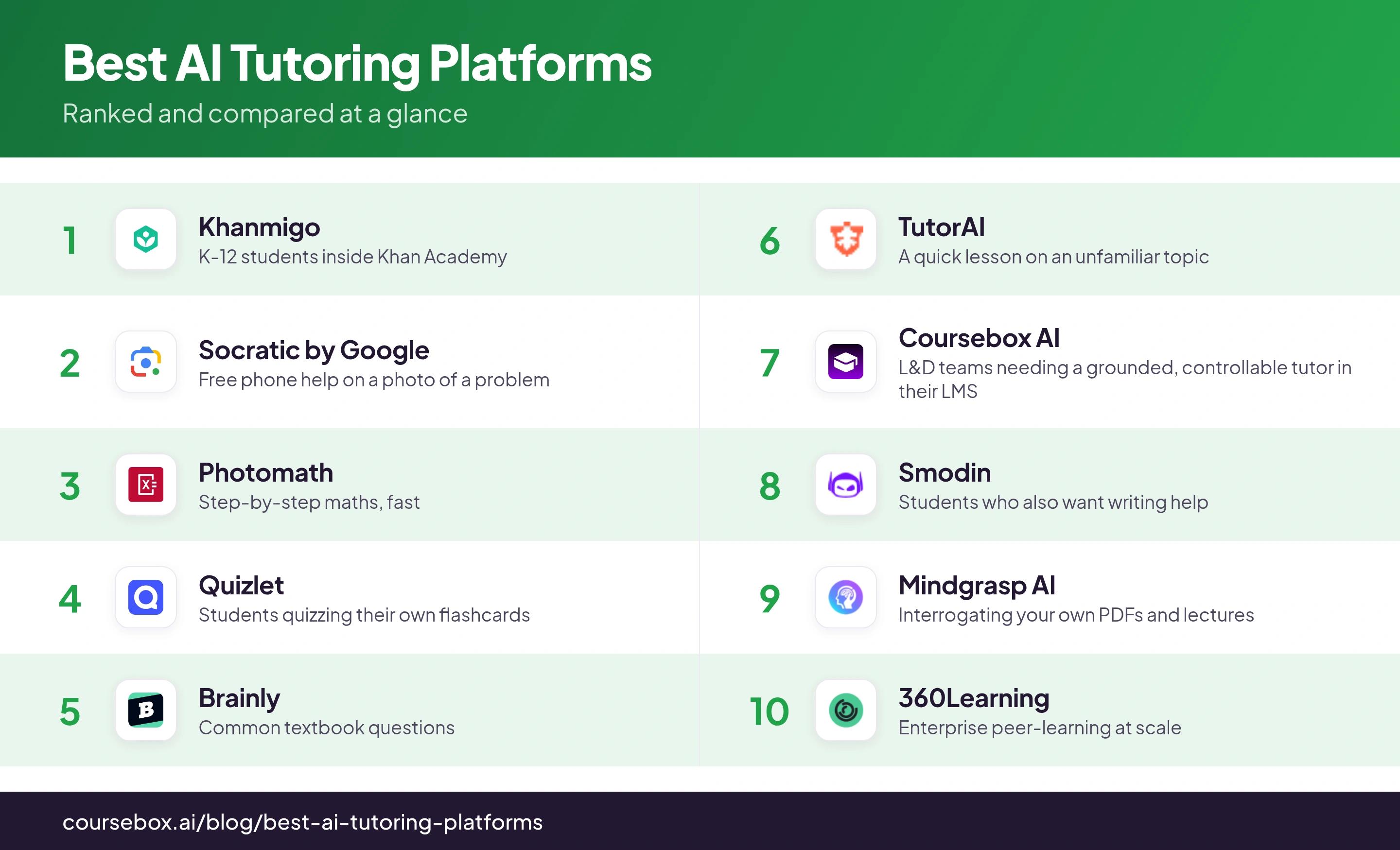
I put ease of use first because it decides whether a learner keeps using the tool or drifts back to a search box. But for anyone deploying a tutor rather than just using one, integrations are where the money and the regret live.
1. Khanmigo
Best for: K-12 students inside Khan Academy
The best-known name here, and a genuinely strong tutor for students studying at school. It is anchored to your Khan Academy course and teaches Socratically, i.e. asking questions back instead of handing over the answer.
- Learner ease of use: It's very easy to use as long as you are already using Khan Academy - it asks you lots of questions to really make you think and understand each topic which can be great for studying. It's very frustrating if you treat it like a generic LLM that just instantly answers whatever question you ask.
- Creator setup effort: No setup required for teachers if your students are already in Khan Academy. There is no way to point it at your own content so it's limited to Khan Academy's curriculum.
- Answer quality: Strong in Khan's own subjects (K-12 maths, science, humanities); it falls back to a general model for professional questions.
- Integrations: None. No SCORM, LTI or embed; it is a closed product.
This is the strongest AI tutor specifically built for students studying in an academic setting like school or university. It doesn't work for anyone building training courses for adults.
What I learned from testing it out: Khanmigo deliberately will not hand you the answer, it nudges you toward it Socratic-style (Socratic-style means asking guiding questions until you're able to figure it out yourself). Good pedagogy, but a learner who just wants the solution finds it frustrating, and I hit response lags long enough to sit and wait which prolonged the experience even more. Expect that friction and use it for longer study sessions to help you understand topics more deeply. It's not built to give you instant answers.
2. Socratic by Google
Best for: Free, frictionless help on a phone.
Photograph a textbook problem and Socratic returns an explanation, no typing, meeting students where they already are.
- Learner ease of use: Excellent; image input and a mobile-first design make it near-zero friction.
- Creator setup effort: N/A - a standard off the shelf product built for learning. It can't be customised or edited by educators.
- Answer quality: Fine on standard STEM, but it answers ambiguous questions with unearned confidence and never signals doubt, which is risky for beginners.
- Integrations: None available as it's a standalone mobile app.
A good answer for an individual student, and not a tool anyone can deploy.
What I learned from testing it out: I expected the search to answer inside the app, but tapping a result kicked me straight out to a normal Google web search and YouTube videos. It is more a launcher into Google than a self-contained study tool, so I ended up doing the open-web sifting I hoped to skip.
3. Photomath
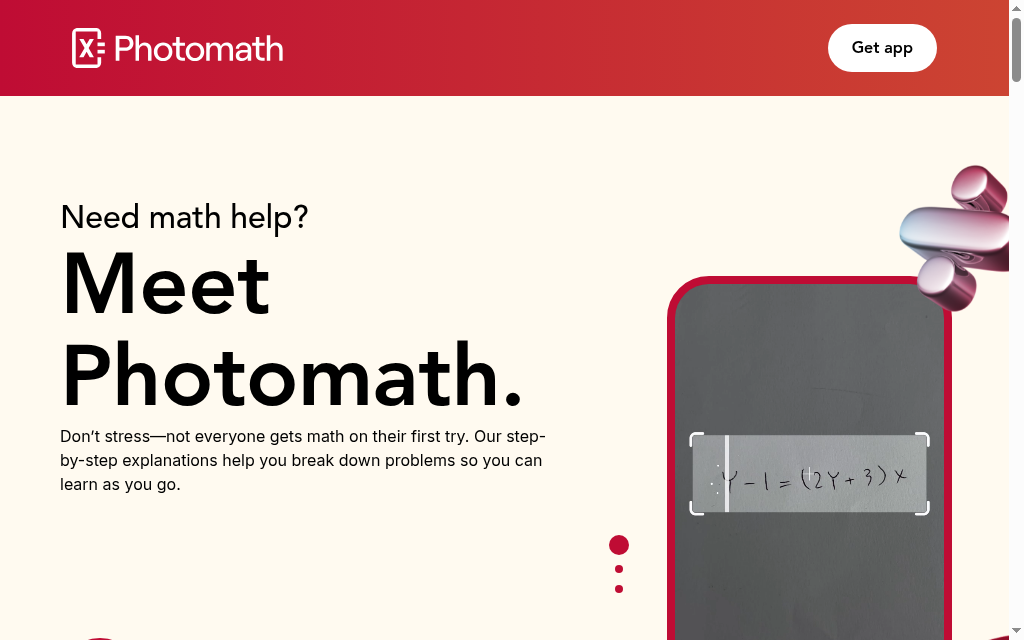
Best for: Maths students who need the steps, fast.
Point the camera at a printed equation and it solves it quickly and accurately.
- Learner ease of use: Excellent for a visible maths problem, though it shows the steps without always explaining the reasoning.
- Creator setup effort: None. No custom content.
- Answer quality: Strong for computational maths, and non-existent for anything that is not an equation.
- Integrations: None.
Precise inside its lane, and useless the moment you step outside it.
What I learned from testing it out: the camera scan is only as good as your lighting. When it misread a problem I fell back to typing the equation into the built-in calculator, and that manual entry, not the point-and-shoot scan, is what I actually relied on to get a clean solution.
4. Quizlet
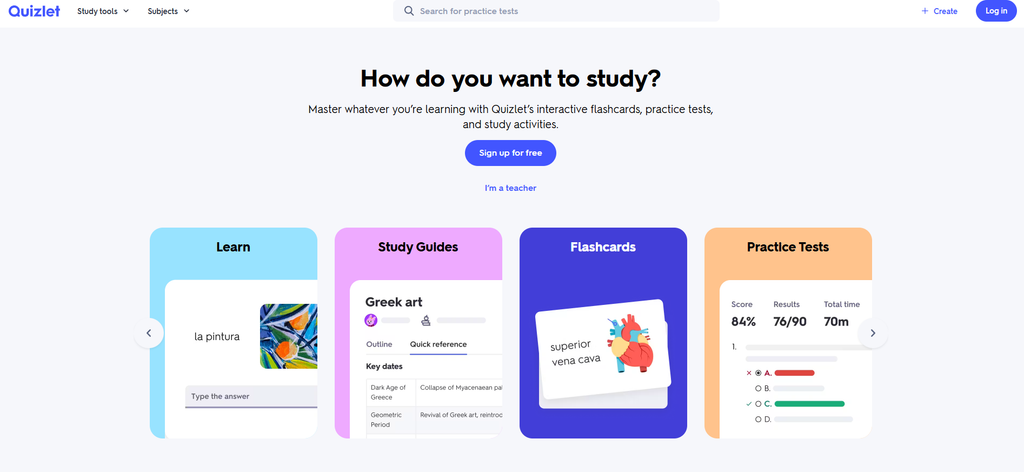
Best for: Students who want AI drawn from their own flashcards.
Q-Chat is the AI layer on Quizlet's flashcards, and its edge is that it can work from your own study sets rather than a general corpus.
- Learner ease of use: Good; make a set and it quizzes you on it with a clean interface and no clever prompting.
- Creator setup effort: Low to moderate; a teacher can share a set as a lightweight knowledge base, though building real depth is slow.
- Answer quality: Solid within your sets; outside them it drops to plain general-model quality without telling you which mode you are in.
- Integrations: Q-Chat does not do enterprise SCORM or LTI.
Solid for students already living in Quizlet, and thin for a corporate deployment.
What I learned from testing it out: Q-Chat is a black box on the teacher side. I could see that a learner opened a set, but nothing they typed or got wrong inside the chat came back to me, so there is no way to check or grade it. I treated it as private self-review only.
5. Brainly
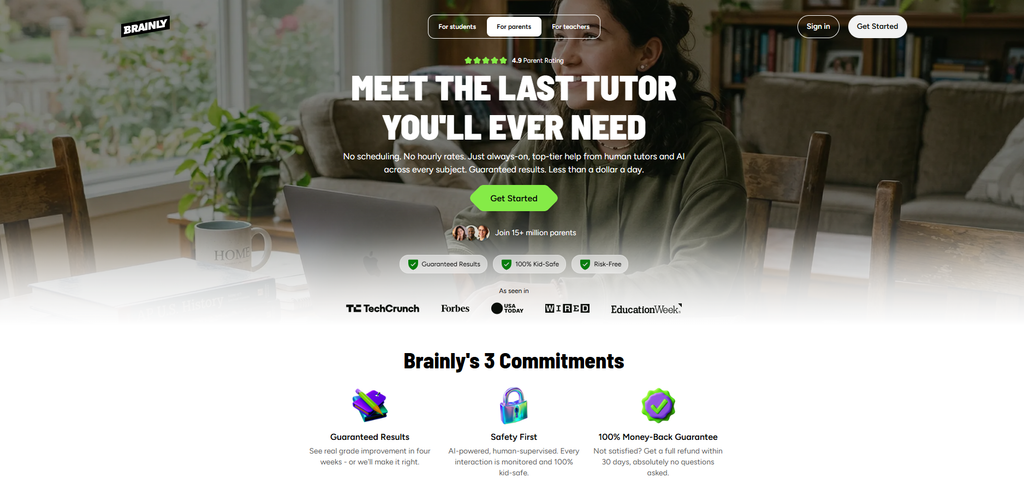
Best for: Common textbook questions with years of crowd answers behind them.
The thing to know first: Brainly is a community Q&A platform with an AI layer, not a purpose-built tutor, and that architecture decides everything.
- Learner ease of use: Functional, familiar Q&A, faster than waiting for a human reply.
- Creator setup effort: None. Consumer platform only.
- Answer quality: Tied to whoever wrote the original community answer; fine for validated textbook questions, but advanced or niche ones can return an outdated answer in correct-looking formatting.
- Integrations: None.
Fine for a standard question, and something I would keep well away from any compliance or onboarding course.
What I learned from testing it out: the answer quality is uneven. Some questions came back as a proper worked-through explanation you can learn from, others as just the final answer with no reasoning. For anything meant to build understanding, that unpredictability is the real catch, you cannot rely on which one you will get.
6. TutorAI
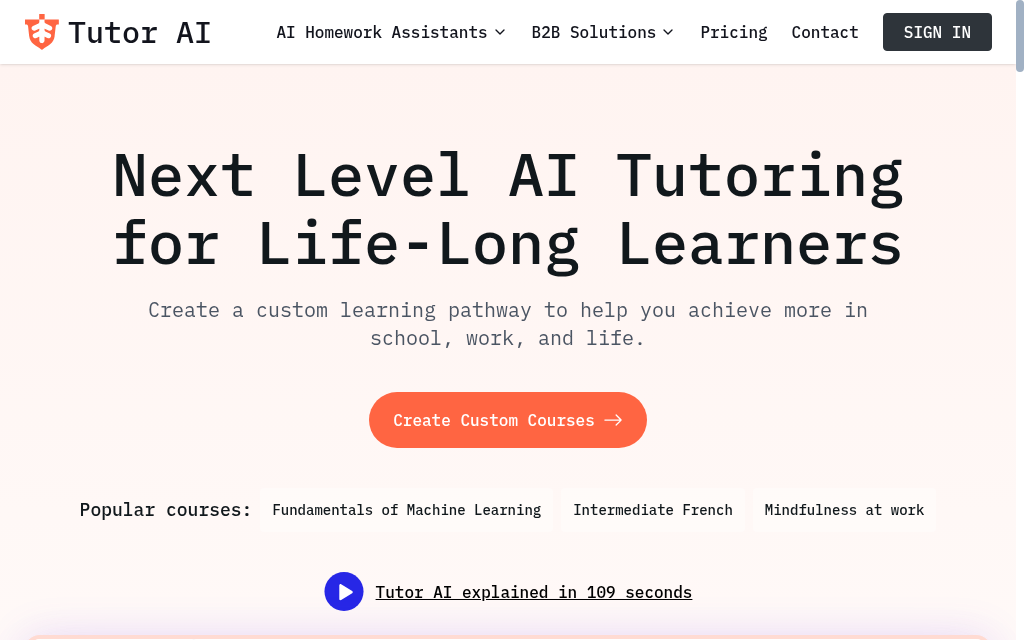
Best for: A fast orientation to an unfamiliar topic.
Type a topic and get a structured lesson, no configuration.
- Learner ease of use: Simple, but ask about one narrow thing and you often get a whole curriculum instead of the precise answer.
- Creator setup effort: None. No content upload.
- Answer quality: Adequate on general topics; it stays on the surface for domain-specific ones and never flags where it runs out of depth.
- Integrations: None.
A neat explainer for general subjects, and the wrong tool for a precise answer or a deployment.
7. Coursebox AI
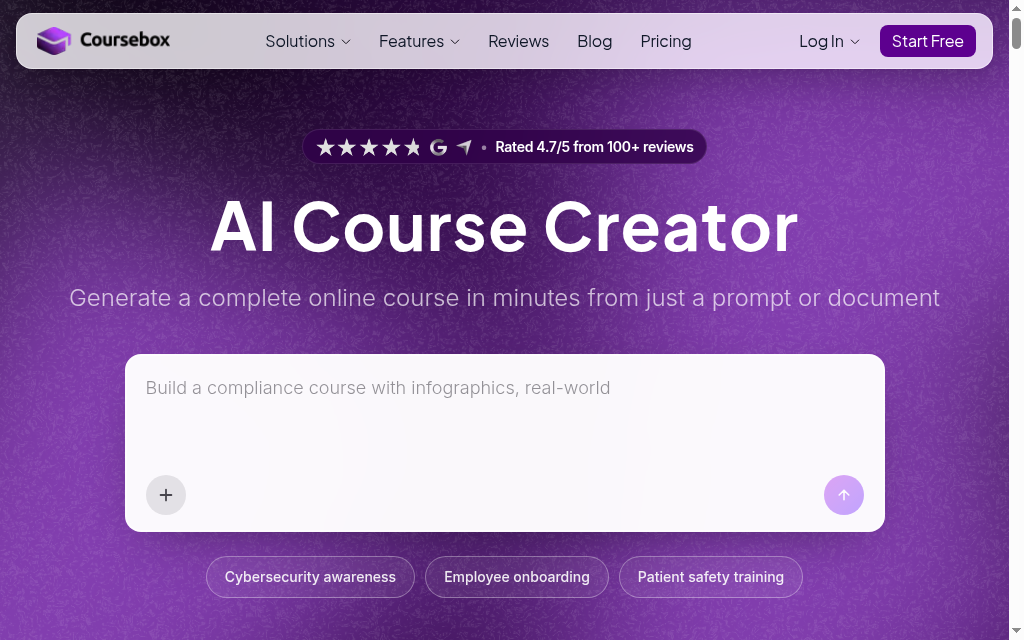
Best for: L&D teams that need a grounded, controllable tutor inside their own course.
Coursebox is the platform I work on, so weigh this accordingly.
Coursebox builds a tutor into your course automatically, trained on that content, and answers from your material rather than a general model.
- Learner ease of use: Strong inside a course, with real-time answers in over 100 languages, 24/7; the built-in tutor lives inside a Coursebox course, though you can embed an external chatbot by iframe.
- Creator setup effort: The lowest here for deploying: the tutor is created automatically with the course, and you train it further on files or a website with no code.
- Answer quality: The standout. A Restrict Responses setting confines it to your material, the only real guardrail here against the confident-and-wrong answer; it does not show source citations yet, and thin material still gives thin answers.
- Integrations: The strongest in this comparison: SCORM 1.2 and 2004, LTI, plus Teams and Google Workspace.
This is the safest option here for a team deploying a controllable tutor into an LMS.
What I learned from testing it out: I work for Coursebox so I've been part of building the product and testing it in house. By default, Coursebox's tutor answers only from the course content you give it, so it will not wander off-syllabus the way a general chatbot does. It is built for learners enrolled in your online course within Coursebox. It's not made for students that need general homework assistance and you can't export the tutor by itself, although the whole course including the tutor can be exported to another LMS. You will have to toggle the default settings if you want to allow the AI tutor to answer outside the scope of what is within your course and any uploaded materials.
8. Smodin
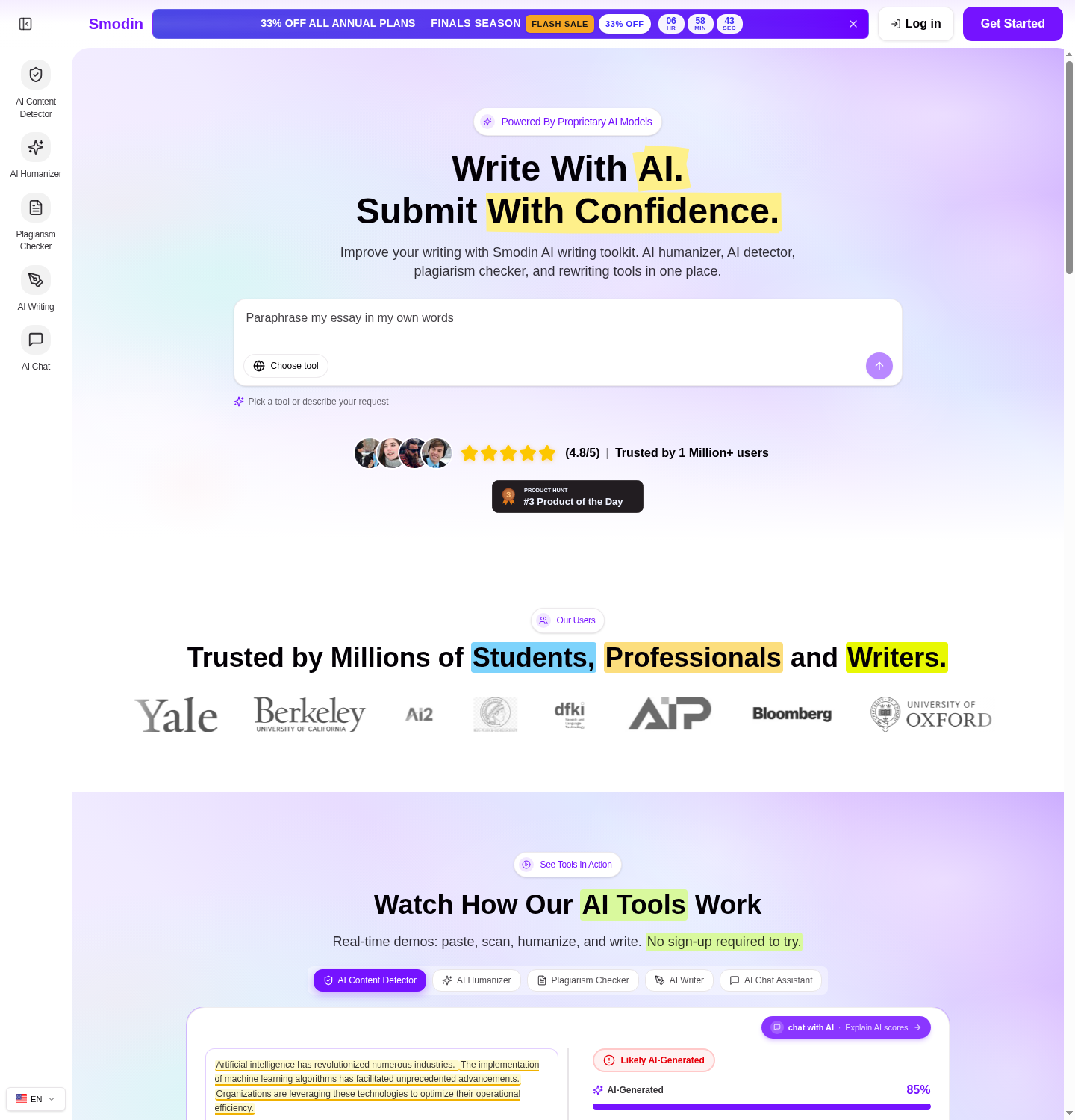
Best for: Students who want writing help and tutoring from one product.
Smodin is an AI writing and research assistant first; the tutoring is a secondary feature. It's noticeable that it's a secondary feature.
- Learner ease of use: Functional but not learner-first; the interface is built for producing text, so students adapt to it.
- Creator setup effort: It's pre-configured and does not allow for any customisation or course setup.
- Answer quality: General-model quality with no domain grounding and the same confident-and-wrong risk, with nothing to help you tell right from wrong.
- Integrations: None.
Reasonable if you want writing and tutoring bundled, and weaker than dedicated tools at the actual tutoring.
What I learned from testing it out: adding a fact from the built-in chat is more manual than I expected. The chat answer did not drop into my draft on its own, I had to read it, switch to the separate writing tool, retype it and click to insert. Editing the outline first, though, did carry through to the final essay.
9. Mindgrasp AI
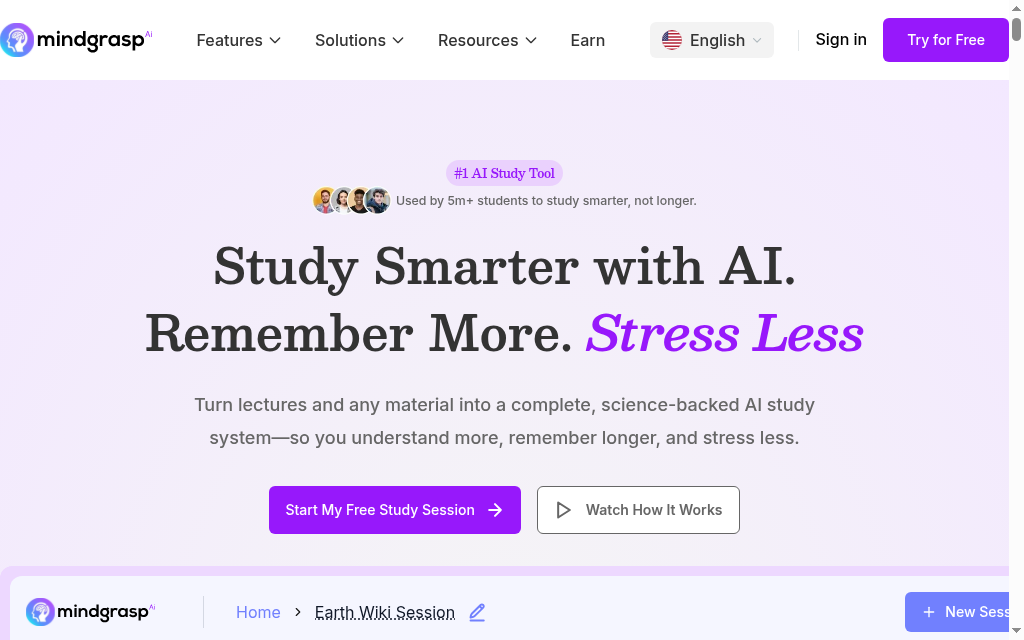
Best for: Self-directed learners questioning their own documents.
Upload a PDF, a lecture recording or a video and Mindgrasp gives you notes, summaries and a Q&A grounded in that specific content.
- Learner ease of use: Great for the specific use case of studying from your own documents. Just upload and ask, with no unusual prompting.
- Creator setup effort: Low for informal use. It's possible for learners to use it if educators share a document set, but there is no course structure or progress tracking.
- Answer quality: Accurate and low-hallucination within your uploaded file; outside it, it quietly reverts to general-model behaviour without flagging the switch.
- Integrations: Limited; no SCORM or LTI, so it works alongside a course, not inside one.
Genuinely useful for independent study, and a supplement rather than an embedded course tutor.
What I learned from testing it out: It spends a few minutes analysing your content that you upload and then you can ask questions to the chatbot tutor. It gave accurate answers and shows where they came from in uploaded sources. It didn't proactively ask me anything so it felt like a basic chatbot training on my content.
10. 360Learning
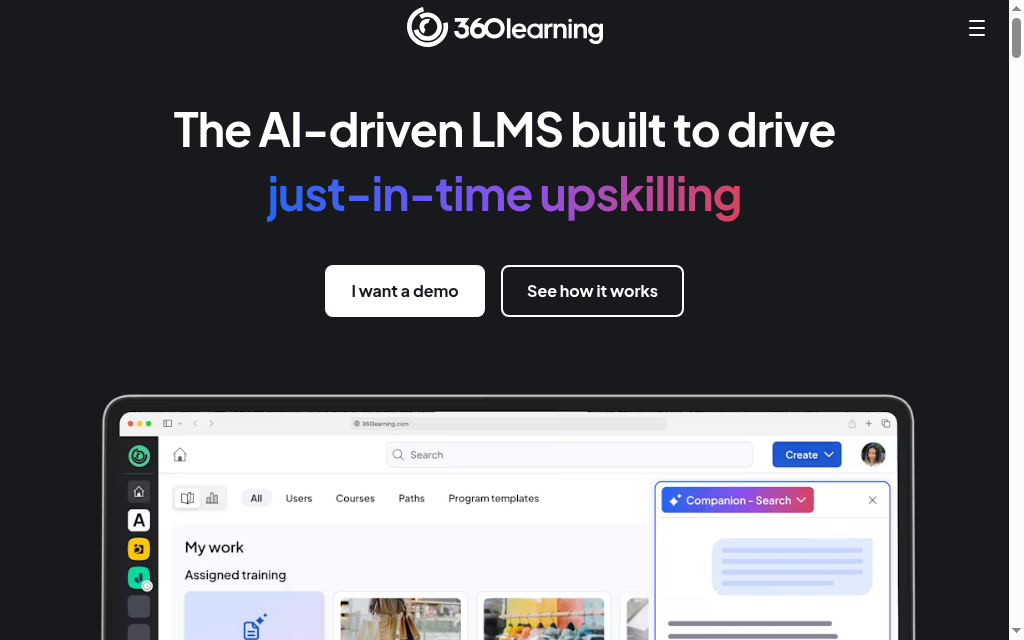
Best for: Enterprises running peer-learning at scale.
An enterprise L&D platform with AI coaching built into a collaborative learning framework; you cannot really evaluate it until an organisation has implemented it.
- Learner ease of use: Good inside a deployed course, but it needs full organisational buy-in first.
- Creator setup effort: Significant; building courses is a full implementation project, not an afternoon.
- Answer quality: AI coaching is grounded in content the organisation's experts built, so quality tracks what the L&D team put in.
- Integrations: Strong; SSO, LTI, HRIS and API access.
The right tool for a big organisation with the capacity to run it, and overkill for everyone else.
It depends on how the tool works, and it is the same split that decides how well it teaches. Socratic-method tutors like Khanmigo and Socratic guide you toward the answer, so they are safe on graded work: they help you understand, not submit.
Answer-first tools like Photomath, Brainly and general chatbots produce a finished solution, which is fine for checking your own work but becomes cheating the moment you paste it into an assignment, and most institutions now run detection on AI-generated submissions. The honest rule: an AI tutor should make you able to do the work, not do it for you.
Best AI tutor for each need
- Step-by-step maths: Photomath scans a problem and shows the worked steps; Socratic covers wider homework questions.
- Guided study and exam prep: Khanmigo walks you through the subject instead of handing over answers.
- Essay writing and research: Smodin.
- Flashcards and memorisation: Quizlet.
- Reading and lecture notes: Mindgrasp turns dense material into summaries and questions.
- Languages: Duolingo is still the category leader; none of the general tutors here match it for structured language practice.
- Corporate and team training: Coursebox builds a private AI tutor grounded in your own content.
Frequently Asked Questions
An AI tutor is software that answers a learner's questions and explains concepts in a back-and-forth conversation, using a language model. Some run on a general model, and some are trained on specific content (a course, a document library, a set of flashcards) so their answers stay grounded in that material.
There is no single winner, because the jobs differ. For a K-12 student, Khanmigo. For questioning your own documents, Mindgrasp. For a trainer embedding a tutor in a course that deploys to an LMS, Coursebox. Match the tool to whether you are a learner or a builder.
No. They are strong at instant, patient, on-demand explanation and weak at reading a learner's emotional state, motivating them, or handling genuinely novel problems. The realistic role is a first line of support that frees a human tutor for the harder work.
Sometimes confidently not. Even good tools produce fluent, wrong answers on questions outside their strength, usually without signalling doubt. Tutors grounded in specific content (your PDF, your course) hallucinate less than general models, but you should still verify anything high-stakes.
Yes. Socratic is free, and Khanmigo, Quizlet and several others have free tiers. Free is fine for individual study; deploying a tutor across a team's training usually needs a paid plan for the integration and configuration.
It works best embedded in the course, trained on your own materials, and deployable into your LMS. A tool like Coursebox generates the course and the tutor together and exports via SCORM or LTI, so learners get help inside the training rather than being sent to a consumer app.
By Parshad Desai, Marketing at Coursebox
Parshad Desai
Driving growth and marketing strategy at Coursebox AI

