

10 Best AI Course Creation Tools in 2026 (Tested)
I build course-creation software for a living, so I tested all ten tools to see how well they turn an idea or existing content into a usable course. I compared the quality of the AI-generated content, editing control, key course-building features, pricing, and limitations.

AI course creation tools vary widely in how much of the course-building process they handle. The best choice depends on the quality of the generated content and how well the tool supports the rest of your workflow.
- AI-native course builders can generate lessons, assessments, and media from a prompt or existing materials. Course platforms such as Thinkific, Teachable, and Kajabi tend to use AI for individual parts of the process rather than generating a complete course at once.
- Editing control, source-material conversion, assessments, AI-generated video and voice, and LMS export options can significantly reduce the amount of work that remains after the first draft.
- Free access varies considerably. Some tools offer a free plan, while others provide only a trial. Check for AI-generation limits, learner or course caps, transaction fees, and features restricted to higher-priced plans.
- AI can accelerate course development, but generated content still needs review for instructional quality, accuracy, audience fit, and clarity before it is ready for learners.
Use three preferences to compare four starting options. Check the entries for required features, free limits and plan conditions.

Build high quality courses that actually sell
I have built course-creation software for over a decade, and before that I worked as a learning designer. I look past the AI label quickly: after the first draft appears, can I shape it into a course I would actually teach? Editing control, useful media and the way the course reaches learners decide that for me.
AI course creation covers different jobs: generating lessons, editing assessments, producing media and delivering the result. Coursebox internal analytics recorded 56,125 people starting an AI course generation and 32,315 completed course generations in the 12 months to July 2026. Those are product-usage figures, rather than a measure of learner outcomes.
I compared these ten across that whole workflow: generating lessons and assessments, editing the result, adding media and publishing. Some do much of it together; others support a particular stage or add AI to an existing course-selling platform.
Full disclosure before the list: Coursebox AI course creator is mine. I have evaluated it using the same criteria as the other tools and included its limitations in its own entry.
How I evaluated the tools
I evaluated each tool based on how well it supports the course-building process, from generating a first draft to editing, publishing, and delivery.
- Output quality: How much usable course content does the AI generate, and how much rewriting or restructuring is still required? I looked at whether the output included coherent lessons, useful assessments, and content that could be refined into a learner-ready course.
- Editing and formatting control: AI generation saves time only if the output is easy to revise. I looked at how much control each tool provides over lesson structure, text, images, layout, and branding.
- AI video and voice: Some tools generate narration, voice-over, or presenter-style video as part of the course-building workflow. I compared the available media options, language support, and usage limits.
- Source-material conversion: For course creators and training teams working from existing content, I looked at how well each tool turns PDFs, slide decks, Word files, and other source materials into structured course content while preserving useful elements of the original.
- LMS compatibility and export options: For training teams that deliver courses through an existing LMS, I assessed whether each tool supports formats such as SCORM or xAPI, as well as other options for hosting, sharing, or publishing course content.
- Pricing and plan limits: I compared the cost of the plans that include the features discussed here, along with free-plan or trial availability, AI-generation limits, learner or course caps, transaction fees, and features restricted to higher-priced plans.
How I tested the tools
I used each tool to create the same short professional-skills course, starting with the same text prompt and, where supported, the same PDF. I used a free plan or trial when available and compared the course structure, lesson content, assessments, media, and how much editing or restructuring was still needed.
The 10 tools at a glance
The table below compares the tools by use case, AI capabilities, delivery options, free access, and limitations. Prices and free-tier details were checked on each vendor’s website at the time of review. Because plans and limits can change, confirm current pricing and feature availability before choosing a tool.
| Tool | Useful starting workflow | Delivery route | Free access | Buying condition |
|---|---|---|---|---|
| Coursebox | Turning a prompt or source material into a course draft | Hosted platform; SCORM and LTI export | Free plan | Review generated lessons; export and branding have plan conditions |
| iSpring Cloud AI | Corporate training that must work in an LMS | Browser course; SCORM/xAPI or link | 14-day trial | Cloud AI differs from the Suite PowerPoint product |
| LearnWorlds | Building and selling a branded course academy | Hosted academy and selling platform | 30-day trial | AI works across separate functions rather than generating the full course in one step |
| Mindsmith | Guided AI lesson development with LMS export | SCORM export | Limited free credits | Does not convert existing files into editable lessons |
| Synthesia | Creating AI presenter videos for courses | Video and SCORM export on higher tiers | Free plan | Creates course media, not a complete course |
| Mini Course Generator | Creating short, interactive courses | Hosted links, embed; dynamic SCORM on higher plan | 14-day trial | Check learner allowance and hosted export dependency |
| Thinkific | Building and selling courses on a branded site | Outline only (you write lessons) | 30-day trial | AI does not generate full lesson content |
| Teachable | Selling courses with AI-assisted lesson development | Course outline | 7-day trial | AI tools work in separate steps; course assembly remains manual |
| Kajabi | Running a broader content business around courses | Course outlines and lesson drafts | 30-day trial | Expensive for users who only need course creation |
| Heights Platform | Building a simple course-and-community site | Course shell, titles, description, cover image | 30-day trial | AI does not write the lesson content |
Best AI Course Creation Tools Ranked
The infographic below shows the overall ranking used in this review.
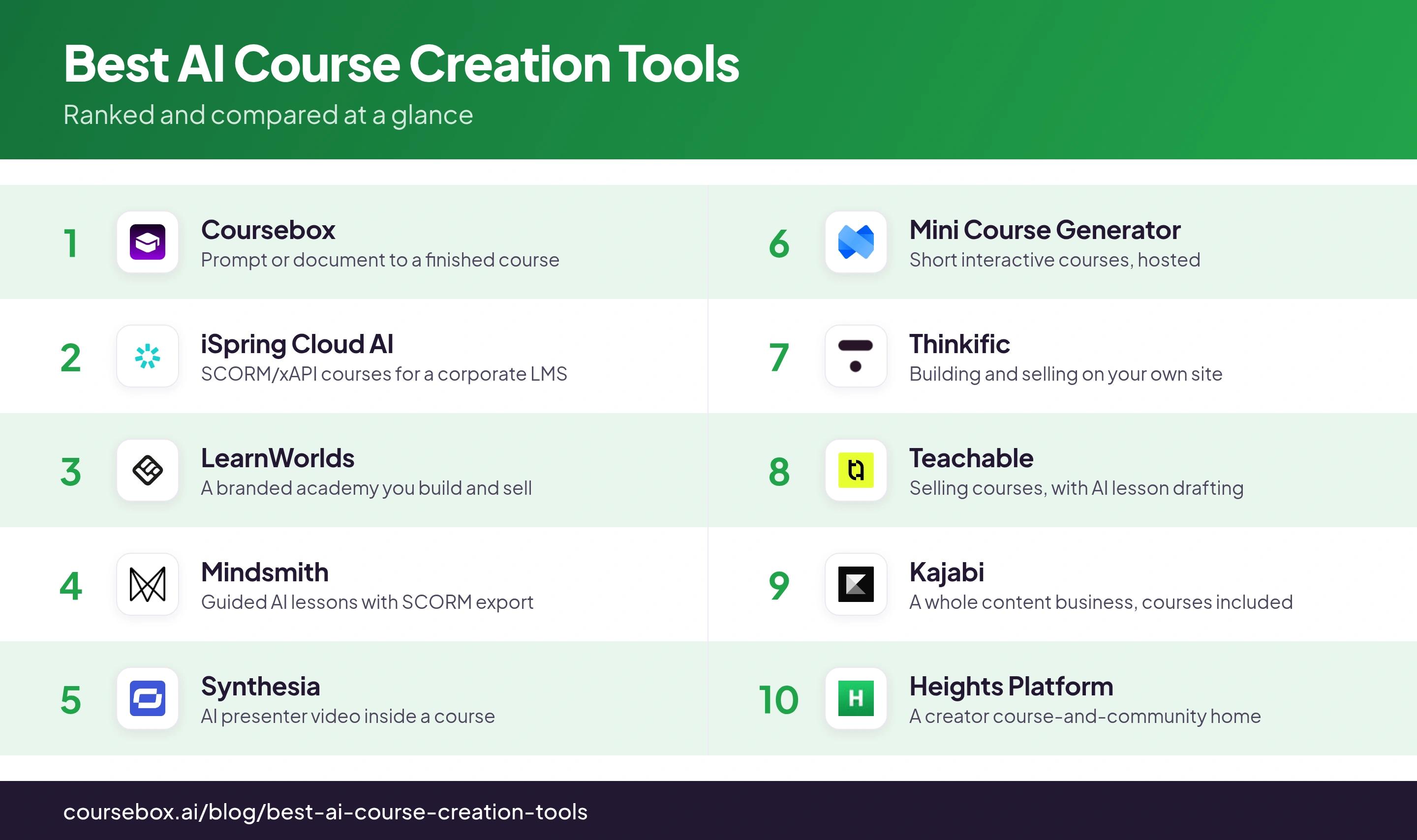
Price the workflow you intend to publish: AI-generation allowance, author seats, learners, course capacity, sales fees, branding and LMS export. A cheaper subscription can cost more once the required delivery features and payment fees are included.
The 10 best AI course creation tools
1. Coursebox

Coursebox AI course creator, which I founded, connects course creation, delivery, tutoring and assessment. Start from a prompt, document, URL or video, review the generated structure, then refine the lessons, questions and media in the editor. Courses can be delivered on Coursebox or through the available export routes.
The draft still needs an author: tighten explanations, check questions and shape the examples for your learners. A course-grounded AI tutor supports questions after publication, while grading and reporting extend the workflow beyond writing. Dynamic SCORM retains a hosted connection; self-hosted export has different plan conditions and feature coverage, so compare the learner experience you need in the destination.
My testing experience: I uploaded a slide deck, and Coursebox returned a multi-module course with lessons, a quiz, and a draft narrated video. The structure was there, but the lesson and quiz copy needed fine-tuning.
Pricing and plans: Free includes three mini-courses of up to five pages each, unlimited learners and defined AI allowances, with a Coursebox watermark. Paid plans expand capacity and remove the watermark; branded LMS, exports and integrations depend on the selected plan.
2. iSpring Cloud AI
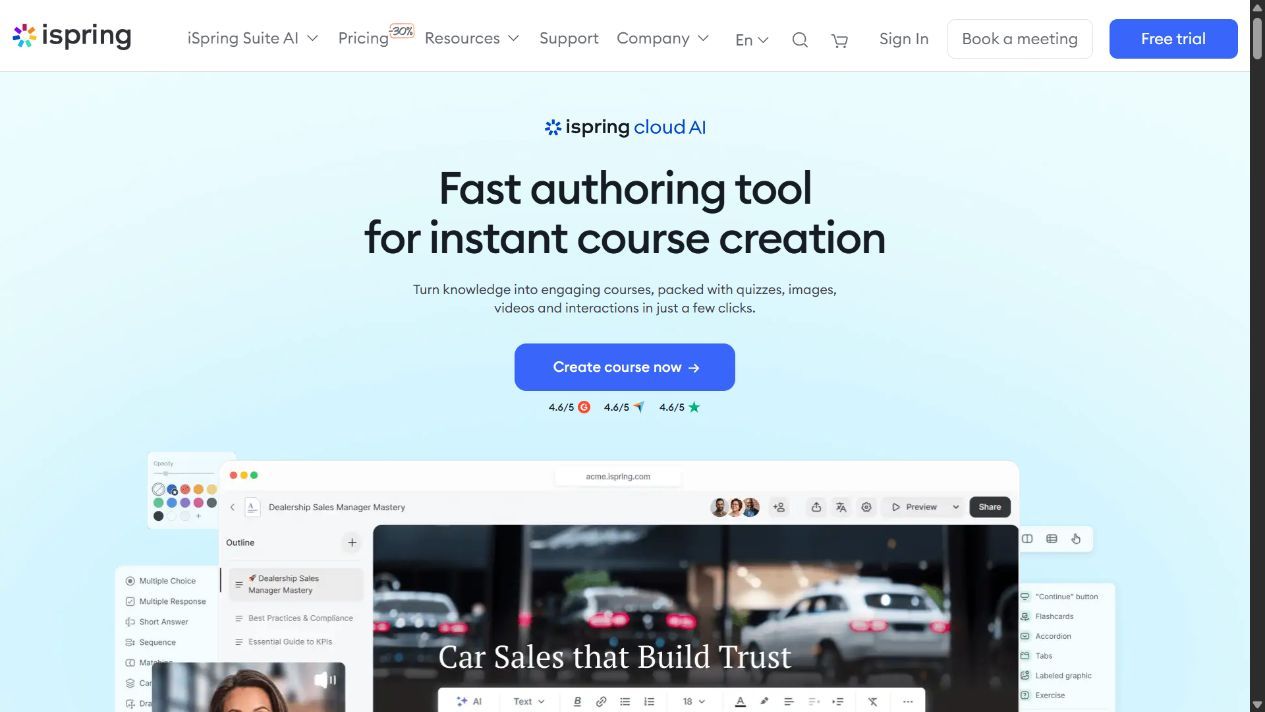
iSpring Cloud AI is browser-based authoring for teams that want AI-assisted lessons and delivery through an LMS. Generate and edit a course in the browser, then share a link or export SCORM or xAPI. It can be used on a Mac without PowerPoint.
Keep it separate from iSpring Suite AI, the Windows and PowerPoint workflow. Suite can create slide-based courses and other media; Cloud AI produces browser-authored learning. Choose the format your authors can maintain and your LMS can track rather than treating both editions as one desktop product.
A trial lets you check authoring and LMS playback. Use a representative lesson and quiz, then verify scores and completion in the destination. An export-format label does not establish that every activity or report behaves identically across LMSs.
My testing experience: Working from a PDF saved me from a blank course. On a Mac, I used the cloud workflow rather than the PowerPoint add-in. That edition choice is the first thing I would settle with a team whose authors use different operating systems.
Pricing and plans: US$720 per author/year for Cloud AI. Suite AI is a separate US$1,290 per author/year product. A trial is available; match the edition and export workflow to the quote.
3. LearnWorlds
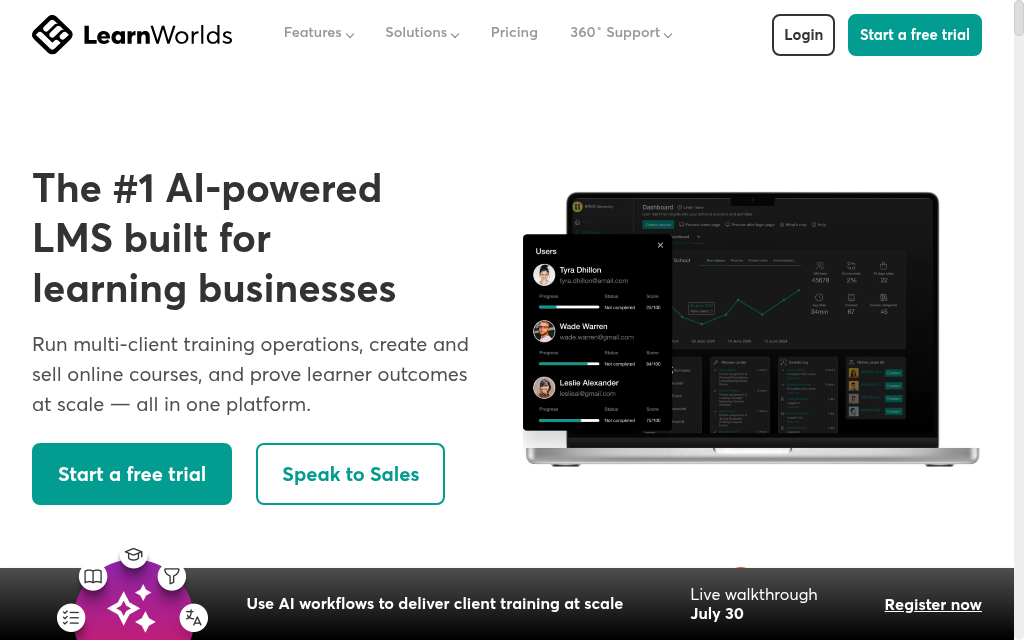
LearnWorlds combines AI-assisted course creation with a branded platform for hosting and selling courses. From a prompt or uploaded source material, it can generate course structures, lesson content, assessments, and pages, and turn imported content into quizzes and exams. The platform also includes interactive video, branded course sites, and built-in payment tools.
LearnWorlds combines AI assistance with a course and academy editor. I would check how its writing, assessment and media tools fit the course I am building, then test the save and preview workflow in the current editor. Starter has a fee for each paid enrolment; higher plans change the selling and learning features.
My testing experience: I used existing source material to generate structured lessons and assessments inside a branded course site. I liked being able to move straight from course creation to presentation and selling, although I had to remember to save changes manually.
Pricing and plans: Paid subscription after a trial. Starter has a per-enrolment fee; feature tiers affect authoring, interactive video and branding. Price the academy configuration you will use.
4. Mindsmith
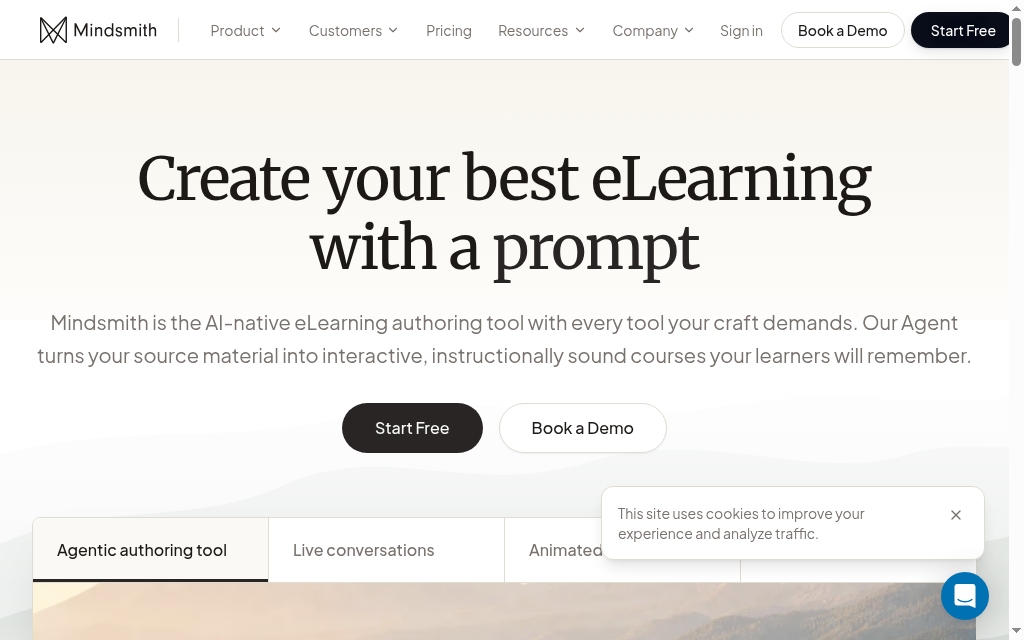
Mindsmith uses AI to build interactive lessons from a prompt or source document, including written content, AI-generated images, and text-to-speech narration. Rather than generating everything in a single pass, it guides the user through the process step by step, which gives more control over how the lesson develops.
One of Mindsmith’s major strengths for L&D teams is export. It supports SCORM on all tiers, including the free tier, and its dynamic packages can carry updates through after publication. The tradeoff is file conversion. You can use a document as source material, but Mindsmith doesn’t convert an existing PowerPoint, PDF, or Word file into fully editable lessons while preserving the original structure. Pricing is per author; there are no built-in course-selling tools, and the generated content still needs a review pass.
My testing experience: The step-by-step workflow allowed me to shape the lesson as it developed, rather than just accepting a single large AI-generated draft. I could also export a test lesson to an LMS without upgrading.
Pricing and plans: Free includes 450 one-time AI credits and link, embed and SCORM sharing, with a badge. Professional is US$39/author/month billed annually; Business US$65 on the same basis, with higher credit and collaboration allowances.
5. Synthesia
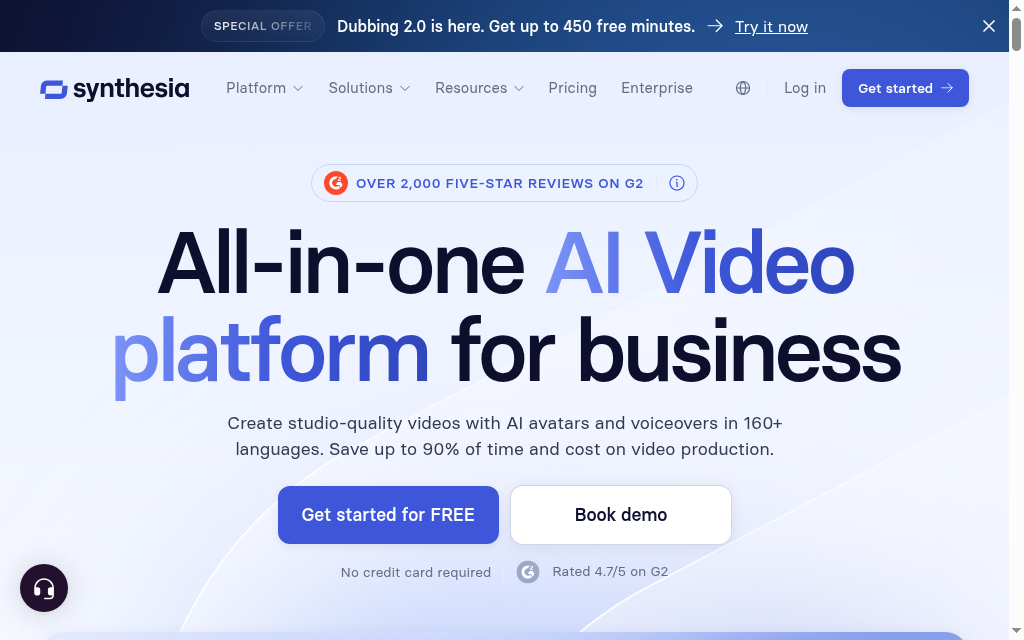
Synthesia focuses on AI-generated video rather than complete course creation. Users can create presenter-style videos from a script or prompt using AI avatars and multilingual voices. The platform also includes course-related features such as interactive quizzes, role-play activities, and SCORM export. Still, it does not generate the written lesson modules or broader course structure that a dedicated course builder provides.
For course creators and training teams, Synthesia is most useful as a media production tool within a larger course development workflow. Usage is based on video credits, and available minutes vary by plan. Credits do not roll over, and SCORM export requires a higher-tier plan. A free plan is available for limited video creation.
My testing experience: I created a presenter-led explainer video for a course, and the avatar and voice output needed relatively little cleanup before I could use it. The bigger constraint was the number of video minutes available on the plan.
Pricing and plans: Free access is limited; paid plans depend on video capacity and billing period. Interactive playback and SCORM are plan-dependent. Compare the current minute allowance and renewal terms.
6. Mini Course Generator
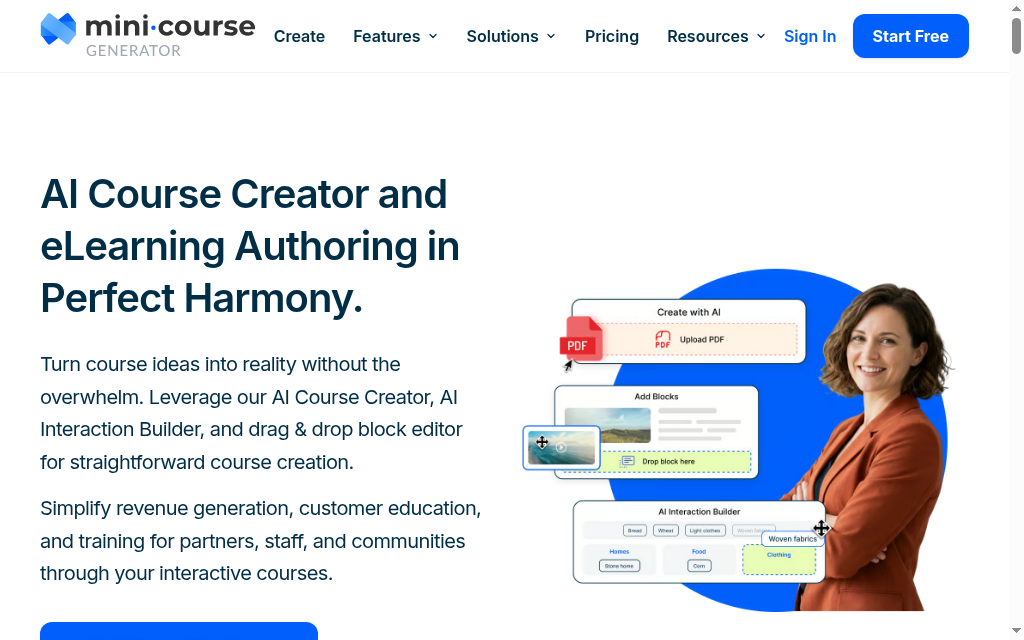
Mini Course Generator creates short, interactive courses from a description or an uploaded PDF. The output can include multi-page lessons, AI-generated quizzes, images, and interactive content blocks. Courses are hosted on the platform and can include a landing page, a custom domain, and options to sell access or use the course for lead generation.
The format suits short, focused learning and embedded delivery, with plan allowances for AI and learners. Dynamic SCORM is available on the relevant higher plan, so it is inaccurate to rule out LMS delivery altogether. Check the hosting dependency and how updates reach the LMS before choosing an export route.
My testing experience: I started with a short brief and had an interactive mini-course within a few minutes. The interactive blocks made the result feel more like a course than a dressed-up document, and it was easy to share and embed.
Pricing and plans: Plan limits cover AI capacity and annual learners. Dynamic SCORM belongs to the appropriate higher tier; use the current quote or selector for the selected delivery plan.
7. Thinkific
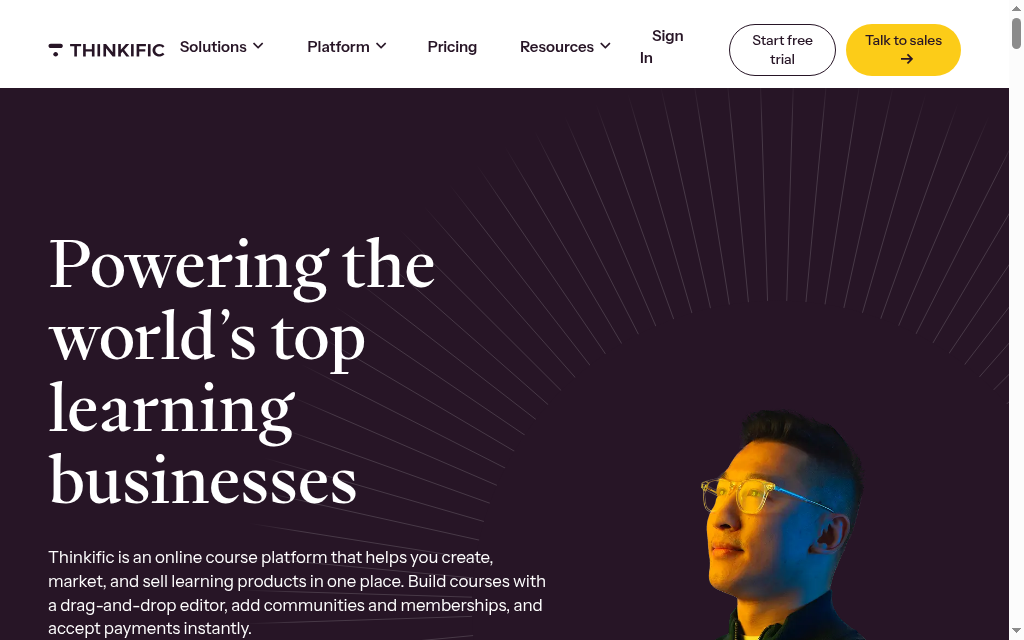
Thinkific is a course platform for building, hosting, and selling courses on a branded site. Its AI Course Outline Generator turns a prompt or existing document into a chapter-and-lesson structure with suggested titles, but it does not generate the full lesson content. The AI is best viewed as a planning tool that helps organize a course before the writing begins.
The platform itself provides the tools needed to build and sell courses, including hosting, payments, and branded course delivery. However, there is no SCORM export or AI-generated course media, so it is less suited to L&D teams that need to publish training into an external LMS. Thinkific offers a trial rather than a free-forever plan.
My testing experience: I had a clean module-and-lesson outline within seconds, which got me past the blank page quickly. From there, I still needed to write the lesson content myself.
Pricing and plans: Paid subscription and trial, with different product and administration allowances. Use the current pricing selector and payment configuration rather than an old free-plan description.
8. Teachable
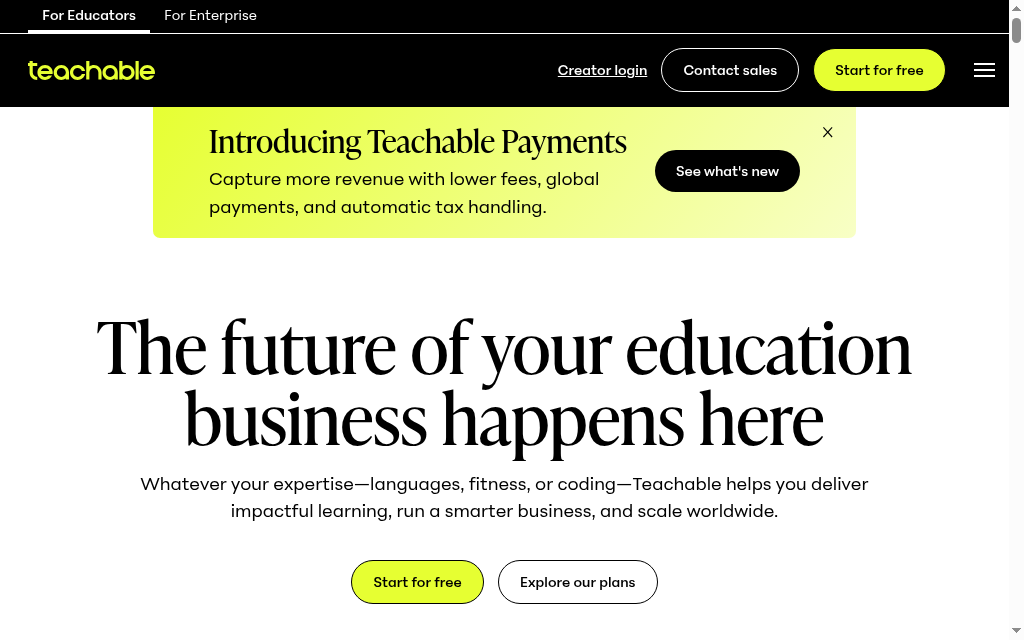
Teachable is a course-selling platform with several AI tools built into different stages of course creation. Its AI Curriculum Generator creates course outlines, a separate assistant can draft lesson text inside the editor, and an AI quiz generator can create questions from lesson content. Together, these tools support more of the writing process than an outline-only generator, but they do not build the entire course in a single workflow.
Course assembly remains manual because the AI does not upload, organize, or place all of the content for the user. Teachable also charges transaction fees on its entry-level plan in addition to standard payment-processing fees, while higher-tier plans reduce or remove the platform fee. A trial is available, but there is no free plan.
My testing experience: The lesson-writing assistant gave me a usable first draft from a short brief, and the quiz generator built questions from that lesson text. I still had to assemble and organize the course myself.
Pricing and plans: Starter is US$39/month or US$29/month annually, plus a 7.5% sales fee. Builder and above remove the plan sales fee; processing and applicable usage charges remain.
9. Kajabi
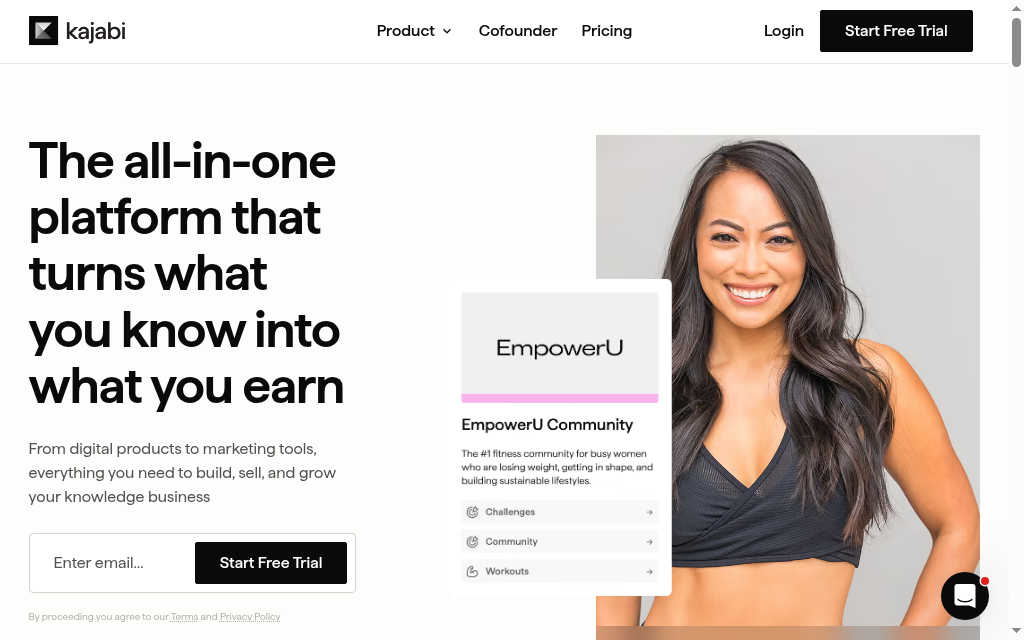
Kajabi is a broader business platform that combines course creation with websites, email marketing, funnels, and payments. Its AI tools can help generate course outlines and draft lesson content one topic at a time, but they do not create a complete course draft in a single workflow.
The platform is designed for creators who want to manage both course delivery and the surrounding business infrastructure in one place. It does not support SCORM export, so it is less suited to L&D teams that need to deliver training through an external LMS. Its entry price is also higher than many of the other tools in this comparison, particularly if course creation is the main need.
My testing experience: I used the lesson content generator to draft body copy one topic at a time. The drafts gave me something useful to work from, but the course still came together piece by piece.
Pricing and plans: Basic is US$179/month or US$143/month billed annually, including a defined product and contact allowance. Compare it against the marketing tools it would replace.
10. Heights Platform
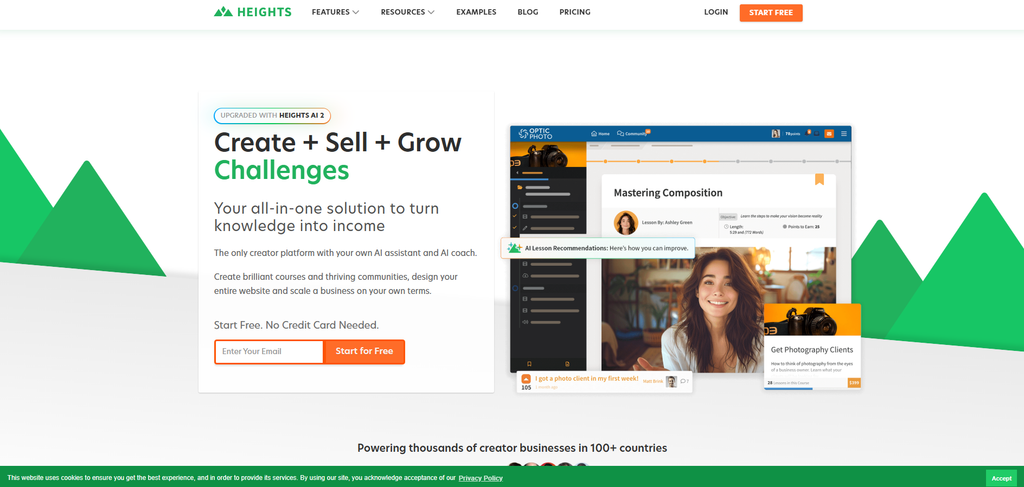
Heights Platform is a course and community platform with relatively light AI support for course creation. Its AI can generate a course title, module and lesson titles, a description, and a cover image, but the lesson content itself is still written by the user. Its AI Coach is designed for business guidance rather than course-content generation.
Heights combines course hosting, communities, challenges and creator-business features. Compare its AI course setup with its wider AI capabilities rather than assuming every lesson is always generated, or always manual. The useful test is the editable lesson you need to deliver, followed by the assessment, source access and learner record.
My testing experience: The AI gave me a clean course shell with titles, a description, and a cover image, so the setup stage was quick. From there, the lesson writing was still mine.
Pricing and plans: Basic is displayed at US$49/month or US$39 on annual billing. Pro is US$119/month or US$99 annually and adds custom-domain and branding controls. Check active-student allowances and payment processing.
Choosing the right tool
If you want one answer: to turn your own material into a finished, teachable course fast, start with an AI-native builder that generates the whole thing, not just an outline. Two clear exceptions. If you author in PowerPoint and export SCORM into an existing LMS, an authoring-first tool like iSpring fits that setup better. And if your course is really a product you sell to consumers, a selling platform like LearnWorlds or Thinkific is built for the storefront, and the AI is a bonus rather than the point.
If your training is mostly live, presentation-led sessions rather than self-paced courses, you may not need a course builder at all. Prezi AI takes a different approach to slides: instead of linear, text-heavy decks, it turns a short prompt or an uploaded file into a visual, zoomable presentation that shows how ideas connect, which helps learners hold on to what they've seen.
And if your training is for staff rather than a public audience, our rundown of AI tools for employee training compares the workplace-focused options in more depth.
Gallup’s 2025 development research found that 41% of employees and 89% of CHROs identified time away from responsibilities as a leading obstacle. I would use that to test the learner journey as well as generation speed: can someone find the right activity, complete it in the available time and return to work?
Frequently Asked Questions
Coursebox is a starting point for connected generation, tutoring and delivery; iSpring Cloud AI and Mindsmith suit LMS-focused authoring; Synthesia focuses on presenter-led media. LearnWorlds, Thinkific, Teachable, Kajabi and Heights add different course-business workflows. Compare the actual output and editing steps your authors need.
Yes. Some tools offer a free plan, while others only provide a trial or limited starter access. Free tiers may come with limits on AI generation, publishing, learners, courses, or branding, so check what’s included before you commit.
They can provide a useful first draft, but quality varies by tool, topic, and source material. Before publishing, review the content for accuracy, audience fit, instructional quality, and assessment reliability.
AI can build an initial course draft in minutes, but a learner-ready course takes longer. Editing, instructional design, fact-checking, assessment review, and media production still require time.
An AI course creator generates course content; an authoring tool helps build and format that content for delivery; and an LMS hosts, delivers, and tracks training. Some platforms combine more than one of these functions.
Travis Clapp
Travis Clapp is the original founder and CEO of Coursebox. As an experienced instructional designer, he has lived through the process of building high quality courses. These experiences brought about his idea to upload all your documents and ideas into a virtual box that could convert those magically into a course. Prior to Coursebox, he successfully founded and built a social based LMS. Travis has 15+ years of experience designing courses and EdTech platforms from university MOOCs to enterprise LMS. Travis has built training for reputable companies like Johnson & Johnson, Electrolux, Michael Hill and SA Health. One of his courses reached 20,000+ learners which was a flagship edX course. He is based in the Adelaide, South Australia office and passionately works on customer support, sales and bringing the original product vision to life every day.

