

10 Best Articulate Rise Alternatives in 2026 (Tested by an Instructional Designer)
The 10 best Articulate Rise alternatives for 2026, compared on AI-native authoring, interactivity, ease and price, by an instructional designer who used Rise.

The best Rise alternative depends on what you want AI to do. Rise is a good authoring tool built before AI, with an assistant added on top. The ones that beat it let AI build the actual course, the lessons, questions, assessments and scenarios, not just draft a paragraph. Coursebox is built that way, 7taps is close for microlearning, and the rest bolt AI onto a pre-AI tool.
- Almost every tool advertises AI now, so the split is what it makes. On Coursebox, AI writes and edits the whole course by chat; on most of the others it drafts a little text or an image while you still author by hand.
- For the simplest, most Rise-like authoring, Easygenerator; to stay in PowerPoint, iSpring Suite; for software simulations, Adobe Captivate or dominKnow; for interactive visuals, Genially; for microlearning, 7taps.
- Free plans are rare. Genially and 7taps have real ones and Coursebox is free to start; iSpring, Gomo, Captivate, Lectora and dominKnow offer trials only.
- Most only export SCORM to your LMS. Eight of the ten do just that; Coursebox and 7taps can also host and track the training themselves.
Answer three quick questions and I will point you to the right pick from this list.

Run your own branded LMS with unlimited learners
Articulate Rise is the incumbent, and a good authoring tool. It is fast and browser-based, and simple enough to hand to a subject-matter expert who then gets a clean, responsive course back. I have built plenty that way. But Rise was designed before AI, and it shows clearly. Articulate bolted an AI assistant on afterwards, like most tools here, so you still build the course the old way and the AI helps at the edges.
That is the gap worth replacing Rise over. The real question is not whether a tool has AI, it is what the AI actually makes. A button that drafts a paragraph is not the same as AI that writes the lessons, the questions, a graded assignment and a practice scenario, then rewrites any of it when you ask. When building a course means describing it and editing the draft by chatting, rather than dragging blocks, the work gets faster and far less fiddly. That is what beats Rise, not a longer feature list.
I am Travis, an instructional designer by trade and the founder of Coursebox, so I have a stake in this. Coursebox is built AI-first. You write a prompt and shape the course with AI rather than assembling it block by block, and that is where it beats Rise. I will also say where it does not, so for hand-crafted software simulations the old desktop tools still win. I held it to the same test as the other nine.
How I compared these Articulate Rise alternatives
I judged every tool on the same five things, starting with the one that actually separates a 2026 tool from a 2019 one.
AI-native authoring. Is AI the default way you build and edit a course, or a feature bolted onto a tool designed before AI? This is the axis, and I weighted it heaviest.
Interactivity and depth. How far past simple blocks and quizzes you can go, into scenarios, simulations and real practice.
Ease and speed. Rise is popular because it is fast and you do not need to be a developer. Good AI should make that easier, not add a menu you have to learn.
Output and delivery. The finished course still has to be good: responsive on a phone, accessible, and able to leave the tool cleanly, as a SCORM or xAPI file for your LMS, or hosted and tracked for you.
Price. Real numbers where the vendor publishes them, quote-only where they do not, labelled honestly.
I weighted AI-native authoring heaviest, because it is what changes the day-to-day work. Interactivity and the quality of the finished course come next. Price I treated as a tie-breaker, not the headline, and I flag per tool whether it only exports SCORM or can host the training itself.
Articulate Rise alternatives at a glance.
| Tool | Best for | Price | Free option | AI authoring |
|---|---|---|---|---|
| Coursebox | Building and editing a course with AI | Free to start, paid tiers | Yes | AI-native (build by prompt or doc) |
| iSpring Suite | Teams who live in PowerPoint | From ~$770/author/yr (reported) | Trial only | AI bolted on |
| Easygenerator | Subject-matter experts authoring simply | Pro $116/mo ($1,399/yr) | Trial, then limited free | AI fairly integrated |
| Elucidat | Scaling authoring across a big team | Quote-only (now Confirm Frontline) | No | AI bolted on |
| Gomo | Responsive, multi-device courses | Quote-only (by users + storage) | 21-day trial | AI bolted on |
| Adobe Captivate | Simulations and software training | ~$33.99/mo (reported) | Trial only | AI bolted on |
| Genially | Interactive, visual content | Free plan; Pro ~$7.49/mo (reported) | Yes | AI bolted on |
| dominKnow One | Collaborative teams, responsive + traditional | $2,000/author/yr | Trial only | AI bolted on |
| Lectora | Accessibility and complex interactions | ~$1,398/user/yr (reported) | Trial only | AI bolted on |
| 7taps | Fast mobile microlearning | Free plan; Starter ~$4,995/yr (reported) | Yes | AI-forward |
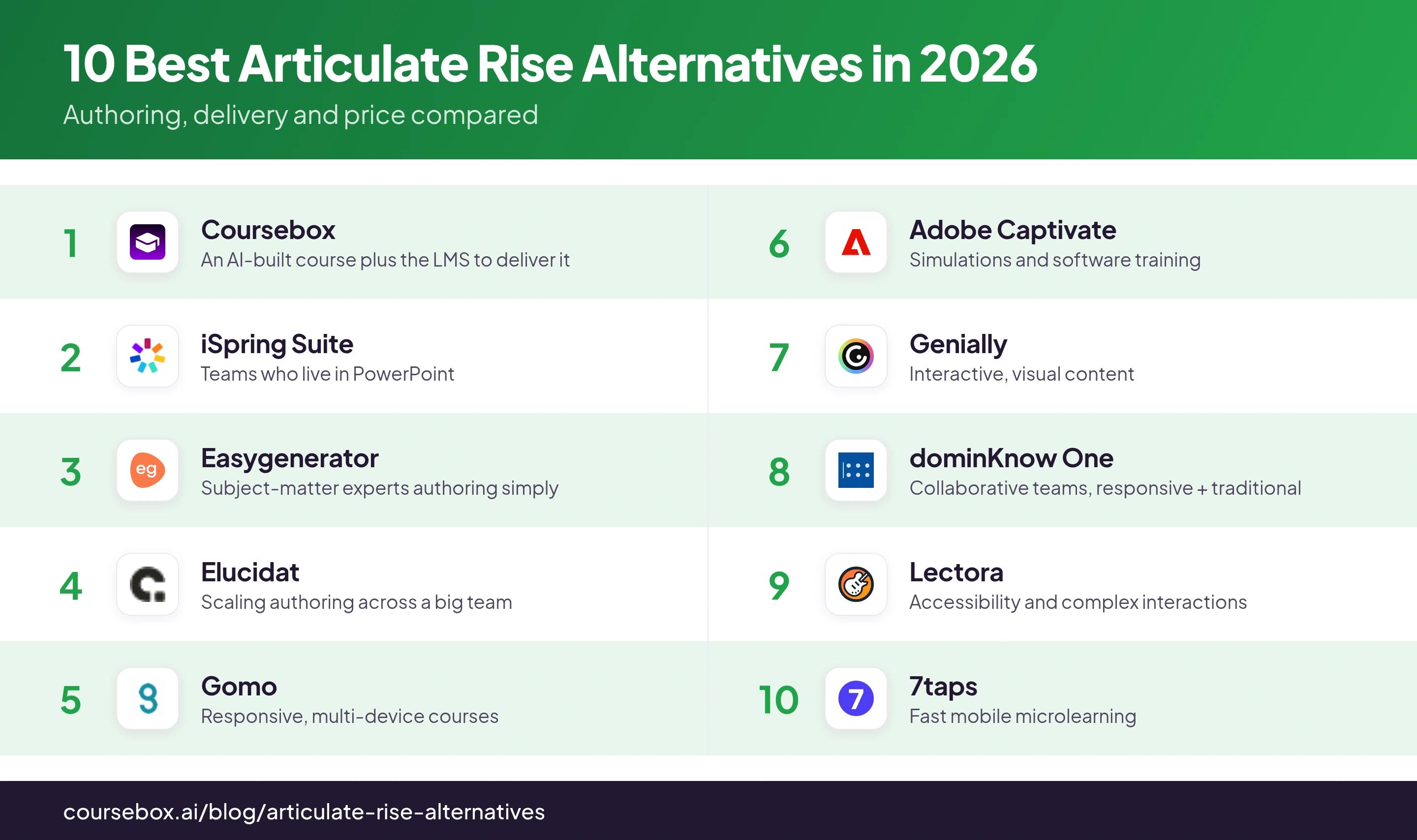
Ranked below, each on the job it does best.
Almost every tool here now advertises AI, including Articulate. The question is what the AI actually makes. On most of this list it was added on top of a tool built before AI, so it drafts a little text or an image while you still assemble the course by hand. On a few, AI builds the real thing: the lessons, the assessment, a practice scenario, edited by chatting from the first click. Making a PowerPoint with a quiz faster is not the point; building better learning is. Test it by building a real course, not by reading the feature list.
The 10 best Articulate Rise alternatives
1. Coursebox
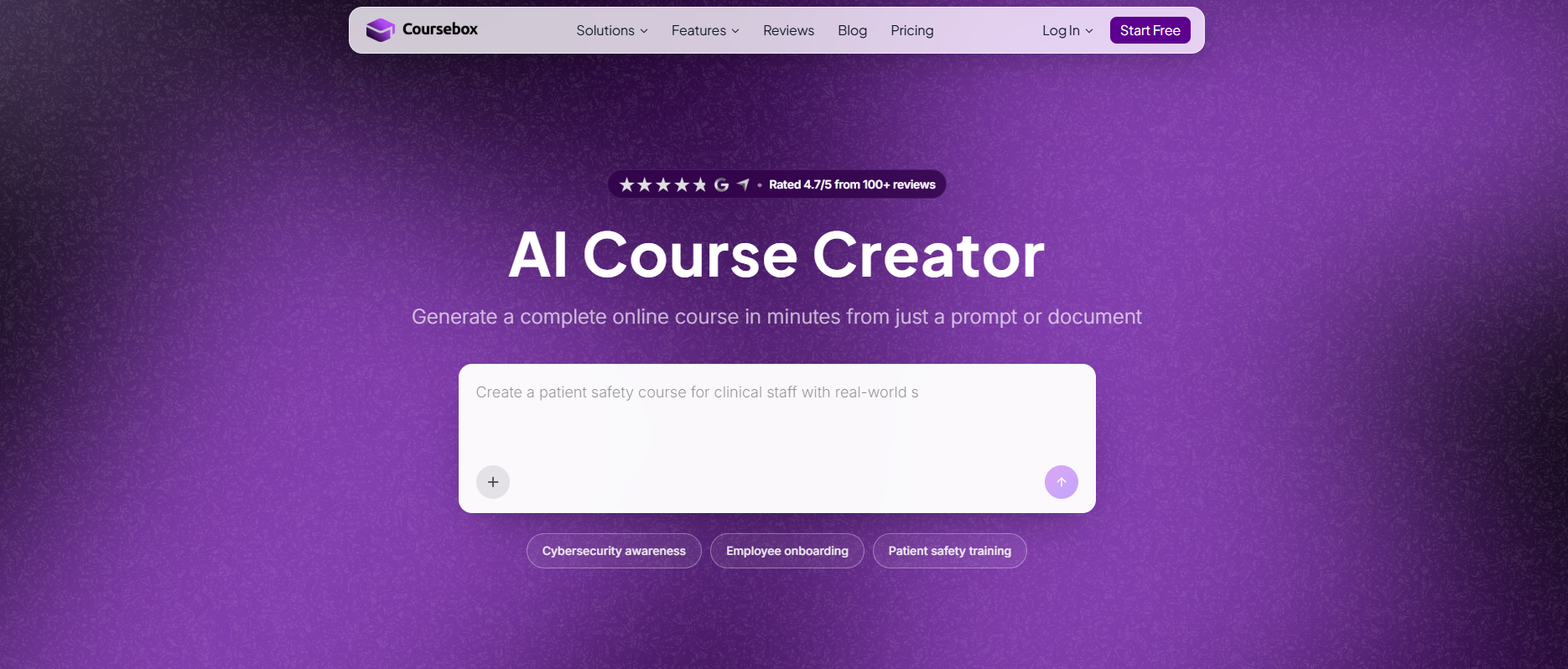
Best for: teams who want to build and edit a course with AI rather than assemble it block by block, and reach a finished course faster than Rise allows.
Coursebox is ours, so weigh this accordingly. Coursebox is built AI-first. You start from a prompt or a document and shape the course by chatting with AI, then refine it the same way, which is a different starting point from Rise’s blocks. It also delivers and tracks the training in its own LMS or exports SCORM, but the reason to weigh it against Rise is the authoring.
Ease and speed: The fastest here. You enter a prompt, build the course by chatting with AI, then edit the draft the same way rather than dragging blocks.
Interactivity: AI video, an always-on AI tutor for learners, AI-graded assignments with rubrics, and practice scenarios, all available by default in every course.
AI: native. You do not click an AI helper, you build with it: describe the course and it drafts the lessons, quizzes, graded assignments and roleplay scenarios, then rewrites any of them when you ask. That is the whole difference from Rise, where AI only helps at the edges.
Price: Free to start, with paid Creator, Pro and Business tiers; branded delivery starts on Pro, and real-headcount pricing is quote-based.
The catch: It is younger than the incumbents and AI-native by design, so if you want a mature, widget-heavy desktop authoring tool for hand-crafted simulations, Storyline or Captivate still do that better. AI drafts also need a human edit before they ship.
Testing notes: coming at this as an instructional designer, the difference from Rise I feel most is the starting point. In Rise I build block by block; here I describe what I want and edit the draft by chatting, which is faster and less fiddly. The catch is the one every AI draft has, it needs a human pass before it ships.
Verdict: the pick when you want AI to do the building and editing and a finished course faster than Rise allows. It is here as the AI-native option, not a like-for-like Rise swap.
2. iSpring Suite
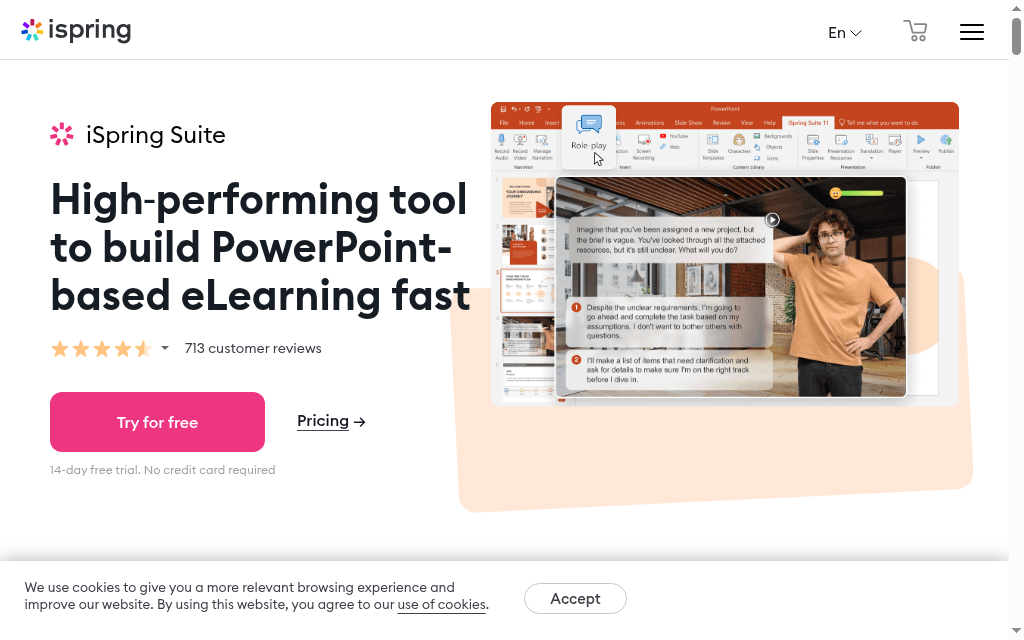
Best for: Teams who already build in PowerPoint and want to stay there.
iSpring Suite is a PowerPoint add-in, so authoring happens inside a tool your team already knows, with quizzes, interactions, screen recording and dialogue simulations added on top.
Ease and speed: Very fast if you know PowerPoint, since there is nothing new to learn. It is a Windows-first experience, though.
Interactivity: Strong for the price: role-play dialogue simulations, quizzes and interactions without leaving slides.
AI: bolted on. iSpring added AI assistant features, but the core is still the manual, PowerPoint-based flow. It exports SCORM to your LMS.
Price: Reported from about $770 per author per year, with a higher Max tier. Free trial, no permanent free plan.
The catch: It is tied to PowerPoint and Windows, so Mac teams and anyone wanting a cloud-first, browser-based flow like Rise will feel the friction.
Testing notes: The reason iSpring converts PowerPoint teams is that the learning curve is almost nothing. When I looked at it, the trade is the opposite of Rise: you gain deep quiz and simulation features, but you give up the clean, browser-based, mobile-first feel that made Rise pleasant in the first place.
Verdict: The natural move if PowerPoint is already your authoring home and you want more power than Rise, not a different way of working.
3. Easygenerator
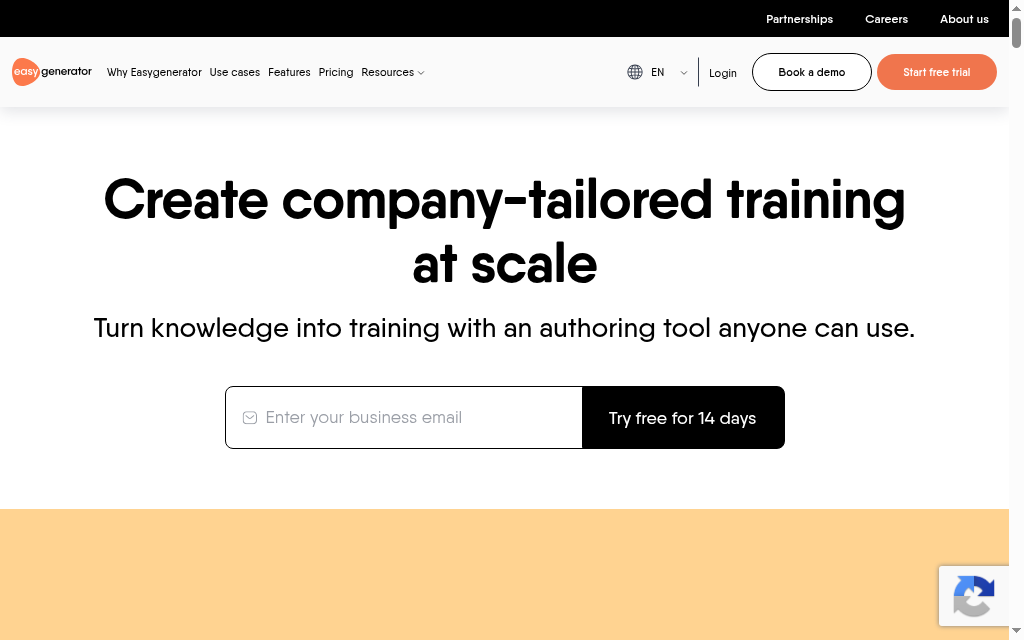
Best for: Subject-matter experts who need to author simply, without a course-design background.
Easygenerator is a cloud authoring tool built so that non-designers can produce clean courses fast, with templates and a guided, linear workflow that keeps people focused on the content rather than the design.
Ease and speed: Closest to Rise in feel: web-based, template-led, easy for an expert to pick up.
Interactivity: Solid basics, drag-and-drop questions, hotspots, text-matching, plus an AI course builder across all plans.
AI: fairly integrated. EasyAI runs on every plan and drafts content, though it sits on top of a template-driven tool. SCORM export to your LMS.
Price: Pro is $116/mo (or $1,399/year); a 14-day full trial then drops to a limited free plan. Team and Enterprise cost more.
The catch: Built for simplicity, so if you need deep custom interactions or simulations you will hit a ceiling.
Testing notes: The templates and the fixed create-then-design-then-publish flow do exactly what a nervous expert needs. As one reviewer put it, the templates make building a course feel less intimidating and give you a starting point, which is the same instinct that made Rise popular.
Verdict: Reach for it when the people building courses are experts, not instructional designers, and you want them productive on day one.
4. Elucidat
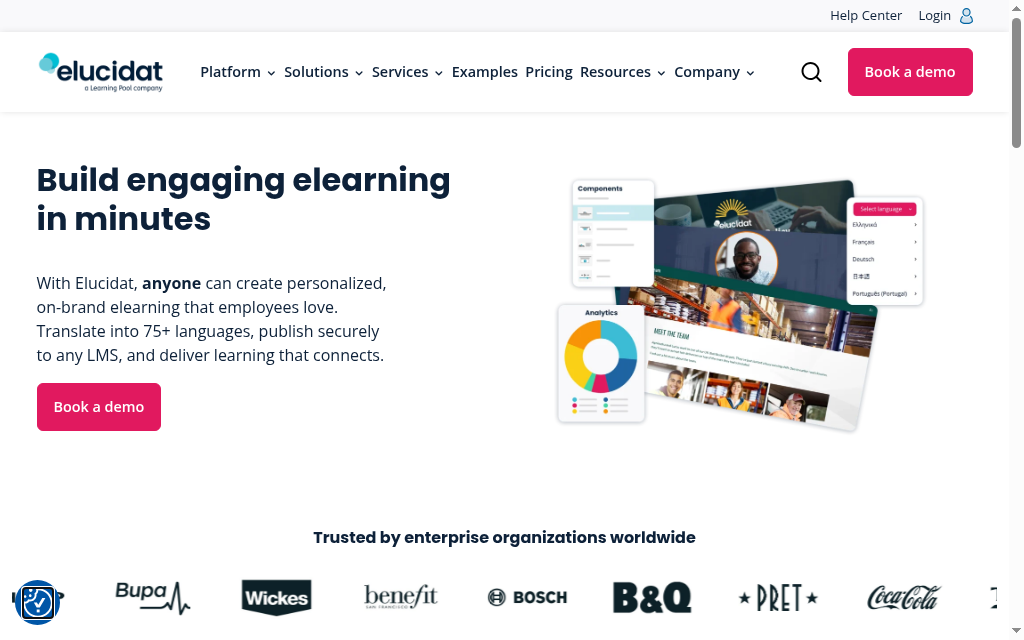
Best for: Large teams that need to scale authoring with control and governance.
Elucidat is a cloud, responsive authoring platform aimed at enterprises producing a lot of content, with collaboration, review workflows and translation into dozens of languages. It is now part of Confirm (Frontline).
Ease and speed: Web-based and approachable, but built for scale, so there is more to learn than in a lightweight tool.
Interactivity: Good responsive interactions, AI-assisted authoring, and strong localisation with auto-translation.
AI: bolted on. AI-assisted authoring was added to an established enterprise platform. SCORM export to your LMS.
Price: Quote-only, no public pricing and no free plan.
The catch: The quote-only, enterprise positioning puts it out of reach for a small team, and the acquisition means the product and pricing are in transition.
Testing notes: The platform itself is approachable, but the honest note from people using it is that if you are new to e-learning there is still a real learning curve. The tool is easy, the instructional design is not, and Elucidat does not pretend to do that part for you.
Verdict: Worth a look when you are producing content at scale across a big team and need governance, not when you want a quick Rise swap.
5. Gomo
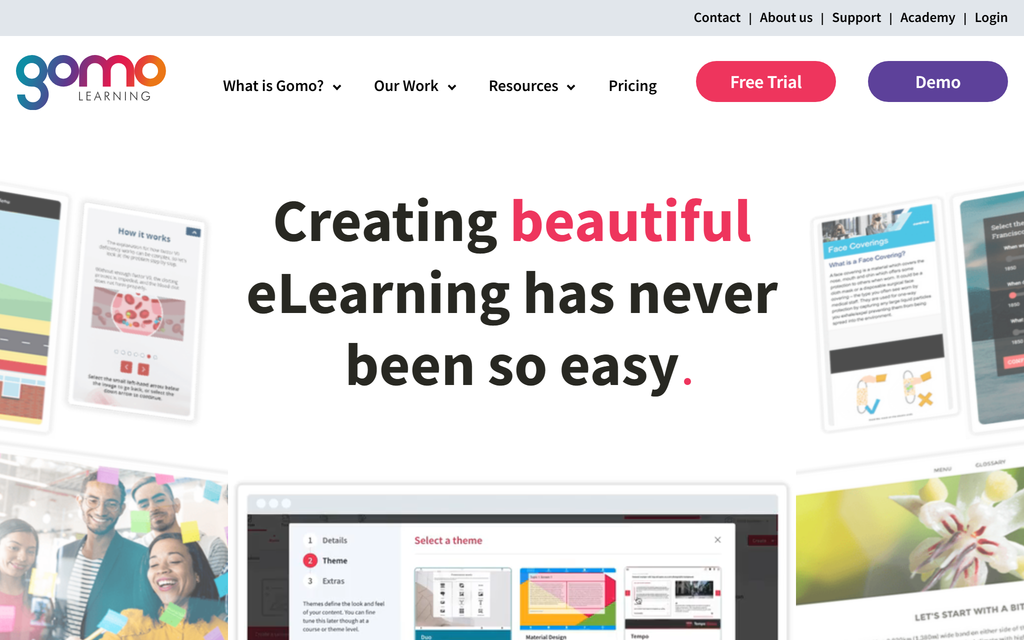
Best for: Teams whose top priority is truly responsive, multi-device courses.
Gomo is a cloud, HTML5 authoring tool built around responsive design, so a single course reflows cleanly across desktop, tablet and phone without separate versions.
Ease and speed: Browser-based with no install, in the same spirit as Rise.
Interactivity: Good, with a notable question-randomisation system that draws from content banks to stop learners sharing answers.
AI: bolted on. AI mostly shows up in auto-translation, not in how you build the course. SCORM export with completion reporting.
Price: Quote-only, priced by number of users and storage, with a 21-day trial for personal and small-team plans.
The catch: Pricing is opaque, and some of the stronger features take setup rather than working out of the box.
Testing notes: The randomisation feature is useful for compliance, but it is not one click. Setting it up meant building content banks, setting how many questions to pull from each, and toggling randomisation on, which is more manual work than the marketing suggests.
Verdict: The choice when responsive output across devices is the single thing you cannot compromise on.
6. Adobe Captivate
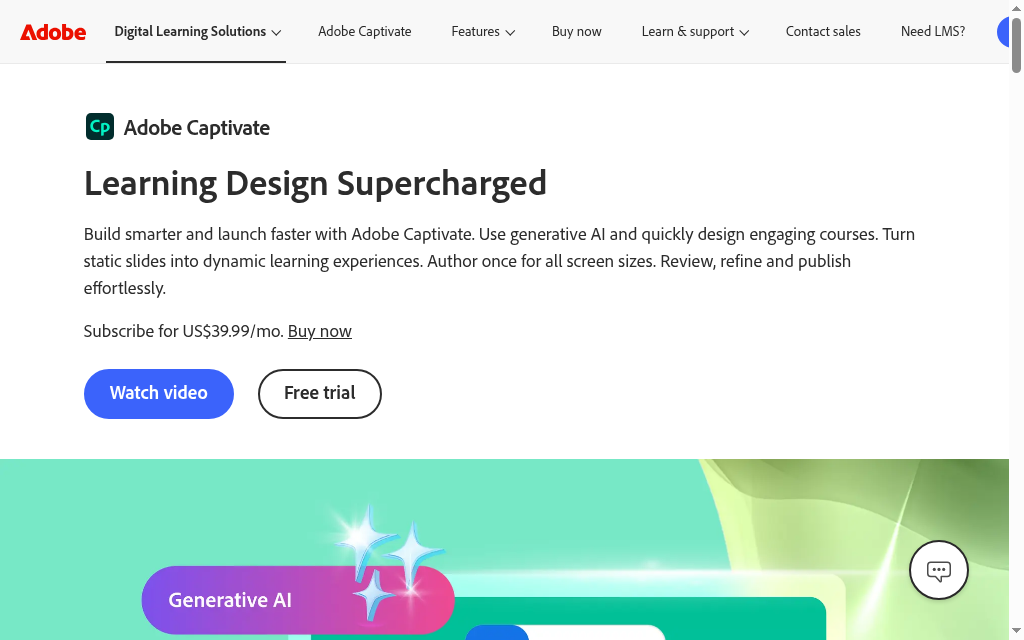
Best for: Software training, simulations and immersive, interactive scenarios.
Adobe Captivate is the long-standing power tool for software simulations and branching interactions, now with generative AI authoring and responsive output.
Ease and speed: The steepest learning curve here. It is powerful, but it is not a quick, hand-it-to-an-expert tool like Rise.
Interactivity: The strongest for software simulations, demo and try-it modes, and branching scenarios.
AI: bolted on. Generative AI and Firefly images were added to a tool whose core has barely changed in years. SCORM export to your LMS.
Price: Reported around $33.99/month on a subscription, with a free trial. Verify on Adobe's site, since I am quoting a third-party figure.
The catch: Reviewers consistently say the interface feels dated, and next to Storyline the output can look older, so you pay in effort and polish for the simulation power.
Testing notes: The recurring theme from people who use it is that the interface has barely moved since around 2010, which makes branching logic harder to build than in newer tools, and the visuals can look dated beside Storyline's output. You choose Captivate for what it can do, not for how it feels to use.
Verdict: Reach for it when software simulations and deep interactivity are the actual requirement, and you have the skills to drive it.
7. Genially
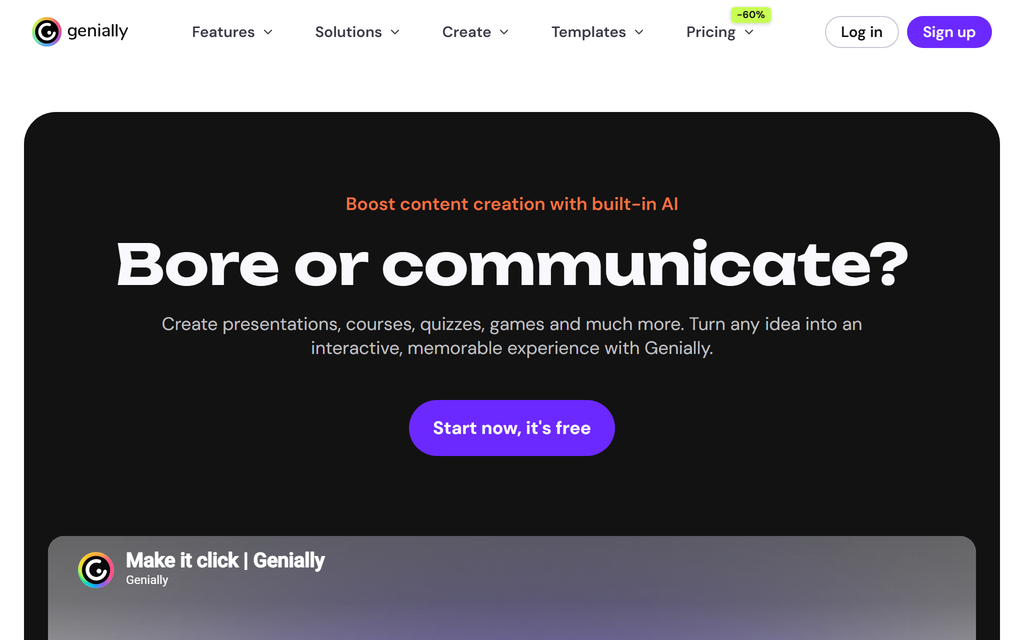
Best for: Interactive, visual content where design matters as much as structure.
Genially is an interactive-content tool that bakes clickable elements, animations and drag-and-drop into the editor by default, so visual, engaging content is quick to make.
Ease and speed: Template-led and visual, though the sheer number of options adds its own learning curve.
Interactivity: Interactivity is the whole point, tooltips, clickable hotspots, embedded media and animation without workarounds.
AI: bolted on. AI credits generate content, but it is a feature inside a visual tool, not how you build. SCORM export on paid plans.
Price: A free plan, then Pro reported around $7.49 to $9.90/month, with higher Master and Enterprise tiers.
The catch: It is a content and presentation tool first, so it is lighter on formal course structure, assessment and reporting than a dedicated authoring suite.
Testing notes: What stood out is that interactive elements are built in rather than bolted on, so I stopped teaching people workarounds for clickable content. The trade is a feature-heavy interface, and some basics, like the drawing tool, are not switched on until you find the preferences menu.
Verdict: The pick when the content needs to feel interactive and designed, and you can handle assessment and delivery elsewhere.
8. dominKnow One
Best for: Teams that want responsive and traditional authoring in one collaborative platform.
dominKnow One combines responsive authoring (Flow), Storyline-style fixed authoring (Claro) and screen-capture simulation in one cloud platform, with a built-in review and collaboration workflow.
Ease and speed: Cloud-based and collaborative, with more depth, and more to learn, than a single-purpose tool.
Interactivity: Broad, from responsive content to software simulations with show-me, try-me and test modes.
AI: bolted on. AI assists in places, but authoring is still the manual, multi-mode workflow. SCORM and xAPI export.
Price: $2,000 per author per year (Business), $2,500 for teams of five or more (Business PLUS), Enterprise by quote. Trial only, no free plan.
The catch: It is a per-author annual commitment aimed at teams, so it is not a casual or cheap Rise swap.
Testing notes: The thing that saves real time is authoring once and letting it reflow across devices, rather than maintaining separate desktop and mobile versions the way older tools force you to. For a team splitting responsive and traditional courses, having both modes in one place is the actual draw.
Verdict: A strong team choice when you need both responsive and traditional authoring and a real collaboration workflow, not just an editor.
9. Lectora
Best for: Accessibility-critical training and complex, highly customised interactions.
Lectora is a long-established authoring tool, available desktop and online, known for strong accessibility support and deep control over interactions and branding.
Ease and speed: More involved than Rise, with a traditional authoring model, but teams report getting productive reasonably quickly.
Interactivity: Deep, with branching, simulations and fully customised interactions, plus serious accessibility controls.
AI: bolted on. An AI Course Wizard was added recently, on top of a long-established authoring tool. SCORM export to your LMS.
Price: Reported around $1,398 per user per year for the Gold Suite. Free trial, no permanent free plan. Verify live, since that figure is from a third-party listing.
The catch: Responsiveness varies by how you build, so you have to test carefully on your actual target devices rather than trusting it to just work.
Testing notes: A team that deployed it said they had first content in production within about two weeks, and that supporting multiple content formats let external partners contribute easily. The honest caveat they added is that responsivity standards vary between authoring tools, so you test on real devices before you rely on it.
Verdict: The right tool when accessibility compliance and complex, customised interactions are non-negotiable.
10. 7taps
Best for: Fast, mobile-first microlearning rather than full courses.
7taps is a microlearning tool for building short, mobile-first lessons in minutes and delivering them straight to learners by link, QR code or chat, with AI that turns a PDF or deck into a lesson.
Ease and speed: The fastest to a finished thing, because the format is deliberately small.
Interactivity: Cards, quizzes and AI-generated video, geared to bite-sized reinforcement, not deep courses.
AI: AI-forward. The AI converter turns a PDF or deck into a lesson, and the tool was built recently around AI-assisted microlearning. It also delivers the microlearning itself.
Price: A free-forever plan (up to 2 shared courses and 500 active learners); the Starter plan is reported around $4,995/year, with Enterprise by quote.
The catch: It is microlearning by design, so it is the wrong tool if you need structured, multi-module courses.
Testing notes: One thing worth knowing is that quiz questions act as mandatory gates: answer wrong and you cannot move on. It is great for retention and forces active engagement, but it also locks the path, so you cannot let a learner skip or branch around a failed quiz.
Verdict: Right when the job is short, mobile reinforcement delivered fast, not a full course to sit in an LMS.
How to choose your Articulate Rise alternative
Start from the job, not the feature list.
Decide whether you want AI-native authoring or AI bolted on
Almost every tool here has some AI now, so the split is what it makes. On iSpring, Elucidat, Gomo, Captivate, Genially, Lectora and dominKnow, AI was added to a pre-AI tool, so you still author the old way with help at the edges. On Coursebox it writes and edits the course from the first click, and 7taps is close behind for microlearning. If AI-first authoring is what you want, that is your shortlist.
Match the tool to what Rise could not do
If you outgrew Rise on simulations, look at Captivate or dominKnow. On interactivity and visuals, Genially. On simple expert authoring, Easygenerator. On microlearning, 7taps. On staying in PowerPoint, iSpring.
Treat quote-only pricing as a signal
Elucidat, Gomo and dominKnow's top tier hide pricing behind a sales call. That usually means enterprise commitment, so weigh it before you invest the evaluation time.
Remember what SCORM export actually costs you
Every pure authoring tool here exports a SCORM file that has to live in an LMS you provide. If you do not already have one, that is a second purchase and a second setup, and it is exactly the step an all-in-one removes.
Which Articulate Rise alternative should you pick?
If you take one thing from this, make it the AI-native question. Almost every tool here will show you an AI feature in a demo, but far fewer let AI actually build and edit the course while you steer, and that is the difference that changes your week. For simple, familiar authoring, Easygenerator or iSpring are the safe swaps. If you are leaving Rise because you want AI to do the heavy lifting, that is where Coursebox is built to win. Whatever you choose, judge it by building something real, not by reading a comparison table, mine included.
If you are weighing the wider Articulate suite rather than Rise, our guide to Articulate 360 alternatives goes broader, and our Articulate Rise vs Storyline comparison covers staying inside Articulate.
Frequently Asked Questions
It depends on why you are leaving. For the same simple, web-based authoring, Easygenerator is closest. For more power, iSpring or Adobe Captivate. And if the real problem is that Rise only exports SCORM into someone else's LMS, an all-in-one like Coursebox that builds with AI and delivers the training itself is a different and often better answer.
Yes, a few. Genially has a genuine free plan, 7taps has a free-forever microlearning tier, and Coursebox is free to start. Most of the dedicated authoring tools (iSpring, Gomo, Captivate, Lectora, dominKnow) only offer a trial, so "free" usually means a trial rather than a lasting free plan.
Rise is the simple, web-based, template-driven tool for responsive courses built fast. Storyline is the desktop tool for slide-based, highly custom interactions and simulations. Rise is for speed and simplicity, Storyline for control. Our Articulate Rise vs Storyline guide covers the choice in detail.
Almost all of them do: iSpring, Easygenerator, Elucidat, Gomo, Adobe Captivate, Genially, dominKnow and Lectora all export SCORM to sit in your LMS. The exceptions are the all-in-ones: Coursebox can export SCORM or deliver in its own LMS, and 7taps delivers its microlearning directly.
For most corporate teams it comes down to whether you have an LMS. If you do, iSpring or Easygenerator give you fast authoring that exports into it. If you do not, or you want AI to build and grade the training too, Coursebox gives you authoring and delivery in one, which removes a whole second system.
Travis Clapp
Educational technologist and instructional designer

