

10 AI Assessment Tools in 2026: What I Found About Their Grading
The best AI assessment tools for L&D and training teams, compared on grading accuracy, question types and pricing by an instructional designer.

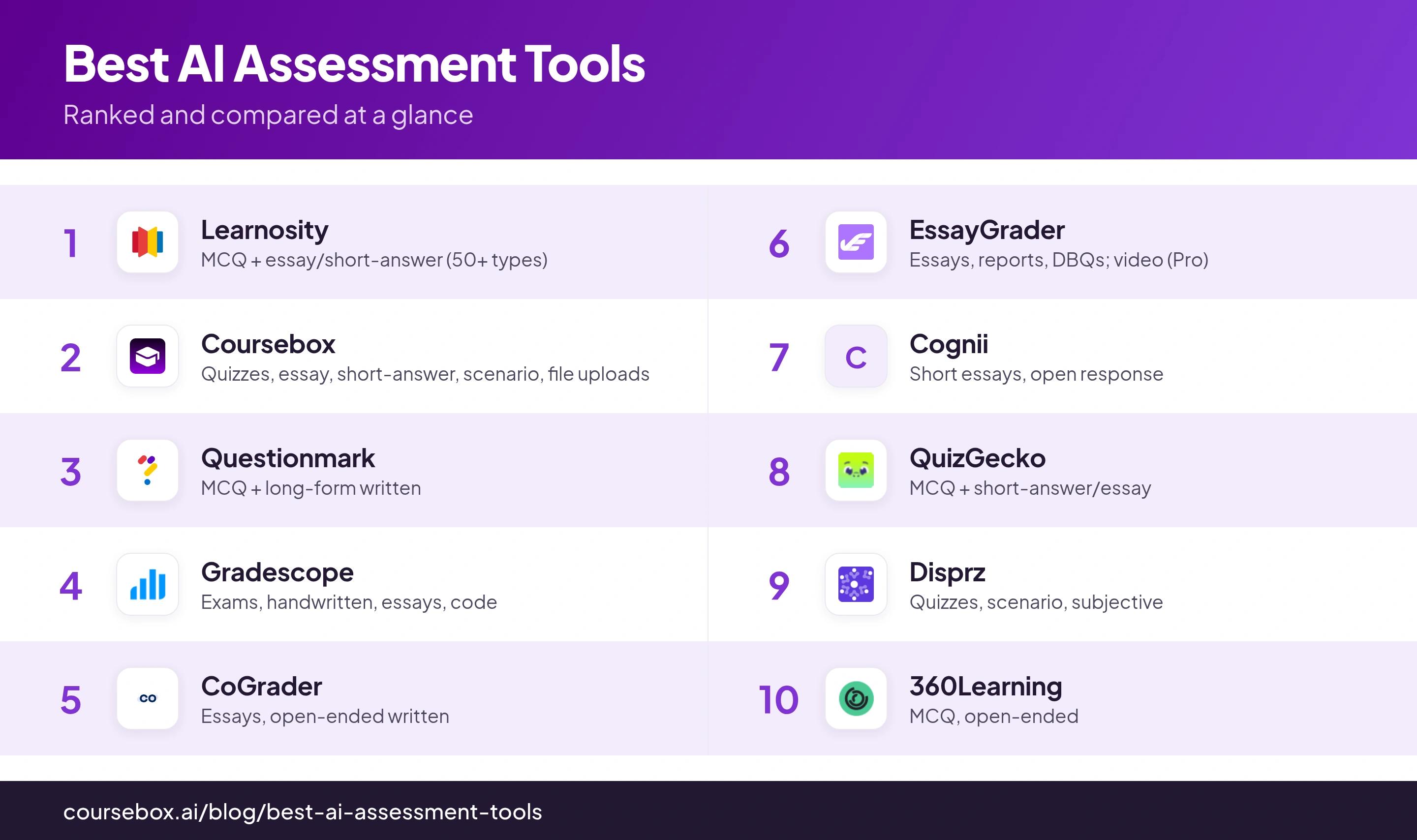
The best AI assessment tools in 2026 include Learnosity for embedded assessment, Coursebox for integrated creation and grading, Gradescope for paper and code, and CoGrader or EssayGrader for written feedback.
- AI-generated scores, human review and final approval are different steps. Test the configured workflow.
- Compare scoring against the same human-marked sample and rubric, including borderline answers and repeated submissions.
- SCORM or LTI support does not guarantee that every detail reaches every destination report.
- Pricing depends on assessment volume, learner and author counts, integration and review requirements.
Use three preferences to compare four starting options. Check the entries for required capabilities, prices and plan conditions.

Mark assessments in seconds with fast, accurate AI grading
AI assessment tools do different jobs. Some help a teacher mark existing work; others run exams, generate quizzes or grade assignments inside a learning platform. I would start with the work you need assessed and who is accountable for the result.
My comparison checks what each tool can assess, how AI and human review interact, and how results reach the learner record. A fast score is useful only when the rubric, feedback and reporting hold up.
An AI grade you cannot trust to work reliably is worse than no tool at all.
This covers training, vocational and education assessment workflows. Specialist classroom graders appear alongside enterprise exam systems because written work, code, competency evidence and knowledge checks call for different tools.
The four kinds of AI assessment tool
Assessment tools are not one category, and the label "AI grading" hides four very different products. Match the type to your job before you compare features.
- Auto-graders mark work you already have: Gradescope, CoGrader and EssayGrader.
- Assessment engines and platforms run item banks, exams and open-response scoring, often embeddable: Learnosity, Questionmark and Cognii.
- Quiz generators turn a document or URL into auto-graded questions: QuizGecko, and the quiz generation built into Coursebox.
- LMS-embedded assessment is one feature inside a training platform: Coursebox, Disprz and 360Learning.
How I judged them
I weighed four things a grading team actually has to live with:
- How the grading works: whether it auto-grades or keeps a human in the loop on open responses, since AI marking still needs a check on anything high-stakes.
- What it can assess: MCQ, written and essay, competency, code, handwritten or oral. Not every tool grades what you assume.
- Where results go: SCORM, xAPI, LTI or gradebook sync. A grade trapped in the tool is a reporting problem.
- Real cost: public pricing where it exists, quote-based where it does not.
In our own support data, the assessment problems training teams hit hardest are integrity issues, and not grading accuracy. Across six months, we have received customer reports on things like question order shuffling unexpectedly, pass-or-fail logic firing wrong, lost submissions and learners resubmitting already-graded work.
Whatever you trial from this list, put those four behaviours through real submissions before you rely on the AI grade. (Coursebox support data, January to July 2026.)
Disclosure: Coursebox is my product and sits at number two. I have held it to the same tests as the rest, and where a rival is the better fit I have said so.
The review model is configurable and differs by assessment type. Establish who approves the final result and how an incorrect grade can be corrected before comparing automated-scoring claims.
What each tool actually grades
| Tool | Assessment workflow | Result/review check |
|---|---|---|
| Learnosity | Embedded assessment and rubric-based AI feedback | Developer integration and configured review |
| Coursebox | Course quizzes and AI-graded assignments | Configure review; test SCORM/LTI records |
| Questionmark | Governed exams and AI scoring suggestions | Scorer review and audit workflow |
| Gradescope | Paper, handwriting and code workflows | Rubric/grouping versus code autograding |
| CoGrader | Written-response feedback and grades | Educator approval and LMS plan |
| EssayGrader | Written work, feedback and rubric scoring | Educator review; tiered capacity |
| Cognii | Open-response formative practice | Calibration, retries and integration |
| Quizgecko | Generated quizzes and study assessment | Current delivery and export plan |
| Disprz | Skills, scenarios and conversational assessment | Current scoring and manager-review scope |
| 360Learning | Assessment inside collaborative learning | Current quiz settings and instructor validation |
1. Learnosity
Best for: publishers and certification bodies embedding assessment into their own product.
Learnosity is an embeddable assessment API, not an app you log into; its Feedback Aide engine grades open responses at scale.
- Grades: 50+ question types (MCQ, drag-and-drop, audio and video response, formula) plus essay and short open-response via Feedback Aide.
- Feedback Aide produces rubric-based scoring and feedback. Evaluate agreement on your own marked sample, including borderline and unusual answers; one study’s agreement coefficient is not a universal accuracy rate or directly comparable with another vendor’s metric.
- Results out: via its Reports and data APIs, so you build the export; no packaged SCORM or xAPI is stated.
- Price: quote-based and enterprise, with no self-serve trial that mirrors production.
What I found: Digging into the tool, I felt there was a bit of an authoring friction. For instance, I was busy clicking into edit two or three times just to get from previewing a question to changing it, which adds up across a large item bank.
My take: the deepest engine on the list, but it needs developers and a contract budget. Without both, the feature depth is wasted.
2. Coursebox

Best for: training teams that want to build the course and grade it in one place.
Coursebox is our product. Its AI grading works inside the course creation and delivery platform, so a team can generate learning content, assess submissions and provide learner tutoring in the same setup.
- Grades: quizzes, written and essay answers, short-answer, scenario-based submissions and file uploads (PDF, DOCX, TXT).
- Coursebox can grade written work against configured criteria, with human review available. Configure and test that review step before using the result in a consequential decision; its availability alone does not mean every assessment is reviewed.
- Coursebox supports SCORM and LTI delivery routes. Test the actual destination’s score, completion, feedback and attempt records; an export standard does not promise that every assessment detail appears in every LMS report.
- Pricing: Free includes three mini-courses of up to five pages each, unlimited learners, defined AI allowances and a Coursebox watermark. Paid capacity, branded LMS, exports and integrations depend on the plan.
What I found: Since this one is ours, I will lean on our own support data. The question we get the most on assessment is how to configure the assessment. So it would include things like quiz rules, question shuffle, pass marks, retakes and grading. The AI does the marking, but I would budget a little time to wire those rules up the way you want.
My take: the strongest fit when assessment is one step in building and delivering training. If you only need standalone essay marking, a specialist tool like CoGrader is a better fit.
3. Questionmark
Best for: regulated, high-stakes certification and compliance exams.
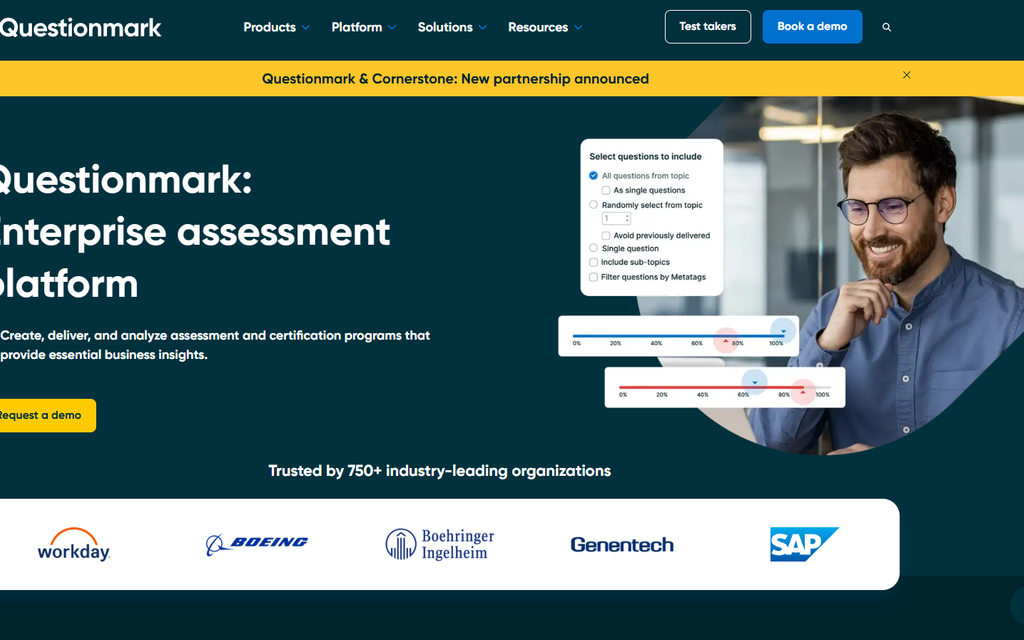
Questionmark is an enterprise assessment platform, now part of Learnosity, built for defensible, audited exams.
- Grades: MCQ and item-bank exams plus long-form written answers via rubric-based AI Scoring.
- Accuracy: AI-assisted with mandatory human review; every final score requires a human to approve.
- Results out: the best standards story here, LTI, SCORM, AICC and xAPI, plus Workday, Cornerstone and SuccessFactors.
- Price: quote-based, enterprise.
What I found: The thing I would test before committing is how locked down it gets after publishing. I could not edit items once an assessment was live. There is no item-review step, and students and invigilators are not notified automatically.
My take: pick it when the exam has to stand up to an auditor. Overkill for informal knowledge checks, and its review count is thin (Capterra 3.8).
4. Gradescope
Best for: technical marking: exams, problem sets, handwriting and code.
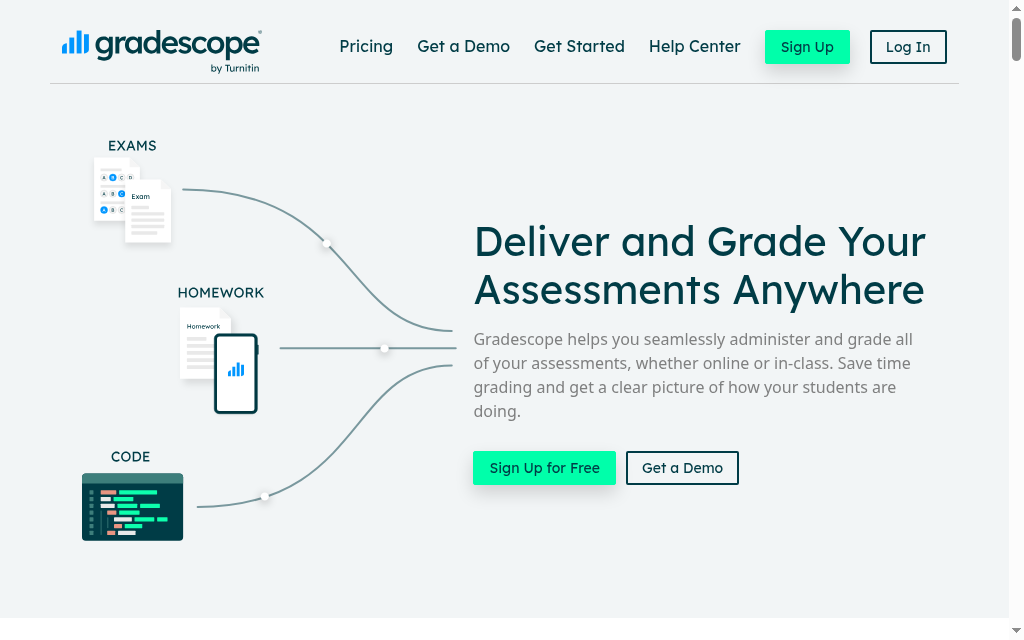
Gradescope (by Turnitin) is the widest-format grader here, handling paper, digital and code in one place.
- Grades: bubble-sheet MCQ, handwritten work, essays and programming via an autograder, the tool to evaluate for handwriting and code.
- Accuracy: hybrid; AI groups similar answers and the instructor applies the grade.
- Results out: exports to your gradebook; LMS integration sits on the Institutional tier.
- Pricing: Check the current Gradescope course and institutional offer. LMS integration, assignment types and institutional access determine the relevant arrangement.
What I found: The answer-grouping and rubric edits are quite useful. Group work is where I got stung. Gradescope makes students self-report who is in their group, and when one of them left a teammate off the list, that teammate silently scored zero until I caught it. I would push group projects to your LMS instead.
My take: unmatched for exams and STEM marking. It is higher-ed shaped, so competency and compliance workflows are not its world.
5. CoGrader
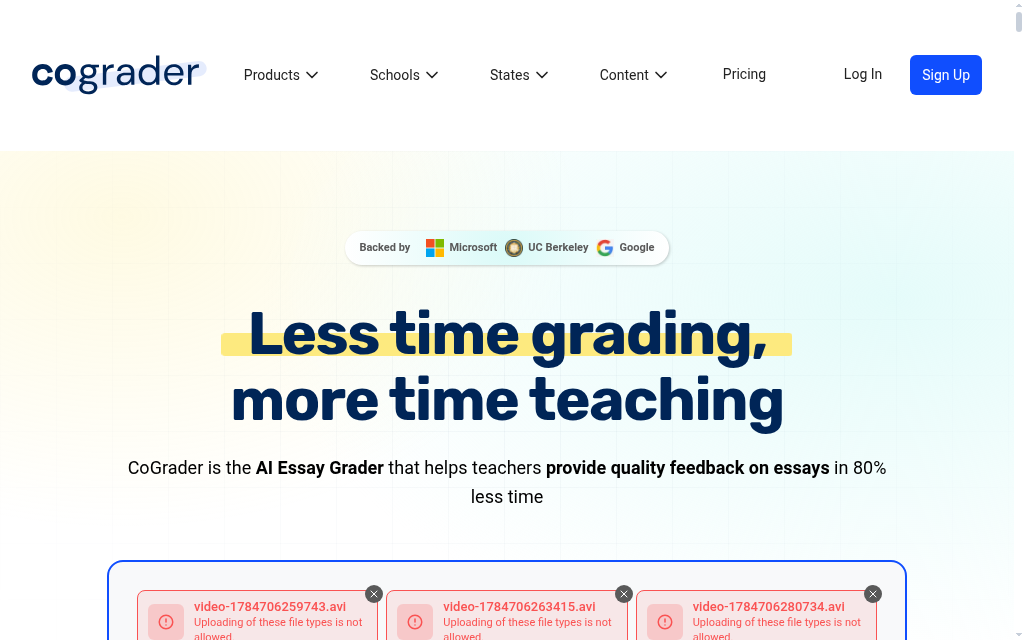
Best for: teams that mainly grade essays and written assignments.
CoGrader is a focused essay grader: import the work, set a rubric, and it drafts a grade and feedback.
- Grades: essays and open-ended written responses only.
- Accuracy: AI drafts, the teacher has the final say.
- CoGrader supports file-based work and LMS workflows, with current integrations and school licensing to confirm for your deployment. It also supports handwritten essay inputs; written work remains its focus rather than programming autograding.
- Pricing: CoGrader currently offers 150 essays free per month. Compare paid educator capacity and school integration terms for your workload.
What I found: It flew through a single, focused essay prompt. The moment I handed it an assignment that bundled three questions into one piece of writing, the rubric feedback went vague, so I kept every prompt to one clear ask after that.
My take: the cleanest written-grading workflow on this list. It does only one thing, so no quizzes or competency.
6. EssayGrader
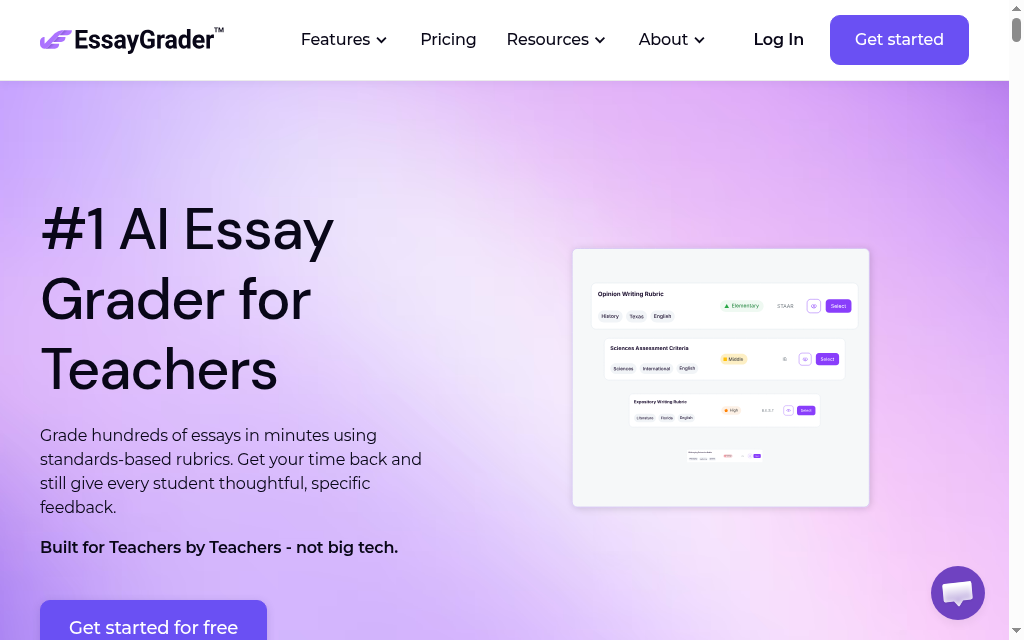
Best for: high-volume written marking on a budget.
EssayGrader grades written responses from short answers to long essays, and it publishes real accuracy data.
- Grades: essays, DBQs, reports, case studies and journals; video submissions on the Pro tier.
- EssayGrader generates scores and feedback for educator review. Compare its output against a human-marked sample using the same rubric, and include score consistency and useful feedback in the review. Vendor studies do not establish the result for a different cohort or assignment.
- Results out: Google Classroom, Canvas (syncs to SpeedGrader) and Schoology.
- Pricing: Basic currently includes 100 essays a month with a 1,000-word limit per essay. Pro lists US$14.99/month; higher tiers increase capacity and features. Compare the relevant monthly or annual offer.
What I found: The custom rubrics are the strong bit and the feedback is mostly accurate. What made me cautious was consistency: I ran the same essay through twice and got two different scores back, so I would keep it to a fast first pass that a human still signs off.
My take: strong value and honest about accuracy. It is education-shaped, so there is no competency or SCORM story for training compliance.
7. Cognii

Best for: instant, formative open-response practice at scale.
Cognii is a conversational assessment engine that scores open answers in real time and coaches learners toward mastery.
- Grades: short essays and open-response questions, not MCQ by design.
- Cognii provides immediate automated feedback on open responses for formative practice. Calibrate the criteria and retry behaviour against sample answers before relying on the outcome.
- Results out: marketed as easy to integrate, but it publishes no LMS, SCORM or export specifics.
- Price: quote-based, with no public pricing.
My take: useful for retry-to-mastery practice. The thin public footprint (no real G2 or Capterra reviews, no export detail) makes it a harder enterprise buy.
8. QuizGecko
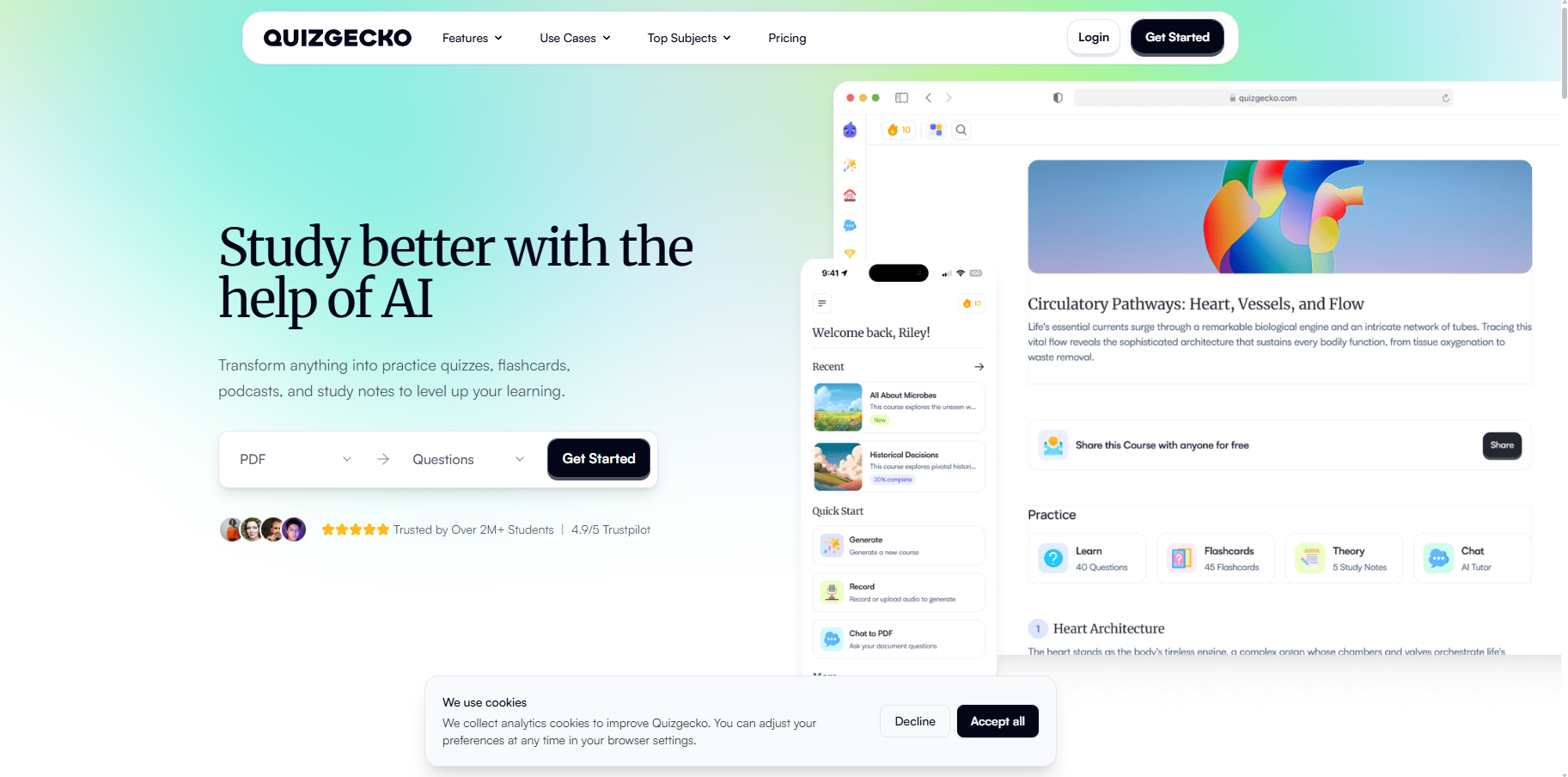
Best for: quickly turning documents into auto-graded quizzes.
QuizGecko generates quizzes from a document, URL or text and grades short-answer and essay responses automatically.
- Grades: MCQ, true or false, short answer, matching, fill-in-the-blank and essay.
- Accuracy: auto-graded, with no mandatory human step stated.
- Results out: CSV export and share or embed into tools like Google Classroom; check the current plan’s LMS/export support.
- Pricing: Current Quizgecko plan and usage allowance apply. Compare learner/study features with team delivery and API access rather than treating an older entry price as the cost of every assessment workflow.
What I found: When I fed it my own notes, the questions came back on-topic but broad, paraphrasing the material rather than drilling the exact wording I wanted to test. The trick I landed on was giving it a web page instead of a PDF. For me, it seemed like it worked better with URLs than with documents.
My take: fast and cheap for knowledge checks. Important to note that it is a quiz tool, not an assessment system of record.
9. Disprz
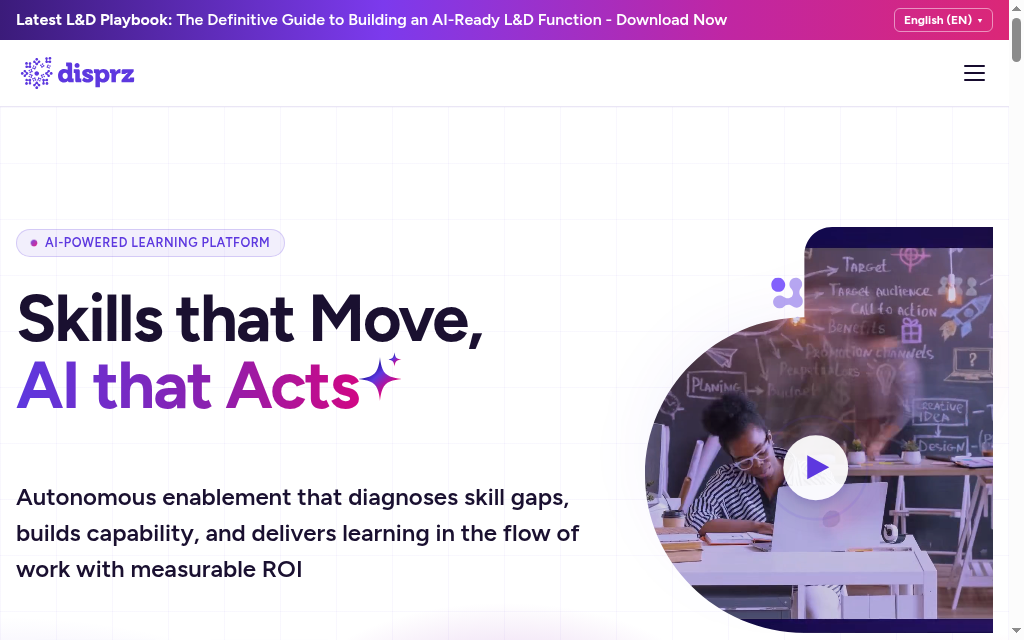
Best for: L&D teams wanting assessment inside a skilling platform.
Disprz is an L&D and skilling platform where assessment is one feature alongside learning and analytics.
- Grades: quizzes and knowledge checks plus AI-built scenario exercises; subjective evaluations run on manager and peer feedback.
- Disprz now markets conversational assessments alongside quizzes, scenarios and manager or peer feedback. Compare the currently available scoring and review workflow; it is no longer accurate to describe conversational assessment as merely upcoming.
- Results out: SCORM and xAPI ready, and LMS-agnostic.
- Pricing: Current enterprise quote required. Include user definition, assessment formats, integrations, implementation and support.
What I found: The quizzes and modules held up fine. Reporting is where I hit the wall: the smart-analytics charts are basic and the report options limited, so I ended up exporting the data to build a more granular report myself.
My take: a fit if you want assessment bundled with skilling, not a dedicated AI grader for open response.
10. 360Learning
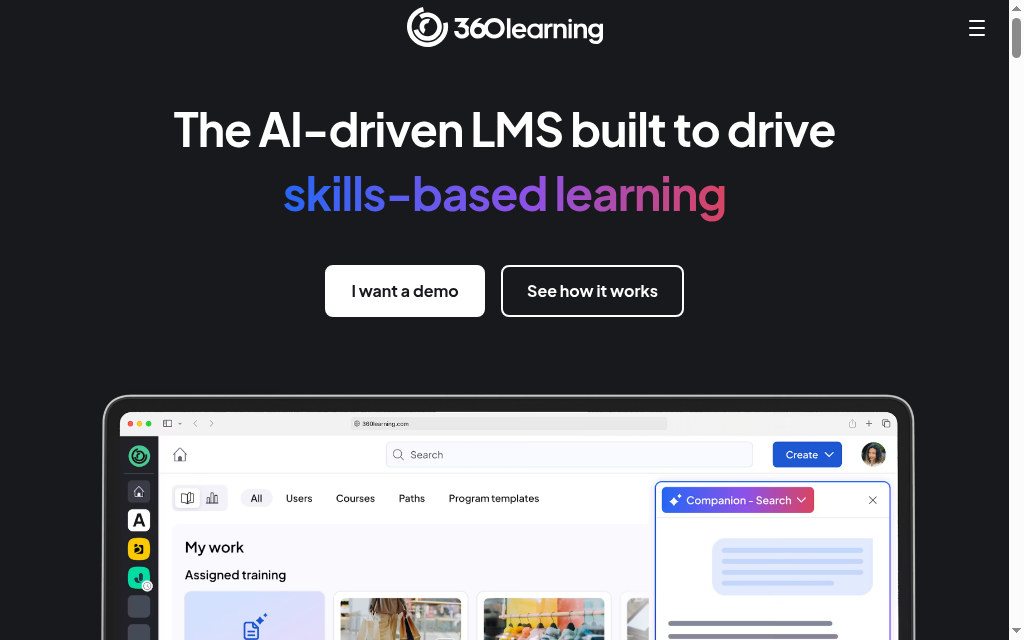
Best for: collaborative course building where assessment is a light add-on.
360Learning is a collaborative LMS; its assessment is basic and built around instructor validation.
- Grades: MCQ, fill-in-the-blank and open-ended questions.
- Accuracy: open-ended answers are validated by an instructor (Validate, Retry or Reject), not AI-graded.
- Results out: SCORM import and native LMS reporting.
- Price: Team from $8/user/month; Business quote-based; best-reviewed for scale (Capterra 4.7, 500+).
What I found: I would test 360Learning’s current assessment settings with a real course, including attempts, question selection and instructor review. My impression of a lightweight quiz does not establish that every current plan lacks those controls.
My take: Compare it when assessment belongs inside collaborative employee learning. A standalone grading or high-stakes exam requirement needs a more specialised trial.
What I would actually pick
CoGrader’s June 2026 vendor study used 600 published TEA scoring examples. Scores matched exactly in 79.3% of cases, while 98.5% were within one point. The calibration and validation material shared a source, and the report was not peer reviewed. I would ask for a blind test on local assignments: those two percentages answer different questions about agreement.
Coursebox is where I would start when building, assessing and delivering training should happen together. Learnosity suits embedded assessment; Questionmark suits governed exams; Gradescope suits paper and code marking; CoGrader and EssayGrader focus on written feedback. Disprz and 360Learning deserve comparison when assessment is part of a wider learning programme. Demonstrate the full submission, review and reporting path before choosing.
Frequently Asked Questions
An AI assessment tool is software that evaluates learner responses automatically, often using algorithms or machine learning. It can grade quizzes, analyze open responses, adapt the test to the learner, and provide feedback without requiring manual grading every time.
They can complement them. AI tools excel at formative assessments, providing quick and frequent feedback, while traditional exams may still be needed for high-stakes or certification purposes.
Accuracy depends on how well questions are authored, the training of algorithms for open response grading, and human oversight. Good tools allow calibration, rubric design, and review to maintain reliability.
Multiple choice, matching, and other structured questions are easiest. Open response, essays or project-based tasks work when the tool permits rubric alignment or manual review. Adaptive formats increase engagement and support mastery learning.
Use metrics such as learner performance over time, average scores, time to competency, question-level analysis, and satisfaction. Tracking improvements in knowledge retention and behavior change is also helpful.
Coursebox supports building assessments with varied question types, custom rubrics, automatic scoring, and detailed analytics. It helps you track gaps, deliver feedback, adjust training content, and scale assessment without heavy manual effort.
Carolina Martin
Carolina is a highly experienced learning designer with tech start-up experience. She is based in Sydney and previously designed courses alongside Coursebox founder Travis in a previous job. She is passionate about delivering engaging learning experiences and brings the same perspective to customer experience too. She manages our customer support documentation and product testing processes.

