

10 Best AI Study Guide Makers in 2026: My Review
Compare 10 AI study guide makers for flashcards, source-linked revision, summaries, recordings and structured learning.

The best AI study guide makers in 2026 include Knowt and Quizlet for cards, Gemini Notebook for source-linked study, and Coursebox for structured learning with practice and support.
- Choose by the material and task: a recording, a research paper and an on-screen process call for different outputs.
- Notion’s full core AI is included in Business and Enterprise; free and Plus access has a limited trial. Check the current education entitlement.
- Gemini Notebook, formerly NotebookLM, generates flashcards and quizzes as well as source-linked answers and summaries.
- Review a small set against the original source, then practise answering without help. A polished guide alone does not demonstrate learning.
Choose your main task for a starting point from these four options.

Build high quality courses that actually sell
I have watched students lose a whole evening turning a messy folder of lecture notes into something they can actually revise from. That is the job these tools now do: point one at your notes, a PDF or a recorded lecture, and you get flashcards, a summary or a structured guide back in seconds. The useful question is not which is best overall, but which one fits the way you study and the material you are working from.
I’m Carolina, a learning designer. I compared these tools by the material they take in, the study work they produce, and what you need to check before relying on the result. Flashcards, a research summary and a teachable guide solve different problems.
I work at Coursebox, which is included here. Its document-to-course tool can turn your source material into structured learning with practice and learner support. The list also includes lighter options for a student revising alone.
How I picked these AI study guide makers
I followed the material from upload to revision, using four checks:
- Input. Notes, PDFs, slides, recordings or on-screen steps should match the material you actually have.
- Output. Compare cards, quizzes, summaries, mind maps and structured guides by the task you need.
- Review. Check source links, editing and whether the questions reveal gaps in your understanding.
- Access and cost. Free study modes, AI quotas, file limits and paid features can differ within one app.
The best AI study guide makers at a glance
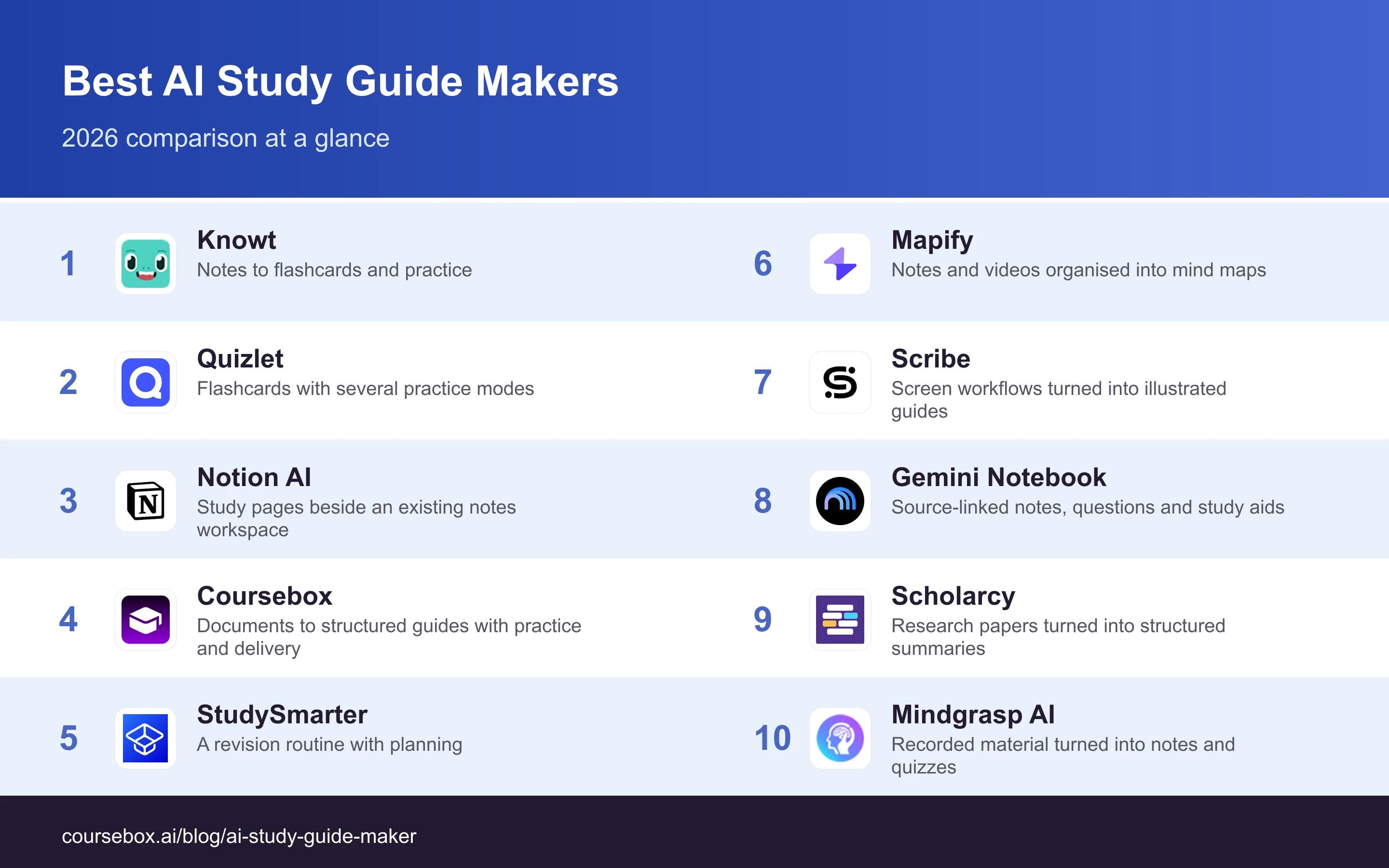
| Tool | Best use | Access and plan detail |
|---|---|---|
| Knowt | Notes to flashcards and practice | Free; Ultra US$24.99/month |
| Quizlet | Flashcards with several practice modes | Free; paid Plus subscriptions |
| Notion AI | Study pages beside an existing notes workspace | Limited trial; full core AI in Business/Enterprise |
| Coursebox | Documents to structured guides with practice and delivery | Free mini-courses; paid creation and LMS tiers |
| StudySmarter | A revision routine with planning | Free; UK Premium £79.99/year |
| Mapify | Notes and videos organised into mind maps | Free credits; paid usage tiers |
| Scribe | Screen workflows turned into illustrated guides | Free browser; Pro Personal US$35/month |
| Gemini Notebook (formerly NotebookLM) | Source-linked notes, questions and study aids | Free; higher limits with eligible Google plans |
| Scholarcy | Research papers turned into structured summaries | Basic and paid library access |
| Mindgrasp AI | Recorded material turned into notes and quizzes | Basic US$9.99/month; Scholar US$12.99/month |
The 10 best AI study guide makers
1. Knowt
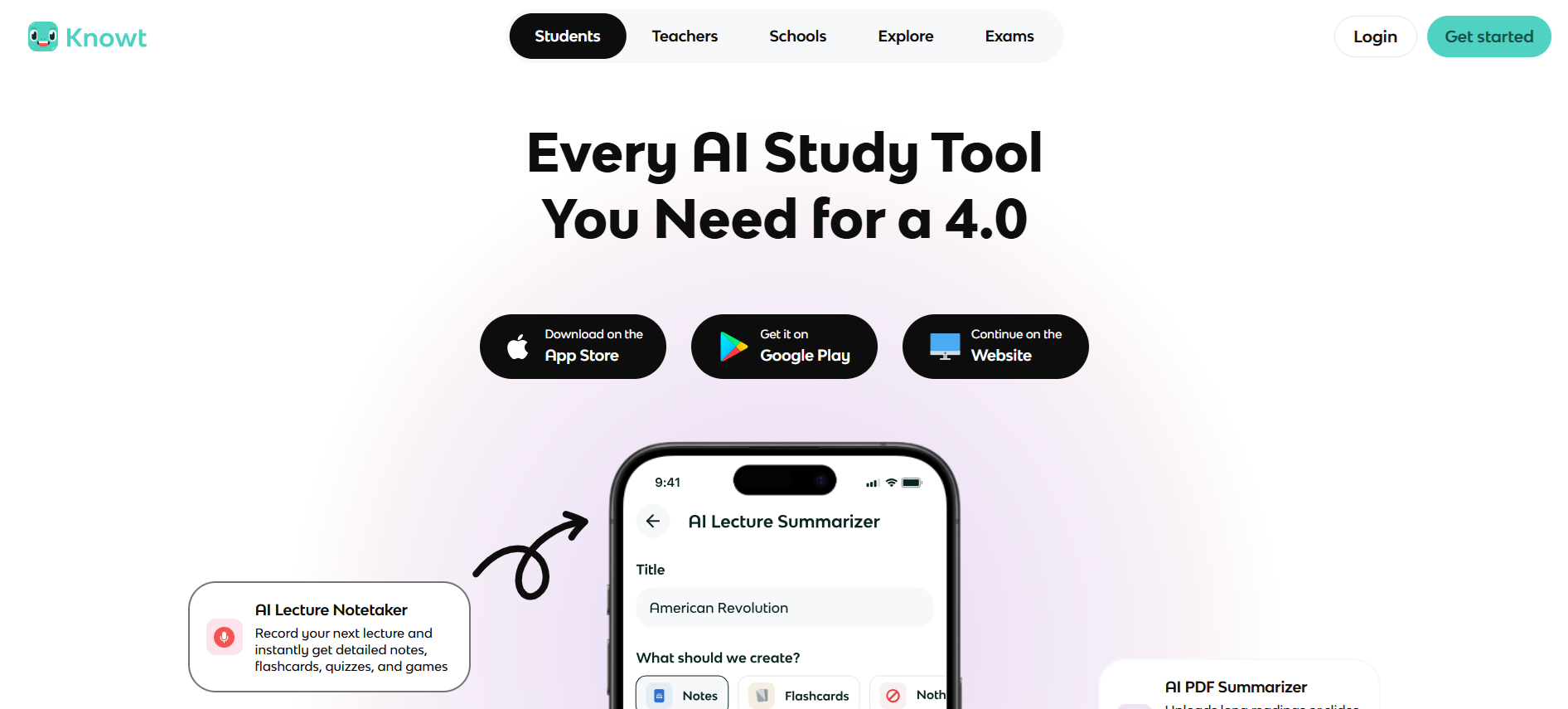
Knowt turns supplied notes, PDFs, slides and recordings into flashcards, summaries and practice questions. It suits a student who wants to move from class material to a revision set without designing a whole course or workspace.
The flashcard workflow adds spaced review so missed cards return for another attempt. Read the generated definitions back against the source, especially when a slide uses an abbreviation or leaves out the explanation given in class. Basic studying and advanced AI generation have different allowances.
My take: I would inspect one section with easily confused terms and edit the cards before starting a revision session. Check whether the prompt makes you retrieve the idea or simply recognise a copied sentence. This is a good starting point for note-to-card study on a budget.
Plans and pricing: Basic is free. Ultra is displayed at US$24.99/month or US$149.99/year. Check the generation limits and features against the material you use regularly.
2. Quizlet
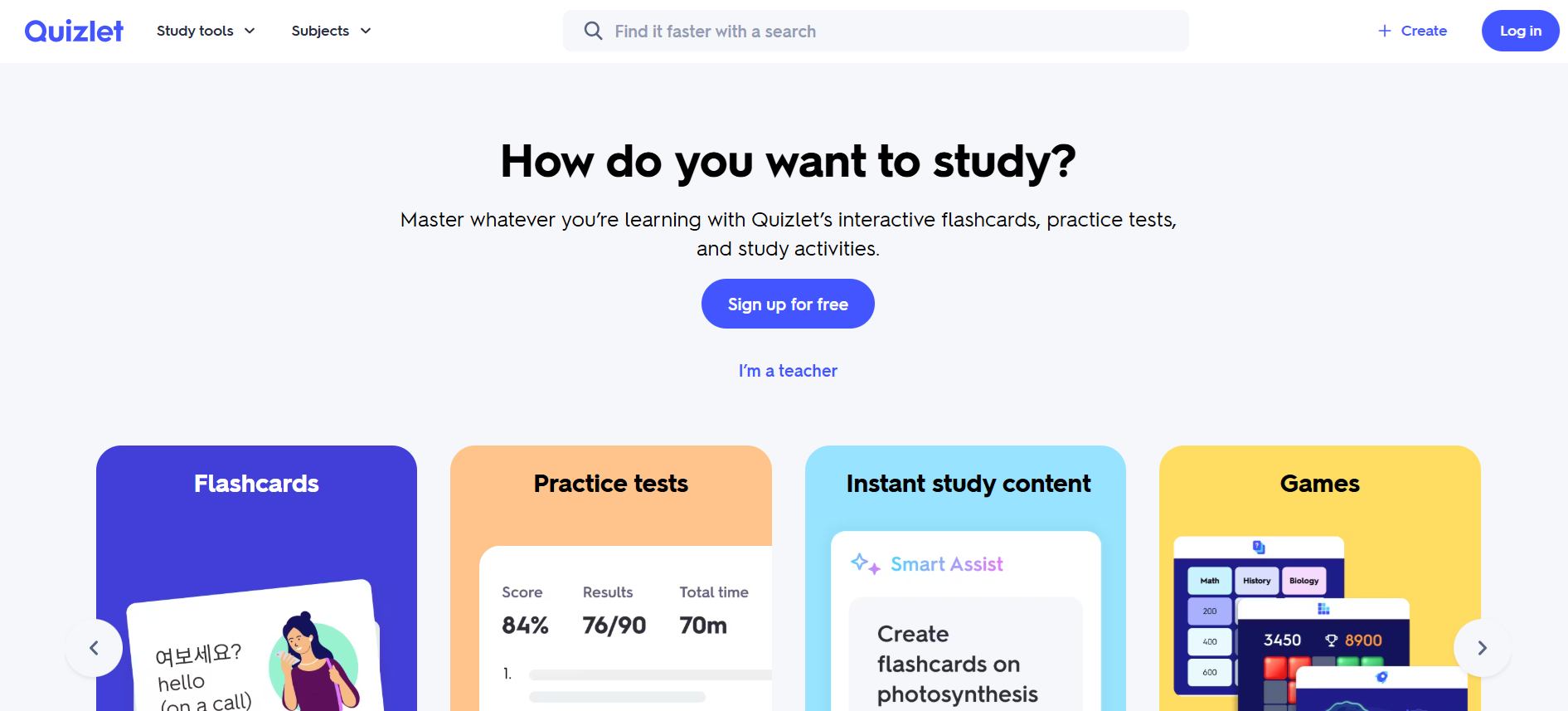
Quizlet combines study sets with flashcards, matching and other practice or testing modes. Its AI features can help turn supplied material into a set, so it suits someone who already likes the flashcard format and wants several ways to practise the same content.
Creating a useful set still takes some editing. A short definition may be suitable for vocabulary but too thin for an exam question that asks you to explain or apply an idea. Free and paid access differ by study mode and AI allowance, so select the feature you actually need before paying.
My take: My check is whether I can answer a question without looking at the back of the card, then explain it in my own words. If the set only rewards recognition, I would revise the questions. Quizlet fits familiar card-based revision; compare the paid modes with the free workflow.
Plans and pricing: Free access is available, with Plus subscriptions adding features and allowances. Monthly and annual options, prices and availability vary by location and offer; check the current checkout for your required study modes.
3. Notion AI
Notion AI summarises and restructures material in a Notion workspace. It can help turn lecture notes into a study page or outline beside the reading lists and assignment trackers you already maintain. That is useful when the workspace is part of your routine.
The setup is also the constraint. A student starting with scattered files may spend time arranging pages and databases before the assistant helps. A generated summary does not supply the retrieval practice or subject-specific questions that a dedicated revision app builds around its material.
My take: I would keep the original notes beside the summary and trace a difficult point back to its source. For an existing Notion user, the connected workspace can be convenient. Starting a new system during exam week is a different commitment from making a quick set of cards.
Plans and pricing: Notion has Free and Plus plans with limited AI trial access. Full core AI access is included in Business and Enterprise; it is no longer a universal separate per-member add-on. Check education eligibility and the current plan rather than assume a student Plus plan includes full AI.
4. Coursebox
Coursebox turns source documents into structured learning material with lessons, summaries and assessments. It can suit an educator or training team that wants a guide learners can work through, practise and ask questions about, rather than a summary file handed over without support.
AI tutoring, grading and hosted delivery connect the material with learner activity. Branding, reports, learning paths and organisational controls depend on the plan. A solo student can try document-based creation, but an educator assigning material to a class has a different reason to choose the full delivery workflow.
My take: My check would be to turn one document into a guide, answer its questions and ask the tutor about a difficult point. Inspect whether the explanation follows the source and whether the questions test the intended topic. I would shortlist it for teachable material with learner support, not only for generating a page of notes.
Plans and pricing: Free includes three mini-courses of up to five pages and unlimited learners. Paid creation and LMS plans expand the relevant functions; check grading, branding, reporting and delivery requirements together.
5. StudySmarter
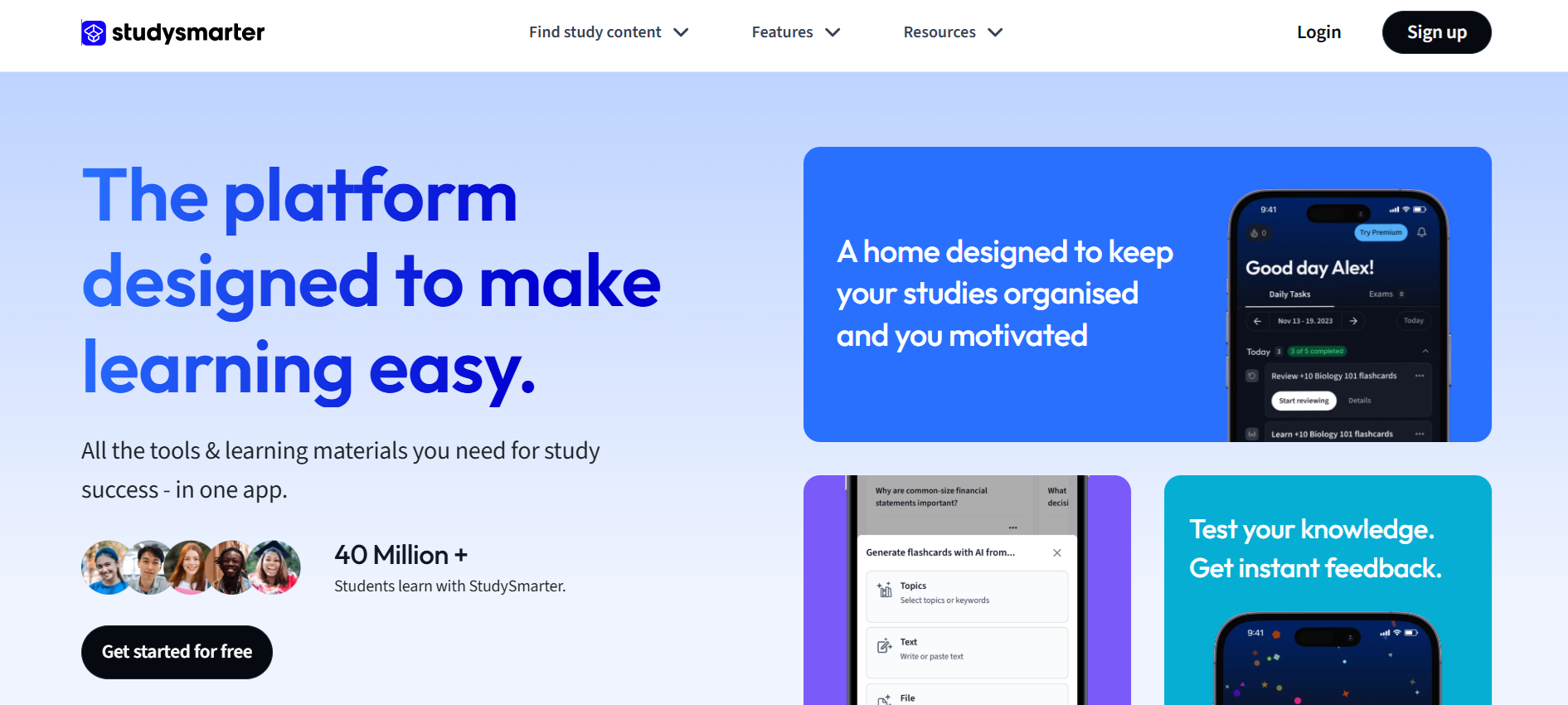
StudySmarter combines flashcards, summaries and practice with a study planner. It fits a student who needs to organise several subjects and return to them regularly, rather than only generate one deck and decide when to use it later.
The planning layer sits around the study material, helping you track topics and schedule work. Generated cards still need checking against the notes or textbook. A planner is useful when you return to it; a detailed schedule does not itself establish that you can answer the exam question.
My take: I would build a small week of revision before uploading every subject. Check whether missed questions lead to another useful session and whether the workload fits the time available. Choose it for the routine around the cards; a quick one-off set may need less setup.
Plans and pricing: Core study tools are free. The UK site lists Premium at £79.99/year, with features such as offline access and export. Check the local offer and AI allowance before subscribing.
6. Mapify
Mapify turns text, files or video material into a mind map. Main ideas become branches you can inspect and rearrange, which is useful when you want to understand how parts of a topic connect before writing or revising a longer explanation.
A map can make the structure easier to inspect, but it can also hide an important exception in a short label. It does not automatically replace the source reading, retrieval questions or worked examples. Choose it because a diagram helps with the task, rather than assume you have a fixed learning type.
My take: My review would follow a branch back to the source and look for a missing condition or relationship. Then I would try explaining the map without reading its labels. It is a useful organising view for connected material; card-based recall needs another step.
Plans and pricing: Free access has AI and usage limits; paid plans raise the allowances. Compare credits, input formats, export options and the selected billing period on the current pricing page.
7. Scribe
Scribe records an on-screen process as you click through it and turns the captured steps into an illustrated how-to guide. It is useful for learning or documenting a software workflow, such as completing a form, using a reporting system or following a browser-based procedure.
This is a process guide rather than an academic summariser. Browser capture is available in the free product; desktop capture and additional export and editing functions depend on paid access. It does not film a physical laboratory procedure, and it cannot decide whether the captured process is the approved one.
My take: I would inspect the steps for a missed click, sensitive information and an instruction that only makes sense to someone who already knows the system. A clean guide can support practice on the actual software. For facts from a textbook or lecture, a summary and quiz tool is a closer fit.
Plans and pricing: Free covers browser capture. Pro Personal is US$35/month or US$25/month annually; Pro Team is US$29/user/month or US$23 annually with a five-seat minimum. Check desktop capture and export entitlements.
8. Gemini Notebook (formerly NotebookLM)
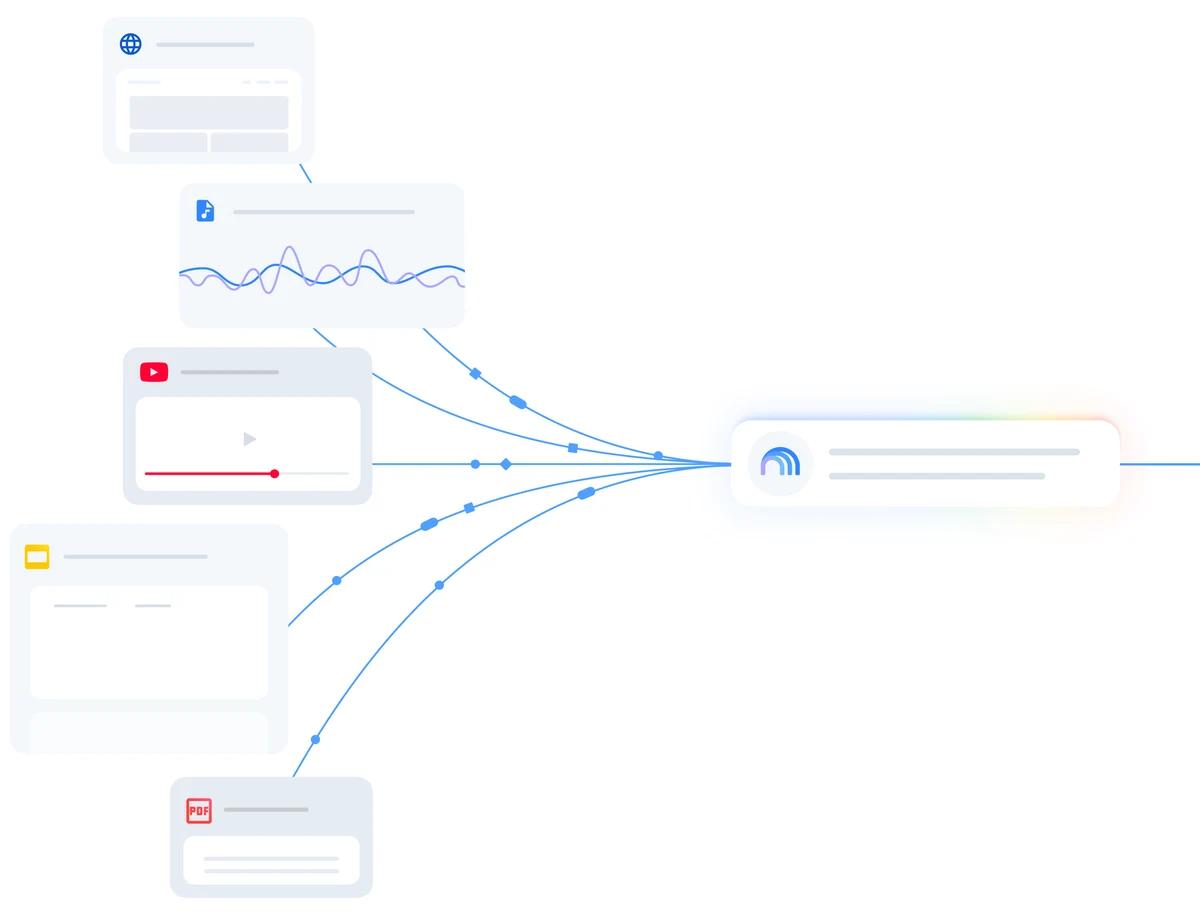
Google’s Gemini Notebook, formerly NotebookLM, organises supplied sources and helps you question or summarise them. Citations make it easier to return to the supporting material. It suits a student working from a defined set of readings, notes or recordings rather than an open-ended chatbot conversation.
It also generates study guides, audio overviews, flashcards and quizzes. In Studio, you can choose the study aid and adjust its focus or difficulty. Source links help you inspect an answer, but they do not guarantee that every summary or question is correct or that the source itself is reliable.
My take: What I value is the route back to the reading. I would check a difficult answer against the cited passage, then use a quiz to find what I cannot recall without help. It is a strong starting point for source-based revision, with the same need to review generated work.
Plans and pricing: Free access is available with a Google account; higher usage limits depend on eligible Google AI, Workspace or education access. Check the current account entitlement and source limits.
9. Scholarcy
Scholarcy breaks a paper or article into a structured summary, helping you inspect findings, methods and references before deciding what to read in full. It is useful for a reading list or literature review where the immediate problem is understanding the contribution of each source.
The summary can help organise the paper, but a finding needs its conditions and limitations. Follow the reference and the relevant methods or results section before using a claim in an assignment. Library and export functions also differ from the basic summarisation route.
My take: I would use it to decide which section needs a closer read, then check a claim against the original paper. That makes it a reading aid rather than a substitute for the evidence. For repeated exam practice, add deliberate questions or flashcards around the material.
Plans and pricing: Basic and paid access are available. Compare the current summary allowance, library, document and export features on the selected plan; a browser summariser is not the same entitlement as the full library.
10. Mindgrasp AI
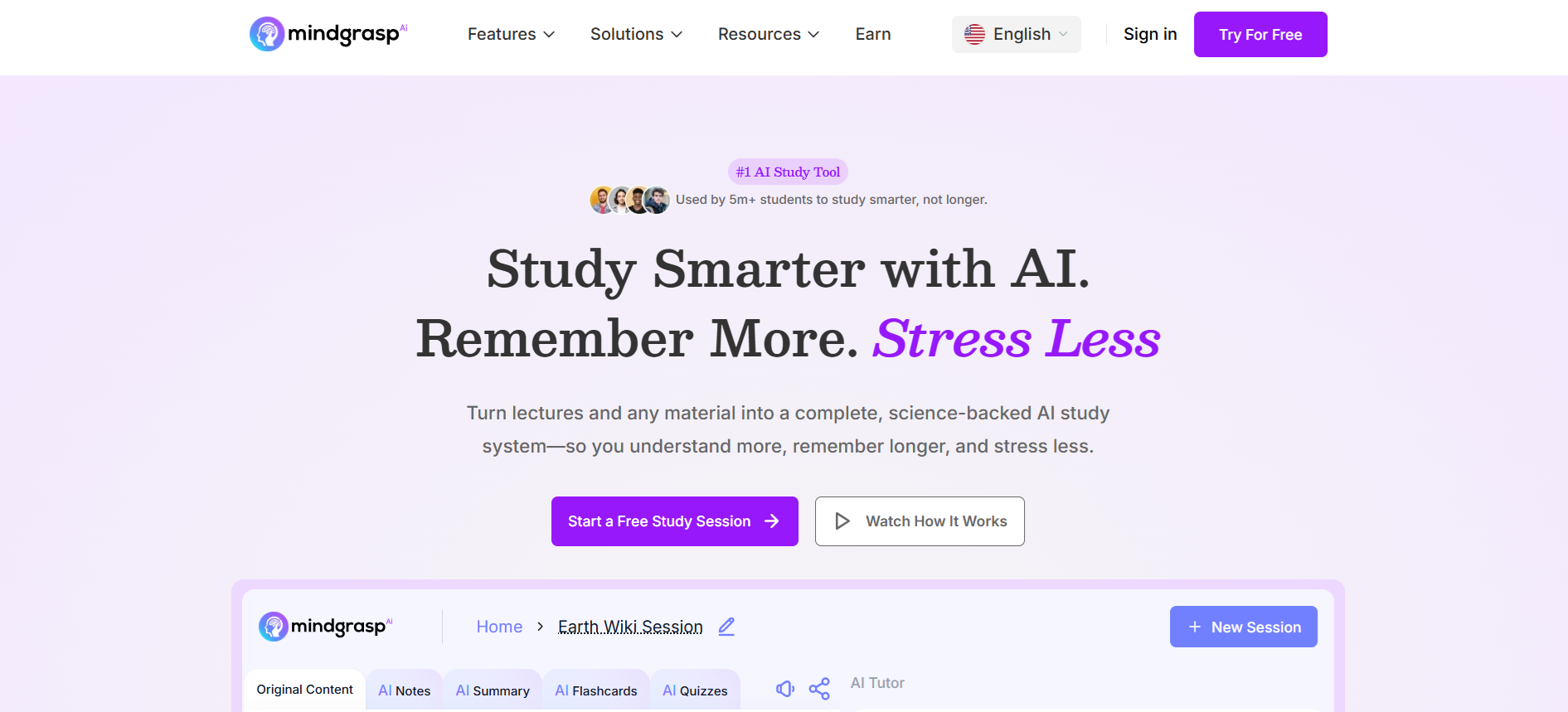
Mindgrasp AI turns supplied recordings, videos and documents into notes, summaries and practice questions. It fits a student whose source material includes recorded classes or spoken explanations and who wants a study set without manually transcribing the whole session.
The input quality still shapes the result. An unclear recording or unexplained reference to a slide can leave gaps in the notes. Live recording and working across multiple sources are also plan decisions, so a basic file-upload subscription should not be assumed to include every capture workflow.
My take: I would check a section containing a technical term and compare the question with the point made in the recording. Then verify that the set covers the assessed topics rather than merely the longest parts of the lecture. Choose the capture and file workflow before the subscription.
Plans and pricing: Basic is US$9.99/month or US$71.88/year. Scholar is US$12.99/month or US$107.88/year and adds live recording. Premium changes multi-file and other allowances; confirm the selected plan and trial terms.
Choose the output for the work you need to do
The HEPI and Kortext Student Generative AI Survey 2026 found 95% of 1,054 full-time UK undergraduates used AI in some way. Conducted in December 2025, it describes widespread use, not which app produces the best study material.
| Study task | Useful output | What to check |
|---|---|---|
| Recall terms or facts | Flashcards and practice questions | Can you answer without recognising the wording? |
| Explain connected ideas | A mind map or structured guide | Are the relationships and exceptions correct? |
| Understand a reading | A source-linked summary | Does the cited passage support the claim? |
| Learn a software process | A captured step-by-step guide | Can you perform the task without an omitted step? |
| Teach or assign material | A guide with assessment and learner support | Does the activity test the intended learning? |
A fluent summary can omit a qualification, and a neat card can ask the wrong question. Edit one small set before generating a whole subject. Use the source to correct it, then practise answering without the source open.
How I would build a useful revision set
- Start with an assessed topic. Choose the reading, notes or recording that actually covers it.
- Create a small first set. Inspect definitions, missing examples and references before adding more material.
- Answer without help. Use questions or a blank explanation to find what you cannot retrieve.
- Repair the gap. Return to the source and revise the question or explanation, then try it again later.
In the same HEPI and Kortext survey, 49% said AI had improved their student experience. That is a perception measure, not an exam result. My practical test is whether I can explain or apply the material after using the guide.
Which AI study guide maker would I choose?
| Your immediate job | Starting shortlist |
|---|---|
| Turn class notes into cards | Knowt or Quizlet |
| Keep study pages beside existing notes | Notion AI |
| Create structured material with practice and learner support | Coursebox |
| Plan regular revision | StudySmarter |
| Map a connected topic | Mapify |
| Document an on-screen process | Scribe |
| Question and practise from a defined source set | Gemini Notebook |
| Understand research papers | Scholarcy |
| Build notes and quizzes from recordings | Mindgrasp AI |
Once the first set is accurate, use spaced repetition to revisit the material over time rather than reread the same summary in one sitting.
Disclosure: I work at Coursebox. The recommendations combine my learning-design perspective with public product and pricing information checked in October 2026.
Frequently Asked Questions
Choose by the material and study task. Knowt and Quizlet suit card-based revision, Gemini Notebook helps with source-linked study, Scholarcy supports academic reading, and Coursebox connects structured material with assessment and learner support.
They can omit context or misread the source. Inspect a small set first, trace important claims back to the original material and edit the questions before relying on them for revision.
Yes. Now branded Gemini Notebook, it can generate flashcards and quizzes from sources through Studio, alongside summaries and other study aids. Check the account’s current usage limits.
Several tools have free access, but AI generation, file limits, advanced practice, exports or delivery can require a paid plan. Test the actual input and study mode before subscribing.
Carolina Martin
Carolina is a highly experienced learning designer with tech start-up experience. She is based in Sydney and previously designed courses alongside Coursebox founder Travis in a previous job. She is passionate about delivering engaging learning experiences and brings the same perspective to customer experience too. She manages our customer support documentation and product testing processes.

