

8 Best Agriculture LMS Platforms for Farm Training in 2026
Compare 8 agriculture LMS platforms in 2026 for safety content, custom courses, field delivery and training records, with my practical buying notes.

The best agriculture LMS platforms in 2026 include Safety Made Simple for ready agribusiness safety courses, Coursebox for custom training and learner support, and iSpring LMS for supported offline delivery.
- AMVAC Academy is a vendor library, rather than a workforce LMS for your own content. Verify credit for each module before using it for licence renewal.
- Ally LMS combines a managed portal with selected content; its setup fee and 15-user minimum affect the small-farm comparison.
- Coursebox can create, deliver and track agriculture training. Approved pesticide-certification content must come from an appropriate source.
- Compare the actual worker journey, course content, reporting fields and seasonal licence cost before choosing.
Answer three questions to compare the four tools below. The result balances your preferences; the entries explain the features, limits and costs to check.

Run your own branded LMS with unlimited learners
Farm training can mean onboarding a seasonal crew, teaching a new procedure or assigning a recognised safety course. The software needs to reach the people doing that work, whether they are in a field, a packhouse or an office, and leave records the manager can use.
I’m Alex, Coursebox’s COO. I’d separate the content you need to buy from the training you need to make yourself. A ready-made library can cover a shared topic; your own equipment, procedures and induction still need someone to keep them current.
Our AI LMS is included for creating, delivering and tracking that custom training. Coursebox does not supply an approved pesticide-certification course library, so I’ve also included specialist content providers.
How I ranked these agriculture LMS platforms
I compared the course content, delivery workflow, records and costs against the work an agricultural business needs to teach:
- Agriculture-specific content and compliance: Ready courses for pesticide handling, food safety, produce handling, animal welfare and farm safety, and the ability to track and prove completion.
- Field delivery: Whether a deskless, seasonal, sometimes bilingual crew can actually use it, on a phone, offline or on low bandwidth.
- Records and reporting: Whether it can show who completed what, and export it for an audit or a buyer.
- Product fit: The strengths, constraints and price that change who should choose each tool.
Choose the content and delivery system separately. A product library can teach a chemical or safety topic, while an LMS assigns your own induction and keeps worker records. Offline access is useful when there is no training location with a reliable connection; it is not a requirement for every farm. This article uses several US training examples. Check the course approval for your country, state and worker role.
The best agriculture LMS platforms compared
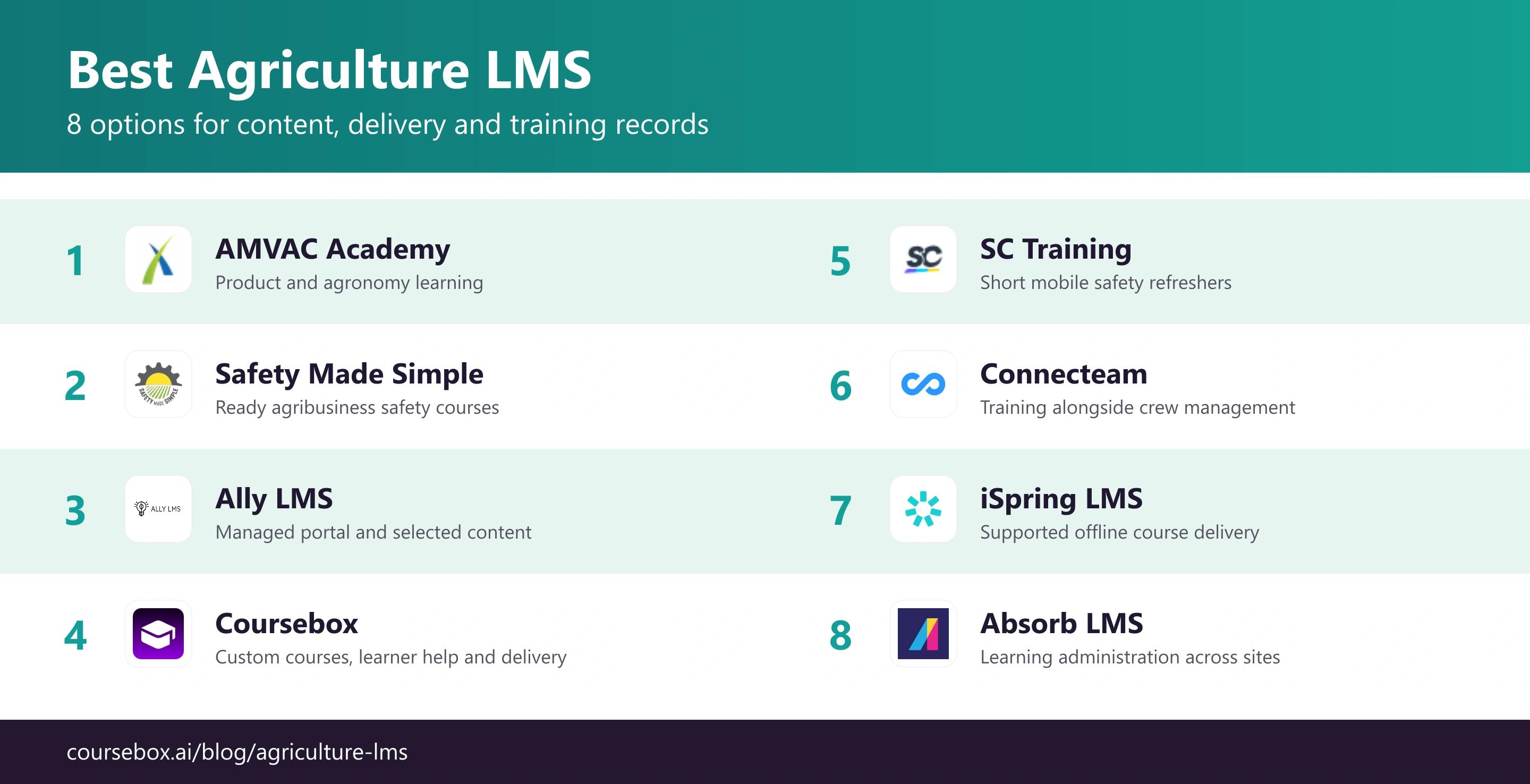
| Tool | Type | Best for | Ag content / compliance | Pricing |
|---|---|---|---|---|
| AMVAC Academy | Vendor learning library | AMVAC product and agronomy learning | Check current credit for each module | Free; verified registration |
| Safety Made Simple | Agribusiness safety library + LMS | Grain, feed and farm safety training | Agribusiness safety; English and Spanish | Quote-based subscription |
| Ally LMS | Workforce LMS for agriculture | Multilingual catalog + managed portal | Safety and compliance via OpenSesame catalog | Quote; setup fee; 15-user minimum |
| Coursebox | AI authoring + delivery LMS | Custom courses, AI support and LMS delivery | Your content; groups, paths and reporting by plan | Free; paid tiers |
| SC Training | Mobile microlearning (SafetyCulture) | Short mobile safety refreshers | General content; build ag specifics | Free up to 10; from about $5/learner |
| Connecteam | Deskless workforce app + training | Running a field crew in one app | Light training; build your own | HR & Skills from US$29/month annually |
| iSpring LMS | Mobile + offline LMS | Offline access in low-signal areas | No built-in ag content; authoring add-on | Business US$8,286/year for 100 active users |
| Absorb LMS | Enterprise LMS | Large agribusiness, system of record | Bring your own content or library | Organisational quote |
Product and plan details were checked in October 2026. Compare the quoted scope and billing period before purchasing.
The 8 best agriculture LMS platforms
1. AMVAC Academy
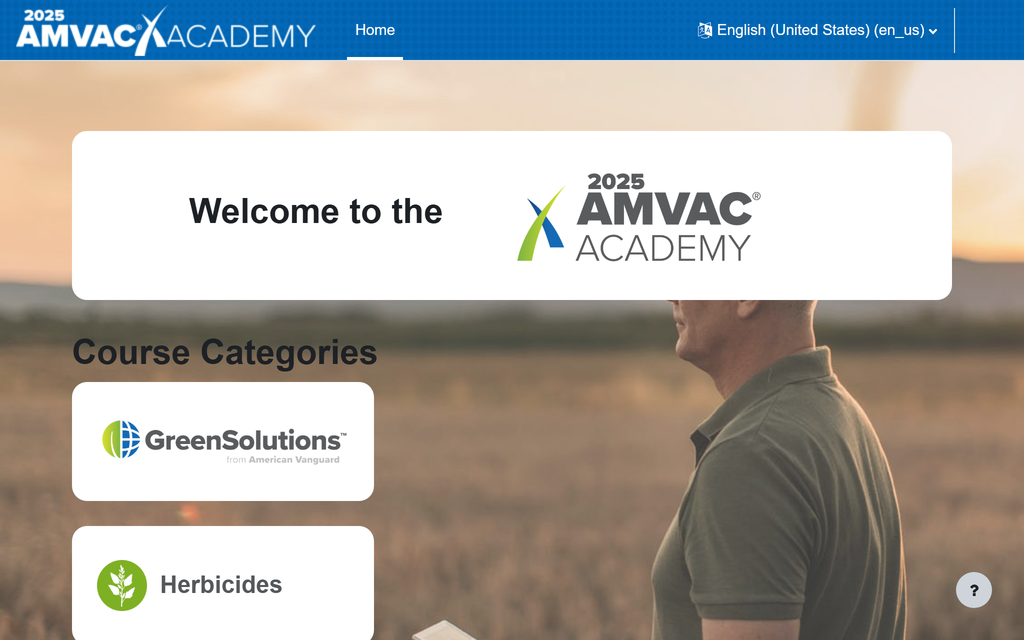
AMVAC Academy is a vendor-run learning library for retailers, growers, agronomists and advisers. Its self-guided modules cover crop-protection products and agronomy, with categories including herbicides, insecticides, soil fumigants and biological products. Most modules end with a quiz that records scores and participation.
Registration is verified by AMVAC. This makes it a useful source of product education, but a different purchase from an LMS where you assign your own induction to every seasonal worker. The public offering does not establish that you can upload your own courses or manage a whole farm’s training programme.
What I checked: The launch announcement discussed future continuing-education credit. That 2022 statement is not evidence that a particular course now renews your licence. I would check the current course approval, jurisdiction and credit hours before giving it to an applicator. A logged quiz score alone does not answer that question.
My verdict: Use it for AMVAC-related product knowledge and supplementary agronomy learning. Choose a workforce LMS for your own training and worker records.
Pricing: Free access with verified registration. Confirm the availability and credit status of the specific module.
2. Safety Made Simple

Safety Made Simple combines an agribusiness safety course library with training administration. Its catalogue covers grain-bin entry, confined spaces, pesticide safety, agricultural vehicles, livestock and food safety, with courses available in English and Spanish. You can assign lessons and track completion rather than assemble every topic yourself.
Its SCORM courses can also run in an existing LMS. That gives an operation two routes: use the vendor’s delivery system or buy relevant content for the platform already used across its sites. Ask which courses and languages are included in the proposed subscription.
The useful detail: A Spanish catalogue is useful only if the worker receives the right language version and the supervisor can retrieve its completion record. My comparison starts with one actual job, such as grain-bin entry, and follows it from assignment to the report. Practical equipment instruction still needs a supervisor’s observation alongside online learning.
My verdict: A strong shortlist option when agribusiness safety content is the main gap. Check the individual course against your operation and applicable training requirements.
Pricing: Organisational subscription by quote. Specify learner numbers, course access and whether you need its LMS or SCORM content for another system.
3. Ally LMS
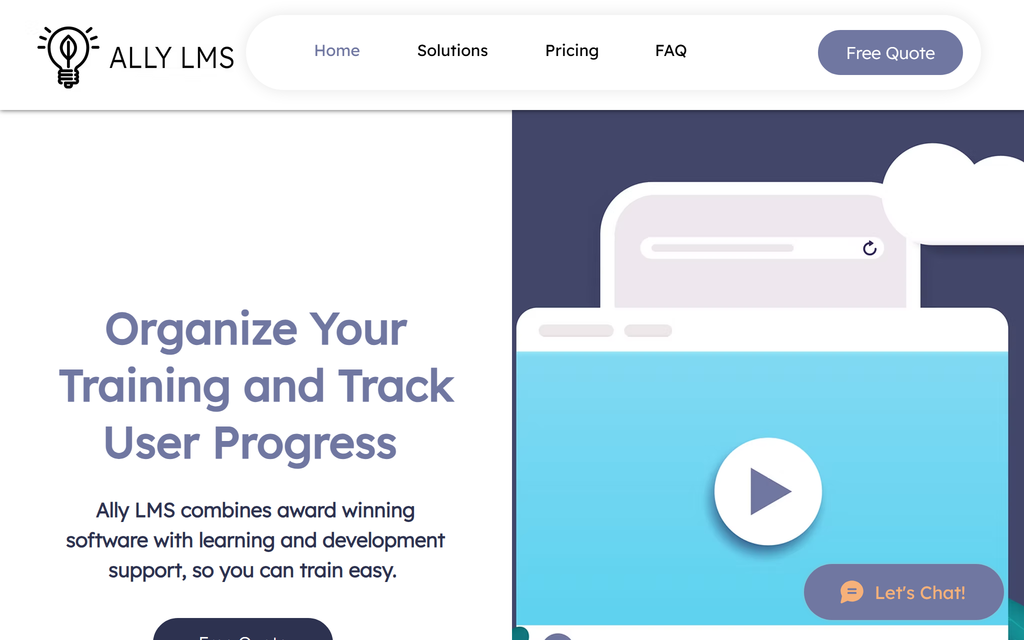
Ally LMS provides a hosted training portal with setup support and courses from OpenSesame. Its team works with agriculture, horticulture and cannabis businesses. Assigned courses appear first, while workers can browse the wider catalogue on demand.
The portal can carry your own business-specific material as well as purchased content. Mobile-friendly videos and multilingual catalogue options suit mixed-language crews, although the available languages and agricultural topics depend on the selected courses. Mobile access should not be treated as proof of offline access.
My buying note: The setup service is part of the appeal for a manager without a training administrator. I would put the required course titles, languages and reporting fields into the quote rather than buy on the size of OpenSesame’s overall catalogue. The pricing page also specifies a setup fee and a minimum audience, which can change the fit for a small farm.
My verdict: Choose it when you want a managed portal and help selecting content. Confirm the exact pesticide, food-safety or other specialist course before treating it as covered.
Pricing: Quote-based, with a one-time setup fee and a 15-user minimum. Contact Ally for audiences above 250 users; request the current price for the selected content and audience.
4. Coursebox

Coursebox combines AI course creation with an LMS for delivering and tracking your own agriculture training. Upload an SOP, policy or agronomy document, build lessons and quizzes, then review the instructions before assigning them to workers. The same platform supports AI learner help, assessments and branded delivery.
For a packhouse induction, that means keeping the local hygiene procedure, explanatory lesson and knowledge check together. Paid LMS features include learner groups, learning paths and advanced reports with CSV exports. Translation helps prepare multilingual training, while a supervisor should review specialist terminology. Enterprise can support multiple portals for separate operations.
What I look for: Our strongest fit is operation-specific training that changes with your procedures. I would check the mobile lesson, learner identity and exported completion record together. Coursebox does not supply an approved pesticide-certification library, and mobile browser access is not a promise of offline completion. Those are specific requirements to resolve, rather than reasons to dismiss its reporting or delivery.
My verdict: Use it to create, deliver and track your own training, or export courses to another LMS. Source approved regulated content separately when the job requires it.
Pricing: Free includes unlimited learners and three mini-courses of up to five pages each. Creator and Pro add creation features; Pro + LMS adds branded LMS delivery and advanced reporting. SCORM options depend on the plan; Enterprise covers broader integration and portal needs.
5. SC Training
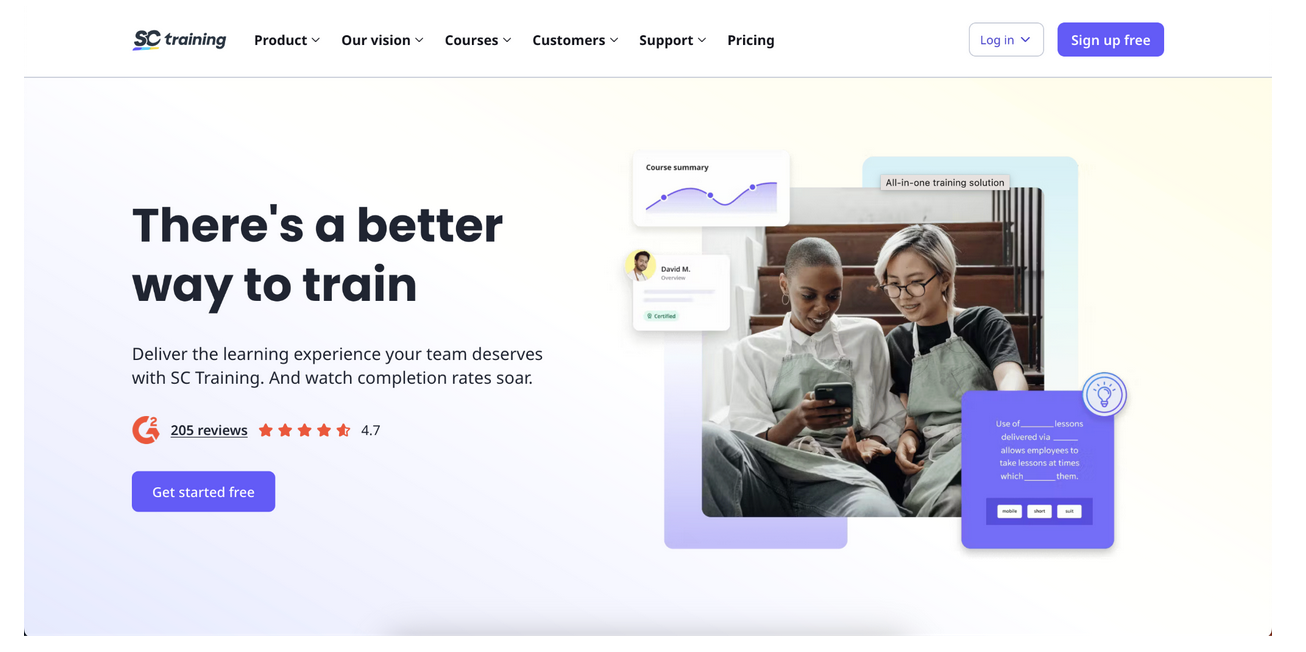
SC Training, formerly EdApp, focuses on short mobile lessons. Its AI course builder and editable library let a supervisor turn one process into a small lesson with questions, then assign it to a crew and monitor completion. It can supplement longer induction with recurring refreshers.
For agriculture, start with a specific task such as checking a vehicle before use or following a new handling procedure. Generic library content needs adaptation to your equipment and local instructions. Short lessons are useful between shifts, but training should happen in a safe place away from moving machinery.
My review note: I would compare the lesson’s question-level feedback with the supervisor’s completion view. A worker recognising a correct answer is different from demonstrating a safe task. Use the lesson to prepare or refresh the worker, then record the practical check through your chosen supervision process.
My verdict: A good fit for frequent mobile refreshers and simple process learning. Verify the selected content and reporting against your training obligations.
Pricing: Free for up to 10 learners. Paid training is advertised from US$5/learner/month; confirm billing terms, administrator charges and any enterprise minimum in the current quote.
6. Connecteam
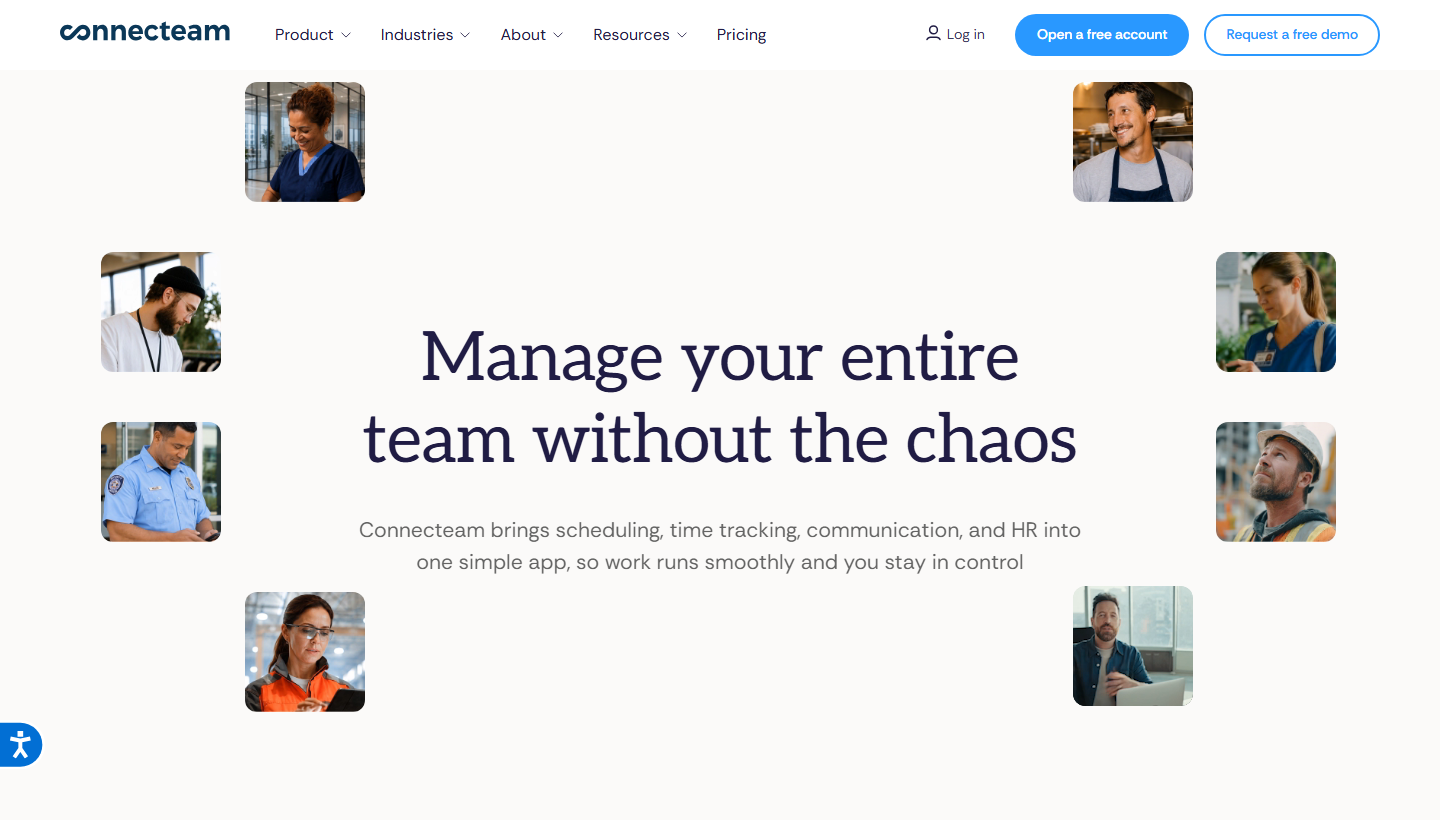
Connecteam puts employee training alongside frontline workforce tools. Its HR & Skills hub supports courses, quizzes and progress insights; the Operations and Communications hubs handle jobs such as scheduling, time tracking and team messages. A worker can access these through the mobile app.
That can suit a farm already coordinating seasonal shifts in Connecteam. Build an induction from your material and inspect who has finished it, rather than asking workers to learn another application. It does not supply an approved agricultural course library, so you remain responsible for the training material.
What changes the cost: The hubs have separate subscriptions. A US$29 training plan is not automatically the price for paid scheduling, communication and training together. My shortlist calculation includes every hub the operation needs and the extra workers at the busiest point of the season.
My verdict: Consider it when simple training belongs in the same app as everyday crew management. Compare its progress reports with the records you need before replacing a dedicated LMS.
Pricing: Free small-business plan for up to 10 users. HR & Skills Basic starts at US$29/month for the first 30 users on annual billing; additional users and other paid hubs increase the bill.
7. iSpring LMS (formerly iSpring Learn)
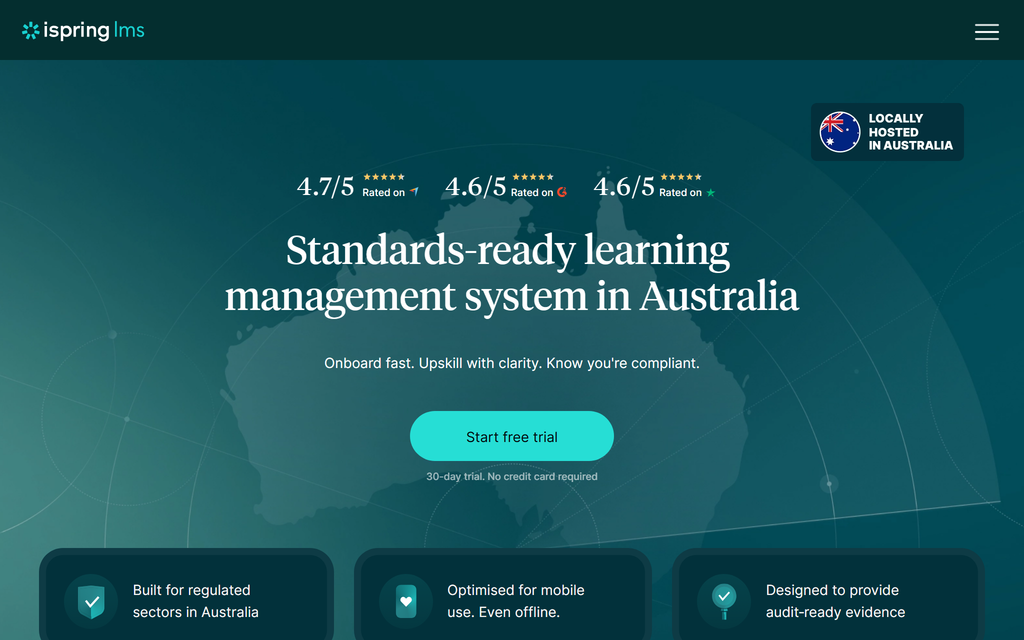
iSpring LMS supports downloadable mobile courses with progress synced after reconnection. For a remote site, workers can download the required lesson where there is a signal, complete supported content offline and reconnect before a supervisor retrieves the updated record.
The platform also supports assignments, training programmes, reports and on-the-job assessment. It can serve agriculture with your own content or an appropriate purchased library. PowerPoint-based iSpring Suite is an authoring option; confirm the Suite entitlement in the LMS package rather than assume every licence includes the same author seats.
The test I would run: Download your actual course, disconnect the phone, finish it and check the reported result after syncing. Video, quizzes and imported packages can have different requirements. A homepage claim about offline learning is less useful than knowing your own course and worker device complete that sequence.
My verdict: Shortlist it for remote-site learning where supported offline completion is required, plus structured assignment and reporting.
Pricing: The public Business plan lists US$8,286/year for 100 active users, US$16,050 for 300 and US$23,790 for 500. Below 100 users, request pricing. Confirm authoring seats and the package offered.
8. Absorb LMS
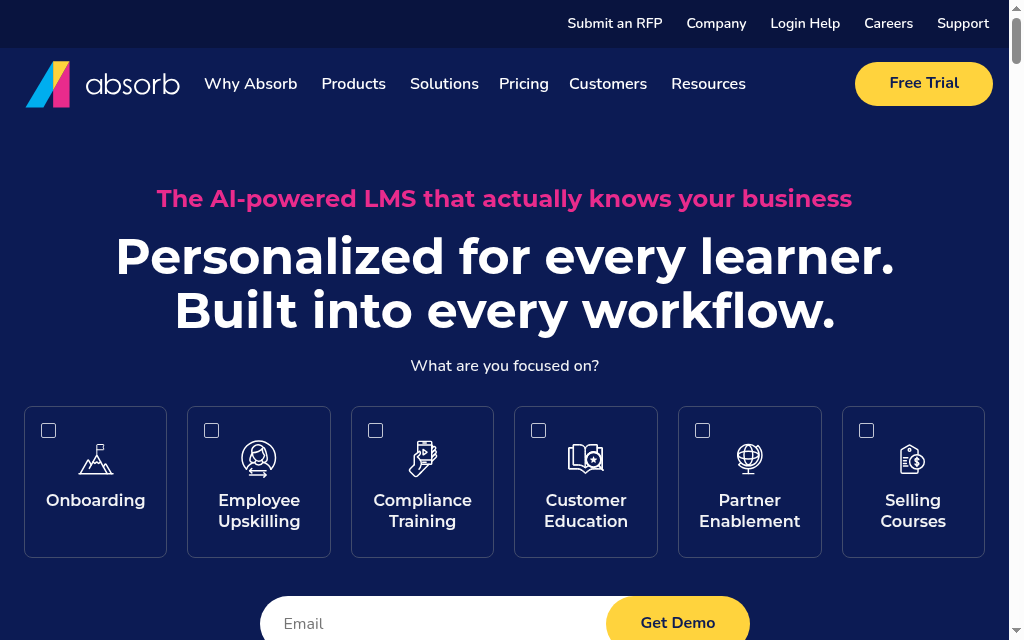
Absorb LMS is a broader learning-management option for an agribusiness with several sites, learner groups and existing systems. It supports course delivery, administration, reporting and integrations, with the Absorb Learning mobile app offering downloadable content and later progress synchronisation.
You can bring agricultural training or purchase a suitable library rather than rely on a farm-specific catalogue. The mobile app’s offline support depends on lesson type. Its documentation explicitly supports SCORM 1.2 offline; that does not make every externally hosted video or linked activity available without a connection.
My procurement check: I would follow one returning seasonal worker through enrolment, a downloaded course and the site manager’s report. Then ask how the contract counts that worker and which reports, integrations and support are included. Security documentation needs to match your requirements, rather than be inferred from the enterprise label.
My verdict: A candidate for larger operations needing central administration across sites. A small farm should compare the implementation effort and quote with a simpler system.
Pricing: Request an organisational quote covering learner-count rules, implementation, mobile access, integrations and optional content. The public offering does not establish one universal active-learner price.
Which agriculture LMS should you choose?
Eight platforms, matched to the job your operation has to do:
| If your priority is | Go with |
|---|---|
| Ready pesticide and crop-protection training at no cost | AMVAC Academy |
| Grain, feed and agribusiness safety content, tracked | Safety Made Simple |
| A multilingual catalog with a managed, branded portal | Ally LMS |
| Building your own agriculture courses fast with AI | Coursebox |
| Short mobile safety refreshers a field crew will finish | SC Training |
| Running a deskless crew's schedule and training in one app | Connecteam |
| Reliable offline access in low-connectivity areas | iSpring LMS |
| An enterprise system of record for a large agribusiness | Absorb LMS |
Choose specialist content when you need approved training, and a delivery system when you need to manage your own courses. Our AI LMS supports creation, learner support and reporting for operation-specific training.
Check the training record before the first shift
CDC/NIOSH reports 21,020 agricultural-production injuries requiring days away from work across 2021 and 2022. I would start the training plan with the tasks workers actually perform, then pair online instructions with supervised practice.
For each required course, record the worker identifier, language version, course version, completion date and the supervisor responsible for any practical assessment. Keep licence credit and renewal dates as separate fields when the role requires them.
A small pilot before seasonal hiring
- Access: Enrol one new worker and one returning worker using the identifiers your operation actually has.
- Delivery: Complete the induction on the phones and connection available at the training location. Download and reconnect if offline completion is required.
- Evidence: Export the record and check that the manager can identify the worker, completed version and result.
- Updates: Repeat after changing an instruction. Confirm who needs retraining and whether the previous record remains accessible.
In the same CDC/NIOSH injury data, falls accounted for 29% of agricultural-production injuries requiring days away from work in 2021 and 2022. A lesson about safe access should therefore connect the rule to the actual ladders, surfaces and equipment workers use.
If onboarding is mainly H-2A paperwork, worker communication and signatures, compare a farm labour system such as Harvust alongside the LMS. That broader employment workflow is not the same purchase as a course library or an AI course builder.
Frequently Asked Questions
Safety Made Simple suits ready agribusiness safety content; Ally LMS offers a managed portal and selected catalogue; Coursebox supports your own courses, learner help and reporting. iSpring LMS and Absorb are candidates when supported offline course delivery is required. Choose against the content, assignment and recordkeeping job, not the agriculture label alone.
It should support your worker devices and languages, the required course material and usable training records. Offline access is useful for sites without a reliable training connection. Approved course credit, practical supervision and record retention depend on the role and location; the LMS label does not establish them.
Compare the free options with the number of workers and courses you need. Coursebox offers unlimited learners with three mini-courses of up to five pages on Free. Connecteam and SC Training support small free audiences. AMVAC Academy can supplement product learning but does not replace your own workforce training system.
Yes. Coursebox can create agriculture courses from your procedures, add assessments and learner support, then deliver and track training. Paid LMS features include groups, learning paths and advanced reports. It does not provide an approved pesticide-certification library; source that content separately and confirm export and connectivity requirements.
Separate the course approval from the training record. A vendor may provide useful safety material without a course being accepted for a specific licence. Confirm the approved provider, course, jurisdiction and credit, then check that the delivery system records worker identity, course version, completion and any required practical sign-off.
Alex Hey
Alex Hey is a technical marketer with 10 years of hands-on growth and digital marketing experience. He cofounded Coursebox together with Travis Clapp who he met online when looking for a cofounder to build a globally impactful software product. He works in the Perth, Western Australia office as the COO. He built the world's first automated funnel for patient recruitment before building Coursebox. After launching Coursebox in mid 2023, he drove +400k organic sign ups for Coursebox. Alex leads the marketing and digital growth of Coursebox and works with the product development team bringing a passion for data-driven product decision and exceptional user experience. Alex is determined to build the world's easiest way to build the perfect course.

