

10 Best LMS for Construction Industry in 2026
Construction teams need skills development and safety training to perform their best and prevent injuries. Here are the 10 best LMS for construction industry.


Run your own branded LMS with unlimited learners
Do you know that the construction industry consistently records the highest number of work-related fatalities every year? One reason could be a lack of employee training on safety regulations and workplace compliance.
Even today, many companies don't invest in effective training platforms, either to save a few bucks or because they don’t find it important enough. One-time safety briefings and written manuals (that very few read) often turn out to be useless in many cases.
An LMS (Learning Management System) is the best solution for such companies. These platforms curate training courses on various topics based on the employees’ learning capabilities without costing much.
If you run a construction company, check out these 10 best LMS for construction industry today. It’s never too late to strengthen your workforce!
What Is An LMS for Construction Companies?
An LMS, or Learning Management System, is a software designed to create training materials tailored to employees' knowledge, skills, and job requirements. This online training system guides individuals on various aspects of their job, including equipment use, safety rules, and compliance regulations.
The best LMS for construction industry allows workers to self-pace their learning as per their convenience. This helps employees learn at their own pace while ensuring they understand the job site’s safety regulations.
What to Look for in the Best LMS for Construction Industry?
When choosing a reliable LMS, here are some of the top features to look for.
- Ready-made Courses: The best LMS is one that has some ready-made courses available. This gives you enough time to design new courses without delaying training.
- Interactive Features: Go for one that comes with AR, VR, or video content. Interactive training always helps in grabbing attention. Also, prioritize platforms that have gamification features, quizzes, and assessments.
- Mobile Accessibility: A good LMS is one that can easily be accessed through mobile phones. This helps your employees to take training on the go.
- Easy Navigation: Opt for one that allows easy navigation and can be conveniently accessed by even the non-technical construction staff.
- Cost: An LMS software that's easy on the pocket becomes everyone’s choice. So, pick a system that meets your budget requirements while delivering training courses efficiently.
Full Disclosure: This blog is owned and operated by Coursebox. While we include ourselves in this list because we believe in our platform, we've provided an objective breakdown of features to help you choose the best fit.
10 Best LMS for Construction Companies
Here is the list.
1. Docebo
Docebo is another well-known platform designed to create training programs online. It comes with AI-powered features and automation, allowing it to integrate smoothly with existing tools. You can use Docebo to create workshops on safety at the workplace, compliance, and other topics.
Key Features
- Mobile Optimization: With Docebo, your training staff can easily access content from any device while they are on the go.
- Real-time Collaboration Tools: These tools help foster engagement among employees through peer reviews and discussion boards.
- Built-in eCommerce Features: With the help of these, you can sell your courses to other ventures in your industry as well.
Cost
Two packages, Elevate and Enterprise, are available on custom pricing.
2. Absorb LMS
Whether you want to deliver training on compliance or construction skills, Absorb LMS may be a wise choice. The platform comes with an intuitive interface that supports easy navigation for administrators and learners alike. Besides, the automated workflows help eliminate manual tracking.
Key Features
- AI-driven Learning Paths: This feature allows for training based on each employee’s abilities and progress.
- Custom Branding: You can use this tool to brand your company’s courses and then sell them later.
- Multilingual Support: If you have a global team, you can get support for them in various languages.
Cost
Personalized pricing is available as per your requirements.
3. 360Learning
360Learning curates training material by combining AI’s potential with collaborative learning. With this platform, you can create courses directly from PDF documents. It also allows you to tailor training experiences based on different employee roles, locations, and job functions.
Key Features
- AI-based Courses: Create AI automated courses on safety rules, construction regulations, and more using 360Learning.
- Language Support: You can create courses in multiple languages.
- Gamification: Use interactive elements to make courses interactive.
Cost
- The Team package is available for $8/ month.
- The Business plan is available at custom rates.
4. Coursebox
Built around AI-powered course creation for industry-specific training, Coursebox lets construction operators upload videos or audio and convert them into structured modules, with AI chatbot guidance, a quiz generator for knowledge checks, and mobile delivery for field teams. It fits construction operators that want fast AI-assisted course creation without heavy setup. Larger construction firms with multi-site operations, strict safety compliance frameworks, and deep HRIS integration typically shortlist Docebo or Absorb LMS, and teams focused specifically on frontline safety microlearning across crews sometimes consider purpose-built industrial-training platforms.
Key Features
- File Conversion to Courses: You can upload a video or an audio on Coursebox to convert it into a course.
- Video Generation: You can generate video training content within minutes.
- Quiz Generator: This feature helps you create quizzes after every course to test your employees’ knowledge.
Cost
- The creator package is available for $9/month.
- The business model is worth $280/month.
- For the Enterprise package, contact the team.
5. Litmos
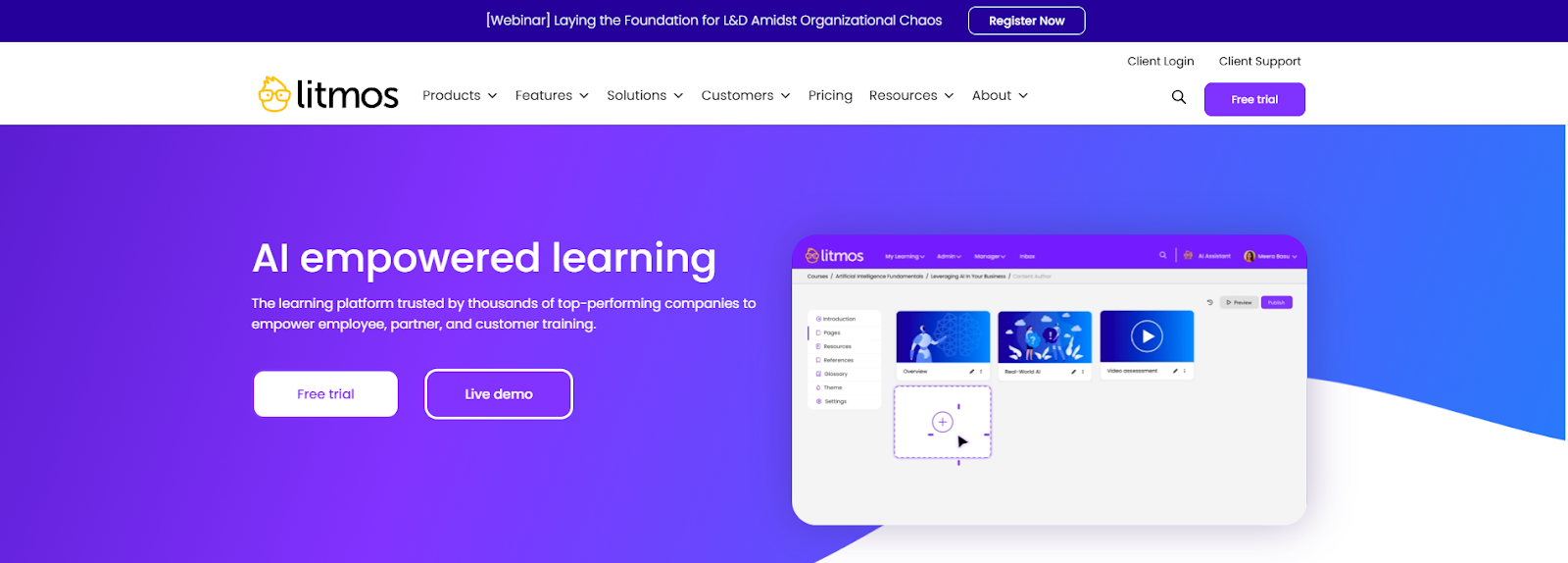
Litmos is an AI-powered learning platform trusted by many construction companies. The software is pretty intuitive, allowing training to be rolled out quickly so that everyone stays on the same page when it comes to training. You can also get your hands on some built-in compliance courses that cover almost everything, including safety protocols and regulatory updates.
Key Features
- Personalized Playlist: Litmos runs via AI for creating personalized playlists for all the learners.
- Integration: You can integrate Litmos with other tools to make learning simple and quick.
- Mobile Application: Litmos has a fully functional mobile application to allow easy access to courses.
Cost
Multiple pricing plans with customized costs are available to facilitate every user.
6. LearnUpon
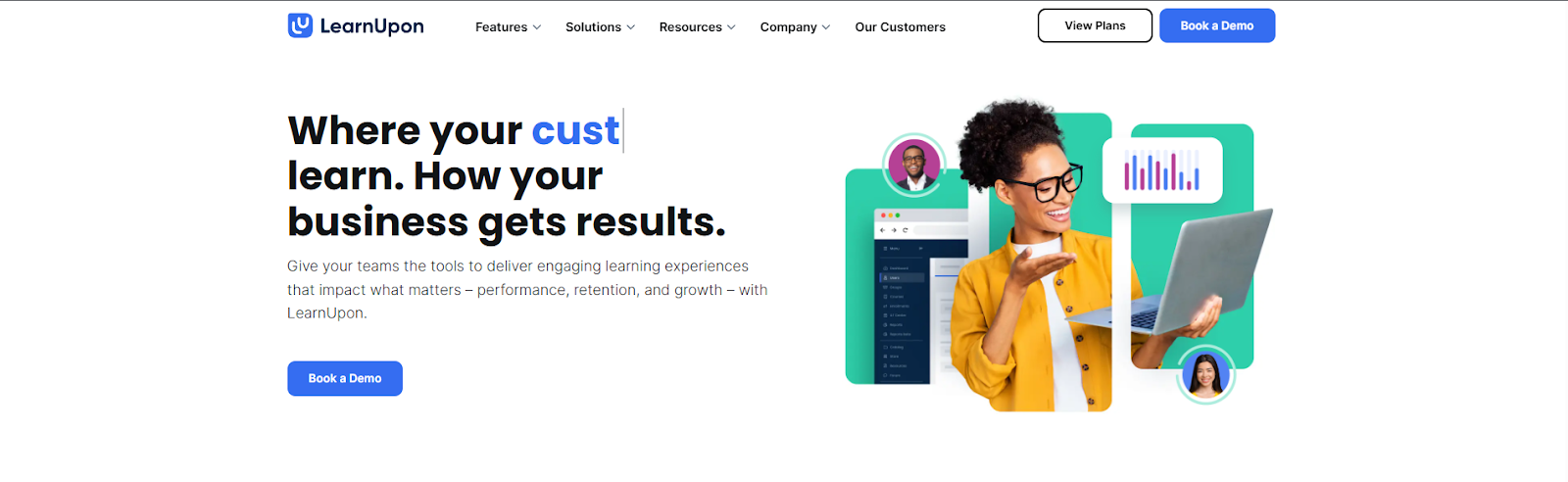
LearnUpon is another excellent construction-learning software that allows you to deliver engaging content to your employees. It is simple, engaging, and easy to manage. Plus, the interface is clean and easy.
Key Features
- Interactive Training: You can use the platform to create interactive courses for your team.
- Branded Learning: Use this feature to provide branded learning experiences to people as per their roles in the construction industry.
- Progress Measurement Tools: These features give you the ability to track the progress of your learners and provide them with prompt feedback.
Cost
Customized plans are available. You can also book a free demo.
7. Talent LMS
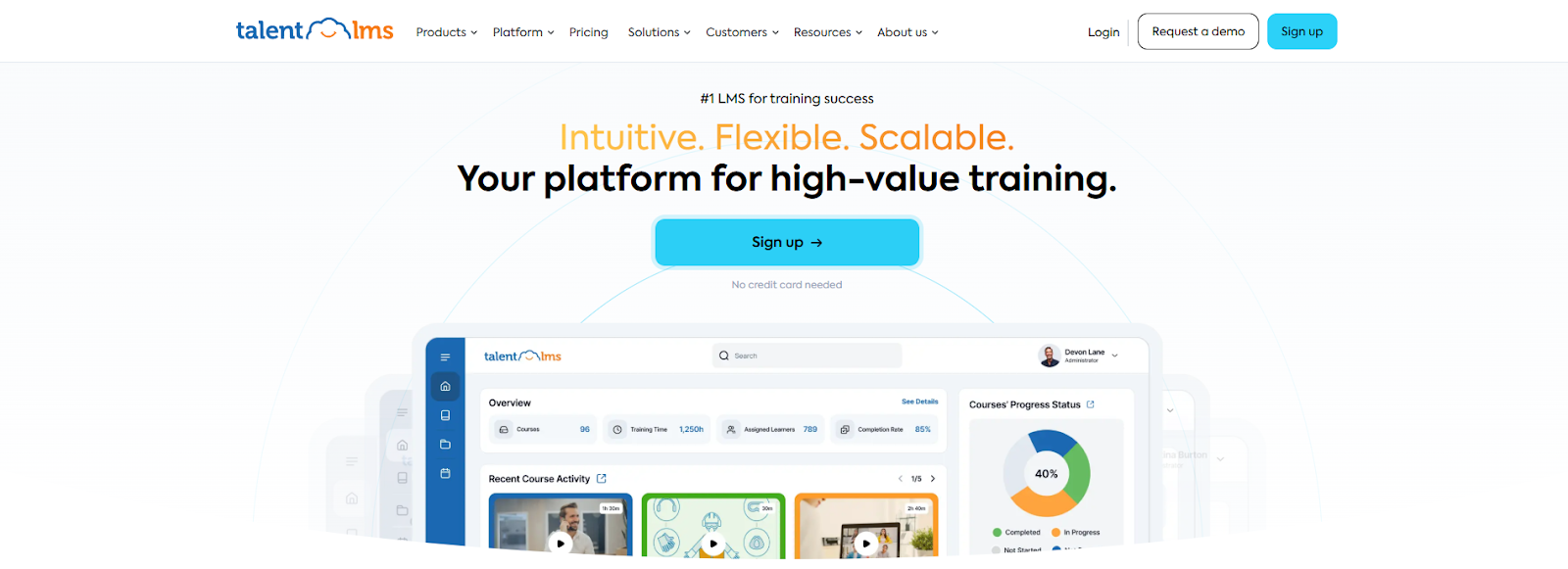
Talent LMS is one of the top ten LMS for the construction industry. The solution successfully helps in delivering safety and compliance training. The cloud-based learning platform is built for course creation and management. This allows you to personalize learning paths for your trainees and also create courses in different languages.
Key Features
- Course Builder: This feature helps in the quick adaptation of courses to the new legislation.
- Automated Notifications: Ideal to remind learners of new training updates.
- Gamification Tools: These elements facilitate learner engagement and knowledge retention.
Cost
Multiple plans are available within the range of $139 and $419.
8. iSpring
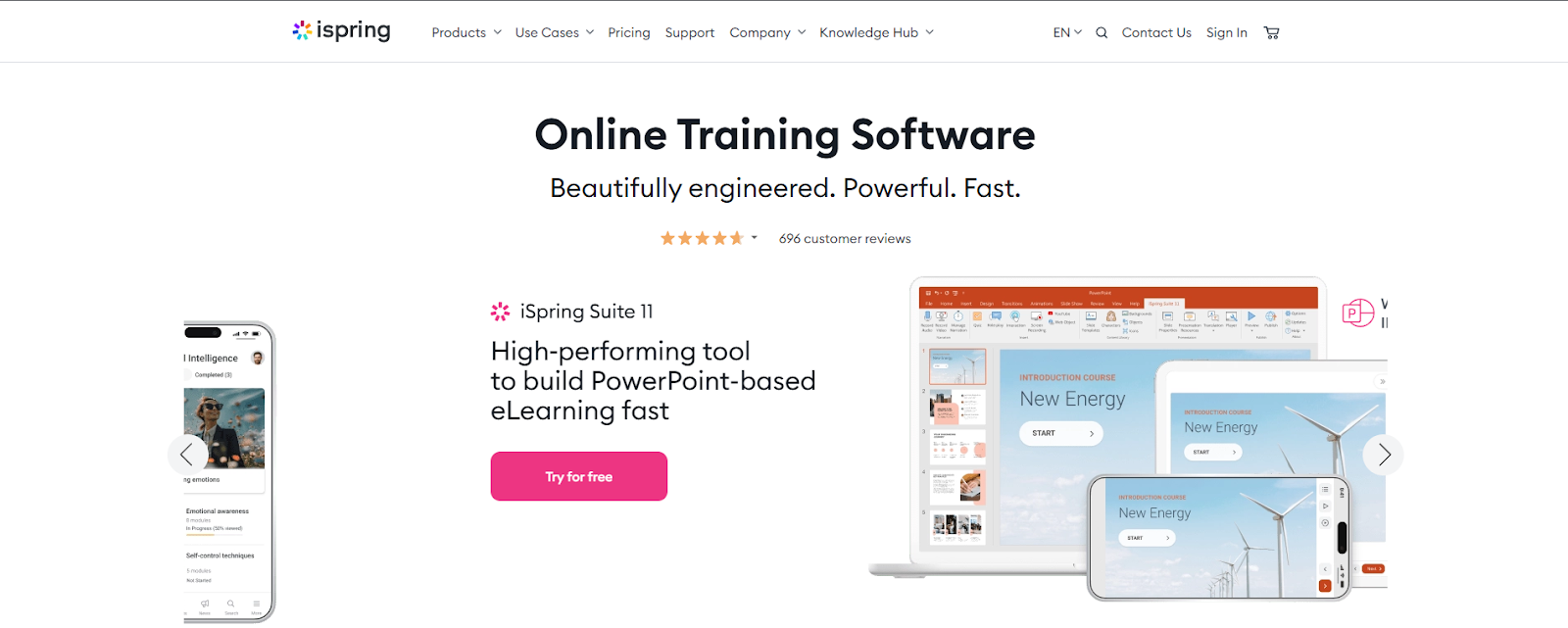
This fairly new online learning platform is designed for multiple tasks such as new employee onboarding, compliance training, and skill development. It comes with multiple tools that instructional designers like you can use to create slides, quizzes, surveys, and multiple how-to videos.
Key Features
- Authoring Toolkit: This is available to facilitate on-site training.
- Gamification Elements: There are multiple gamification elements available to enhance learner engagement.
- Automated Notifications: These notifications help keep learners in the loop regarding new courses and their reports.
Cost
There are plans for businesses, freelancers, and academics. The basic plan starts from $470 for academics, $490 for freelancers, and $770 for businesses.
9. SC Training
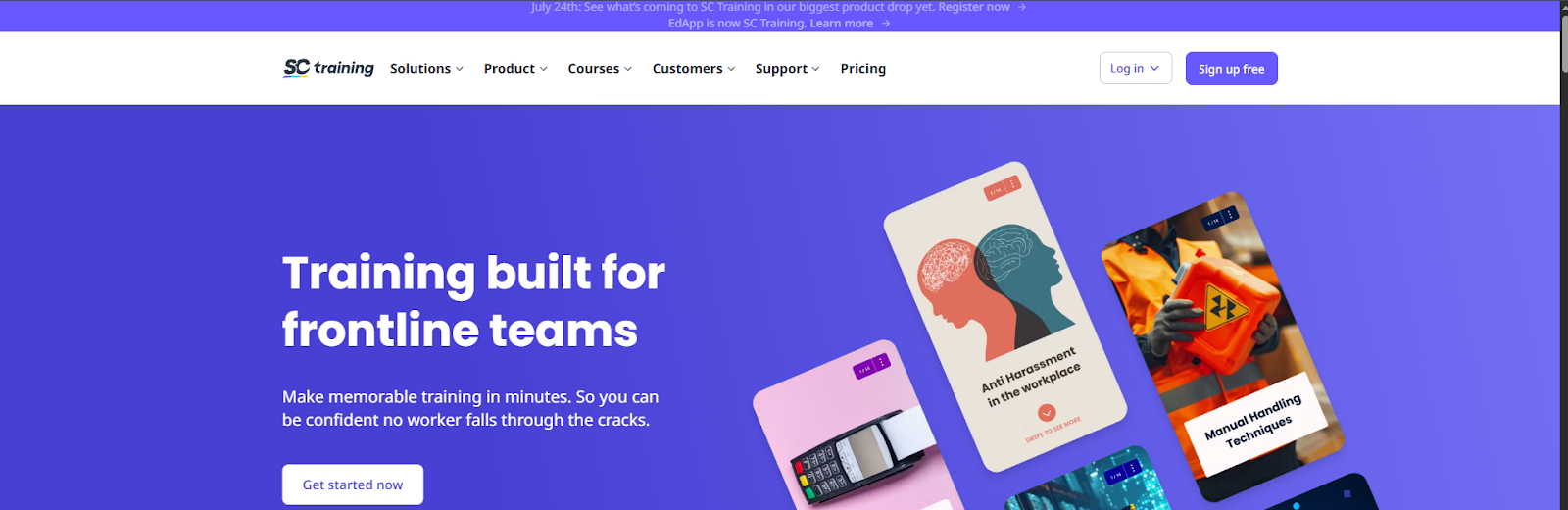
Previously known as EdApp, SC Training is a video and mobile-based training platform. It is designed to help you deliver your content in small chunks for better engagement and retention. Plus, the platform features a video library with thousands of relevant videos for your construction-based course.
Key Features
- Authoring Tool: This is a drag-and-drop feature that helps you create your desired construction safety and compliance courses.
- Cloud-based Translation: You can use this feature to create courses in multiple languages.
- Micro-learning Templates: The templates help you build a program and then integrate your content with several other applications for easy sharing.
Cost
- The basic plan is free.
- The premium plan costs $5 per learner.
- You can access the Enterprise plan at a customized rate.
10. Bridge LMS
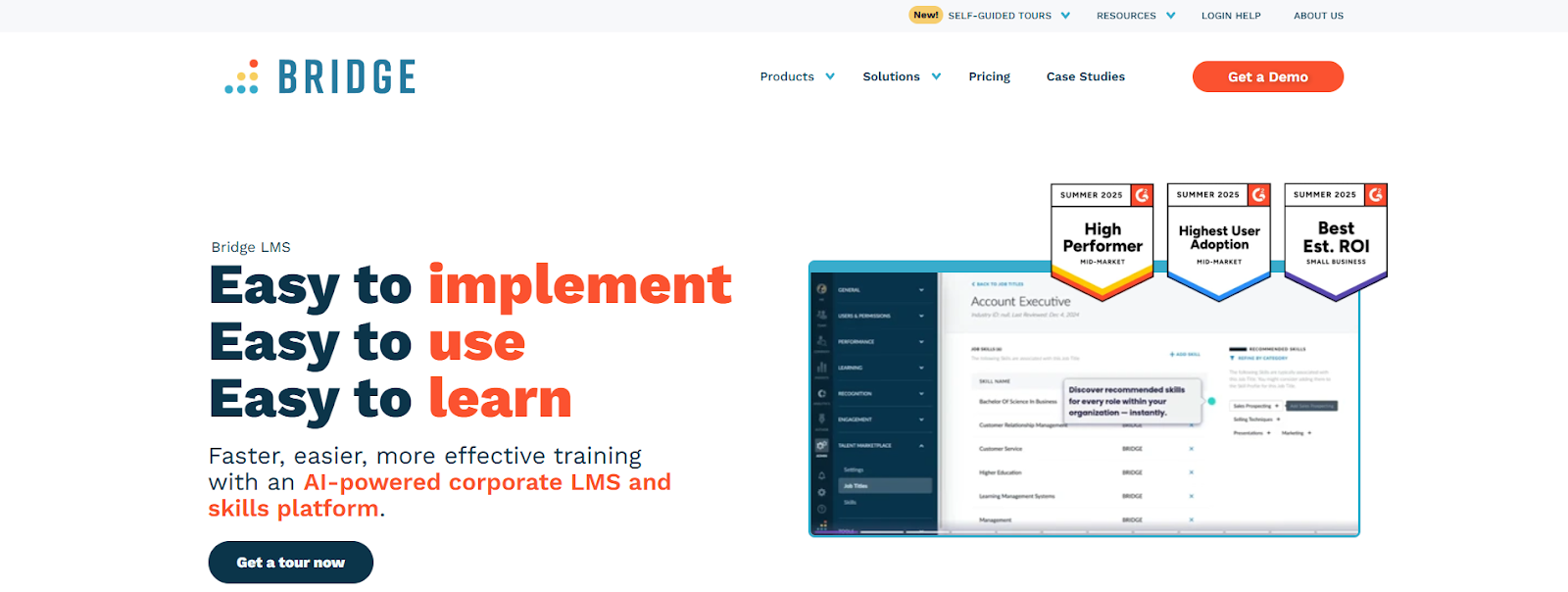
Our final pick for the 10 best LMS for construction is Bridge LMS. This platform allows you to keep your workers safe and compliant through updated training courses. The software is an all-in-one learning management system that makes safety training easier while keeping your teams compliant and reducing their workplace risks.
Key Features
- Mobile Learning: With Bridge, you can train your employees while they are on the go. It is a mobile-friendly LMS.
- Multi-language Support: Bridge offers support in various languages for your global staff.
- Onboarding tools: Structured safety training is available to accelerate the onboarding process.
Cost
Customized quotes are available for three plans.
Final Takeaway
If you want to improve the performance of your construction team while ensuring their safety at the workplace, make sure to curate detailed training and courses that they can easily access from anywhere in the world.
And for that, take help from an LMS! This software can help you generate the best courses within a few minutes.
We have reviewed the top ten LMS for the construction industry above. Weigh their pros and cons before finally picking the best one.
Frequently Asked Questions
What is a construction industry LMS and why is it essential?
A construction industry LMS is a specialized online platform designed to deliver training for safety compliance, skill development, certifications, and onboarding for the construction sector. It helps companies stay compliant and productive.
What features should construction companies look for in an LMS?
Key features of a construction LMS include safety and compliance training templates, mobile access for on-site learning, and real-time progress tracking. The best LMS for construction industry also offers certification management, AI-powered course creation, and integration with existing business systems.
Are there LMS that support on-the-go learning for construction teams?
Yes, many top LMS platforms like Coursebox, Bridge LMS, and Litmos provide mobile-friendly apps or responsive websites so field employees can learn anytime, anywhere, even offline.
Can construction LMS platforms be customized for branding and specific training programs?
Absolutely. Platforms like Coursebox and Bridge LMS allow companies to white-label portals, personalize course content, automate role-specific learning paths, and integrate branding elements for a seamless training experience.
How do LMS platforms help improve safety and compliance in construction?
Construction LMSs automate assignment of up-to-date safety courses, track certifications and expirations, offer interactive learning including simulations, and generate detailed reports. This ensures that workers meet regulatory requirements and training gaps are identified quickly.
Travis Clapp
Educational technologist and instructional designer

