

10 Best Affordable LMS Platforms in 2026 (With Real Pricing)
The 10 best affordable LMS platforms in 2026 with verified pricing, real free-tier limits, and the hidden costs to watch before you buy.

Affordable LMS platforms in 2026 split into three camps: free and open-source (Moodle, Tutor LMS, Google Classroom), cheap per-user or per-learner tools (Zoho Learn from $1, ProProfs from $1.99, eLeaP $5, iSpring Learn, TalentLMS), and flat-fee or AI-first platforms (Thinkific, Coursebox). The cheapest sticker price is rarely the cheapest at your actual size.
- Watch the pricing model, not just the headline. Per-user and per-active-learner plans (iSpring Learn, ProProfs, TalentLMS, Zoho Learn, eLeaP) climb as you grow and often jump at tier ceilings; flat-fee (Thinkific) and unlimited-learner plans (Coursebox) stay predictable.
- "Free" open-source is rarely free to run. Independent estimates put a self-hosted Moodle at $1,000 to $6,000 a year plus 180 to 300 hours of technical work once you count hosting, upgrades and plugins.
- The genuinely useful free tiers: Moodle and Tutor LMS (self-hosted), Google Classroom, and the free plans on TalentLMS (5 users), Zoho Learn (5 users), ProProfs (10 learners) and Coursebox (unlimited learners, 3 courses).
- Match the tool to the job: Moodle or Tutor LMS if you have developers, TalentLMS or iSpring Learn for corporate training, Thinkific to sell courses, and Coursebox if you want AI to build the course and unlimited learners without per-seat fees.
Answer three quick questions and we'll point you to the best fit from this list.

Run your own branded LMS with unlimited learners
Affordable does not have to mean basic. The best budget LMS platforms in 2026 run real courses, track completion and export to SCORM. They just do it without an enterprise contract. The catch is that the price on the pricing page is rarely the price you end up paying.
This guide covers ten genuinely affordable platforms with their real, verified 2026 pricing, what each free tier actually gives you, and the honest catch for a small team. I have checked every price against the vendor's own pricing page in USD in August 2026. We build one of these tools, Coursebox, and it is ranked and criticised on the same terms as the rest, with a full disclosure at the end.
Most people looking for a cheap LMS are a small business, a startup or a lean training team, not an enterprise. If that is you, what matters is total cost at your size, not the headline number, so there is a plain-English breakdown of what an affordable LMS actually costs just before the list. For more detail, see our LMS pricing comparison and how modern tools differ from a traditional LMS.
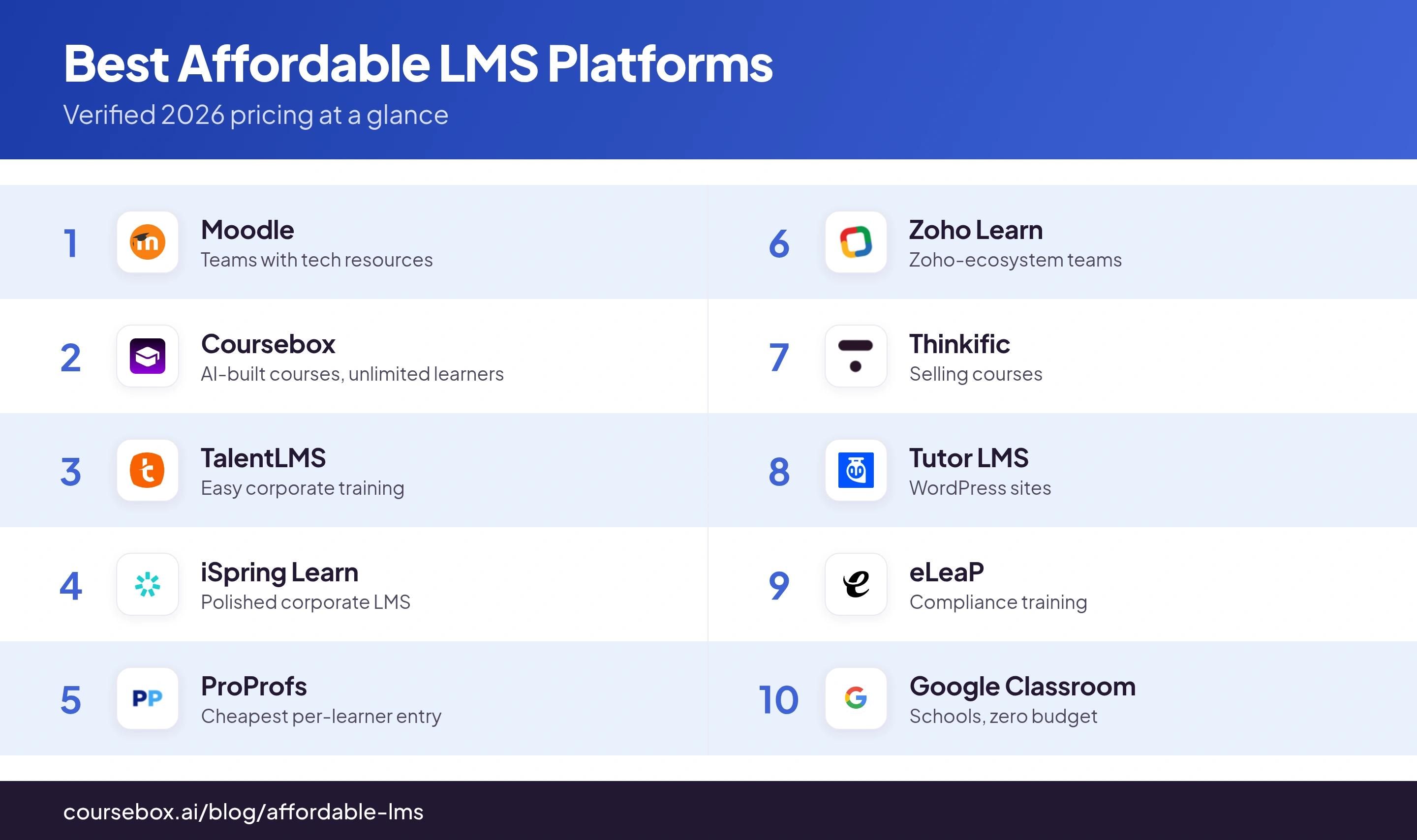
Here is every platform at a glance, with its real starting price and pricing model. The honest catches and hands-on notes follow below.
| Platform | Starting price | Free tier | Pricing model | Best for |
|---|---|---|---|---|
| Moodle | Free self-host; MoodleCloud $170–$2,120/yr | Yes (self-host) | Open-source / flat tiers | Teams with tech resources |
| Coursebox | Free; ~$30/mo (Creator) | Yes, unlimited learners | Feature + AI, not per-seat | AI-built courses, unlimited learners |
| TalentLMS | $119/mo (Core) | Yes, ≤5 users | Active-user bands | Easy corporate training |
| iSpring Learn | $7/user/mo @25 (to $2.60 @1k) | No (30-day trial) | Per active user, annual | Polished corporate LMS |
| ProProfs | $1.99/learner/mo | Yes, ≤10 learners | Per active learner | Cheapest per-learner entry |
| Zoho Learn | $1/user/mo (5-user min) | Yes, ≤5 users | Per user/month | Zoho-ecosystem teams |
| Thinkific | $40/mo (Basic) | No (30-day trial) | Flat by tier | Selling courses |
| Tutor LMS | Free; $199/yr | Yes (WordPress) | Annual licence + hosting | WordPress sites |
| eLeaP | $5/user/mo | No (30-day trial) | Per active user | Compliance training |
| Google Classroom | Free; ~$60/user/yr upgrades | Yes | Free core | Schools, zero budget |
What an affordable LMS actually costs
The price on a pricing page is where the cost starts, not where it ends. Before you shortlist, it helps to understand the pricing models and the inherent hidden costs.
The pricing models, in plain terms:
- Per user or per active user (TalentLMS, iSpring Learn, eLeaP, Zoho Learn): you pay for each person, sometimes only those who log in. Cheap for a tiny team, and it climbs, often jumping at tier ceilings, as you grow.
- Per active learner (ProProfs): priced by enrolled learners, with a hard cap on each tier.
- Flat fee by tier (Thinkific, MoodleCloud): one predictable price up to a user cap, no matter how many people you add.
- Free or open-source (Moodle, Tutor LMS, Google Classroom): no licence fee, but real hosting, setup and maintenance costs.
- Unlimited learners (Coursebox): a flat plan with no per-seat learner fee at all.
A rough price ladder: free ($0, open-source or free tiers); budget ($1 to $10 per user/month, or about $40 to $250/month flat); mid ($10 to $25 per user/month). Anything above that is drifting out of "affordable" and into mid-market.
- Overage and tier jumps: cross a user or learner band and the per-head price can jump, sometimes doubling.
- Add-ons sold separately: content libraries, branded mobile apps, SSO and API access are often extra.
- The true cost of "free": self-hosted Moodle or Tutor LMS still needs hosting, security patching, upgrades and either a developer or your own time.
- Annual lock-in and renewal rises: many cheap rates require paying a year up front, and prices can climb at renewal.
- Payment processing: if you sell courses, budget the processor fee (typically about 2.9% + $0.30) on top.
The cost everyone forgets: building the courses. A $40/month platform is not cheap if it takes a designer two weeks to build each module. This is where AI-first tools change the maths: Coursebox generates a first-draft course, quiz and narration in minutes, so the biggest line item, people's time, drops. Cheap to run and cheap to produce are two different kinds of affordable.
A quick worked example. Say you train 200 people. On a per-user plan at $5 per user per month, that is $1,000 a month, or $12,000 a year. On a flat, unlimited-learner plan, those same 200 learners might cost a few hundred a month, and 2,000 learners would cost the same. Per-user is cheaper when you are tiny and pricier as you scale, so choose the model that matches where you are heading, not just where you are today.
- Cheapest when you are tiny: a free tier or a per-user plan (Zoho Learn, ProProfs, TalentLMS free).
- Cheapest as you scale: a flat or unlimited-learner plan (Thinkific, Coursebox), not per-user.
- Always add the hidden costs: hosting for "free" tools, add-ons, overage fees, and the time to build the courses.
The 10 best affordable LMS platforms in 2026
1. Moodle
Best for: Organisations with technical resources that want a free, endlessly customisable open-source LMS.
Moodle is the world's most-used LMS and the default answer to "free": open-source, unlimited users, thousands of plugins (Capterra 4.3 from 3,386 reviews).
- Price: Free self-hosted; MoodleCloud hosted from $170/yr (50 users) up to $2,120/yr (750 users).
- Free tier: Yes. The self-hosted software is free forever under GPL; MoodleCloud offers a 28-day trial.
- Pricing model: Free open-source, or flat annual MoodleCloud tiers by user cap (not per-seat).
- The catch: "Free" is only the software. Independent estimates put a self-hosted Moodle at $1,000 to $6,000 a year plus 180 to 300 hours of technical work, with two forced upgrades a year and paid plugins and themes. MoodleCloud caps at 750 users and blocks custom plugins. If you want the fuller picture, we compare the best open-source LMS platforms separately.
Thoughts after user testing: The gotcha that caught me out was completion tracking. When a learner sits a quiz and fails both attempts, Moodle leaves the activity as "not completed" rather than "failed", so my report showed an empty checkbox identical to someone who never opened it. For compliance courses where "attempted and failed" is a real, reportable state, that is a genuine problem, and configuring around it took real time.
2. Coursebox
Best for: Teams that want to generate a whole course with AI and deliver it to unlimited learners without per-seat fees.
Coursebox is an AI course platform with a built-in LMS: you describe or upload content, the AI builds the course, and you publish or export SCORM. (Full disclosure: this is our tool, ranked and criticised on the same terms as the rest.)
- Price: Free plan; paid from about $30/month (Creator, billed annually), which unlocks SCORM export.
- Free tier: Yes, and unusually generous on learners: unlimited learners even on Free, though it caps you at 3 mini-courses and adds a watermark.
- Pricing model: Feature-tier plus AI usage, not per-seat. Unlimited learners on every plan, so your bill does not climb as your audience grows.
- The catch: The Free plan's 3-course cap and watermark are restrictive, and the AI generation credits (pages, images, video) are metered per tier, so heavy AI users move up plans. It is not built for deep, manual interaction design.
Thoughts after user testing: The unlimited-learners model is the thing that actually saves our users money: most tools here quietly bill per active user, so a big or seasonal audience blows the budget, whereas Coursebox does not. The honest catch is on export: the default SCORM is a live wrapper that phones home, so the course has to stay published and your account active, and one LMS would not load it until I allowed third-party iframes. The self-hosted SCORM export on Pro fixes that but drops the live features.
3. TalentLMS
Best for: Small-to-mid teams that want a genuinely easy corporate LMS with a real free tier.
TalentLMS is the go-to affordable corporate LMS: clean, quick to set up, and very well reviewed (Capterra 4.7 from 598 reviews).
- Price: Core $119/mo, Grow $229/mo, Pro $449/mo (billed annually).
- Free tier: Yes, Free Forever for up to 5 users and 10 courses.
- Pricing model: Tiered by active-user bands (you pay for people who actually log in), billed annually to save about 20%.
- The catch: The user bands jump in steps: cross 40 users on Core and you are pushed to Grow, nearly doubling the bill. The off-the-shelf content library (TalentLibrary) is a separate add-on not shown on the plans page.
Thoughts after user testing: The quirk that unsettled me was user handling on a bulk import: when two learners shared the same first and last name, TalentLMS did not flag a duplicate; it silently overwrote the first person's record with the second. On a roster full of common names that is a real data-integrity trap. I also found curriculum-level reporting (across grouped courses) hard to pull.
4. iSpring Learn
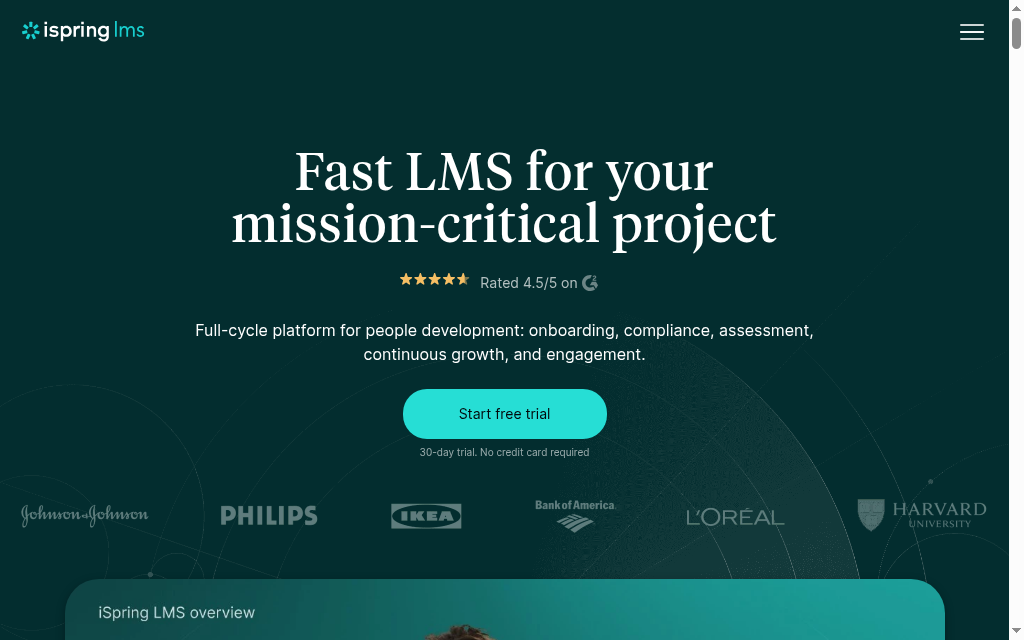
Best for: Teams that want a polished, reliable LMS and already build content in PowerPoint.
iSpring Learn is a slick, well-supported LMS that pairs naturally with iSpring's authoring tool (Capterra 4.7 from 186 reviews).
- Price: Start from $7/user/mo at 25 users (about $2,100/yr), dropping to $2.60/user/mo at 1,000 users; Business from $11.63/user/mo at 25 users.
- Free tier: No permanent free plan; 30-day free trial, no card.
- Pricing model: Pay-per-active-user, billed annually only, in volume bands.
- The catch: The cheap sub-$3 rates only exist at around 1,000 users; a small team pays $7/user and commits a year up front. Cross your active-user band and new users are simply blocked from logging in until you upgrade.
Thoughts after user testing: A small workflow thing tripped me up repeatedly: I couldn't drop an image or video straight into a module, I had to create a "page" first and add media into that. The mobile app also has no admin tools (course building is web-only), and it auto-logged me out after about 20 minutes idle, which got irritating during a long build.
5. ProProfs Training Maker
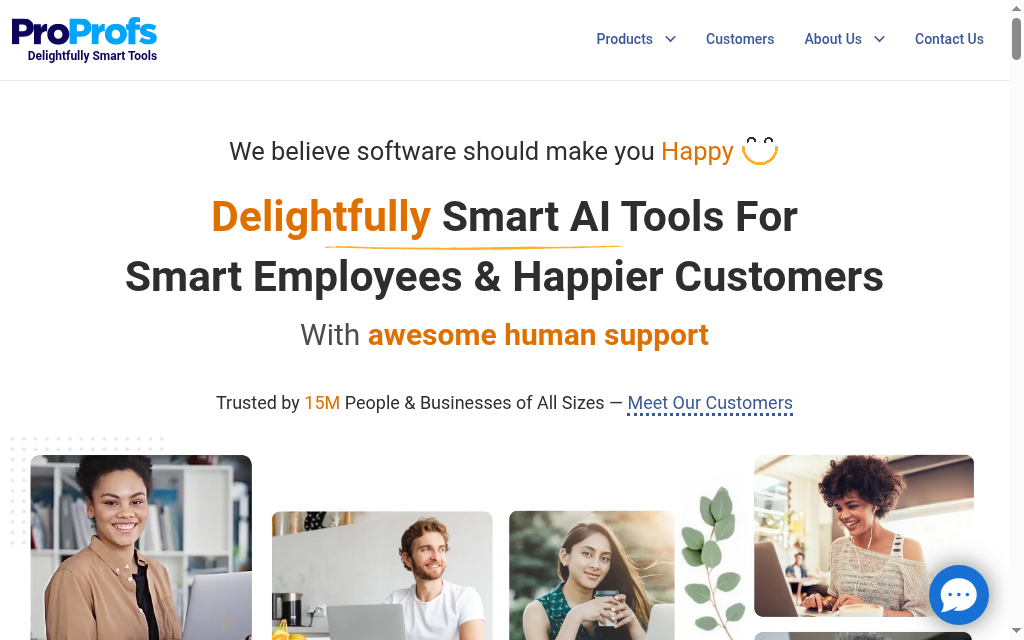
Best for: Small teams that want the cheapest per-learner entry point with a real free plan.
ProProfs Training Maker is a simple, cheap LMS with a genuinely useful free tier and one of the lowest per-learner rates here (Capterra 4.8 from 25 reviews).
- Price: Essentials $1.99/active learner/mo, Business $3.99, Business Complete Elite $4.98 (billed annually).
- Free tier: Yes, forever-free for up to 10 learners, and it includes a lot (unlimited courses, AI, SSO, even SCORM).
- Pricing model: Per active learner, with a hard learner ceiling on each tier.
- The catch: The headline $1.99 only holds to 100 learners; hit 101 and you jump to Business at $3.99, doubling your per-head cost. Unlimited-learner pricing doesn't arrive until the $4.98 tier.
Thoughts after user testing: The build is easy but the reporting bit me: I ran into overlapping, duplicated data in the tracking and the fix was slow to come. A couple of the quiz-construction tools also felt awkward, and on the lower tiers there is no real way to verify who actually sat an exam, which is crucial if your assessments need to be trustworthy.
6. Zoho Learn
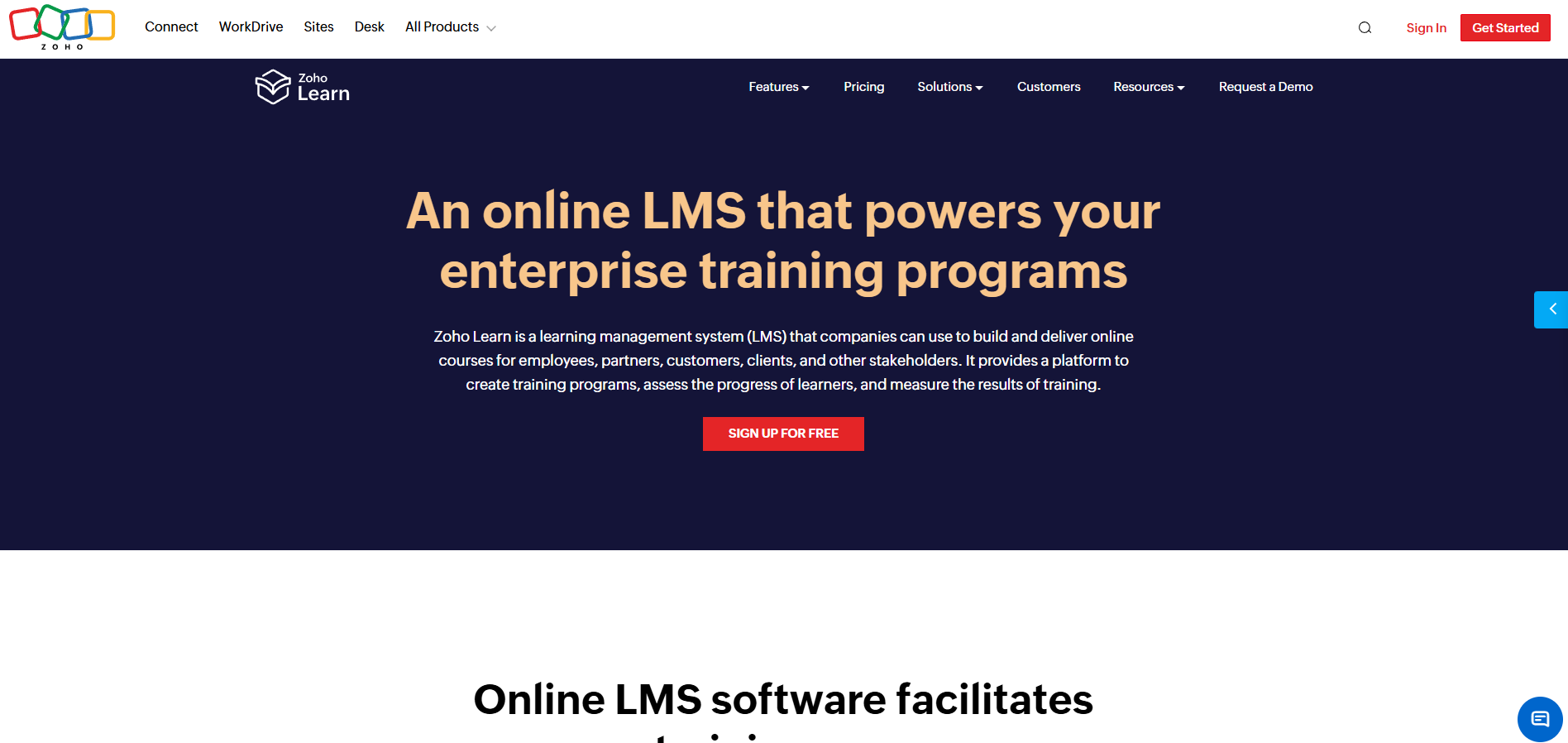
Best for: Teams already in the Zoho ecosystem that want a cheap knowledge-base-plus-training tool.
Zoho Learn combines a knowledge base and an LMS at one of the lowest prices here (Capterra 4.7 from 77 reviews).
- Price: Express $1/user/mo (about $0.83 billed annually), Professional $3/user/mo (about $2.50 annually).
- Free tier: Yes, free for up to 5 users, and it even includes SCORM.
- Pricing model: Per user/month, with a 5-user minimum on paid plans (so the real paid floor is about $5/mo).
- The catch: It's a knowledge-base and manual tool first, an LMS second: reporting and quiz types are thin, some limits (like upload size) are quietly gated to Professional, and it makes the most sense if you already use other Zoho apps.
Thoughts after user testing: The rough edge I hit was quizzes built from the question bank not scoring properly inside a course, a real bug for anyone leaning on assessments. The editor also mangled formatting when I pasted from Google Docs, so spacing took fiddling, and the mobile experience felt a step behind the desktop one.
7. Thinkific
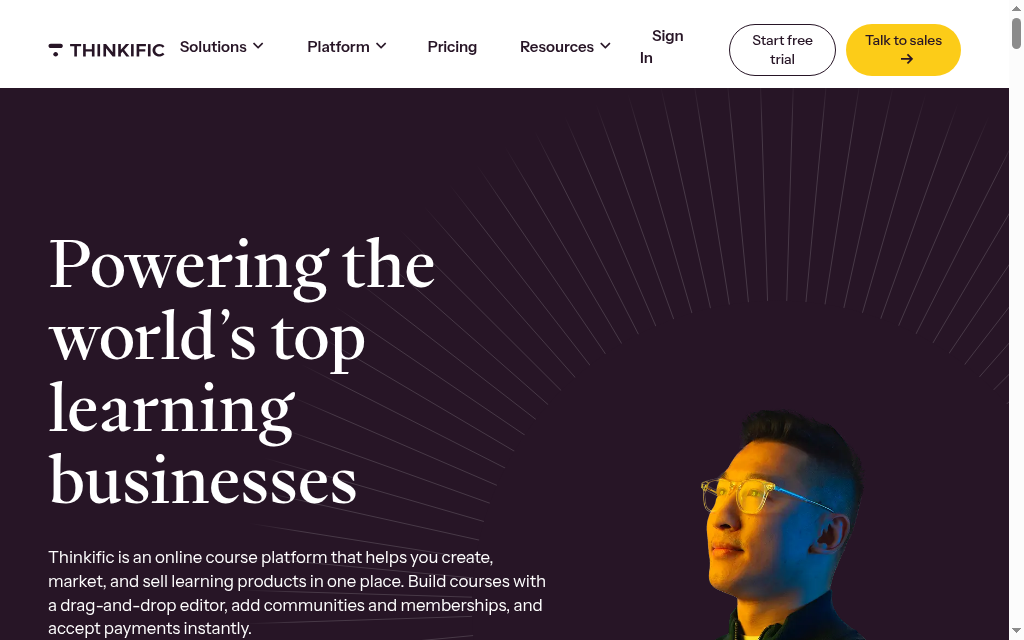
Best for: Creators and small businesses selling courses to the public.
Thinkific is one of the easiest ways to build and sell a polished course: no coding, clean learner experience (Capterra 4.4 from 205 reviews).
- Price: Basic $40/mo, Start $82/mo, Grow $164/mo (billed annually).
- Free tier: No longer, it retired its free plan; there is a 30-day trial.
- Pricing model: Flat monthly by feature tier (not per-seat), with 0% platform transaction fees.
- The catch: It's a course-selling platform, not a team-training LMS. SCORM, SSO, learning paths and extra admin roles are all on the custom-priced Plus plan only, and completion certificates and graded quizzes don't exist on Basic, so you can't really run internal compliance training on the cheap tiers.
Thoughts after user testing: The completion-tracking quirk surprised me: a learner's video progress does not register unless they click the "continue" button, so people who genuinely watched a lesson silently showed as incomplete in my reports. Fine for selling a course, a problem if you need reliable proof of completion.
8. Tutor LMS
Best for: Anyone already running WordPress who wants an LMS for a one-off or annual licence fee.
Tutor LMS turns a WordPress site into a full LMS, with a capable free plugin and no per-user fees (WordPress.org 4.4 from 585 reviews).
- Price: Free plugin; paid Individual $199/yr, Business $399/yr, Agency $799/yr (lifetime options too).
- Free tier: Yes, the core plugin is free on WordPress.org.
- Pricing model: Annual (or lifetime) licence by number of sites, plus you supply your own WordPress hosting.
- The catch: The sticker price is never the real cost: you pay for hosting and take on WordPress upkeep, updates and security yourself. There is also no built-in payment processing, so to sell courses you bolt on WooCommerce or another plugin, which is real plugin sprawl.
Thoughts after user testing: The lesson editor genuinely pleased me: adding a lesson opens the editor in a pop-up instead of throwing you to a separate page, and the drag-and-drop builder is smooth. The wall I hit was money: there is no native checkout, so the moment I wanted to charge for a course I was wiring up and maintaining a second commerce plugin.
9. eLeaP
Best for: Compliance-focused teams that want a straightforward, supported per-user LMS.
eLeaP is a no-frills LMS with a simple flat per-user rate and a focus on training and compliance (Capterra 4.6, though from only 7 reviews).
- Price: $5/user/mo (per active user); a separate eCommerce plan is $125/mo flat for selling courses.
- Free tier: No free plan; 30-day full-access trial, no card.
- Pricing model: Per active user, with volume discounts that only kick in at very high user counts.
- The catch: The flat $5/user is fine for a small team but there's no small-team discount, you pay full rate until you are into the thousands of users, and there is no free plan.
Thoughts after user testing: Two concrete things stood out. A reviewer-confirmed quirk I saw echoed in testing: some keyboard characters simply are not recognised by the system, an odd input glitch. And you cannot set course expiry dates, which is awkward for recurring certifications like first aid, plus finding a specific user in the admin is fiddlier than it should be.
10. Google Classroom
Best for: Schools and informal training where everyone already has a Google account and budget is zero.
Google Classroom is free, familiar and frictionless for anyone in the Google world (Capterra 4.6 from 2,892 reviews, mostly from educators).
- Price: Free with a Google account or Education Fundamentals; paid education upgrades (Teaching and Learning) from about $60/user/yr, contact-sales.
- Free tier: Yes, the core product is genuinely free.
- Pricing model: Free core; paid upgrades are per-user/year education add-ons sold through sales.
- The catch: It's built for K-12 teacher-to-student use, not corporate training. There is no SCORM, no completion certificates and no compliance or renewal tracking, and it assumes every learner has a Google account, which is friction for contractors and frontline staff.
Thoughts after user testing: Using it for actual staff training, the account requirement bit first: contractors without a Workspace account simply could not get in until an admin created accounts. And with no auto-assignment by role and no completion or audit reporting, I ended up tracking who had finished what in a spreadsheet, which rather defeats the point of an LMS.
How to choose the right affordable LMS
- Match the model to your size: per-user plans suit small, stable teams; flat or unlimited-learner plans suit anything that will grow.
- Start from what you are training: corporate and compliance (TalentLMS, iSpring Learn, eLeaP), selling courses (Thinkific), internal knowledge (Zoho Learn), or AI-built courses at scale (Coursebox).
- Check features are on the tier you can afford: confirm the features you need, SCORM, certificates, reporting and SSO, sit on your budget plan, not just the top one.
- Compare total cost, not sticker price: add hosting, add-ons, overage and build time before you decide. Our guide to choosing the right LMS walks through it.
- Try it on your messiest real use case, not the vendor demo, during the free tier or trial.
The most affordable LMS is the one that fits
There is no single cheapest LMS, only the cheapest one for your size, your content and your team. Here is the short version.
- Zero budget, with technical help: Moodle or Tutor LMS.
- Zero budget, without IT support: Google Classroom, or a free tier from ProProfs, TalentLMS, Zoho Learn or Coursebox. See our full guides to the best free LMS platforms and the best LMS for nonprofits.
- Cheap corporate training: TalentLMS or iSpring Learn.
- Selling courses: Thinkific.
- AI-built courses with unlimited learners: Coursebox.
If you want the fastest path from nothing to a trackable course, without per-seat learner fees, Coursebox is where I would start. You can book a demo or try the free plan.
Disclosure: Coursebox is the AI learning platform built by the team I work with. I have ranked it at #2, where I believe it honestly sits for affordability, and covered its limitations in the entry above. All pricing was verified against each vendor's official pricing page in USD as of August 2026; ratings are from Capterra and G2. Per-user prices and free-tier limits change, so double-check the vendor's page before you buy.
Frequently Asked Questions
Free and open-source options (Moodle, Tutor LMS) and free tiers (Google Classroom, ProProfs, Zoho Learn, TalentLMS, Coursebox) cost nothing to start. The cheapest paid entry points are Zoho Learn ($1/user/mo) and ProProfs ($1.99/active learner/mo), though per-user pricing climbs as you add people.
Yes. Moodle and Tutor LMS are free, open-source software (you pay only for hosting). Google Classroom is free. TalentLMS, ProProfs, Zoho Learn and Coursebox all have permanent free tiers with user or course caps. For a full rundown of platforms that cost nothing at all, see our guide to the best genuinely free LMS platforms.
A free tier is a capped version of a paid product (limited users, courses or features). Open-source software like Moodle or Tutor LMS is fully free with unlimited users, but you host it yourself and cover hosting, maintenance and upgrades.
For a small team, realistically $0 to a few hundred dollars a month. Per-user tools run about $1 to $11 per user/month; flat platforms about $40 to $250/month; and self-hosted "free" Moodle can run $1,000 to $6,000 a year once you count hosting and labour.
On a $5/user/month plan, about $1,000/month or $12,000/year. On a flat or unlimited-learner plan it can be a few hundred a month regardless of headcount, which is why the pricing model matters more than the sticker price as you scale.
Some do: Moodle, Zoho Learn (even on its free plan), ProProfs and Coursebox all export or accept SCORM. Others gate it, Thinkific offers SCORM only on its custom Plus plan, and Google Classroom does not support it at all.
Parshad Desai
Driving growth and marketing strategy at Coursebox AI

