

10 AI LMS Platforms in 2026: My Picks for Different Teams
Looking for the best AI LMS? Compare AI-powered LMS platforms and see how automation, AI tutors, and smart assessments transform training.

The best AI LMS platforms in 2026 include Coursebox, Sana, Docebo, 360Learning and other established learning platforms with different creation, learner-support and administration workflows.
- Test what the AI creates or automates, how you correct it, and whether it respects source permissions.
- Coursebox combines creation, assessment, tutoring and delivery with unlimited learners; course and AI capacity depend on the plan.
- LearnUpon Create+, Docebo Creator and current Absorb/Litmos AI features go beyond simple tagging or text assistance.
- Compare reporting, integrations, learner access and total licence scope alongside AI generation.
Use three preferences to compare four starting options. Check the entries for required capabilities, prices and plan conditions.

Run your own branded LMS with unlimited learners
An AI LMS can help with several different jobs: creating training, answering learner questions, finding relevant content and reducing administration. I would not choose one from the AI label alone. The useful comparison is how it handles the work your team repeats every week.
I co-founded Coursebox, which appears below. My comparison looks at the full learning workflow as well as the AI: creation, assessment, tutoring, delivery, records and the work needed to keep it running.
A large enterprise may need complex permissions, integrations and several training audiences. A smaller team may put more weight on getting courses built and delivered without a long setup. Those needs can overlap, so I would test the same learning workflow at the audience and reporting scale you expect.
The entries explain the task each platform supports, the current AI workflow and the parts I would trial before committing.
Reporting belongs in that trial. Bring the cohort, completion rule and manager report you need, then demonstrate the path from an actual learner action to the exported record. A generic complaint about an LMS does not establish how your configured report will behave.
How I tested this: for each platform I worked through its AI features hands-on when possible, then noted what the AI actually did against what the marketing claims. Where I could not get hands-on, the entry says so.
How I ranked these
I did not rank these on how 'well known' or big the LMS is. I ranked them on how much real work the AI does and whether you can actually use it, and I check every platform below against the same four, in the same order:
- AI workflow: What it creates, retrieves or automates, and how the user controls and corrects the result. Product age alone does not establish capability.
- What the AI does: the concrete job the AI performs, generating courses, tagging content, answering questions, and where it is just a logo.
- Access: public pricing, a free tier or a trial, versus a sales call to find out.
- The checks: The limits and operating work to evaluate with your own content, learner roles and reports.
Comparison at a glance
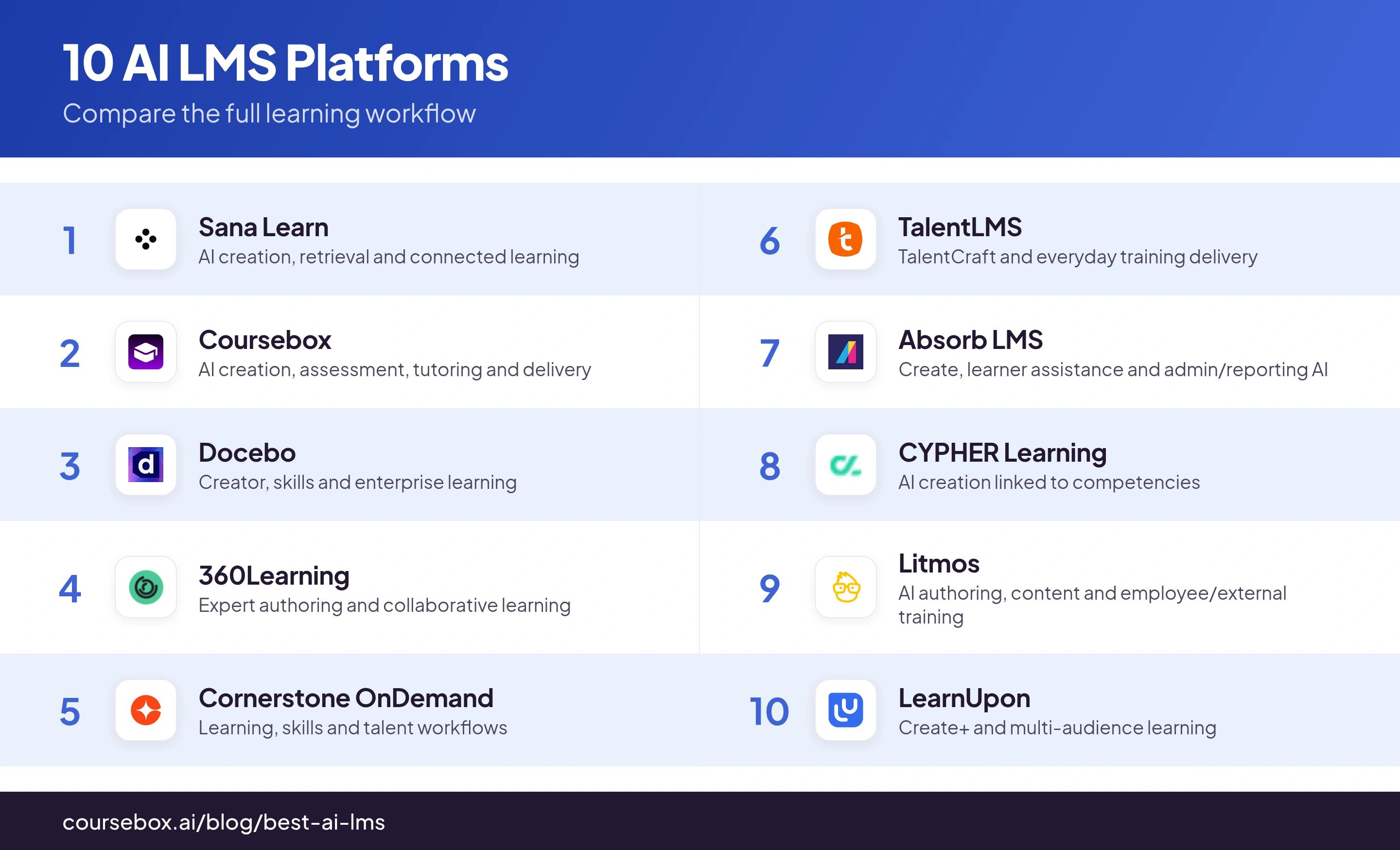
| Tool | What I would compare | Plan or trial check |
|---|---|---|
| Sana Learn | AI creation, retrieval and connected learning | Enterprise quote; test languages and permissions |
| Coursebox | AI creation, assessment, tutoring and delivery | Free limits; unlimited learners; plan capacity |
| Docebo | Creator, skills and enterprise learning | Current modules and AgentHub availability |
| 360Learning | Expert authoring and collaborative learning | Audience, reports, mobile and AI scope |
| Cornerstone OnDemand | Learning, skills and talent workflows | Enterprise integration and administration |
| TalentLMS | TalentCraft and everyday training delivery | Free limits; Core user band and billing model |
| Absorb LMS | Create, learner assistance and admin/reporting AI | Current Aura scope and filtered reports |
| CYPHER Learning | AI creation linked to competencies | Validate mapping and editing work |
| Litmos | AI authoring, content and employee/external training | Current package and integration scope |
| LearnUpon | Create+ and multi-audience learning | Current authoring, portal and user quote |
1. Sana Learn
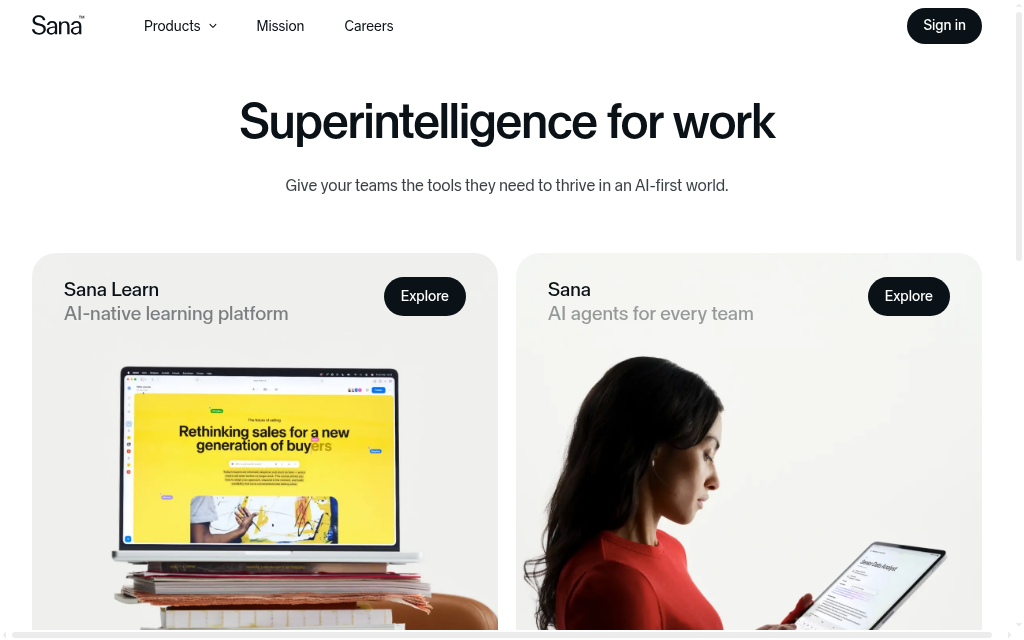
Best for: an English-primary org that wants the most modern, AI-native learner experience on this list.
Sana is a learning platform built AI-first from the ground up, aimed at modern enterprises.
AI approach: native. Search, course generation and the conversational interface sit at the foundation, not screwed onto a legacy system.
What the AI does: generates courses, answers learners conversationally and runs AI search across content; one documented switch went from 400 to 1,500 monthly active users.
Access: Current Sana Learn enterprise quote. Confirm author/learner counts, trial arrangements, implementation and included AI usage.
The check: Trial source retrieval and course generation in the actual languages you use. Include permissions and enterprise integration; an English demo is not evidence of universal multilingual performance.
My take: Compare Sana for connected AI creation, search and learning. I would choose from a trial of the full workflow rather than call one platform the best because it was built more recently.
Thoughts after trying it out: I tested Sana's edit mode and found a workflow quirk: the AI coach suggests iterative improvements as you build, but does not log what you have done. I had to ask the agent to generate a summary of all steps just to record the history. A sharp co-creation tool, but bring your own note-taking if you want to track your process.
2. Coursebox

Best for: teams that want an AI-native LMS they can start using today, with AI course generation at the core.
Coursebox is our AI LMS: it connects course creation, assessment, tutoring and delivery. I co-founded it, so weigh that perspective alongside the workflow and plan checks below.
AI approach: native. AI course generation is the core of the product, not a bolt-on; point it at a prompt or document and it builds the course, then delivers it.
Coursebox also supports delivery, learner access, assessment and integrations, with capacity and features depending on the plan. For an existing LMS, confirm the exact SCORM or LTI workflow, including what is exported, what remains hosted and what records return.
Access: Free includes three mini-courses of up to five pages each, unlimited learners, defined AI allowances and a Coursebox watermark. Paid capacity, branded LMS, exports and integrations depend on the plan.
The check: Demonstrate the roles, reports, learner navigation and integration paths you require. Coursebox combines creation, assessment, tutoring and delivery; the relevant question is how that setup fits your programme.
My take: A strong starting point when you want AI-assisted creation, assessments, learner tutoring and an LMS together, with unlimited learners. Compare course/AI capacity and the required administration features in the plan.
What I found: Since we built it, I know the value is in the connected workflow: create from your material, refine the course and questions, then support learners with the tutor and review their results. I would demonstrate your actual cohort and manager reports before committing, as I would with every platform here.
3. Docebo
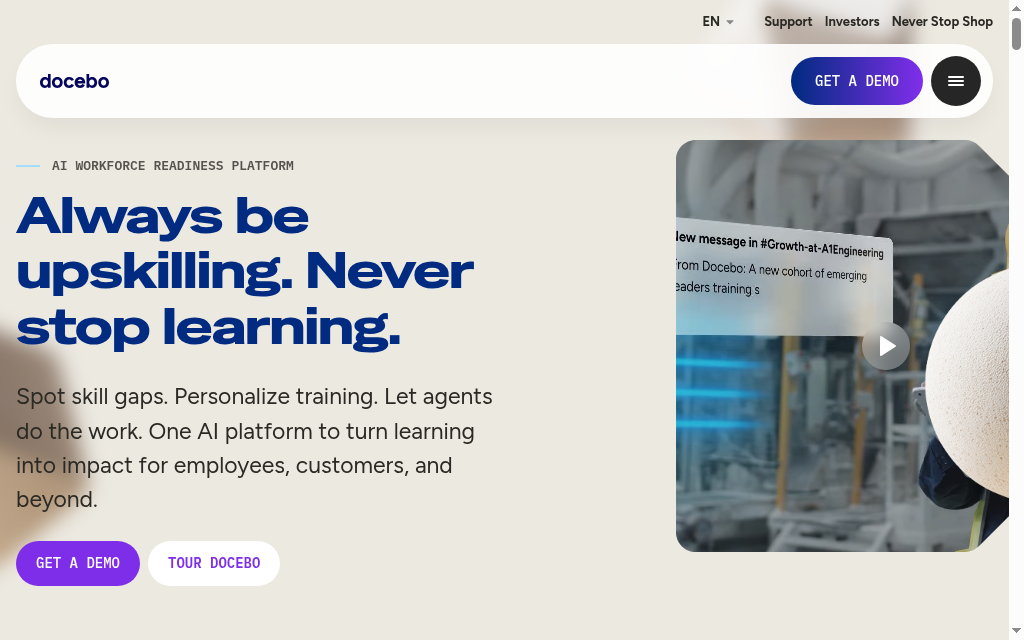
Best for: enterprises with dedicated IT and complex governance, where LMS depth takes priority over how AI-native it feels.
Docebo is the strongest pure enterprise LMS here, and its AI is the most developed of the legacy incumbents.
Docebo combines enterprise LMS operations with AI creation, skills, search and automation products. AgentHub was announced in April 2026; confirm which agents and workflows are available in the proposed contract rather than buying a roadmap claim.
Docebo Creator supports AI course creation alongside recommendations, content organisation and skills intelligence. It is inaccurate to limit its current AI to tagging existing content. Include authoring, learner access and governance in the trial.
Access: custom, enterprise-only, no trial.
The check: Trial the Salesforce or other business-system connection you need with realistic records, and agree the support and escalation terms. Individual historical support complaints are not a universal response-time commitment.
My take: buy Docebo for LMS depth and scale and treat the AI as a bonus. Always buy the shipping product over the roadmap.
What I found: Organising content and recommendations was the part I originally focused on. Current Creator and agent workflows broaden the comparison. Grounded retrieval gives a source trail, but it does not eliminate false answers; test permissions, missing sources and corrections.
4. 360Learning
Best for: collaborative, peer-driven learning on desktop or iOS.
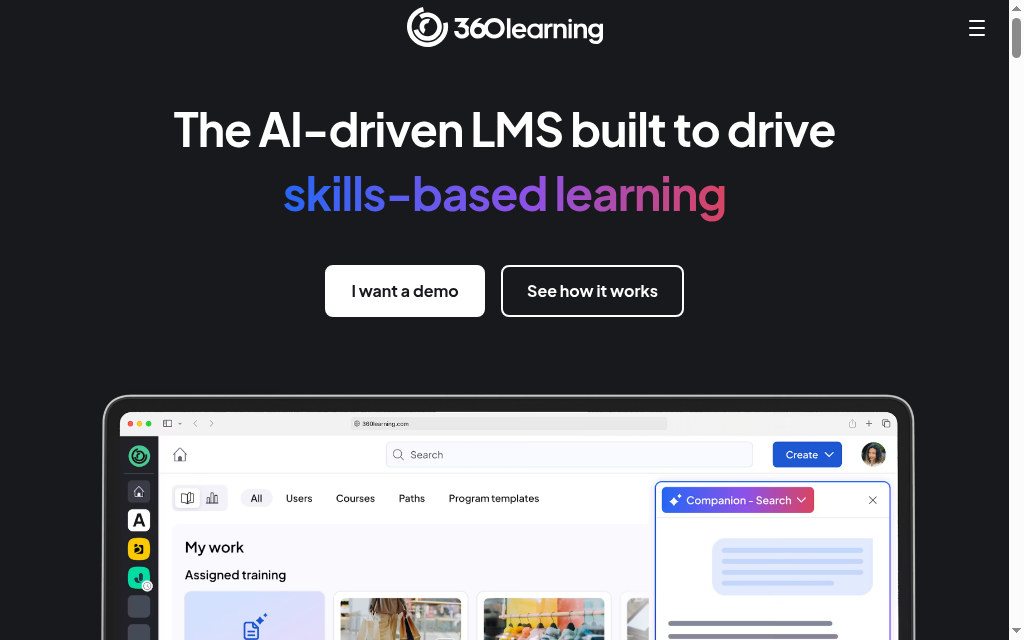
360Learning is a mid-market LMS built around subject-matter experts authoring their own content, and the most AI-forward of the incumbents.
AI approach: bolted on, but doing real work. The AI Companion (October 2025) runs natural-language search and conversational analytics.
What the AI does: answers questions against your content and lets you ask which modules have the lowest completion this quarter and get an answer with source links.
Access: public. Team $8/user/mo, 30-day trial no card; Business and Enterprise custom.
The check: Demonstrate the current reports, quiz settings, mobile experience and support route for your deployment. Compliance suitability depends on the required training, records and controls, rather than a blanket category exclusion.
My take: Compare 360Learning for expert-led course creation and collaborative employee learning, including the reports and review process your programme needs.
What I found: The Companion returned existing options when I asked about an unavailable pathway in my trial. I would still test ambiguous requests, content permissions and missing information before relying on an answer in a report. One successful query is not a no-hallucination guarantee.
5. Cornerstone OnDemand
Best for: a full talent-and-learning suite with compliance at enterprise scale.
Cornerstone serves 7,000-plus customers across 186 countries, with AI that is real but firmly secondary to a vast talent suite.
AI approach: bolted on. Skills inference and content recommendation sit on top of the suite, not an AI-native core.
What the AI does: infers skills and recommends content; the vendor ROI figures (443%, competency time cut to 90 days) are self-reported, so treat them as directional.
Access: enterprise custom quote, no trial.
The check: Use a learner and administrator pilot to assess navigation, report ownership and support. A review-site percentage is not a measured support outcome for your organisation.
My take: buy it for suite depth and compliance at scale; look elsewhere if learners must feel at home on day one.
Thoughts after trying it out: I tested Cornerstone's natural-language search with 'how do I improve my team engagement' and got 1,886 courses back. The AI understood the question fine, but could not work out which results were most relevant, so sorting through thousands defeats the point of letting AI do the thinking.
6. TalentLMS
Best for: SMEs and growing teams that want honest pricing and simple structures.
TalentLMS pairs the category's most transparent pricing with a competent AI course builder, TalentCraft.
AI approach: bolted on, as a assist. TalentCraft speeds up standard content rather than rethinking the LMS around AI.
What the AI does: drafts standard course content on AI credits; right-sized for everyday corporate training.
Access: TalentLMS has a free tier for five users and ten courses. Core currently starts at US$119/month on annual billing in the 1 to 40 user band. Standard and Flex count users differently; select the actual band and billing model.
The check: Build the multi-course path and manager report you need in the trial. Course sequencing, learning paths and reporting scope depend on the current product and configuration, so do not assume grouped learning is unavailable.
My take: the pick for SMEs that want something that works without a procurement gauntlet; not for complex enterprise compliance.
Thoughts after trying it out: I tested TalentCraft's image generation and the text overlaid inside AI-created images often had spelling mistakes and odd formatting. Every time I generated images I had to review and delete or regenerate the bad ones. In practice it was faster to upload my own visuals and overlay the text myself.
7. Absorb LMS
Best for: Teams comparing course creation, learning administration and connected AI support.
Absorb is easy for both admins and learners to navigate without a training programme, which is a higher bar than it sounds.
Absorb combines AI-assisted creation with admin and learner assistance. Its current Aura suite includes agent workflows; confirm availability, source permissions and included usage in the proposal.
Absorb Create can turn source material into editable learning content. Intelligent Assist also helps administrators find reports and apply filters, while learner assistance supports content discovery and questions. Trial the actual tasks rather than equating all AI with slide conversion.
Access: custom quote by learner count, no trial.
The check: Absorb reports support filters, including multiple-filter logic. Demonstrate the department/group report, permissions and export you need instead of assuming only all-user or single-user reporting is available.
My take: Include Absorb when course creation and learner/admin support should work within an established LMS. Compare the actual authoring, reporting and audience licence scope.
Thoughts after trying it out: I tested Absorb Create's PowerPoint converter and it beats the screenshot-only approach rivals use. You upload a deck, edit the text directly, add questions on top, then publish. Better still, update the master lesson in Create and it flows through to every course using it.
8. CYPHER Learning
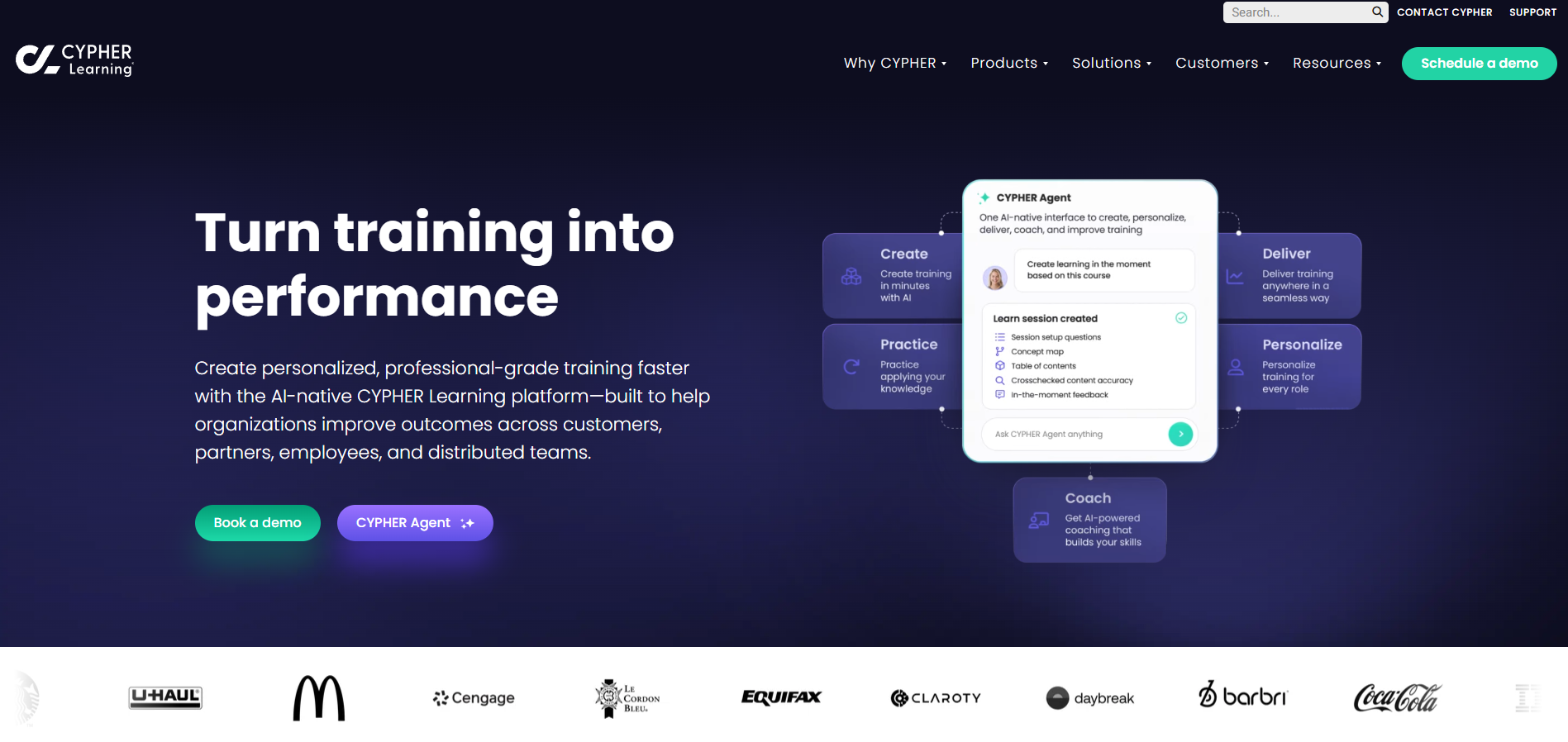
Best for: skills-based competency tracking with a premium on stability.
CYPHER Learning leads with reliability and a skills-based architecture, with AI course generation present but not the reason people choose it.
AI approach: bolted on. Copilot generates courses and assessments, but exceptional uptime is the real draw.
Coursebox connects AI course creation with assessments, tutoring and delivery. Start with a topic or source material, then edit the generated structure, lessons and questions before publishing. Compare the review work on your own content rather than assume a fixed percentage of the course will be ready without changes.
Access: two custom-quote tiers, Enhanced and Enterprise.
The catch: some UI elements have aged, feature requests move slowly, and setup is more hands-on than TalentLMS or Absorb.
My take: Compare CYPHER for skills-linked creation, learning paths and delivery. Check the competency and assessment mapping in a representative course; published uptime and generation claims do not replace that trial.
What I found: The first course draft appeared in about ten minutes in my trial. The useful test came afterward: editing the sequence, checking questions and deciding which explanations needed more detail. Generation time is only one part of getting a course ready.
9. Litmos
Best for: Employee and external-audience training with content and AI assistance in one platform.
Litmos combines learning administration with content authoring, a content library and AI assistance. Francisco Partners acquired it from SAP in December 2022; it is no longer a SAP-owned platform.
Litmos offers AI-assisted content authoring and learning support. Compare the current package, generation/editing steps and learner experience rather than describing it as a light descriptions-only feature.
Use the demo to create and edit content, find an answer from approved material and inspect the learner record. Those tasks reveal the useful AI scope and any limits in the selected package.
Access: quote only (Foundation and Platinum AI). 14-day trial. Content library and Salesforce connector cost extra.
The check: Pilot stability, navigation, integrations and reporting in the current release. Historical reviews can suggest tests, but they do not establish a universal decline or justify attributing it to the wrong owner.
My take: Compare Litmos for the combined learning, content and external-audience workflow. I would base a commitment on the current pilot and contract rather than a prediction about its owner’s trajectory.
10. LearnUpon
Best for: customer and partner training at scale, when AI is not your priority and your headcount clears the minimums.
LearnUpon is a well-run multi-audience LMS, and the least AI-native of the ten.
LearnUpon launched integrated AI-native authoring as Create+ in March 2026, following its Courseau acquisition. Compare that shipped workflow separately from later agentic announcements.
Create+ produces interactive learning content inside LearnUpon. Its multi-audience delivery remains relevant for employees, customers and partners; include author review, portal permissions and reporting in the comparison.
Access: Current quote required for your audience and use case. Confirm the eligible user count, portals, AI authoring, integration and support scope rather than treating old minimums as universal current policy.
The catch: the Microsoft integration needs manual workarounds, and features have shipped buggy before adequate QA.
My take: Compare LearnUpon when AI authoring and several training audiences need to work together. Its current creation features should be evaluated alongside delivery and integration.
What counts as an AI LMS, and what is just a chatbot bolted on
An LMS is the system that hosts, delivers and tracks your training. An AI LMS should mean the AI does real work inside that loop, not a support chatbot sitting in the corner of the screen.
Three jobs actually count. It generates courses or assessments from your material. It personalises or recommends what each learner sees. Or it answers learners and admins in plain language against your own content. A tool that does one of these well has earned the label.
What does not count: a generic chatbot bolted onto the login screen, a keyword search that was relabeled AI, or an agentic feature that has been announced but has not shipped. If the impressive part lives in a press release rather than the product, it is marketing, not an AI LMS.
AI-native vs AI-added: how to tell
A platform’s history does not determine how much work its current AI can do. Compare creation, editing, assessment, tutoring, search and administration in the shipped product, then check source handling, permissions and correction workflows.
How to tell them apart in a demo:
Ask it to produce the learning asset you need from your own source material.
Make a substantive revision, then inspect what changed and what stayed under your control.
Check learner and administrator questions against source permissions, missing information and outdated content.
Watch the tense. Future tense in an AI pitch, like agentic AI arriving next autumn, means you are buying a roadmap, not a product you can use now.
How to choose an AI LMS
Start from the job, not the label
If you need training built fast from existing material, an AI-native tool earns its keep. If you need deep compliance, talent management and governance at enterprise scale, a mature LMS with AI added is the safer buy and the AI is a bonus.
Insist on a live test with your own content
Use your actual content, learner groups and reporting question in the demo. A well-rehearsed vendor example does not establish that those tasks will work for your setup.
Treat quote-only pricing as a signal
Pricing transparency helps with an initial shortlist, but compare the actual user count, AI usage, implementation, support and required integrations. A public starting price is not the full deployment cost.
Buy what ships, not what is announced
Several AI stories on this list lean on features dated to late 2026. You can only use what is live the day you sign.
Pressure-test the one limitation
Every tool here has one, whether it is reporting depth, sub-group filtering or non-English quality. Find it before you commit, not after.
What I Would Actually Pick
I would shortlist by the whole learning workflow. Coursebox connects AI creation, assessment, tutoring and delivery; Sana combines AI creation and retrieval; the enterprise platforms add different governance, integration and audience-management options. Trial the course revision, learner question and manager report you need, then compare the licence scope and operating work.
For an enterprise shortlist, compare governance, integrations, learner support and administration alongside AI creation. Use the actual reports and audience structure in the pilot; none of those choices follows automatically from a product’s AI label.
The one I would not sign right now is Litmos: the post-acquisition trajectory is the wrong direction for a multi-year commitment. I would revisit it in 2027.
One last question to ask every vendor on your shortlist: not whether an AI feature exists, but how many active users actually have it enabled. Our own data shows the Coursebox AI tutor, a marketed feature, sits under half a percent adoption. Most vendors will not volunteer that number, and it is the difference between an AI LMS and an LMS with an AI logo on the box.
ATD’s 2026 industry report records US$846 in direct learning expenditure and 16.7 formal learning hours per employee for 2025. That wider budget includes more than software. I would compare the work required to create, review and deliver training as well as the LMS subscription.
Frequently Asked Questions
The label covers a wide range. At the useful end, the AI generates course content from documents or prompts, auto-builds quizzes and assessments, and adds features like AI tutors or automated grading. At the thinner end, it is a chatbot bolted onto a standard LMS. When you compare platforms, judge what the AI actually does day to day, not what the marketing claims.
The strong ones do both. You can bring existing SCORM packages in from authoring tools like Articulate Storyline or Rise, and export AI-built courses back out as SCORM to run inside another system. If you already have a learning platform you plan to keep, SCORM export is the feature that lets an AI LMS sit alongside it instead of replacing it. Confirm both directions before you buy.
No. A common setup is to keep your current LMS for delivery and reporting, and use an AI LMS purely as the authoring layer that generates courses and exports them as SCORM into the system you already run. Buyers who only need faster content creation, not a new platform, often take this route. Just check that the AI tool exports cleanly into your specific LMS.
It varies more than you would expect, which is where quotes get confusing. Some platforms charge per learner or per active user, which scales badly as your audience grows. Others charge per admin seat or per portal, with unlimited learners included. High user minimums (for example 100 seats or more) are common at the enterprise tools. Always model the cost at your real learner count, not the headline price.
Most AI-native platforms can generate and translate course content across many languages from a single source. Quality is usually strongest in English and can degrade in less common languages, so if you train a multilingual workforce, test the output in your actual target languages first. Ask whether translation is one click or a manual rebuild for each language.
Enterprise buyers should expect SSO, role-based access, GDPR compliance and, on request, documents like a penetration test summary or a data processing agreement. Newer AI-native tools sometimes trail the established enterprise platforms on this, so if you are in a regulated industry, ask for the security pack up front rather than assuming it exists. This is a common reason procurement stalls.
There are usually two paths. If your old courses are SCORM packages, you import them directly. If they are documents, slides or PDFs, you feed them into the AI to rebuild them as structured courses, which also modernises the content along the way. Bulk migration of a large catalogue is rarely fully automatic, so ask about the process and any help offered before you switch.
Travis Clapp
Travis Clapp is the original founder and CEO of Coursebox. As an experienced instructional designer, he has lived through the process of building high quality courses. These experiences brought about his idea to upload all your documents and ideas into a virtual box that could convert those magically into a course. Prior to Coursebox, he successfully founded and built a social based LMS. Travis has 15+ years of experience designing courses and EdTech platforms from university MOOCs to enterprise LMS. Travis has built training for reputable companies like Johnson & Johnson, Electrolux, Michael Hill and SA Health. One of his courses reached 20,000+ learners which was a flagship edX course. He is based in the Adelaide, South Australia office and passionately works on customer support, sales and bringing the original product vision to life every day.

