

10 Best Patreon Alternatives in 2026 (Fees Compared)
The 10 best Patreon alternatives, compared honestly on fees (the number that decides it), audience ownership and creator type. Since Patreon moved to a flat 10%, here is what you would keep elsewhere.

Since August 2025, new Patreon pages pay a flat 10% of membership income (plus payment processing), which is why "Patreon alternatives" is trending. Compare on the real fee, what you keep after platform plus card fees, not the headline rate.
- Ko-fi and Buy Me a Coffee are the closest, cheapest like-for-like swaps (0% on tips, ~5% on memberships), and Ko-fi is the artists’ default. Gumroad, by contrast, can cost more than Patreon, so it wins on speed, not on what you keep.
- Match the tool to what you make: Substack (or Ghost, to own your list) for writers, Ko-fi for artists, Fourthwall for memberships plus merch, Mighty Networks for a real paid community, and OnlyFans or Fansly for adult work mainstream platforms ban.
- Owning your audience is often worth more than a point of fees. Substack, Ghost and Memberful let you keep the email list and the billing relationship, so your paying income is portable; Patreon holds that relationship, so paid members cannot simply follow you elsewhere.
- Coursebox belongs on this list in one narrow case only: when your "membership" is really teaching a skill. If supporters are paying to learn, sell a structured AI-built course instead of a feed of perks. For patronage, tips or community, use one of the nine platforms above.
Answer three quick questions and I will point you to the right platform for what you create.

Build, launch and sell quality courses in minutes
Patreon works well, right up until the fees and the rules become the problem. In August 2025 it moved new creator pages to a flat 10% cut of your membership income, on top of payment processing, and dropped a few perks along the way. Add that Patreon holds the billing relationship, so your paying members cannot simply follow you to another platform, and a content policy that has removed some creators for what they post, and it is no wonder "Patreon alternatives" is such a heavily searched query.
The catch is that "alternative" means different things depending on what you make.
A writer wants a newsletter.
An artist wants tips and commissions.
A musician wants merch.
Someone teaching a skill wants a course.
So this is really a few lists in one. I have ranked the ten best, shown what each actually charges you, and then matched them to what you create.
I work in creator marketing, so the lens here is simple: what will you keep after fees, do you own your audience, and does the platform fit the way you make money, or only the way Patreon does.
One disclosure: we build Coursebox, an AI platform for creating and selling courses, which is why it sits honestly at number ten below, and only for the narrow case where your "membership" is really a course. For patronage, tips or community, the nine above are the answer.
What to check before you switch (it is mostly the fee)
Most of the decision comes down to money and ownership. These are the things that actually separate these platforms.
- Look past the headline rate. What you keep is the platform percentage plus payment processing plus any payout charge. On $1,000 of income, one platform might leave you $840 and another $790. The comparison table below shows the effective cost on an identical $1,000, which is the honest way to compare them.
- Percentage or flat. Percentage platforms (Ko-fi, Buy Me a Coffee, Substack) are cheap to start and stay simple. Flat-fee or monthly-plan platforms (Mighty Networks, Ghost, Podia’s higher tiers) cost more up front but stop taking a bigger slice as you grow. The more you earn, the more that difference counts.
- Do you own your audience? Patreon holds the payment relationship, so paying members cannot follow you without re-subscribing. Substack, Ghost and Memberful build on an email list and billing you own and can take anywhere. That portability is often worth more than a point or two of fees.
- What are you actually selling? Memberships, one-off tips, a newsletter, digital downloads, a community, or a course. Match the tool to that. A writer forcing their work into an art-tips platform, or an artist into a newsletter tool, will always feel the mismatch.
- Content policy. If you post adult or edgy work, read the policy before you commit. Some mainstream platforms will remove creators for what they publish, even elsewhere, which is why adult-friendly platforms like OnlyFans and Fansly exist as a separate lane.
How I compared these
I ranked these on what decides it for a creator. First, the real fee: I read every platform fee off the vendor’s own pricing page and worked out the effective cost on an identical $1,000 of income, including payment processing. Then whether you own your audience, and how well each fits a specific kind of creator rather than a generic "everyone". User ratings are from G2, Capterra or Trustpilot. Fees change often, so check the current rate on the platform’s own pricing page before you commit.
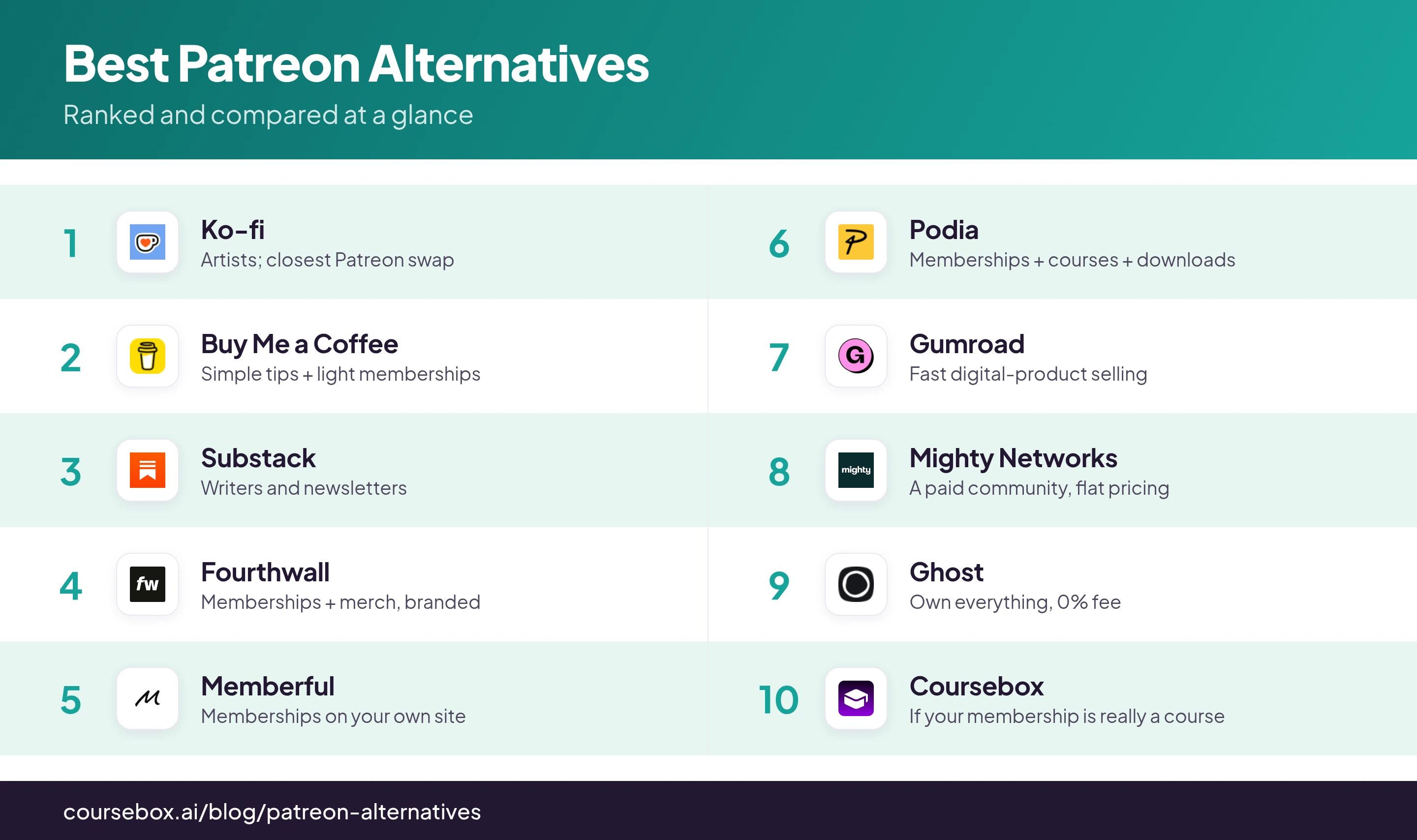
The 10 platforms and their fees at a glance
| Platform | Best for | Platform fee | Cost on $1,000* | User rating |
|---|---|---|---|---|
| Ko-fi | Artists; closest Patreon swap | 0% tips, 5% memberships | ~$109 | 4.6 (769) |
| Buy Me a Coffee | Simple tips + light memberships | 5% | ~$109 | 3.9 (1,619) |
| Substack | Writers and newsletters | 10% | ~$166 | 4.3 (17) |
| Fourthwall | Memberships + merch, branded | 5% memberships, 0% donations | ~$109 | 4.3 (362) |
| Memberful | Memberships on your own site | 4.9% + $49/mo | ~$157 | 4.5 (40) |
| Podia | Memberships + courses + downloads | 5% (0% on higher plans) | ~$151 | 4.4 (26) |
| Gumroad | Fast digital-product selling | 10% + $0.50/sale | ~$150 | 4.2 (16) |
| Mighty Networks | A paid community, flat pricing | 2% + $79/mo (Launch, annual) | ~$158 | 4.5 (769) |
| Ghost | Own everything, 0% fee | 0% + hosting | ~$59 + hosting | 4.0 (40) |
| Coursebox | If your membership is really a course | 0% transaction fee (paid SaaS plan) | n/a (not fee-based) | 4.7 (99)* |
* "Cost on $1,000" is what you lose on $1,000 of income (100 payments of $10): platform fee plus card processing (about 2.9% + $0.30 per payment). Patreon itself costs about $159 on the same $1,000. Plan-based platforms (Memberful, Podia, Mighty Networks) look pricey here because of the monthly fee, but get cheaper than percentage platforms as you grow. Fees read off each vendor’s pricing page in September 2026; confirm before you commit. Ratings out of 5 (review count) from G2, Capterra or Trustpilot (* Coursebox from Capterra).
The 10 best Patreon alternatives
1. Ko-fi
Ko-fi is where most creators leaving Patreon land first, and for good reason. It runs memberships, one-off tips, a shop and commissions, and takes 0% on tips with a low 5% on memberships and sales (0% on paid Ko-fi Gold). You are the merchant of record, so payouts hit your account directly and instantly, with no posting schedule hanging over you.
Best for artists and illustrators who want Patreon-style memberships plus tips without the fee bite or the content treadmill. Discovery is the weak spot, so you bring your own audience, and the free tier stays deliberately simple. For most people leaving Patreon, this is the closest, cheapest like-for-like swap.
My testing experience: money landed in my own PayPal the instant a supporter clicked. Ko-fi never queues your payout, so there is no monthly wait. Just know the 0% only covers tips: memberships still take 5% unless you pay for Ko-fi Gold, and you configure any sales tax yourself.
Verdict: The closest and cheapest Patreon swap, and the artists’ default. Stay on the free 5% until memberships clear a few hundred a month, then Ko-fi Gold’s flat fee starts to pay off.
2. Buy Me a Coffee
Buy Me a Coffee is the dead-simple option: one clean page where fans leave one-off tips ("coffees"), take a membership, or buy an extra, at a flat 5% fee with no monthly cost. It strips the whole thing down to almost nothing, which is exactly why casual and first-time creators pick it over Patreon’s heavier setup.
Best for a creator who wants something live in five minutes that fans grasp instantly. That stripped-back design is also the ceiling: it is lighter on tiers, gating and analytics than Patreon or Ko-fi Gold, so power users may outgrow it. For tips and light memberships, that is a fair trade.
My testing experience: a page took minutes to set up, and the "how many coffees" checkout is cleaner than Ko-fi’s. What gave me pause is the payouts: they run through Stripe Express, and the loudest complaint pattern is suspended accounts and held payouts with slow support. I would not route my whole income through it before I trusted it.
Verdict: For tips and light memberships at a flat 5%, it is the simplest and most fan-friendly pick on this list. Light on advanced membership tools if you need them.
3. Substack
Substack is the answer when what you make is writing. A free newsletter plus paid subscriptions, so your work lands in inboxes, not behind an app, and you own the subscriber list and can take it anywhere. It charges 10% of subscription revenue, the same headline rate as Patreon now, but the email ownership and built-in discovery change the deal for writers.
Writers, journalists and anyone whose product is a newsletter should look here first. The 10% is not cheap, and it is built for text, so a visual artist or musician is in the wrong place. But for writers it is the category default, and owning your email list beats a point or two of fees.
My testing experience: on a fresh Stripe account my first payout took a week or two to clear, then ran normally after that. The catch to know is Apple: subscriptions bought inside the iOS app bill through Apple, which takes a cut and nudges up the price readers pay, though you do still keep their email. Point paid readers to the web signup and everyone keeps more.
Verdict: The default for writers: a newsletter you own, with built-in discovery. Same 10% fee as Patreon, and wrong for non-writers.
4. Fourthwall
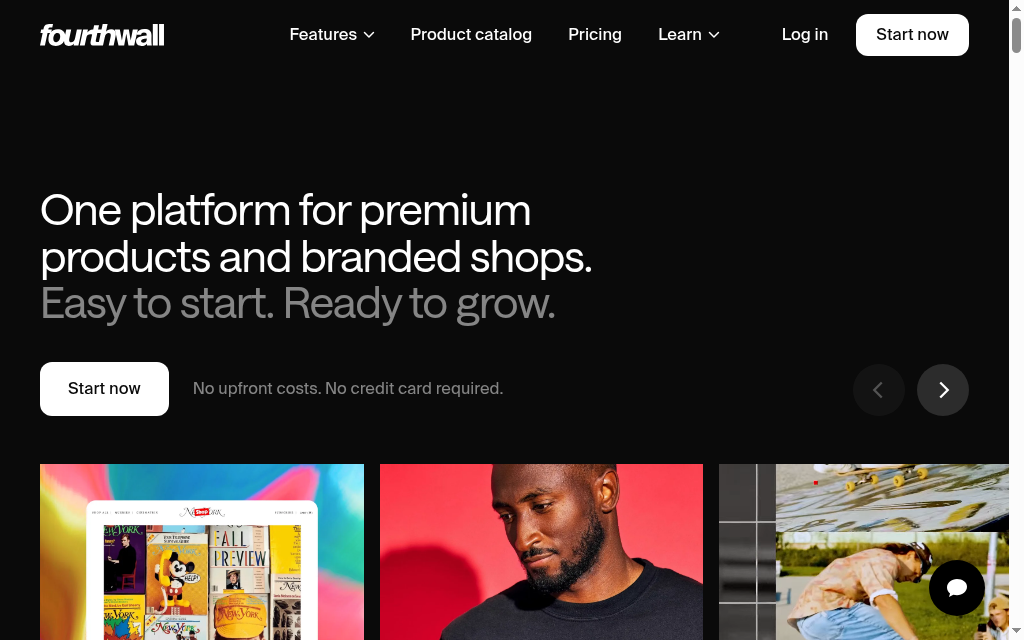
Fourthwall is built for creators who sell more than access. It pairs memberships and tips with a real merch and product store, all under your own branded site, and it is upfront about fees (about 5% on memberships, 0% on donations, and it earns on merch rather than clipping your income). For a YouTuber or streamer who wants memberships and a shop in one place, it is the modern all-in-one.
If you are a video creator, streamer or musician selling memberships plus merch on a branded storefront, this is the one. It is newer than the household names, and if all you want is a tip jar it is more platform than you need. But when your income mixes memberships and physical products, few tools do both this cleanly.
My testing experience: I ordered a sample of my own merch and the checkout was identical to a customer’s, which let me check print quality before launch. Fees are base cost plus your margin rather than a platform cut, and payouts arrive monthly once your balance clears $25, not the Net 60 a lot of merch tools make you wait for.
Verdict: If you mix memberships with merch on your own branded store, this is the all-in-one to beat. More than you need if you just want a tip jar.
5. Memberful
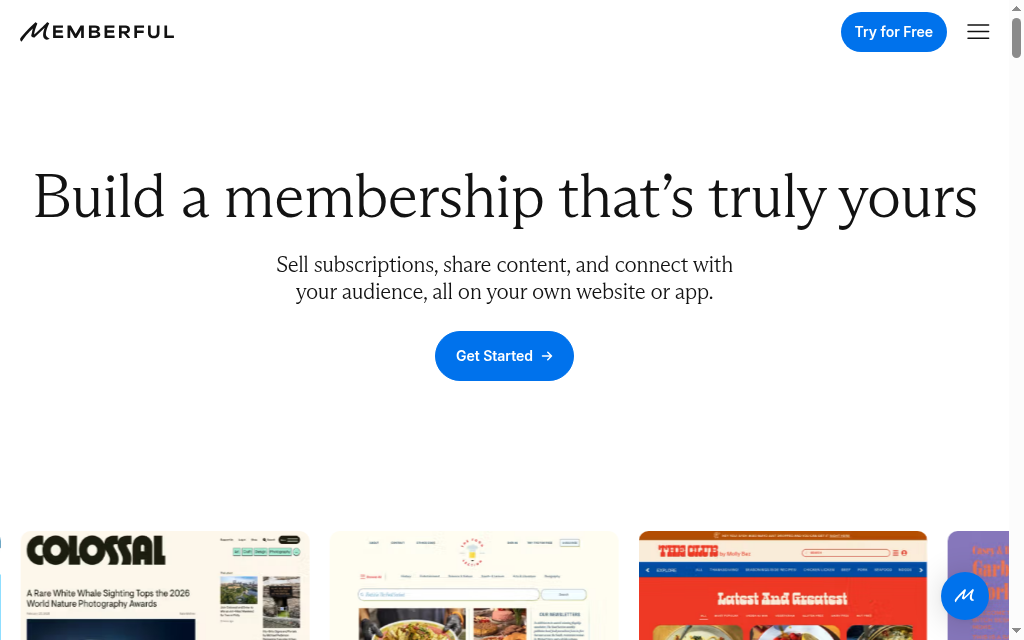
Memberful, owned by Patreon, runs memberships on your own website instead of on a platform. It plugs into WordPress and your own site, handles paid tiers, gated content and member management, and leaves you owning the brand and the audience. It is the pick when you already have a site and want the membership machinery without moving your community onto someone else’s turf.
Best for an established creator or small media business with their own site who wants full control of branding and member data. It is not the fastest zero-to-live option, since it expects a site to attach to and runs a plan fee plus a percentage. For control and ownership, though, it is one of the strongest here.
My testing experience: the WordPress plugin was easier to wire up than I expected, and members got auto-logged in with their plan synced. Price is flat at $49/mo with unlimited members, though a 4.9% cut rides on top of Stripe, and delivering anything more structured than a download, a real drip course, is a workaround rather than a feature.
Verdict: Best for running memberships on your own site with full control of brand and data. Expects an existing site, and costs a plan fee plus a percentage.
6. Podia

Podia is an all-in-one for selling to an audience: memberships, digital downloads, courses, coaching, even a simple website and email, from one dashboard. The pull for Patreon leavers is breadth. If your "membership" is really a bundle of content, courses and community, Podia runs the lot, and its higher plans drop the transaction fee to 0%.
Sell a mix, memberships plus courses plus downloads, and want one tool instead of five? Podia is the fit. A jack-of-all-trades is not the sharpest at any one job, and the lower plans carry a transaction fee you only escape by paying more monthly. For a multi-product creator, the consolidation is worth it.
My testing experience: building a course, I ran into the structure quickly. There are only sections and lessons, no submodules, and you cannot put a video and a quiz in the same lesson, so each becomes its own. Completion also logs only when a learner clicks "complete", so I would not trust the progress numbers. For a simple product to a small list, though, setup was quick and unfussy.
Verdict: The all-in-one for creators selling memberships, courses and downloads together. Watch the transaction fee on lower plans; you pay monthly to remove it.
7. Gumroad
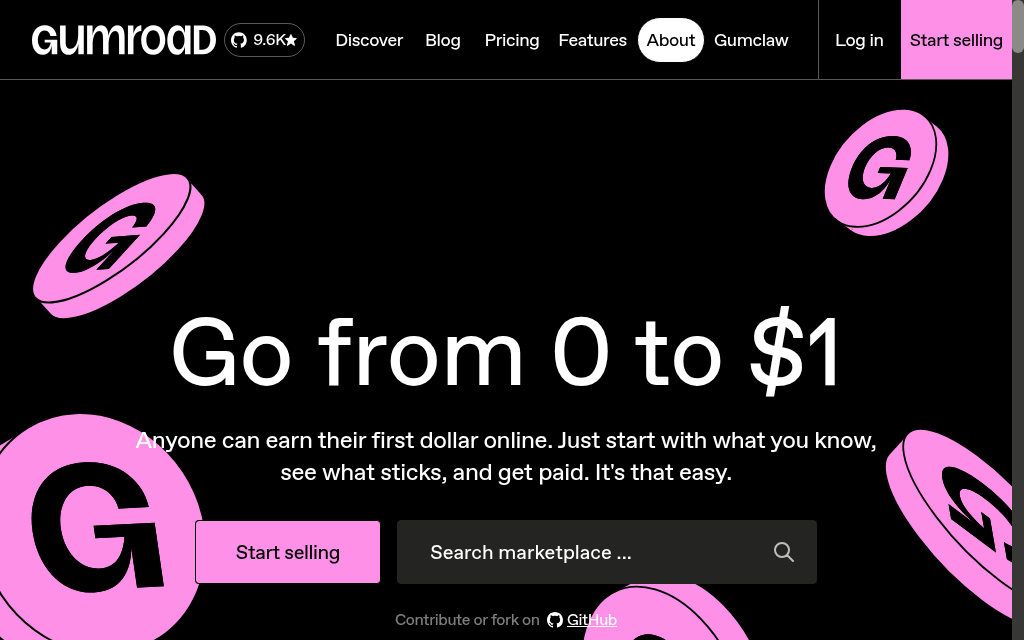
Gumroad is the fastest way to just sell something. Set up a product (a file, a subscription, a membership), share a link, and its checkout does the rest with almost no setup. It is a favourite for selling digital products to an existing audience. Be clear-eyed on cost, though: the fee is among the highest here, around 10% plus a per-sale charge on direct links, and far more through its Discover marketplace.
Best for a creator who wants the quickest path from "I made a thing" to "here is the link to buy it", especially for digital downloads. The catch is the fee: on percentage, Gumroad is one of the few options that can cost you more than Patreon, so it wins on speed, not on what you keep.
My testing experience: the checkout is the best part: instant, no upsells, and every sale handed me the buyer’s email. Then the payout threshold stings. Gumroad now holds your money until you clear $100, up from $10, so a creator earning $25 a month waits months to get paid, and the flat 10% lost its old volume discounts.
Verdict: It gets a digital product live and selling in minutes, with almost no setup. One of the pricier options on fees, so weigh speed against what you keep.
8. Mighty Networks

Mighty Networks comes at this from the community angle. It runs a paid community (feeds, events, courses, live) under your own brand on a flat monthly plan, with a low transaction fee instead of a big percentage. Its pitch to Patreon leavers: memberships earn more when they are a real, engaged community, not a one-way feed of perks.
Best for a creator whose value is the community itself, a place where members talk to each other, join events and take courses. It runs on a monthly platform fee (the entry Launch plan is $79 billed annually, $95 month to month), so it is not free to start, and overkill for a tip jar. For a real community business, the flat fee beats a percentage as you grow.
My testing experience: setup felt overwhelming at first, with a lot of moving parts, and support leaned on video tutorials. Reviewers also flag that the entry Launch tier ($79 a month on annual billing, $95 month to month) limits each Space to one main feature, a feed or a chat or events, not all three combined, and it is Stripe-only, so PayPal-preferring members need a workaround.
Verdict: Built for a real paid community under your brand, with flat pricing that rewards scale. A monthly platform fee, so not for a tiny first experiment.
9. Ghost
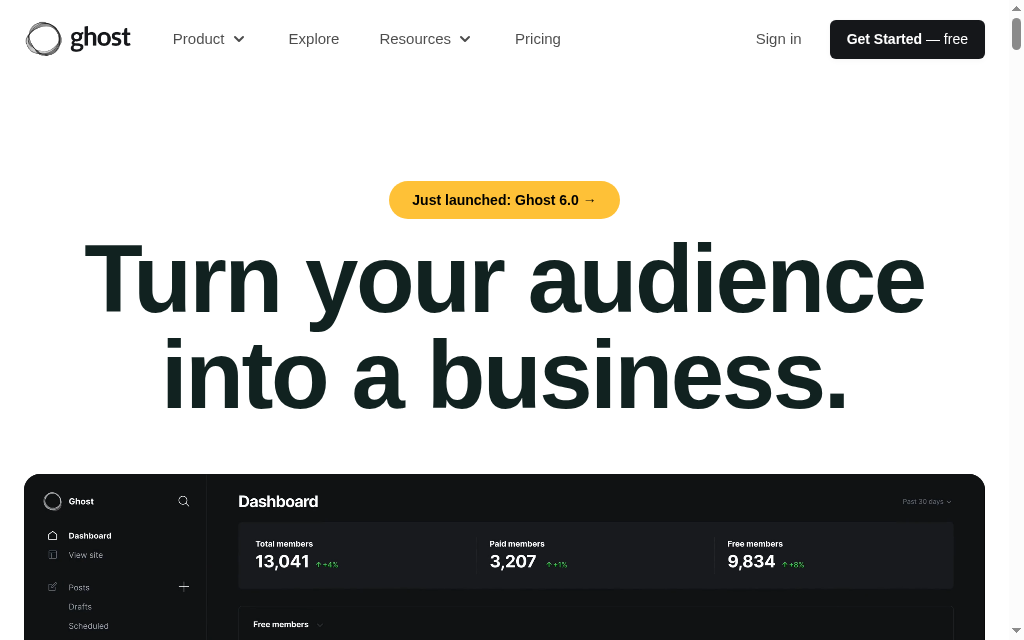
Ghost is the choice for creators who want to own everything: an open-source platform for newsletters, memberships and paid subscriptions at a 0% transaction fee, so beyond payment processing you keep all of it. Self-host it for free or pay for managed hosting; either way the audience, the brand and the data are entirely yours.
Writers and publishers who want Substack-style newsletters without the 10% cut, and who value independence over convenience, are the audience. Effort is the price: self-hosting is technical, and even managed Ghost is more hands-on than a plug-and-play platform. You trade some ease for zero platform fees and total ownership.
My testing experience: the software is free to self-host at 0%, but that is real setup work, the forums are full of self-hosters whose signups silently break until transactional email is wired up separately from the newsletter Mailgun key. On managed Ghost(Pro), paid subscriptions start at the $29 Publisher tier; the $18 Starter cannot sell them at all. Worth it for the ownership, but budget the time or the fee.
Verdict: The choice for keeping everything: newsletters and memberships at 0% platform fee, fully owned. More setup than a plug-and-play tool, and hosting is your job.
10. Coursebox
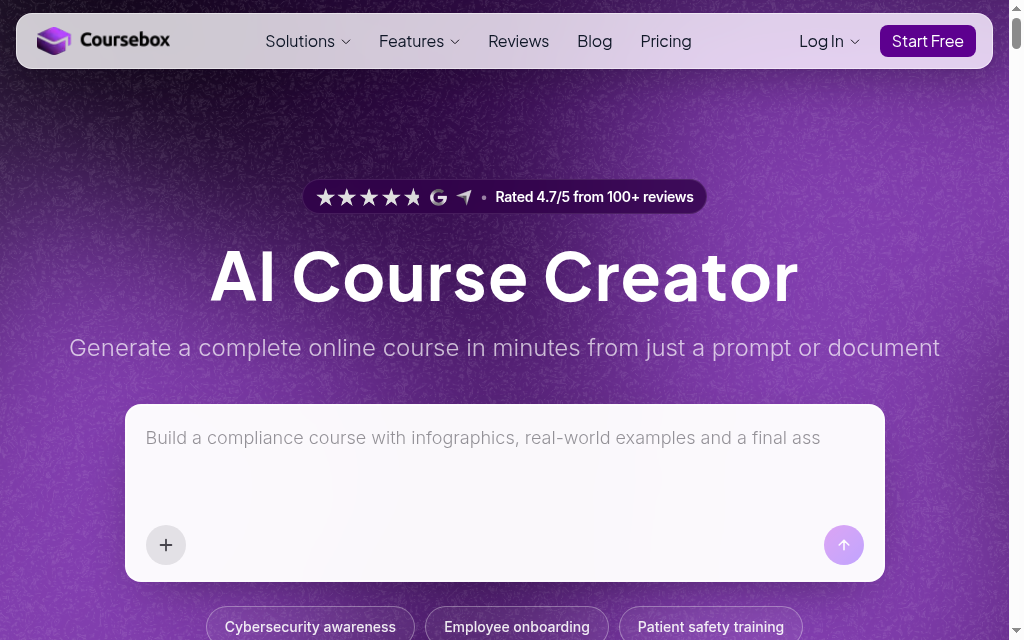
Coursebox, which is ours, is the odd one out here, and it belongs only in one case: when what you are really selling is a skill, not a membership. If your patrons pay to learn something from you, to draw, to code, to invest, a structured course can earn more than a members-only feed. Coursebox builds one from your material with AI (lessons, quizzes, an AI tutor), white-labeled and hosted, with unlimited learners.
Best for a creator whose "membership" is really teaching, and who would rather sell a proper course than drip perks. You get AI that turns your existing material into a course fast, your own branding, and no per-learner fee as your audience grows. To be straight about it: this is not a membership or tipping platform, so if you want recurring patronage, community or a tip jar, use one of the nine above. Coursebox only fits if teaching is the product.
My testing experience: feeding in my material, a full course with chapters, quizzes and an AI tutor came out in under two minutes, which is the real draw. Treat the output as a first draft: the AI over-explains and I trimmed it back, and one review I saw caught a course summary that had drifted to a different topic. Always read it through before you ship.
Verdict: Worth it only when your "membership" is really a course, teaching a skill you can package and sell. Not a patronage or community platform, so most Patreon leavers want one of the nine above.
The best Patreon alternative for your kind of creator
Match the tool to what you make. Here is my honest pick per creator type, including the lanes Coursebox has no business in.
| If you are a... | Start with | Why |
|---|---|---|
| Writer / newsletter | Substack, or Ghost to own your list | Your work lands in inboxes and you keep the subscriber list |
| Artist / illustrator | Ko-fi | Tips, commissions and memberships with the lowest fees |
| Musician | Fourthwall (or Ko-fi) | Memberships plus a real merch store on your own site |
| Podcaster / video creator | Fourthwall or Buy Me a Coffee | Memberships, tips and merch alongside your channel |
| Community builder | Mighty Networks | A real paid community, not a one-way feed, on flat pricing |
| Selling digital products | Gumroad or Podia | Fastest checkout for files, or an all-in-one store |
| Teaching a skill (courses) | Coursebox or Podia | Sell a structured course instead of dripping perks |
| Adult / NSFW creator | OnlyFans or Fansly | Built for adult content that mainstream platforms will ban |
| Want it free / own everything | Liberapay, Ko-fi (0% tips) or self-hosted Ghost | True 0% or donation-based, with no platform in the middle |
Why creators are leaving Patreon in 2026
Each of these reasons points to a different replacement. First, the fee: since August 2025, new Patreon pages pay a flat 10% of membership income, up from the older 5% or 8% tiers, and some lost perks like merch-for-memberships in the change. Second, ownership: you can export your patrons’ emails, but Patreon still holds the billing relationship, so your paying members cannot follow you to another platform without re-subscribing, and that income is not portable. Third, content policy: creators have reported being removed over adult or controversial work, sometimes for things posted on other platforms, which is why NSFW creators cluster on OnlyFans and Fansly. And fourth, discovery and community: Patreon is a feed of perks more than a place your fans gather, which is what pushes community-first creators to Mighty Networks or Circle. If none of those is your problem, staying on Patreon is a perfectly reasonable choice.
How to move off Patreon without losing income
The switch is more manageable than it feels, if you do it in order. Export what you can first: Patreon lets you download your list of patrons, so you have their names and pledge levels before you move. Pick the replacement that matches what you make (the table above), and set it up fully before you announce anything. Then tell your patrons directly, in a post and by any email you do have, explain why and make the new link one click. Run both in parallel for a month or two so nobody falls through the gap, then close the Patreon page once the migration settles. Protect the relationship above all: give people an easy path and a clear reason, and most will follow you.
Before the features, work out what each platform actually leaves you after its fee and payment processing, on the income you realistically expect. A percentage platform is cheapest when you are small; a flat monthly fee wins once you are earning real money, because it stops taking a bigger cut as you grow. Run your own numbers on the table above before you switch.
Which should you use
If you want one answer: most people leaving Patreon should start with Ko-fi, the closest and cheapest swap and the artists’ default. Writers are the exception and should go straight to Substack, or Ghost to own everything at 0%, and anyone selling merch alongside memberships wants Fourthwall. Gumroad is the fastest way to sell a one-off product, as long as you can stomach a fee that sometimes tops Patreon’s. Use Coursebox only if what you are really selling is a course.
And if that last case is you, our guide to AI course creation shows how to turn what you know into a course fast.
For where to host and sell that course, our rundown of the best platforms for selling courses compares the options.
Frequently Asked Questions
For most creators leaving Patreon over fees, Ko-fi is better: it takes 0% on one-off tips and about 5% on memberships and sales (versus Patreon’s flat 10% for new pages), you are paid directly and immediately, and there is no posting schedule. Patreon has stronger built-in discovery and a more established membership machine. If fees and getting paid directly are your priority, Ko-fi; if you rely on Patreon’s audience and tooling, the gap is smaller.
For writers, usually yes, because your product is a newsletter and Substack lets you own the subscriber list and the billing relationship on Stripe, so you can take your paying audience with you, which Patreon’s model does not allow. The fee is the same 10% headline. For non-writers, artists, musicians, video creators, Substack is the wrong shape, and Ko-fi, Fourthwall or Mighty Networks fit better. So it is better for writing, not better in general.
On pure fees, the cheapest are the platforms with 0% platform fees: Ghost (0% transaction fee, you pay for hosting), Liberapay and Open Collective (donation and nonprofit models), and Ko-fi on one-off tips (0%). For memberships, Ko-fi and Buy Me a Coffee at about 5% beat Patreon’s 10%. Flat-monthly platforms like Mighty Networks become the cheapest once your income is high enough that a percentage would cost more than the monthly fee.
Ko-fi. It is built around exactly what visual artists sell, tips, commissions and simple memberships, with the lowest fees on this list (0% on tips) and immediate, direct payouts. Gumroad and Payhip are good for selling art files, and Fourthwall suits artists who also sell merch. But for the core artist use case, Ko-fi is the default the community reaches for.
Export your patron list from Patreon first (you can download names and pledge levels), then set up your chosen replacement fully before announcing. Tell your patrons directly, in a post and by any email you have, explain why and give them a one-click link to the new platform. Run both in parallel for a month or two so nobody is lost in the gap, then close the Patreon page once the move settles.
Alexandra Cserta
Alexandra runs marketing at Coursebox from our Perth office. Her work spans campaign strategy, influencer and agency partnerships, webinar programmes, PR outreach, media appearances, and customer case studies.
She has a deep passion for teaching and mentoring. She is known for bringing people together, whether that is creating space for real conversations within the team or connecting Coursebox with the communities it serves.
Interested in a media appearance, case study, or interview with Coursebox? Reach out to Alexandra directly.

