

10 Best LMS for Churches in 2026 (Free and Paid)
The best LMS for churches, compared honestly for real budgets: free and low-cost platforms for volunteer training, discipleship groups and courses, with where each one fits and where it does not.

Most churches do not need an enterprise LMS; they need affordable tools for volunteer training and discipleship, so this list is ordered free-first.
- For a free start, Google Classroom runs a simple class today, and Moodle gives you a full open-source LMS if you have a technical volunteer to set it up.
- If your church site already runs on WordPress, a plugin like Masteriyo (flat-fee, unlimited learners) or LearnDash is often the cheapest path to real courses.
- For tracked volunteer and staff training with completion records, TalentLMS is the easiest hosted option; for discipleship groups that meet, Teachfloor fits the cohort model; and Coursebox can draft the courses themselves from material you already have.
- Many churches qualify for nonprofit pricing, so check for discounts and free tiers before paying full price.
Answer three quick questions and we'll point you to the best fit from this list.

Run your own branded LMS with unlimited learners
Churches run on volunteer power, but managing that workforce remains one of ministry’s steepest operational hurdles. According to Lifeway Research, 68% of pastors report that training volunteers and leaders is one of their primary administrative struggles. A dedicated Learning Management System (LMS) bridges this gap.
Most churches do not need a corporate learning system. So I looked at these tools through a church lens: what you can do for free or close to it, whether a non-technical volunteer can run it, and how it handles the two church jobs that come up most: training staff and volunteers, and discipling people through courses and groups. I have put the free and low-cost options first, because for most churches that is where the real decision is.
One disclosure up front: we build Coursebox, which is one of the tools here, and churches use it to turn existing material into training. It is an AI course tool rather than an all-round church platform, so I have tried to place it honestly and to be straight about where the others beat it.
What I looked for in a church LMS
A learning platform for a church lives or dies on a few practical things, not on the length of the feature list.
- A real free or low-cost way in. Most churches run lean, so the free tier or the entry price is part of the decision, not an afterthought. I have noted what you actually get before a paywall.
- A volunteer can run it. The person managing this is often giving their Saturday, not a paid admin. Setup and day-to-day use have to be manageable without a specialist.
- Fit for volunteer and staff training. Onboarding, safeguarding, role inductions, with a record that someone completed them. This is the job churches ask about most.
- Fit for discipleship and groups. Courses and studies people work through, sometimes alone, sometimes as a cohort that meets. Some tools are far better at the group version than others.
- Room to grow and stay affordable. The price. Does it stays the same as more of the congregation logs in, and whether you own your content or rent access to it?
- Fits your church stack. Whether it connects to the tools you already run, a church management system like Planning Center or Breeze, your member directory or giving, or at least stays out of their way. A platform that ignores your church software means keeping the same people in two places.
What churches actually use these for
The churches that come to us tend to ask for the same handful of jobs, and they are not always the ones the generic LMS reviews lead with. If you are weighing this up, these are the uses worth buying for.
- Volunteer and safeguarding onboarding. The most common ask by far: get every new volunteer through a short induction and a safeguarding module, with a record they passed. It is the job that pushes a church from a shared folder to a real LMS.
- Discipleship and Bible study. Structured studies people work through, on their own or as a group that meets, from a new-believers course to a leadership track. This is where cohort tools and ready-made video libraries fit.
- Leadership and staff development. Training small-group leaders, elders and paid staff, often the same course reused each year as new people step into the roles.
- New-member orientation. A short "start here" course on what the church believes, how to get involved and who to ask, so newcomers are not left to work it out alone.
- Outreach courses. Marriage, parenting or finance courses opened up to the wider community, a low-pressure way for new people to meet the church before they ever come on a Sunday.
- Multilingual training. For churches and mission networks that span countries, the same course delivered in several languages, which is exactly what the example further down did.
How I compared them
I set the same two church jobs against each tool, a tracked volunteer-induction course and a small-group study. I looked at how far the free plan or entry tier got me, how much technical help setup needed, and where each one clearly fit or clearly did not. I checked every price and free limit on each vendor’s own page while writing; confirm them before you commit, since plans change.
The 10 best LMS for churches at a glance
| Tool | Best for | Free option | Price | Rating | Watch out for |
|---|---|---|---|---|---|
| Google Classroom | Free, simple classes | Free with a Google account | Free | 4.5 (G2) | No certificates or monetization |
| Moodle | Full control, open source | Free (self-hosted) | Free + hosting | 4.1 (G2) | Needs a technical volunteer |
| Coursebox | Turning your material into courses with AI | Free to start, unlimited learners | Free to start; paid plans | 4.7 (Capterra) | A course tool, not church management |
| TalentLMS | Staff and volunteer training | Free up to 5 users | From $69/mo | 4.6 (G2) | Free tier is tight; priced per user |
| Teachfloor | Cohort discipleship and community | Free trial | From $89/mo | 4.7 (G2) | Built for cohorts, not the masses |
| RightNow Media | Ready-made video Bible study | Free for members via a church plan | Quote after a demo | n/a | A library, not a course builder |
| Subsplash | Training inside an all-in-one church app | Free demo | Custom quote | 4.5 (Capterra) | Buys the whole platform, not just an LMS |
| Masteriyo | Unlimited learners on a budget | Free core plugin | Pro from ~$99/yr | 4.8 (G2) | WordPress-only; newer |
| LearnDash | A serious LMS you own on WordPress | No (paid plugin) | From ~$199/yr | 4.2 (G2) | You run WordPress and hosting |
| Teachable | Selling courses or memberships | Free plan (fees apply) | From $39/mo | 3.9 (G2) | Transaction fees; not church-specific |
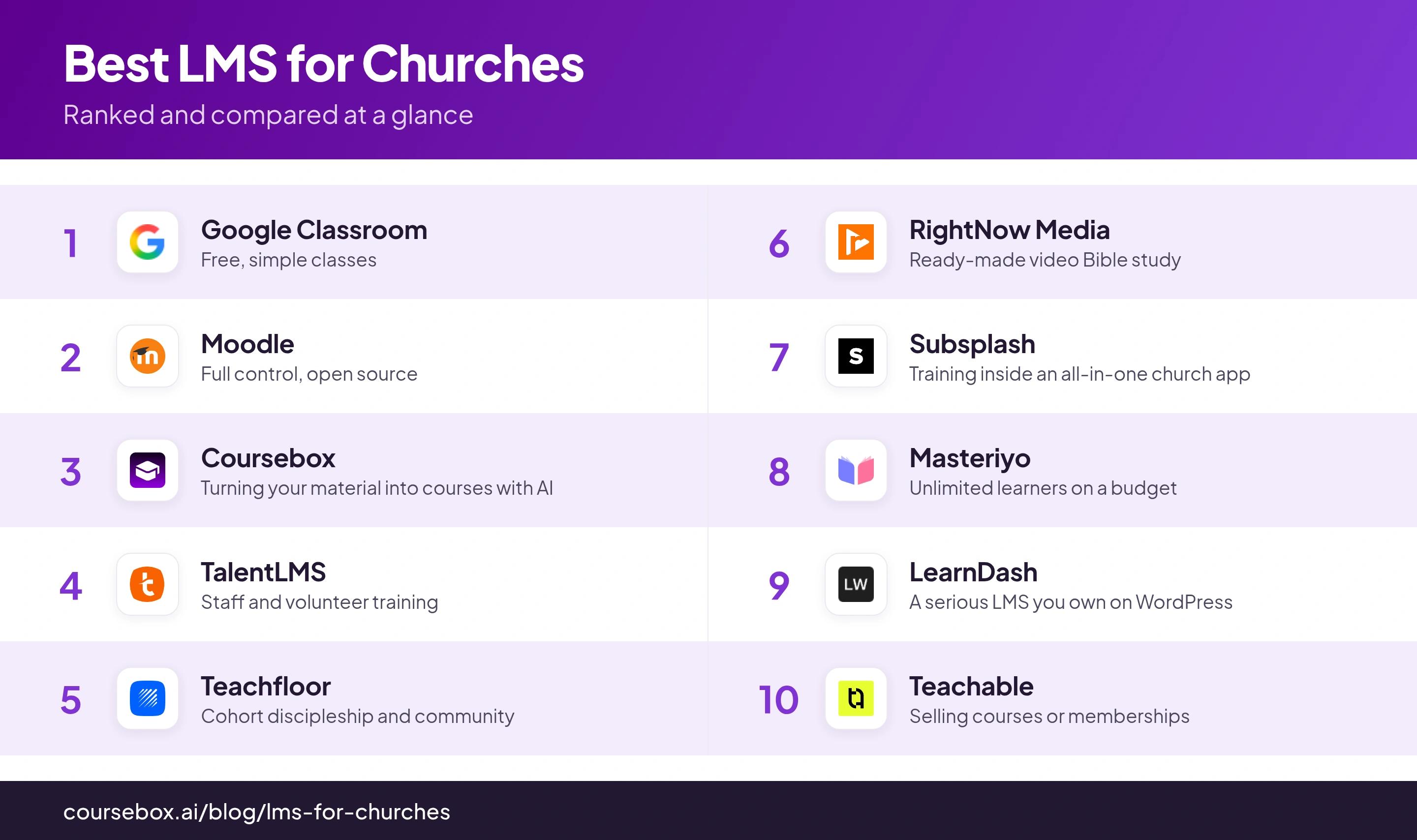
Prices were read off each vendor’s own page while writing, and ratings are from G2 or Capterra as of writing (RightNow Media is a video library and is not listed there); confirm both before you rely on them.
The 10 best LMS for churches
1. Google Classroom
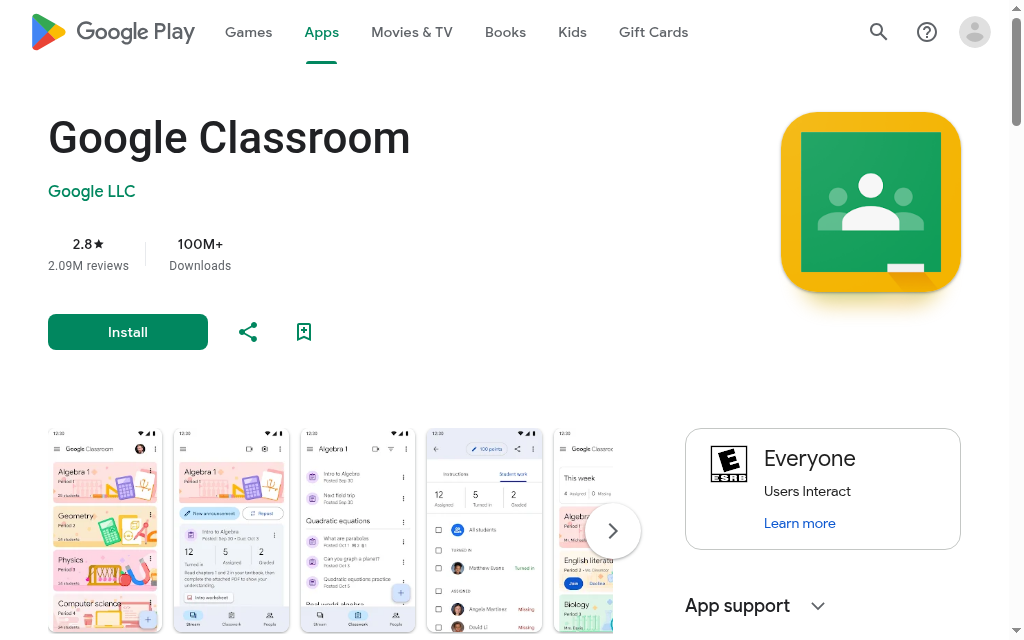
Google Classroom is the free, no-fuss place a lot of small churches start. If you have a Google account you have it already: post a Sunday-school lesson or a new-members class, share materials, set a simple assignment, and everyone joins with a link. Nothing to host, nothing to pay.
It is a classroom, though, not a church platform. There are no course certificates, no way to sell or gate a course, no automation, and it assumes each learner has a Google login. For a single class run by one volunteer it is plenty; for church-wide training it runs out of room fast.
Testing notes: I set up a simple volunteer class in minutes with nothing to install, and for that it is fine. The wall came the moment I wanted a completion certificate or to copy the class for next term’s intake, it does neither. Great for a one-off, thin for anything you repeat or need on record.
2. Moodle
Moodle is the open-source LMS that gives you the most for no licence fee: full courses, quizzes, certificates, cohorts and reporting, all free to download and yours to control. For a church that wants a real learning platform without a monthly bill, it is the deepest free option on this list.
The cost is not money, it is time. You need somewhere to host it and a volunteer comfortable setting it up and keeping it updated, and the interface feels dated next to the hosted tools. If your church has a tech-minded helper, that trade is worth it; if it does not, budget for managed Moodle hosting or pick something simpler below.
In my testing: The time went into setup, not building, I had hosting and updates to sort before I could make a single course. I would also size the server for load, because quizzes bog down when a lot of people sit them at once. Once it is running it does everything; getting there without a technical hand is the hard part.
3. Coursebox
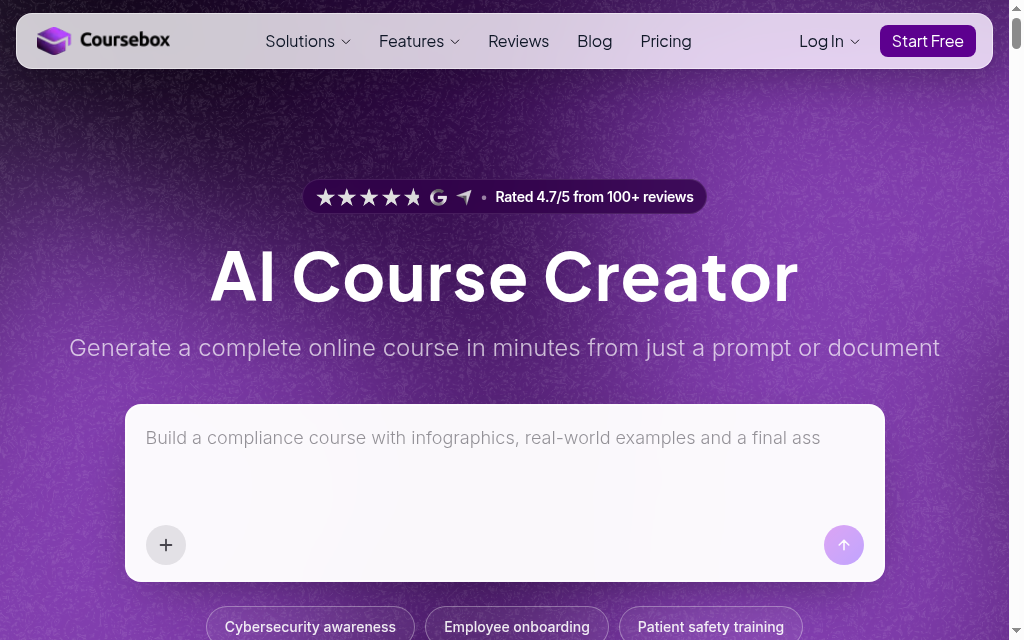
Coursebox, which is ours, is here for a common church problem: turning material you already have into a course fast. Point it at a sermon series, a PDF handbook or a training doc and it drafts a structured course with quizzes, then gives you an LMS to deliver it and track who finished. For a church with content but no time to build courses by hand, that is the pull.
Here's what it isn't: it is an AI course tool, not church-management software or a community platform, so it will not run your directory, giving or events. It is free to start, and unlike the per-user platforms here it does not charge by the learner, so opening a course to the whole congregation does not change the bill. Where it fits is spinning up volunteer-training or discipleship courses from what you have already written, rather than building each one from a blank page.
My take: I dropped a policy PDF in and had a volunteer-induction course with lessons and a quiz in a few minutes, then spent my time editing rather than building. The first pass read a little generic and the quiz was basic, so I tidied both. It is ours, so take my read with that in mind.
4. TalentLMS
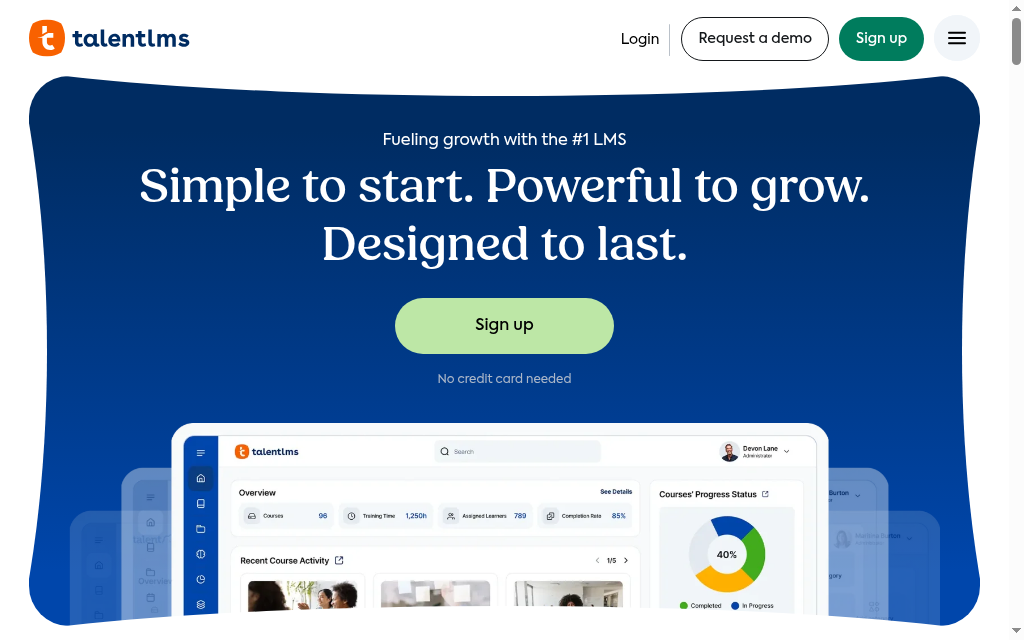
TalentLMS is the hosted, no-setup option for training staff and volunteers: clean and quick to learn, and it handles compliance-style onboarding well: safeguarding, health-and-safety, and a new-volunteer induction with a quiz at the end and a record that they passed. There is a free plan to start on.
The free tier is real but tight, capped at a small number of users and courses, and paid plans are priced per active user, so cost climbs as more of the congregation logs in. It is a corporate LMS rather than a church one, so nothing about it is faith-specific, but for structured volunteer training that is not a problem.
What I ran into: I built a safeguarding induction with a quiz and a pass record with no fuss, which is what it does well. What I kept coming back to was the per-user pricing climbing as more of the congregation would log in, and the mobile app doing noticeably less than the web version when I opened it on my phone.
5. Teachfloor
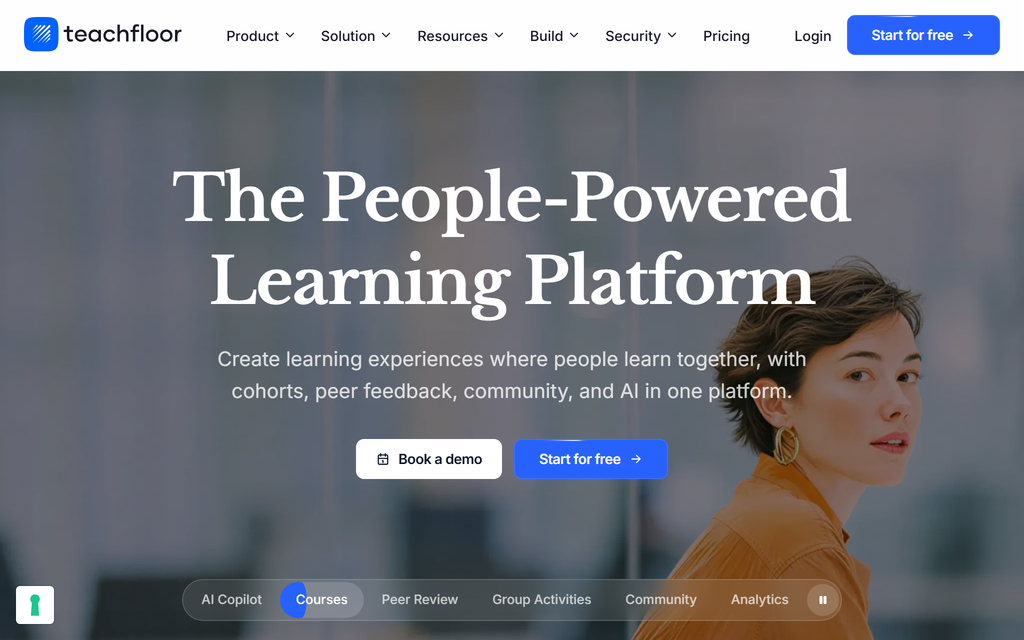
Teachfloor is built around cohorts and community rather than self-paced modules people take alone, which maps neatly onto how churches actually disciple people: a group moving through a study together, live sessions, discussion, and a shared space between meetings. It bundles courses, community and live calls in one place.
That focus is also its limit: it shines for a small group learning together and is less suited to pushing one course out to hundreds of people to take alone. It sits at the pricier end here, with a trial rather than a permanent free tier, so it is worth the price when the cohort-and-community model is what you want.
Setting it up: Standing up a small-group cohort felt natural, discussion and live sessions in one place. The live session is the part I would rehearse first, it is the piece most likely to stumble when everyone logs in at once, and the pricing took me a while to pin down. When it holds up, the group experience is the reason to use it.
6. RightNow Media
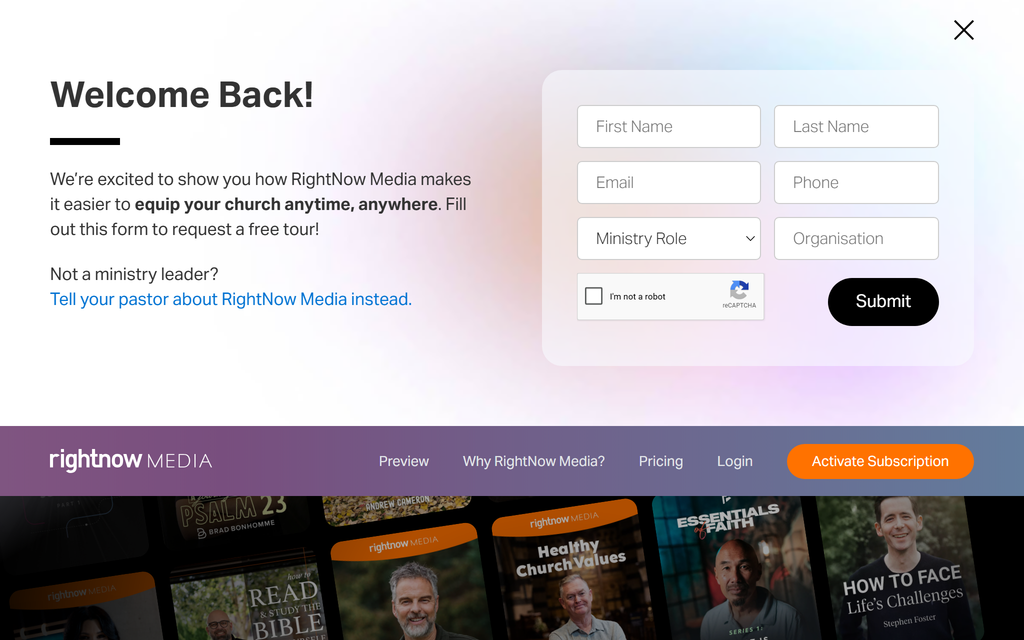
RightNow Media is a streaming library of more than 25,000 video sessions, small-group studies, leadership, marriage and parenting series and kids’ shows, all ready to hand to a group, the resource many churches call the Netflix of Bible study. Your whole congregation gets access through the church subscription.
The honest catch is that it is a library, not a builder. You cannot upload your own material or create a course in it, so it does not cover volunteer onboarding or your own training the way an LMS does. There is no public price; churches pay an annual subscription scaled to size, quoted after a demo. Plenty of churches run it alongside a course builder from this list rather than instead of one.
What I found: The content is the easy win, I had studies ready to hand a group in minutes. Two things I would note for a church: no full offline mode (a problem for a mission trip or a hall with weak signal) and a broad teacher range. So I would vet who I am putting in front of people before pressing play.
7. Subsplash
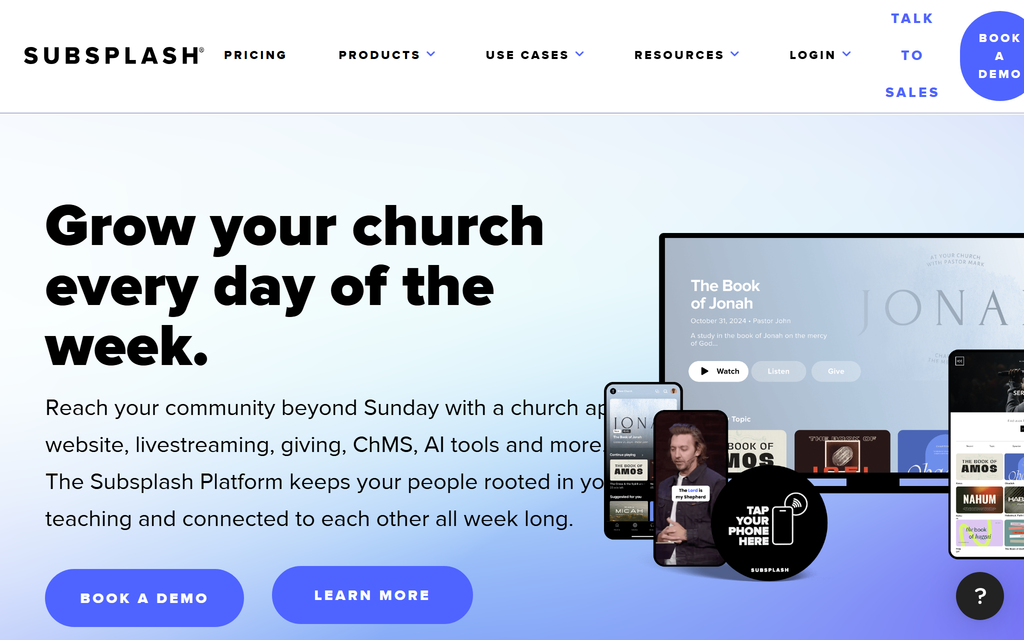
Subsplash comes at this from the other direction: it is an all-in-one church platform, your app, website, giving, media and groups, with courses and training as one module inside it. If you want member training to live in the same place as your church app and online giving, rather than in a separate LMS, that is the appeal.
The bundle is the trade-off. You buy the whole platform on a custom quote (the market range runs from a few hundred to around a thousand dollars a month). Since it is not a standalone LMS, it is the priciest way here to get courses if training is all you actually need. It makes sense when you want one church-native system for everything, not just learning.
Trying it out: The app and live streaming impressed me, that side is excellent. Looked at purely as a way to run training, though, the course piece is one module inside a platform I would be paying a few hundred a month for, and the website builder underwhelmed me. It fits if you want the whole church system, not just courses.
8. Masteriyo
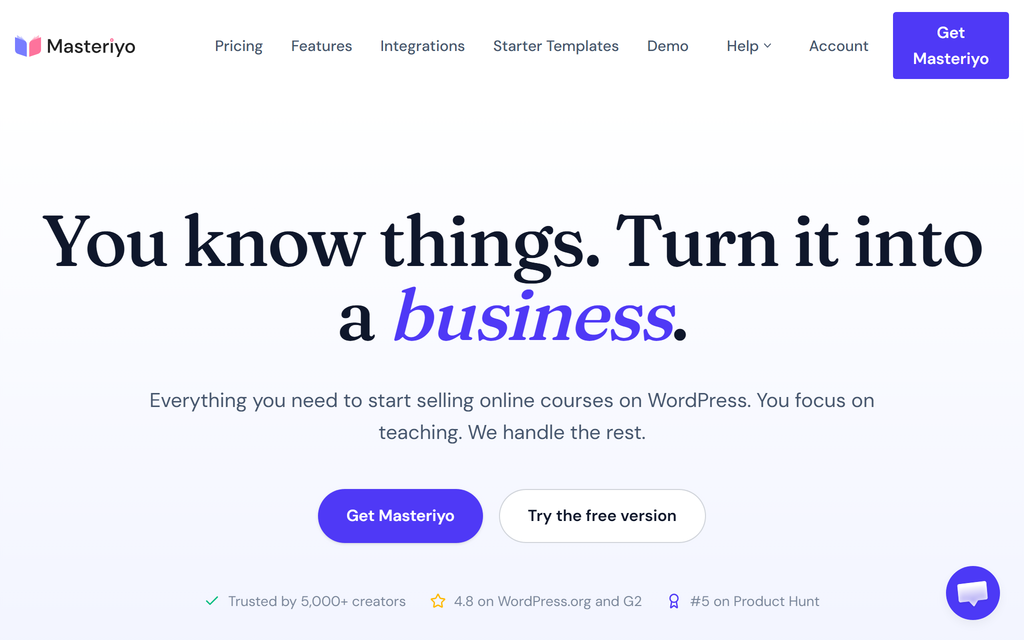
Masteriyo is the budget WordPress LMS plugin: a free core, and a Pro licence that is a flat annual fee with unlimited students and courses, no per-seat charge. For a growing congregation where seat-based pricing would sting, that flat rate is the draw.
It is WordPress-only, and younger than LearnDash, so the ecosystem of add-ons and themes is smaller. But it is fast, the course builder is easy, and the pricing means you are not punished for adding more volunteers or members over time.
Notes from testing: For the price the builder is easy, but I hit a couple of rough edges. I chose the block editor and was stuck with the classic one anyway, and a video I set to require full watch could not be rewound, so a confused learner sits through the whole lesson. Nothing fatal, but check them against how you teach.
9. LearnDash
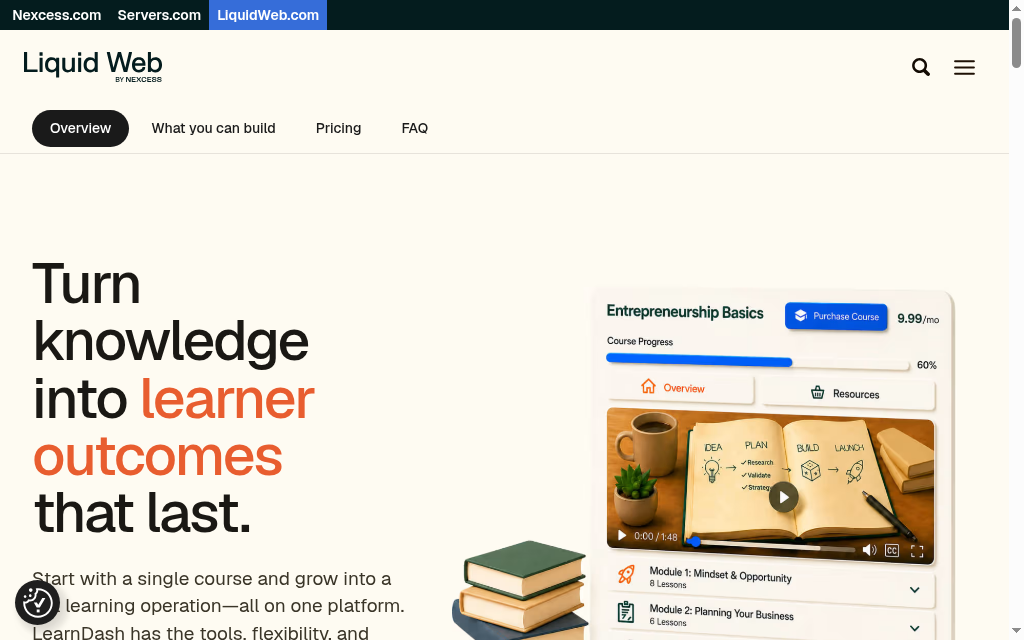
LearnDash is the most established serious LMS for WordPress: drip-fed lessons, quizzes, certificates, memberships and detailed progress tracking, all running inside your own site. If your church wants a proper LMS but also wants to own the platform rather than rent it, this is the one people reach for.
It is a paid plugin, an annual licence per site, and it assumes you are comfortable running WordPress and paying for your own hosting. There is no free tier. In return you get depth and independence: your training lives on your domain, not a vendor’s, and you are not paying per learner.
When I dug in: On my WordPress test site it built a proper course with drip and certificates, but two things stood out. Support came back by email in days rather than hours, which would sting mid-launch, and it slowed down once I loaded a course up with extras, so good hosting is part of the real cost.
10. Teachable
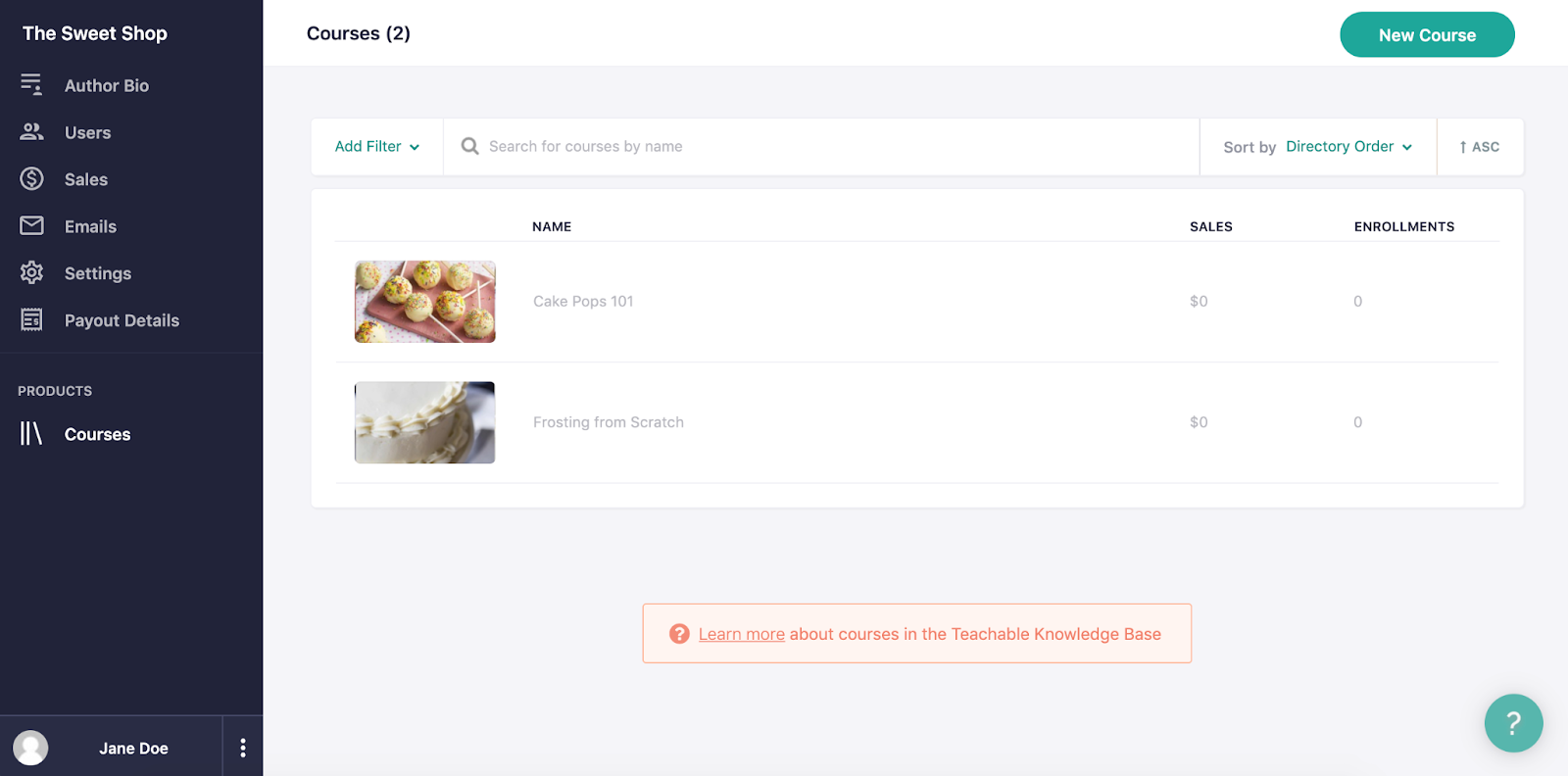
Teachable is the easy hosted way to package and sell a course or run a paid membership, which suits a ministry that offers paid studies, a course to the wider public, or a members-only library. You build it in a friendly editor and Teachable handles the hosting, checkout and student accounts.
It is a commercial course platform, not a church tool, so there is nothing faith-specific, and the free and cheaper plans take a transaction cut on sales. If you are giving training away internally, that selling machinery is more than you need; if income is part of the plan, it is well built for it.
The catch I hit: I stood up a sellable course quickly, but the fees are the setback. The cheaper plans take a cut of every sale, and the 2025 pricing change hit existing users hard enough that I would go in wary. For a church giving training away rather than selling it, that is cost with no upside.
If nobody at your church wants to manage hosting or a WordPress site, skip the self-hosted options (Moodle, LearnDash, Masteriyo) for now. Start with a hosted tool that runs itself, Google Classroom for a free class, TalentLMS for tracked volunteer training, or Coursebox if you want AI to draft the course from material you already have. You can always move to a self-hosted platform later once someone can own it.
Which one should your church pick?
If you want a single starting point, most churches are well served by Google Classroom for a quick free class, or TalentLMS once you need tracked volunteer training with completion records. If your church site already runs on WordPress, add a plugin instead, Masteriyo for flat-fee unlimited learners, or LearnDash if you want the most capable option and can manage it. For discipleship groups that meet and learn together, Teachfloor fits the model best. And if the hard part is finding time to build the courses at all, that is where Coursebox helps, by drafting them from your existing material.
RP Global Training Network trains church leaders in some of the hardest places in the world to deliver education. Using Coursebox, one mission consultant, Vince Ward, built and published a multilingual theological curriculum without a team behind him:
- 40 courses published
- 6 countries reached
- Built by one person
Many churches qualify for nonprofit pricing on these tools, so it is worth reading our guide to the best LMS for nonprofits for the discounts and free tiers before you pay full price.
Frequently Asked Questions
For a simple free class, Google Classroom works today with just a Google account. For a full-featured free platform, Moodle is open source and free to run, though you will need a technical volunteer to host and set it up. If your church already has a WordPress site, the free core version of Masteriyo turns it into a course platform at no licence cost.
For one class run by one volunteer, Google Classroom is often enough. A rough line: once you are training more than about 50 volunteers, or running regular courses that need completion records, or scaling discipleship beyond what a Sunday can hold, a real LMS starts to pay off. That is the point you need completion records for safeguarding, certificates, several courses at once, or a way for people to join without a Google login, and a dedicated LMS such as TalentLMS, Moodle or a WordPress plugin gives you the tracking and structure Classroom lacks.
Yes, and it is one of the most common reasons churches adopt one. Tools like TalentLMS, Moodle and LearnDash let you build an induction or safeguarding course, add a quiz, and keep a record that each volunteer completed it, which you need for accountability. Coursebox can draft that course from a policy document you already have.
Often, yes. Many platforms offer nonprofit or charity pricing, and registered churches usually qualify. It is worth asking each vendor directly and reading a guide to nonprofit LMS pricing before you pay a standard rate, because the discount can be significant.
If your church already runs its website on WordPress and someone is comfortable maintaining it, a plugin like LearnDash or Masteriyo keeps training on your own site and avoids per-learner fees. If nobody wants to manage WordPress and hosting, a hosted platform like TalentLMS or Teachable that runs itself is the safer choice, even though you are renting rather than owning.
Travis Clapp
Travis Clapp is the original founder and CEO of Coursebox. As an experienced instructional designer, he has lived through the process of building high quality courses. These experiences brought about his idea to upload all your documents and ideas into a virtual box that could convert those magically into a course. Prior to Coursebox, he successfully founded and built a social based LMS. Travis has 15+ years of experience designing courses and EdTech platforms from university MOOCs to enterprise LMS. Travis has built training for reputable companies like Johnson & Johnson, Electrolux, Michael Hill and SA Health. One of his courses reached 20,000+ learners which was a flagship edX course. He is based in the Adelaide, South Australia office and passionately works on customer support, sales and bringing the original product vision to life every day.

