

15 Free Customer Onboarding Templates That Boost Client Success
Discover free customer onboarding templates to simplify workflows, improve engagement, and ensure every new user succeeds with your product.


Learn faster with AI powered courses, quizzes, and flashcards.
Onboarding new customers can make or break their experience with your product. Studies show 55% of users leave when they don’t quickly grasp value, while 63% consider onboarding quality when deciding to buy. That makes first impressions critical.
A structured, repeatable process keeps every client engaged, reduces confusion, and builds trust from day one. Customer onboarding templates provide a practical solution. They standardize workflows, save time, and ensure every new user gets the guidance needed to succeed.
In this article, we will explain why onboarding customers matters and provide actionable templates to streamline your process and boost retention.
What is Customer Onboarding and Why Does it Matter?
Customer onboarding is a part of customer education, introducing new customers to your product or service, helping them understand how valuable it is and how to use it effectively. This process happens between the moment a customer signs up and the point they start achieving meaningful results.
In short, a strong onboarding experience ensures customers gain confidence, reduces churn, and boosts long-term engagement.
Why Customer Onboarding Matters
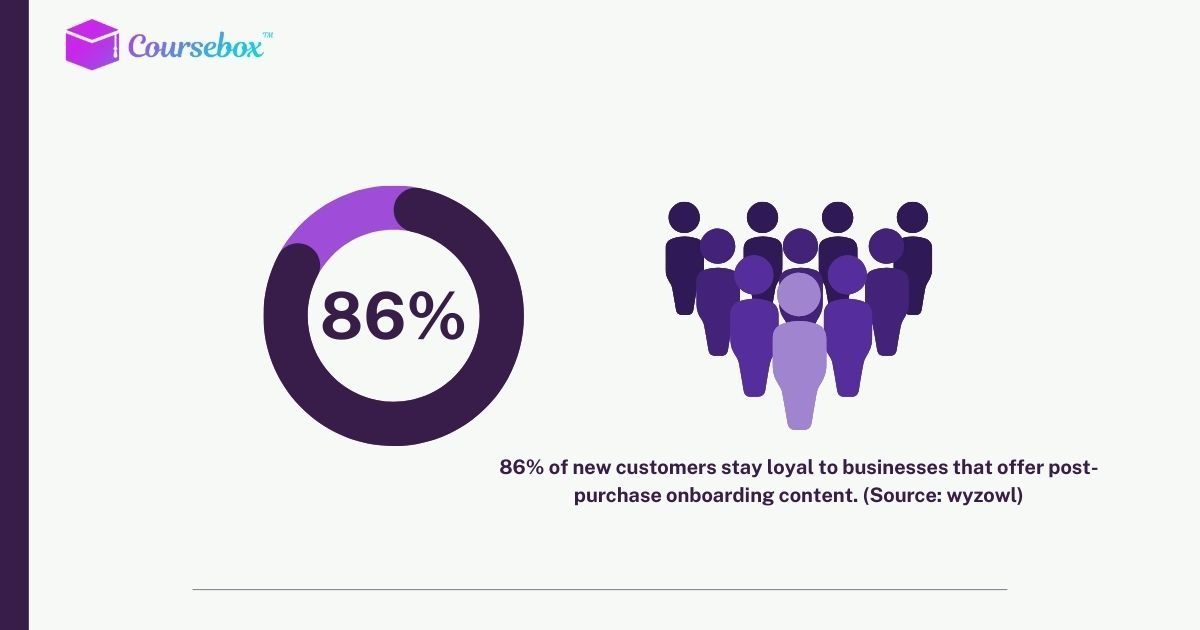
Onboarding shapes the customer experience. Clear guidance helps users adopt your product quickly, understand how beneficial and valuable it is. In other words, a thoughtful onboarding process strengthens trust, encourages active engagement, and increases conversion rates.
Interesting: Companies that get onboarding right create loyal customers who stay longer and use the product more effectively.
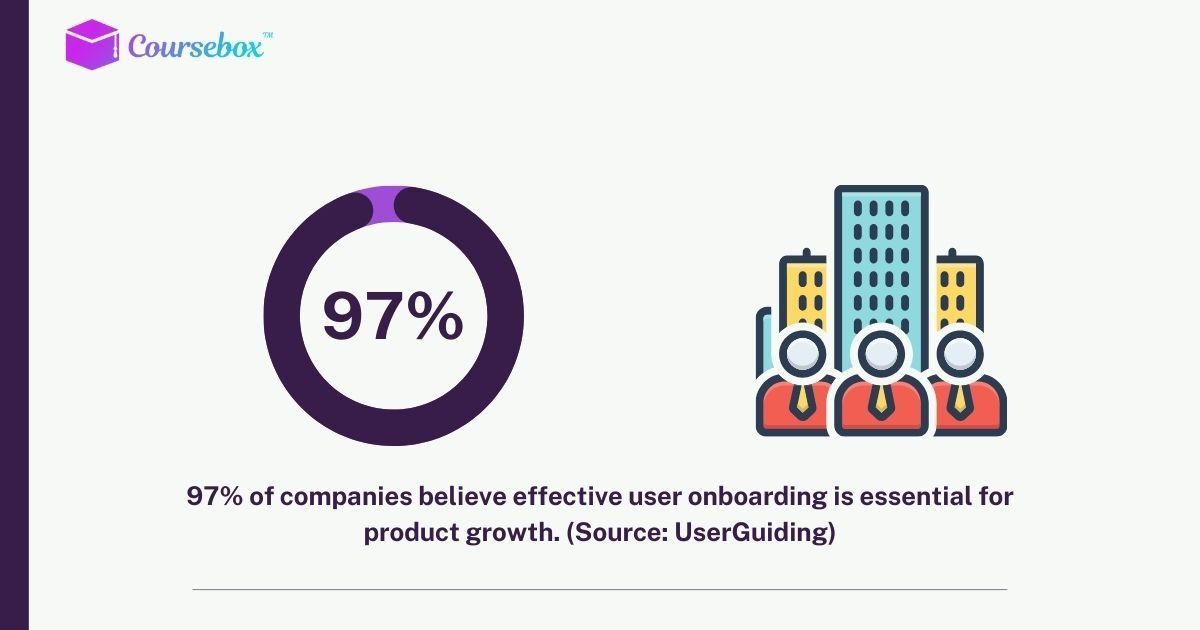
Here’s a summary of the key benefits of effective customer onboarding:
- Personalized Experience: Tailor onboarding steps based on customer goals and needs.
- Confidence Building: Guide users through tasks one step at a time to boost product mastery.
- Data Insights: Collect pre- and post-onboarding information to refine engagement strategies.
- Higher Retention: Well-onboarded customers adopt features faster and stay longer.
- Increased Revenue Potential: Engaged customers are more likely to upgrade or purchase additional services.
5 Effective Customer Onboarding Examples
Now, let’s look at some examples of customer onboarding for inspiration:
1. Simplify Sign-Up
Make the first step seamless. Only ask for essential information like name, email, and password. Spread additional requests over time and offer single-click sign-up via Google, Slack, or Facebook.
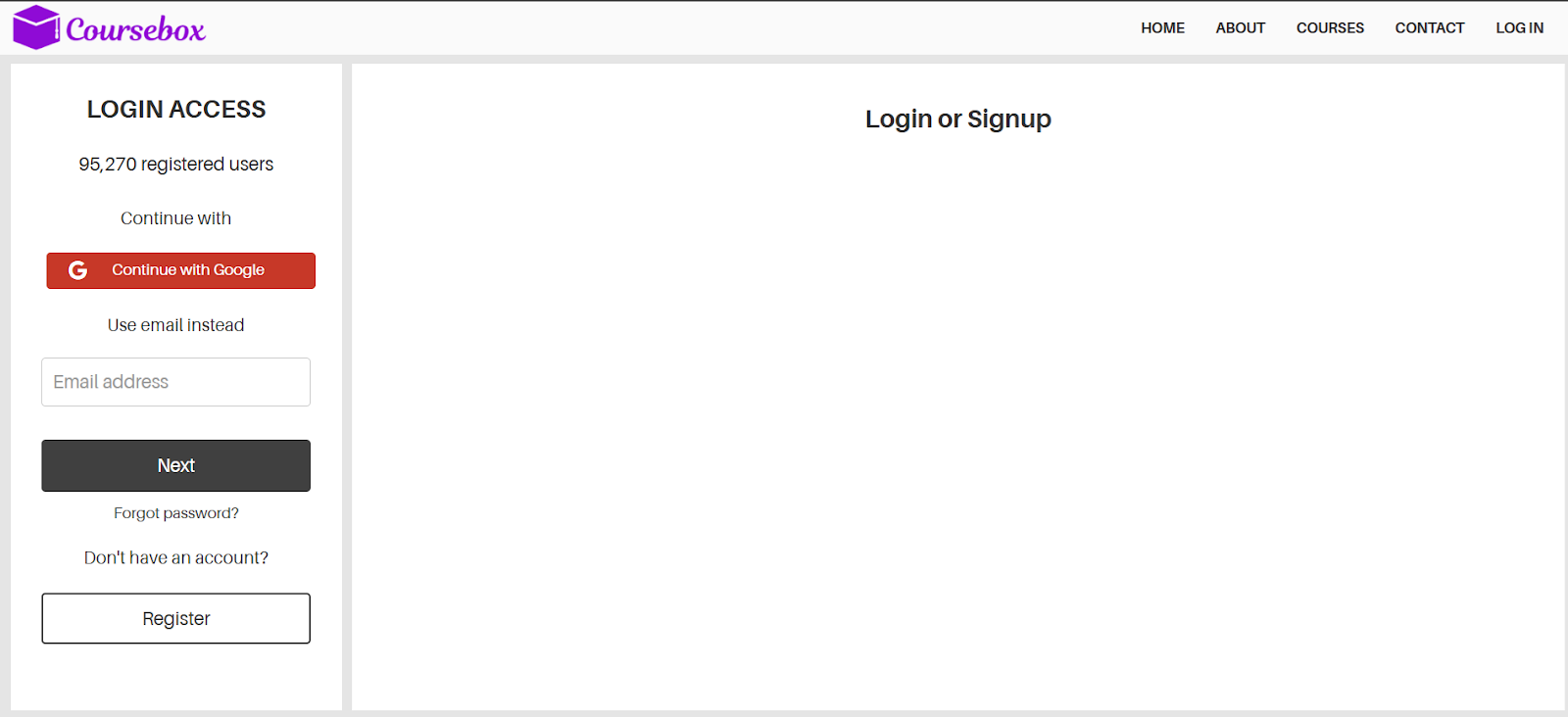
Example: Coursebox AI allows users to sign up with one field or via Google for instant access.
2. Send a Welcome Email
Immediately greet new customers with a thank-you note and next steps. Include links to product tours, demos, and FAQs, but avoid overwhelming them. A clear call to action encourages first product use.
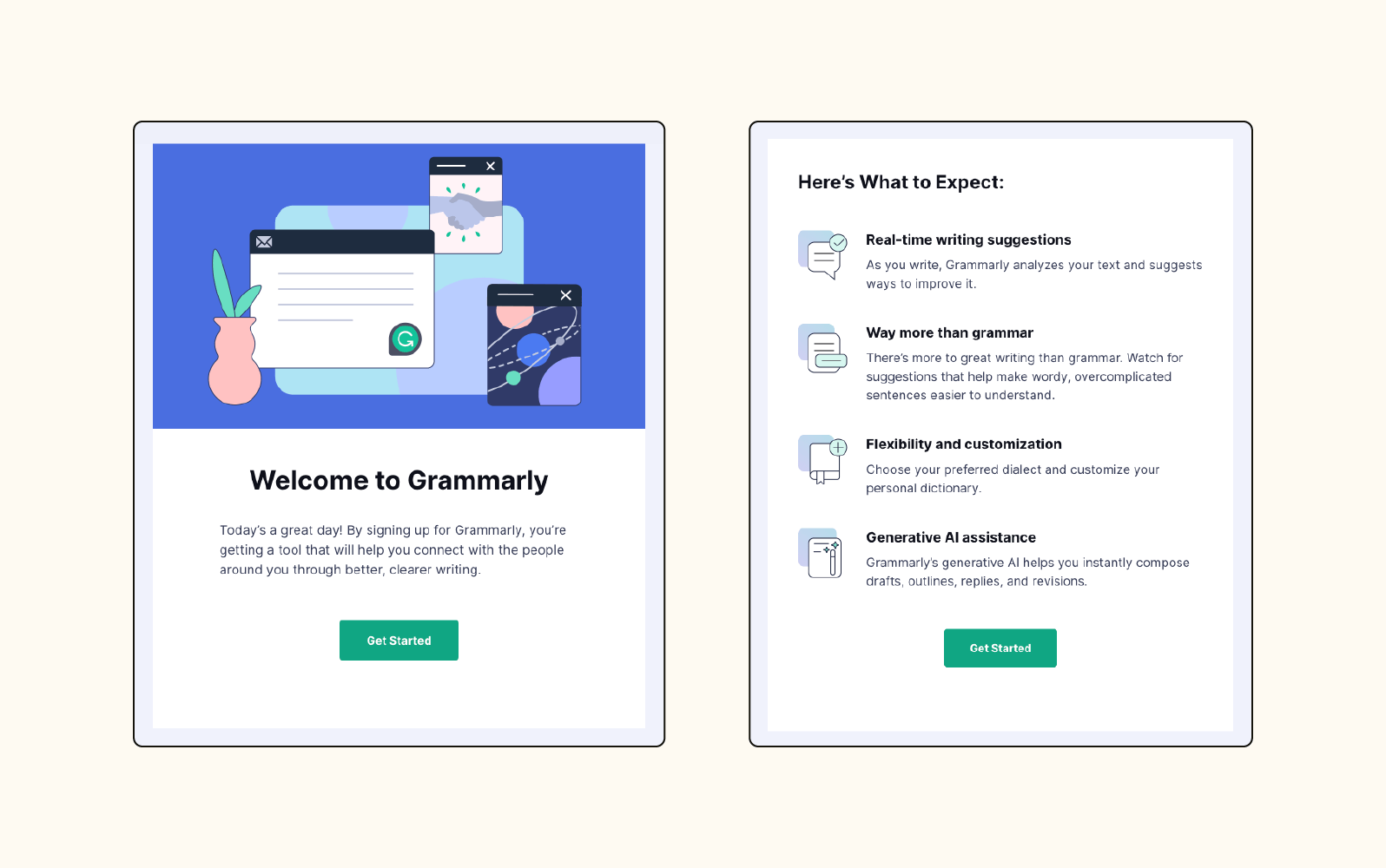
Example: Grammarly sends a detailed welcome email with action items to help users quickly learn the platform.
3. Make the First Login Memorable
Provide clear instructions and quick wins during the first session. A setup wizard or checklist helps users navigate efficiently.
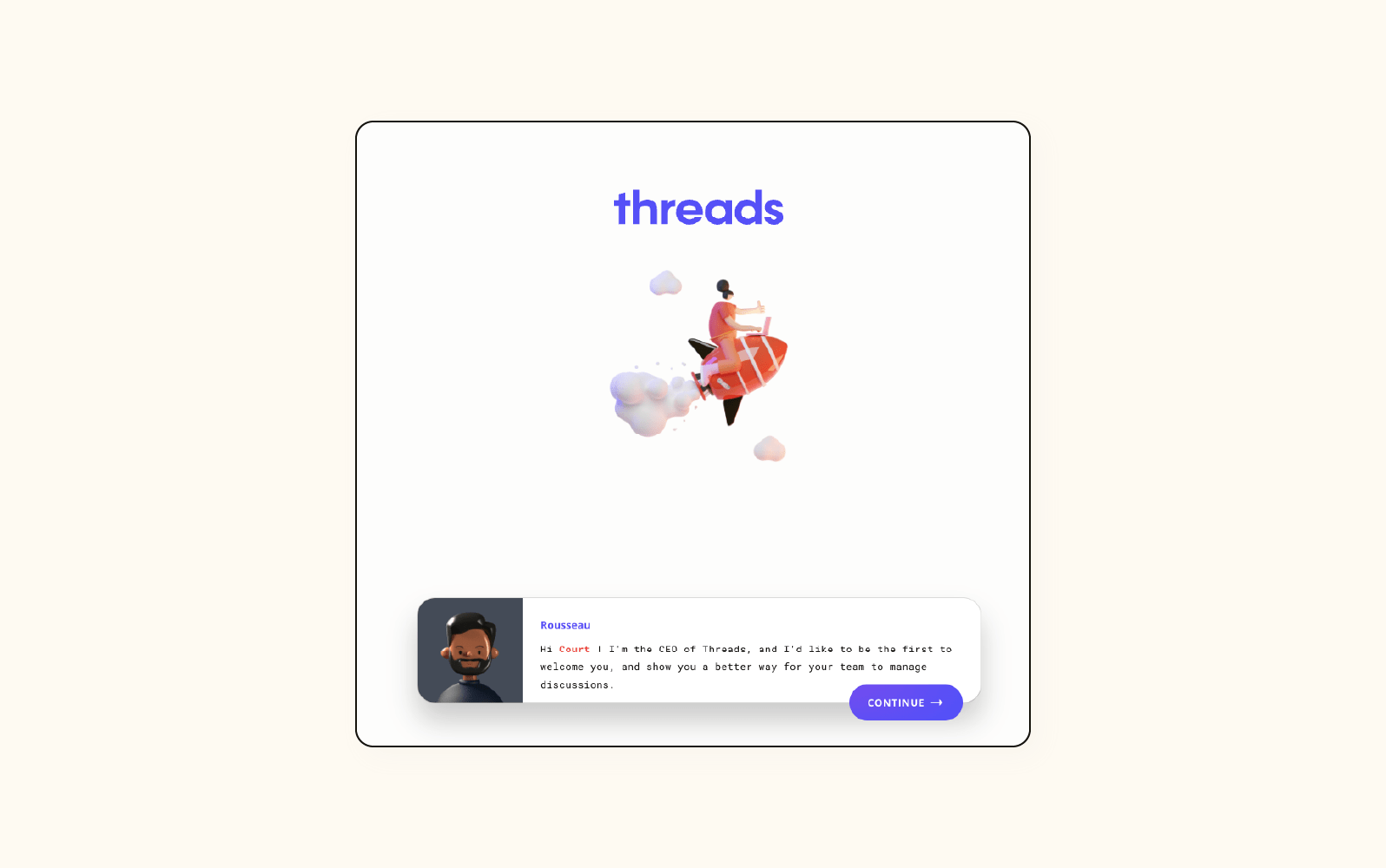
Example: Threads greets users with a mini CEO avatar guiding them through the product, which can be revisited anytime.
4. Facilitate Integrations and Collaboration
For B2B tools, ensure smooth integration with other platforms and allow optional team member invitations. Automate processes and provide strong support to reduce friction.
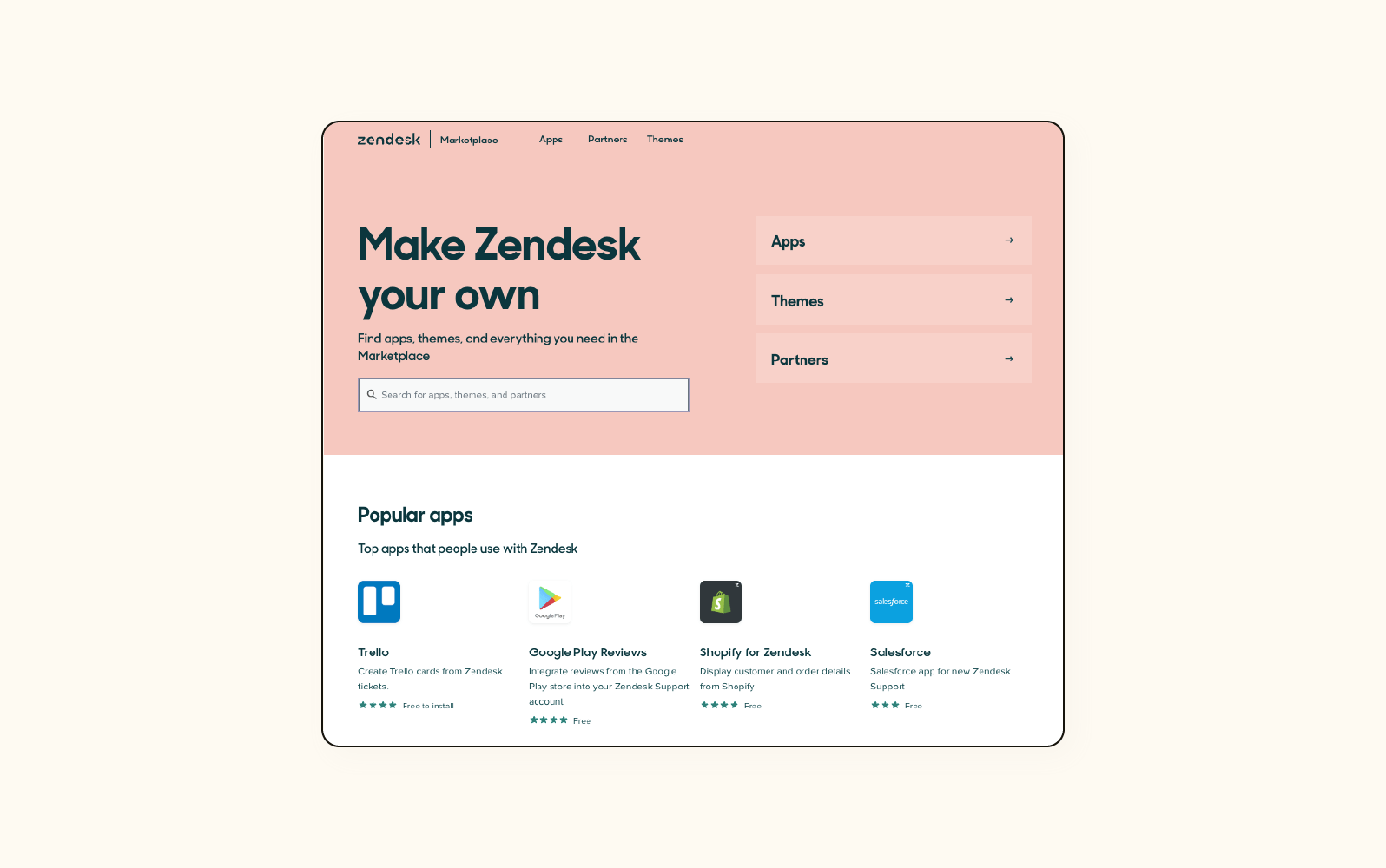
Example: Zendesk offers easy app integrations through the Marketplace, making setup intuitive.
5. Offer a Unique Learning Experience
Guide customers with tutorials or walkthroughs that match their pace. Allow skipping or pausing to respect their time. Provide extra support for those who need it.
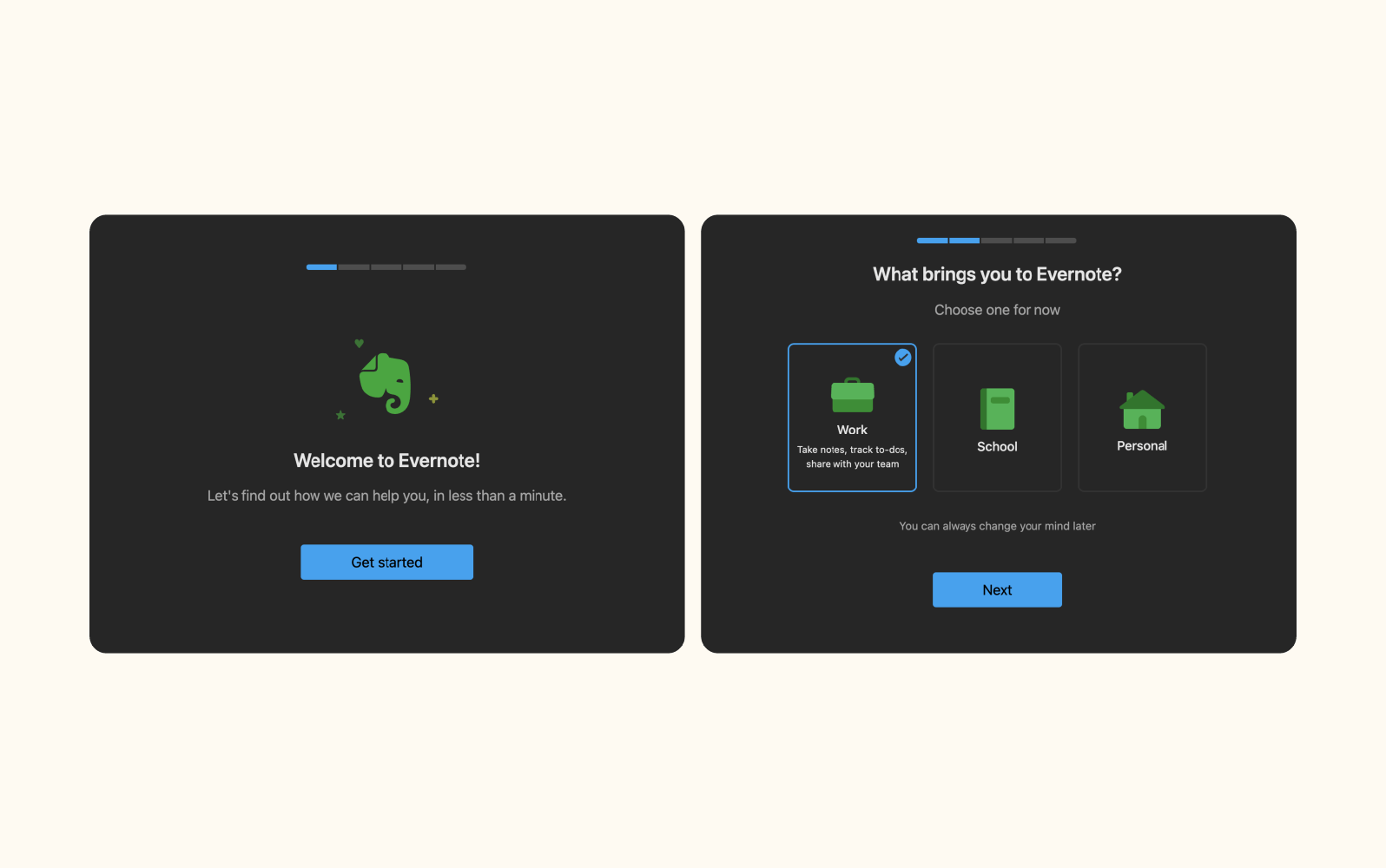
Example: Evernote tailors tutorials to individual user needs with step-by-step GIFs, helping them learn quickly.
BONUS: Follow Up Strategically
Use emails to share tips, best practices, or progress updates without being salesy. Highlight achievements and provide resources to keep users engaged.
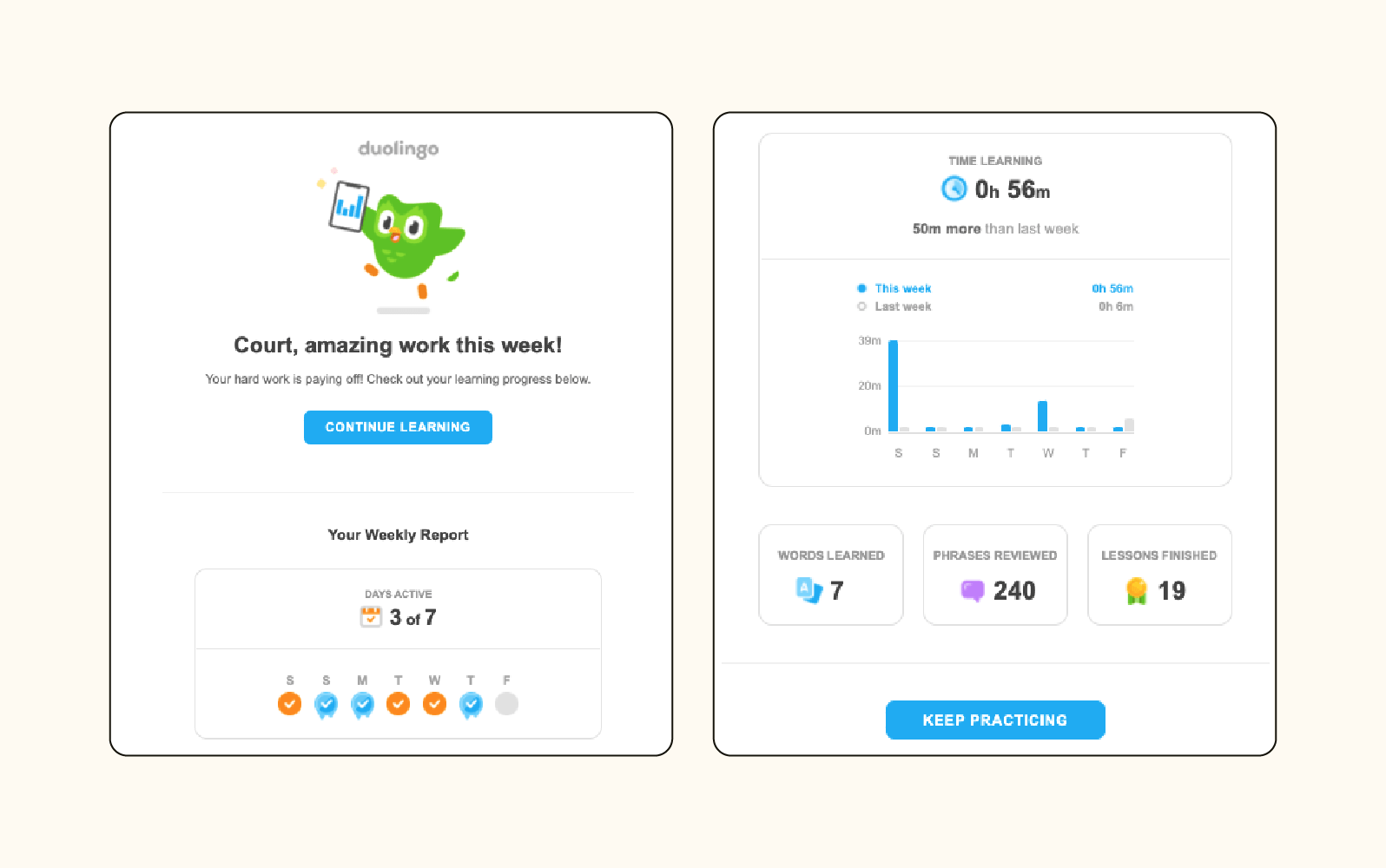
Example: Duolingo sends weekly reports showing progress and encouraging continued use, reinforcing learning through personalized insights.
15 Free Customer Onboarding Templates
New customers always have questions, from billing to setup to tutorials, and answering each individually can take up too much time. Templates let you deliver all the information needed efficiently and consistently.
Using templates also allows scaling across the team without losing personal touch. You can guide multiple clients smoothly, freeing up the team while still delivering a high-quality onboarding experience.
Many free templates exist to cover every stage of onboarding, from checklists to surveys, emails, and kickoff agendas, such as the following:
1. UserGuiding Complete Onboarding Checklist (UserGuiding)
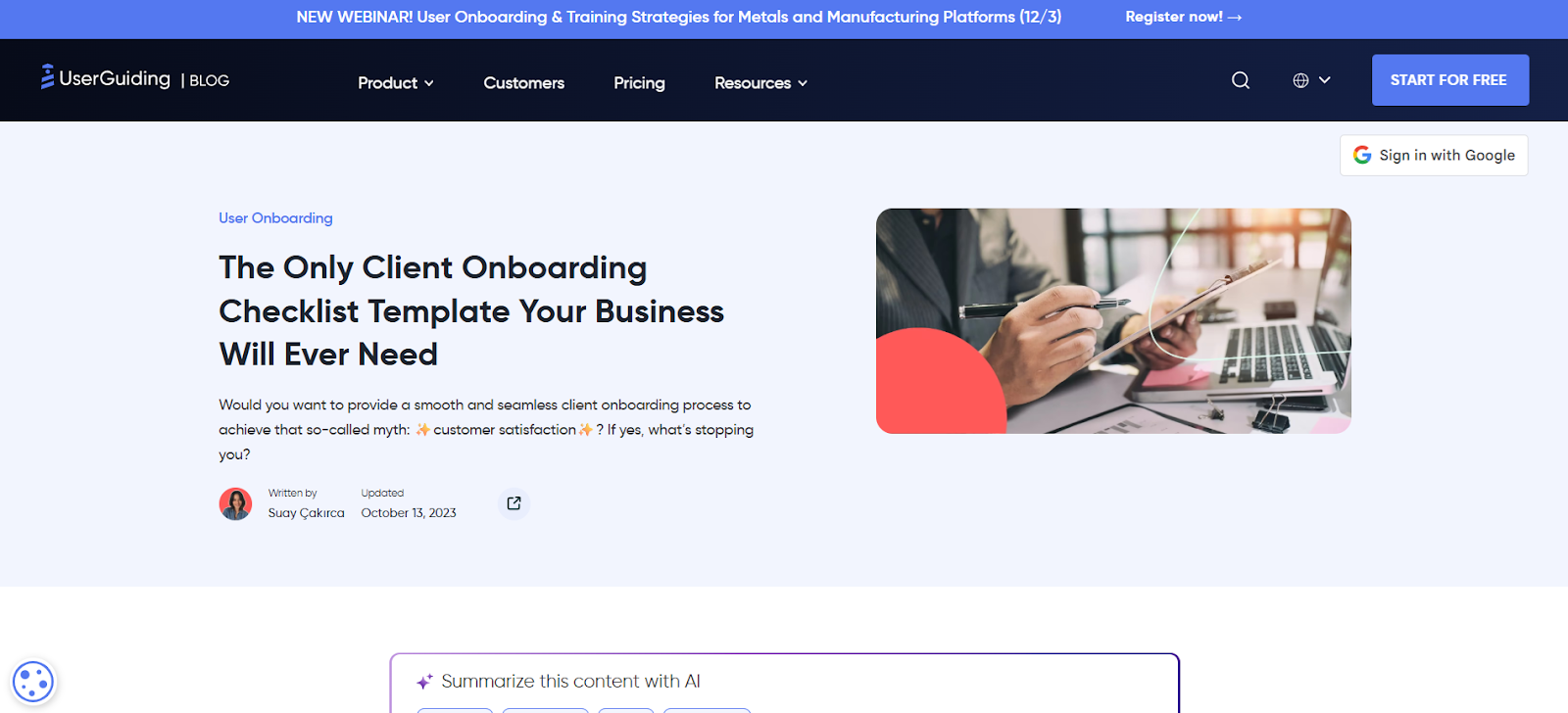
This is a full step-by-step guide that walks teams through every onboarding stage, from early prep to kickoff, making the entire process structured and easy to follow.
2. Simple Onboarding Checklist (LiveAgent)
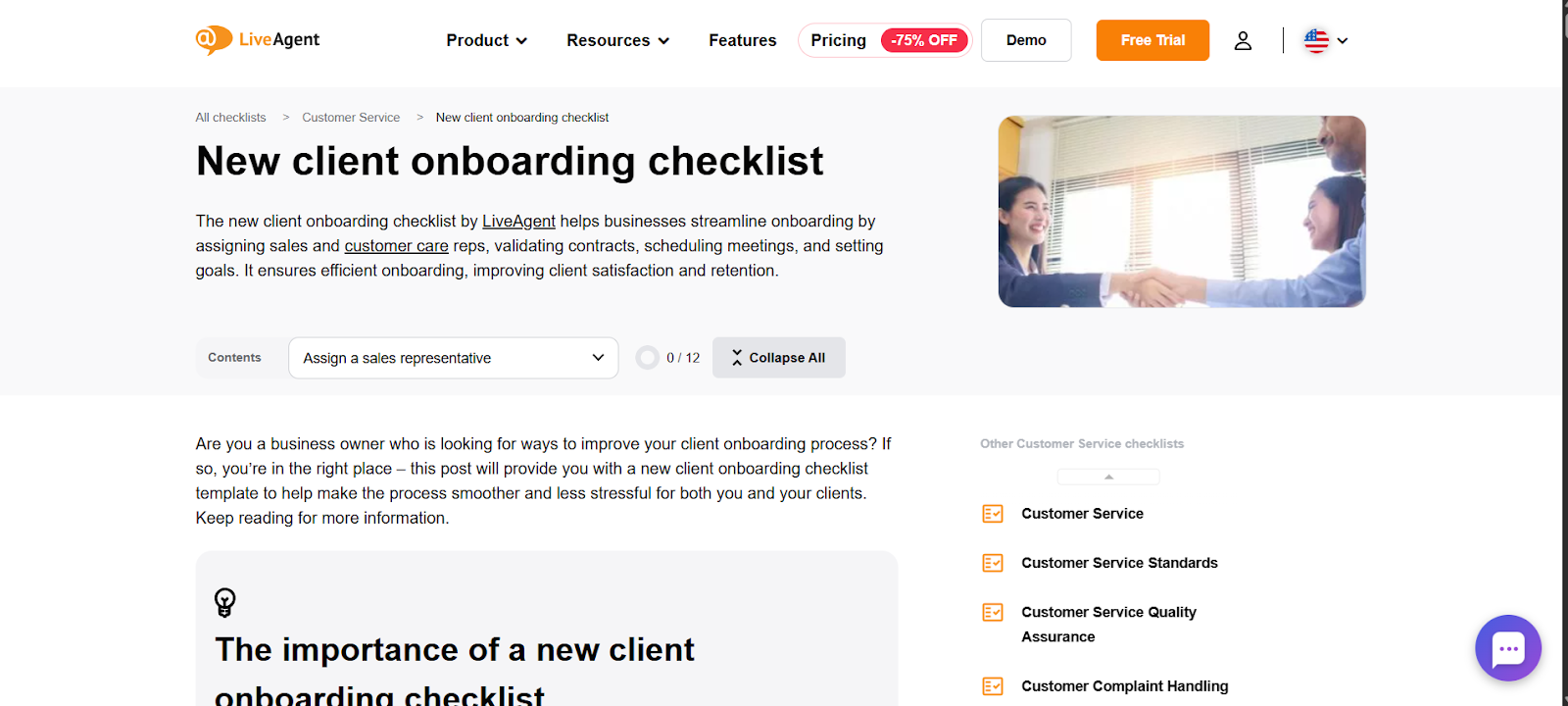
This practical, clutter-free checklist highlights essential onboarding tasks and helpful tips so teams can move new clients through onboarding faster.
LiveAgent also has ready-made onboarding email templates plus subject line ideas, perfect for building a consistent welcome and communication flow.
3. Onboarding Email Kit (GoDaddy)
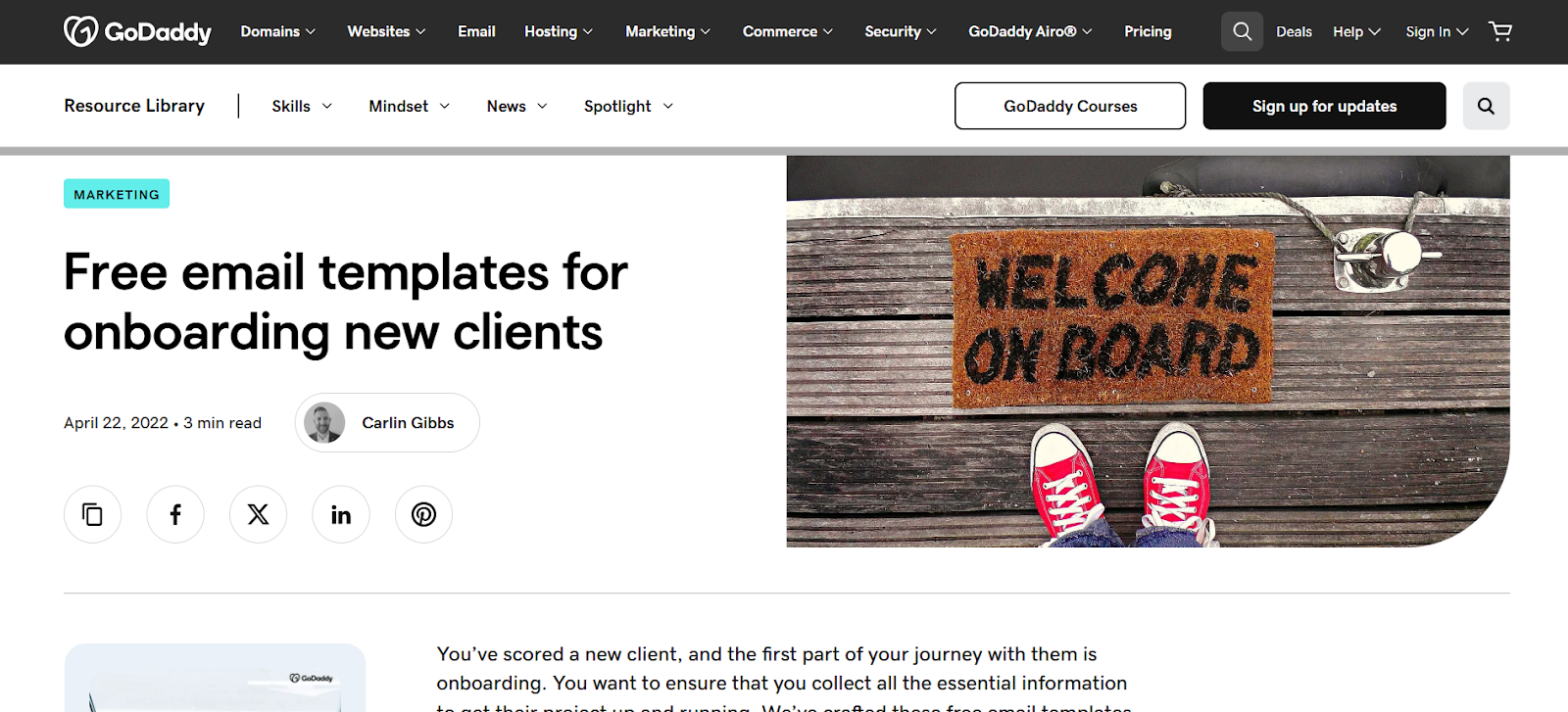
This is a compact collection of easy-to-adapt onboarding email templates designed to help you communicate clearly with new clients from day one.
4. Small Business Onboarding Checklist (HoneyBook)
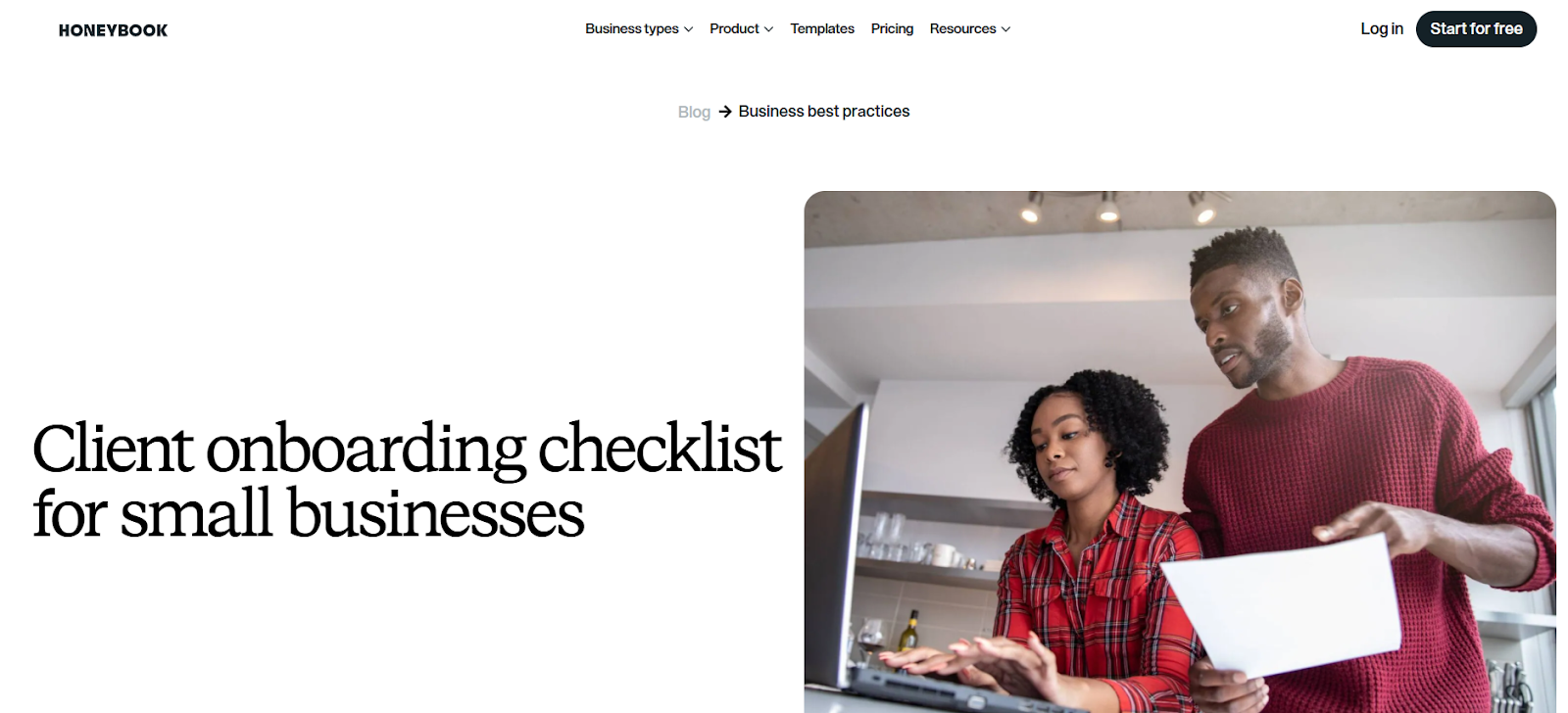
This quick, streamlined checklist is built for small businesses that need a simple, step-by-step onboarding process without unnecessary complexity.
5. Customer Onboarding Portal Template (Dock)
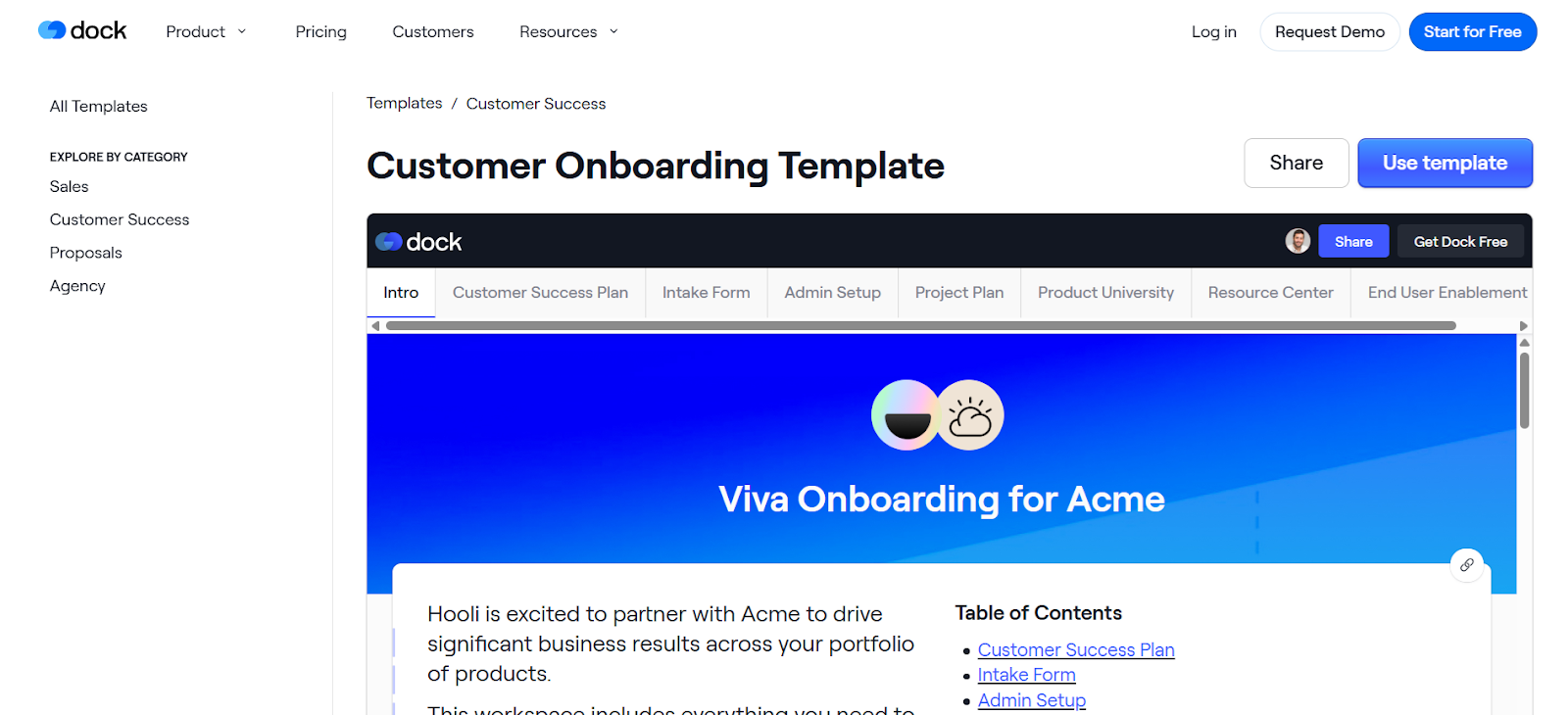
Keep all links, files, spreadsheets, and checklists in one place. Dock’s portal template gives clients a central hub for onboarding, making the following steps easy without messy spreadsheets or extra project management tools.
6. Client Onboarding Checklist (Zapier)
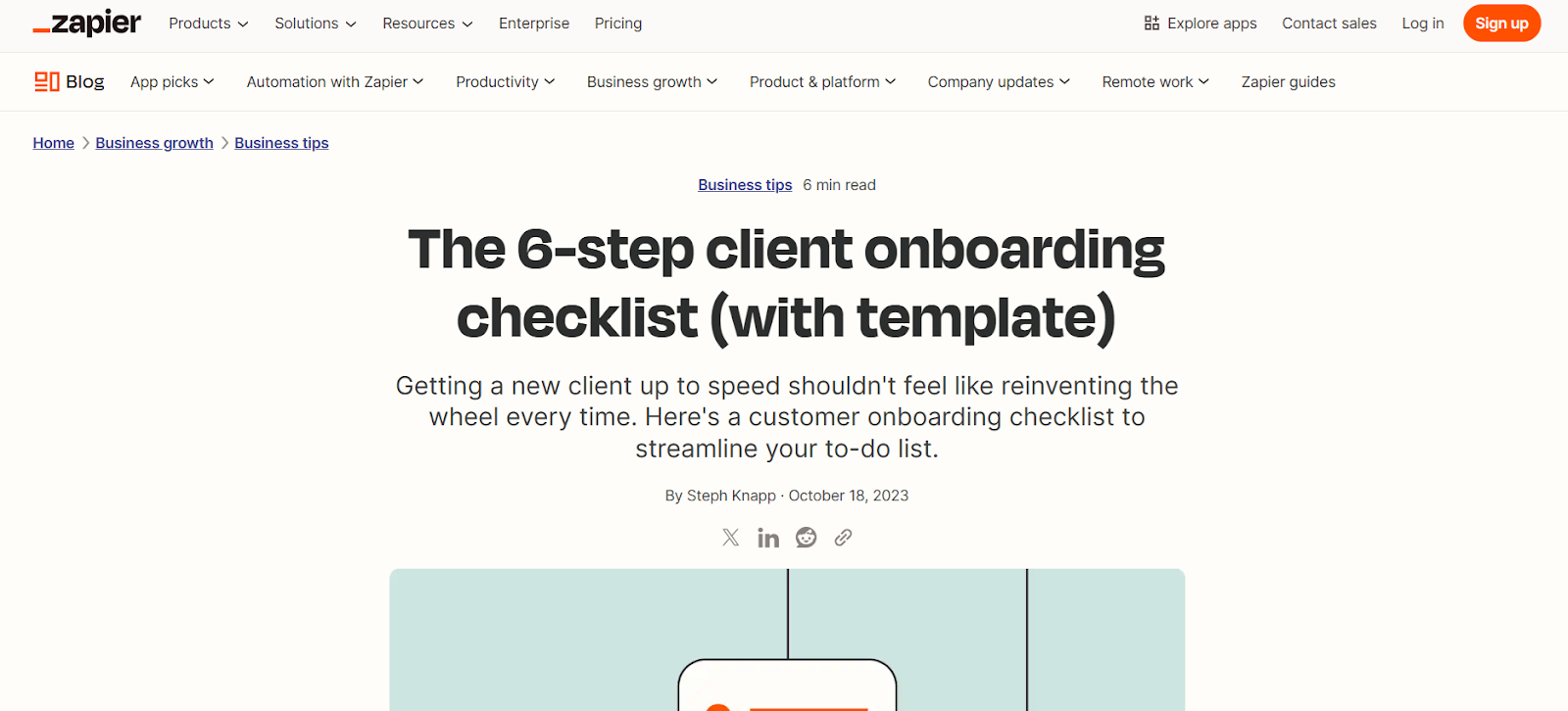
This template outlines six key milestones: Welcome, Legal, Finance, Communication, Project Management, and File Sharing. Each milestone includes essential tasks to maintain consistent, organized onboarding.
7. New Client Onboarding Questionnaire (HubSpot)
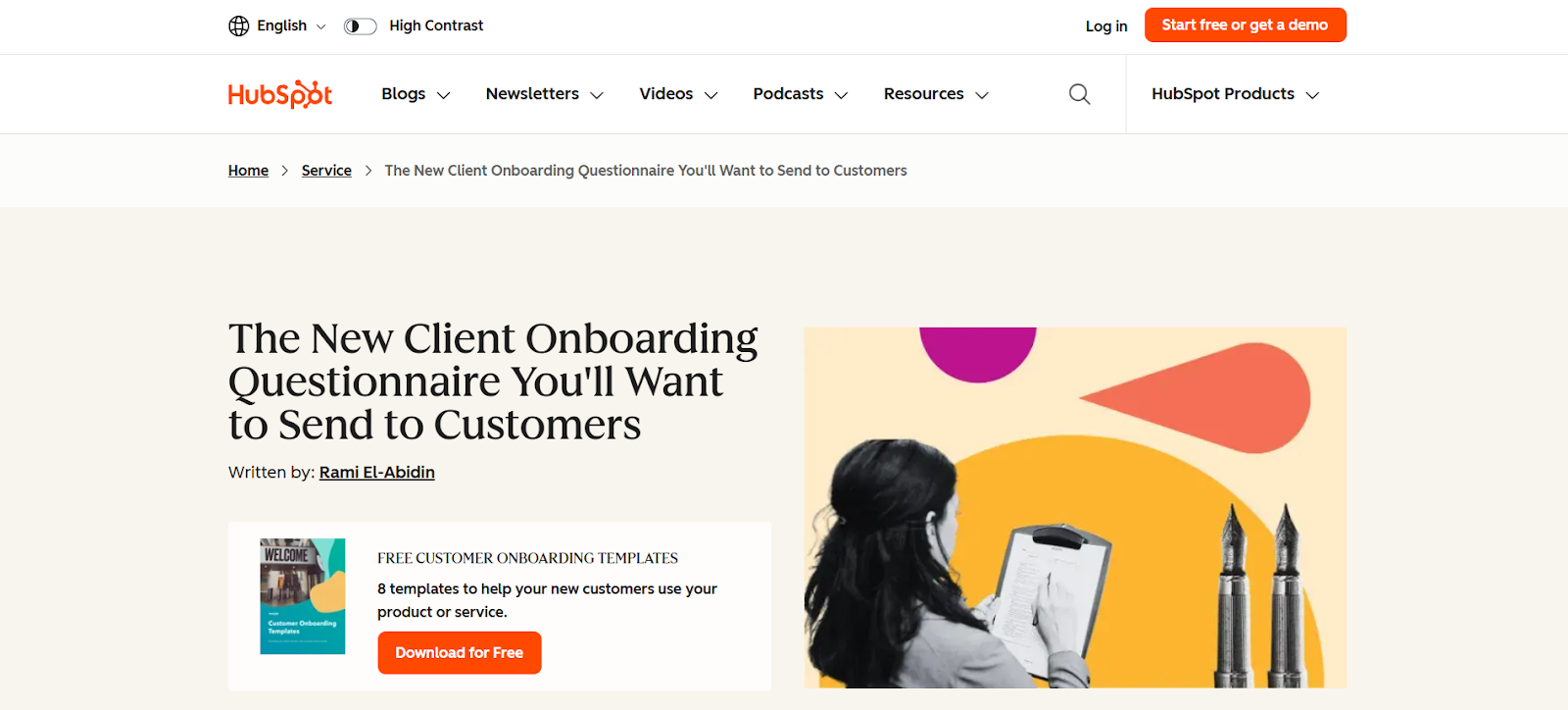
Collect important client details early, including contact info, marketing background, and project goals. Using this questionnaire ensures capturing all essential information for a smooth onboarding experience.
8. Statement of Work Template (Rocketlane)
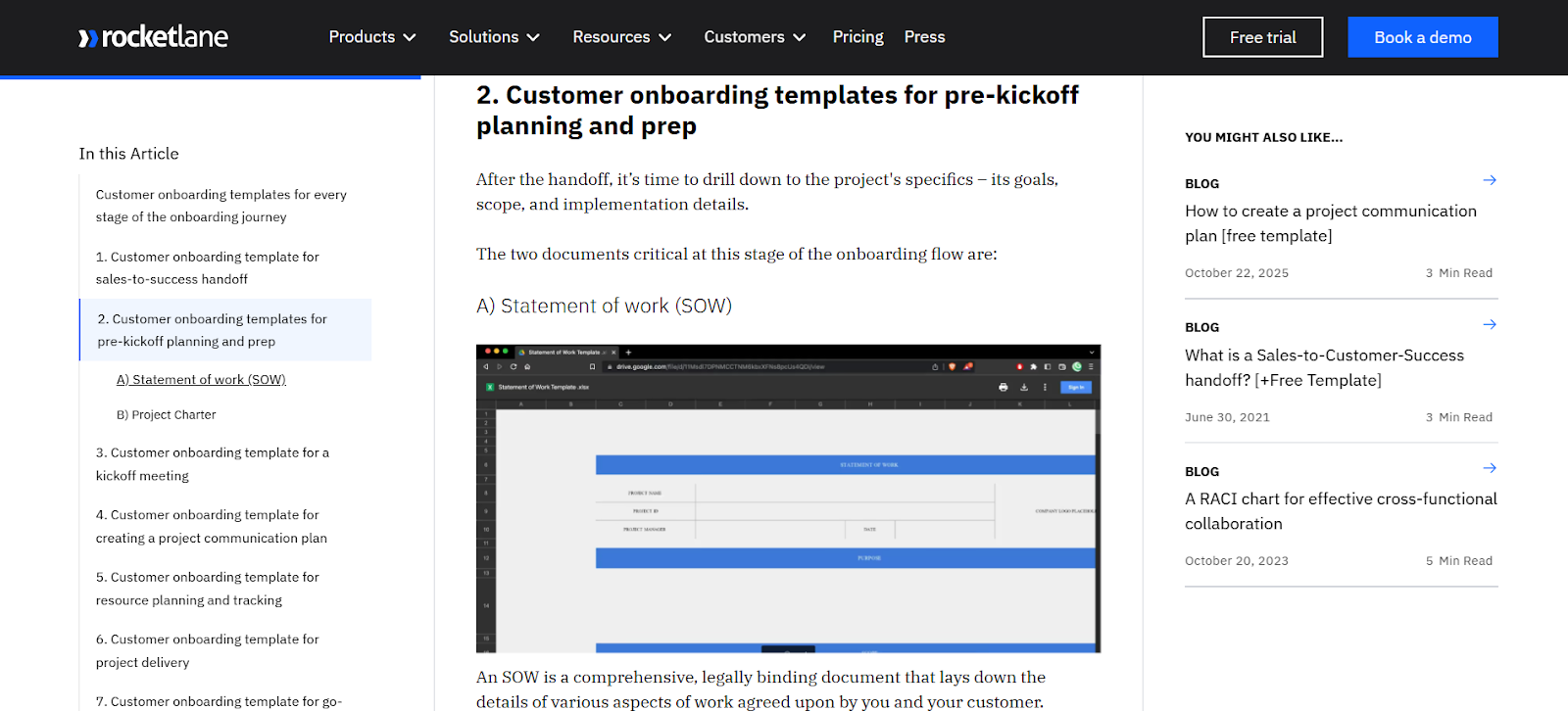
This template helps outline client expectations, deliverables, and responsibilities clearly. It keeps projects on track and prevents misunderstandings or scope creep.
9. New Customer Kickoff Call Agenda (MeetingNotes)
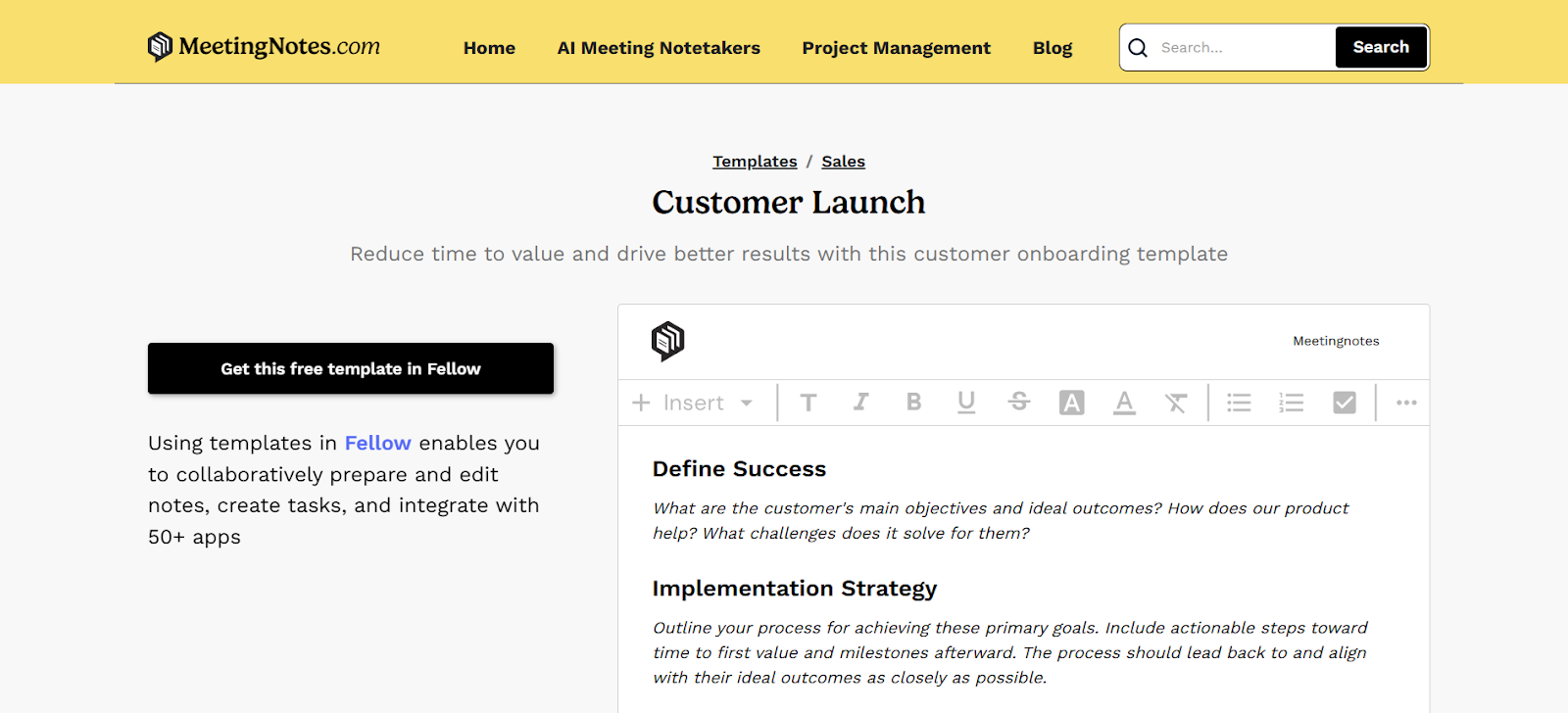
Plan initial client meetings effectively. The agenda covers defining success, moving from sales to implementation, introducing key players, and mapping next steps.
10. Client Onboarding Email Templates (Indeed)
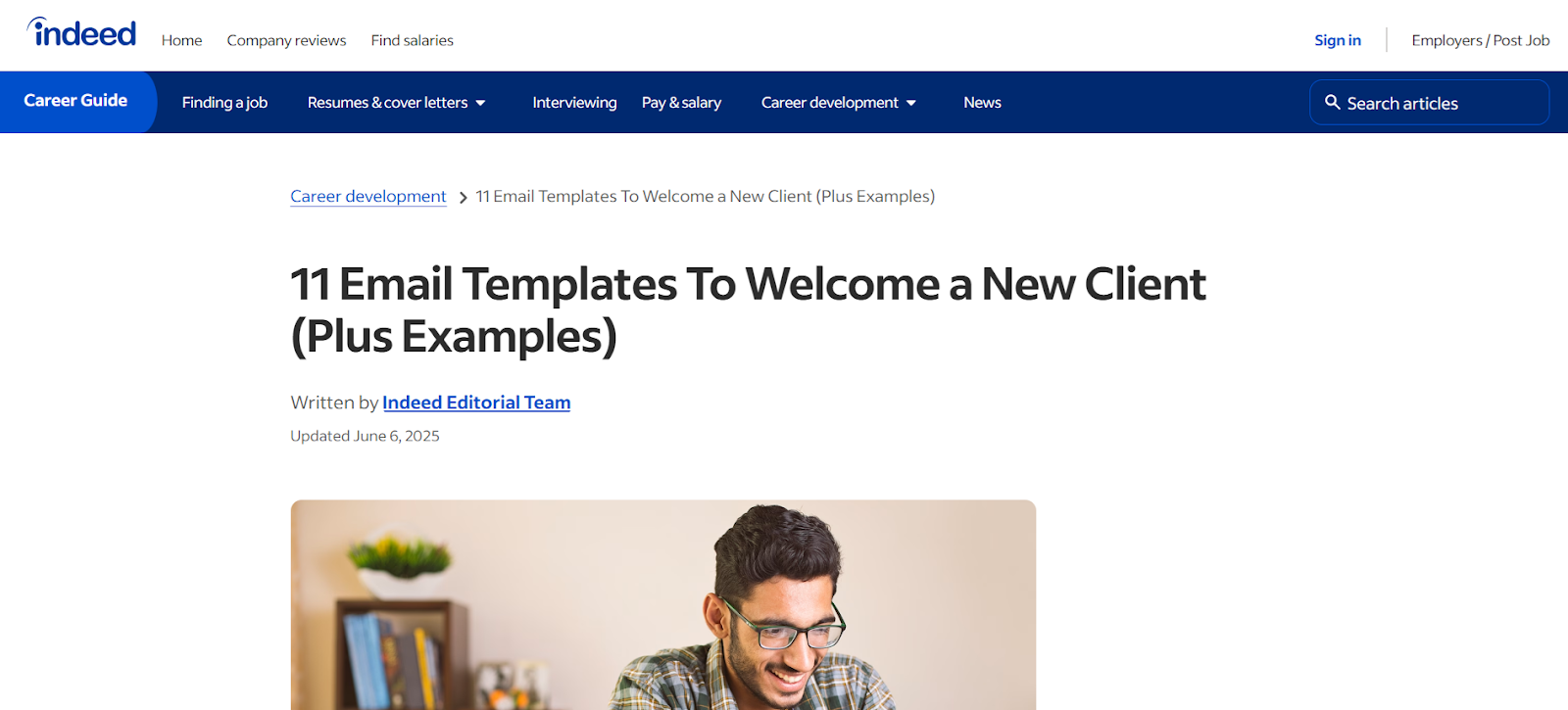
These templates cover 11 scenarios, including welcome emails, leader introductions, and special offers. They make follow-ups simple and consistent.
11. SaaS Onboarding Email Templates for Apps (Messaged)
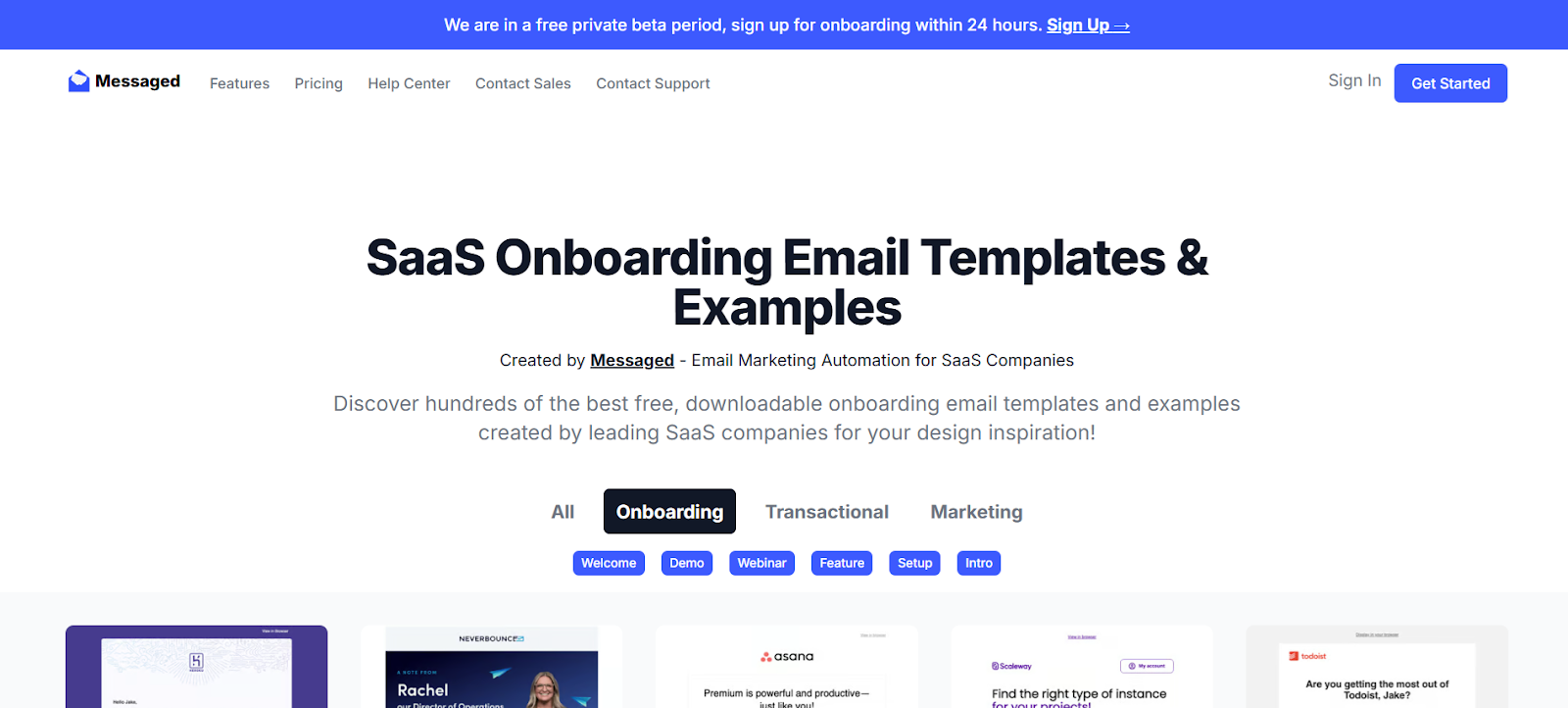
Choose from hundreds of pre-designed SaaS-specific templates ready for customization. Perfect for quickly creating onboarding emails that follow best practices.
12. Sales to Customer Success Handoff Template (Cognism)
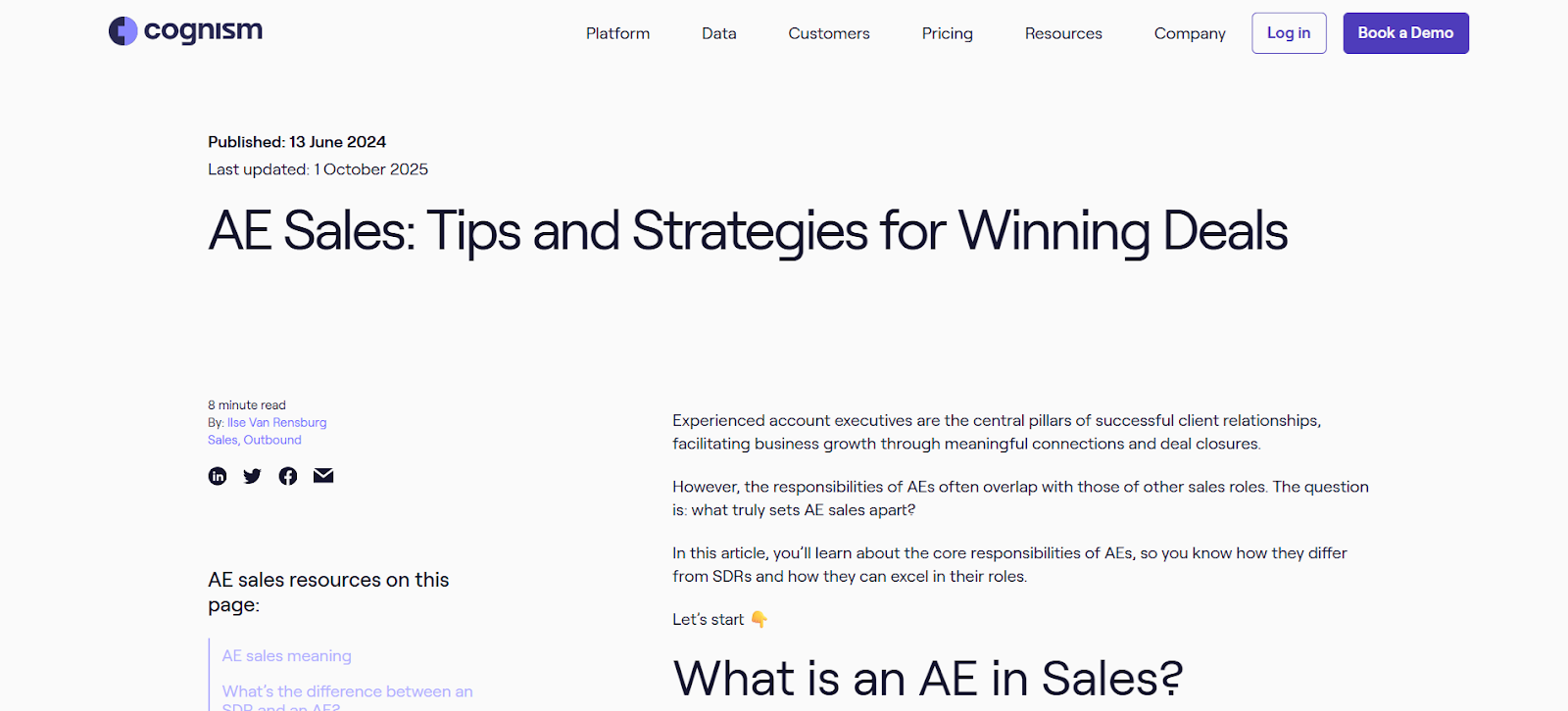
Smoothly transition clients from sales to success teams. This template guides collaboration and ensures no onboarding steps get missed.
13. New Customer Satisfaction Survey Template (SurveyMonkey)
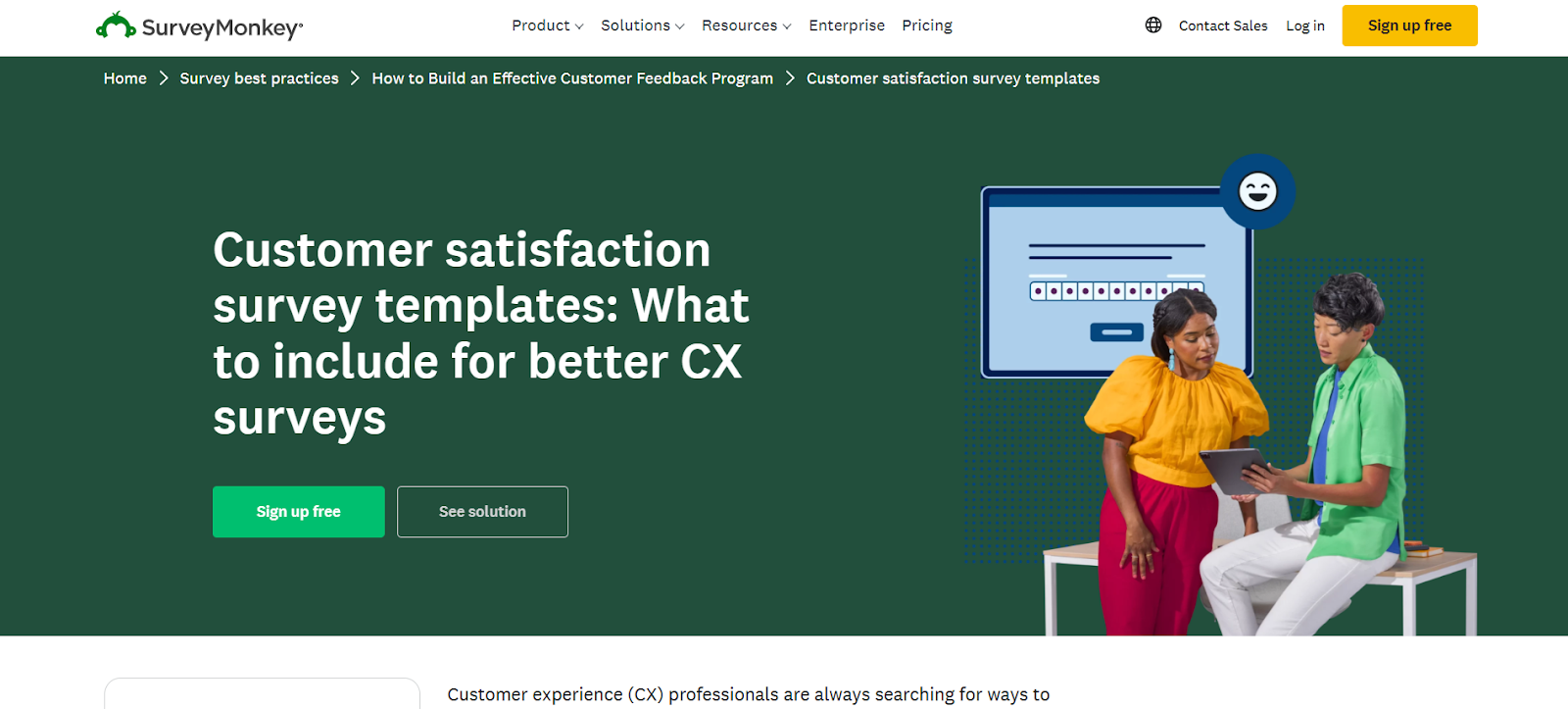
Gauge client satisfaction during onboarding. The template focuses on loyalty metrics to identify happy clients and those needing extra support.
14. Customer Success Onboarding Playbook for SaaS (UserPilot)
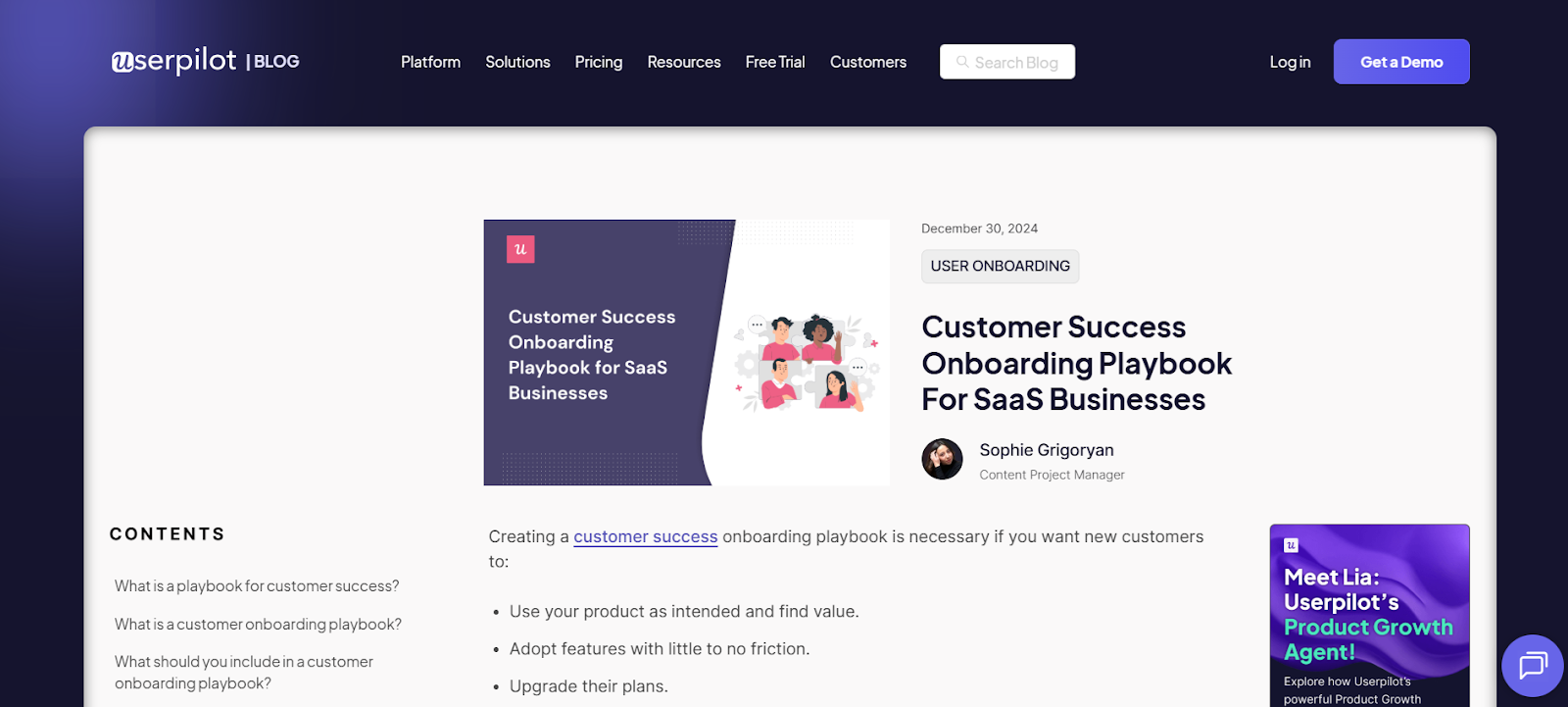
Create a clear overview of the onboarding process. The playbook keeps everyone on the team aligned on tasks and timelines, while allowing detailed use cases where needed.
15. Customer Onboarding Template for Process Automation (ClickUp)
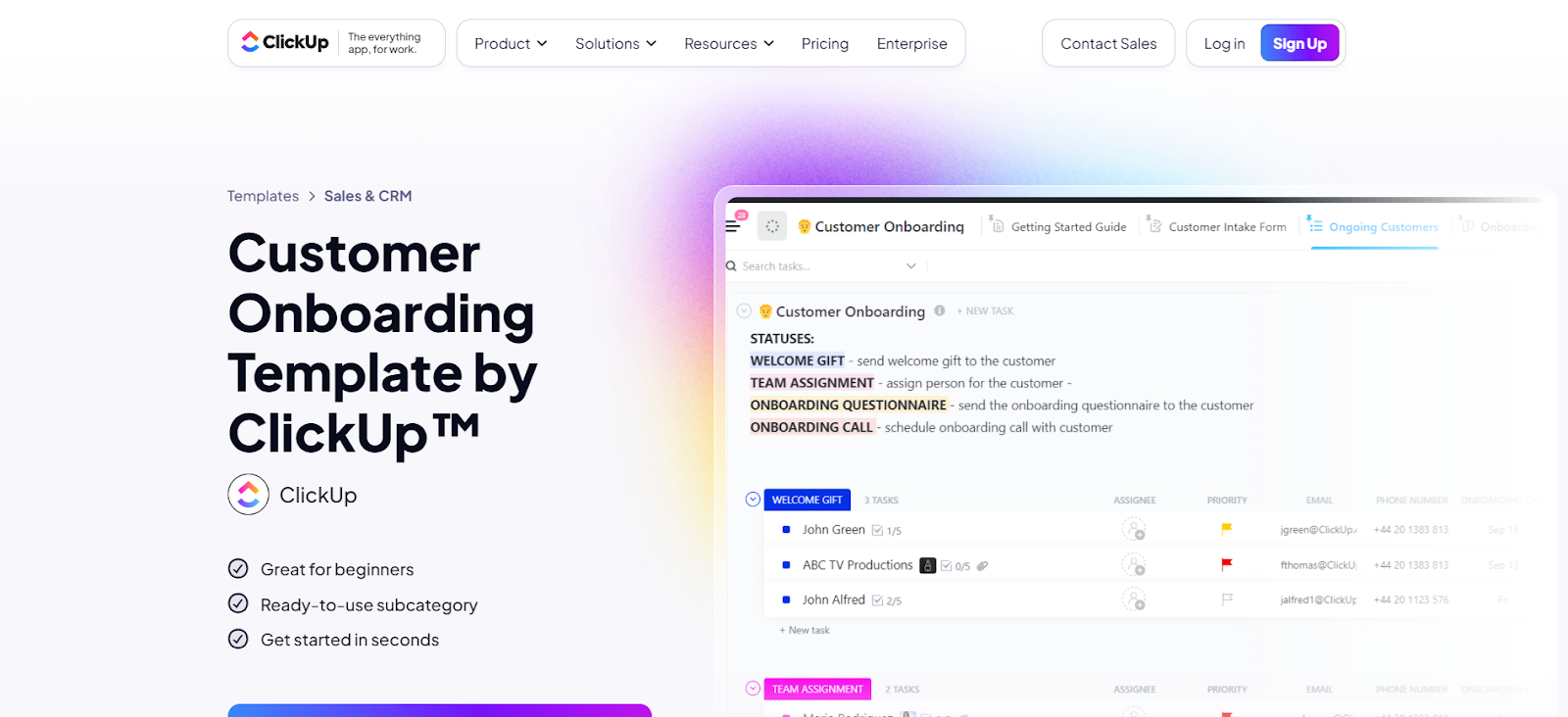
Manage onboarding tasks efficiently with responsibilities, due dates, and dependencies. Perfect for automating workflows and keeping processes organized.
BONUS: Onboarding Customer Journey Map Template (Digital Adoption)
Map every client interaction to strengthen relationships and improve retention. The template helps visualize the customer journey and ensures all touchpoints are accounted for.
Creating Customer Onboarding Templates: Step-by-Step
In case the templates above don’t meet your needs, here’s how to create your own:
Template 1: Welcome Email Sequence
A welcome email sequence is a series of emails designed to greet new customers, provide essential information, and guide them through the early stages of using your product. Done right, it builds trust, establishes a positive first impression, and ensures customers feel supported from day one.
Email 1: Welcome and Introduction
Subject: Welcome to [Company Name]!
Body:
Hi [Customer Name],
Welcome aboard! We’re excited to help you [solve a problem/achieve a goal] using [Product/Service]. Here’s a quick introduction to our product.
If you have questions, reply to this email or contact our support team at [contact info].
Best regards,
[Your Name], [Position], [Company Name]
Expert Tip: Personalize the email, provide a concise overview, and include a contact point for support.
Email 2: Getting Started Guide
Subject: Let’s Get Started with [Product Name]!
Body:
Hi [Customer Name],
Now that you’re part of [Company Name], here’s a step-by-step guide to help you start:
[Step 1] – [Link to tutorial/resource]
[Step 2] – [Link to tutorial/resource]
[Step 3] – [Link to tutorial/resource]
Need help? Visit our help center or contact [support info].
Email 3: Highlight Key Features
Subject: Discover What Makes [Product Name] Unique, [Customer Name]!
Body:
Hi [Customer Name],
To maximize your experience, here are some key features:
[Feature 1] – [Short description + guide link]
[Feature 2] – [Short description + guide link]
[Feature 3] – [Short description + guide link]
These tools help you achieve [specific goals].
Pro Tip: Focus on top features, keep descriptions brief, and maintain a positive tone.
Email 4: Check-In and Feedback Request
Subject: How Are You Finding [Product Name], [Customer Name]?
Body:
Hi [Customer Name],
We’d love your feedback to improve your experience. Please take a moment to complete our short survey: [Link].
Thanks for being part of the [Company Name] community!
Expert Tip: Send after a few weeks, request feedback, and provide a survey link.
Template 2: Onboarding Checklist
A customer onboarding checklist guides users step by step, ensuring they complete essential tasks and fully leverage your product features. Checklists reduce confusion, improve adoption, and make onboarding repeatable and scalable.
Stage 1: Account Setup
- Create a new account via email or social login.
- Verify your email.
- Complete your profile with contact info and preferences.
Stage 2: Initial Setup
- Download and install the product/app.
- Log in using credentials.
- Configure basic settings like language and time zone.
Stage 3: Product Tour
- Take a guided tour through your LMS.
- Explore the dashboard with tips and tooltips.
- Access the integrated help center for tutorials and support.
Stage 4: Feature Utilization
- Set up key features using step-by-step tutorials.
- Integrate with other tools like CRMs (HubSpot), automation platforms (Zapier), or Gmail.
Stage 5: Ongoing Support
- Attend follow-up sessions with your Account Manager.
- Join the community forums.
- Schedule webinars or live training.
- Save customer support contact info.
Expert Tip: Include visual aids like screenshots, GIFs, or short clips to complement written instructions. Add links to relevant guides and support resources to make the checklist easier to follow.
12 Tips for Successful Customer Onboarding
Successful customer onboarding sets the tone for your entire client relationship. A clear, organized process helps new customers feel confident, supported, and ready to get value from your product quickly.
Using best practices, combined with templates and client onboarding software, makes onboarding smoother, more consistent, and easier to scale across teams.
1. Communicate Clearly
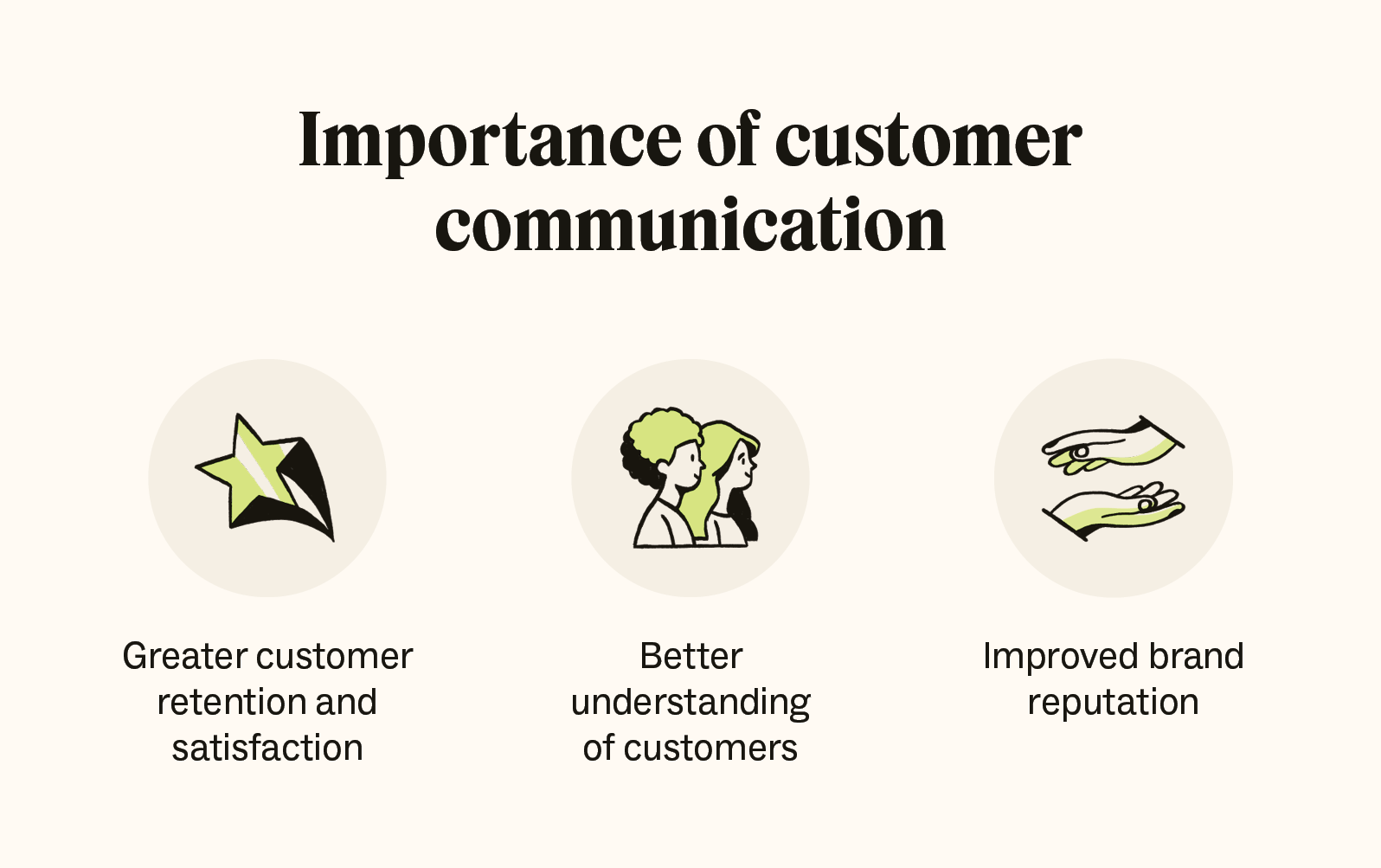
Clear communication keeps customers informed and confident, reducing confusion and frustration.
Tips:
- Set expectations early: From the first welcome email, explain timelines, key steps, and support options.
- Provide updates regularly: Use automated emails or direct messages to keep customers aware of progress and next steps.
- Use simple language: Avoid jargon and keep instructions easy to follow for all customers.
- Offer multiple channels: Reach customers through email, in-app messages, chat, or phone.
- Respond quickly: Use a learning management system (LMS) or a help desk to address questions promptly. Fast replies show customers that their concerns matter.
2. Provide Continuous Support and Education
Ongoing training and support help customers get the most from your product. Offer online tutorials, guides, and FAQs.
- LMS platforms: Centralize learning materials and track progress. Coursebox AI, for example, allows interactive, self-paced modules that can be personalized for each customer.
- Interactive tutorials: Tools like WalkMe or Whatfix guide customers through processes step by step.
- Knowledge bases: Use platforms like Zendesk or Help Scout to host articles, videos, and FAQs that customers can access anytime.
3. Assign Onboarding Responsibilities
Decide who will lead onboarding. Roles may include content creation, training, or relationship management. In smaller companies, one person may cover all tasks. Larger teams may require multiple specialists.
4. Set Program Goals

Define measurable objectives for onboarding, such as helping customers reach milestones quickly, encouraging upgrades, or achieving specific performance metrics. Goals should be clear, realistic, and tied to customer success.
5. Choose Your Onboarding Model
- Self-service: Customers guide themselves with online resources. This model is ideal for simple products.
- High-touch: Personalized support and dedicated representatives for tailored onboarding.
- Low-touch: Mix of automated emails and limited human support.
6. Review and Improve
Regularly assess your onboarding process. Gather feedback, track results, and adjust as needed. Continuous improvement ensures customers stay engaged and satisfied.
7. Prepare for Change
Expect customer needs and business requirements to evolve. Adjust onboarding processes to stay relevant and effective.
8. Offer Robust Customer Support
Ensure customers can access help when needed. Use AI chatbots, help desks, or live support.
9. Build a Knowledge Base
Provide resources covering basic and advanced product use. Include troubleshooting guides and detailed tutorials to reduce support requests and empower customers.
10. Start with Pre-Onboarding Templates
Collect essential client information early. Use preboarding questionnaires to learn about goals, stakeholders, and expectations. Templates make this step consistent and easy to repeat.
11. Use Onboarding Email Templates
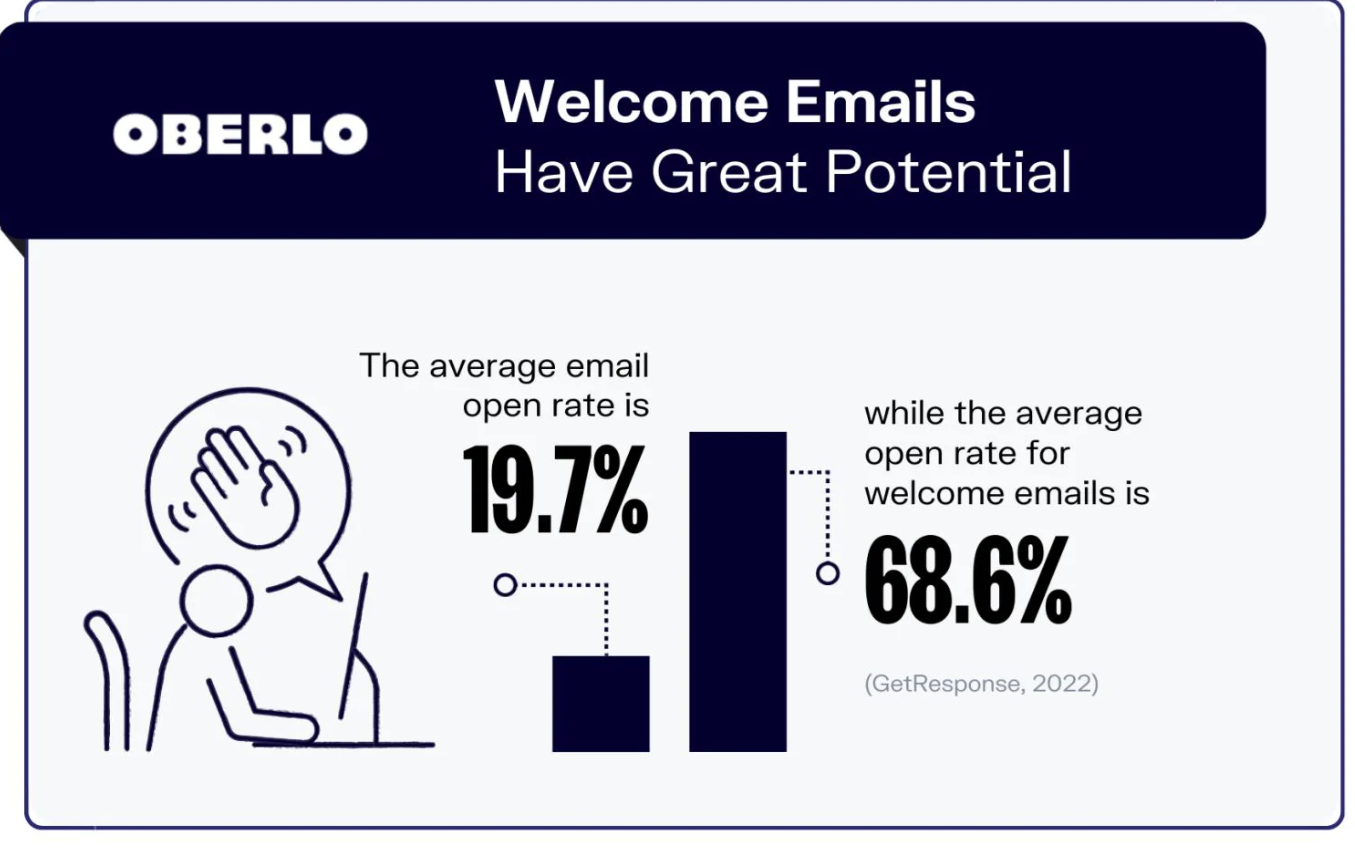
Welcome emails save time while introducing features and benefits. Provide links to resources and contact options.
12. Create Repeatable Processes
Checklists and templates help structure onboarding, delegate tasks, and define responsibilities across teams. They also make handoffs between sales and customer success smoother, improving long-term retention.
Recommended Templates and Tools:
- Preboarding questionnaires
- Email sequences for welcoming and educating clients
- Onboarding checklists and process guides
- Learning management systems like Coursebox AI to track progress and centralize resources
Make Customer Onboarding a Breeze with Coursebox AI
Effective onboarding does more than teach users how to start. It helps them succeed long-term. Templates give structure, but Coursebox AI adds interactive training, progress tracking, and workflow integration.
Create self-paced modules, connect them in a learning network, and provide ongoing support. With Coursebox AI, you can boost adoption, reduce support requests, and build stronger client relationships.
Start empowering your customers today.
FAQs
What are the 5 C's of onboarding?
The 5 C’s of onboarding are Compliance, Clarification, Culture, Connection, and Check-back. They ensure new customers or employees understand rules, roles, and company culture, build relationships, and receive follow-ups for a smooth and successful integration into your product or service.
How do you onboard a customer?
Customer onboarding involves welcoming new users, guiding setup, providing tutorials, highlighting key features, and offering ongoing support. Effective onboarding increases adoption, reduces churn, and strengthens relationships. Use templates, checklists, and tools like Coursebox AI for a structured, engaging process.
What is a customer onboarding form?
A customer onboarding form collects essential client information such as contact details, goals, preferences, and project requirements. It streamlines onboarding, ensures teams have accurate data, and helps tailor services, training, and communication for a smooth, personalized customer experience.
What are the 7 steps of the client process or client onboarding process?
The 7 steps include: preboarding, welcome, account setup, product introduction, feature training, feedback collection, and ongoing support. Following these steps ensures structured onboarding, faster adoption, fewer errors, and stronger customer satisfaction and retention.
What are the 5 pillars of onboarding?
The 5 pillars are clarity, communication, training, support, and measurement. They create a structured framework for onboarding, helping customers understand expectations, learn effectively, receive guidance, and track progress for a smooth, engaging, and successful experience.
What are the 4 Cs checklists?
The 4 Cs checklist focuses on Compliance, Clarification, Culture, and Connection. It guides teams through essential onboarding tasks, ensuring new customers or employees understand rules, roles, company culture, and build meaningful relationships for lasting engagement and satisfaction.
Alex Hey
Digital marketing manager and growth expert

