

How a Course Launch Checklist Helps You Avoid Mistakes and Save Time
Worried about missing important steps before launching your course? Here’s how a course launch checklist can help you avoid costly mistakes and stay organized.


Build, launch and sell quality courses in minutes
Download Course Launch Checklist
We understand how overwhelming it can be to launch an online course, but with a course launch checklist, it can feel like a breeze.
However, many course creators discover this the hard way. And then shift to a course launch checklist, which is a particularly smart move.
It helps you prepare your course, coordinate marketing activities, and ensure that nothing important is forgotten.
By the end of this guide, you’ll see exactly how a course launch checklist can help you streamline your process, avoid costly mistakes, and save valuable time.
Course Launch Checklist: 17 Steps to Avoid Mistakes
A successful course launch rarely happens by accident.
Most smooth launches follow a clear sequence of steps that guide preparation, marketing, and enrollment.
When you plan each step carefully, you reduce confusion, avoid technical issues, and give your learners a better first experience with your course.
Here’s how a course launch checklist helps you avoid mistakes:
1. Define Your Course Launch Goals
Source: Project Manager Template
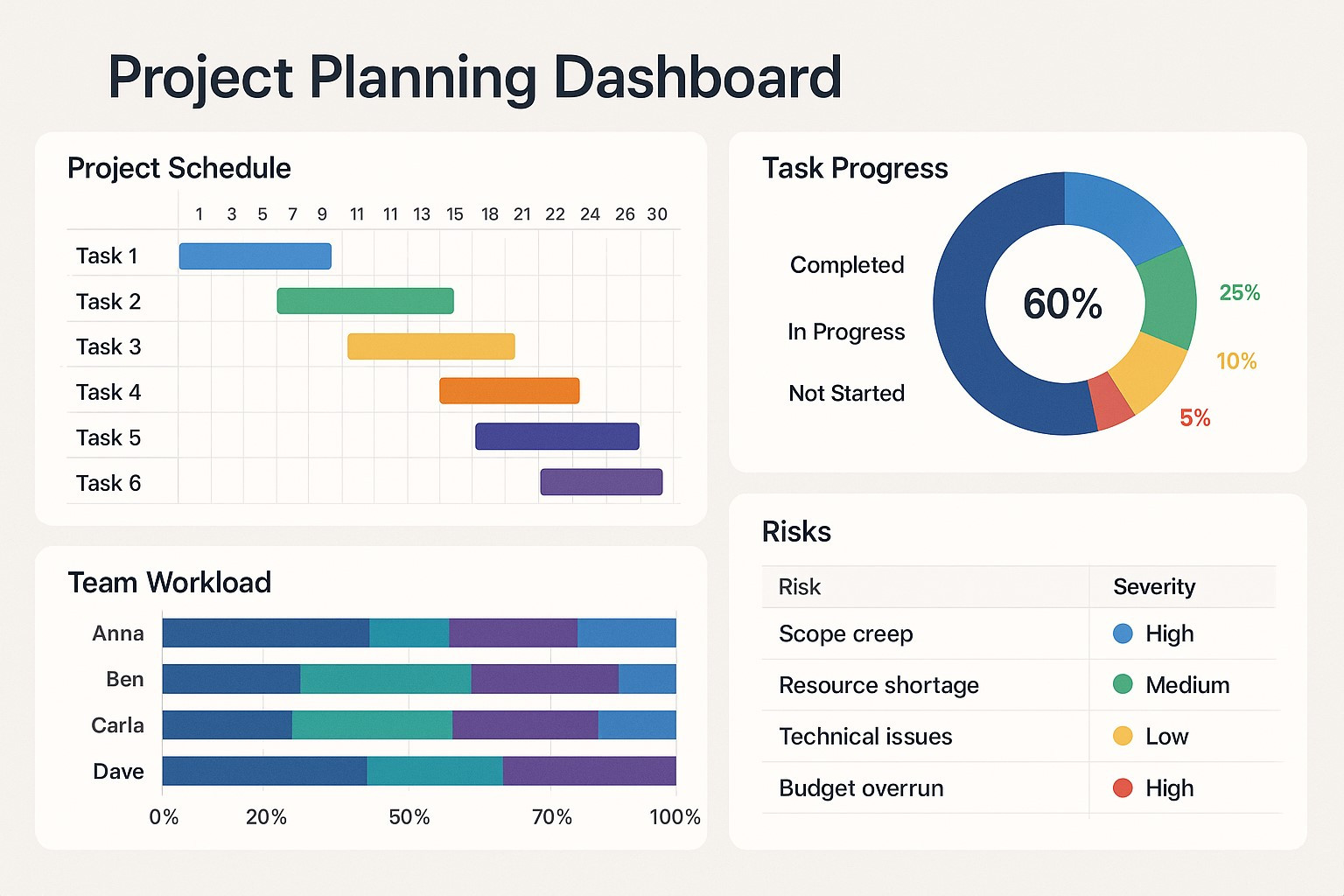
Start by deciding what a successful launch looks like for you. Many creators jump straight into promotion without defining clear goals. This makes it difficult to measure whether the launch worked.
Think about the outcomes you want to achieve. You might aim for a specific number of enrollments, a revenue target, or a certain number of email subscribers before launch.
Write these goals down and keep them visible during your launch preparation.
For instance, if your goal is to build an audience first, you may focus more on content and email list growth. If revenue is the priority, your attention should be on conversion-focused marketing.
2. Finalize Your Course Content
Source: University of London
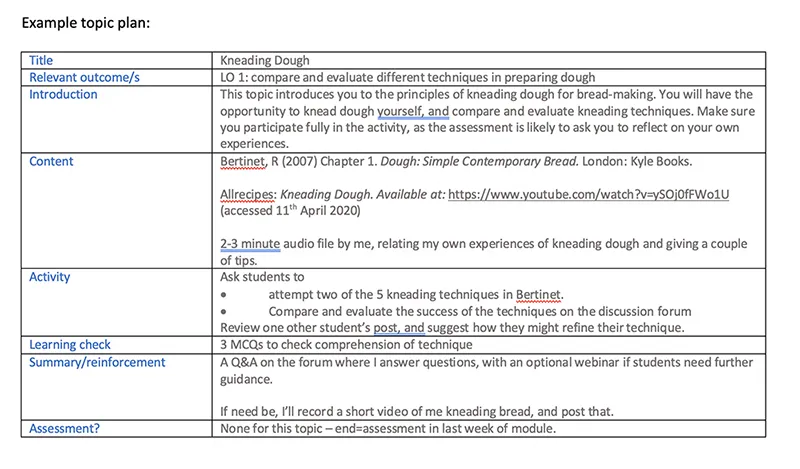
Before opening enrollment, confirm that your course content is fully prepared. Learners expect immediate access to valuable material once they join. Missing lessons or unfinished modules can damage trust quickly.
Review your lessons carefully. For that, check that videos play properly, downloads work, and lesson descriptions clearly explain what students will learn. Organize training modules in a logical order so learners can follow the course without confusion.
Here, clarity matters too. Each lesson should solve a specific problem or teach a clear concept. Short, focused lessons usually help learners stay engaged and complete the course more easily.
3. Testing the Learning Experience
Source: Troop Messenger
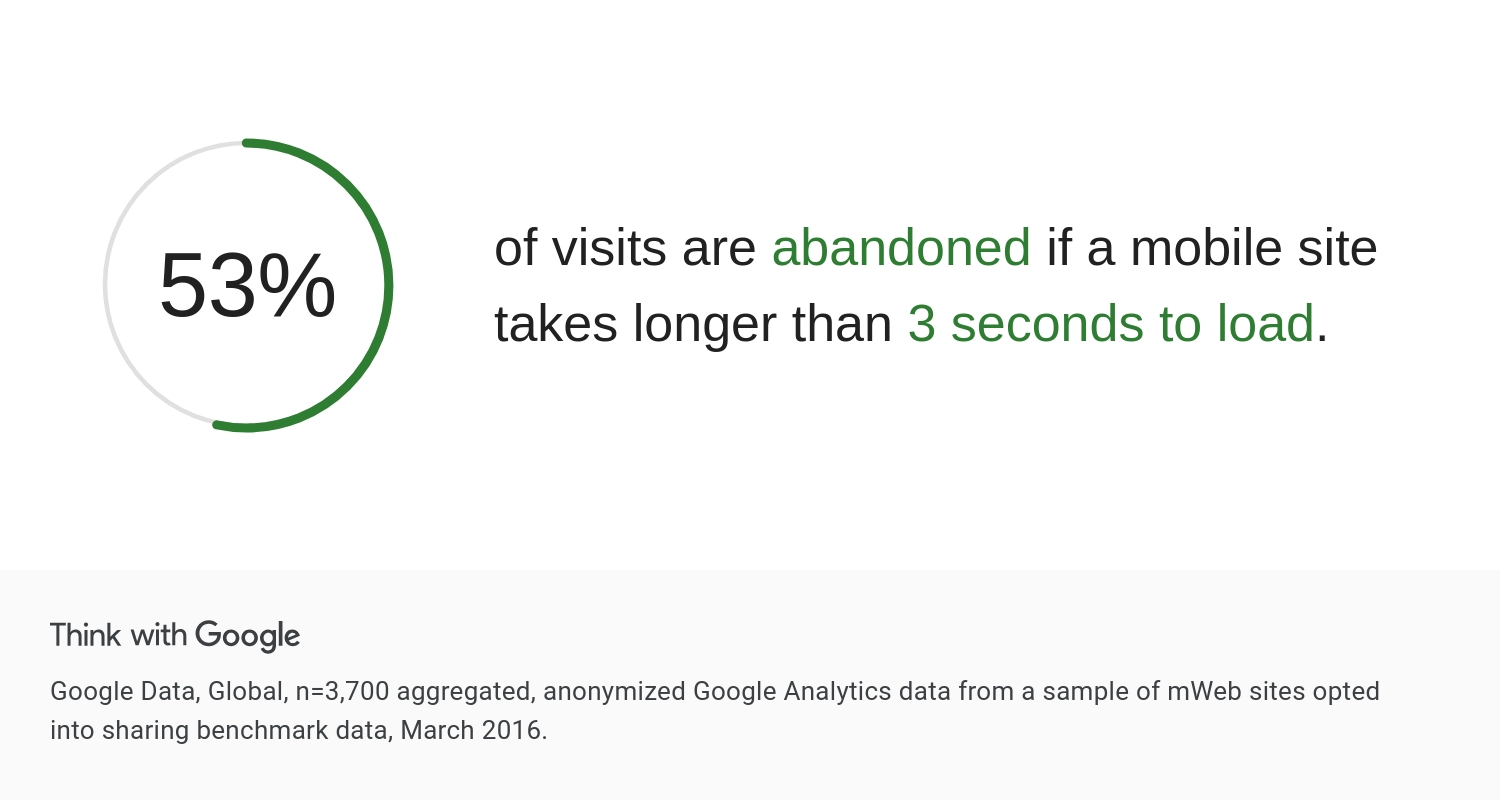
More than 53% of mobile users leave a site that takes longer than three seconds to load. This means you need to test your site beforehand to make sure your learners get the best possible experience.
Doing so allows you to see your course from the student’s perspective. Log in as a learner and walk through the entire course just as a student would.
Check whether navigation feels simple. Also, confirm that videos load quickly, quizzes function properly, and downloadable resources open without issues. Even small technical problems can interrupt learning and create frustration for new students.
4. Set Up Your Course Pricing and Payment System
Source: HEIGHTS
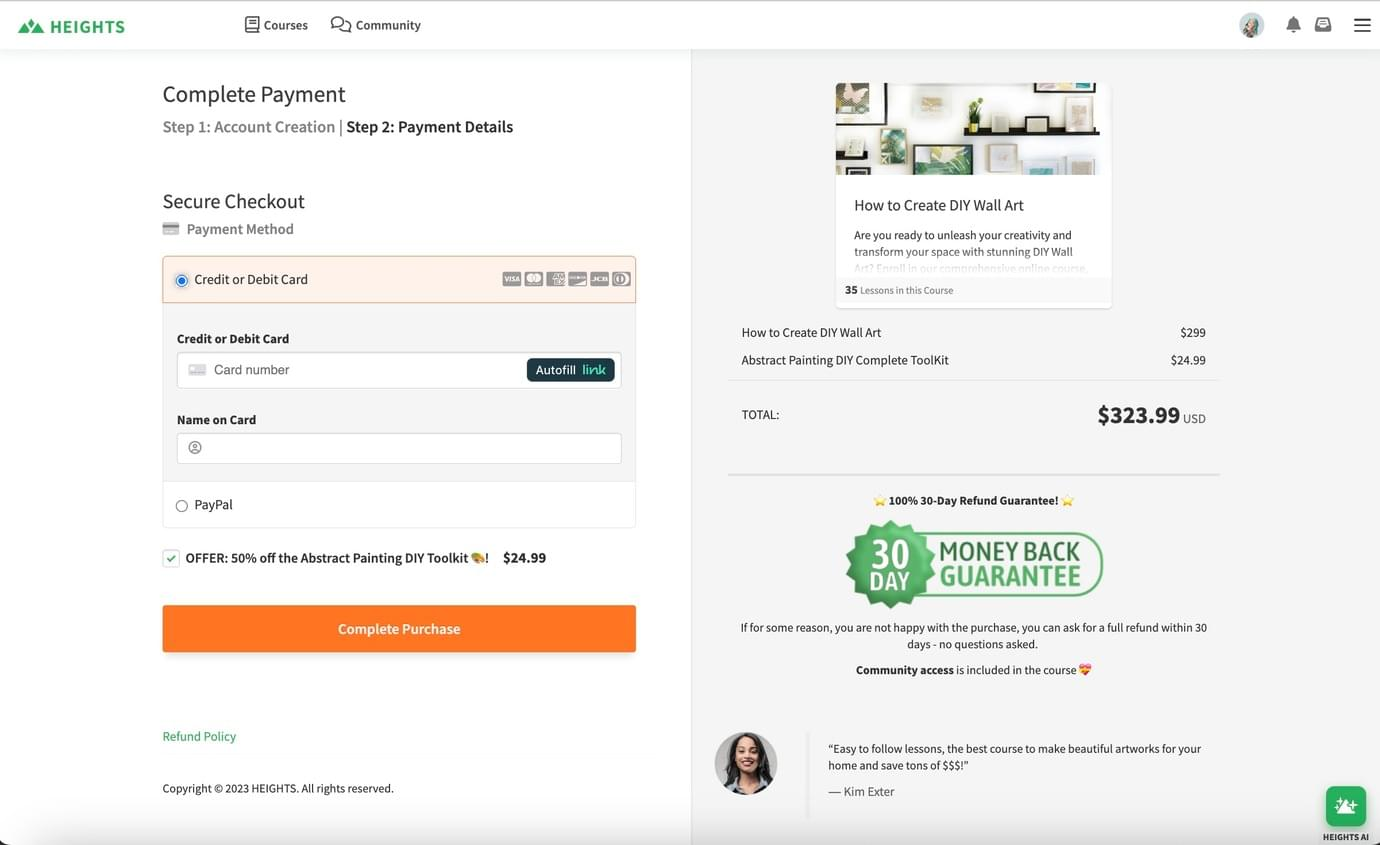
Before announcing your course, confirm that your pricing and payment setup work smoothly. Learners should clearly see the course price, available payment options, and what happens after enrollment.
You can start by deciding on the pricing structure. Some creators use a single payment, others offer installments or early-launch discounts.
Once pricing is set, complete a full test purchase to verify that checkout works and confirmation emails arrive correctly. Also, pay close attention to the checkout flow.
Remember, a clean checkout page with a clear purchase button helps more learners complete their purchase.
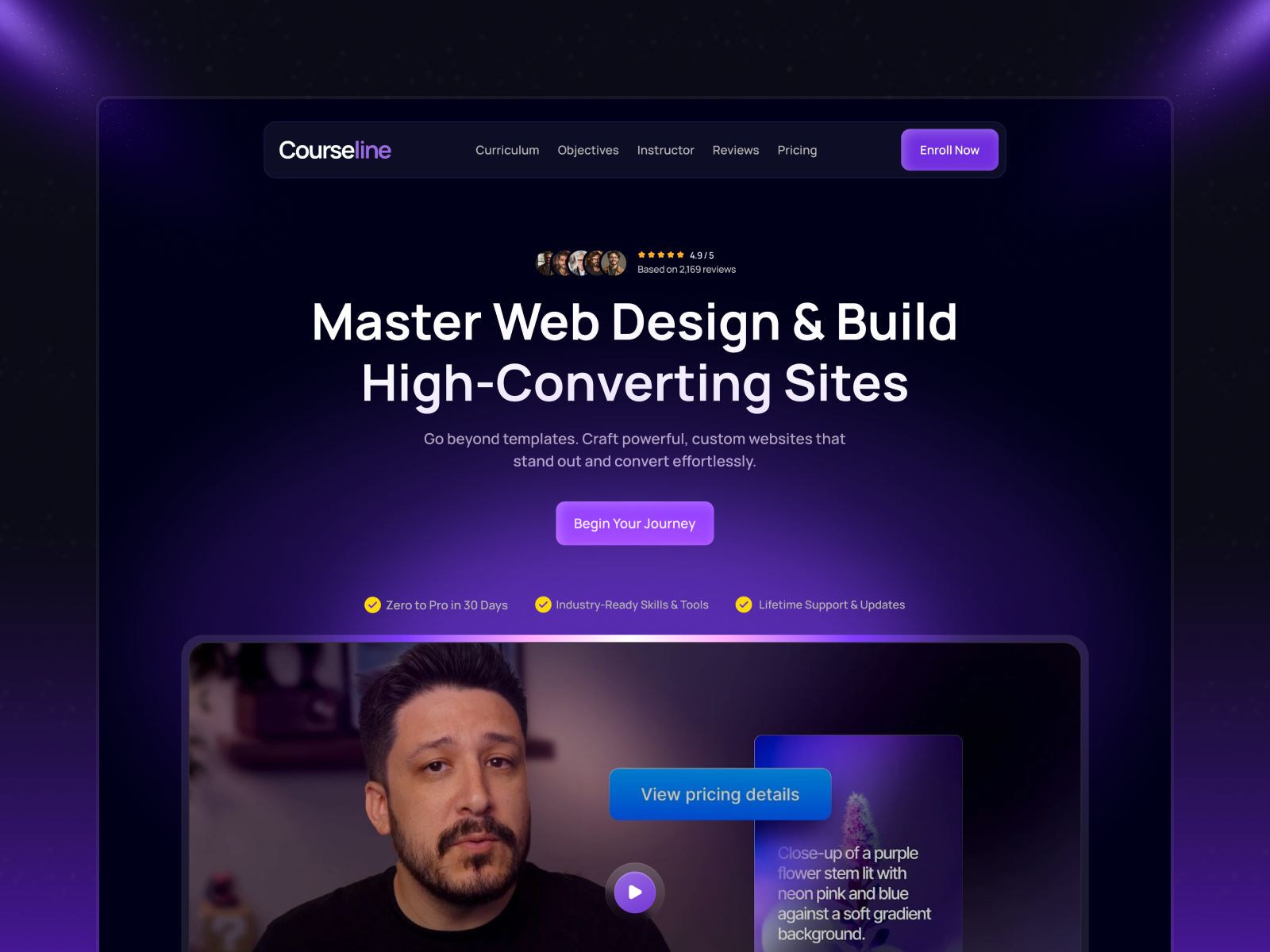
5. Prepare Your Course Landing Page
Source: Framer
You should start with a headline that clearly explains the result learners will achieve. Follow it with a short explanation of who the course is for and add sections that show the curriculum, testimonials, and any included bonuses.
Research shows that you only have 54 seconds on average until visitors decide whether to continue on your web page or not. This means you have less than a minute to tactically force visitors to stay with value.
For this, make the page easy to scan. Use short sections, bullet points for lessons, and strong call-to-action buttons that guide visitors toward enrollment.
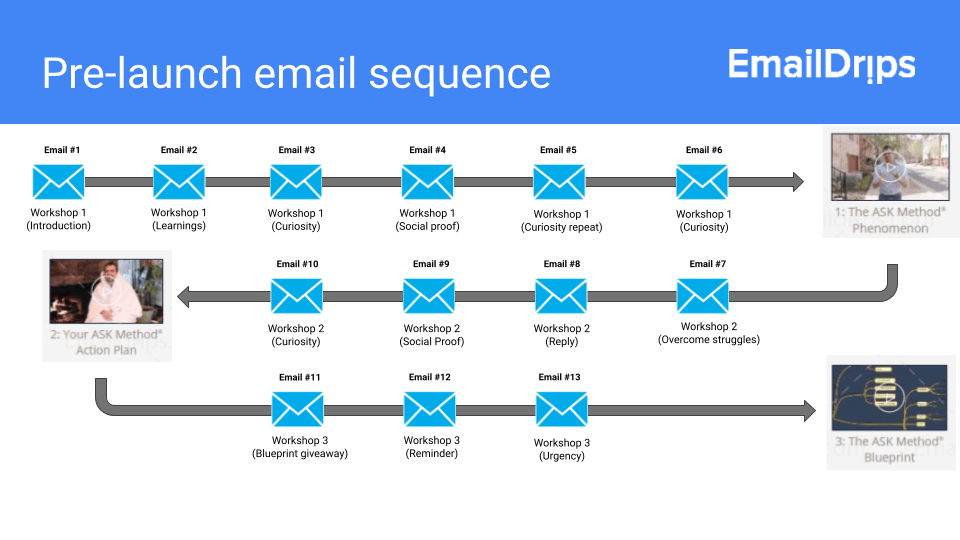
6. Create a Pre-Launch Email Sequence
Source: EmailDrips
A pre-launch email sequence helps you warm up your audience before enrollment opens. These emails introduce your course topics, provide useful insights, and gradually build anticipation for launch day.
Begin by outlining a simple sequence of 3-5 emails. The first message can introduce the problem your course solves, while the next emails share practical tips, small lessons, or examples that exhibit your expertise.
This process builds trust before you ask people to enroll. When the launch announcement arrives, readers already understand the value of the course and feel more confident joining.
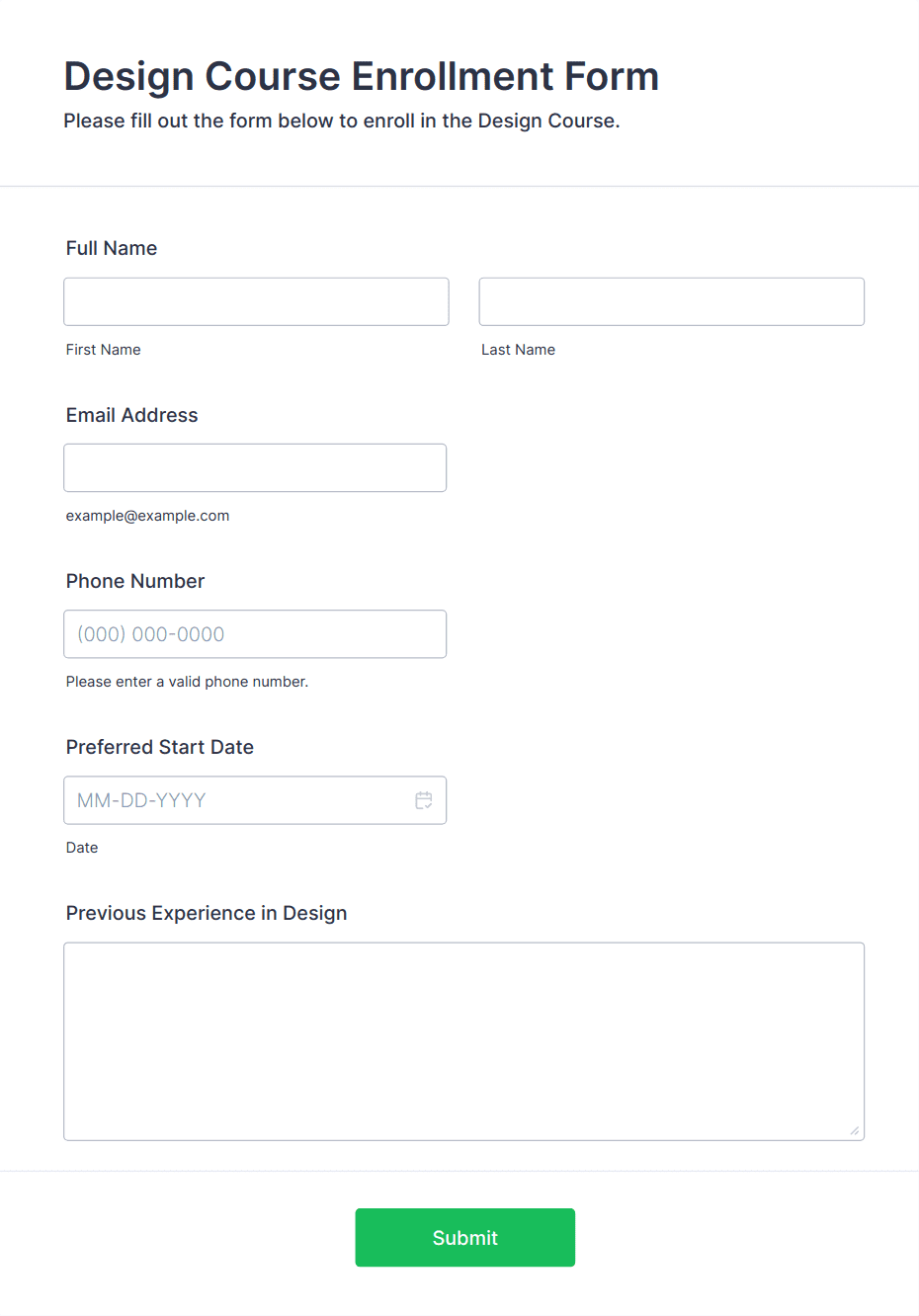
7. Set Up Your Enrollment System
Source: Jotform
Your enrollment system controls how students join the course. If this step feels confusing or slow, many potential students will leave before completing their registration.
First, you need to review the entire enrollment process. Check the signup form, payment page, confirmation message, and course access delivery.
A student should be able to move from the landing page to course access without confusion.
Keep the process simple.
Ask only for essential information like name, email, and payment details. Extra steps can create friction and reduce conversions.
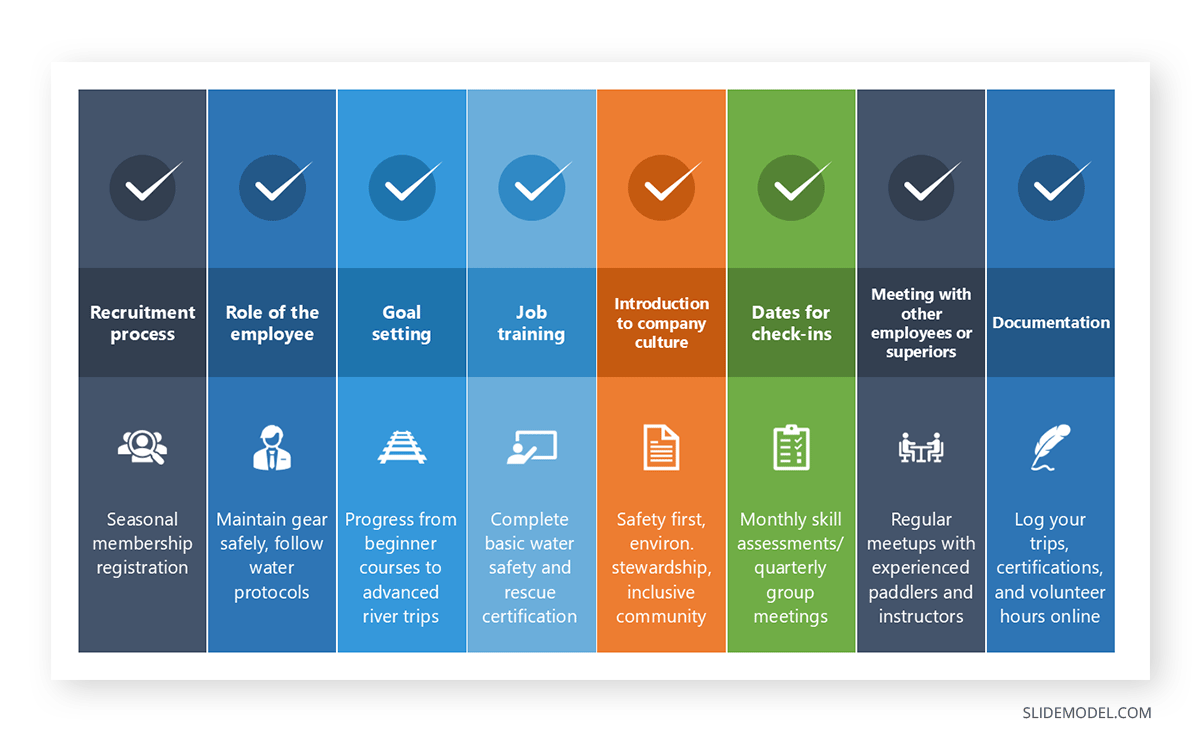
8. Prepare Student Onboarding Materials
Source: SlideModel
The first experience students have after enrolling sets the tone for the entire course. Clear onboarding materials help learners understand where to start and how to progress through the program.
Prepare a welcome message that explains what students should do first. Provide instructions on navigating the course platform, accessing lessons, and completing assignments.
A short orientation video or welcome guide here can help students feel comfortable with the learning environment.
Students are more likely to be engaged when they clearly understand the course structure.
9. Test All Links and Integrations
Source: Slide Team
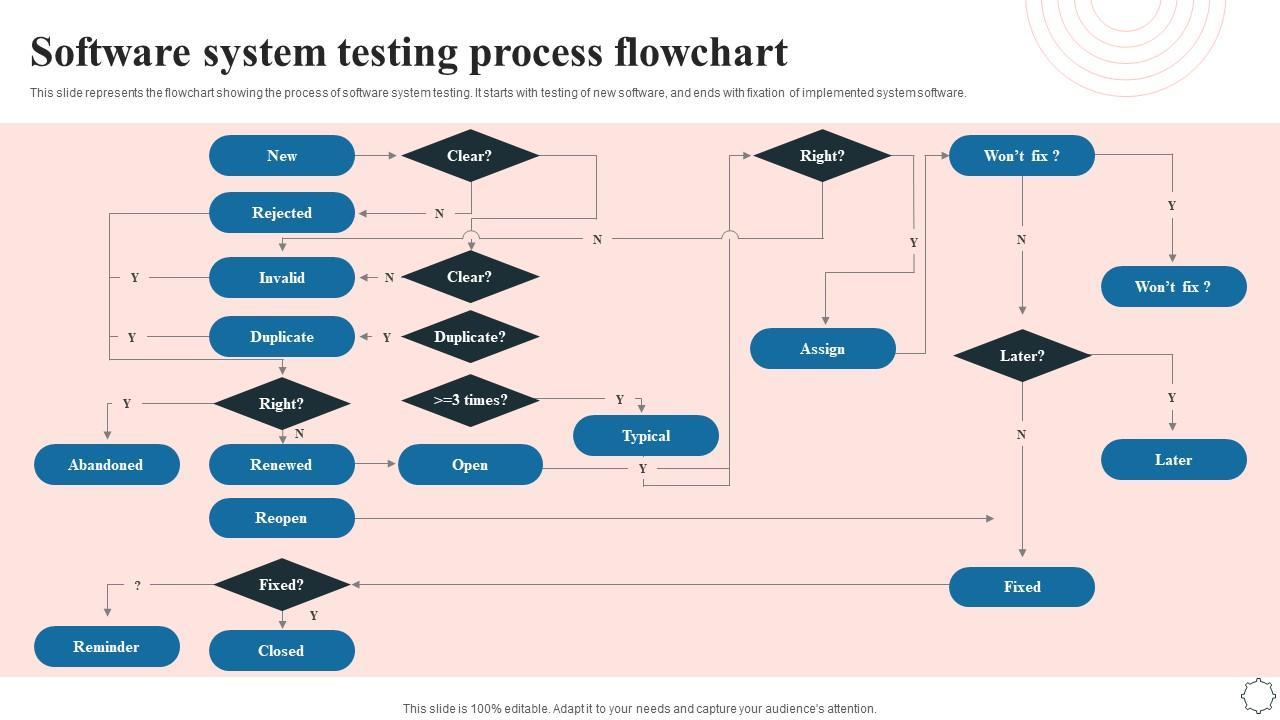
Before you launch your course, check every link and integration connected to the platform.
This includes enrollment pages, email confirmations, payment gateways, course access links, and downloadable resources.
Go through the process step by step and click every link exactly as a student would. Comfort that each action triggers the correct result.
For instance, completing a purchase should immediately grant access to the course and send a confirmation email.
If there’s any delay, it can frustrate new students.
10. Create Launch Marketing Content
Source: Ecommerce Analytics
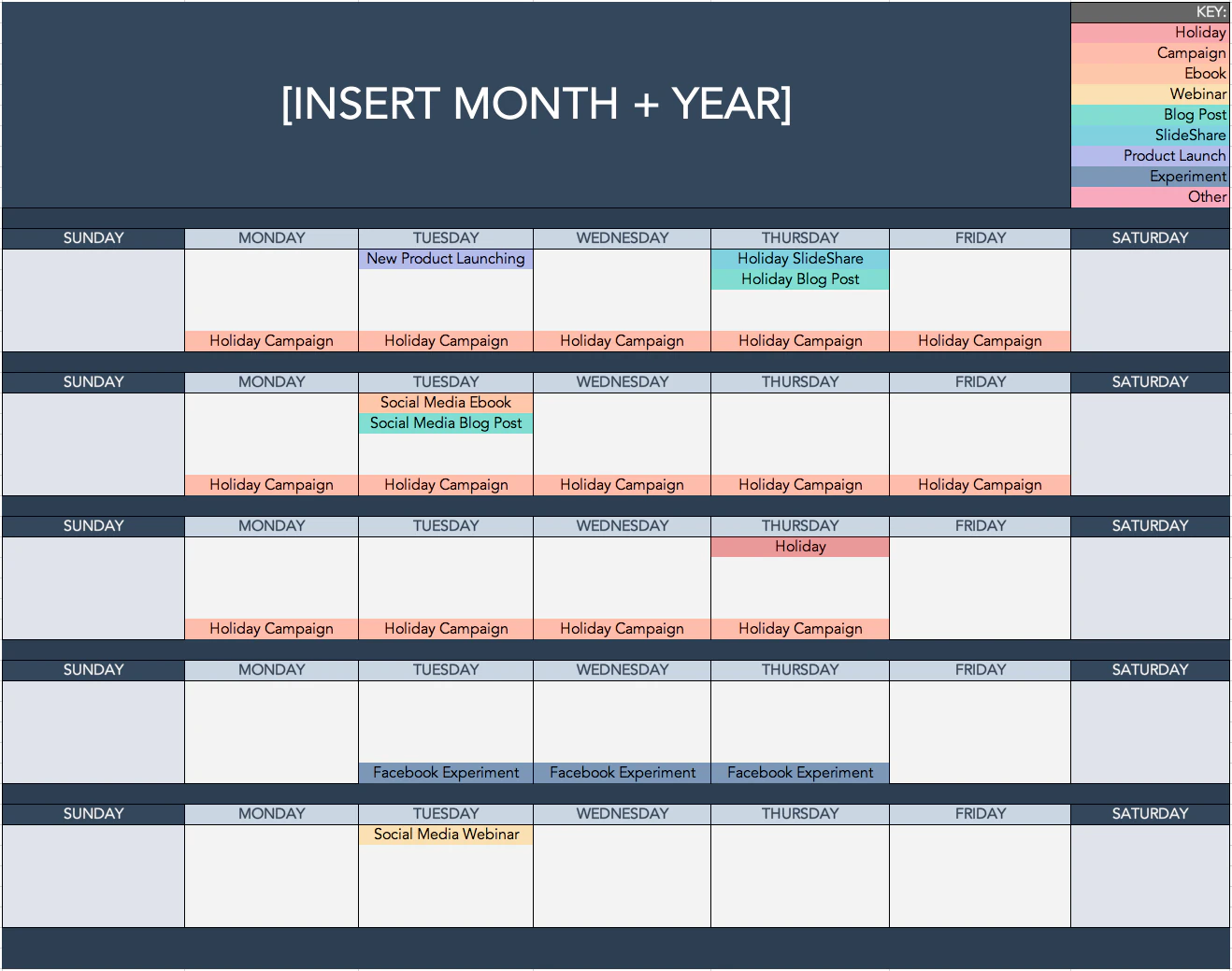
Beforehand, prepare the marketing content you will post at launch. It should be a mix of social media posts, emails, blog articles, short videos, and promotional graphics.
Preparing everything in advance keeps your launch organized and prevents last-minute stress.
The best way for this would be to identify the main messages you want to communicate. You might highlight the problem your course solves, the transformation learners can achieve, and the results previous students experienced.
Break these ideas into multiple posts and emails so you can share them consistently during the launch.
11. Plan Your Launch Timeline
Source: Slide Team
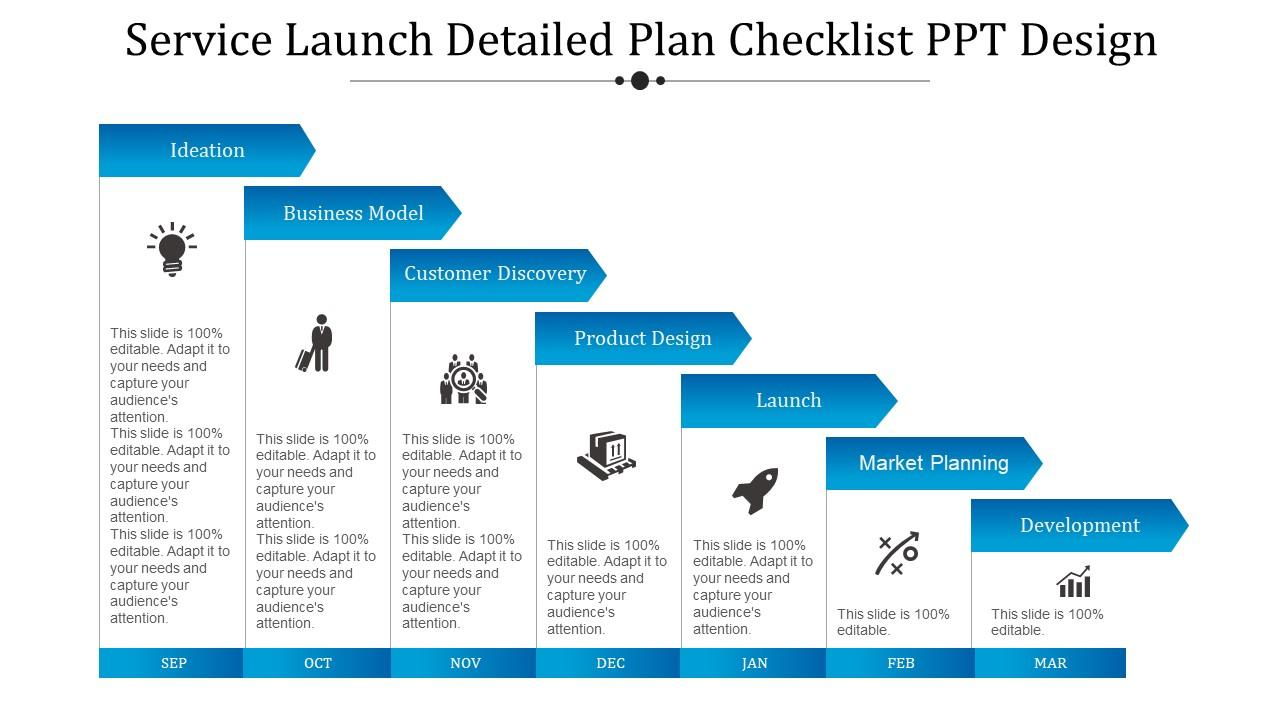
A clear timeline helps you manage all the tasks involved in launching your course. Without one, important steps such as email announcements, promotional content, and enrollment reminders can easily be forgotten.
Create a simple timeline showing when each activity will happen.
For example, pre-launch emails may start two weeks before enrollment opens. Social media promotions might begin a week before launch day.
Lastly, the official announcement, webinar, or launch event can take place when enrollment begins.
Keep the timeline visible so you can track progress easily.
12. Prepare Customer Support Responses
Source: Coupler
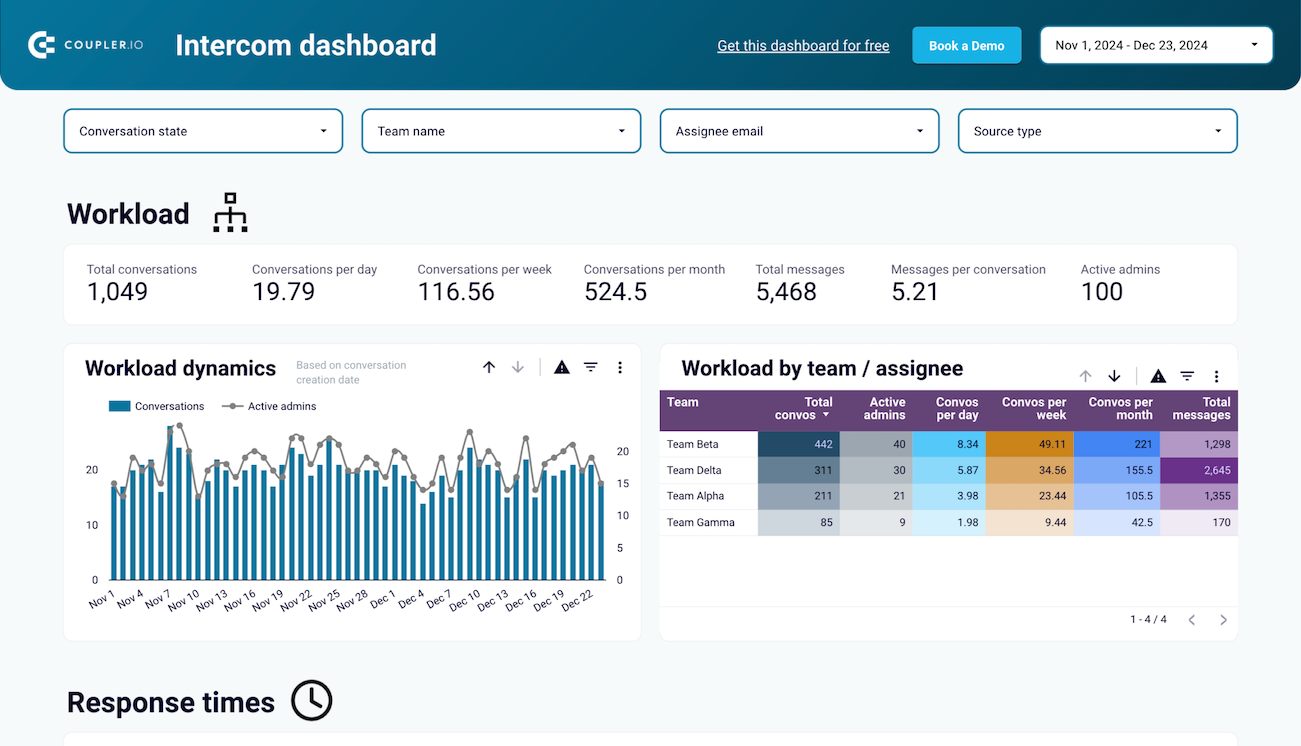
Create a list of common questions and prepare clear responses. These answers can appear in your FAQ section, email replies, or help center.
Quick responses help potential learners feel supported and confident about enrolling. Good support preparation also saves time during the launch.
In fact, 89% of customers are more likely to use a service again after a positive customer support experience.
When learners receive helpful answers quickly, they feel more comfortable joining your course.
13. Run a Full Launch Simulation
Think of this as a rehearsal for your course launch. Go through every step exactly as a student would from start to finish.
Visit the landing page, click the enrollment button, complete a test purchase, and check whether course access is delivered correctly. Confirm that emails are sent at the right time and that login instructions work.
This simulation helps you catch small issues that are easy to miss during preparation. Even minor problems such as broken links, missing emails, or confusing instructions can create frustration for new learners.
14. Announce the Course Launch

Source: Pikbest
Once everything is ready, it is time to officially announce the course launch. This is the moment you invite your audience to enroll.
To do so, send an announcement email to your subscribers. Share the main benefit of the course, explain who it is designed for, and include a direct link to the enrollment page.
Social media posts, blog updates, and community announcements work wonders for this and can reinforce the message across different channels. One of the best ways out of those is email marketing to reach thousands of people quickly.
Make sure it’s clear so that learners can quickly understand what the course offers and how they can join.
15. Monitor Launch Performance
Source: Slide Team
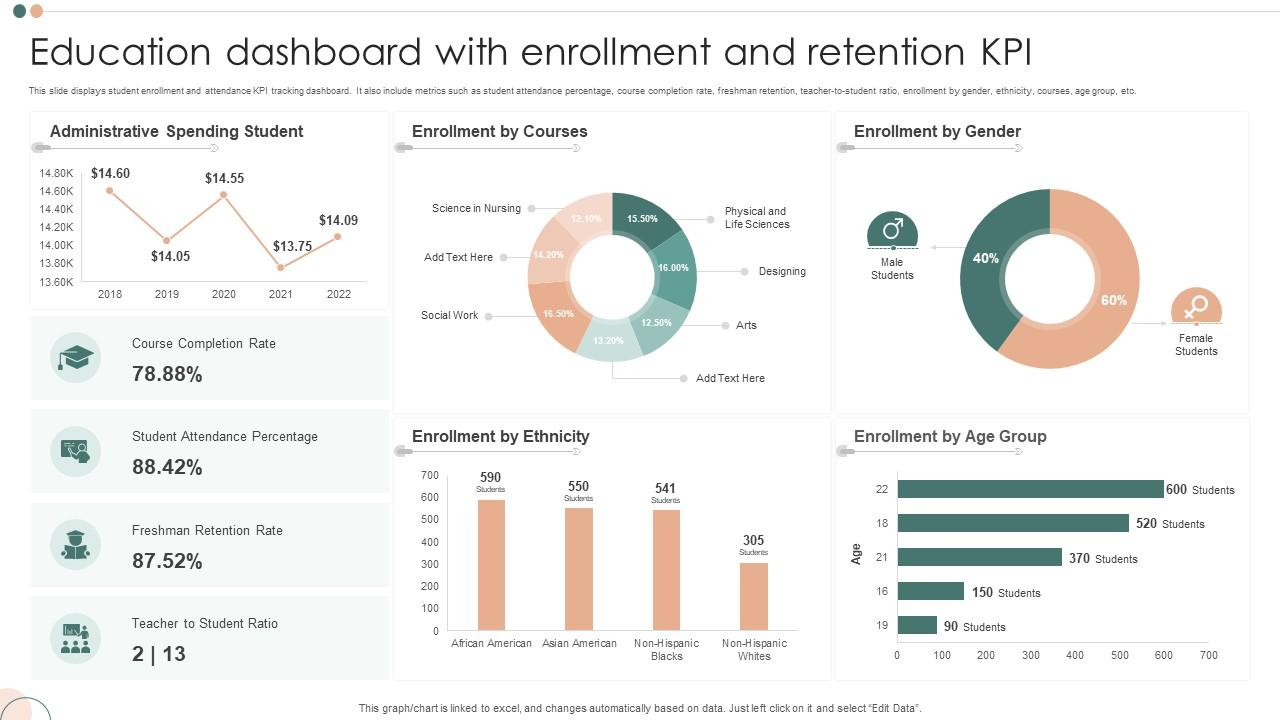
During the launch period, track how your campaign is performing. Monitoring key metrics helps you understand what is working and where improvements may be needed.
Watch indicators such as landing page visits, email open rates, and course enrollments.
If many people visit the page but few enroll, you may need to adjust the message or clarify the source benefits.
Data helps guide these decisions. Research shows that organizations using data-driven decision-making are 23 times more likely to acquire customers and 19 times more likely to be profitable.
16. Support Students During Enrollment
Source: LiveChat
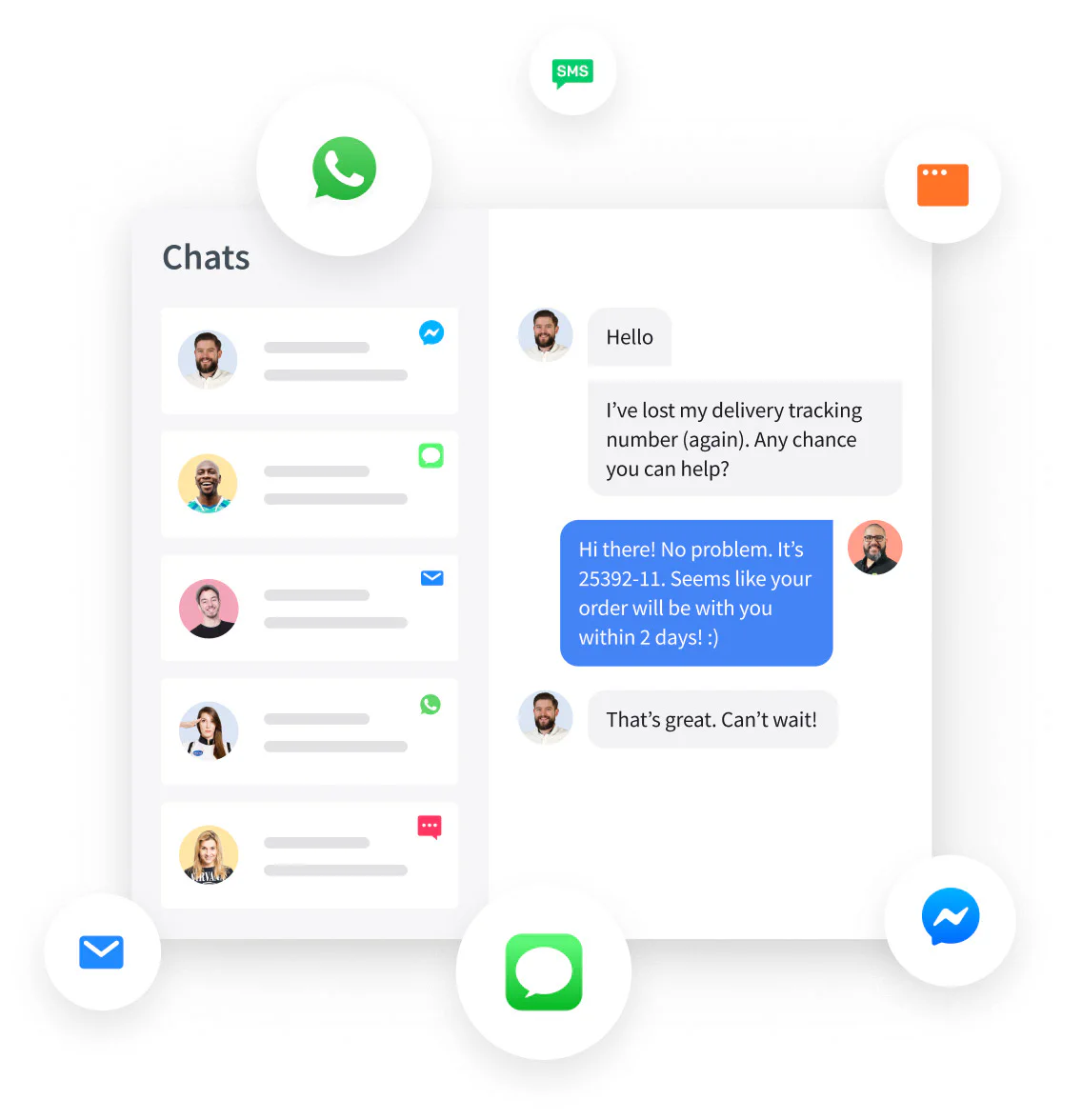
When enrollment opens, new students may have questions about the course, access instructions, or payment confirmation.
Being available during this period helps you resolve concerns quickly and keeps the enrollment experience smooth.
Check your email, your support inbox, or live chat regularly during the launch window.
Clear communication builds confidence and reassures learners that help is available if they need it.
Remember, providing reliable support during enrollment helps remove hesitation and encourages more learners to join the course.
17. Review the Launch and Improve Your Checklist
Source: Slide Team
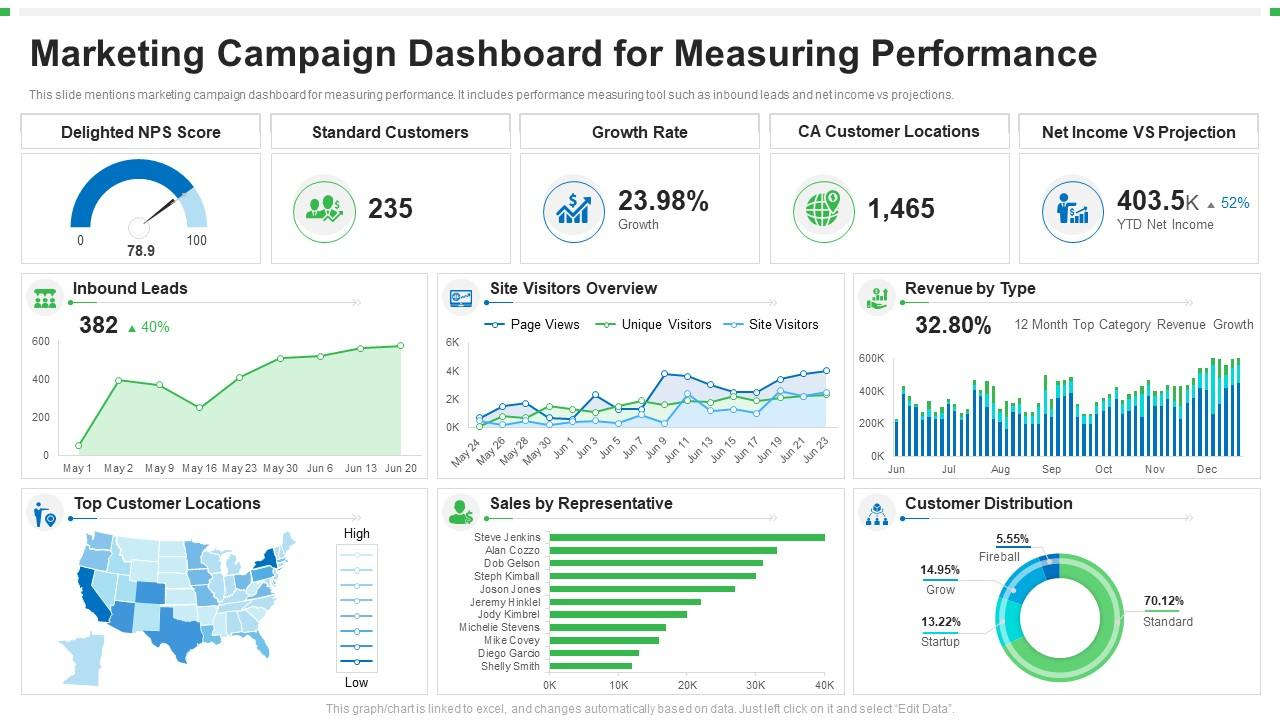
The last step in this course launch checklist is to take your time to review the results. This step helps you understand what worked well and what could be improved for future launches.
Look at key metrics from launch. Review enrollment numbers, email engagement, landing page performance, and student feedback. These insights reveal which marketing activities attracted the most learners.
It’s best to update your checklist based on what you learned.
Add new steps that help the launch succeed and improve areas that caused delays or confusion.
Launch Your Course with Fewer Mistakes
One piece of advice that we’d give you is to treat the course launch checklist as a working system rather than a one-time document. Update it after every launch, note what worked well, and improve the steps for the next time.
Many course creators, however, face another challenge, which is turning their course materials into structured lessons.
For that, Coursebox can help you. With its AI course designer, you can quickly structure your course content and generate a draft course outline in minutes. Instead of spending days organizing lessons, you can focus on preparing for a successful launch.
Take our free trial today to see how Coursebox can help make your course launch a success!
FAQs
Frequently Asked Questions
A course launch checklist should ideally be finalized at least 3-4 weeks before the launch date. This allows enough time to review tasks, prepare marketing materials, test systems, and fix issues before enrollment opens. Early planning also reduces last-minute stress and ensures every important step is completed smoothly.
Before opening enrollment, test the entire learning journey. This includes the landing page, checkout process, email confirmations, course access, and payment systems. Make sure links work correctly and lessons load properly. Testing these steps guarantees learners can enroll easily without technical issues.
Yes, a course launch checklist helps identify potential issues before learners encounter them. By testing enrollment steps, course access, and communication emails in advance, creators can prevent confusion and technical errors. This preparation reduces the number of support requests and creates a smoother learning experience.
A course launch checklist should be detailed enough to cover every important step yet remain practical to follow. It should include tasks related to course preparation, marketing setup, testing systems, and communication with learners. With organized steps, creators can stay focused and avoid overlooking crucial launch activities.
Travis Clapp
Educational technologist and instructional designer

