

8 Best Online Induction Training Software Tools in 2026
Compare eight online induction tools for employee learning, procedure documentation and site workflows, with pricing and practical rollout checks.

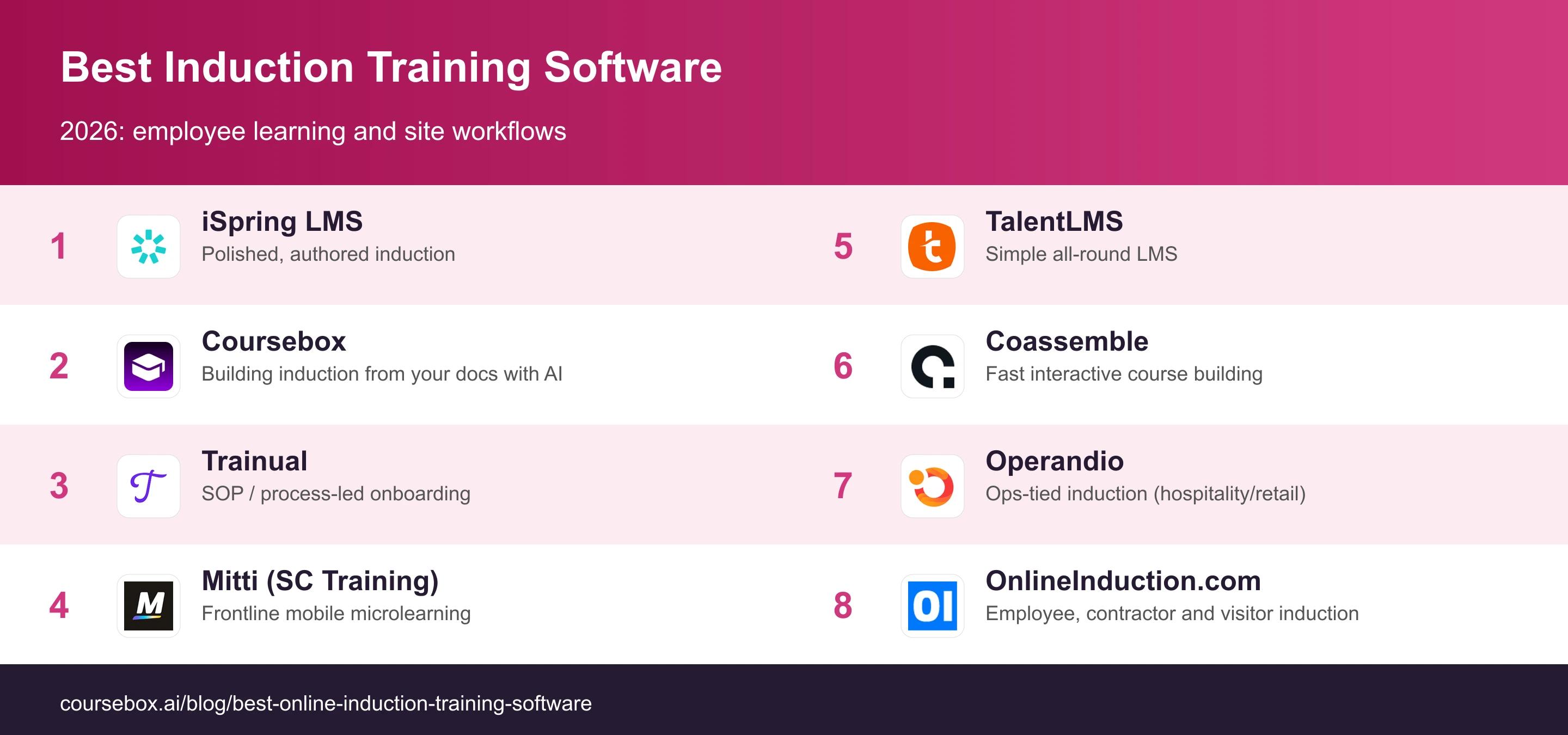
The best online induction training software in 2026 includes iSpring LMS, Coursebox, Trainual, Mitti, TalentLMS, Coassemble, Operandio and OnlineInduction.com. Compare employee learning, procedure documentation and site-access needs.
- Coursebox combines induction course creation from your documents with tutoring, assessment and delivery. Every plan includes unlimited learners; branding and LMS features depend on the plan.
- OnlineInduction.com supports employee training as well as contractor and visitor workflows. If site entry depends on induction, test the approval and access process end to end.
- Compare the full cost model: active users, seats, usage records, implementation and modules. Online course completion also needs a manager handover where practical readiness must be checked.
Answer three questions to compare the four tools below. The result balances your preferences; the entries explain the features, limits and costs to check.

Train teams faster and more effectively with AI
If you are hiring steadily, you end up delivering the same induction over and over: the same policies, the same systems walkthrough, the same compliance sign-offs, repeated for every new starter. Induction software exists to do that once, well, and track who has actually completed it, instead of a manager repeating themselves and hoping it stuck.
I’m Carolina, an instructional designer, and I spend a lot of time turning dense policies and 60-slide decks into training people will actually finish. So I compared the eight induction tools that come up most, by what they are actually built for, published pricing and the honest trade-offs, not a feature checklist.
I work at Coursebox, whose AI onboarding course builder is included here. I have compared employee training, procedure documentation and site-induction workflows so you can choose against the work you actually need to manage.
Employee induction teaches people the job and records their learning. Site induction may also require identity checks, document approval, sign-in and permits. These can overlap. If site access depends on an induction record, evaluate the connection between training completion and access approval, not just the course builder.
How I picked these induction training tools
I compared the training workflow first, then checked whether a buyer also needs operational or site-access controls. Within that scope, these four checks shaped the shortlist:
- Daily workflow: Does the tool fit course delivery, procedure documentation or training alongside shift tasks?
- Content creation: Can you use your existing policies, build interactive lessons or assign licensed material?
- Assignment and follow-up: Can the right starter receive the right version, with a manager able to see missing work?
- Total cost: Check seats, active users, usage records, implementation and any required modules.
I weighted fit-to-job most: the best induction tool is the one built for the kind of induction you actually run.
The best induction training software compared
| Tool | Best for | Induction type | Starting price |
|---|---|---|---|
| iSpring LMS | Structured courses and learning paths | Employee | US$8,286/year for 100 active users |
| Coursebox | Building induction from your docs with AI | Employee | Free; paid tiers |
| Trainual | SOP / process-led onboarding | Employee | Quote-only |
| Mitti (SC Training) | Frontline mobile microlearning | Employee | Free; $24/seat/mo |
| TalentLMS | Simple all-round LMS | Employee | Free; from $119/mo |
| Coassemble | Fast interactive course building | Employee | $250/mo |
| Operandio | Ops-tied induction (hospitality/retail) | Employee | Quote-only |
| OnlineInduction.com | Contractor + visitor site induction | Site + contractor | Tailored quote |
Prices checked on 19 October 2026. Figures are in USD where shown. Use the same headcount, billing period and required features when comparing quotes.
The 8 best induction training software tools
1. iSpring LMS (formerly iSpring Learn)
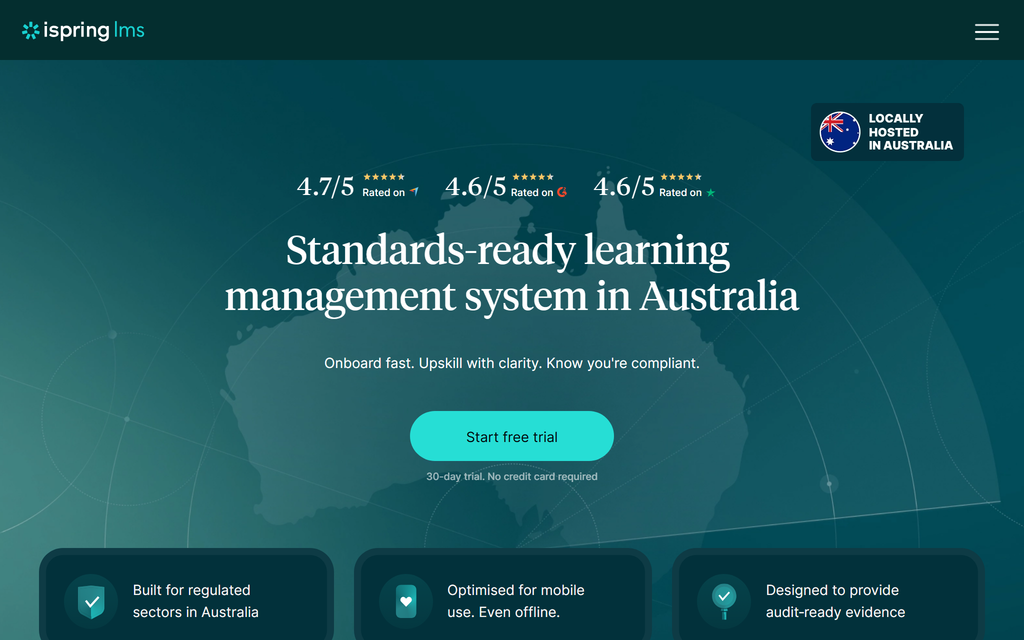
iSpring LMS combines employee learning management with an authoring workflow that suits structured induction. Assign a learning track for each role, then follow completion and assessment results from the administrator view.
iSpring Suite adds PowerPoint-based lessons, quizzes and interactions. Suite requires Windows and PowerPoint; that requirement belongs to the authoring tool, rather than the browser-based LMS. Check which authoring seats and content options are included in your LMS proposal.
My take: For a policy-heavy induction, I would build one role-specific track and test it with a new starter and their manager. Check the enrolment trigger, deadline reminders and supervisor report. A practical task, such as following a safety procedure, still needs an appropriate workplace check alongside the online result.
Pricing: Business is listed at US$8,286/year for 100 active users. Smaller populations require a quote; 100 is the published pricing band, not a universal minimum. Confirm authoring seats, implementation and the active-user definition.
2. Coursebox
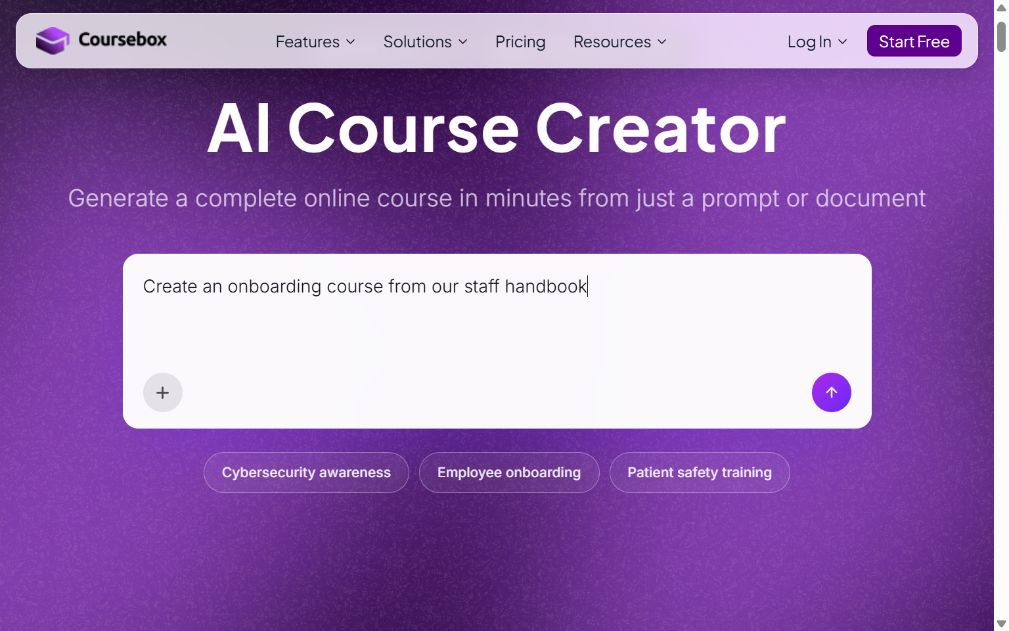
Coursebox fits teams turning existing policies, handbooks and SOPs into induction. Upload the material, review the generated structure and questions, then assign a course that explains the job rather than asking a starter to read a folder of documents. I work on the product.
The platform combines course creation, AI tutoring, assessment and learner reporting. For a first rollout, I would separate company-wide policies from role-specific tasks, check the source documents are current and give the tutor the approved material. Paid LMS features add branding, your own domain, groups and learning paths.
My take: The useful test is whether a starter can apply the policy, not simply finish the lesson. Include a realistic decision and a manager follow-up. Where induction controls physical entry, connect training records to the site-access process; course completion by itself does not operate a visitor kiosk or approve a permit.
Pricing: Unlimited learners are included on every plan. Free allows three mini-courses of up to five pages each. Paid plans expand generation limits and LMS features; check branding, exports, API access and any Enterprise SSO add-on in the selected configuration.
3. Trainual
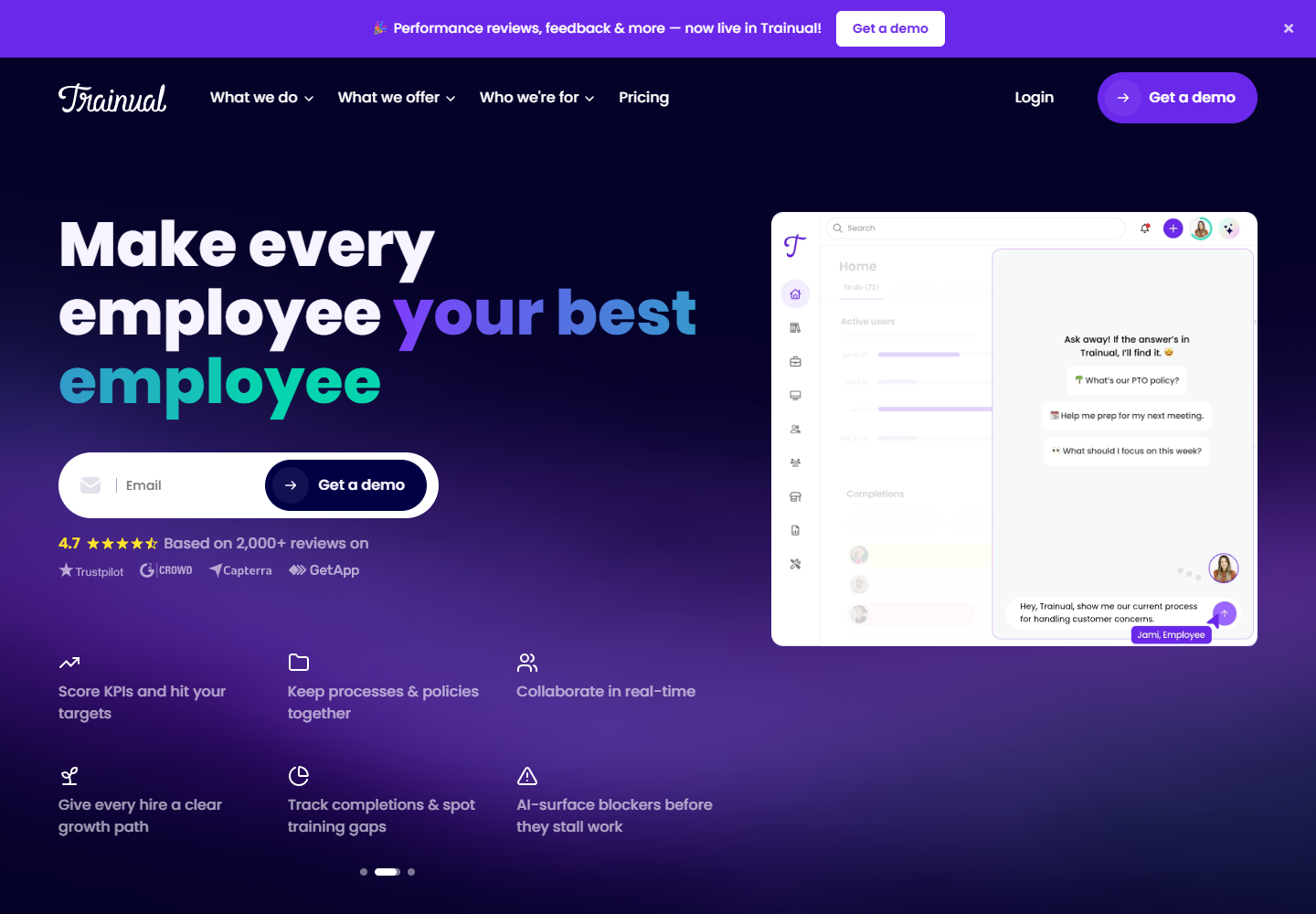
Trainual comes at induction from process documentation: it is built to capture how a company actually runs and turn that into assignable onboarding.
Document policies, processes and responsibilities, then assign the relevant material to a new hire with tests and completion tracking. The same content can remain available as a reference after induction. That makes keeping ownership and updates clear part of the rollout, rather than a later housekeeping job.
My take: I would pilot a role that crosses departments. Check who owns each procedure, who approves changes and what happens when an employee has already completed an older version. The appeal is a maintained company playbook connected to onboarding, rather than another static handbook.
Pricing: Core, Pro, Premium and Enterprise require a quote. Trainual publishes a US$1,000 one-time implementation fee. Include setup, the required headcount and any integration needs in the first-year comparison.
4. Mitti by SafetyCulture (formerly SC Training)
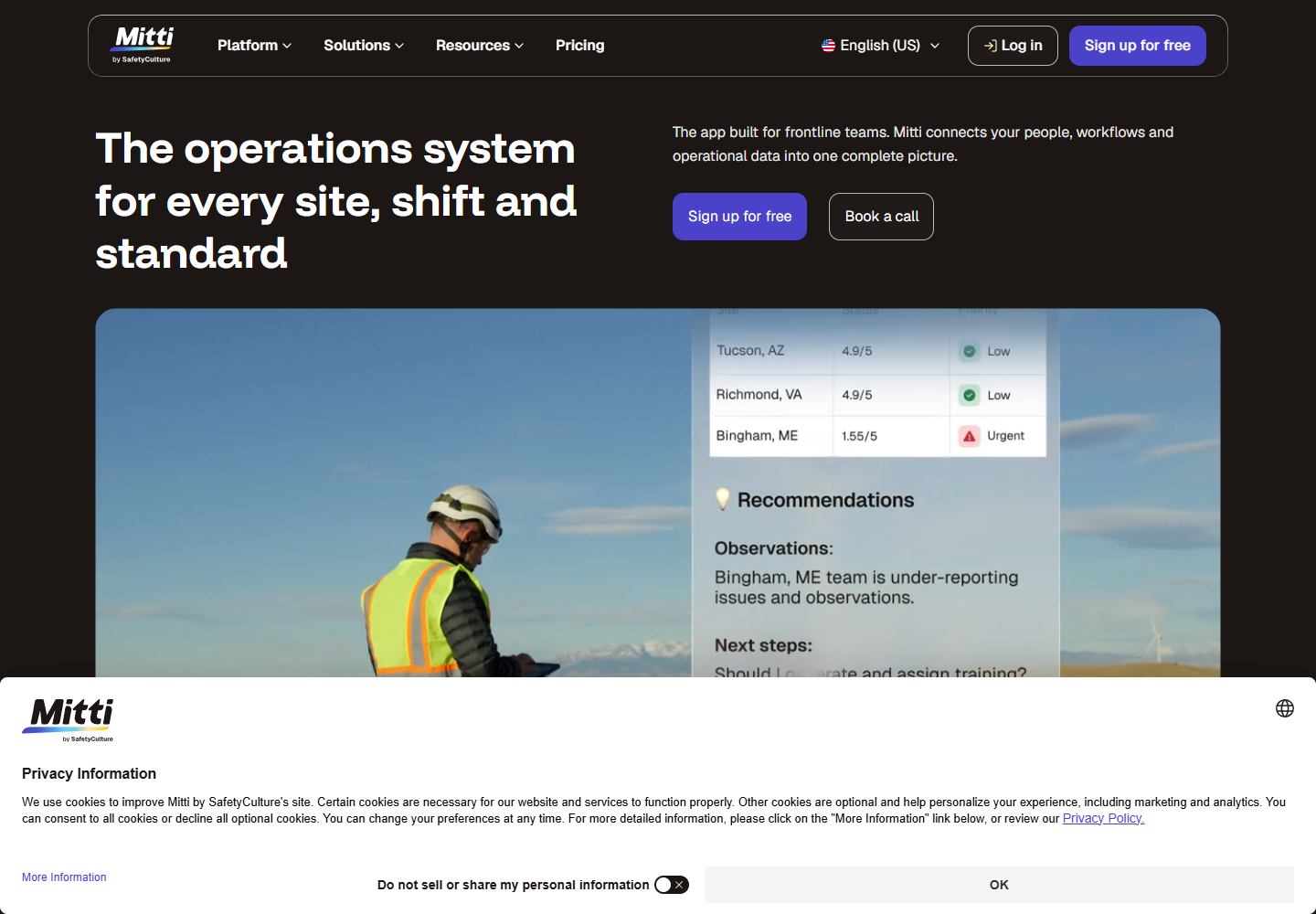
Mitti by SafetyCulture (the product formerly called SC Training, and EdApp before that) is built for frontline and deskless induction, delivered as mobile microlearning.
Mitti brings mobile training together with operational tools such as inspections and tasks. For a multi-site employer, this can put learning near the work people already complete on their phones. Check the training functionality on the quoted tier, especially if you are comparing it with an older SC Training or EdApp plan.
My take: My pilot would use a new starter on a real shift: can they open the lesson, complete a short check and find the procedure again? Decide which tasks need a supervisor’s observation as well as an online result. Short lessons help access, but do not replace a practical sign-off.
Pricing: Free supports up to ten users with basic training. Premium is listed at US$24/seat/month billed annually or US$29 billed monthly; Enterprise is quoted. Check advanced training and operational features against the current Mitti plan.
5. TalentLMS
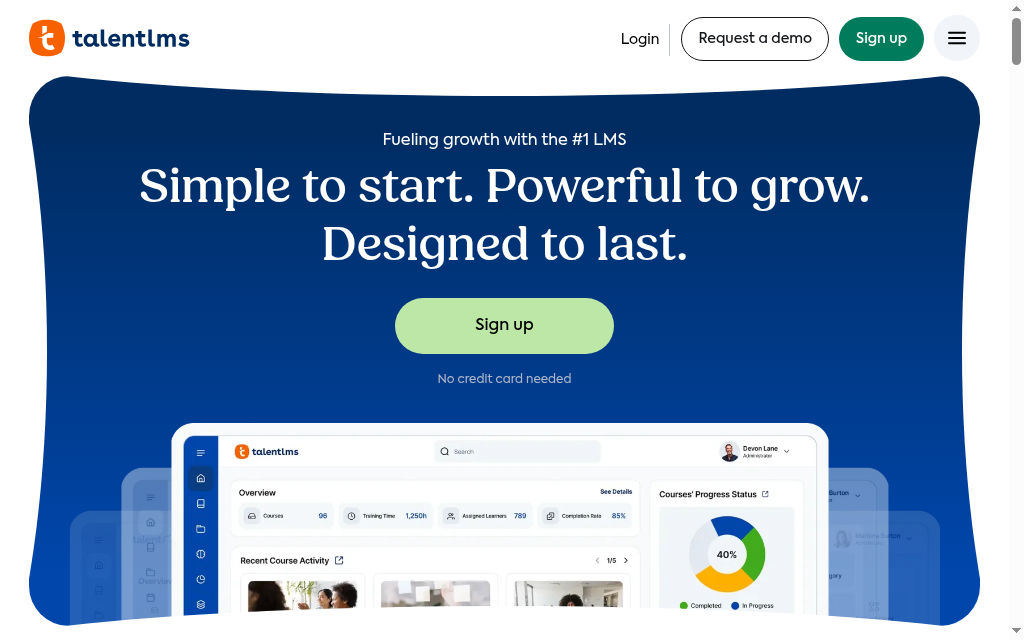
TalentLMS is the generalist: a simple, fast LMS that handles induction as one of many jobs, which suits teams where onboarding is not the only training need.
Build or import courses, organise starters into groups and use branches when locations need separate training environments. Check automation and branch limits on the selected tier. A useful demo includes enrolment, a missed deadline, a manager follow-up and the report HR needs at the end.
My take: I would shortlist it when induction shares a platform with ongoing staff training. Test how an employee moves between roles or locations, and whether their completed learning stays visible. Those changes reveal more about administration than a clean demonstration with one new account.
Pricing: Free supports five users and ten courses. Core is displayed from US$119/month; select the billing period and user band before budgeting. Do not assume the displayed starting figure includes every branch or automation needed for the rollout.
6. Coassemble
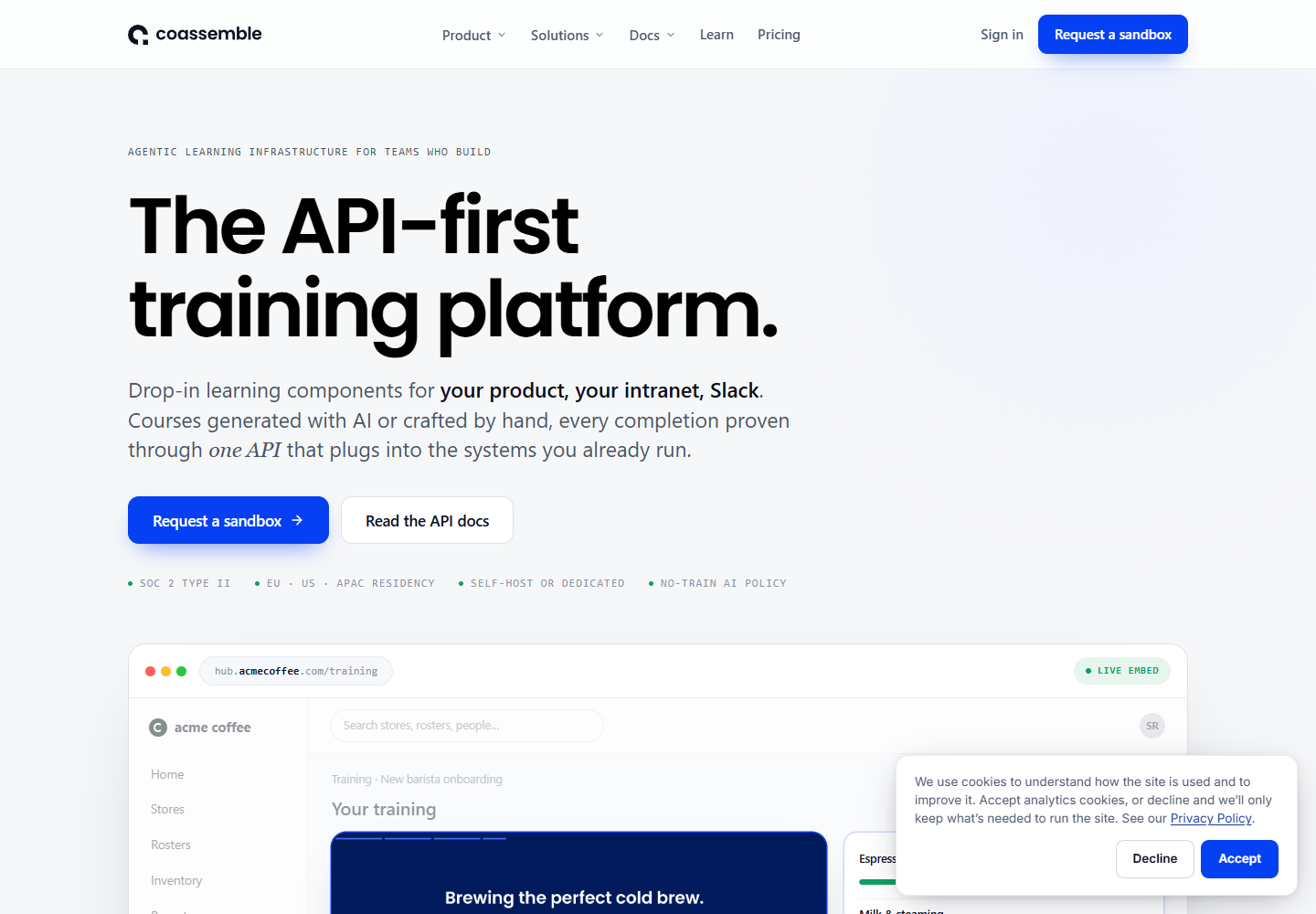
Coassemble is a fast, template-driven course builder for teams that want interactive induction without a steep authoring learning curve.
Create interactive lessons from templates, add knowledge checks and use the embed or SCORM 2004 options to deliver them in another environment. For induction, test a realistic module inside the system a starter will actually use, including how completion data returns.
My take: The buying question is how Interactive Records accumulate. Model new hires, repeated attempts and refresher use before comparing the bill with a per-seat LMS. I would also check who can edit a live module and how updates reach the embedded version.
Pricing: Build is US$250/month or US$2,500/year on a 12-month agreement, with 600 Interactive Records per year. Confirm how records are counted and the price of extra usage. API access and SCORM export should be matched to your delivery plan.
7. Operandio
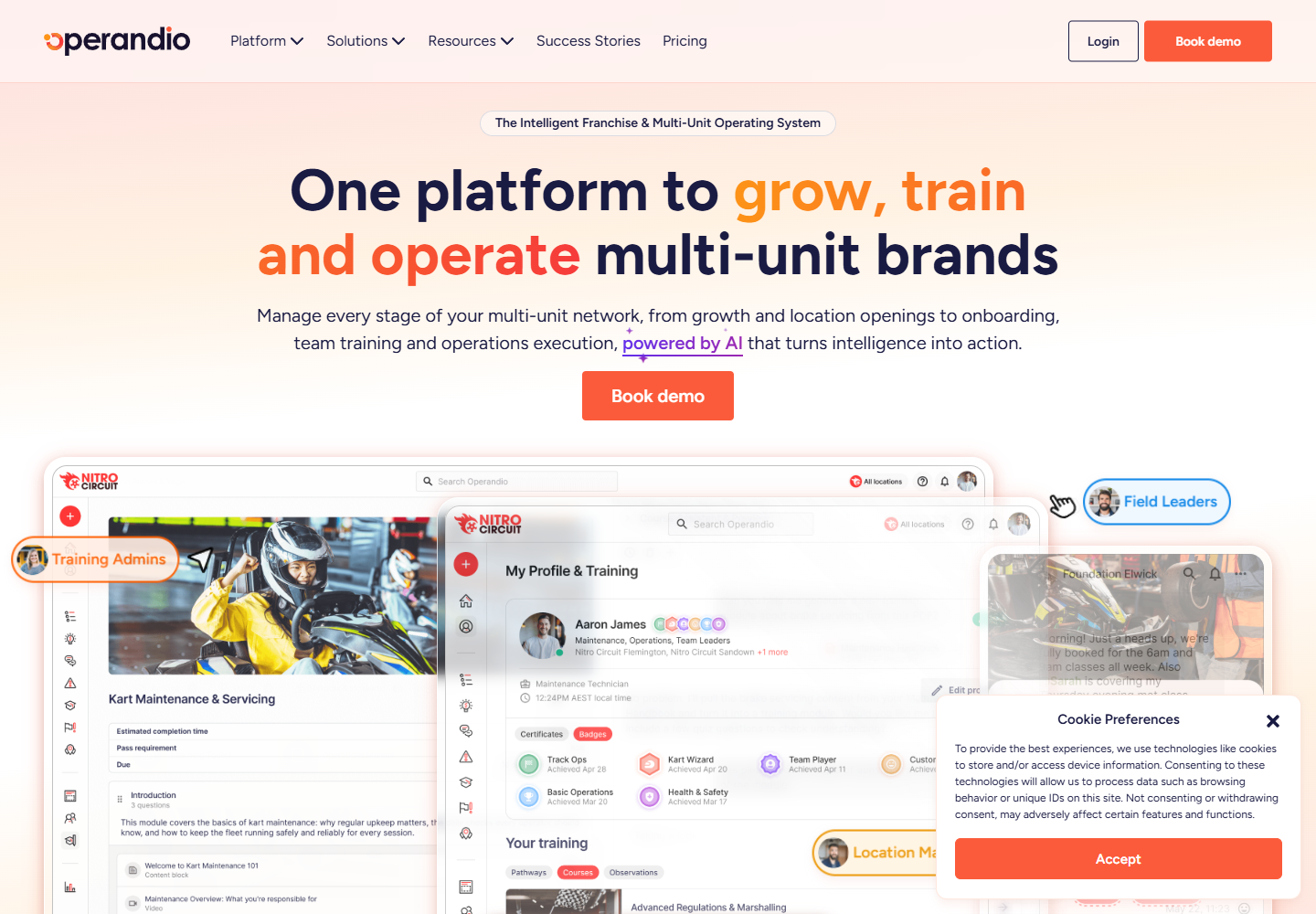
Operandio ties induction to daily operations, built for multi-site hospitality and retail where training lives next to the task checklist.
New-starter training sits alongside procedures and daily task checklists. That can help a restaurant or retail team connect a lesson to the steps used on shift. Plan which records show that a lesson was completed and which show the task was actually performed; they answer different management questions.
My take: I would follow one starter from their first lesson to a supervised shift task. Check location-specific procedures, manager visibility and the handover when someone transfers stores. This is useful where operations and training need to stay connected; compare the course-authoring workflow if you need elaborate standalone learning modules.
The cost: Quote-only, priced by locations, users and modules; contact sales for a figure.
8. OnlineInduction.com
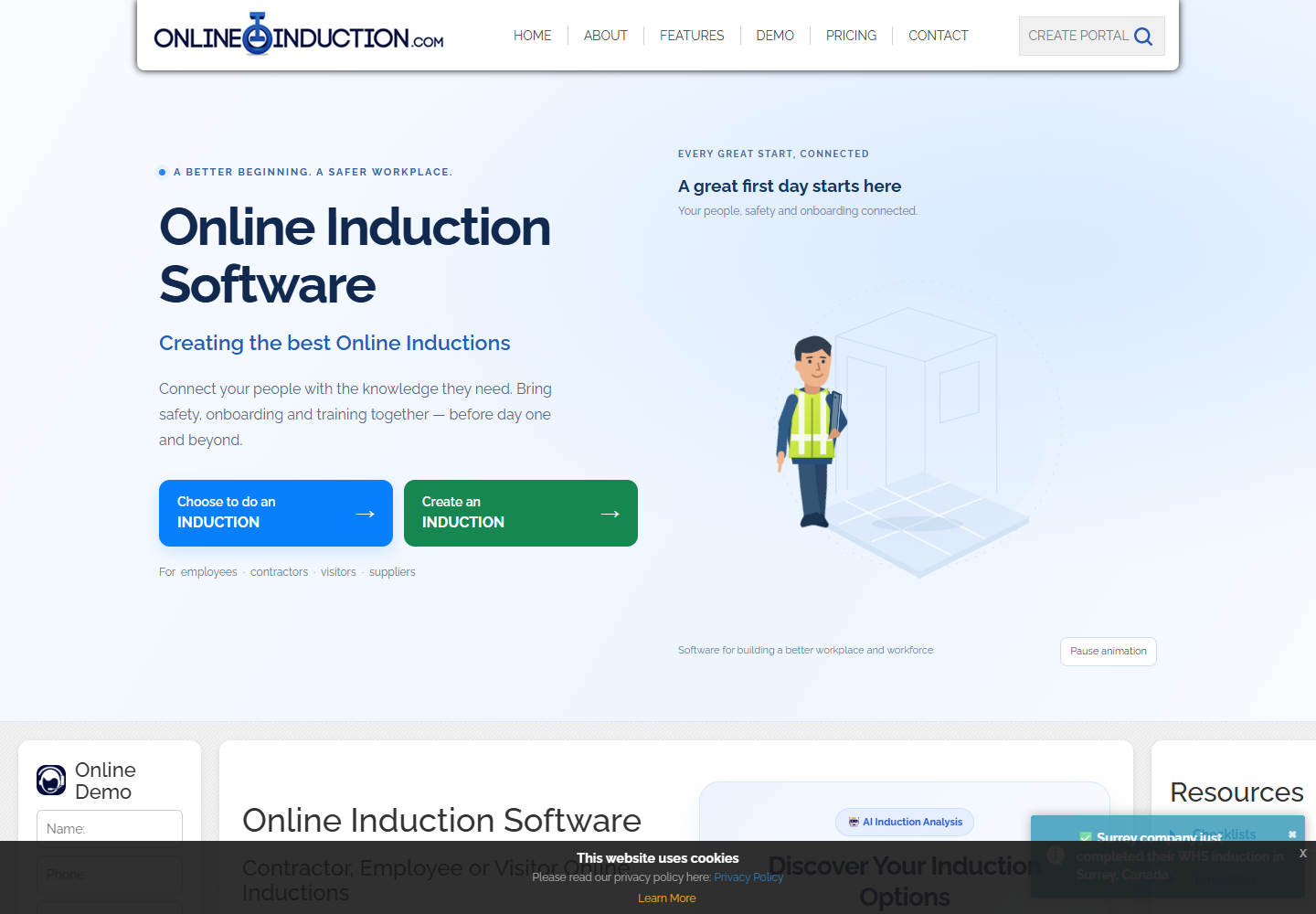
OnlineInduction.com combines employee, contractor and visitor induction with site-related workflows. It includes course building as well as options for document collection, pre-qualification, sign-in and renewals. It is not limited to contractors or separate from employee training.
The useful evaluation follows a person through the whole process: submit documents, complete the right training, have an authorised person approve the record and check in at the site. Confirm which of those steps are included in your modules and which depend on integrations or local procedures.
My take: I would shortlist it when training and site entry must be coordinated. Test expired documents, a failed assessment and a returning contractor, including what blocks entry and who can override it. Software can record checks and approvals; the organisation still needs to define what qualifies someone to enter or work.
Pricing: Request a tailored quote for your users, sites and required modules. Include course delivery, document checks, sign-in, renewals and any permit or integration requirements in the same scope.
What should happen after the induction course?
Gallup reported in its 2021 onboarding analysis that only 12% of US employees strongly agreed their organisation did a great job of onboarding. Its research also found that 29% of new hires felt fully prepared and supported to excel in their role. These findings are a reason to design the manager handover alongside the course.
| Induction stage | Online record | Human handover |
|---|---|---|
| Before day one | Required policies and role-specific learning assigned | Confirm access, equipment and a named contact |
| First shift or working day | Knowledge checks and missing items visible | Demonstrate the task and observe the starter |
| First weeks | Follow-up learning and updates recorded | Check questions, workload and practical confidence |
| Role or site change | New requirements assigned without losing history | Approve the person for the changed work |
My rollout check would be one complete starter journey. Include someone who misses a deadline or changes location, then check the manager’s view. That shows whether the system supports the awkward cases as well as a straightforward course completion.
Which induction tool should you choose?
Eight tools, matched to the kind of induction you are running:
| If your priority is | Go with |
|---|---|
| Building induction from your own documents with AI | Coursebox |
| Polished, authored courses | iSpring LMS |
| Documenting how the company runs (SOPs) | Trainual |
| Frontline, deskless, mobile staff | Mitti (SC Training) |
| A simple all-round LMS | TalentLMS |
| Fast interactive course building | Coassemble |
| Hospitality or retail, training beside daily ops | Operandio |
| Contractors and visitors signing in on site | OnlineInduction.com |
Choose against the complete induction workflow, including who follows up missing training and who approves practical readiness. For the wider employee-learning view, see our best LMS for HR comparison.
Disclosure: I work at Coursebox. Product and pricing checks were updated on 19 October 2026. The Coursebox usage figure is first-party PostHog data for the stated period.
Frequently Asked Questions
Induction training software helps create, assign and track the learning a new starter needs. Some products also manage procedures, shift tasks or contractor and visitor processes. Define whether you need training delivery alone or a connection to site-entry approvals.
Induction is the structured training and compliance a new person completes; onboarding is the wider process (paperwork, equipment, introductions). Most tools here handle the induction-training part, and some onboarding suites add it to broader HR workflows.
Mitti by SafetyCulture (formerly SC Training) for mobile microlearning, or Coursebox if you want to build the courses from your own documents and deliver them on any device with completion tracking.
Evaluate site-induction functions when people must meet training, document or approval requirements before entering or working at a site. OnlineInduction.com combines these workflows with employee training. Confirm the exact modules and how access decisions are approved.
Yes. Tools like Coursebox generate a structured induction course from documents you already have (handbooks, policies, SOPs), which you then edit and assign, rather than building every module by hand.
Carolina Martin
Carolina is a highly experienced learning designer with tech start-up experience. She is based in Sydney and previously designed courses alongside Coursebox founder Travis in a previous job. She is passionate about delivering engaging learning experiences and brings the same perspective to customer experience too. She manages our customer support documentation and product testing processes.

