

8 Best Interactive eLearning Software Tools in 2026: My Review
My review of eight interactive eLearning tools for scenarios, practice, learner support, live quizzes and tracked delivery.

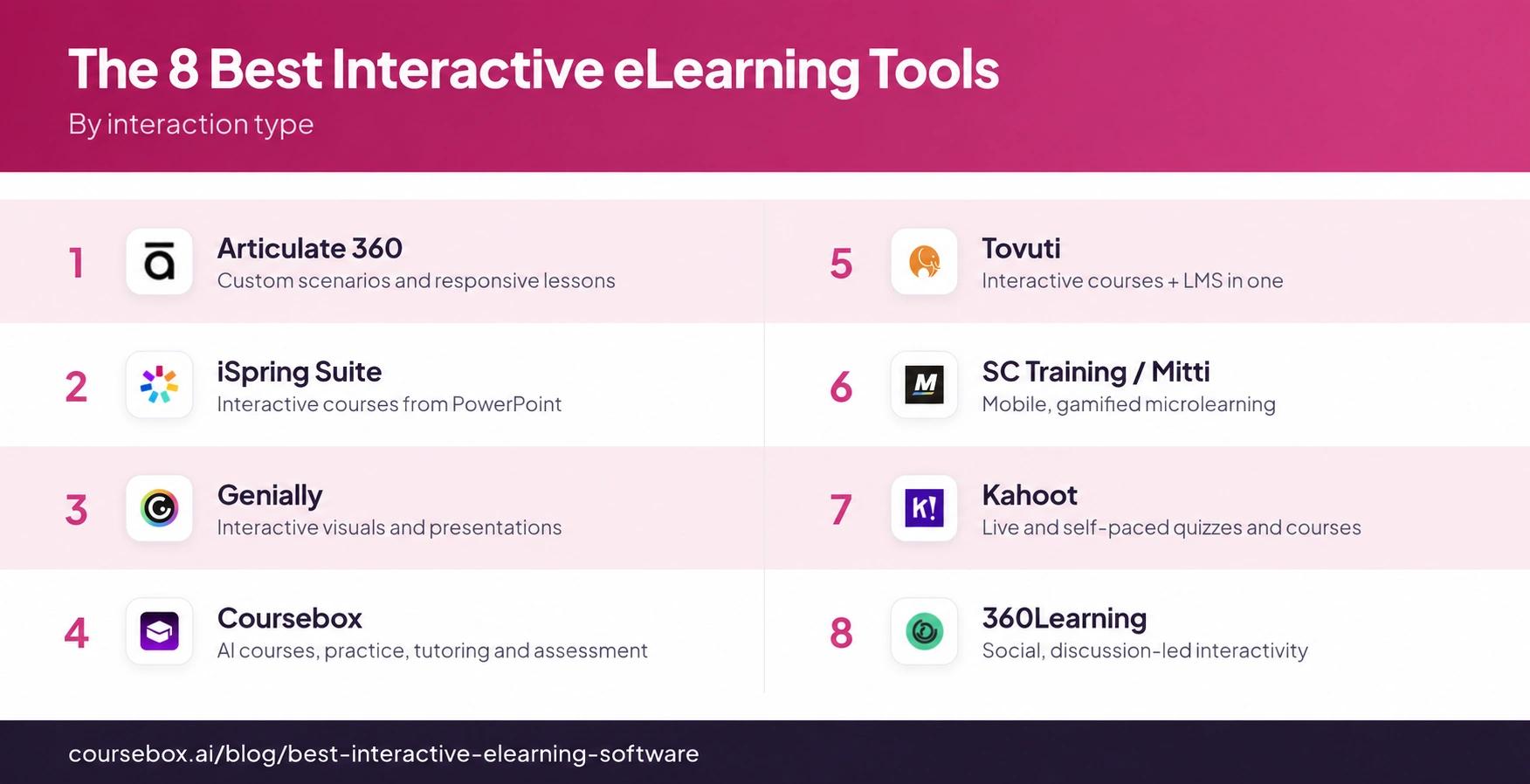
The best interactive eLearning software in 2026 includes Articulate 360, iSpring Suite, Genially, Coursebox, Tovuti, SC Training/Mitti, Kahoot! and 360Learning; choose for the learner’s task and complete delivery workflow.
- Coursebox combines AI-created lessons, quizzes, flashcards, scenarios, tutoring, grading and a branded LMS, with unlimited learners on paid plans.
- Articulate offers custom authoring and its own Reach delivery; iSpring Suite uses Windows and PowerPoint, with LMS delivery separate.
- Genially’s tracking and export depend on the plan. Kahoot! supports self-paced assignments and courses as well as live quizzes; SC Training has rebranded to Mitti.
- Check feedback, accessibility, phone use and the actual learning record. Interaction counts and completion do not establish skill improvement.
Compare four options from the full list for supported courses, custom scenarios, live participation and H5P within an LMS.

Turn boring content into gamified learning instantly
Interactive eLearning software should help learners answer, decide, practise or ask for help. A branching scenario, a short quiz, a live game and a discussion serve different jobs. I would choose the activity that helps with the task, then check how the tool builds, delivers and records it.
As an instructional designer, I care about what learners do with the material. These eight cover custom authoring, visual activities, AI-supported courses, mobile practice and live sessions. I have compared the whole workflow, including delivery and assessment, rather than judging how animated the demo looks.
Disclosure: I’m part of Coursebox, which provides an interactive eLearning platform for creating, delivering and supporting learning. It is one of the options below.
A 2014 analysis of 225 undergraduate STEM studies found better exam results with active learning than lectures. It supports giving learners meaningful tasks; it does not show that a hotspot, animation or particular product improves workplace learning by itself.
How I judged these
I compared public product documentation and pricing in October 2026. I looked at the learning workflow, content, assessment, delivery, reporting and total cost. The practical checks below are examples I would run with a vendor before buying.
- The learner’s task. Can they decide, recall, practise or ask for help? Several tools support more than one activity.
- Feedback and support. Check explanations, tutor support and opportunities to retry. Clicking an object is not automatically practice.
- Creation, delivery and records. Check hosting and exactly what the LMS reports. Some suites include delivery as well as exports.
- Effort to maintain it. Give an author an update to make. Compare templates, AI assistance and custom design against the work required.
- Fit and cost. Separate author licences, administrator seats, learners and AI usage. Check the actual package and phone/keyboard experience.
The 8 best interactive eLearning tools at a glance
| Tool | Useful for | Activities and delivery | Cost basis | Check before buying |
|---|---|---|---|---|
| Articulate 360 | Custom scenarios and lessons | Storyline/Rise; Reach or LMS delivery | AI Personal $1,449; Teams $1,749/year | Windows, learner allowance and credits |
| iSpring Suite | PowerPoint-based courses | Quizzes, dialogue; publish to LMS | Suite $970; AI $1,290/author/year | Windows + PowerPoint; LMS separate |
| Genially | Visual exploration and games | Questions, scenarios; export on Author | Free; paid member plans | Tracking versus export tier |
| Coursebox | Supported interactive programmes | AI courses, scenarios, tutor, grading and LMS | Free pilot; unlimited paid learners | Activity control and allowances |
| Tovuti | Activities plus LMS | H5P authoring, delivery and reports | From $7,500/year; 100 learners | Reporting and optional AI authoring |
| SC Training / Mitti | Frontline practice | Mobile lessons and practical checks | Free 10 seats; paid seat types | Admin/learner seats and package |
| Kahoot! | Live and self-paced participation | Quizzes, polls, assignments and courses | Business plans by host/team | Participant limits and course features |
| 360Learning | Collaborative improvement | AI authoring, quizzes and peer feedback | Team $8/user/month; up to 100 | User definition and scenario needs |
Prices shown are USD unless stated otherwise and were checked against vendor pages in October 2026. Confirm the content, modules, integrations and implementation included in your quote.
The 8 best interactive eLearning software tools
1. Articulate 360
Articulate 360 gives designers two different authoring workflows: Storyline for custom states, triggers and branching, and browser-based Rise for responsive lessons. You can build a decision scenario, give feedback for each choice and combine it with other course material. It also has AI assistance, so the comparison is not simply manual authoring versus AI.
The current 360 AI list prices are US$1,749/seat/year for Teams and US$1,449 for Personal. Advanced credit-based features cost extra. Publish to an existing LMS, use trackable links or use Articulate’s Reach delivery; check the learner allowance instead of assuming another LMS is compulsory. Storyline authoring requires Windows, while Rise runs in a browser.
My take: I would choose Storyline when a specific decision needs a custom consequence, then test the scenario on a phone and with a keyboard. More design control also means more work maintaining the course. A polished animation is not evidence that the activity teaches the intended skill.
2. iSpring Suite
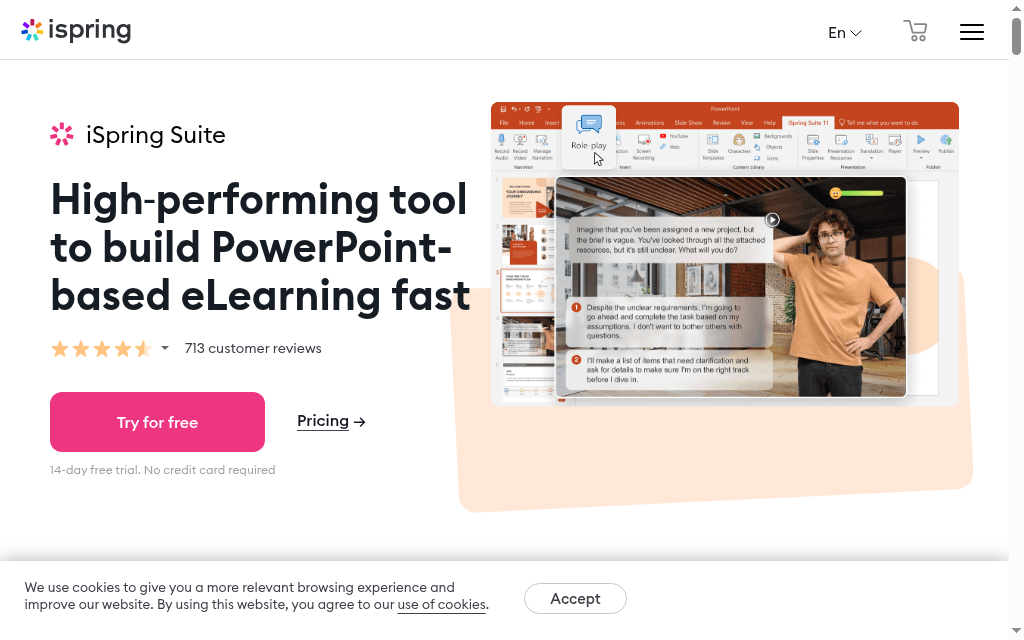
iSpring Suite adds quizzes, dialogue simulations and interactive elements to PowerPoint. A team can reuse a slide deck, add a customer conversation with branching responses, and publish a trackable course. It suits authors who want structured interactions while keeping a familiar slide-based editing workflow.
The published prices are US$970 per author/year for Suite and US$1,290 for Suite AI. The separate Cloud AI product is a different authoring option. Desktop Suite needs Windows and desktop PowerPoint; the LMS, now called iSpring LMS, is a separate delivery purchase. Include those dependencies when comparing the licence.
What I’d check: Use one real conversation with plausible wrong answers and specific feedback. Then open the published result in your LMS and check score, completion and resume behaviour. I would choose it for that workflow, not because adding quizzes to an unchanged presentation automatically makes the training effective.
3. Genially
Genially creates interactive presentations, images, games and learning activities with click-to-reveal content and questions. A process diagram can let a learner explore each step; a scenario can ask them to choose a response. It is useful when visual exploration is part of the lesson, rather than just decoration around the text.
There is a free plan. Master adds response and engagement tracking; Author adds SCORM/xAPI downloads and LTI connections to an LMS. The EUR annual-billing rates shown are €20/member/month for Master and €40 for Author. Check your currency, team package and privacy requirements; a free shared link is not equivalent to a tracked LMS course.
My take: I would start with the learner action and the record it must produce. Try a keyboard-only run and a phone before publishing. With the right package, the visual activity can be part of a tracked learning programme rather than a separate resource.
4. Coursebox

Coursebox combines interactive course creation, delivery and assessment. AI can draft lessons, quizzes, flashcards, scenarios and videos from your material; a course-grounded tutor answers learner questions. Rubric-based grading and feedback support assessment, while the LMS manages progress and certificates. It is a broader learning workflow than generating a few quiz questions.
Coursebox’s paid plans support unlimited learners, and a free plan is available to start. Branding, AI usage and SCORM/LTI options depend on the package. Compare the actual activity you want with a designer-controlled Storyline project: Coursebox is useful for creating and delivering a programme quickly, while free-form triggers and custom animations are a different requirement.
My take: I would generate a lesson from a real procedure, improve the distractors and feedback, then ask the tutor a question the material should answer. Check the assessment and learner report too. That tests whether the platform teaches and supports the learner, rather than simply producing more content.
5. Tovuti

Tovuti includes interactive H5P authoring inside an LMS. You can build activities such as hotspots, flashcards and knowledge checks, combine them into lessons, and deliver the course with assignments, certificates and reports. It is relevant when the team wants both the content activities and programme administration in one system.
Pricing starts at US$7,500/year for 100 annual learners, then scales. The core platform includes authoring and reporting; WayPoints AI authoring and managed services are optional additions. Confirm the learner-count definition and any extra services in the quote rather than describing it as an unspecified monthly plan.
What I’d check: Build the activity you need and inspect its actual reporting. A course marked complete and a record of every answer are different outputs. I would also update the activity after learners have started, to check the maintenance workflow. Choose by the reporting and maintenance you need, rather than the number of activity templates.
6. SC Training (now Mitti)
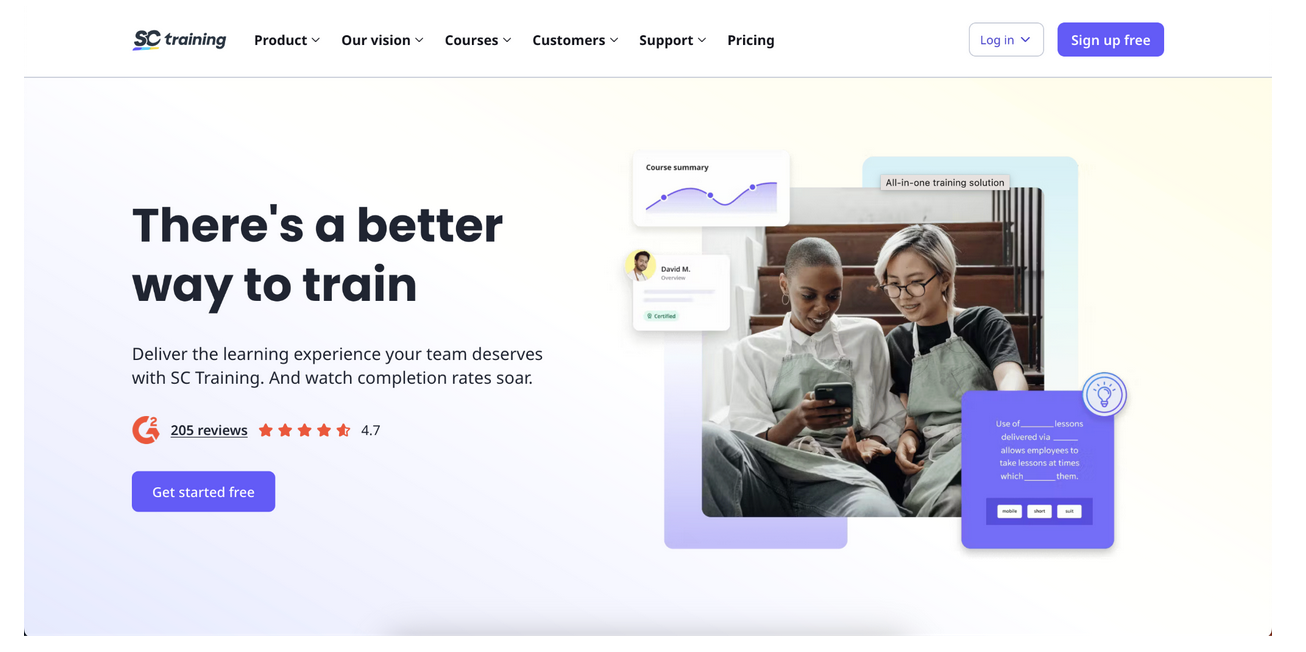
SC Training, now Mitti offers mobile lessons built from templates, quizzes and games. The training workflow includes AI-assisted creation, recurring programmes and in-person competency checks, so it can connect short learning activities with frontline work. SafetyCulture announced the Mitti rebrand in August 2026; the older SC Training name still appears on some pages.
The free starting plan supports up to ten seats. Paid access separates full administrators from lower-cost learner seats, with plan conditions for publishing, reporting and recurring training. Confirm the current training package and currency with the vendor; do not price every person as if an administrator and a learner had identical needs.
My take: I would build a short task lesson, follow it with a knowledge check and record a supervisor’s practical observation. Templates make production manageable, but they should fit the task rather than force everything into a game. Check how those online and on-the-job records appear together.
7. Kahoot
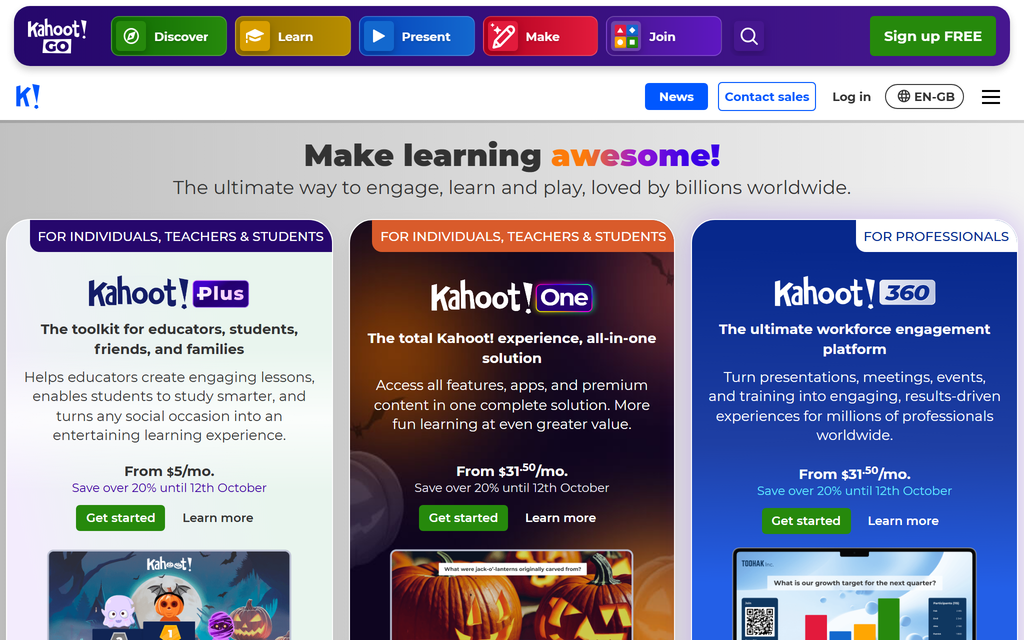
Kahoot! supports live quizzes, polls and competitive activities, but it also has self-paced assignments and courses. You can group activities into a programme and track progress, with live and self-paced delivery options. It is particularly useful when a trainer wants participation and immediate feedback during a session.
Compare the business plans, not a free classroom account. Host seats, participant limits, reporting and course features vary by tier; some team offerings have minimum licence counts. Price the people creating and hosting activities separately from the audience joining them.
What stood out: A wrong answer gives the trainer a useful moment to explain the misconception. I would check the report after the session and whether learners can revisit the material later. For a detailed simulation, custom interactions may need another tool, but a live quiz does not have to be a disconnected one-off.
8. 360Learning
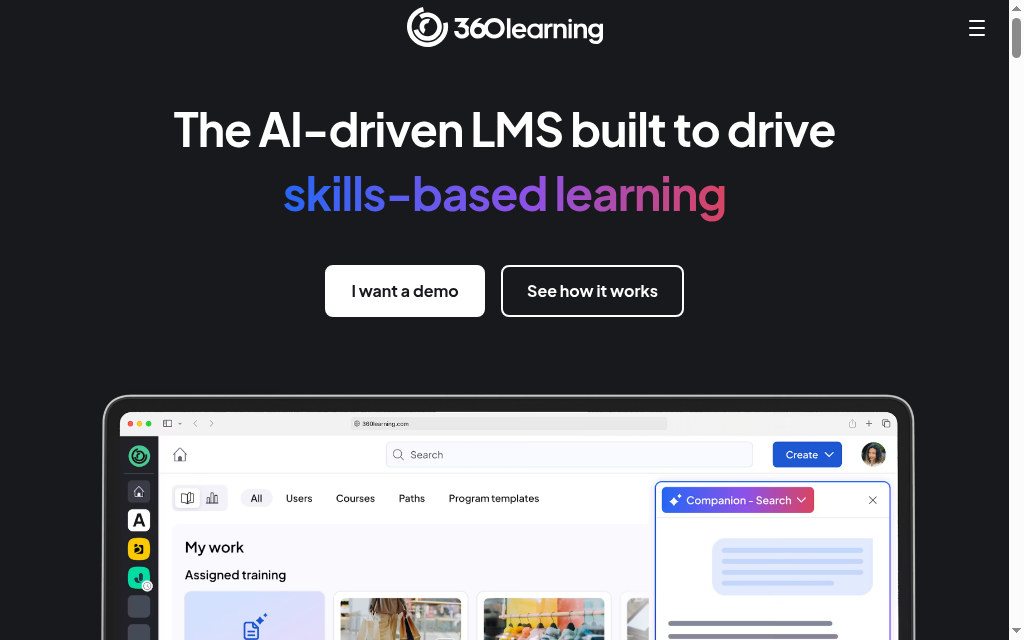
360Learning combines course authoring with questions, reactions and peer feedback. An expert can build a lesson, learners can identify unclear points, and the owner can revise it. Quizzes and content interactions also exist, so describing its interactivity as only social discussion misses part of the product.
The Team plan is US$8/user/month for up to 100 users, with selected add-ons extra. Accounts remain billable until deactivated or deleted under that plan’s active-user definition; larger contracts can use other models. Confirm authoring, skills and integration scope before comparing it with a standalone design licence.
My take: I would use the discussion around a real task to improve the lesson, then check that the owner resolves unanswered questions. For detailed custom branching, demonstrate the exact scenario or test an imported authoring package. The buying decision is whether you need collaborative course improvement or detailed control of visual interactions.
For a decision, use plausible choices and feedback explaining the consequence. For recall, ask a question before revealing the answer. For a live session, use the wrong answers to guide discussion. Then check the activity on a phone and with a keyboard, and confirm what it reports. More clicks are not the goal.
Which interactive eLearning tool should you choose
The same 2014 analysis found average failure rates of 21.8% with active learning and 33.8% with lectures in undergraduate STEM courses. Those classroom results are not a promised uplift from interactive software. The useful lesson is to build an activity around the learning task, then check what learners can do afterwards.
- Custom decision scenarios. Compare Articulate Storyline, including feedback, phone use and delivery.
- A PowerPoint workflow. iSpring Suite adds quizzes and dialogue simulations; include Windows and PowerPoint.
- Visual exploration. Genially provides activities and tracked delivery on the right plan.
- Supported interactive programmes. Coursebox combines AI-created courses, practice, tutoring, assessments and an LMS.
- Activities inside an LMS. Tovuti includes H5P; check what each activity reports.
- Frontline, live or collaborative learning. Mitti supports mobile learning, Kahoot! offers live and self-paced participation, and 360Learning adds expert and peer feedback.
If you want ideas before you pick a tool, our roundup of interactive eLearning examples shows what good interactivity actually looks like in a course.
Frequently Asked Questions
Interactive eLearning software creates or delivers activities where learners answer, decide, practise, explore or discuss. Products may combine authoring, feedback, tutoring, delivery and reporting. Choose according to the task learners need to practise and the record your programme needs.
Examples include a branching customer conversation, a scored quiz with explanations, a process diagram with questions, a live poll and peer feedback on a task. Coursebox also supports flashcards, scenarios and course-grounded tutoring. The activity should help learners use the material rather than add clicks for their own sake.
Meaningful practice and feedback can support learning, but interactivity alone is not proof of improvement. Active-learning research includes classroom studies with different tasks and populations, not tests of these software products. Assess what learners can recall or do after the programme rather than using animation or completion as the outcome.
An authoring tool creates learning material; an LMS organises access, delivery and records. Many products combine them. Articulate includes Reach delivery options as well as LMS exports; Genially supports tracking and LMS connections on appropriate plans. Coursebox and Tovuti combine course creation with their own LMS delivery.
Coursebox and Genially have free starting plans; Mitti’s free plan supports up to ten seats. Limits vary by content, AI usage, reporting and branding. Business use of Kahoot! has different terms from classroom plans. Articulate and iSpring’s professional authoring packages are paid subscriptions with trials.
Carolina Martin
Carolina is a highly experienced learning designer with tech start-up experience. She is based in Sydney and previously designed courses alongside Coursebox founder Travis in a previous job. She is passionate about delivering engaging learning experiences and brings the same perspective to customer experience too. She manages our customer support documentation and product testing processes.

