

10 Best AI Flashcard Generators in 2026 (Tested)
The 10 best AI flashcard generators, tested on what actually makes flashcards work: card quality and real spaced repetition, with honest free tiers and prices.

The best AI flashcard generators in 2026 include StudyGlen, Brainscape, Knowt, Jungle and NotebookLM for different generation and study workflows. Anki is a scheduling system for cards you create or import.
- Check card accuracy, clear questions and editing before judging the review algorithm.
- A named algorithm helps explain scheduling; an unnamed one does not prove that an app lacks spaced repetition.
- Knowt’s free study modes and AI creation limits are separate. Jungle now includes daily review as well as generation.
- Coursebox combines cards, lessons, assessments and tutoring for structured learning, rather than a standalone personal due-date queue.
Use three preferences to compare four starting options. Check the entries for required capabilities, prices and plan conditions.

Convert anything into flashcards instantly
Flashcards have stuck around for a simple reason: they make you do the one thing that actually builds memory. Every time you flip a card and try to recall the answer before you see it, you are pulling the fact out of your own head. That act of recalling it, not rereading it, is what fixes the fact in your memory.
I judged these ten on the cards and the review workflow. Are the questions clear, accurate and useful for recalling your material? Can you return to weak cards over time without spending the study session organising them? I am a learning designer, so I look for both good retrieval practice and a study routine someone will keep using. At Coursebox, our AI flashcard maker puts cards alongside lessons and tutoring, so I have also compared that guided-learning approach with standalone study apps.
How to pick an AI flashcard generator (and what most get wrong)
Two things separate a tool that helps you remember from one that just makes cards.
- Review scheduling. A spaced-repetition system adjusts future reviews using recall or confidence. Anki documents FSRS; Brainscape uses confidence ratings. Other apps describe scheduling less fully. An unnamed algorithm is not evidence that scheduling is fake or ineffective: test due dates, missed cards, exam timing and control over the queue.
- Card quality from your own material. AI turns a PDF, slides, a photo of your notes or a YouTube video into cards. The good ones write clear, one-fact questions; the weak ones pull key terms into vague or wrong cards, and they misread diagrams and equations. Always read what it made and fix the bad cards.
- Generator, study system or course tool. Jungle now combines generation with daily review; StudyFetch combines cards, notes, quizzes and tutoring. Coursebox places cards inside structured learning with an AI tutor and assessments. Compare the workflow you want to maintain, rather than assume every app serves the same job.
Read and correct the generated cards before studying them. Then test the review routine across several days. A generation tool can still be useful alongside a separate scheduler, while a full study app should make repeat practice easy.
How I tested these
I compared cards made from a lecture PDF, handwritten notes and a video where supported. I looked at question clarity, source accuracy, editing and the review routine. Original trial observations are included below; current plan conditions determine which generation, export and study features you can use.
The 10 tools at a glance
| Tool | Best use | Review or plan check |
|---|---|---|
| Anki | Detailed long-term review control | No built-in AI generator; import workflow |
| Quizlet | Familiar sets and adaptive practice | Current study-mode limits and subscription |
| StudyGlen | AI generation with documented FSRS | Daily free generation and credit packs |
| Brainscape | Confidence-rated study | Pro US$7.99/month equivalent billed yearly |
| Knowt | Existing sets and free study modes | AI generation limits are separate |
| StudyFetch | Cards, notes, practice and tutoring | Check current generation and paid limits |
| Revisely | Cards from photos and documents | Free AI deck allowance; test review timing |
| Jungle (formerly Wisdolia) | Document/video questions and daily review | Two free generations/month; Anki export plan |
| NotebookLM / Gemini Notebook | Studying selected source material | Check generated answers and review controls |
| Coursebox | Cards inside a guided course with tutoring | Plan capacity; separate personal review routine |
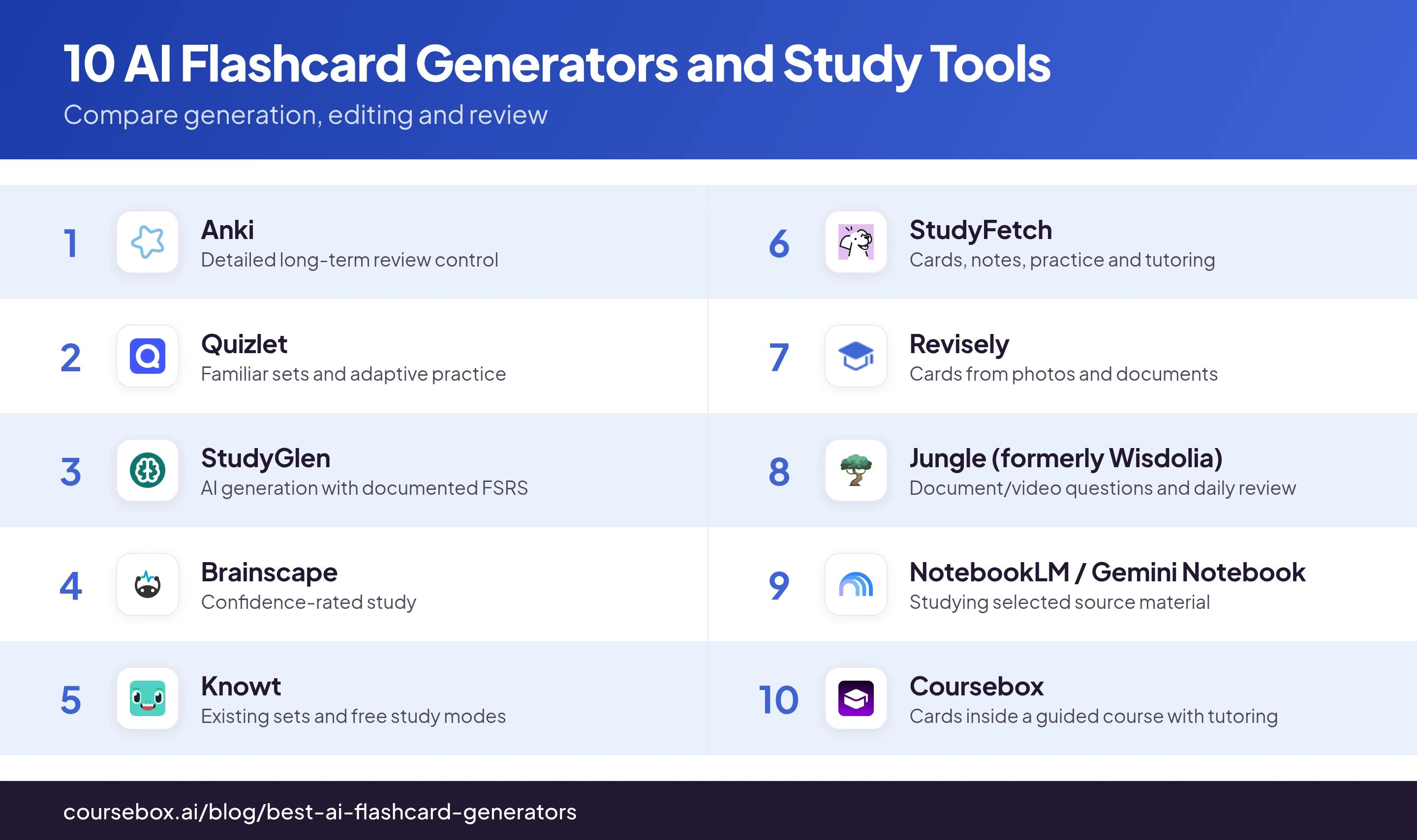
The 10 best AI flashcard generators
1. Anki
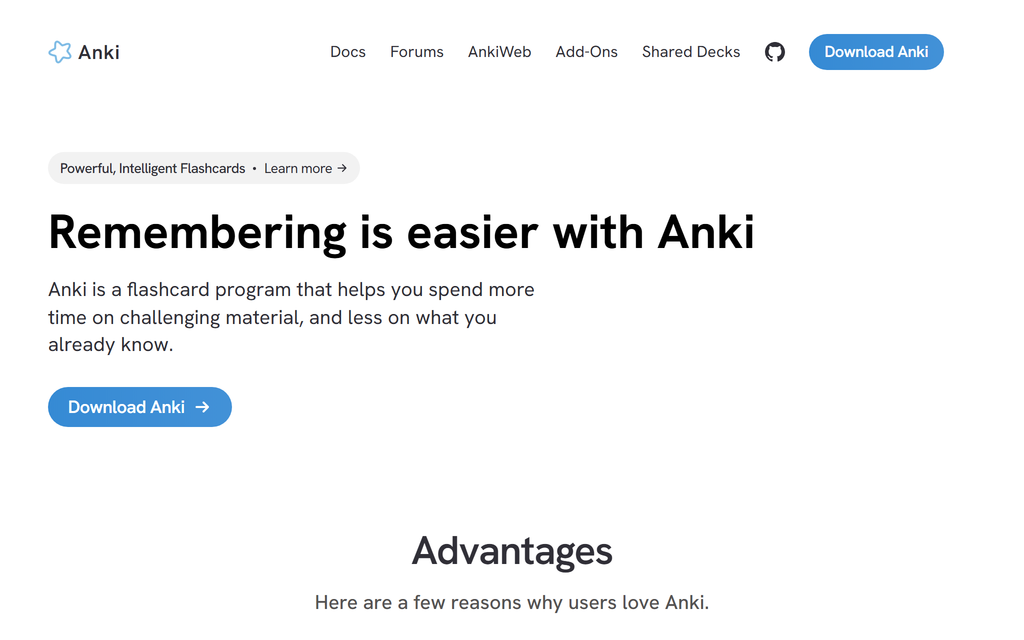
Anki is a free, open-source flashcard system with documented review scheduling, including FSRS. It supports basic cards, cloze deletion and image occlusion, with card imports for material generated elsewhere. Desktop software and AnkiDroid are free; the official iOS app is a separate paid purchase with regional pricing.
Anki’s main cost is setup and maintenance. You create or import cards, choose scheduling settings and manage the deck. I would start with a small daily routine; a powerful scheduler cannot compensate for unclear questions or an unmanageable review queue.
These scheduling approaches use review history to choose future intervals. Anki documents its FSRS settings and how desired retention affects workload. They estimate recall rather than know exactly when someone will forget. A named algorithm helps you inspect the system, but a fair comparison still needs the same cards, study period and later recall check.
What I found: Setup took me an afternoon. After that, the due queue made daily review easier to organise. I would judge it by keeping up with that queue and checking recall later, rather than assume an app can identify the exact instant a fact will be forgotten.
Verdict: The serious choice, and it is free. Worth the setup if you are studying for something big over months. Skip it if you just want cards generated in one click.
2. Quizlet
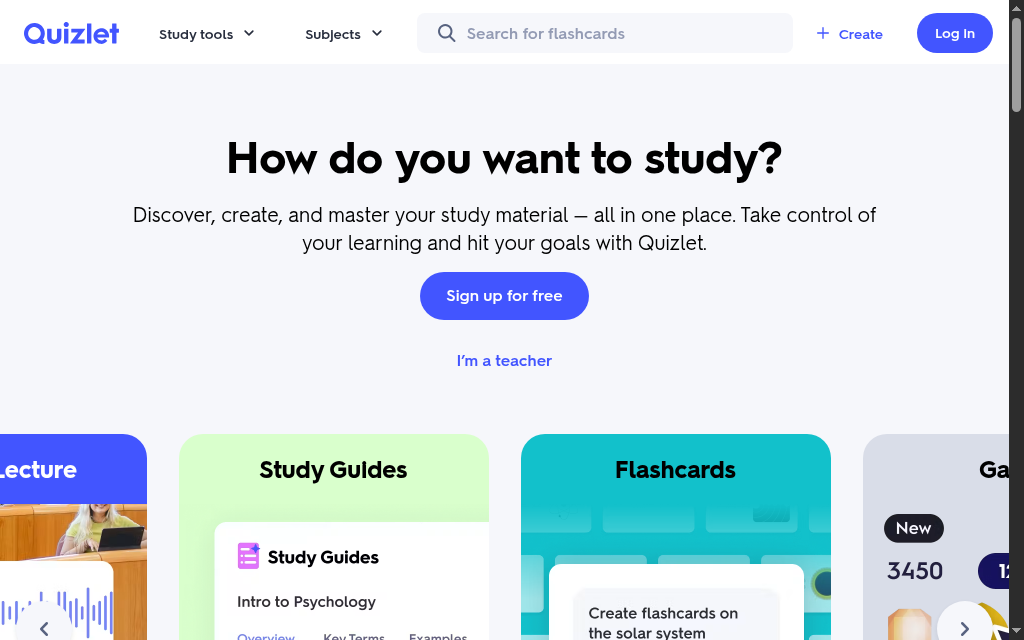
Quizlet combines a large study-set library with flashcards, adaptive practice and AI-generated study material. Free and paid features differ by account and region. Compare the current Plus offer and study-mode limits before committing for a semester.
Quizlet’s Learn and practice modes provide adaptive study, while free access has feature and usage limits. Compare its current review routine with a dedicated due-date queue if that is important to exam preparation. Test the free allowance before a revision deadline.
What I found: Making cards from a photo of my notes took seconds. But the free Learn mode ran out partway through, exactly the kind of wall a student would hit revising for an exam, which is when it wants you to pay.
Verdict: The easiest place to start, especially for ready-made sets. If you want real spaced repetition, not just a study mode, use Anki, StudyGlen or Brainscape.
3. StudyGlen
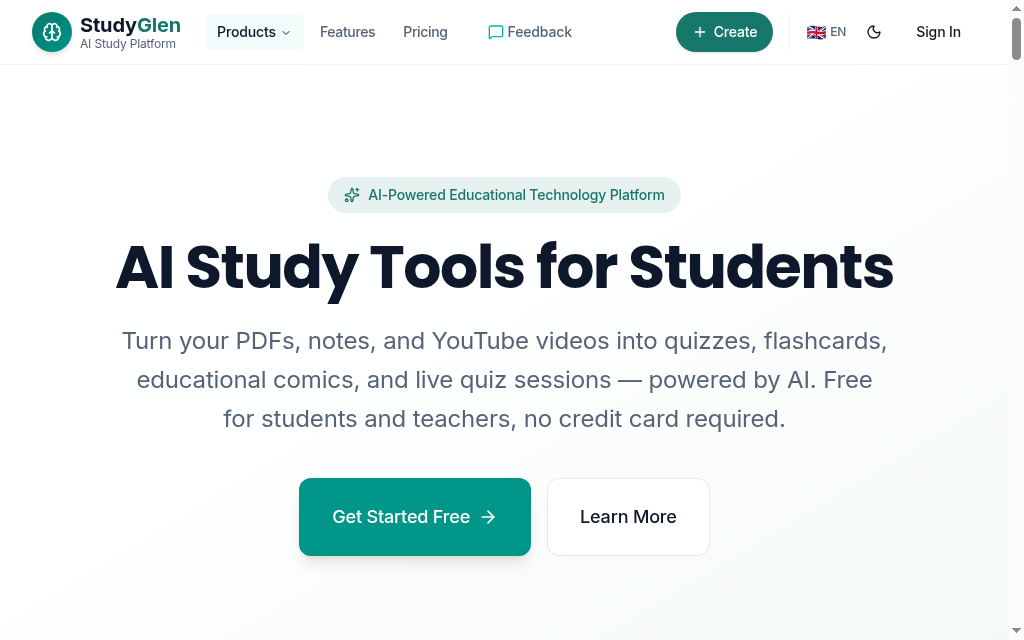
StudyGlen turns your PDFs, notes, images and YouTube videos into flashcards and quizzes, in 41 languages, and, alongside its generation tools, it schedules your reviews with a real algorithm (FSRS, the same modern engine Anki uses). It even adds AI images to cards and can import your Anki decks. The free plan is tiny (one deck a day), and it runs on one-time credit packs from $4.99 that never expire.
StudyGlen’s daily free generation allowance can suit a small study routine. More frequent creation needs credits. Compare how many generations a pack covers and the published expiry terms; a capped free plan is still different from an expiring trial.
What I found: I dropped in a lecture PDF and had a deck with images in under a minute, and it scheduled the reviews properly instead of dumping a pile of cards on me. The one-deck-a-day free cap meant I bought a credit pack almost immediately.
Verdict: The best pick if you want AI-generated cards and real spaced repetition without learning Anki. Expect to buy a credit pack after the first deck.
4. Brainscape
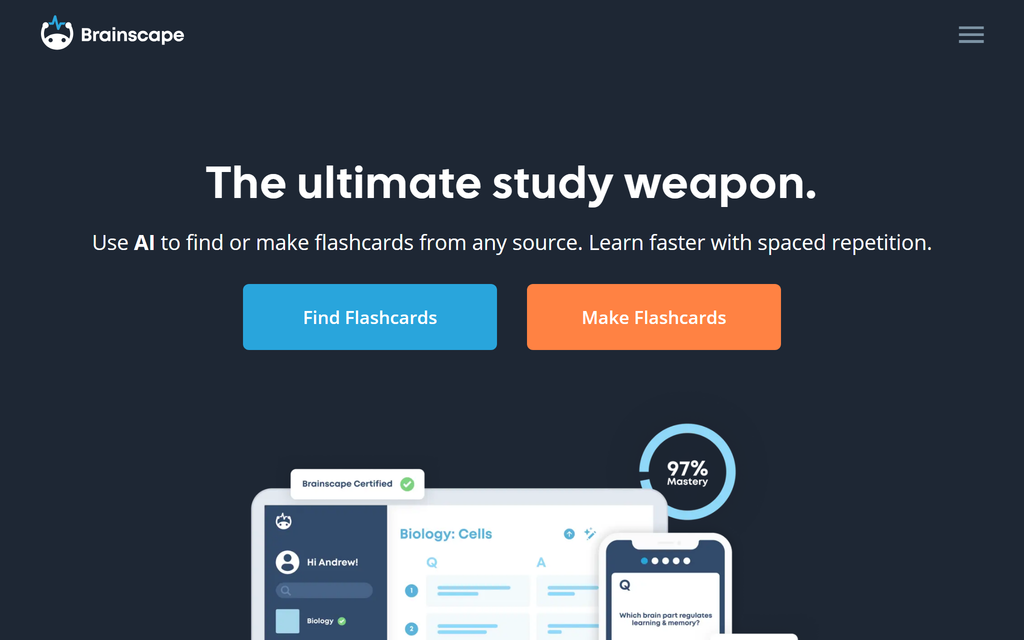
Brainscape uses confidence-rated review: after a card, rate recall from 1 to 5 to influence when it returns. Basic includes creating and studying your own cards with limited AI creation. Pro currently shows US$7.99/month equivalent billed yearly, with expanded AI and premium library access.
The catch is effort and depth: building a full deck yourself takes a while, the cards suit straight recall more than reasoning, and the best ready-made "Certified" content sits behind Pro. The rating step is the point, though, deciding how well you knew a card is itself good for memory.
What I found: Rating each card 1 to 5 felt like extra work at first, but it pays off: a low score brings the card back fast, a high score pushes it out, so your time goes straight to what you do not know.
Verdict: A strong middle ground: real spaced repetition, free to start, and none of Anki’s setup. Best if you prefer a guided, rate-as-you-go review to building a raw deck.
5. Knowt
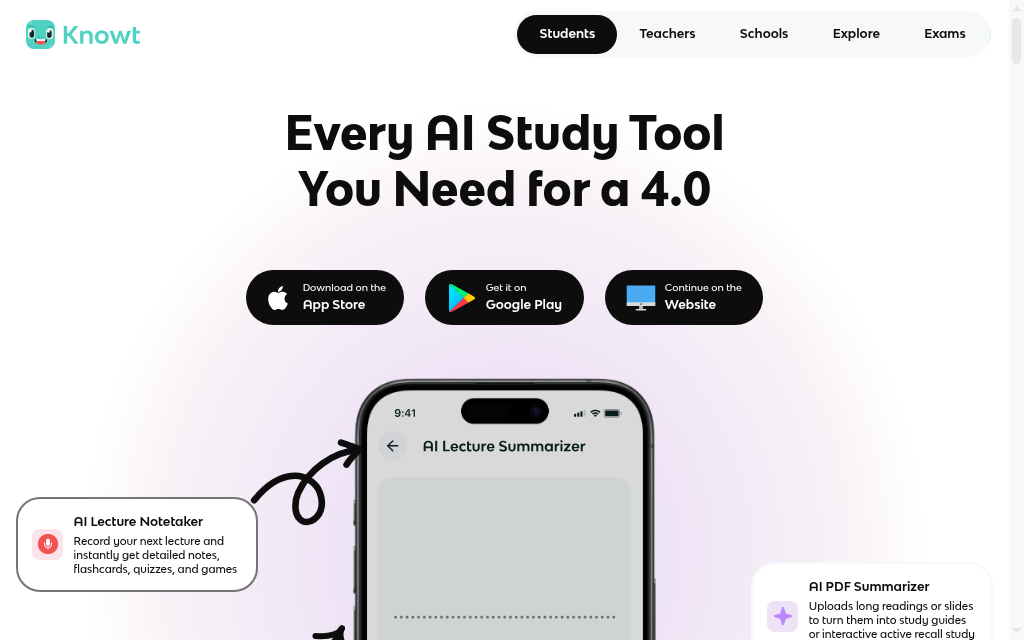
Knowt combines notes, flashcards and study modes, including imports of existing sets. Studying your own sets is free; AI summaries and generations have separate limits. Ultra currently lists US$149.99/year or US$24.99 monthly.
Knowt includes a spaced-repetition mode. Its public naming of the underlying algorithm does not establish whether it is weaker than Anki or another app. I would check how missed cards return, how the study deadline changes the queue, and whether the routine fits daily revision.
What I found: Importing my Quizlet sets was the main reason to try Knowt. The study modes were easy to use; I would evaluate its scheduling over several days rather than judge long-term retention from the appearance of one review session.
My take: A useful free comparison for existing Quizlet sets. Check the AI generation allowance separately from the free study modes, and trial the review routine before moving a large library.
6. StudyFetch
StudyFetch combines lecture notes, flashcards, quizzes and its Spark.E tutor. Upload PDFs, slides or recordings to create study material, then review and correct the cards. Compare the current account offer for generation, recording and tutoring allowances.
My check would be a lecture with a labelled diagram and an equation. If the source is misread, the same error can spread into the cards and quizzes. Check those outputs before relying on the study routine.
What I found: On text-heavy lecture notes it built the lot in one place: cards, a quiz and a tutor to ask. On a diagram-heavy topic it got details wrong, so I stopped trusting it for anything visual without checking.
Verdict: Worth comparing when cards are one part of a larger lecture-to-study workflow. Test the upload and review allowance on a normal week of material before paying.
7. Revisely
Revisely accepts documents and images of notes to generate flashcards, quizzes and summaries. Its free plan includes three AI decks alongside non-AI card creation. Compare the current paid generation allowance and billing period if you expect to process a full term of notes.
Revisely offers a review mode alongside AI generation. Check when weak and strong cards return and how a missed day affects the queue, rather than infer quality from whether the vendor names an algorithm. Generated cards still depend on clear source notes and a manual accuracy check.
What I found: Photographing a page of handwritten notes and getting cards back, with no retyping, is the standout. The cards were only as good as my notes, though, so I rewrote the vague ones by hand.
Verdict: The best-value pick, especially for photographed notes on a budget. Read the cards it makes, though, it pulls out terms rather than understanding them.
8. Wisdolia (now Jungle AI)
Jungle, formerly Wisdolia, generates questions and flashcards from documents and videos. It now offers daily spaced-repetition review as well as Anki export on paid plans. The current free tier lists two generations a month, with document and video limits.
Compare generation allowance, daily review and Anki export in the selected plan. The local paid price is shown before purchase. It is no longer accurate to describe Jungle as a generator with no study scheduling.
What I found: Creating questions from an article or lecture avoids retyping the source. I would compare Jungle’s current daily review with exporting to Anki, including what stays editable and whether the required export is in the plan.
My take: Compare it when documents and videos are your starting material and you want generated questions with a review routine. Use the free allowance to test question quality before paying.
9. NotebookLM
NotebookLM, now Gemini Notebook, creates flashcards and quizzes from selected sources. Source grounding makes the output easier to check, but generated questions and answers can still be wrong. A free Google account has usage limits; paid Google AI or Workspace arrangements can expand them.
NotebookLM creates cards alongside other source-based study outputs. My trial did not provide the due-date queue I wanted for daily review, so I would compare that workflow separately from the quality of the generated cards. Source references help with checking; they do not guarantee that every question is correct.
What I found: The cards from my three PDFs matched the material well enough to provide a useful first draft. I still checked the answers against the PDFs, then moved the material into a separate review routine.
My take: A useful source-based study option when notes, explanations and flashcards should sit together. Check the cards and compare its current review tools with a dedicated scheduler if you want detailed due-date control.
10. Coursebox

Coursebox’s AI flashcard maker, which is ours, connects cards with editable lessons, quizzes, assessments and an AI tutor. It can support studying your own notes or delivering structured learning to others. Free includes three mini-courses of up to five pages each, unlimited learners, defined AI allowances and a Coursebox watermark. Paid capacity, branded LMS, exports and integrations depend on the plan.
Coursebox suits a different study routine from a standalone flashcard app. A learner can turn notes into a guided course and use cards alongside explanations, assessments and tutoring; a trainer can deliver that learning to others. For a personal due-date queue, compare a dedicated review system such as Anki.
What I found: Uploading a lecture PDF gave me a structured course, tutor and cards together. That was useful when the notes needed explanation as well as recall practice, rather than just another deck to organise.
Verdict: Worth it if you want your material turned into a guided course with an AI tutor and cards, to study yourself or deliver to others. For pure spaced-repetition drilling, use one of the study apps above.
Generate a small deck from your own material, correct the questions, study it and return on another day. Check how missed cards come back, how the queue changes and whether you can export or maintain the deck. A named algorithm is useful documentation, not proof that competing review modes do not work.
Which should you use
Match it to how you study. For serious, free, long-term exam prep, Anki, or StudyGlen if you want the cards generated with real spacing. For a free Quizlet replacement that keeps your old sets, Knowt. For a guided, rate-as-you-go system, Brainscape. For a whole study system with a tutor, StudyFetch. For photos of handwritten notes on a budget, Revisely. For cards pulled from any web page or video, Wisdolia (now Jungle). For accurate cards from your own sources with no invented facts, NotebookLM. And if you want your material turned into a guided course with an AI tutor, to study yourself or deliver to others, Coursebox.
Most people end up with one generator and one place to actually review. If your source material is mostly slide decks, our guide to turning PowerPoint into flashcards goes deeper.
How to write a flashcard that actually works
The best tool still makes weak cards if you feed it badly, and a good card follows a few rules whether you write it or an AI does. These are the ones I check for.
One idea per card
If a card holds two facts, split it. A card asking "What is the capital of France, and what river runs through it?" should be two cards. Recall one thing at a time and it comes back cleanly; cram two in and you half-remember both.
Ask a question, do not just state a term
"What does insulin do?" forces you to recall the answer. "Insulin: definition" just lets you reread it. Turning the front of the card into a question is what makes it work.
Test using it, not just naming it
"Why would you use a linked list instead of an array?" sticks better than "Define linked list." A card that makes you apply a fact locks it in deeper than one that asks you to repeat it.
Keep the answer to one line
"Explain the causes of World War I" is an essay, not a flashcard. Break it into single causes, one card each: "Which assassination triggered World War I?" with a one-line answer.
Put it in your own words
Copy "Mitochondria are the powerhouse of the cell" straight off a slide and it slides off your memory too. Rewrite the front as "Where does a cell make most of its energy?" in your own words, and it holds.
This is exactly where AI generators slip: they will happily hand you a vague, two-fact card. Whatever tool you use, read the deck it makes and fix the loose cards. It takes a minute, and it is the difference between a deck that works and one that just looks productive.
Make them yourself for free with ChatGPT or Claude
You do not strictly need a flashcard app at all every time. If you need flashcards for a one-off exam or simply to remember one particular topic, a general chatbot will turn your notes into cards for free, and if Anki is your home, you can paste them straight in. The trick is asking for the right format: one fact per card, and a layout Anki can import. Below is a prompt you can paste in Claude or ChatGPT:
Turn the material below into flashcards. Rules: one fact per card, phrase the front as a short question, keep the answer to one line, and use a cloze deletion in Anki format ({{c1::hidden term}}) when a single term is the point. Output them as a two-column list I can paste into Anki, question and answer separated by a semicolon, one card per line. Here is the material: [paste your notes].
A chatbot will occasionally state something confidently wrong, so read the cards it makes and check them against your source before you rely on them. If that worries you, NotebookLM (number 9 in the list above) uses only the documents you upload, so it will not make anything up.
Getting AI cards into Anki (and keeping your progress)
If Anki is where you actually study, the question for any generator is whether it can hand its cards over. A few here do. Wisdolia (now Jungle) is built to generate cards and send them to Anki, and StudyGlen can import your existing Anki decks and reschedule them with FSRS. There are also tools that exist only for this, like AnkiDecks, which turns a PDF into an Anki-ready file. The reason it is worth checking: Anki keeps your review history, so the cards you have already mastered stay mastered instead of resetting every time you switch tools.
Whichever route you take, tool, chatbot or a mix, read the cards the AI made and make sure something is scheduling your reviews. That is what turns a stack of cards into things you actually remember.
Frequently Asked Questions
Retrieval practice can help, but generating a deck does not itself demonstrate learning. The study cited here compared repeated retrieval with restudy under specific conditions. Make the cards answerable, check their accuracy and return to them over time.
For generated cards, compare the free allowances of Knowt, NotebookLM, Jungle and Revisely with the volume of notes you need to process. Anki is a free review system on desktop and Android, with card creation and imports; AI generation is a separate step.
Anki documents FSRS and Brainscape uses confidence-rated repetition. Knowt, Jungle, StudyFetch and other apps also provide review modes. Test how due dates, missed cards and exam deadlines affect the queue; an unnamed algorithm does not establish that a review mode is ineffective.
Yes. StudyGlen, StudyFetch, NotebookLM and Wisdolia/Jungle take PDFs, YouTube videos and notes; Revisely also takes a photo of your handwritten notes; and Quizlet’s Magic Notes works from typed or photographed notes. Always read the cards it generates.
Compare card quality, editable sources, due dates and the way missed answers return. Anki documents FSRS and Brainscape uses confidence ratings; other apps offer their own review modes. Test the current workflow over several days, and check AI limits and exports separately from study access.
Not always. AI extracts or drafts cards and can be vague or wrong, especially from diagrams, equations and dense technical material. Treat every generated deck as a first draft, read the cards, and fix or delete the bad ones before you study from them.
Yes. Ask for one clear question per card and answers supported by your notes, in a format you can import into your study app. Check the generated deck against the source. NotebookLM also offers source-based cards with references, but grounding does not remove the need to check.
Some tools support Anki exports; Jungle lists it on a paid plan. Check the export format and whether it carries only card content or also scheduling history. A file of questions and answers does not automatically preserve review progress.
Anki desktop software and AnkiDroid are free. The official iOS app is a separate paid purchase with regional pricing. You can create or import cards, including material generated elsewhere; review imported content before studying it.
For medicine, most students still land on Anki: its spaced repetition and shared decks (like AnKing) are built for the volume of board exams, and it supports cloze deletions and image occlusion for anatomy. The practical route is to generate cards fast with AI (a chatbot, StudyGlen, or a tool that exports to Anki) and review them in Anki. Always check AI-made medical cards against your source, a wrong card learned well is worse than no card.
Carolina Martin
Carolina is a highly experienced learning designer with tech start-up experience. She is based in Sydney and previously designed courses alongside Coursebox founder Travis in a previous job. She is passionate about delivering engaging learning experiences and brings the same perspective to customer experience too. She manages our customer support documentation and product testing processes.

