

10 Best AI Citation Tools in 2026 (Tested)
The 10 best AI citation tools, tested for the one thing that counts: which cite real, findable sources and which invent them, with honest free tiers and styles.

A general AI chatbot invents sources: even GPT-4 fabricated 18% of its citations in a controlled study. Never let an AI supply a reference you have not checked exists.
- Reference managers (Zotero, Mendeley, Paperpile) and citation generators (Scribbr, QuillBot) only ever format real sources you give them, so they cannot invent a citation.
- AI research tools (Consensus, Scite) and source-finders (Sourcely, Paperpal) point at real, published papers, but you still open and read each one before citing.
- Jenni (an AI writing assistant) drafts prose and citations together, which is powerful and the least safe. It is better than a raw chatbot but still needs every reference checked, especially on long documents.
- To check any citation, paste the title into Google Scholar or click the DOI. If it does not resolve, the source is not real.
Answer three quick questions and I will point you to the right one for the job.

Build high quality courses that actually sell
The first time I asked a general AI chatbot for sources on a topic, it gave me a tidy list of papers with authors, journals and years.
It was all going very well untill I found out that three of them did not even exist. The formatting was perfect. But the references were hallucinated by ChatGPT.
That difference runs through every tool here. Some of these cite only what you give them or what sits in a real database, so the source is always something you can open and read. Others can write the citation and the source in one go, and that is where a paper full of confident, fake references comes from. What counts is which tools cite real, findable sources, and how you check the rest.
So that is how I judged these ten: what each one does, whether it works from real references or can invent them, and the one thing to check before a citation goes in your paper. I am a learning designer, I build courses and assessments, and a made-up source is the fastest way to lose a marker’s trust.
What AI citation tools actually do (and where they invent things)
The tools sort into a few types. What counts for each is where the source comes from.
- Reference managers (Zotero, Mendeley, Paperpile). Store the real sources you collect, then insert the in-text citation and build the bibliography in your document. They only ever cite what you saved, so the source is always real. The catch is tidiness: a wrong detail you imported stays wrong.
- Citation generators (Scribbr, QuillBot). You give it a URL, DOI or book and it formats a correct citation in APA, MLA, Chicago and the rest. It formats a real source you provide; check the details it auto-fills.
- AI research tools (Consensus, Scite). Consensus answers a research question from real, published papers; Scite shows whether later studies supported, contradicted or just mentioned a paper. Both work from real research, so the source is always real, but you still open and read it before citing.
- AI source-finders (Sourcely, Paperpal). Take your draft and find real papers that back your claims. Real sources, but check each one actually fits the sentence.
- AI writing tools (Jenni). Draft the prose and add citations as you write. This is the risk zone: an AI writer can slip in a plausible reference that does not exist, so every citation needs checking against a real, findable paper.
The list sorts on one thing: a tool either cites only what you or a real database give it, or it can generate the source itself. The first kind is safe. The second needs every citation checked against a real paper you can open. A general chatbot with no source grounding is the worst case: the references look flawless and do not exist.
How I tested these
I set each tool the same jobs: build a reference list for a short essay, generate the same citation in APA and MLA, and, for the AI tools, check whether the sources they produced were real and findable in Google Scholar. I used the free plan wherever one existed, so what you read here is what you get without paying, and I checked every price and free-tier limit on the tool’s own page in the last week. Where a tool could invent a source, I have said so plainly.
The tools at a glance
| Tool | Best for | Free tier | Price |
|---|---|---|---|
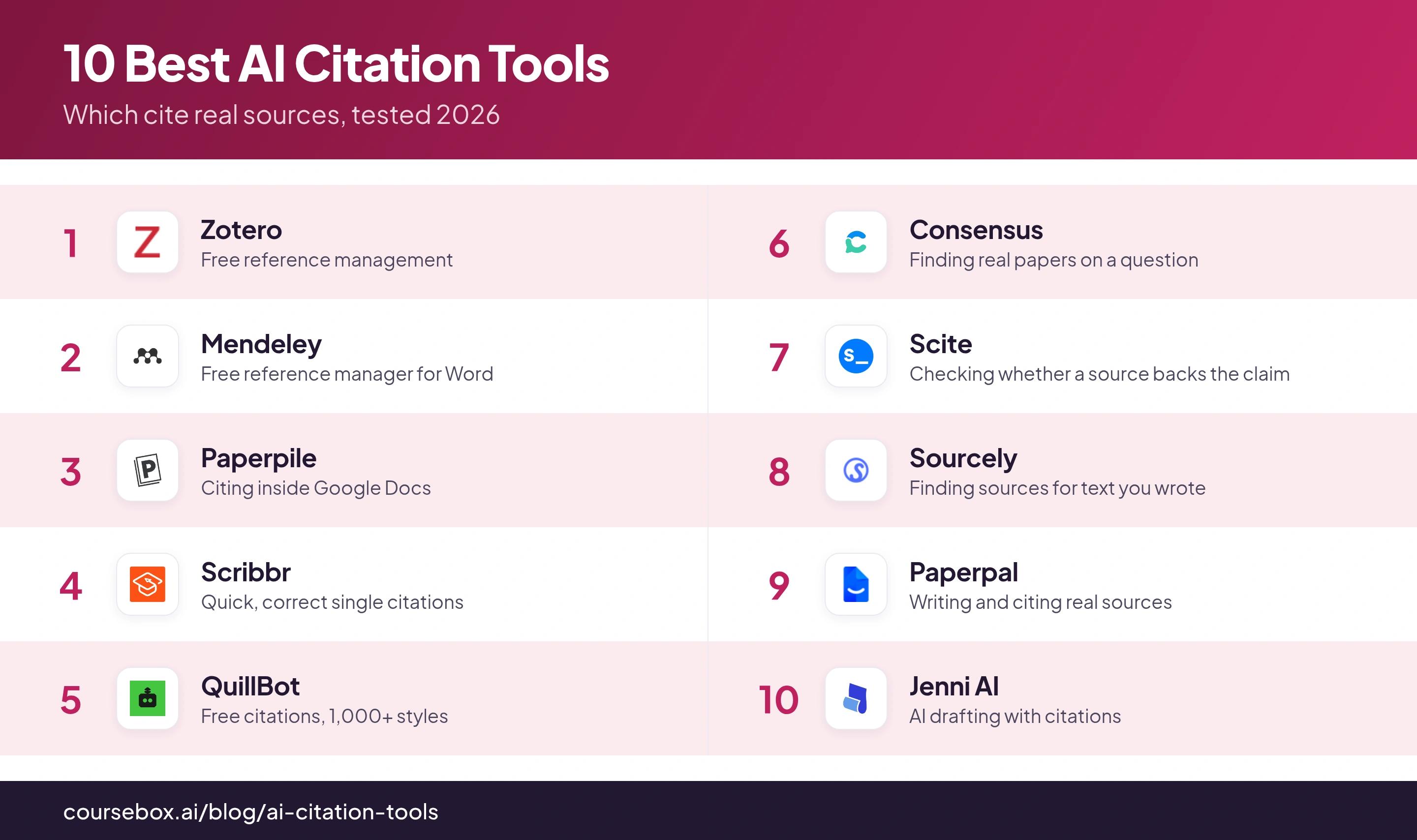
| Zotero | Free reference management | Free (300 MB sync) | Storage from $20/yr |
| Mendeley | Free reference manager for Word | Free, 2 GB | From $4.99/mo |
| Paperpile | Citing inside Google Docs | Trial only | From $4.15/mo (annual) |
| Scribbr | Quick, correct single citations | Free | Generator is free |
| QuillBot | Free citations, 1,000+ styles | Free | Generator is free |
| Consensus | Finding real papers on a question | Free tier | Pro $12/mo |
| Scite | Checking whether a source backs the claim | Free connector only | Basic $20/mo |
| Sourcely | Finding sources for text you wrote | No free plan | Ultra $19/mo |
| Paperpal | Writing and citing real sources | Free, 200 edits/mo | Prime ~$144/yr |
| Jenni AI | AI drafting with citations | Free, 10/day | Plus $12/mo |
The 10 best AI citation tools
1. Zotero
Zotero is the free reference manager most researchers start with. It is open-source and run by a nonprofit, so nothing is upsold at you. Its browser Connector saves any article, book, web page or PDF into your library in one click, then cites it in your chosen style inside Word, LibreOffice or Google Docs, from a library of more than 10,000 styles. The software and unlimited local references are free.
As a reference manager it only ever cites what you saved, so every source is one you can open and read, and it cannot invent a citation. The one limit is cloud sync: the free tier is 300 MB, which fills fast once you sync PDFs across devices, after which storage is $20 a year for 2 GB, $60 for 6 GB, or $120 for unlimited.
Testing notes: Storage was the first limit I hit, before any feature gap. Syncing a folder of PDFs across two machines used up the free 300 MB almost at once, and I paid the $20 a year without much thought.
Verdict: the default free choice, and the strongest of the free options. Start here, and only look elsewhere if you write mostly in Google Docs or need a tool that finds the sources for you.
2. Mendeley
Mendeley is the free reference manager from Elsevier, the academic publisher behind Scopus and ScienceDirect. It is a natural fit if you already use those to find your papers. It stores your PDFs and references, syncs them to the cloud, and drops citations into Word through the Mendeley Cite add-in. The free account gives you 2 GB of storage, five groups of up to 25 collaborators, and 100 MB of shared space.
Like any reference manager, it works only from references you add, so it cannot fabricate a source. The catch is speed: since Mendeley moved to a cloud-only app, sync can be slow, and search and filtering are locked until it finishes. Paid tiers lift storage, from $4.99 a month for 5 GB up to $14.99 for unlimited.
Testing notes: On a big library the sync was the frustration. More than once I opened Mendeley to find something and had to wait for it to catch up before I could even search my own references.
Verdict: worth it if you are already in the Elsevier ecosystem or want its discovery feed. If you just want the fastest free reference manager, Zotero is the lighter pick.
3. Paperpile
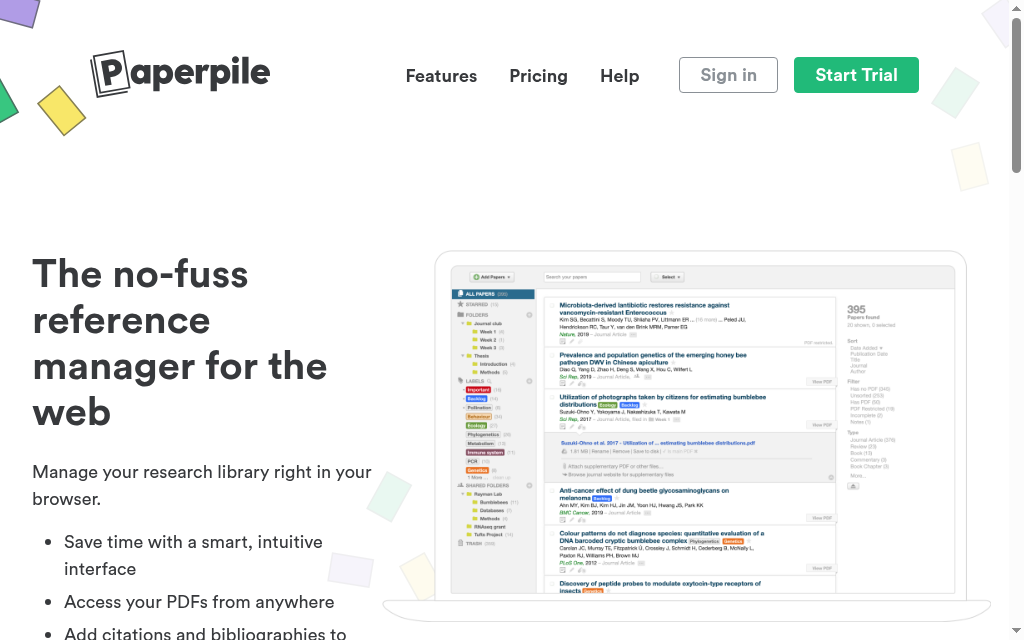
Paperpile is the reference manager for people who write in Google Docs. It runs in your browser, scrapes clean metadata off the PDFs you drop in, and inserts citations and bibliographies straight into Docs (and now Word), across more than 10,000 styles. It is the low-friction option if your whole workflow already lives in Google.
It stores and formats real references only, so it never invents a source; the risk is bad imported metadata, not fabrication. The main catch is cost: there is no permanent free tier, only a 30-day trial, and every plan is billed annually, from $4.15 a month for academics.
Testing notes: The PDF handling was the best part. Dragging a downloaded paper in usually filled the reference correctly, authors, journal and year, without me retyping anything.
Verdict: the pick if you draft in Google Docs and do not mind paying. If you want free, Zotero also cites into Docs; Paperpile just does it more smoothly.
4. Scribbr
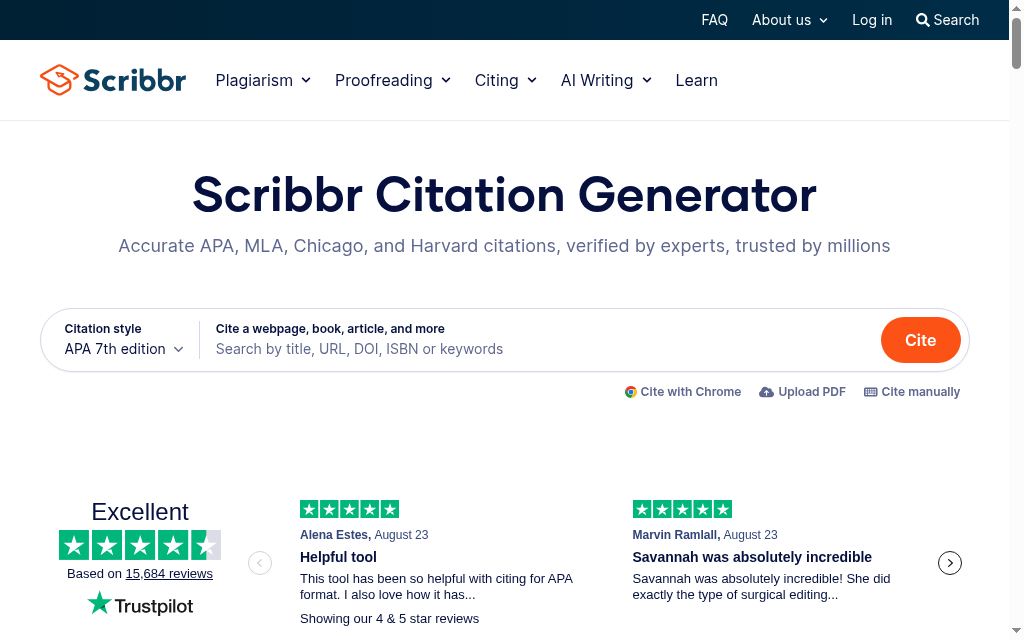
Scribbr’s Citation Generator is the fastest way to format a single citation correctly, and it is free. You look a source up by title, URL, ISBN or DOI and it fills in and formats the reference in APA, MLA, Chicago, Harvard and more. It is built on the same citation engine (CSL) as Zotero and Mendeley, so the formatting is sound.
It formats real sources you provide, it does not generate them, so there is no fabrication risk from the generator itself. The catch is that its auto-fill is only as good as the metadata: a clean DOI or journal article comes out right, but multi-author or archival sources need a manual check.
Testing notes: For a straight journal article, pasting the DOI gave me a clean APA reference in seconds. For an edited book chapter with several authors, it missed a couple of names and I fixed them by hand.
Verdict: the go-to for quick, correct citations without installing anything. Pair it with a reference manager once you have more than a handful of sources to keep.
5. QuillBot
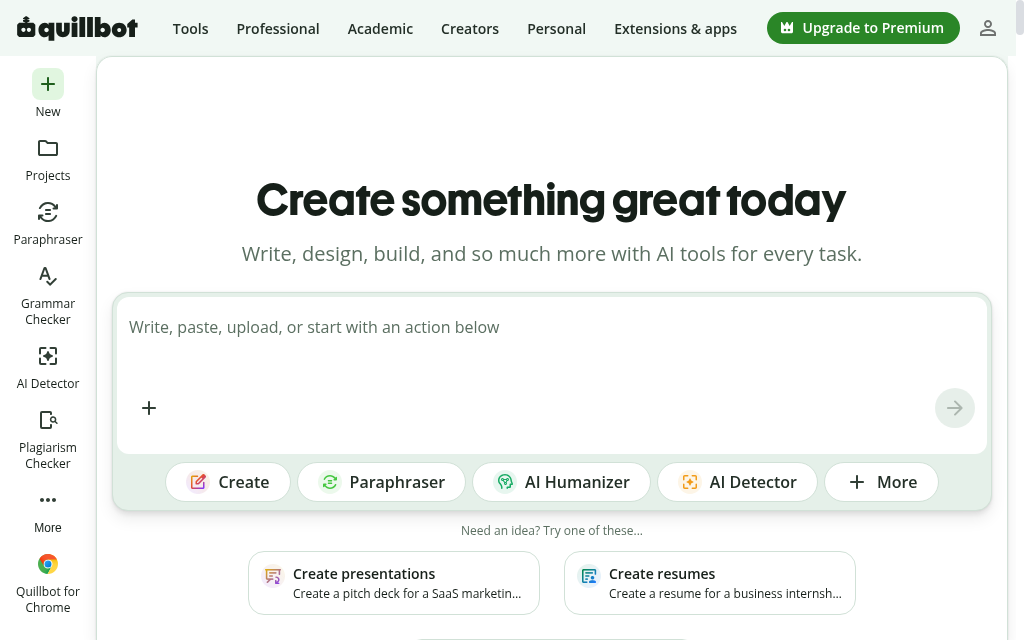
QuillBot’s Citation Generator does the same job as Scribbr’s and is also free, with no account needed to start. You search by title, URL, DOI or ISBN, or upload a PDF, and it formats the reference across more than 1,000 styles, then lets you build and export a full bibliography. A free account saves your lists.
The generator formats real, looked-up sources, so it will not invent a citation. Worth knowing: QuillBot’s separate AI writing tools are language models, and like any chatbot they can produce fake references if you ask them to write citations into prose, so use the generator to format sources, not the AI writer to supply them. The generator is free; the rest of the suite sits behind Premium.
Testing notes: I treated it as a lookup-and-format tool and it behaved like one: search a title, pick the record, tidy any field with the pencil. The constant nudges to upgrade to the paid AI Detector and Paraphraser were the only friction.
Verdict: a solid free alternative to Scribbr, especially for the huge style list. Ignore the upsells and use it for what it does well, formatting.
6. Consensus
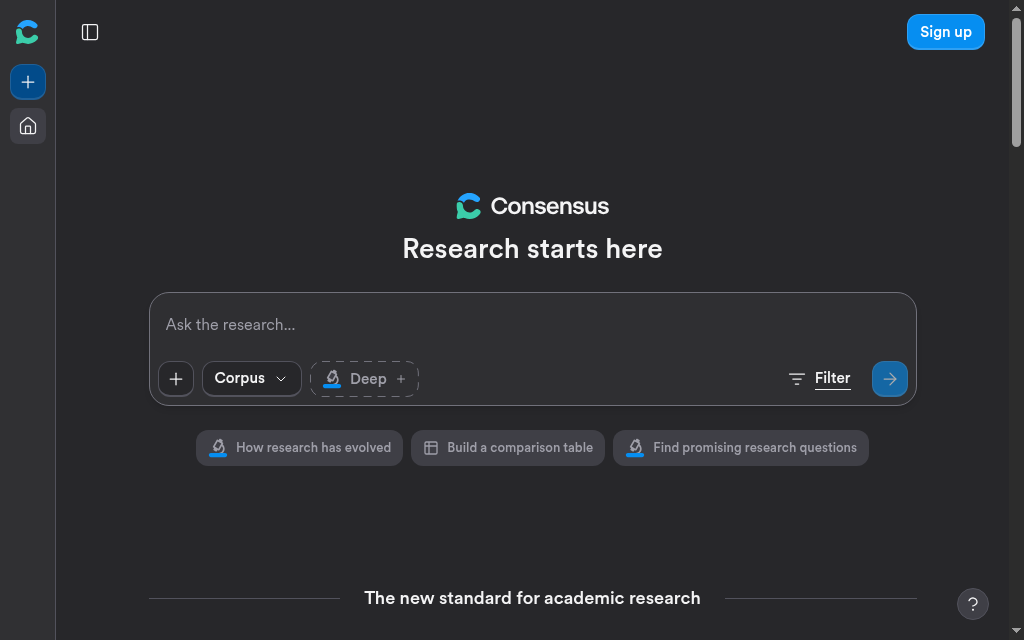
Consensus is an AI search engine for research questions. You ask a question and it pulls real, peer-reviewed papers, shows a Consensus Meter of how much they agree, and links out to each study. For finding real sources to cite on a topic, it is one of the cleaner tools. The free plan gives you basic search, 15 Pro messages a month and three deep reviews; Pro is $12 a month.
Every result is a real, published paper you can open, so it points you at sources rather than inventing them. The catch is over-reading the summary: the meter is built from the handful of papers it surfaced for your exact question, not the whole field, so treat it as a starting point.
Testing notes: The Consensus Meter is built from the five to twenty top papers for my question, not the literature as a whole. I treat it as a hypothesis and always open at least one of the actual studies before I cite it. It did not replace reading the paper.
Verdict: a strong first stop for finding real evidence on a question. Use it to locate papers, then read and cite them yourself.
7. Scite
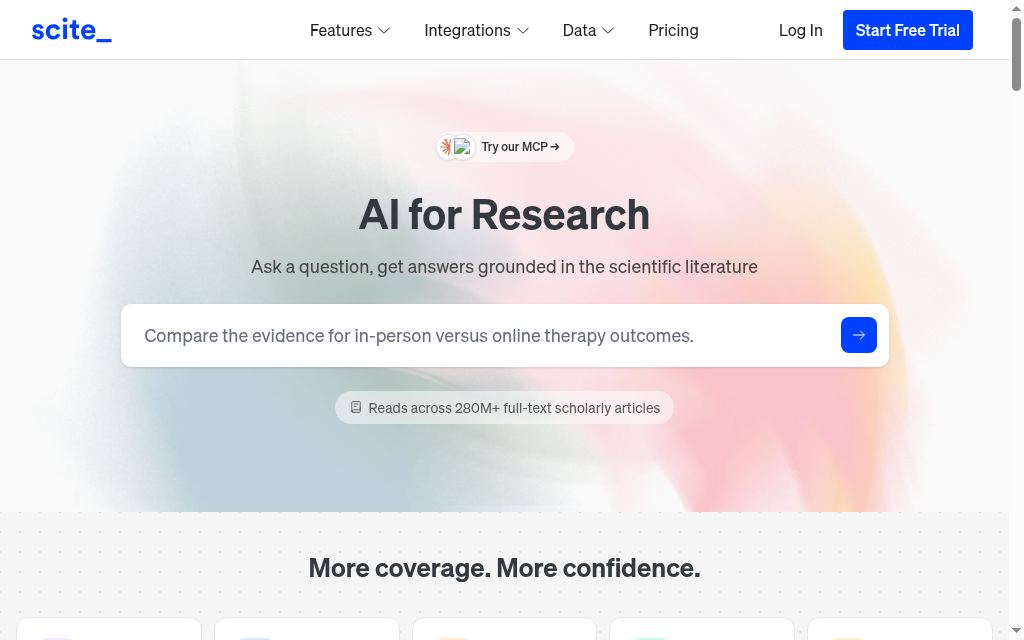
Scite answers a question the rest of this list does not: once a source is real, does the research that followed actually back it? Its Smart Citations take any paper and show how later studies cited it, classified as supporting, contrasting or just mentioning the finding, with the sentence of context. So before you lean on a paper, you can see whether the research that followed backed it or pushed against it. It runs over an index of 300 million real papers and 1.6 billion citations, so it reports on citations that exist rather than inventing them.
Two honest points. The support-or-contrast labels are a signal, not a verdict, the classification is sometimes wrong, so the contrasting citations are a prompt to go read the paper, not a final call. And the free "Connect" plan is only a connector for AI tools like ChatGPT; using the Scite platform itself, the search and the reports, needs a paid plan after a 7-day trial, from $20 a month.
Testing notes: I opened the Smart Citation report for one paper and it read 5 supporting, 154 mentioning and 2 contrasting citations. Those two contrasting ones were exactly what I wanted to see, the studies that disagreed, before I built an argument on that paper.
Verdict: the tool for the step the others skip: checking whether a real source actually supports the claim. Worth a paid plan if you write literature reviews; the free tier only plugs into your AI chat.
8. Sourcely
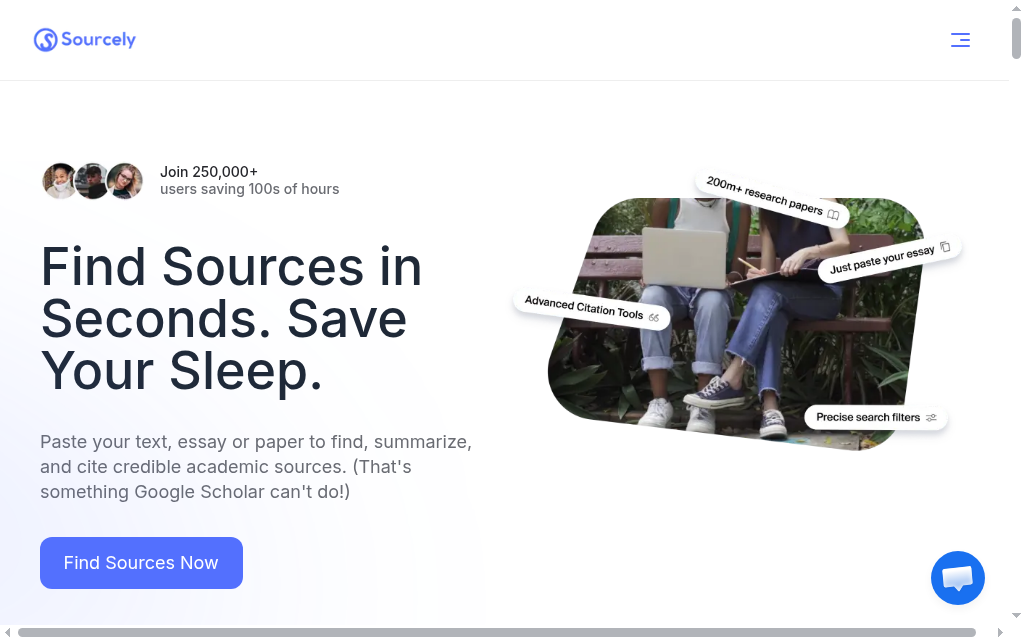
Sourcely starts from your writing. You paste a paragraph or a draft essay and it finds real academic papers that fit, summarizes each, and exports a formatted citation, searching an index of more than 200 million papers. It even runs a separate verifier that checks references against Google Scholar, CrossRef, PubMed and others.
The sources it returns are real papers, not invented ones, and the verifier is built specifically to catch fake AI citations. The catch is relevance: a suggested paper is real but may only loosely fit your exact claim, so read it before you attach it. There is no true free plan, only a short preview, then $19 a month for Ultra.
Testing notes: The suggestions did not show how often each paper had been cited, so I could not judge a source’s weight from the list alone and had to open the stronger-looking ones to decide.
Verdict: useful when you have the prose and need real sources to support it. Just check each suggestion actually backs the sentence, not only the topic.
9. Paperpal
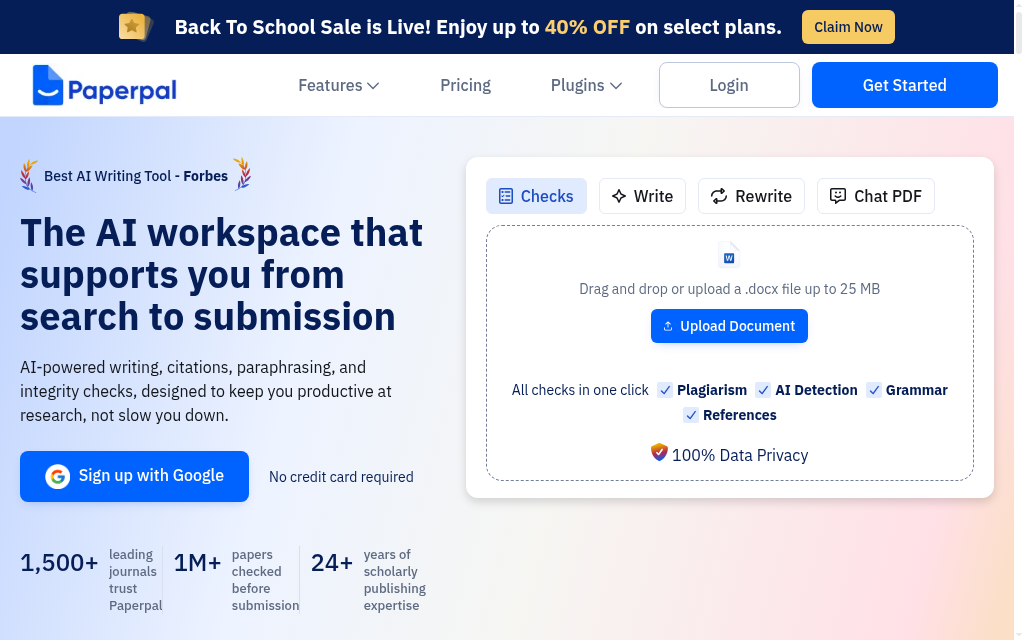
Paperpal is an AI writing and editing workspace aimed at getting a manuscript submission-ready. Alongside language editing, its Select and Cite feature finds real papers from an index of more than 250 million articles and cites them in place, and it has a reference checker for what you already have. The free tier includes 200 edits a month; the auto-built reference list needs a paid Prime plan, from about $144 a year.
Because it retrieves citations from a fixed scholarly index rather than generating them, the risk of a fabricated reference is structurally low, and the company states it never invents citations. It is more an editor and source-finder than a full drafting engine, so it will polish and cite, not write your paper for you.
Testing notes: The citing worked the safe way round: I searched real papers by title or DOI inside the document and inserted a formatted citation in a click, rather than trusting the AI to generate one from memory.
Verdict: a good fit for researchers polishing a paper for submission who want citations pulled from real sources. Overkill if you only need to format a bibliography.
10. Jenni AI
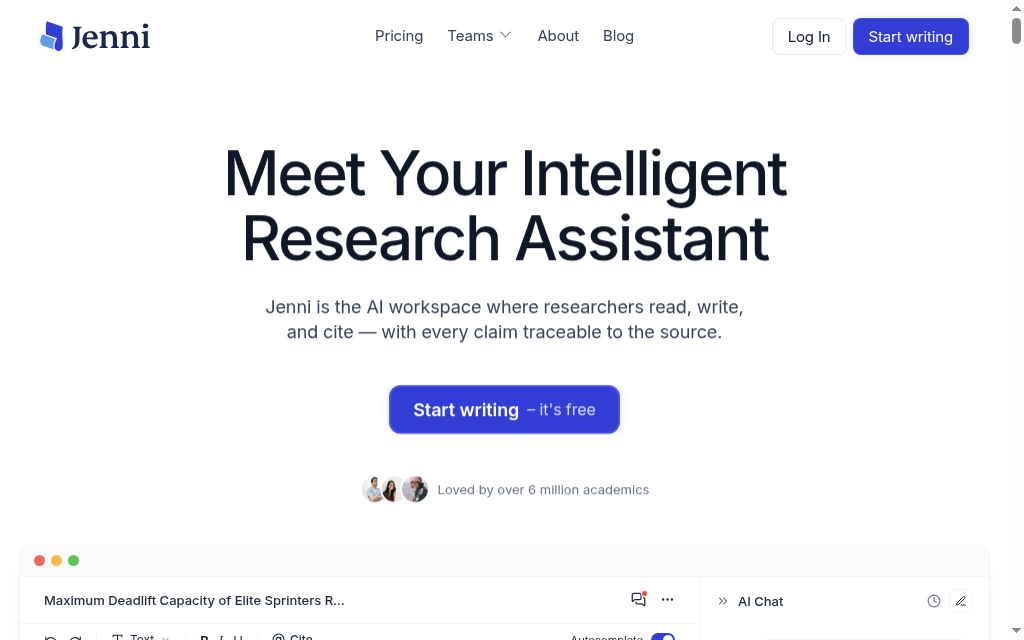
Jenni AI does the most of any tool here: it drafts the actual prose of your essay, autocompleting the next sentence and attaching an inline citation as it writes. That is also the reason it ranks lowest for citation safety. The free plan gives you ten autocompletes a day and access to more than 10,000 citation styles; Plus is $12 a month.
This is the one tool that generates the text and the citations together, so it carries the most risk. It is better than a raw chatbot, one reviewer found all nine references it inserted into a short passage were real, but others have caught it fabricating sources, and reliability drops on longer documents. Treat every citation it produces as unverified until you have found the paper yourself.
Testing notes: On a short passage the references it gave me held up when I looked them up. I would not extend that to a full draft though, because reliability drops with length, and that is exactly where reviewers have caught it inventing sources. I checked every one.
Verdict: the most capable tool here, and the one that needs the most checking. Use it to draft, but verify every single citation before it goes in, especially on anything long.
Paste the title into Google Scholar. If the paper does not come up, an AI invented it. For anything with a DOI, click the DOI, it should resolve to the real article. A citation that looks perfect but will not resolve is the classic AI fabrication.
Which should you use
Match the tool to the job. To manage all your references for free, start with Zotero, or Paperpile if you write in Google Docs. To format one citation fast, use Scribbr or QuillBot. To find real papers on a question, use Consensus, or Scite to check whether later research backs a claim. To find sources for prose you have already written, Sourcely or Paperpal. And if you want AI to draft with citations, Jenni is the most capable, and the one where you check every reference.
Whichever you pick, the rule is the same: a citation is only as good as the source behind it, so open the paper before you cite it. If you are a student weighing AI more broadly, our guide to the best AI tools for university students goes wider.
Frequently Asked Questions
A general chatbot does. In a controlled study, 55% of GPT-3.5’s citations and 18% of GPT-4’s were fabricated. The tools in this list that retrieve from real databases (Zotero, Scribbr, Consensus, Paperpal and the rest) do not invent sources, but AI writers that generate prose can, so always confirm a citation points to a real paper.
For managing references, Zotero is the best free option. For formatting a single citation, Scribbr and QuillBot are both free. For finding real papers, Consensus has a usable free tier. Most free plans cap storage or usage as you scale.
Paste the title into Google Scholar. If the paper does not come up, it was invented. If the citation has a DOI, click it, a real DOI resolves to the actual article. A reference that looks perfect but will not resolve is the classic AI fabrication.
Zotero and Paperpile carry more than 10,000 styles, QuillBot more than 1,000, and Scribbr covers APA, MLA, Chicago, Harvard and others. They all use the same underlying citation engine (CSL), so the formatting is consistent.
Formatting real sources you found yourself is normal academic practice and not cheating. The line you should not cross is letting an AI invent sources or write the paper for you. Check your institution’s policy on AI, and never cite a source you have not read.
Yes. Reference managers like Zotero, Mendeley and Paperpile are built for exactly this: they store every source, insert in-text citations as you write, and build the bibliography automatically in your chosen style.
You cite the specific chat, and the AI company is the author, not the AI. In APA 7, the current format is: OpenAI. (year, month day). Title of the chat [Generative AI chat]. ChatGPT. URL of the shared chat, for example: OpenAI. (2025, August 21). High school grammar concepts [Generative AI chat]. ChatGPT. https://chatgpt.com/share/... . In MLA you do not treat the AI as the author: put your prompt in the title slot, the tool as the container, the model as the version and a shareable link, for example: "Describe the theme of nature in Mansfield Park" prompt. ChatGPT, GPT-4o, OpenAI, 23 Sept. 2024, chatgpt.com/share/... . Whichever style you use, save the shareable link and check your institution’s policy on disclosing AI.
Carolina Martin
Customer success lead and learning designer at Coursebox AI

