

14 Best AI Tools for University Students in 2026 (That Help You Learn, Not Just Answer)
The best AI tools for university students in 2026, split by the job (understand, research, write, revise, solve) and honest about what helps you learn.

The best AI tools for university students in 2026 include NotebookLM for source-based study, ChatGPT and Claude for explanations, Consensus and Elicit for research, Wolfram Alpha for computation, Knowt for revision and Otter for lecture notes.
- Open source references and check what they support. Retrieval and citations help verification but do not guarantee a correct answer.
- Free limits differ across chat, uploads, study, generation and exports. Check library access before subscribing.
- The 18% fabricated-reference result concerns a specific 2023 GPT-4 experiment, rather than all current model outputs.
- Follow the assignment’s permitted-use and disclosure rules and keep evidence of your own work.
Use three preferences to compare four starting options. Check the entries for required capabilities, prices and plan conditions.

Build high quality courses that actually sell
The fastest way to get in trouble at university right now is to let an AI do the work for you. On the flipside, the fastest way to actually get better at uni is to let it help you understand the work. For both usecases, It is usually the same tool. What changes is how you use it.
I have seen an AI produce a convincing reference whose paper did not exist. I now use source lookup as part of the workflow, whether the tool writes an explanation or retrieves a paper. The source also has to support the point I want to make.
I am Parshad, and I never really stopped being a student: I test these tools constantly. I even used some of these during my Master's degree, when it was explicitly allowed. So I have split this list by the jobs you actually need doing at university. This can be understanding a topic, finding and checking real research, writing without breaking the rules, revising to remember, and solving problems. And I have been honest about where each tool helps you learn and where it just hands you an answer you cannot defend.
How I judged these AI tools
Same five questions for every tool, in the order that decides your marks and your record.
Does it help you learn, or just answer? This is the whole point. A tool that helps you understand is worth ten that spit out a paragraph you could not explain in a tutorial. I weighted it heaviest.
Can you trust it, and cite it? Do the answers come from real sources you can check, or is the tool just making things up with confidence? This is where most AI trouble at university starts.
- The job it is best at: Understanding, researching, writing, revising or solving. The list spans all of these, because the wrong tool for the job just wastes your time.
Free for students? Most students are broke. A real free tier that does the job beats a long feature list.
Does it fit how you work? Does it work with your own notes, lectures and documents, or make you copy everything into a chat box first?
AI tools for university students at a glance
Prices are in USD as of August 2026 and change often, so check before you pay. Several offer student discounts or free access, ask.
| Tool | Best for | Sources you can cite? | Free tier | Price |
|---|---|---|---|---|
| ChatGPT | Explaining ideas, drafting | No, verify all | Free with model/feature limits | Plus ~$20/mo |
| NotebookLM | Studying your own materials | Yes, your own | 50 sources/notebook, 50 chats/day | Free; AI Plus ~$20/mo |
| Perplexity | Exploring with sources | Sometimes, check each | Unlimited basic; few Pro searches/day | Pro ~$20/mo |
| Claude | Long PDFs, careful writing | Verify the sources used | Free, capped usage | Pro ~$20/mo |
| ChatPDF | Getting through one dense paper | Your PDF only | 2 documents/day | Plus ~$20/mo |
| Consensus | What studies actually say | Yes, real papers | 10 Pro messages and 3 Deep reviews/month | US$20 monthly or US$144/year |
| Grammarly | Grammar in your own writing | n/a | Core checks; 100 AI prompts/mo | Pro $12/mo |
| Elicit | Literature reviews | Yes, sentence-level | Limited reports; unlimited search | Plus from US$132/year; audience selectors vary |
| QuillBot | Tightening your own writing | n/a | Paraphrase 125 words at a time | Premium ~$10/mo |
| Wolfram Alpha | STEM problems | n/a | Answers, but no step-by-step | Pro Student $5/mo |
| Scite | If a study has been disputed | Yes, smart citations | Connect free; main platform trial/paid | Check Basic/Pro billing offer |
| Knowt | Flashcards, spaced repetition | n/a | Unlimited flashcards, free | Ultra $12.49/mo |
| Otter.ai | Transcribing lectures | Your recording | 300 min/mo, 30 min/lecture | Pro US$16.99 monthly or US$8.33/month annually |
| Gemini | Working in Google Docs | No, verify all | Free with a Google account | Pro ~$20/mo |
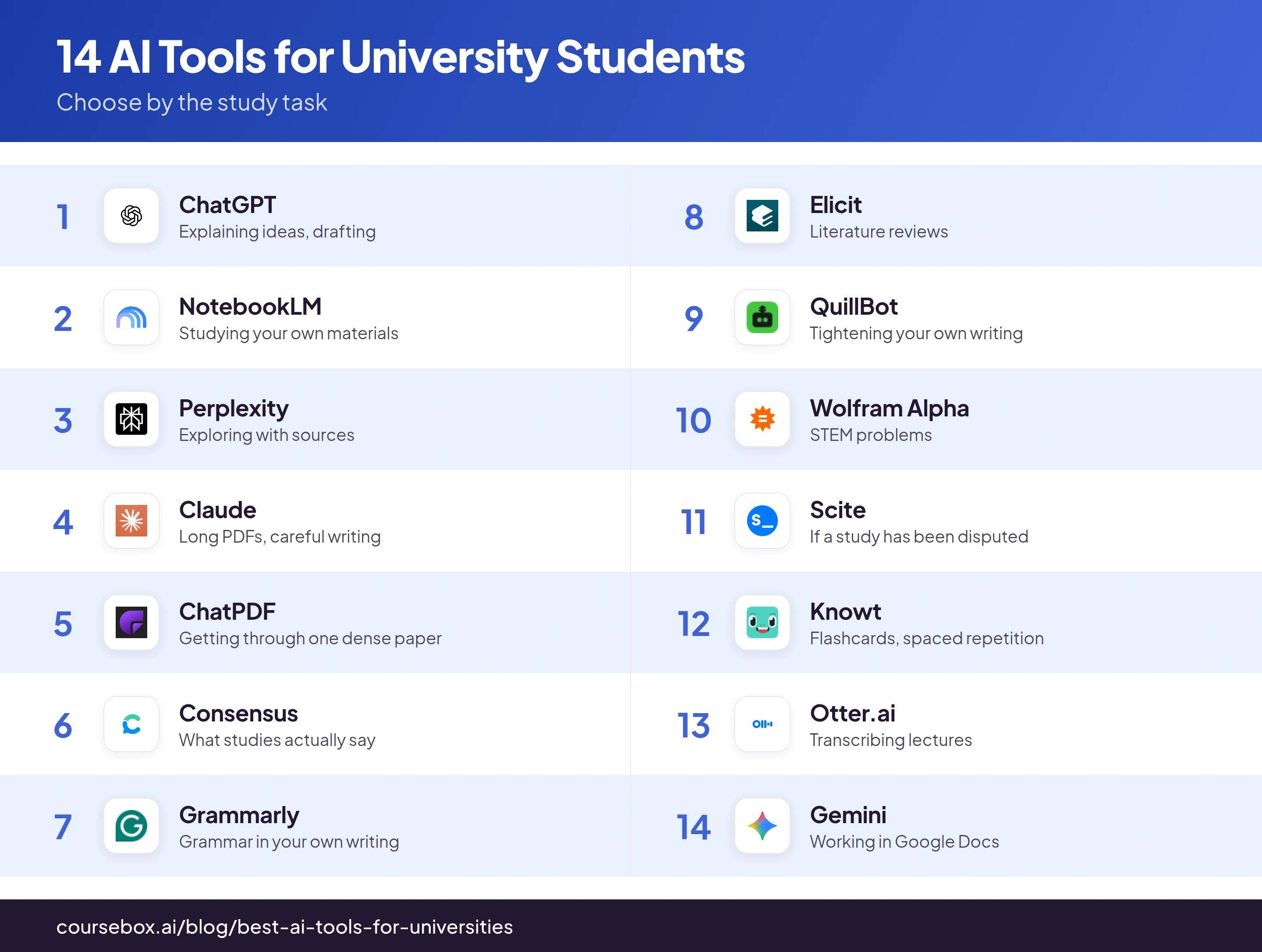
Ranked below. I have spread the list across the jobs, so similar tools are not all bunched together.
The 14 best AI tools for university students
1. ChatGPT
Best for: Explaining a hard idea, and drafting you then rewrite.
ChatGPT is the all-rounder. Ask it to explain a hard idea a few different ways, quiz you before an exam, or draft an outline you then fill in yourself. Use it as a study partner and it really helps you understand. Use it to write the essay for you, and you are handing in work you cannot defend.
Trust: Low, until you check. It says everything with the same confidence, whether it is true or made up, sources included.
Free for students: Yes, with model and feature usage limits. Do not assume unlimited access to every text, file, voice or study workflow.
Price: Free; Plus reported around $20/month.
How to use it well: Ask it to explain, quiz you, or plan the structure, never to hand you a final fact or citation to paste in.
Notes from testing: The one that has burned people is citations. I have had ChatGPT produce a reference complete with a DOI link, and the DOI went nowhere because the paper never existed. The titles are plausible enough that the only way to catch it is to open every single one. Treat anything it cites as a lead to find in your library database, never a citation to paste.
Verdict: The best all-rounder for understanding, as long as you always double-check its facts and sources yourself.
2. NotebookLM
Best for: Studying from your own lecture notes, slides and set readings.
NotebookLM, now Gemini Notebook, helps you study selected sources with summaries, explanations, audio and other learning outputs. Source references let you check the response against the material. Generated answers can still contain mistakes, and current source-discovery tools mean it is no longer accurate to describe the product only as an upload box.
Source check: Open the supporting passage and compare it with the answer. A linked source is useful for verification, rather than a guarantee that every explanation is correct.
Free for students: Yes. The free plan covers 100 notebooks, 50 sources per notebook and 50 chats a day.
Price: Free with a Google account; a paid Google AI plan lifts the limits.
How to use it well: Upload clean text PDFs of your lectures and readings, not blurry scans, and ask it to explain the hard parts back to you.
Notes from testing: Of everything here, this is what made me actually learn, because it makes you engage with your own material instead of the whole web. The catch I hit: the output is only as good as what you upload. Feed it a blurry scanned handout and the answers go vague and hedged; feed it clean text and it is sharp.
Verdict: The standout for revising your own course. It is the first thing I would install if the goal is to actually learn the material, not just finish the assignment.
3. Perplexity
Best for: Exploring a question and seeing where the answers come from.
Perplexity combines answers with links to retrieved sources. Use the current source controls to narrow the task, then open the original paper or publisher record before citing it. A search result can be useful background without being academic evidence.
Trust: Medium. It shows sources, but even in academic mode it cannot always tell a good blog from a real study.
Free for students: Yes. Basic search is unlimited; the deeper Pro searches are capped at a few a day.
Price: Free; Pro reported around $20/month ($17 billed annually).
How to use it well: Turn on academic focus, then click every source before you trust it, some will be blog posts, not studies.
Notes from testing: The inline citations feel reassuring, and that is the trap. When I clicked through, some "sources" were blog posts, not studies. So I click every citation number and confirm the claim is actually in a source I would be happy to put in a bibliography.
Verdict: A strong way to explore a topic and find leads, not a substitute for reading the papers it points at.
4. Claude

Best for: Reading long PDFs and getting careful, well-written help.
Claude is good with long documents and writes carefully. That makes it handy for working through a dense paper, or tidying up an argument you have already worked out.
Trust: Fine when it sticks to what you upload, but it will still guess beyond the document, so keep it to the text.
Free for students: Yes, with dynamic usage limits. The allowance depends on the task, conversation and account; it is not a fixed fraction of Pro.
Price: Free; Pro reported around $20/month ($17 billed annually).
How to use it well: Give Claude the relevant document and a clear question, then ask for the supporting passage. For long work, keep a concise summary and focused source set instead of using a fixed message-count rule.
Notes from testing: Long document conversations reached my usage limit sooner than short questions. Keeping the task focused and carrying a checked summary into a new chat helped. I would not treat fifteen or twenty messages as a universal allowance.
Verdict: The pick when the task is reading and reasoning over long text, not quick lookups.
5. ChatPDF

Best for: Getting through one dense paper or textbook chapter fast.
ChatPDF lets you upload a PDF and ask it questions, with answers that link back to the page. It is lighter than NotebookLM: one document, in and out, good for reading a paper from your reading list.
Trust: Good on clean text PDFs, shaky on scans. It answers only from the file you give it.
Free for students: Yes, but small: the free plan lets you analyse 2 documents a day.
Price: Free; Plus reported around $20/month.
How to use it well: Upload a text-based PDF, not a photo or scan, and ask it for the argument, the method and the limitations.
Notes from testing: A clear journal PDF was easier to work with than a scanned page. I would compare quotations and page references with the source, including the current OCR/image support, rather than assume every PDF tool ignores images.
Verdict: A fast way to get the gist of a paper, as long as it is real text and not a scan.
6. Consensus
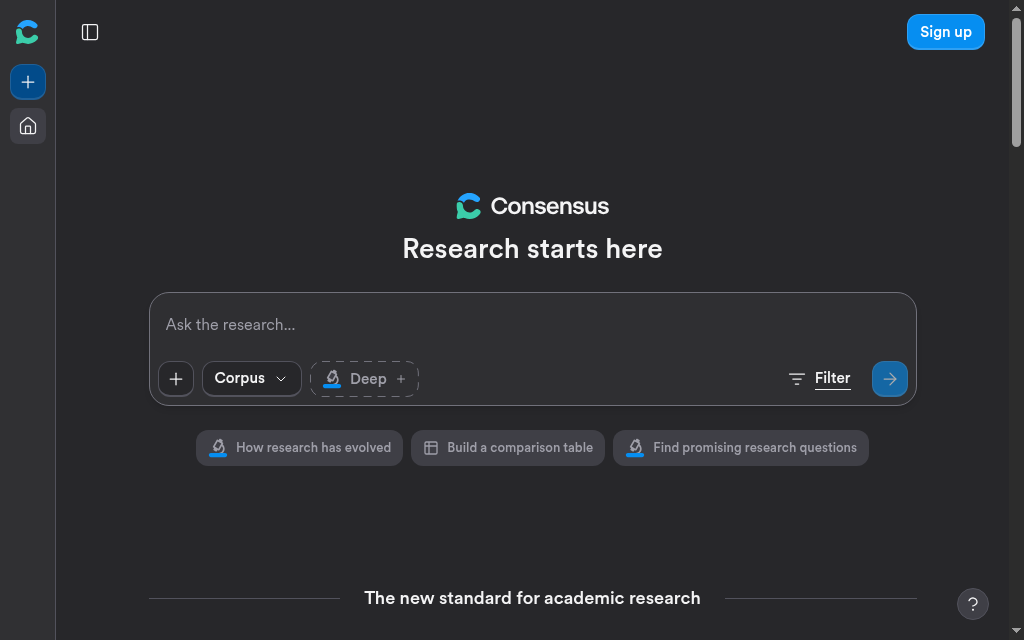
Best for: Finding what published studies actually say on a question.
Consensus searches real research papers and shows a "consensus meter": a quick summary of what the studies say on a yes-or-no question. It is built for evidence, not chat.
Trust: High: the results are real papers. But the consensus meter is only a summary of a few papers, not the final word.
Free for students: Unlimited paper searches, 10 Pro messages and three Deep reviews monthly on the current free plan.
Pricing: Consensus Pro is US$20 month-to-month or US$144 annually. Check the deeper-review allowance against your research workload.
How to use it well: Ask a clear yes-or-no research question, then open a couple of the actual papers before you cite the meter.
Notes from testing: Consensus shows a bar that sums up whether studies answer your question yes or no. What I learned is that the bar is built from only the top few papers it finds for your exact wording, not all the research, and it will not even appear unless it finds at least five. So I treat it as a starting point to check, not proof, and I open a few of the actual papers before I cite anything.
Verdict: Excellent for a fast, honest read on the evidence, as long as you still read the studies.
7. Grammarly
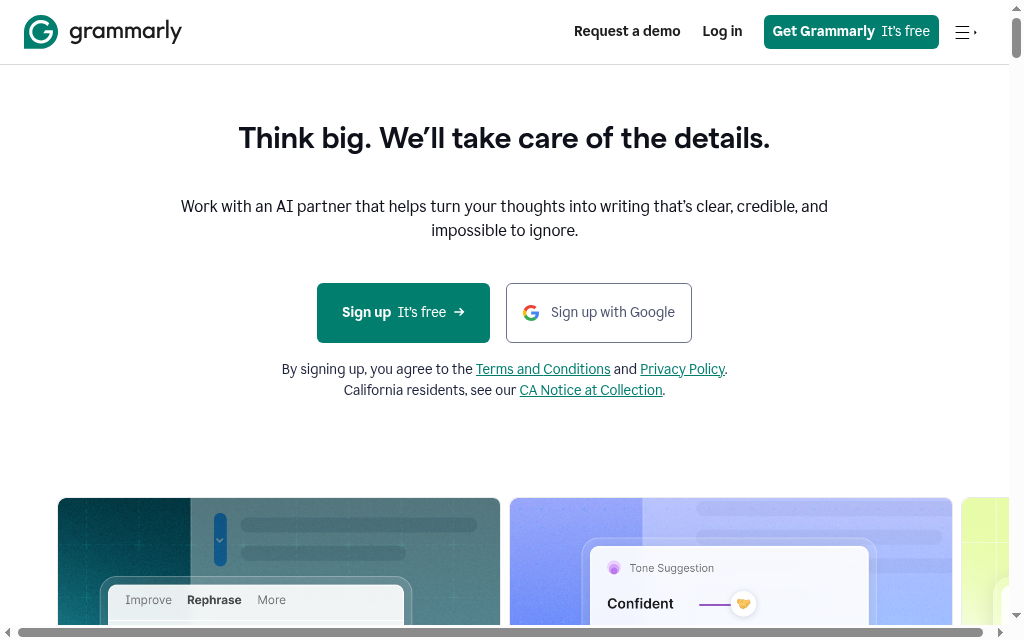
Best for: Catching grammar, spelling and clarity problems in your own writing.
Grammarly checks your writing for mistakes and clumsy phrasing as you type. For proofreading work you wrote yourself, it is a solid safety net.
Trust: Fine for grammar. The thing to watch here is not accuracy, it is academic integrity, see below.
Free for students: Yes. The free plan covers core spelling and grammar plus tone, with generative AI capped at 100 prompts a month.
Price: Free; Pro reported around $12/month annually.
How to use it well: Use it to fix your own writing, and check your course's AI policy before you run a whole essay through it.
Notes from testing: I use grammar suggestions to improve writing I can explain and defend. The separate issue is which assistance the course permits. I would keep drafts and revision history and follow the assignment’s disclosure rules; an AI detector cannot reliably establish authorship on its own.
Verdict: A good proofreader for work you wrote, with a real integrity caveat you have to respect.
8. Elicit

Best for: Literature reviews that compare many papers at once.
Elicit pulls the key details from dozens of papers into one table: methods, sample sizes, findings, side by side. For a lit review or a dissertation chapter, it saves hours of clicking between tabs.
Trust: High, because it shows its working. Each box in the table shows the exact sentence it took the answer from.
Free for students: Yes, with limits: unlimited search and summaries, but the Research Agent and reports are capped on the free plan.
Pricing: Elicit now lists an annual Plus option at US$132, alongside Pro and higher plans. Plan selectors differ by audience and use case, so compare the export, extraction and review allowance you actually need.
How to use it well: Give it a clear research question, let it build the table, then check each row against the sentence it cites.
Notes from testing: Every answer in that table shows me the exact sentence it came from, so I can check each one against the paper and catch the times Elicit did not match what the study said. I found it leans on structured empirical studies, so it is weaker on theory-heavy humanities.
Verdict: The tool to reach for when you are comparing a stack of studies, not reading one closely. Just note the paid plan is dear.
9. QuillBot
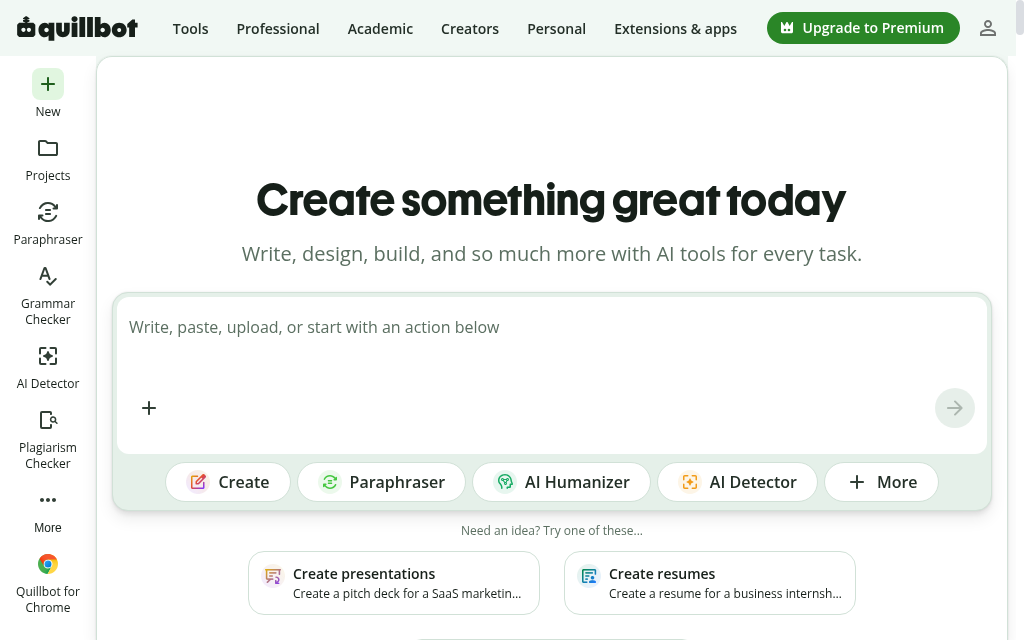
Best for: Tightening your own writing, with a real integrity caveat.
QuillBot rewrites and rephrases text, and adds a grammar checker, summariser and citation generator. Used on your own sentences to make them clearer, it is handy. Used to launder AI text past a detector, it is a trap, see the note.
Trust: For rewording your own words, fine. As an integrity move, it does not work.
Free for students: Yes, but limited: the free plan paraphrases 125 words at a time in two modes.
Price: Free; Premium reported around $10/month annually.
How to use it well: Use it to sharpen sentences you wrote, never to reword AI text so a detector misses it, that does not work and it is still not your writing.
Notes from testing: I tried the classic trick of running AI text through it to beat a detector, and it does not hold. The same paragraph got called human one minute and AI the next, and Turnitin still caught it. Use it to tidy your own writing, not to launder someone else's.
Verdict: Fine for polishing your own words, pointless and risky for beating a detector.
10. Wolfram Alpha

Best for: STEM problems, the maths and physics you actually have to solve.
Wolfram Alpha computes and retrieves structured results for mathematical and scientific questions. It is useful for checking a method, but input interpretation, assumptions, units and domain still need review.
Check the interpreted input, assumptions and units. A symbolic result can be correct for a different expression from the one you intended.
Free for students: Yes, but the catch is real: the free version gives you the answer, not the step-by-step working.
Price: Free; Pro Student reported around $5/month billed annually.
How to use it well: Type the problem in plain language, but expect to pay for Pro if you want the step-by-step working, not just the answer.
Notes from testing: It solves the maths instantly, but the moment I wanted the steps, the part that actually teaches you, it was behind Pro. For homework you need the working, so budget for the cheap student plan or you are just copying an answer you cannot reproduce in an exam.
Verdict: The STEM workhorse, and worth the cheap Pro plan if you need to see the working.
11. Scite

Best for: Checking whether a study has been backed up or disputed.
Scite shows you, for any paper, how many later studies backed it up and how many pushed back. It answers a question your reading list never does: has this been challenged?
Trust: High and specific, though it sometimes mislabels whether a study agreed or disagreed, so spot-check.
Free for students: No real free tier, only a 7-day trial, but many universities have a subscription, so ask your library first.
Price: The main Scite research platform is paid, with Basic and Pro offers. Check current billing and institutional access first. The free Connect offer is limited MCP access, not a free version of every research feature.
How to use it well: Before you build an argument on a study, look it up here and see whether later work supported or disputed it.
Notes from testing: For any paper, Scite showed me how many later studies backed it up and how many pushed back, so at a glance I could tell whether something I was about to lean on had already been challenged. On niche or cross-disciplinary topics the coverage thinned out, so it is strongest in well-studied fields.
Verdict: Worth it, usually through your library, when you need to stand behind the studies you cite.
12. Knowt
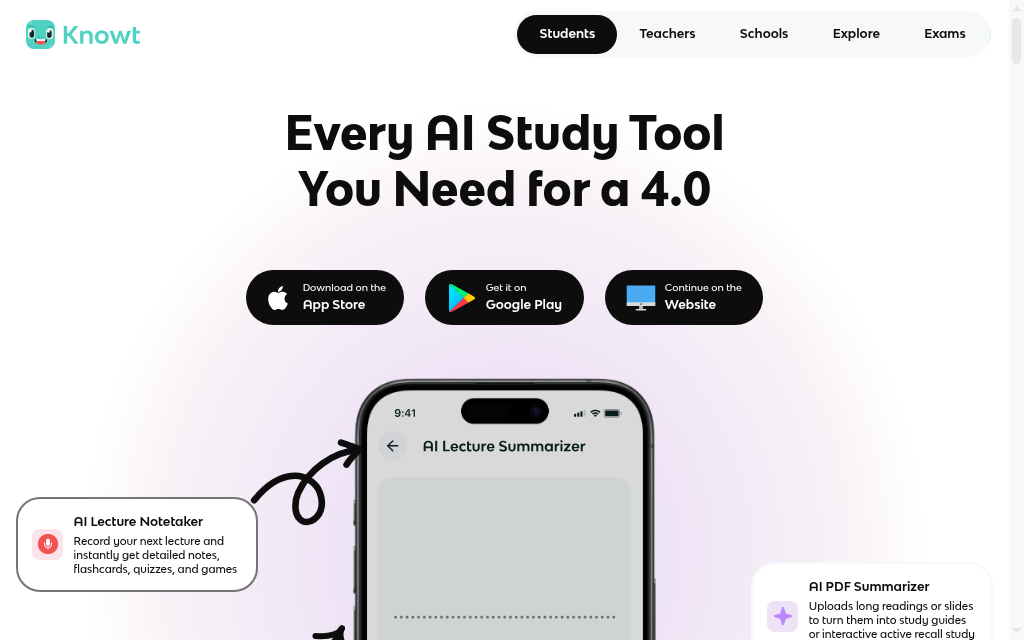
Best for: Making flashcards and revising with spaced repetition, free.
Knowt turns your notes, PDFs or a lecture video into flashcards and practice tests, then drills you on them with spaced repetition. It is a free Quizlet alternative, and the spaced repetition is the part that makes facts stick. If you want the wider set of flashcard apps, our guide to sites like Quizlet covers them.
Trust: Fine, but check the AI-made cards against your notes before you trust them.
Free for students: Yes, and generously: unlimited flashcards, notes and study modes including spaced repetition. Only the AI features are metered.
Price: Free; Ultra reported around $12.49/month annually.
How to use it well: Paste your notes, a PDF or a lecture video, let it make the cards, then use spaced repetition to actually remember them, not just reread.
Notes from testing: The trick I kept seeing, and it works: build your sets in Quizlet, then import them into Knowt to study free, spaced repetition and all, without hitting Quizlet's paywall. The AI-made cards are decent, but worth a quick check against your own notes.
Verdict: The free way to turn notes into flashcards and actually remember them.
13. Otter.ai
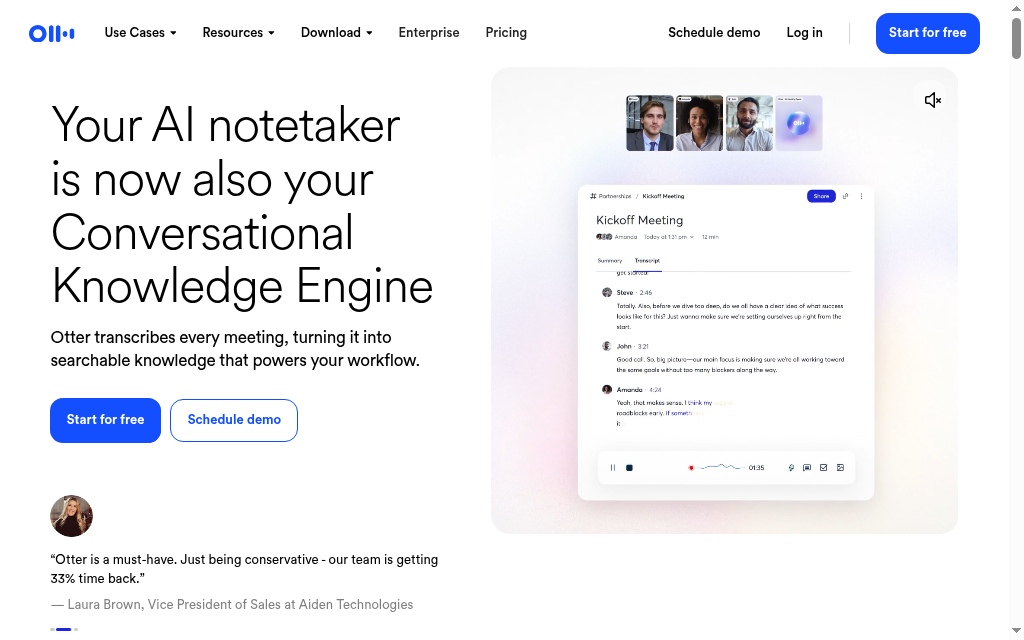
Best for: Turning lectures into searchable notes.
Otter.ai writes down what it hears in real time. Record a lecture and you get a text version to search and revise from, instead of scrambling to write everything down.
Transcripts can mishear speech, and summaries or AI answers can add errors beyond the transcript. Check key names, numbers and claims against the recording, with permission to record and process it.
Free for students: Yes, but with real limits, see below.
Pricing: Basic includes 300 transcription minutes monthly and separate recording/import limits. Pro currently lists US$16.99/month or US$8.33/month on annual billing, before temporary offers and local tax.
How to use it well: Check recording and file-import limits before a lecture, then verify the important names and technical terms against the audio. Obtain the permissions your university requires.
Notes from testing: The free plan caught me out: it keeps recording through a full lecture but only transcribes the first thirty minutes, so I lost the back half of every hour-long class until I noticed. The 300-minute monthly cap also burns out fast around midterms. Accuracy also dips on strong accents and technical terms, so I hand-clean the key words.
Verdict: Really useful for lecture-heavy courses, if you budget for a paid plan or ration the free minutes.
14. Gemini
Best for: Students who already live in Google Docs and Drive.
Gemini is Google's assistant. Its big plus for students is that it can read your Google Docs and Drive directly, so you are not copying and pasting into a separate chat box.
Trust: Low, until you check, like any general chatbot. It is so convenient you forget to.
Free for students: Yes, and Google has offered students free access to its paid tier in several regions, worth checking.
Price: Free; Pro reported around $20/month.
How to use it well: Let it work across your Google Docs and Drive, but fact-check every number before it reaches a draft.
Notes from testing: The no-copy-paste workflow inside Docs is the draw, and it is a real time-saver. But it hallucinated statistics for a paper that were not even close to accurate, delivered with a straight face. Any number it gives you is a claim to verify, not a fact to cite.
Verdict: Convenient if your work already lives in Google, as long as you fact-check every figure before it reaches a draft.
Making the study material, not just studying it?
If you organise a study group or teach, Coursebox can turn your notes into a course with quizzes and an AI tutor. I work for Coursebox, so keep that affiliation in mind. Learners can also study their own material this way; the difference is a structured learning sequence rather than a single answer or set of cards.
Where AI needs a policy and source check
Used the wrong way, these tools do not just fail to help. They can get you a zero. The traps to avoid:
Handing in AI writing as your own. This is the quick route to a misconduct case, and you cannot defend work you did not write.
Copying answers to problem sets. You learn nothing, and you cannot show your working when it counts.
Pasting AI citations without checking. They are often fake. Find every source yourself first.
Rewording AI text to beat a detector. It is still not your work, and as QuillBot shows, the detectors are a coin toss anyway.
Leaning on it so hard you cannot explain your own answer. If you cannot say it out loud in a tutorial, you do not really have it.
AI detectors can misclassify human and generated writing. Follow the course’s permitted-use and disclosure rules, keep notes and revision history, and be prepared to explain the work. A detection score by itself does not establish what assistance was used.
How to choose the right AI tool for university
Name the job first
Understanding your own course means NotebookLM, or ChatGPT and Claude as tutors. Reading one dense paper means ChatPDF. Finding and checking research means Perplexity to explore, then Consensus, Elicit and Scite for the evidence. Solving STEM problems means Wolfram Alpha. Revising means Knowt. Capturing lectures means Otter. Polishing your own writing means Grammarly or QuillBot. Reaching for a general chatbot to do all of it is how the citation disasters happen.
Treat every AI source as guilty until proven real
Find the original paper through the publisher or a scholarly index, match its fields and read the relevant passage. If a lookup fails, try another route before concluding it does not exist; indexing and transcription errors happen.
Check the integrity line before you submit, not after
Every university sets its own rules, and they differ a lot. Some allow AI for study and research; others treat using it in marked work as cheating. AI detectors are unreliable and flag innocent work, so learn your course's policy and what it runs your work through before you submit.
Do not pay before you have to
Almost everything here has a free tier that covers normal study, and several give students a discount or free access. Make a tool prove itself before you pay, and check your library first, it may already cover the research tools.
Which AI tool should you pick?
If you take one thing from this, make it the difference between a tool that helps you learn and one that just answers. For understanding your own course, start with NotebookLM. For explaining hard ideas and drafting, ChatGPT or Claude. For research you can actually cite, Perplexity to explore and Consensus, Elicit and Scite to stand behind it. For STEM, Wolfram Alpha; for revising, Knowt; for lectures, Otter; for your own writing, Grammarly, and QuillBot with care. Whatever you use, remember the only work that counts is the work you can explain out loud when someone asks.
Frequently Asked Questions
There is no single winner, it depends on the job. For studying your own notes and readings, NotebookLM is the standout because it ties every answer to your sources. For explaining concepts and drafting, ChatGPT or Claude. For research you can cite, Consensus, Elicit and Scite. For STEM problems, Wolfram Alpha; for revision, Knowt. Pick by the task in front of you, not by hype.
It depends entirely on your institution and the assignment. Many universities allow AI for study, revision and research, while treating unauthorised use in assessed work as misconduct. The rules differ sharply between universities and even between courses, so check the specific policy and ask your tutor if it is unclear. Using AI to understand a topic is usually fine; using it to produce work you present as your own is where people get caught.
Most offer limited free access. Check study, upload, export and generation limits separately. Knowt allows free study on your own sets with AI creation limits; Scite Connect is free for limited MCP use, while its main research platform is paid. Your library may already provide a subscription.
It can produce text, but that is exactly the trap. AI invents citations that look real, gets facts and figures wrong with total confidence, and writes work you cannot defend in a viva or a tutorial. Beyond the integrity risk, you learn nothing. Use it to understand, plan and check your own writing, not to replace it.
Detection tools can produce false positives and false negatives, so a score alone is not proof of authorship. Follow your assignment’s AI policy and disclosure requirements and keep your working notes and revision history. Do not rely on a detector score to decide whether unauthorised assistance is acceptable.
For finding and checking evidence, use tools built on real papers rather than a general chatbot: Consensus to see what studies find, Elicit to compare many papers in a table, and Scite to check whether a study has been supported or disputed. Use Perplexity to explore and find leads, and ChatPDF to read a single paper closely, then always read the actual papers before you cite them.
Parshad Desai
Parshad is a full stack technical marketer based in our Perth office. He began his Coursebox career as a marketing intern. After impressing the founders with his incredible work, he later transitioned into a full time position coordinating digital marketing. His focus lies in managing our website, product analytics, and email marketing. Recently he has taken a keen interest in applying AI to digital marketing and growth.

