

Die 10 besten KI-Tools zur Kurserstellung 2026 (getestet)
Ich entwickle beruflich Software zur Kurserstellung und habe alle zehn KI-Autorentools an dem Punkt geprüft, der zählt: Taugt das, was die KI liefert? Mit ehrlichen Gratis-Tarifen, Preisen und Haken.

KI-Tools erstellen heute den ganzen Kurs statt nur eine Gliederung. Bewerten Sie sie deshalb nach der Qualität des Ergebnisses und danach, ob der Entwurf didaktisch brauchbar ist, nicht nach der Zahl der Funktionen.
- Die KI-nativen Kursersteller erzeugen aus einem Prompt oder Dokument einen kompletten ersten Kurs. Die Plattformen für den Kursverkauf (Thinkific, Teachable, Kajabi) liefern meist nur eine Gliederung, die Sie selbst ausfüllen.
- Bearbeitungsmöglichkeiten im Editor, die originalgetreue Umwandlung von Dokumenten in Kurse sowie KI-Videos und -Vertonung sind die Punkte, in denen sich die Tools wirklich unterscheiden. Genau danach fragen Nutzer in der Praxis am häufigsten.
- „Kostenlos“ bedeutet sehr Unterschiedliches: Manche Tools haben einen echten Gratis-Tarif, die meisten nur eine Testphase. Achten Sie neben dem Listenpreis auf Transaktionsgebühren, Limits für die KI-Generierung und White Label, das nur in teuren Tarifen steckt.
- Egal, wofür Sie sich entscheiden: Die KI liefert einen schnellen ersten Entwurf. Didaktik, Faktencheck und Feinschliff bleiben Ihre Aufgabe, bevor der Kurs bei den Lernenden ankommt.
Beantworten Sie drei kurze Fragen, und wir nennen Ihnen das passende Tool aus dieser Liste.

Entwickeln Sie qualitativ hochwertige Kurse, die sich auch tatsächlich verkaufen
Seit über zehn Jahren entwickle ich Software zur Kurserstellung, und davor habe ich als Lerndesigner selbst Kurse gebaut. Deshalb lese ich die Versprechen in dieser Kategorie mit gesunder Skepsis. Jedes Tool will aus Wochen Arbeit einen Nachmittag machen, und beim Tempo halten die meisten Wort. Das Tempo ist aber längst nicht mehr die spannende Frage.
Neu ist, dass die KI inzwischen den ganzen Kurs schreibt und nicht mehr nur eine Gliederung. Allein auf Coursebox haben im vergangenen Jahr 56.125 Menschen eine KI-Kurserstellung gestartet, und daraus sind 32.315 fertige Kurse entstanden. Sie schreiben ein Briefing, das Tool baut Kapitel, Quizze und Video. Die eigentliche Frage lautet also nicht mehr, ob ein Tool KI hat, sondern wie gut das ist, was die KI zurückgibt.
Deshalb habe ich die zehn Tools nach der Qualität des Ergebnisses bewertet und nicht nach Funktionslisten: Entsteht ein Kurs, mit dem sich wirklich schulen lässt, oder ein Gerüst, das Sie von Grund auf neu schreiben müssen? Dabei habe ich mich an dem orientiert, wonach unsere Nutzer am meisten fragen: Editor-Kontrolle, brauchbare KI-Videos und -Stimmen und eine verlässliche Umwandlung von Dokumenten in Kurse. Genau hier entscheidet sich, welches Tool überzeugt.
Vorab ein offener Hinweis: Coursebox ist mein eigenes Produkt. Ich habe es an denselben Maßstäben gemessen wie alle anderen, seine Grenzen im eigenen Abschnitt benannt und meine Einordnung ganz am Ende offengelegt.
So habe ich bewertet
Ich habe jedes Tool danach bewertet, womit Käufer im Alltag leben müssen. Grundlage sind unter anderem die Fragen, die unsere Nutzer am häufigsten stellen, und keine bloße Funktions-Checkliste.
- Qualität des Ergebnisses zuerst. Entwirft die KI einen Kurs, den Sie Lernenden zeigen können, oder eine allgemeine Gliederung, die Sie komplett neu aufbauen? Alles andere ist diesem Punkt untergeordnet.
- Editor und Layout-Kontrolle. Am häufigsten bitten uns Nutzer um Hilfe dabei, das Ergebnis zu gestalten: Schriftarten ändern, Bilder verschieben, Abschnitte umstellen. Ein Tool, das schnell generiert, aber das Layout sperrt, kostet Sie die gewonnene Zeit wieder.
- KI-Video und -Stimme. Mediengenerierung und Vertonung werden viel genutzt und viel nachgefragt. Funktionsumfang, unterstützte Sprachen und monatliche Limits unterscheiden sich stark. Prüfen Sie diese Punkte also, bevor Sie sich festlegen.
- Originalgetreue Umwandlung von Dokumenten in Kurse. Ein PDF, eine Präsentation oder eine Word-Datei in einen Kurs zu verwandeln, ist der häufigste Praxisfall. Ob Bilder, Struktur und eingebettete Videos sauber übernommen werden, gehört zu den deutlichsten Unterschieden zwischen den Tools.
- Was es kostet und was „kostenlos“ heißt. Der Listenpreis verbirgt Transaktionsgebühren, Limits für die KI-Generierung und White Label, das nur in höheren Tarifen steckt. Und „kostenlos“ reicht von einem echten dauerhaften Tarif bis zu einer siebentägigen Testphase. Ich habe den Tarif verglichen, den Sie tatsächlich nutzen würden.
So habe ich getestet
In jedem Tool habe ich denselben Kurs erstellt, einen kurzen Kurs zu beruflichen Kompetenzen, einmal aus einem Text-Prompt und einmal aus einem hochgeladenen PDF. Danach habe ich das Ergebnis so gelesen, wie es Lernende tun würden. Wo es einen Gratis-Tarif oder eine Testphase gab, habe ich diese genutzt. Jeden Preis und jedes Limit im Gratis-Tarif habe ich in der letzten Woche auf der Seite des Anbieters geprüft. Und ich habe festgehalten, wo die KI bei einer Gliederung stehen blieb, wo sie echte Inhalte schrieb und wo am meisten nachgearbeitet werden musste.
Die 10 Tools im Überblick
| Tool | Am besten für | KI-Ergebnis | Gratis-Tarif | Darauf achten |
|---|---|---|---|---|
| Coursebox | Vom Prompt oder Dokument zum fertigen Kurs | Kompletter Kurs + Quizze + KI-Video | Dauerhaft kostenlos (3 Kurse) | Allgemeine Texte, bis Sie sie anpassen; einfache Quizze |
| iSpring Cloud AI | SCORM-/xAPI-Kurse für eine Unternehmens-Lernplattform | Kompletter Folien- bzw. Webkurs + Vertonung | Nur Testphase (14 Tage) | Windows/PowerPoint; KI nur im höheren Tarif |
| LearnWorlds | Eine Akademie im eigenen Branding, die Sie aufbauen und verkaufen | Kurse + Prüfungen (mit KI-Assistent) | Nur Testphase (30 Tage) | Kein Autospeichern; 5 $ pro Anmeldung im Starter-Tarif |
| Mindsmith | Geführte KI-Lektionen mit SCORM-Export | Komplette interaktive Lektion + Vertonung | Einmalige Gratis-Credits (mit Badge) | Kein Datei-Import; Preis pro Autor |
| Synthesia | KI-Präsentatorvideo innerhalb eines Kurses | KI-Avatar-Video (keine kompletten Kurse) | Kostenlos (ca. 10 Min./Monat) | Credits verfallen; SCORM ab Creator |
| Mini Course Generator | Kurze interaktive Kurse, gehostet | Kompletter Minikurs + Quizze | Nur Testphase (14 Tage) | Kein SCORM; Limits für Lernende und Credits |
| Thinkific | Aufbauen und Verkaufen auf der eigenen Website | Nur Gliederung (Lektionen schreiben Sie selbst) | Nur Testphase (30 Tage) | Kein SCORM und keine KI-Medien; KI nur für die Gliederung |
| Teachable | Kurse verkaufen, mit KI-Entwürfen für Lektionen | Entwirft Lektionen + Quizze (in Einzelschritten) | Nur Testphase (7 Tage) | 7,5 % Verkaufsgebühr im Starter-Tarif; manueller Aufbau |
| Kajabi | Ein ganzes Content-Business, Kurse inklusive | Entwirft Lektionen Thema für Thema | Nur Testphase (30 Tage) | Kein SCORM; ab 179 $/Monat, im Einstiegstarif keine KI |
| Heights Platform | Ein Zuhause für Kurse und Community von Creators | Nur Gliederung bzw. Grundgerüst (den Rest schreiben Sie) | Nur Testphase (30 Tage) | Keine Quizze/kein SCORM; der Einstiegstarif umfasst 1 Kurs |
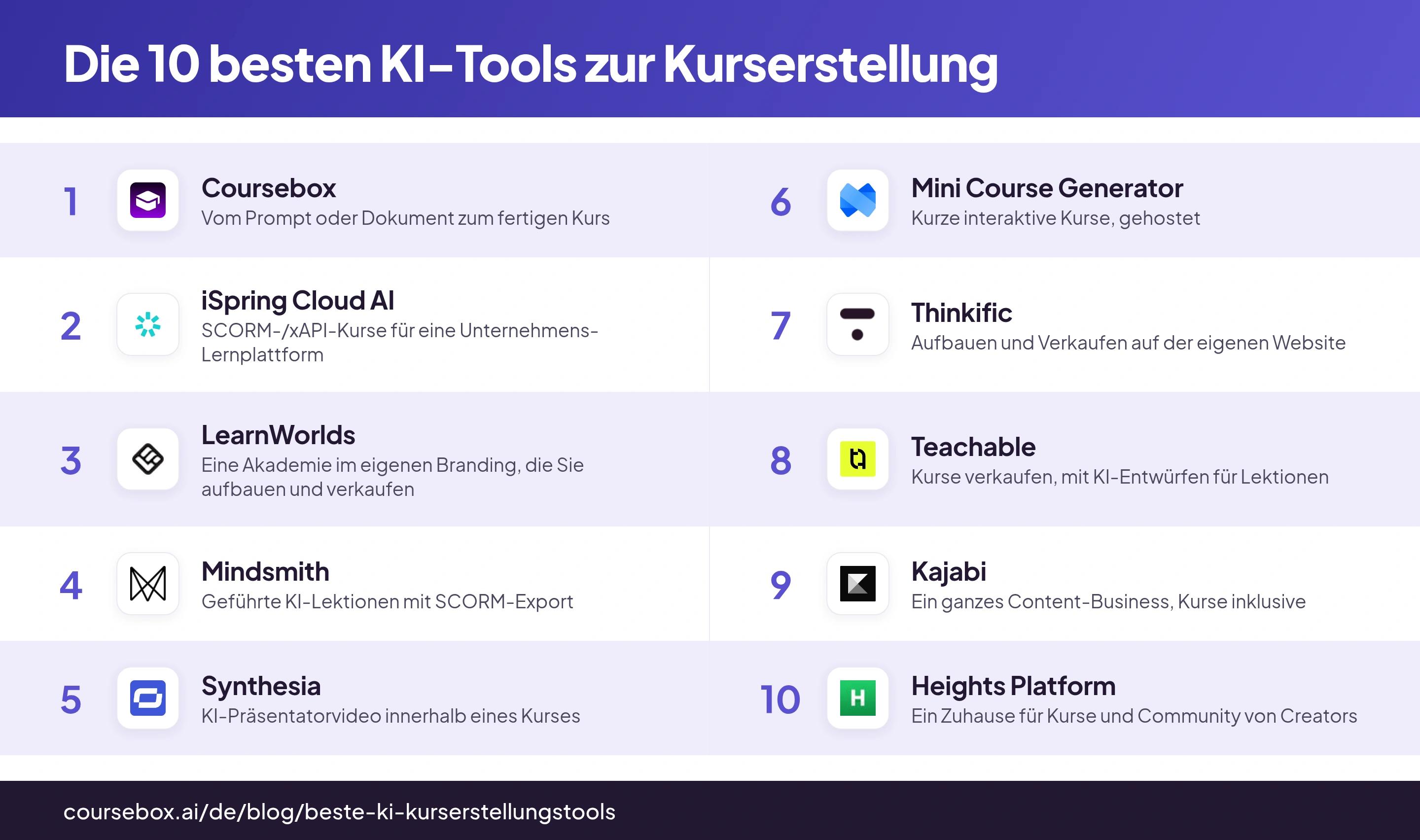
Preise und Gratis-Tarife wurden in der letzten Woche direkt auf der Seite des jeweiligen Anbieters abgelesen. Bitte prüfen Sie sie vor dem Kauf noch einmal.
Der Monatspreis ist selten der echte Preis. Prüfen Sie bei jedem Tool hier, auch bei unserem, vier Dinge: Transaktionsgebühren auf Verkäufe (manche Kursplattformen behalten einen Anteil Ihres Umsatzes), Limits für die KI-Generierung (Kurse, Seiten oder Videominuten pro Jahr), Grenzen bei Produkten sowie Lernenden oder Kontakten in den günstigeren Tarifen und die Frage, ob White Label und eine eigene Domain dem höchsten Tarif vorbehalten sind. Rechnen Sie mit dem Tarif, in dem Sie am Ende landen, nicht mit dem beworbenen.
Die 10 besten KI-Tools zur Kurserstellung
1. Coursebox
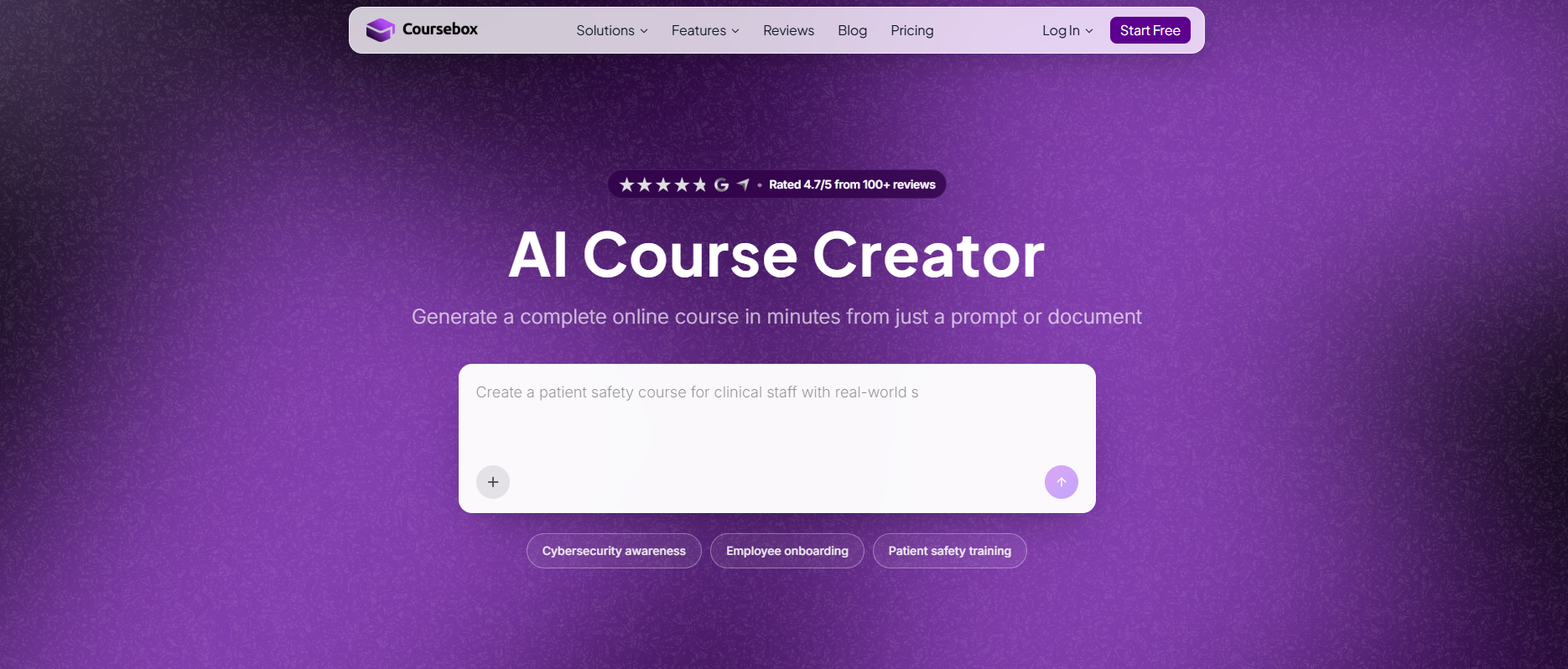
Coursebox, mein eigenes Produkt, erstellt aus einem Prompt, einem Dokument, einer URL oder einem Video einen kompletten Kurs: strukturierte Lektionen mit ausgeschriebenen Inhalten, automatisch erzeugte Quizze sowie KI-Avatar-Videos und KI-generierte Bilder. Alles lässt sich im Drag-and-drop-Builder bearbeiten und auf einer White-Label-Plattform hosten, über die Sie auch verkaufen können. Wer anderswo hosten möchte, exportiert SCORM und LTI. Es gibt einen echten, dauerhaft kostenlosen Tarif (drei Kurse, unbegrenzt viele Lernende), kostenpflichtige Tarife starten bei etwa 25 $ pro Monat.
Weil das Tool von mir stammt, nenne ich hier die ehrlichen Grenzen. Der KI-Entwurf ist ein Ausgangspunkt und nichts, was Sie ungelesen veröffentlichen sollten: Er erklärt zu viel und klingt allgemein, bis Sie ihn in Ihrem Ton überarbeiten. Bei Design und Branding haben Sie weniger Spielraum als bei einer Premium-Akademie, und die automatische Quiz-Engine ist einfach gehalten. Berücksichtigen Sie dabei, dass es unser eigenes Produkt ist. Was Coursebox leistet und nur wenige Tools hier bieten: die ganze Arbeit in einem Durchgang erledigen, vom Prompt oder Dokument zum gehosteten, verkaufsfähigen Kurs.
Mein Testerlebnis: Ich habe eine Präsentation hochgeladen und hatte nach wenigen Minuten einen Kurs mit mehreren Modulen, Lektionen, einem Quiz und einem Entwurf für ein vertontes Video. Danach habe ich nur noch bearbeitet, statt zu bauen. Die Änderungen waren erwartbar: die automatisch geschriebenen Texte straffen, damit sie nach mir klingen, und ein paar Quizfragen umformulieren. Es ist unser Produkt, nehmen Sie meine Einschätzung also mit dieser Einschränkung.
Fazit: die richtige Wahl, wenn aus einem Dokument oder Briefing ein fertiger, gehosteter Kurs werden soll, den Sie bearbeiten und verkaufen können, mit einem echten Gratis-Tarif zum Einstieg. Beim Design weniger ausgefeilt als die Premium-Akademien, und die KI-Texte brauchen einen Überarbeitungsdurchgang.
2. iSpring Cloud AI
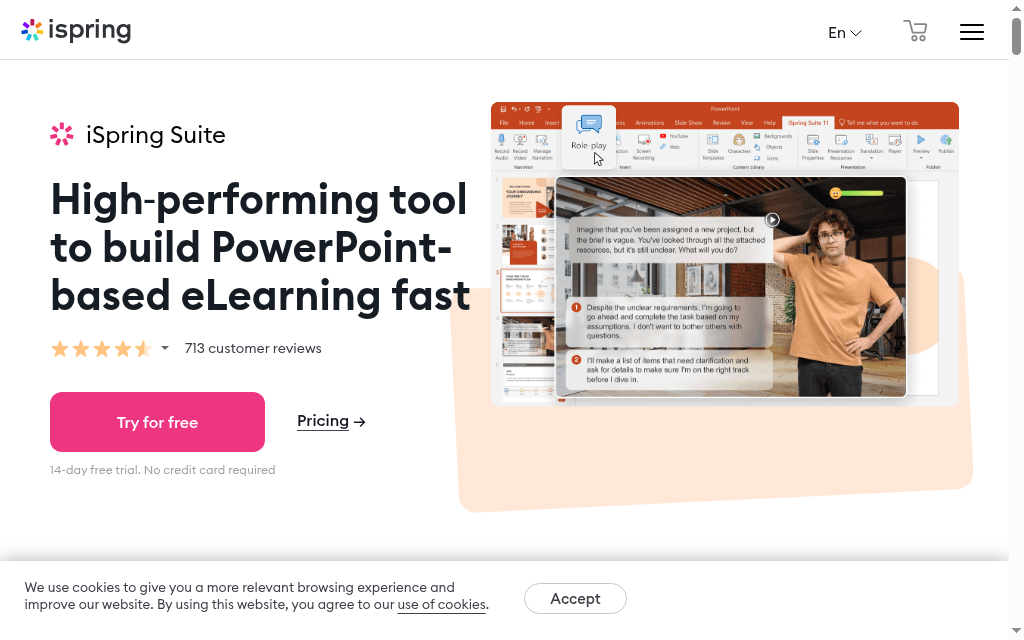
iSpring Cloud AI ist die richtige Wahl, wenn Ihre Kurse am Ende als SCORM in einer Unternehmens-Lernplattform laufen müssen. iSpring Suite AI entwirft den folienbasierten Kurs selbst: Es entscheidet, was jede Folie abdeckt, und schreibt Überschrift und Text aus Ihrem Prompt oder einem hochgeladenen PDF, einer Word- oder PowerPoint-Datei. Danach ergänzt es Vertonung und Visuals. iSpring Cloud AI leistet dasselbe für scrollbare Webkurse. Die eigentliche Stärke liegt im Export: SCORM 1.2 und 2004, xAPI und Video, dazu ein KI-Übersetzer für über 70 Sprachen.
Zwei Dinge sollten Sie wissen. Die KI-Kurserstellung ist nicht in der einfachen iSpring Suite (970 $ pro Jahr) enthalten, sie setzt iSpring Suite AI (1.290 $ pro Jahr) oder iSpring Cloud AI (720 $ pro Jahr) voraus. Rechnen Sie also mit dem KI-Tarif und nicht mit dem Basistarif. Außerdem läuft die Desktop-Variante nur unter Windows mit PowerPoint, was für Mac-Teams eine echte Einschränkung ist. Es gibt eine 14-tägige Testphase, aber keinen Gratis-Tarif. Wer seine Schulungen in einer Lernplattform betreibt, findet bei der Export-Tiefe kaum etwas Besseres.
Mein Testerlebnis: Auf ein PDF angesetzt, baute das Tool einen Folienkurs und entwarf Überschrift und Text für jede Folie, was mir die leere erste Folie erspart hat. Der Haken lag für mich in der Umgebung: Das Autorentool braucht Windows und PowerPoint, auf dem Mac blieb mir nur die Cloud-Variante, und die Generierung gab es überhaupt erst mit dem gekauften KI-Tarif.
Fazit: die stärkste Wahl, wenn der Kurs als sauberes SCORM oder xAPI in eine bestehende Lernplattform exportiert werden muss, mit nützlichen KI-Entwürfen obendrauf. Das Desktop-Authoring ist an Windows und PowerPoint gebunden, und die KI steckt in einem teureren Tarif.
3. LearnWorlds
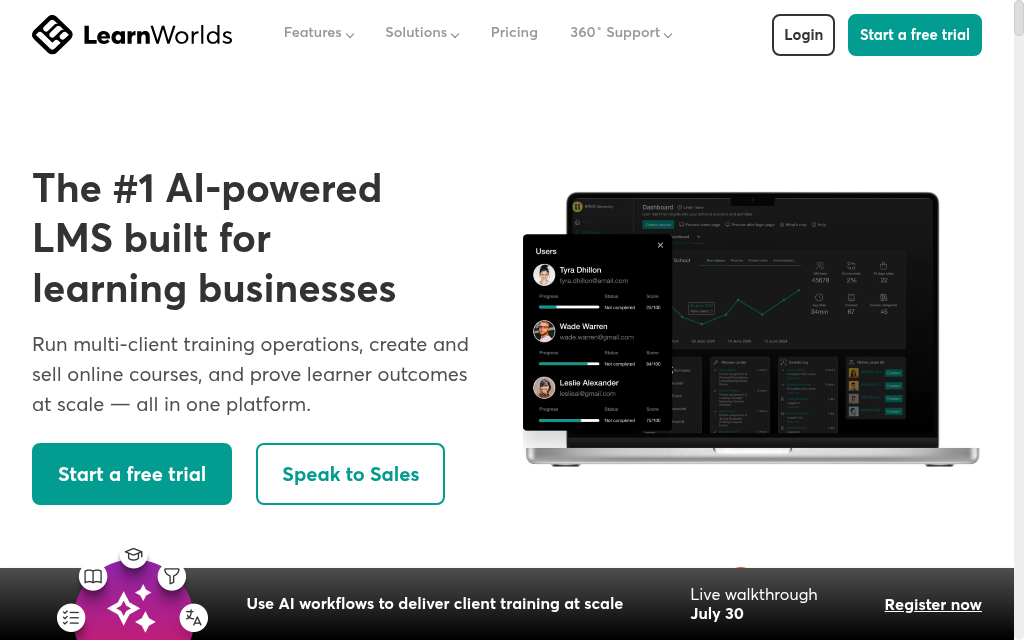
LearnWorlds ist eine ausgereifte Akademie zum Kursverkauf, in die KI an vielen Stellen eingewoben ist: Aus einem Prompt oder Ihren hochgeladenen Notizen und Unterlagen erzeugt sie Kurse, Gliederungen, Prüfungen und Seiten und kann importierte Inhalte in Quizze und Tests verwandeln. Sie ist darauf ausgelegt, professionell zu wirken und zu verkaufen, mit interaktivem Video, einer eigenen Schule im Branding und abgewickelten Zahlungen.
Die KI ist hier als Assistent für viele Aufgaben angelegt und nicht als Ein-Klick-Knopf für den ganzen Kurs, Sie setzen also mehr per Prompt zusammen als bei einem reinen Generator. Zwei Haken: Der Builder speichert nicht automatisch, wer mitten in der Bearbeitung einen Tab schließt, kann Arbeit verlieren, eine häufige Beschwerde der letzten Zeit. Und der Einstiegstarif Starter (24 $ pro Monat bei jährlicher Zahlung) berechnet 5 $ pro zahlender Anmeldung, was höhere Tarife nicht tun. Es gibt eine 30-tägige Testphase, aber keinen Gratis-Tarif.
Mein Testerlebnis: Aus vorhandenen Unterlagen entstanden strukturierte Lektionen und Prüfungen in einer Schule, die schon verkaufsfertig aussah, und genau dieser professionelle Auftritt spricht für das Tool. Das fehlende Autospeichern habe ich einmal auf die harte Tour gelernt. Die Gebühr pro Anmeldung im Einstiegstarif sollten Sie im Blick behalten, wenn Sie in größerem Umfang verkaufen.
Fazit: eine starke Wahl, wenn Sie eine professionelle Akademie im eigenen Branding aufbauen und verkaufen und dabei KI nutzen möchten. Wenn Sie nur einen Kurs generieren wollen, der woanders gehostet wird, zahlen Sie für sehr viel Shopfunktion.
4. Mindsmith
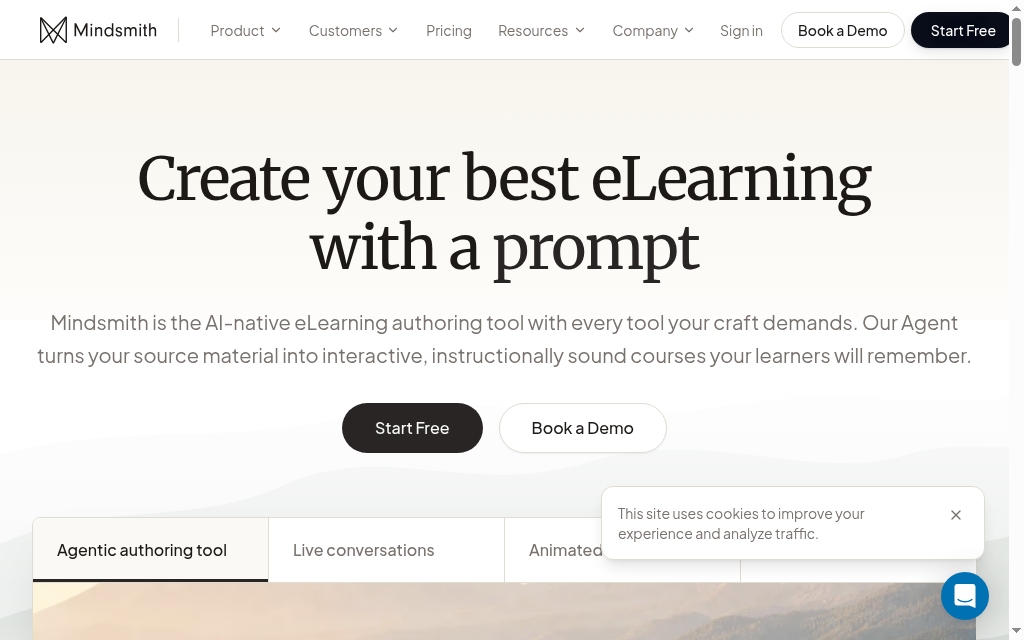
Mindsmith macht aus einem Prompt oder einem hochgeladenen Dokument eine komplette interaktive Lektion mit ausgeschriebenen Inhalten, KI-Bildern und Text-to-Speech-Vertonung. Dabei steuert der Designer die KI Schritt für Schritt, statt ein einziges Black-Box-Ergebnis zu bekommen. Für Teams überzeugt vor allem der Export: SCORM in jedem Tarif, auch im kostenlosen, mit dynamischen Paketen, die sich nach einer Bearbeitung aktualisieren.
Zwei Einschränkungen. Das Tool generiert aus einem Dokument, importiert aber keine vorhandene PowerPoint-, PDF- oder Word-Datei in bearbeitbare Lektionen, es baut also neu auf, statt umzuwandeln und zu behalten. Und das Ergebnis braucht weiterhin eine Überarbeitung. Der Preis gilt pro Autor: Der Gratis-Tarif ist im Grunde eine einmalige Testphase (450 Credits und ein Mindsmith-Badge auf allem, was Sie veröffentlichen), Professional kostet 39 $ pro Autor und Monat. Einen integrierten Kursverkauf gibt es nicht.
Mein Testerlebnis: Die schrittweise Generierung, bei der ich die KI in jeder Phase gelenkt habe, gab mir mehr Kontrolle über das Ergebnis als ein Tool mit nur einem Prompt. Dank SCORM im Gratis-Tarif konnte ich einen Testkurs ohne Upgrade in eine Lernplattform übertragen. Meine vorhandene Präsentation hat es allerdings nicht als bearbeitbare Lektionen eingelesen, also habe ich aus einem Prompt neu aufgebaut.
Fazit: eine saubere KI-native Wahl, wenn Sie geführte Generierung und SCORM-Export ohne große Plattform drumherum wollen. Nicht das richtige Tool, wenn Sie vorhandene Dateien umwandeln oder Kurse direkt verkaufen möchten.
5. Synthesia
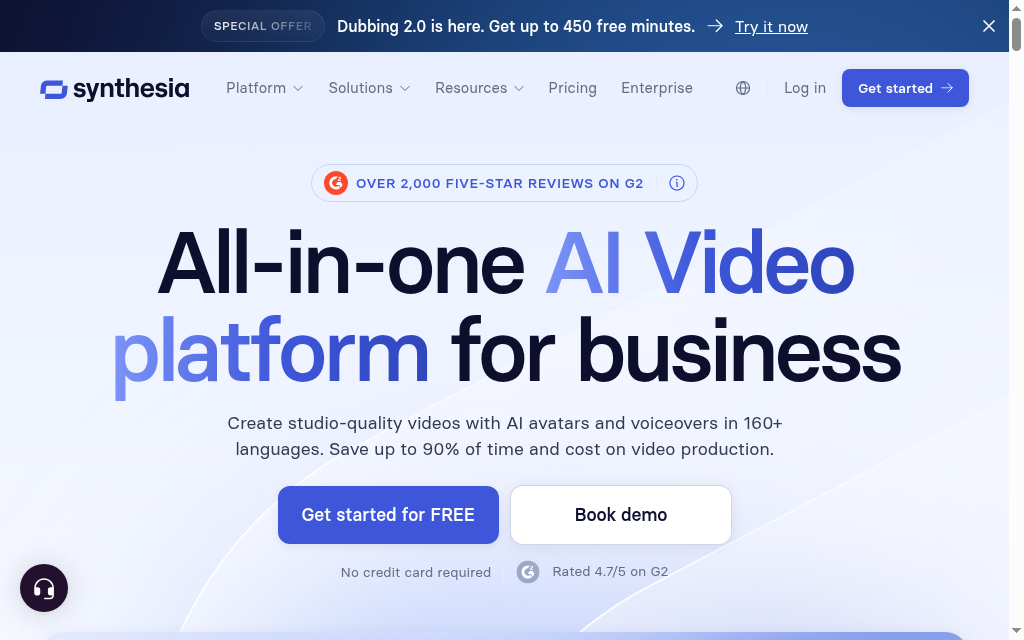
Synthesia ist kein Kursersteller, und das sollte man klar sagen: Es erzeugt KI-Avatar-Videos aus einem Skript oder Prompt, mit über 240 Avataren und Stimmen in über 160 Sprachen. Inzwischen gibt es kursnahe Funktionen wie interaktive Quizze, Rollenspiel-Übungen und SCORM-Export, aber keine ausgeschriebenen Lektionsmodule. Sehen Sie es als das Tool, das das Video für Ihren Kurs liefert, nicht als das Tool, das den Kurs baut.
Für diese Videoaufgabe ist es das beste Tool der Liste, und deshalb steht es hier, obwohl es keine Kurse generiert. Die Haken liegen im Modell: Credits sind ein gemeinsamer Pool und verfallen, die Tarife begrenzen Ihre jährlichen Videominuten, und der SCORM-Export ist dem Tarif Creator und höher vorbehalten. Es gibt einen Gratis-Tarif (etwa zehn Minuten Video pro Monat) und den kostenpflichtigen Starter ab 29 $ pro Monat.
Mein Testerlebnis: Für ein Erklärvideo mit Sprecher, das in einem Kurs laufen soll, kam hier nichts annähernd heran, Avatar und Stimme waren überzeugend genug für die Veröffentlichung. Dann stieß ich an die Credit-Grenze: Die Minuten verfallen, ein intensiver Monat leert das Kontingent also, und für den SCORM-Export brauchte ich den Tarif Creator.
Fazit: das Tool für KI-Präsentatorvideos, die Sie in einen Kurs einbetten, nicht für den Kursaufbau selbst. Achten Sie auf verfallende Credits und die Grenzen bei den Videominuten.
6. Mini Course Generator
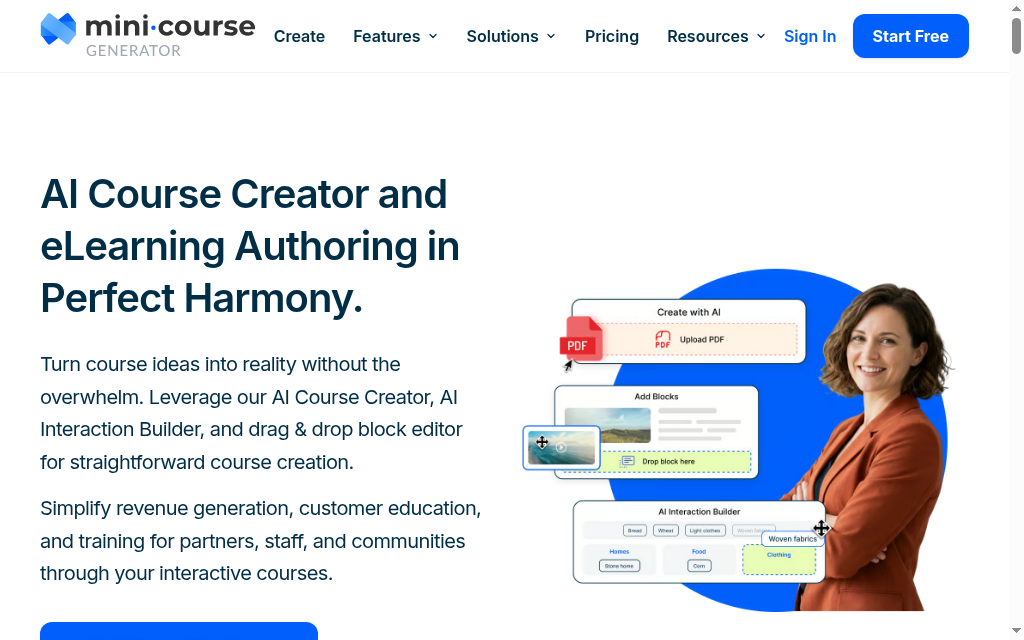
Mini Course Generator macht aus einer Beschreibung oder einem PDF einen vollständigen kurzen, interaktiven Kurs: mehrseitige Lektionen mit KI-generierten Quizzen, Bildern und interaktiven Blöcken, gehostet mit Landingpage und eigener Domain, wahlweise zum Verkaufen oder als Lead-Magnet hinter einem Formular. Das Tool ist für teilbare Minikurse gedacht, nicht für ein weitläufiges Programm mit vielen Modulen.
Klären Sie Umfang und Technik von Anfang an. Es ist für kurze Kurse gedacht, nicht für einen Lehrplan über ein Semester, und ohne SCORM-Export lässt es sich nicht an eine Unternehmens-Lernplattform übergeben, es ist ein eigenständiger Host. Die kostenlose Option ist eine 14-tägige Testphase und kein dauerhafter Gratis-Tarif, danach folgt Plus für etwa 39 $ pro Monat (1.000 KI-Credits und eine Grenze von 500 Lernenden pro Jahr). Auf Verkäufe fällt keine Provision an, nur Ihr eigener Zahlungsanbieter berechnet Gebühren.
Mein Testerlebnis: Aus einem kurzen Briefing wurde in wenigen Minuten ein interaktiver, einbettbarer Minikurs, und die interaktiven Blöcke waren der gelungenste Teil, deutlich besser als ein statisches PDF. Die Grenzen zeigten sich, als ich wachsen wollte: Das Limit für Lernende und der fehlende SCORM-Export machen es zu einem in sich geschlossenen Tool, das ich nicht an eine Lernplattform anbinden würde.
Fazit: die Wahl für kurze, interaktive, teilbare Kurse, die Sie selbst hosten und verkaufen. Nicht das richtige Tool für ein vollständiges Curriculum oder wenn SCORM in eine Lernplattform soll.
7. Thinkific
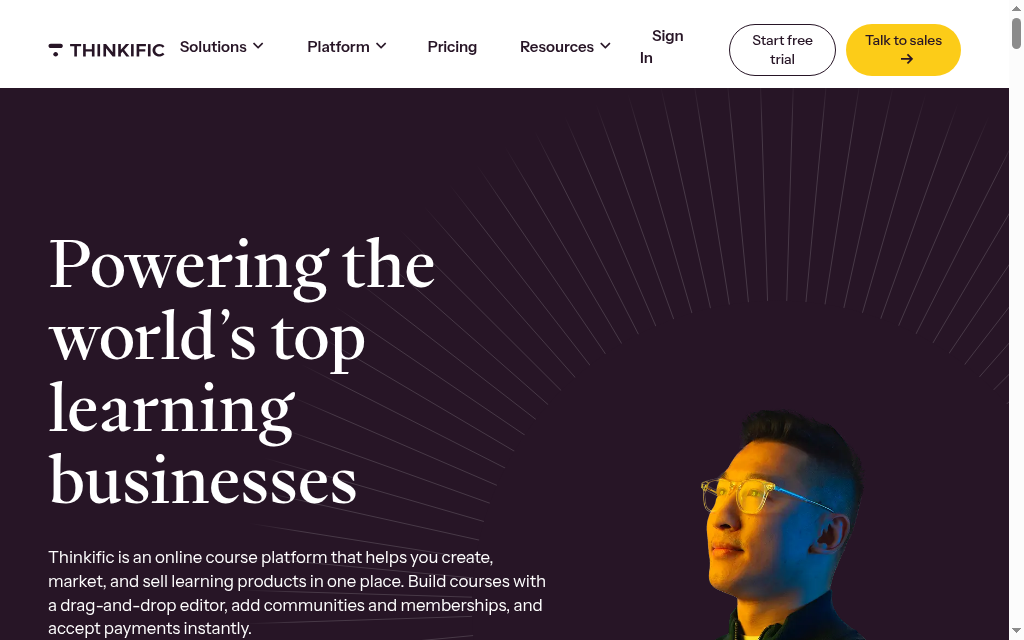
Thinkific ist eine beliebte, ausgereifte Kursplattform zum Aufbauen und Verkaufen auf der eigenen Website im eigenen Branding. Die KI ist beim Umfang ehrlich: Der AI Course Outline Generator macht aus einem Prompt oder einem vorhandenen Dokument eine Struktur aus Kapiteln und Lektionen samt Titeln und übergibt dann an den Builder, in dem Sie die Inhalte schreiben. Er ist ein Gliederungsgenerator und kein Kursautor.
Sehen Sie die KI also als schnellen Weg über die leere Seite, nicht als Möglichkeit, das Schreiben zu sparen. Ein Tester sagt deutlich, dass die KI für hochwertige Inhalte viel Anleitung braucht. Als Plattform überzeugt Thinkific: sauberes Hosting, integrierter Verkauf, 2,9 % Gebühr für die Zahlungsabwicklung. Zwei Dinge sollten Sie wissen: Den dauerhaften Gratis-Tarif gibt es nicht mehr, nur noch eine 30-tägige Testphase, und es gibt weder SCORM-Export noch KI-Mediengenerierung.
Mein Testerlebnis: Ich habe die KI um einen Kurs gebeten und in Sekunden eine ordentliche Gliederung aus Modulen und Lektionen bekommen. Dann wurde mir klar, dass das der gesamte Beitrag der KI war und ich jede Lektion selbst schreiben musste. Die Plattform drumherum macht Freude beim Aufbauen und Verkaufen, und das ist der Grund, hier zu sein, nicht die KI.
Fazit: eine starke Kursplattform zum Aufbauen und Verkaufen, mit einer KI, die eine Gliederung liefert und nicht mehr. Kommen Sie wegen der Plattform, nicht wegen einer KI, die den Kurs schreibt.
8. Teachable
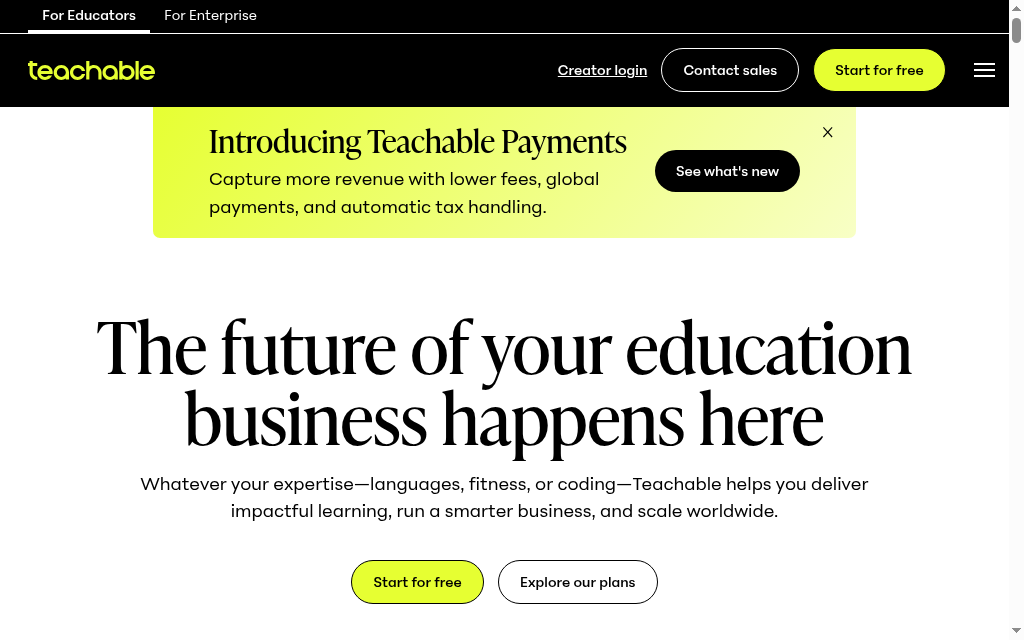
Teachable ist eine ausgereifte Plattform für den Kursverkauf, und die KI verteilt sich auf mehrere Werkzeuge statt auf einen Generator: ein AI Curriculum Generator für die Gliederung, ein separater KI-Assistent, der Lektionstexte im Editor schreibt, und ein KI-Quizgenerator, der aus Ihren Lektionsinhalten Fragen baut. Es entstehen also echte Inhalte, aber in getrennten Schritten und nicht per Knopfdruck für den ganzen Kurs.
Die Lücke, die offen benannt wird: Die KI kann Ihre Inhalte nicht hochladen oder platzieren, das Befüllen des Kurses bleibt manuell und repetitiv. Als Verkaufsplattform ist Teachable leistungsfähig, achten Sie aber auf die Gebühren: Der Einstiegstarif Starter behält 7,5 % der Verkäufe ein (höhere Tarife verlangen 0 %), dazu kommen die Kartengebühren. Es gibt eine 7-tägige Testphase, aber keinen Gratis-Tarif, kostenpflichtige Tarife starten bei etwa 29 $ pro Monat bei jährlicher Zahlung.
Mein Testerlebnis: Der Assistent für Lektionstexte hat mehr geleistet als erwartet, er hat aus einem kurzen Briefing brauchbaren Fließtext entworfen, und der Quizgenerator hat die Fragen direkt aus diesem Text gezogen. Es ist aber eine Reihe von Werkzeugen und kein durchgehender Ablauf: Ich habe weiterhin alles von Hand zusammengesetzt und platziert, und im Starter-Tarif sollten Sie die Verkaufsgebühr von 7,5 % einkalkulieren, bevor Sie sich festlegen.
Fazit: eine leistungsfähige Plattform für den Kursverkauf, deren KI Lektionen und Quizze stückweise entwirft statt einen ganzen Kurs. Achten Sie auf die Verkaufsgebühr im Einstiegstarif, wenn Sie in nennenswertem Umfang verkaufen.
9. Kajabi
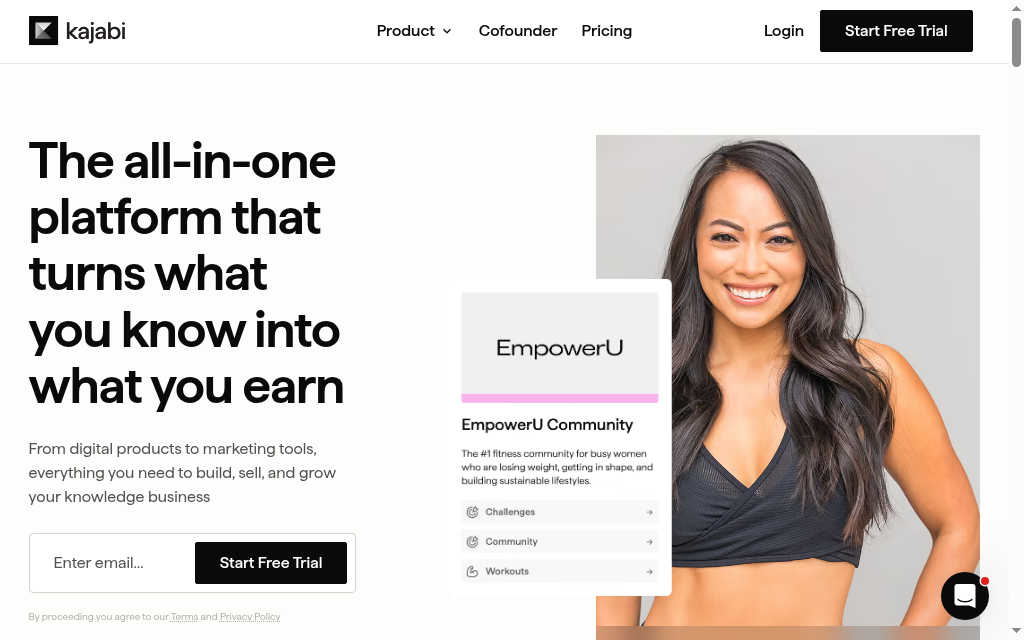
Kajabi ist eigentlich eine Premium-Plattform, um ein ganzes Content-Business zu betreiben, mit Website, Funnels, E-Mail und Zahlungen, und Kurse sind nur ein Baustein. Die KI kann entwerfen: Ein Gliederungsgenerator schlägt Module und Lektionstitel vor, ein Generator für Lektionsinhalte schreibt den Text Thema für Thema. Es entsteht echter Text, aber Lektion für Lektion und kein fertiger Kurs mit Quiz aus einem einzigen Prompt.
Der ehrliche Hinweis steht in den eigenen Richtlinien: Prüfen Sie generierte Inhalte auf Richtigkeit, denn die KI kann Fakten falsch wiedergeben. Zwei Punkte zum Abwägen: Es gibt keinen SCORM-Export, und der Einstieg ist mit Abstand der teuerste hier, ab 179 $ pro Monat (der günstigste Tarif enthält keine KI-Credits). Es passt zu Menschen, die die Marketing-Maschine um den Kurs herum ebenso wollen wie den Kurs selbst.
Mein Testerlebnis: Der Generator für Lektionsinhalte schrieb ordentlichen Fließtext, Thema für Thema, und die ganze Plattform ist erkennbar aufs Verkaufen ausgelegt, nicht nur aufs Vermitteln. Für die reine Kurserstellung musste ich allerdings stückweise arbeiten, und bei 179 $ pro Monat lohnt sich der Einstiegspreis nur, wenn Sie auch die Marketing-Suite wollen.
Fazit: lohnt sich, wenn Sie das ganze Geschäft drumherum wollen, Website, Funnels, E-Mail, und die KI zum Entwerfen von Texten nutzen. Zu viel und zu teuer, wenn Sie nur einen generierten Kurs brauchen.
10. Heights Platform
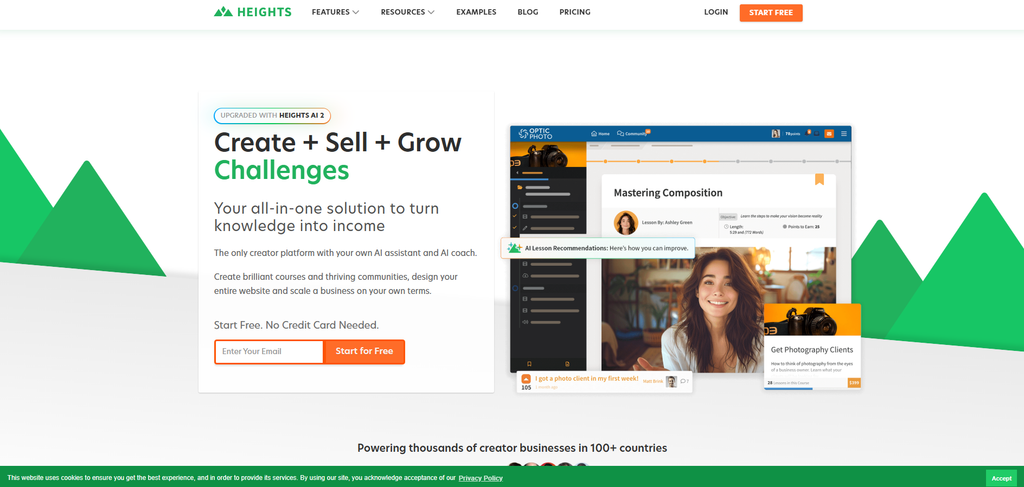
Heights Platform ist eine Kurs- und Community-Plattform für Creators, und ihre KI leistet bei der Generierung hier am wenigsten: Sie erzeugt Kurstitel, Modul- und Lektionstitel, eine Beschreibung und ein Titelbild, und danach müssen Sie, wie es das Tool selbst sagt, nur noch die Inhalte erstellen. Sie legt das Grundgerüst an, jede Lektion schreiben Sie selbst. Der AI Coach ist ein Chatbot für Business-Beratung und kein Texter.
Die Stärken liegen außerhalb der KI: keinerlei Transaktionsgebühren der Plattform in jedem Tarif und ein aufgeräumtes Erlebnis für Creators und Community. Für strukturierte Schulungen sind die Lücken real: keine integrierten Quizze, kein SCORM oder xAPI und keine mobile App. Es gibt eine 30-tägige Testphase, aber keinen Gratis-Tarif, kostenpflichtige Tarife starten bei 29 $ pro Monat (im Einstiegstarif ein Kurs).
Mein Testerlebnis: Die KI hat in einem Schritt ein sauberes Kursgerüst mit Titeln, Beschreibung und Titelbild aufgesetzt, ein netter Start, aber das Schreiben blieb ab da komplett bei mir. Die fehlenden Transaktionsgebühren haben mir gefallen, und das Fehlen von Quizzen und SCORM fiel mir in dem Moment auf, in dem ich jemanden prüfen oder an eine Lernplattform übergeben wollte.
Fazit: eine solide Wahl für Creators, die ein Zuhause für Kurse und Community ohne Verkaufsgebühren suchen und alle Inhalte selbst schreiben. Für strukturierte oder Compliance-Schulungen zu dünn, ohne Quizze und ohne SCORM.
Welches Tool passt zu Ihnen?
Wenn Sie nur eine Antwort wollen: Um aus Ihrem eigenen Material schnell einen fertigen Kurs zu machen, mit dem sich wirklich schulen lässt, starten Sie mit einem KI-nativen Kursersteller, der das Ganze erzeugt und nicht nur die Gliederung. Zwei klare Ausnahmen gibt es. Wenn Sie in PowerPoint arbeiten und SCORM in eine bestehende Lernplattform exportieren, passt ein Autorentool wie iSpring besser zu diesem Aufbau. Und wenn Ihr Kurs im Kern ein Produkt für Endkunden ist, ist eine Verkaufsplattform wie LearnWorlds oder Thinkific für den Shop gebaut, und die KI ist dort ein Bonus, nicht der Hauptzweck.
Und wenn Ihre Schulung für Mitarbeitende gedacht ist und nicht für ein öffentliches Publikum, vergleicht unser Überblick zu KI-Tools für Mitarbeiterschulungen die auf den Arbeitsplatz ausgerichteten Optionen ausführlicher.
Häufig gestellte Fragen
Das hängt davon ab, was Sie erstellen. Um aus einem Prompt oder Dokument einen vollständigen Kurs zu erzeugen, nehmen Ihnen die KI-nativen Kursersteller (Coursebox, Mindsmith, Synthesia) am meisten Arbeit ab. Zum Aufbauen und Verkaufen eines Kurses im eigenen Branding eignen sich LearnWorlds oder Thinkific. Für SCORM-Authoring auf Basis von PowerPoint ist es iSpring. Entscheidend ist, ob die KI den Kurs schreiben soll oder eine Plattform ihn hosten und verkaufen soll.
Einige haben einen echten Gratis-Tarif, in dem Sie Kurse erstellen und veröffentlichen können. Die meisten anderen bieten eine Testphase oder einen eingeschränkten Starter-Tarif statt eines dauerhaft kostenlosen Zugangs. Prüfen Sie vor der Entscheidung, ob Sie im Gratis-Tarif tatsächlich veröffentlichen dürfen, und achten Sie auf Limits für die KI-Generierung und ein Wasserzeichen.
Der erste Entwurf ist schnell, aber nicht fertig. Bei gängigen, gut dokumentierten Themen ist die KI zuverlässig, bei Nischenthemen oder schnelllebigen Gebieten unsicherer. Prüfen Sie vor der Veröffentlichung die Fakten und Zahlen, ob die Antwortschlüssel der Quizze stimmen, ob die Beispiele zu Ihrer Zielgruppe passen und ob der Aufbau logisch ist. Die KI liefert den Entwurf, für die Richtigkeit zeichnen Sie verantwortlich.
Der erste Entwurf dauert Minuten, der Feinschliff braucht die eigentliche Zeit. Zur Einordnung der Ersparnis: Der oft zitierte Richtwert der Chapman Alliance nennt für klassisches E-Learning rund 79 Stunden Entwicklungszeit pro fertiger Inhaltsstunde. KI verkürzt die Entwurfsphase drastisch, aber Didaktik, Redaktion und Faktencheck bleiben bei Ihnen.
Ein KI-Kursersteller erzeugt die Kursinhalte selbst aus einem Prompt oder Dokument. Ein Autorentool (wie iSpring oder Articulate) dient dazu, SCORM-Pakete von Hand zu bauen, oft aus Folien, um sie anderswo zu hosten. Eine Lernplattform liefert Kurse aus und verfolgt den Fortschritt der Lernenden. Manche Tools verwischen die Grenzen, Coursebox erstellt den Kurs und hostet ihn, doch wer weiß, welche Aufgabe er braucht, kauft nicht die falsche Kategorie.
Travis Clapp
Travis Clapp ist der ursprüngliche Gründer und CEO von Coursebox. Als erfahrener Instructional Designer hat er den Prozess der Erstellung hochwertiger Kurse selbst durchlebt. Diese Erfahrungen brachten ihn auf die Idee, all deine Dokumente und Ideen in eine virtuelle Box hochzuladen, die sie wie von Zauberhand in einen Kurs verwandelt. Vor Coursebox gründete und baute er erfolgreich ein soziales LMS auf. Travis verfügt über 15+ Jahre Erfahrung in der Gestaltung von Kursen und EdTech-Plattformen – von universitären MOOCs bis hin zu Enterprise-LMS. Er hat Trainings für angesehene Unternehmen wie Johnson & Johnson, Electrolux, Michael Hill und SA Health entwickelt. Einer seiner Kurse erreichte mehr als 20.000 Lernende und war ein Flaggschiff-Kurs auf edX. Er arbeitet in unserem Büro in Adelaide, Südaustralien, und engagiert sich mit Leidenschaft für Kundensupport, Vertrieb und die tägliche Umsetzung der ursprünglichen Produktvision.

